GTA 6 Walkthrough & Guides More guides
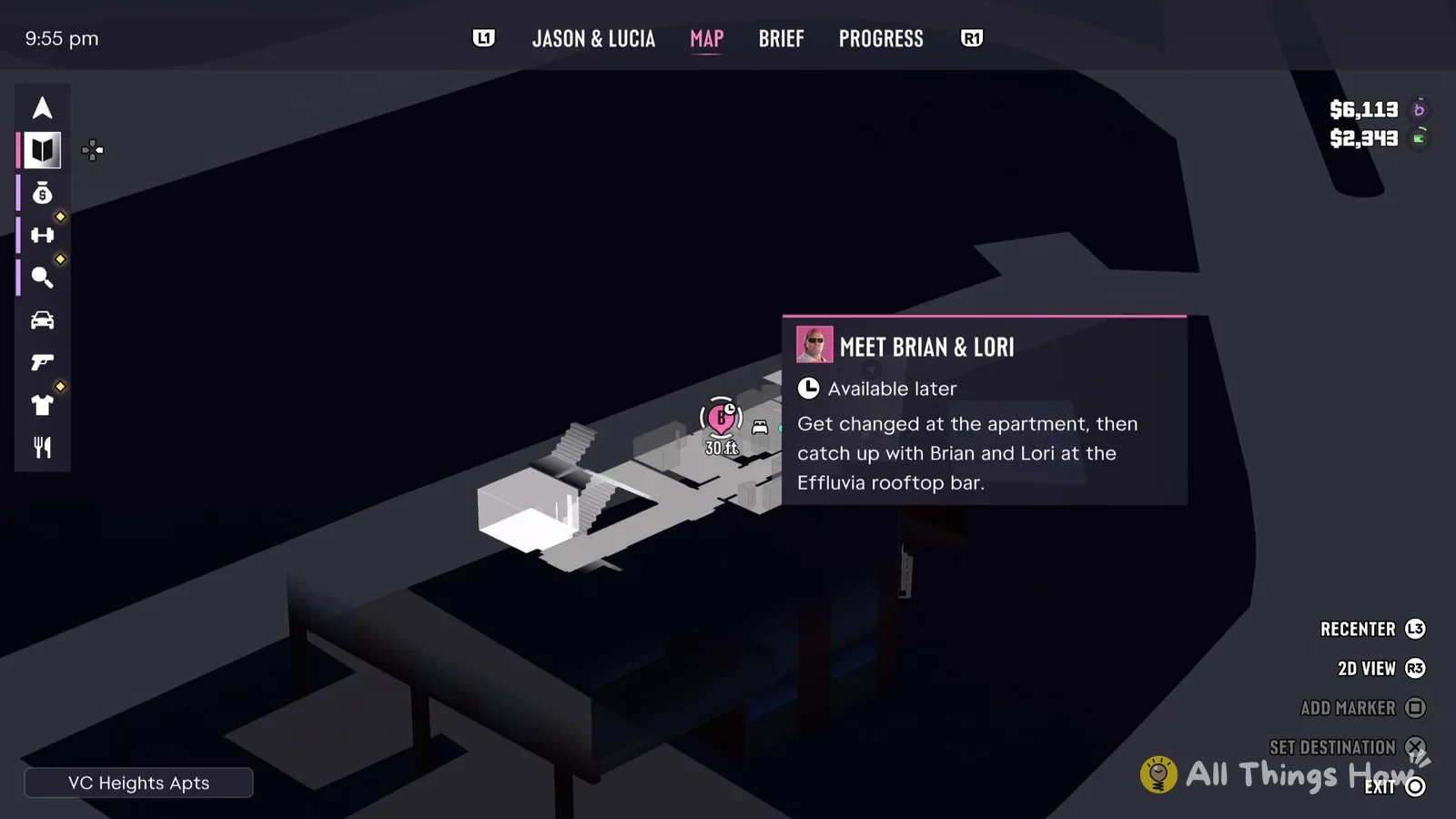
Meet Brian & Lori is one of the Chapter 3 missions in Grand Theft Auto VI, and it comes up right after Boobie Time. Brian calls Jason to say he and Lori are coming into town, and Jason then texts Lucia to suggest meeting at the apartment. The story card reads “MEET BRIAN & LORI – Get changed at the apartment, then catch up with Brian and Lori at the Effluvia rooftop bar.” Lucia follows up with “We’re still meeting Brian and Lori for dinner right? I’ll be at the apartment when you’re ready.”
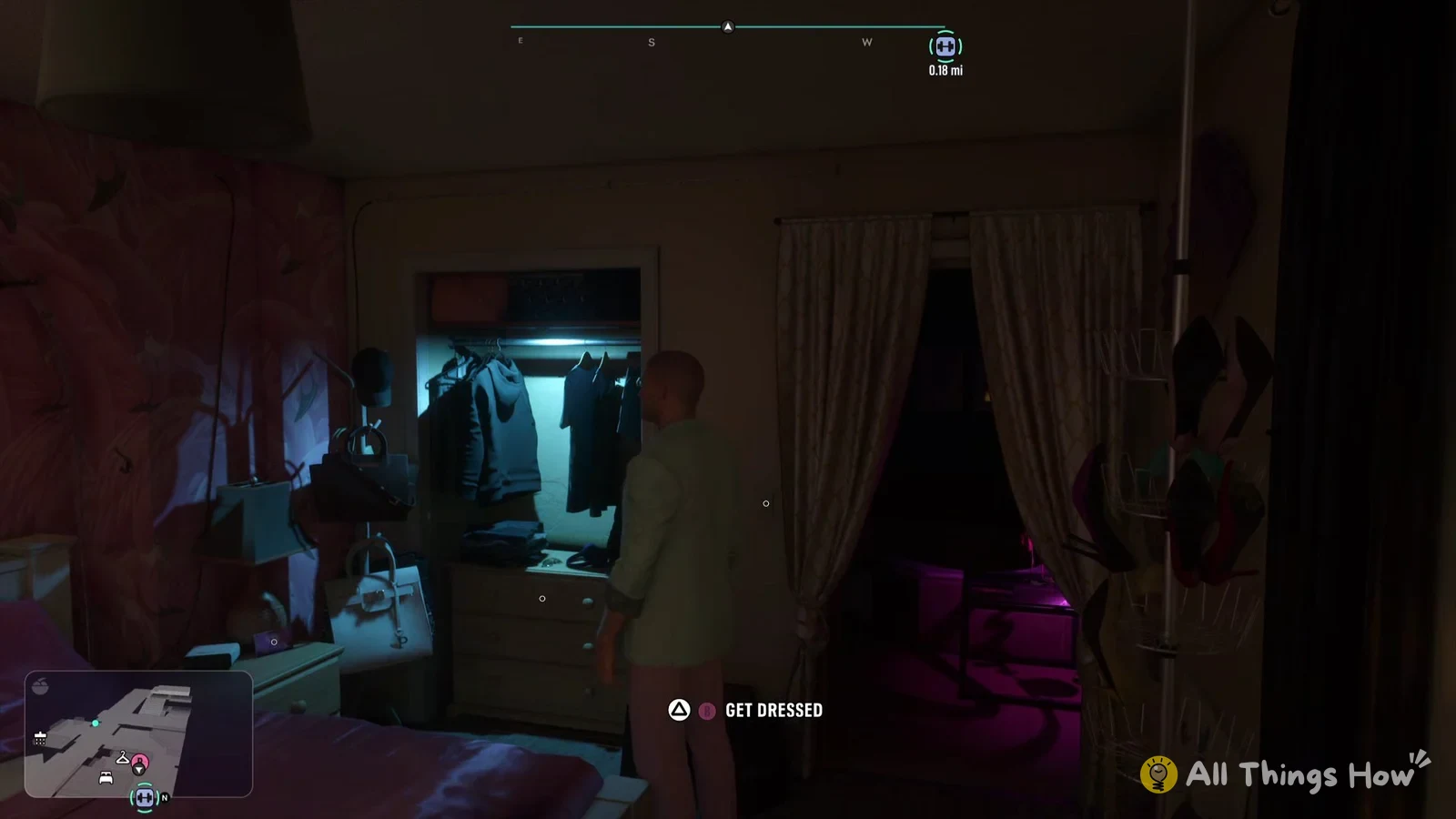
Quick answer: Go to the bedroom wardrobe in Apt. 201 with Lucia. Hold L2 at her and pick HEAD OUT, then press Triangle on GET DRESSED at the wardrobe.
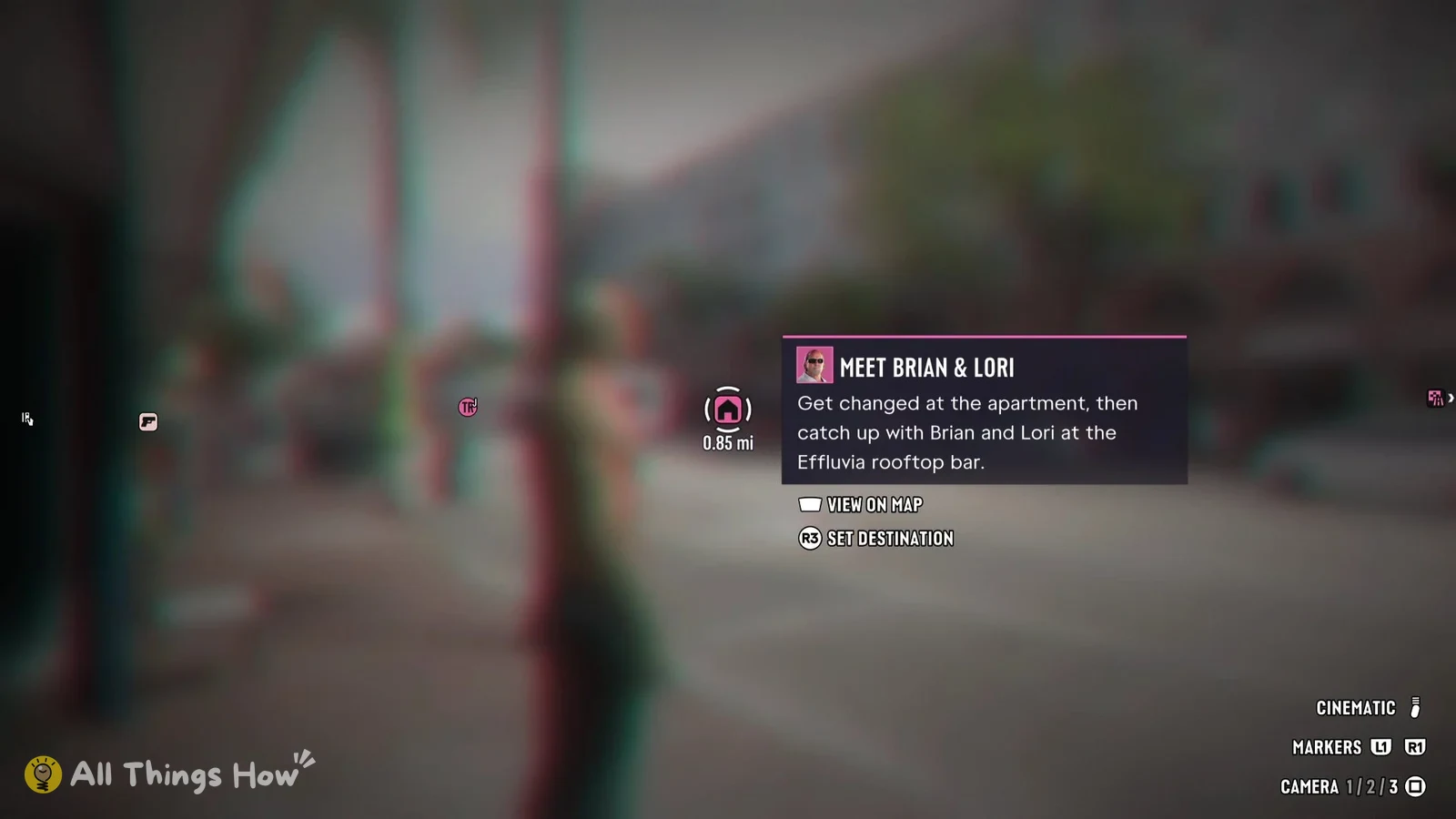
Where Meet Brian & Lori starts
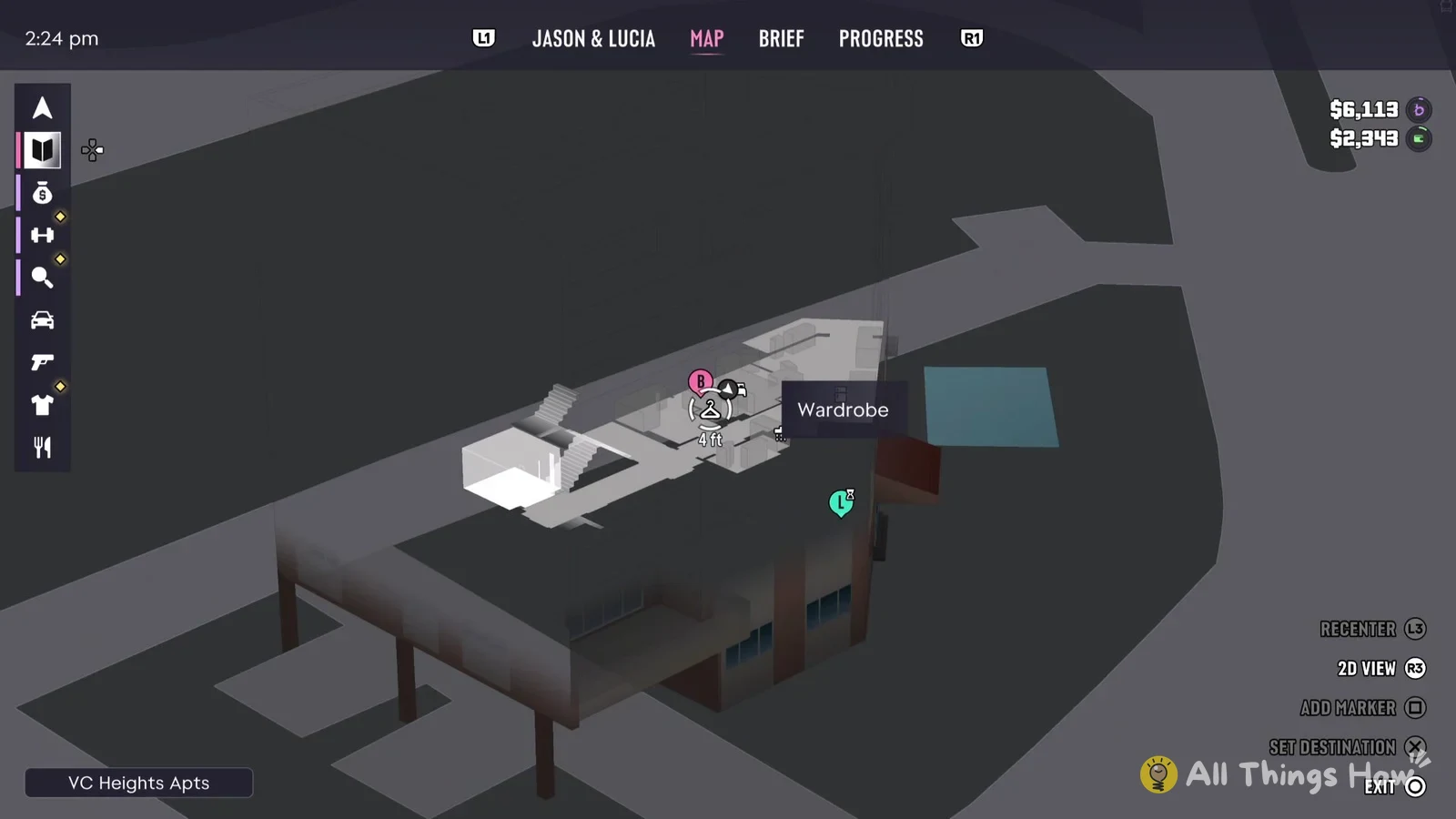
The mission marker is inside Bayside Apartments 201, on the 2nd floor. On the map the building shows up as VC Heights Apts, and if you zoom in on the floor plan, the marker sits in the bedroom on the spot labeled Wardrobe.
How to start Meet Brian & Lori with Lucia
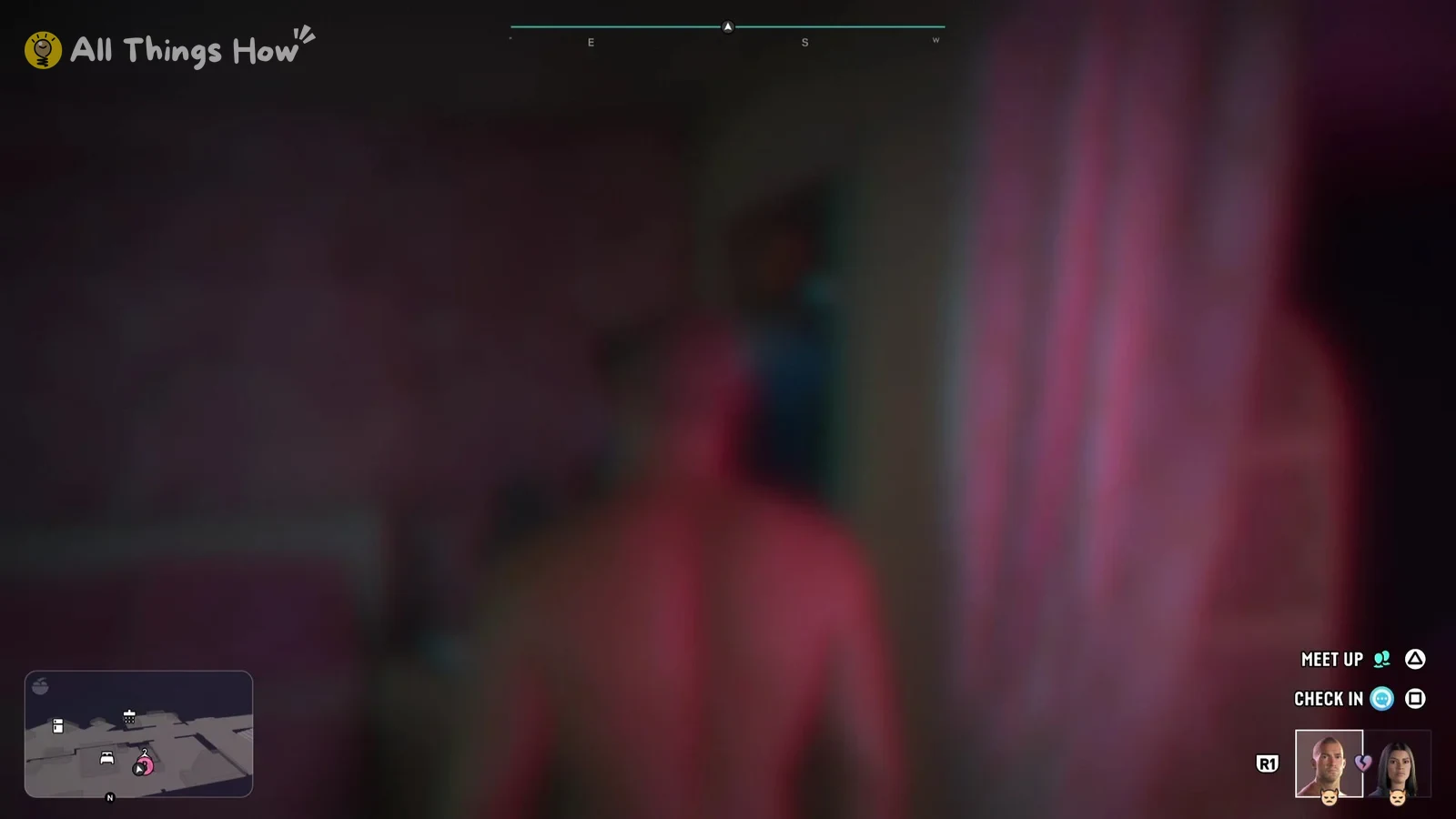
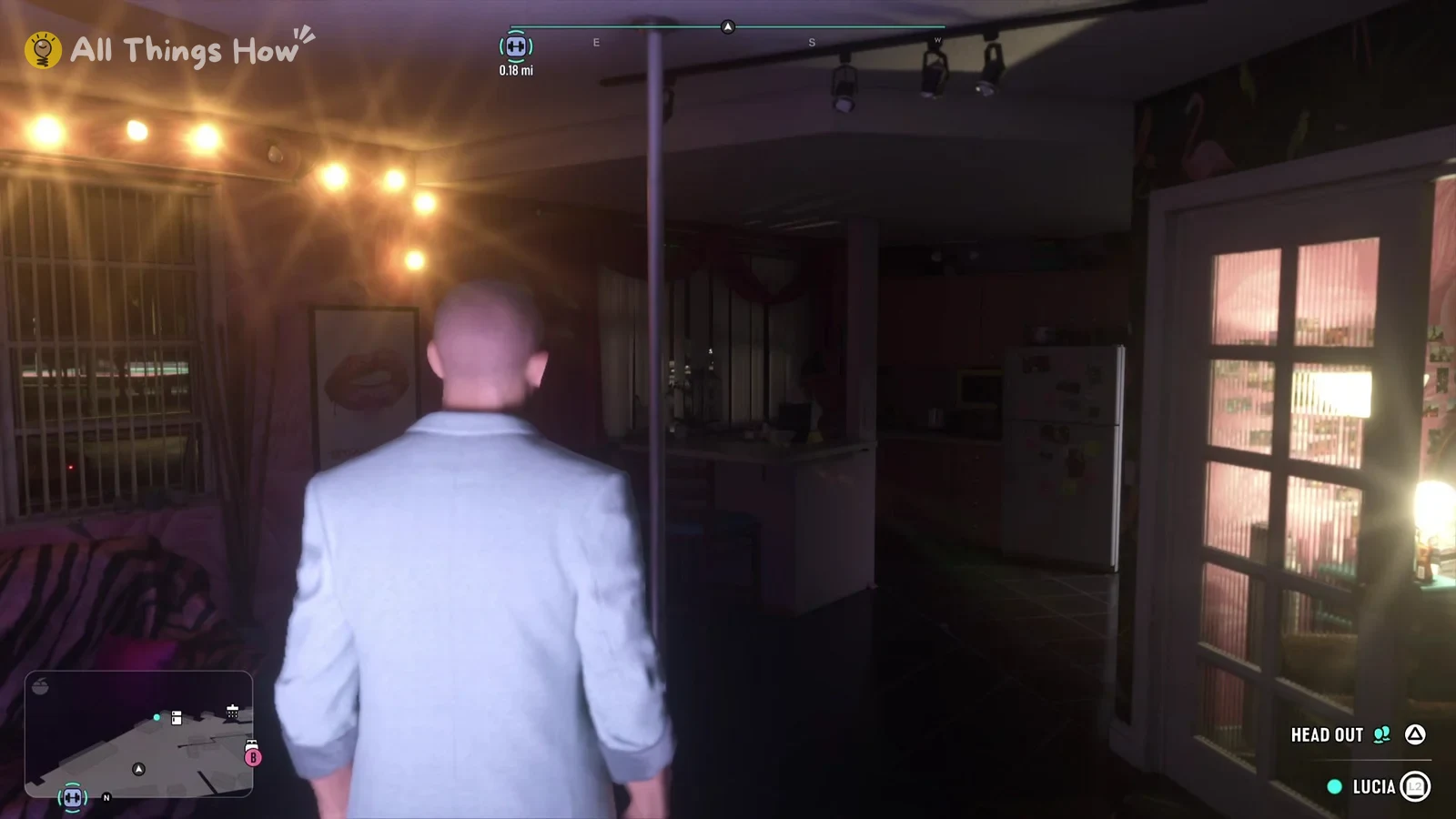
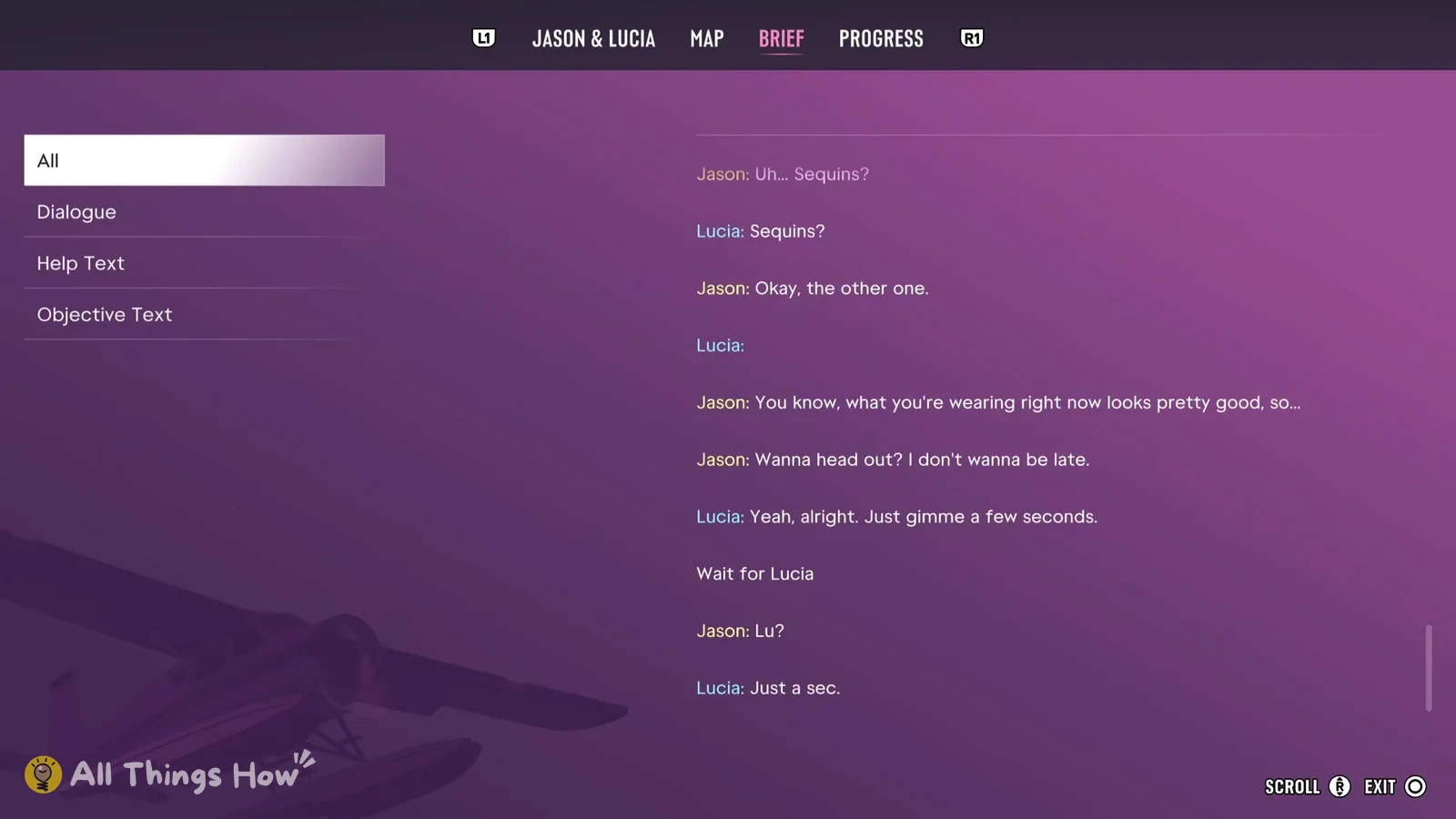
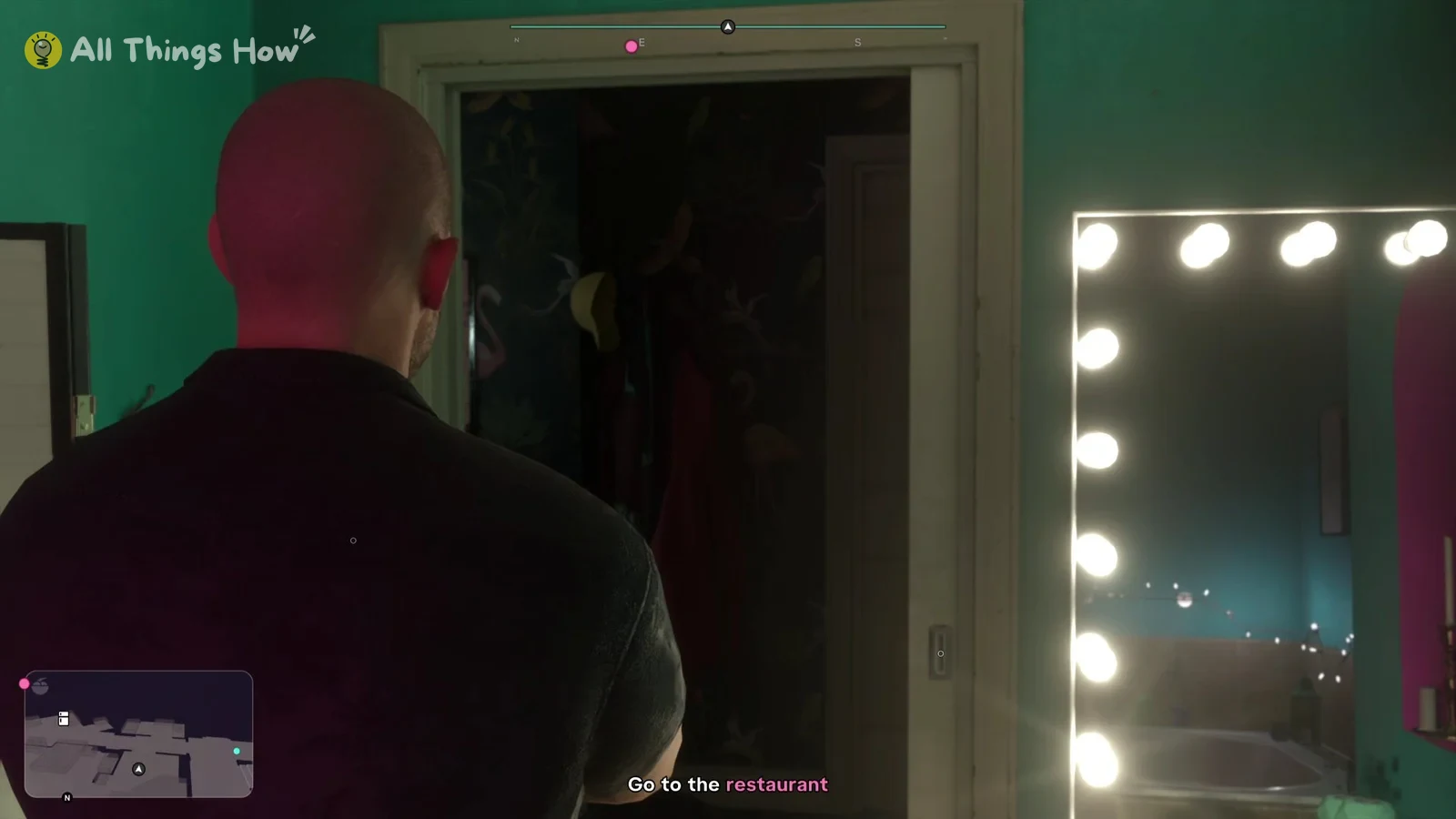
You’ll know the mission is running properly when the objective switches to “Go to the restaurant“.
Why the wardrobe marker doesn’t start the mission
Standing on the marker by yourself won’t do anything, because the mission only starts with Lucia next to Jason. You can tell from the prompt. Without her, the wardrobe just shows a plain “WARDROBE” prompt, and it only changes to GET DRESSED once she’s there. Here’s what can get in the way:
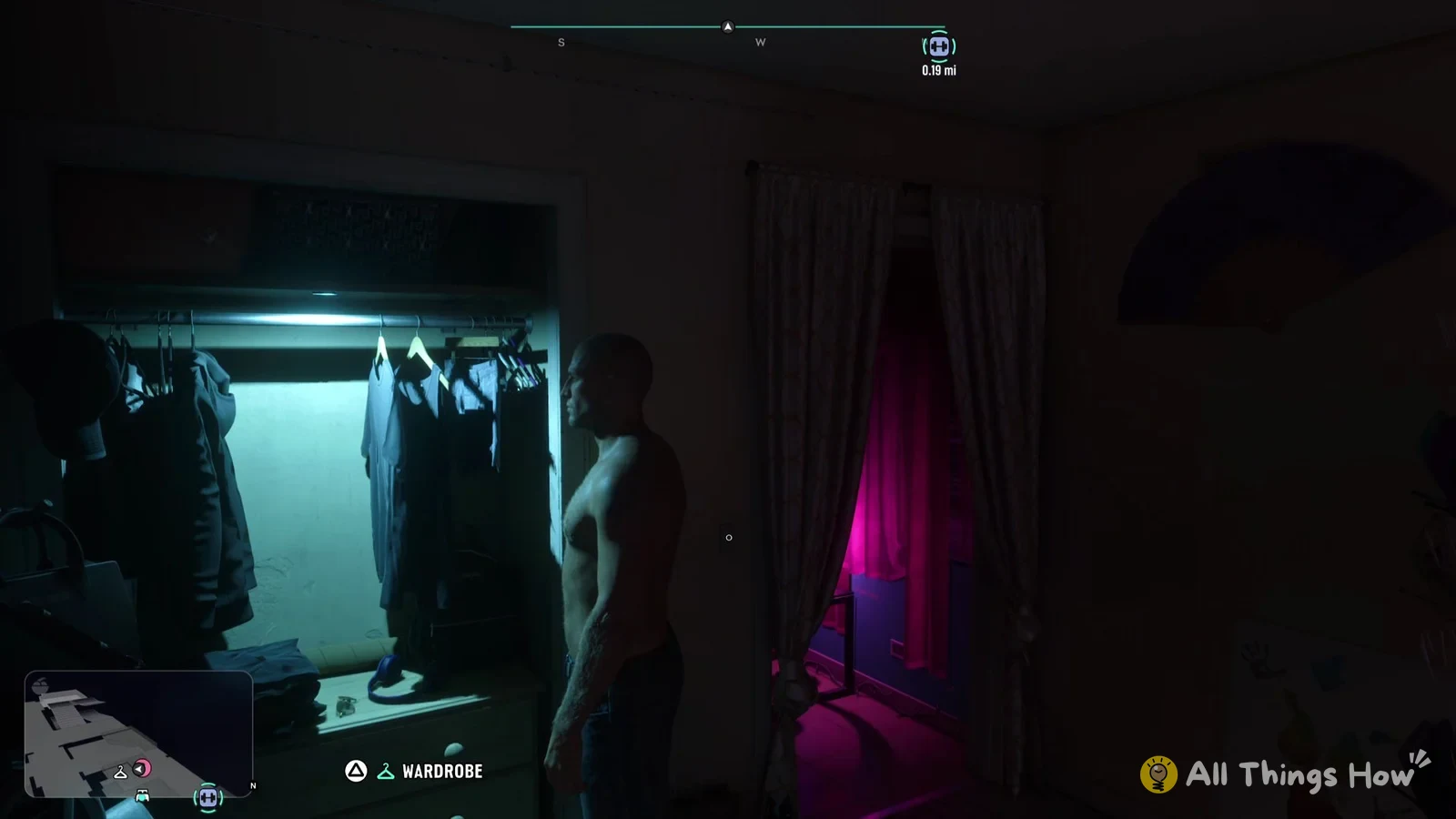
- Lucia isn’t with you, so the wardrobe stays on “WARDROBE”.
- Wait too long after MEET UP and she texts, “I gotta use the bathroom. I’m gonna head out.” That cancels the meet-up, so you’ll have to choose MEET UP again.
- The story card displays “MEET BRIAN & LORI – Available later”, and a small clock badge appears on the map marker.
Available later depends on the in-game time, and the game doesn’t give the exact hours. If that status appears, try again at another time of day.
Getting in and out of Bayside Apartments
Press CALL at the panel to bring up the building’s lift. Inside, SELECT FLOOR offers 3RD FLOOR, 2ND FLOOR (with a home icon), and LOBBY, making it easy to ride up to the apartment.
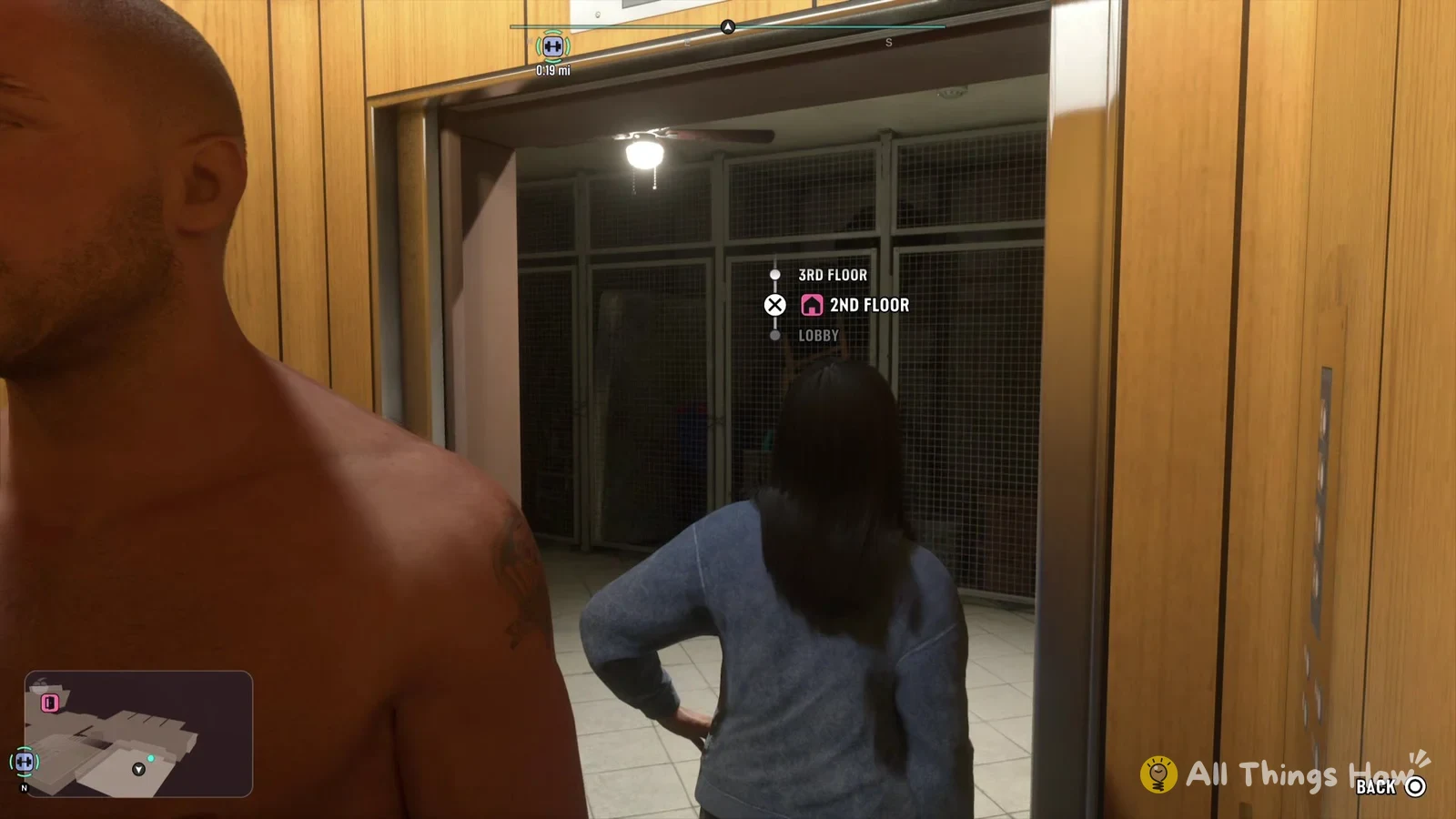
Taking the lift down from the 2nd floor can break. The SELECT FLOOR prompt never appears, the doors stay shut and Jason gets stuck inside. To go down, take the stairs through the arch next to the corridor, two flights down to the lobby.