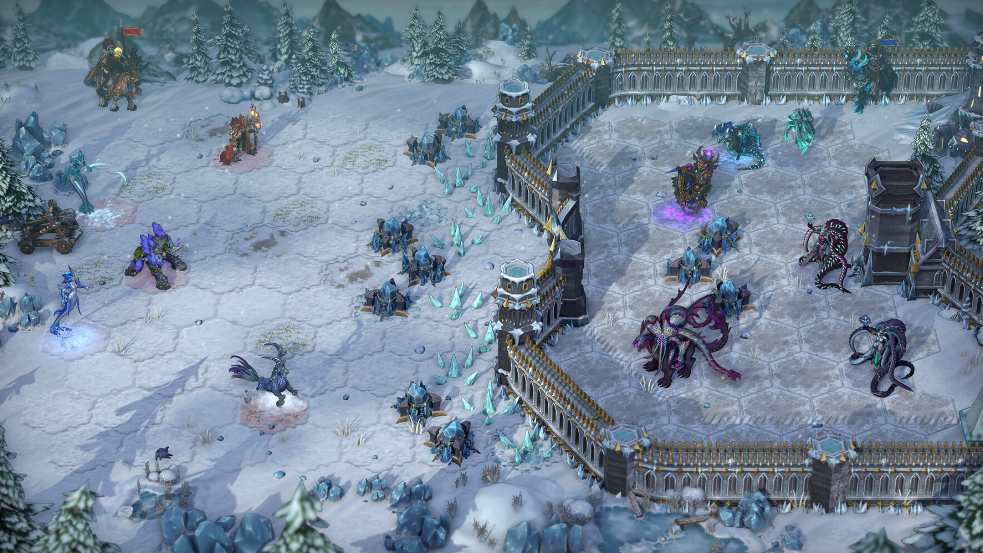
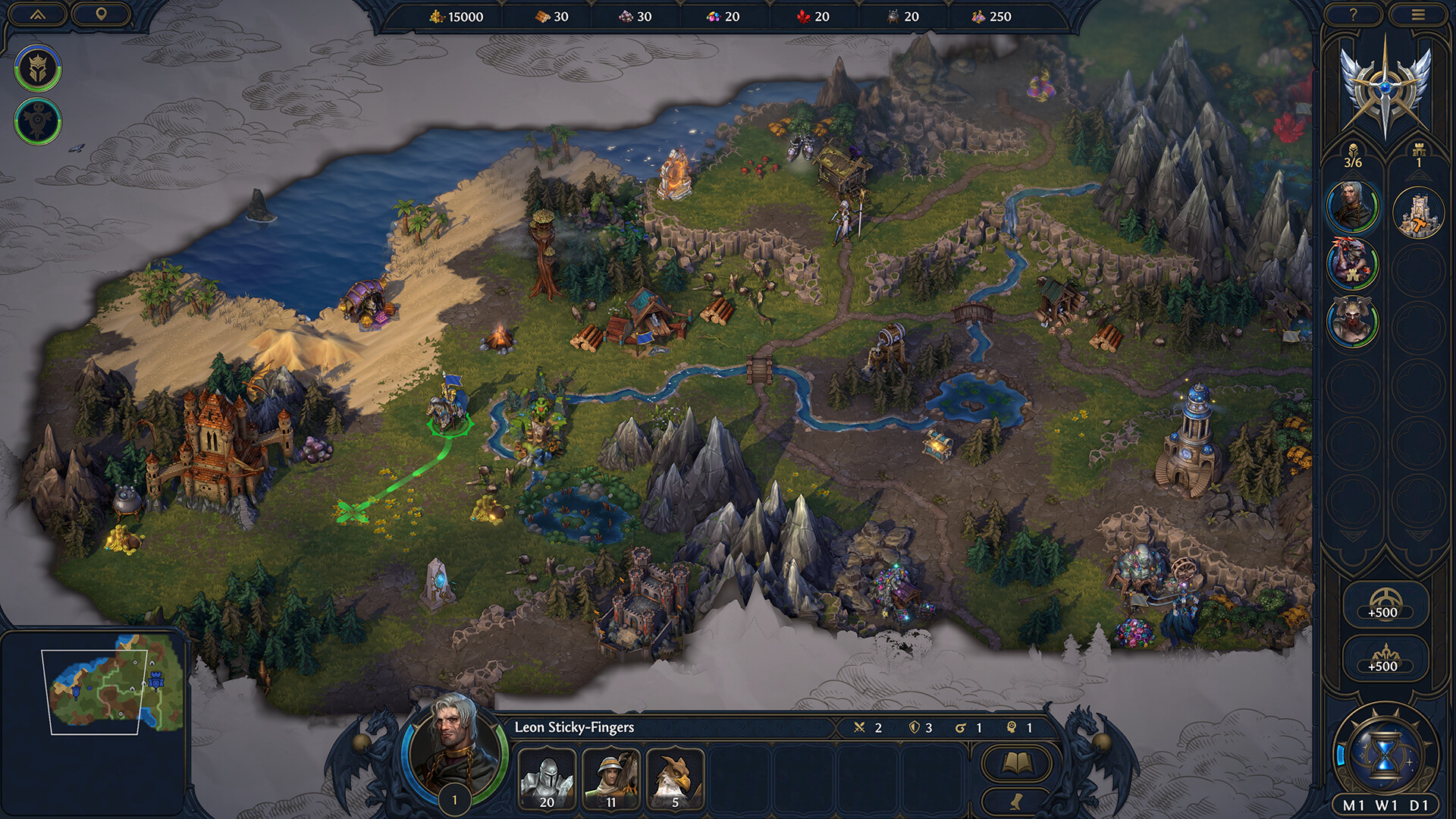
Heroes of Might and Magic: Olden Era launched into Steam Early Access on April 30, 2026, and the build ships as a Windows 10 (64-bit) title only. Unfrozen and Hooded Horse have not announced a native macOS client, so Mac owners need to rely on cloud streaming or a Windows compatibility layer to play.
Quick answer: Stream Olden Era on a Mac through GeForce NOW (cloud) for the most reliable experience, or run the Steam version locally on Apple Silicon Macs through CrossOver 26 with the D3D Metal renderer. There is no native Mac build.
Native Mac support status
The Steam, Ubisoft Store, and Xbox storefronts list only Windows and Xbox Series X|S as supported platforms. The published system requirements name Windows 10 (64-bit), DirectX 11/12, and an SSD, with no macOS line entry. Community attempts to coerce the Windows build to launch through Porting Kit have run into a broken main menu where mouse clicks register on the intro video but no UI element responds afterward, and DXVK ports show the same issue. Treat the title as Windows-only for now.
Mac play options compared
| Method | Hardware | Cost | Notes |
|---|---|---|---|
| GeForce NOW | Any Mac (Intel or Apple Silicon) | Free tier or paid plan + Steam/Xbox copy | Olden Era is on the supported list; runs in the browser or app. |
| CrossOver 26 | Apple Silicon recommended; Intel supported | Paid (trial available) + Steam copy | Best local route. Use D3D Metal renderer in the bottle settings. |
| Whisky / GPTK | Apple Silicon only, macOS Sonoma or later | Free + Steam copy | Workable but less proven for Olden Era; expect tinkering. |
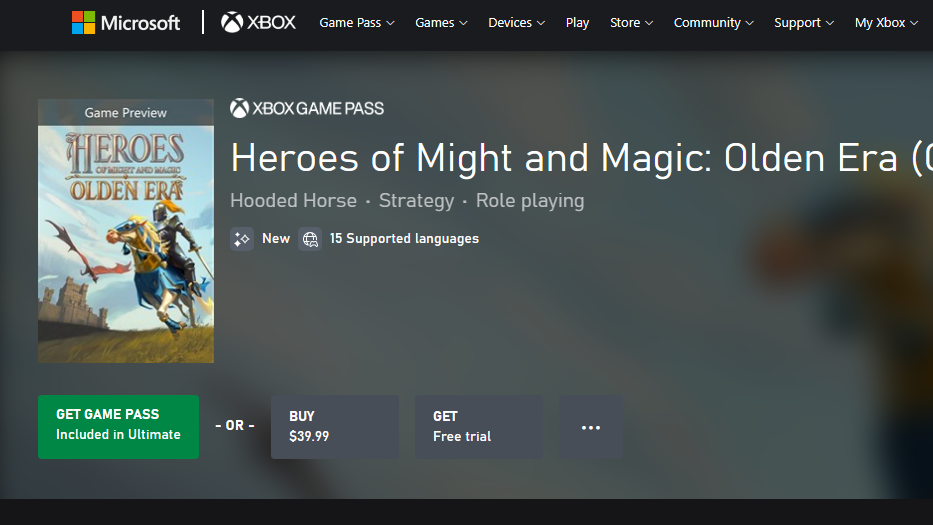
| Xbox Cloud Gaming | Any Mac | Game Pass Ultimate | Olden Era is on Game Pass via the Xbox Game Preview release. |
| Boot Camp | Intel Macs only | Windows license | Not available on M-series Macs. |
Stream Olden Era on Mac with GeForce NOW
GeForce NOW added Olden Era as a launch-day supported game when it released on April 30, 2026. Streaming sidesteps every Mac compatibility problem because the game runs on NVIDIA’s servers, and only video and inputs reach your Mac.

You’ll know it worked when the game launches inside the streaming window and your turn-based actions register without local installation. A wired or 5 GHz Wi-Fi connection of around 40 Mbps is sufficient for a stable 1080p session.
Run Olden Era locally with CrossOver on Apple Silicon
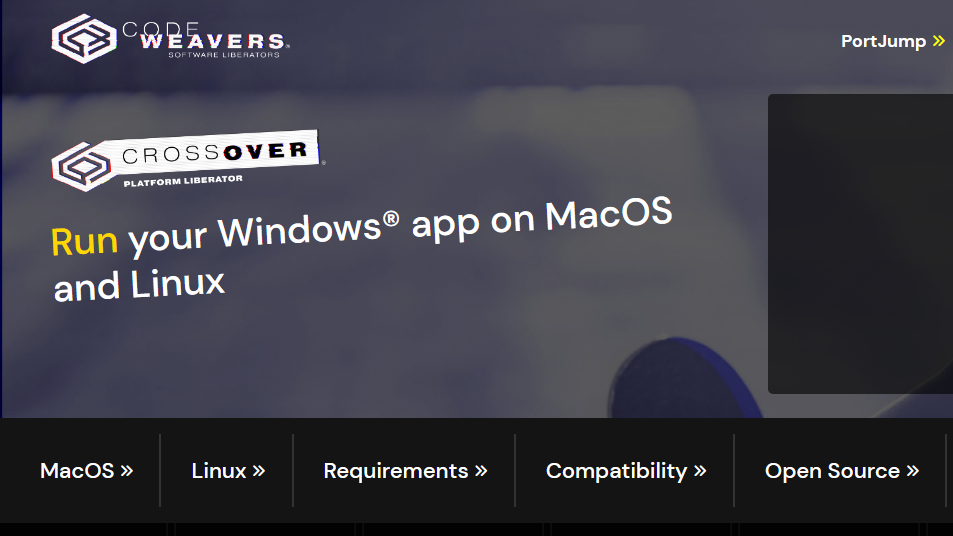
CrossOver 26 is the most consistent local option for Mac players who want to keep the game installed and play offline. The game uses DirectX 11/12, which CrossOver translates to Metal on Apple Silicon Macs through its D3D Metal renderer.
You’ll know the local setup works when the main menu accepts mouse clicks and a skirmish map loads. Performance scales heavily with GPU cores, so an M2 Pro or newer comfortably handles 1080p on Medium settings, while base M1 chips may need Low presets.
Common reasons Olden Era fails to launch on Mac
- Using an Intel Mac with Apple’s Game Porting Toolkit. GPTK requires Apple Silicon, so Intel Macs must use Wine-Crossover or commercial CrossOver instead.
- Leaving the bottle on Auto graphics. Olden Era’s menus have shown UI input failures with DXVK builds; force D3D Metal first.
- Missing Rosetta 2 on Apple Silicon. CrossOver requires Rosetta to translate the x86-64 Steam client; install it with
softwareupdate --install-rosettain Terminal. - Trying Whisky on macOS Ventura or older. Whisky needs macOS Sonoma or later on Apple Silicon and is no longer actively maintained.
- Attempting to install through the Ubisoft Store path. The Ubisoft Store version requires Ubisoft Connect, which adds another Windows dependency that complicates a Mac translation setup. Prefer the Steam release.
Pricing and editions that work for Mac players
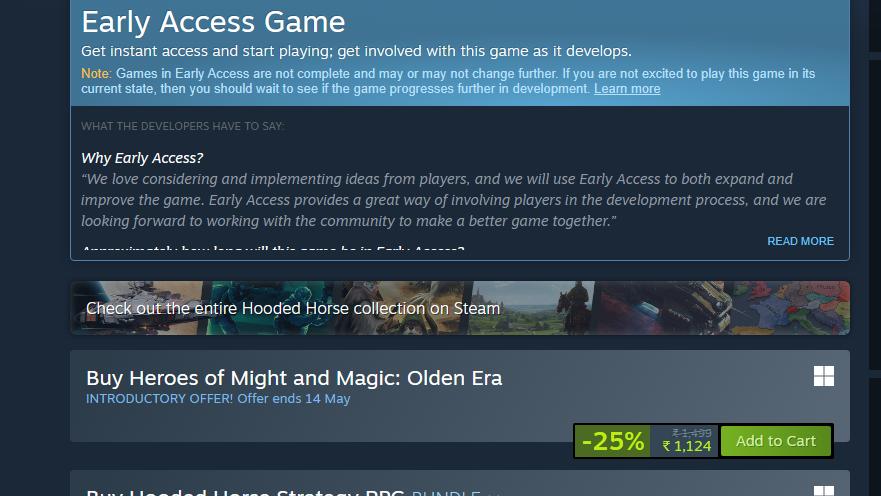
Olden Era is $39.99 on Steam at standard price, with a 25% introductory discount that drops it to $29.99 through May 14, 2026. The same Steam key works through GeForce NOW and through CrossOver, so a single purchase covers both the cloud route and the local route. The Xbox release is included in Game Pass and can be streamed to a Mac through Xbox Cloud Gaming if you already subscribe.
Note: Olden Era is in Early Access and the developer estimates roughly a year in that state, so renderer behavior on translation layers may improve as patches land. If your first attempt with CrossOver does not work cleanly, GeForce NOW remains the no-friction fallback while Mac compatibility matures.