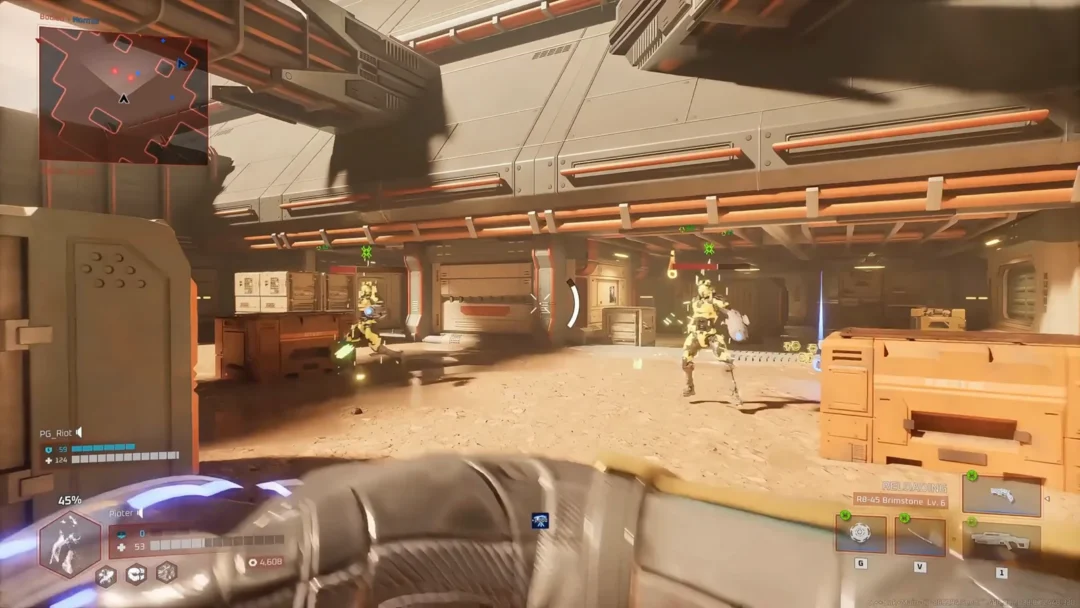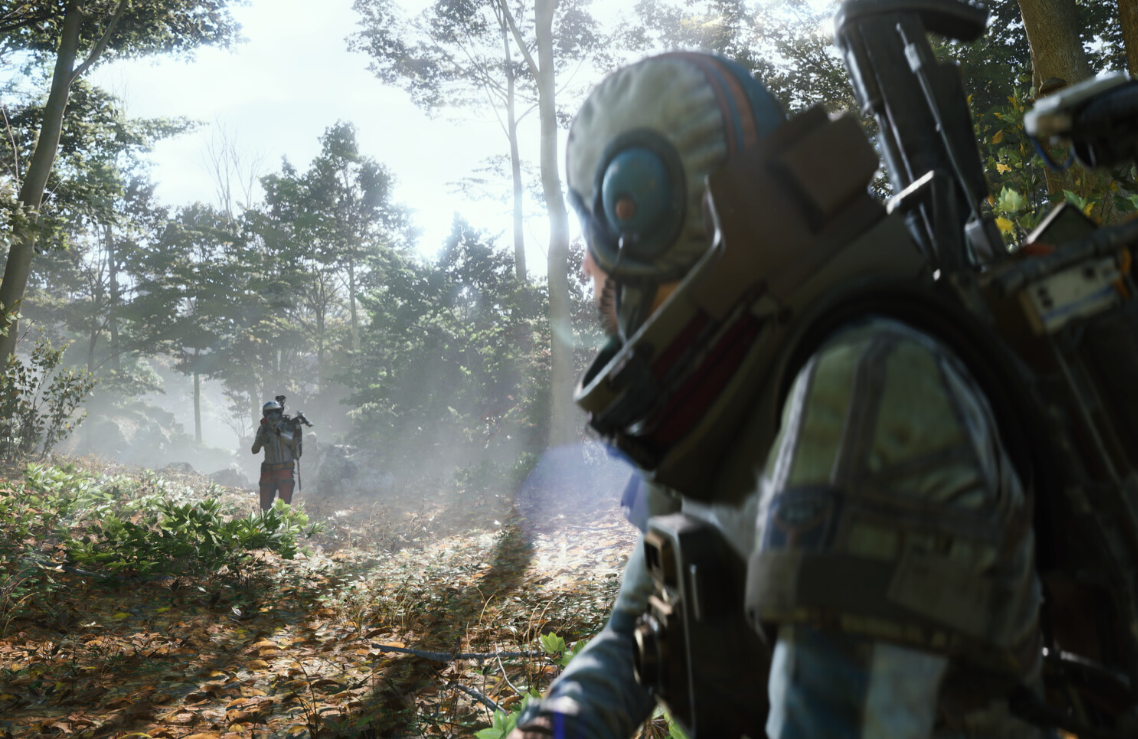
ARC Raiders leans heavily on Embark Game Boot and Easy Anti-Cheat (EAC) to start up. When either of those stumbles, you see a wall of errors instead of the title screen: “Embark Game Boot fatal error”, “An error has occurred”, “Failed to install EasyAntiCheat”, or “Detected software / cheat software found”.
Those messages look different, but they cluster around three root causes:
- Easy Anti-Cheat not installing or initializing correctly
- Background software (macros, overlays, input hooks) being flagged as “cheat software”
- Embark Game Boot failing to talk to the anti-cheat servers because of routing or firewall issues
The sections below walk through each category with focused fixes. Start with the one that matches your error text most closely.
Fix ARC Raiders “An error has occurred” in Embark Game Boot
When Embark Game Boot shows a plain “An error has occurred” during login or launch, it usually means the launcher cannot reach the anti-cheat backend even though your internet looks fine. The problem tends to sit between you and the game servers rather than inside your PC.
Method 1: Stabilize your local network
ipconfig /renew, then relaunch Embark Game Boot.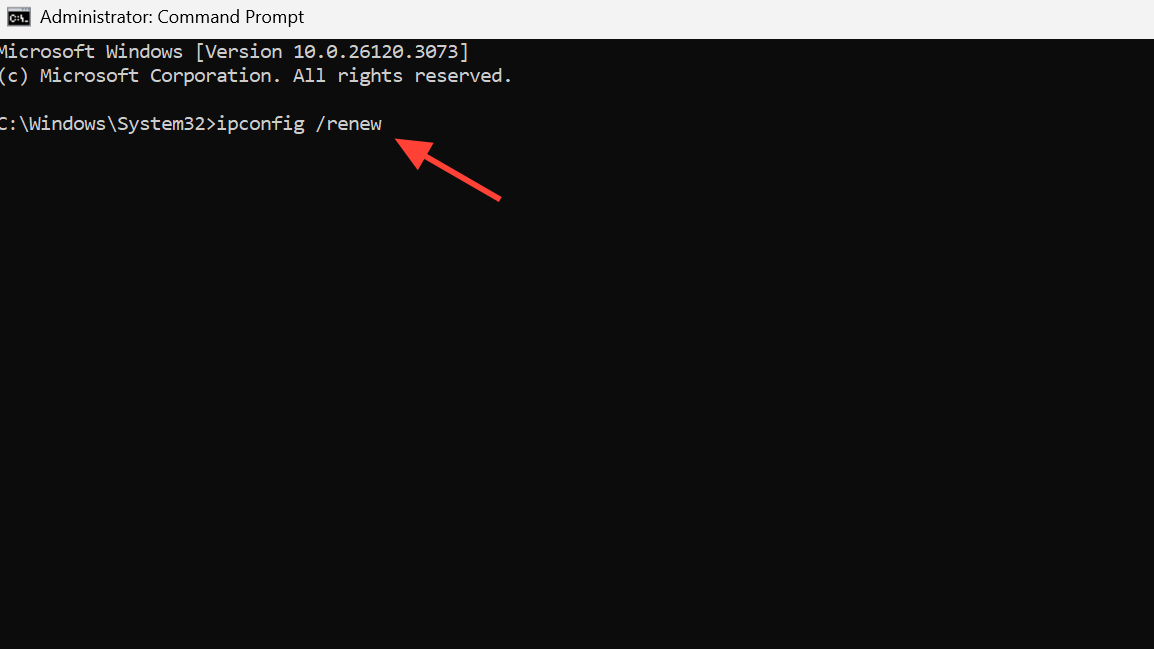
If the error persists with a clean wired connection, the issue is more likely on the route out of your home network.
Method 2: Reroute traffic with a game booster or VPN
Some ISPs or backbone nodes intermittently block or throttle connections ARC Raiders uses for anti-cheat. Rerouting through a different path often clears the “An error has occurred” message.

Method 3: Check updates, firewall, and basic permissions
.exe in the install folder and choose “Run as administrator”.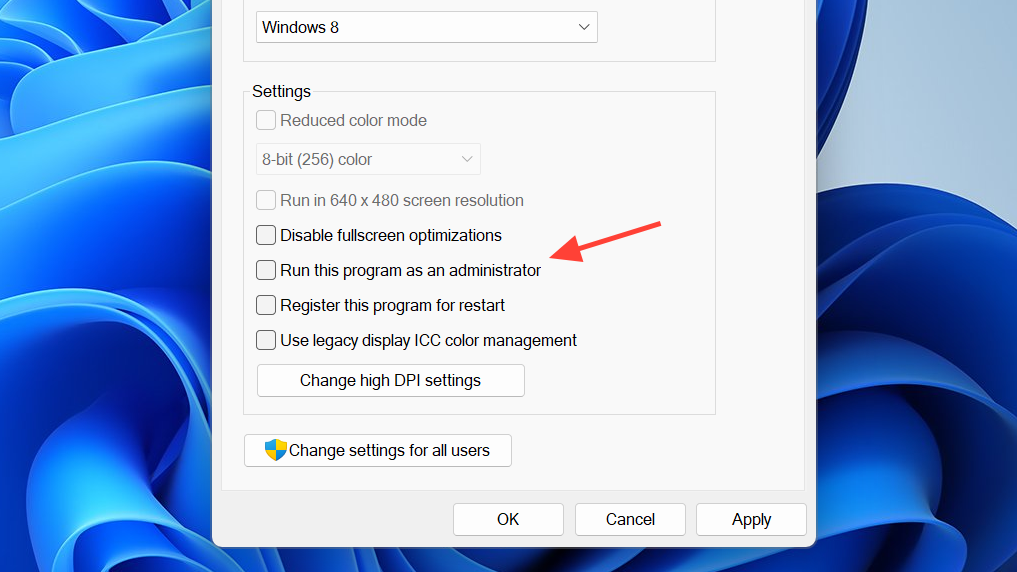
Fix “Failed to install EasyAntiCheat” and EAC startup errors
Embark Game Boot will refuse to start ARC Raiders if Easy Anti-Cheat is missing, corrupted, or stuck in a half-installed state. Typical messages include “Failed to install EasyAntiCheat” and EAC error codes like 20006.
Method 1: Run the EasyAntiCheat_EOS installer as admin
EasyAntiCheat_EOS_Setup.exe and choose “Run as administrator”. Accept any prompts and follow the on-screen instructions to repair or install Easy Anti-Cheat, then try launching the game.If the setup window flashes and disappears without installing, EAC is likely stuck at the driver level.
Method 2: Force Easy Anti-Cheat to regenerate its driver
This method targets the shared EasyAntiCheat_EOS driver in Program Files (x86), which ARC Raiders may be mis-detecting after a reinstall.
msconfig, and press Enter. Go to the “Services” tab and temporarily disable services with names that clearly reference Easy Anti-Cheat or EasyAntiCheat_EOS.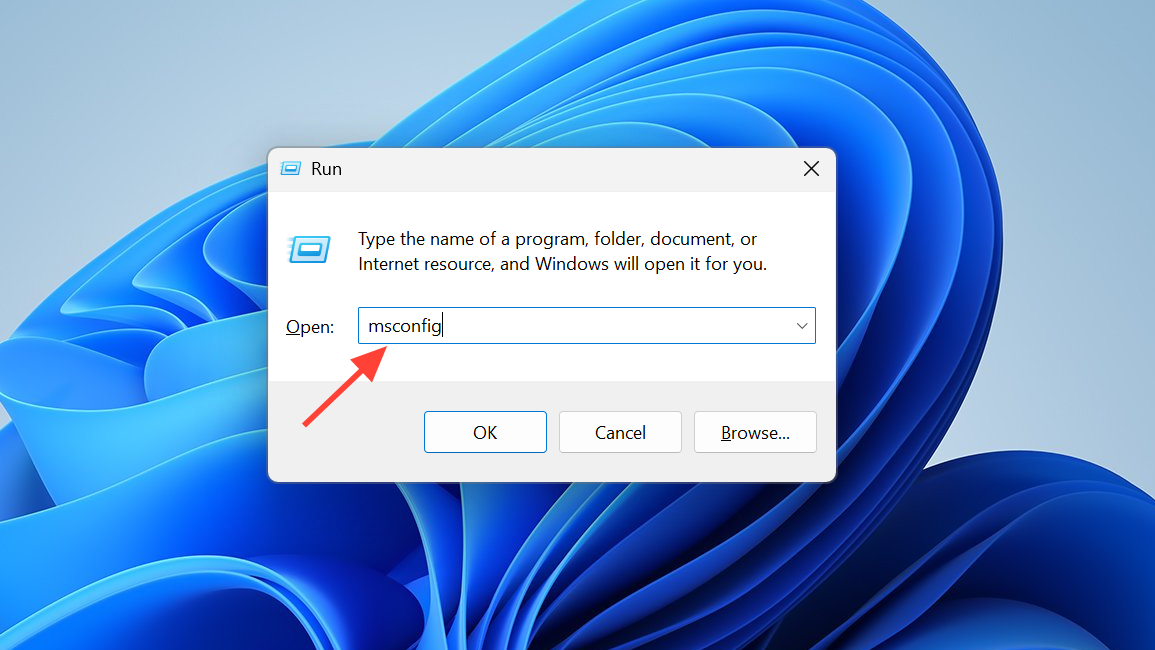
C:\Program Files (x86)\EasyAntiCheat_EOS. Delete the EasyAntiCheat_EOS.sys driver file (you may need admin rights).Method 3: Clean out EAC and reinstall ARC Raiders
If repeated reinstalls still leave you stuck at “Failed to install EasyAntiCheat”, cleaning all ARC Raiders–related traces and starting from a blank slate can help.
Several players report that moving ARC Raiders from a secondary drive to C: and then reinstalling EAC finally allowed Embark Game Boot to complete initialization.
Fix Embark Game Boot fatal error “Detected software / cheat software found”
Another class of Embark Game Boot fatal errors appears as “Detected software” or “cheat software found”, sometimes with an additional warning that repeating the behavior could result in a ban. ARC Raiders explicitly calls out tools like AutoHotkey, but it can also flag overlays and macro utilities bundled with other apps.
Method 1: Manually close obvious macro and overlay tools
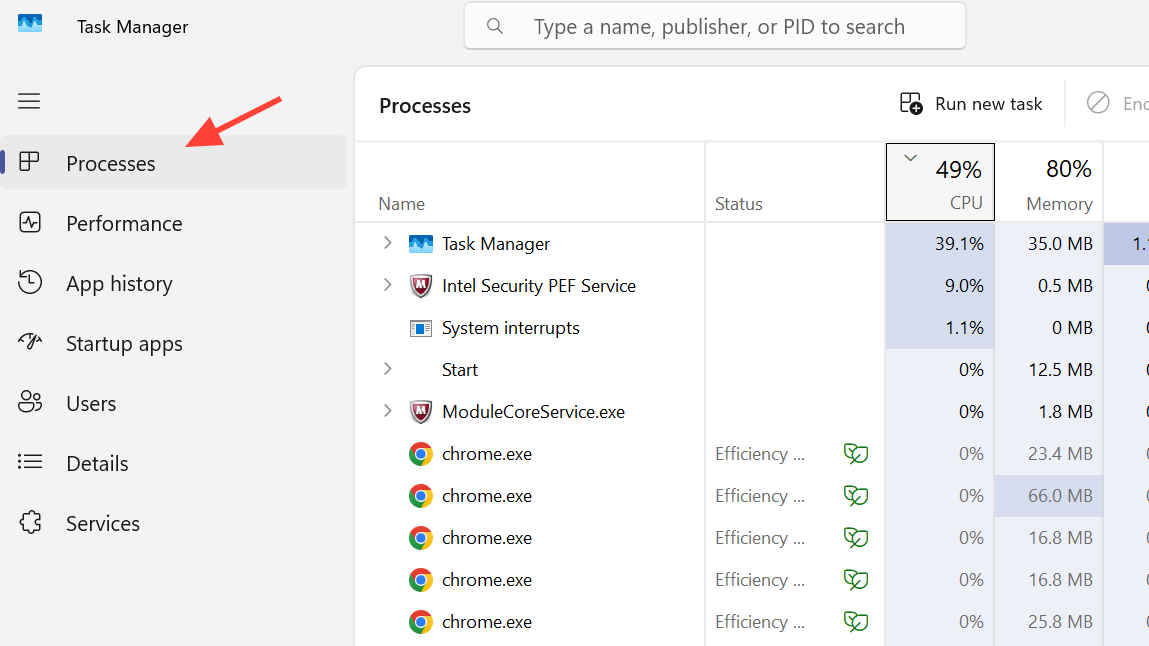
AutoHotkey.exeand scripts built on AutoHotkeyAutoIt3.exeand similar automation tools- Mouse and keyboard suites that add macros or overlays (Logitech G Hub, Razer Synapse, etc.)
- Other apps mentioning “macro”, “hook”, “remap”, or “overlay” in their names
This alone is often enough when the error text explicitly mentions AutoHotkey or macro tools.
Method 2: Remove leftover input drivers that keep triggering detection
Even if you uninstall a macro tool, its low-level driver can linger and keep tripping anti-cheat.
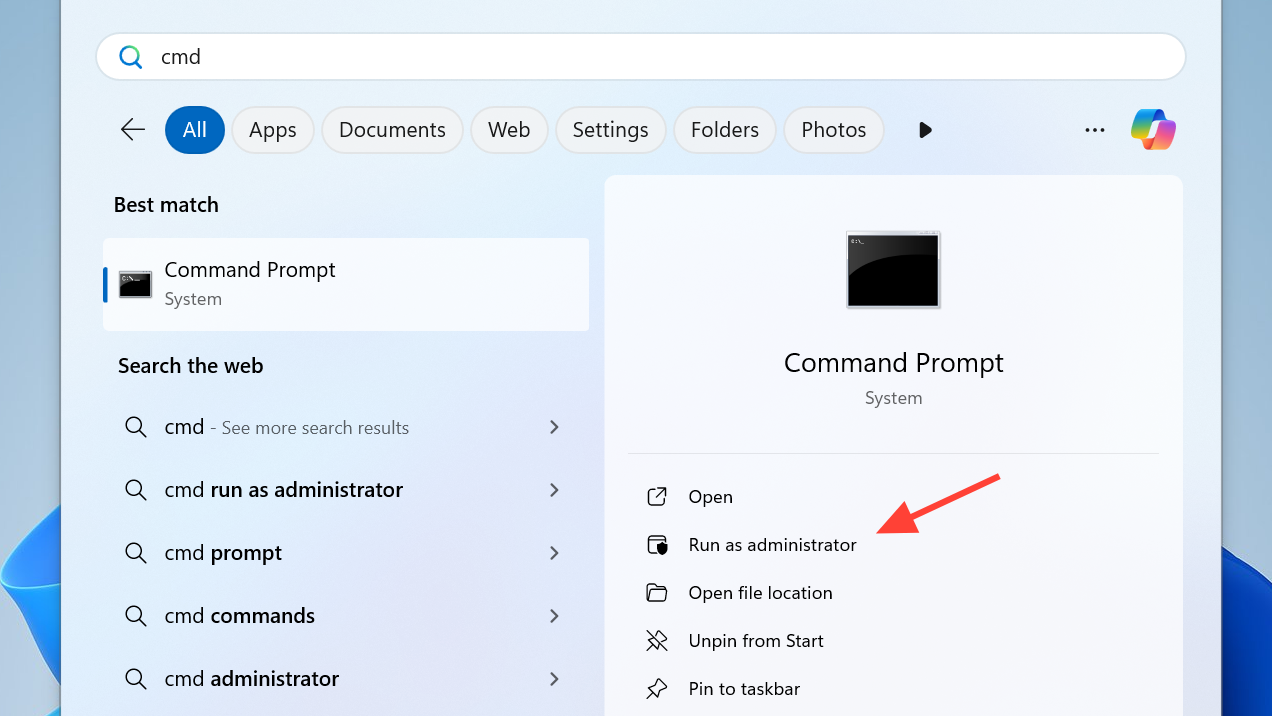
sc delete <drivername> command.This approach should be reserved for users who already know which remapping drivers they have installed, as deleting the wrong driver can destabilize other applications.
Method 4: Test in a clean boot to isolate conflicts
If the error persists and you cannot see an obvious culprit, running ARC Raiders in a “clean boot” environment helps prove whether some third-party service is involved.
msconfig again, this time, disable all non-Microsoft services, and disable all startup items in Task Manager’s “Startup” tab.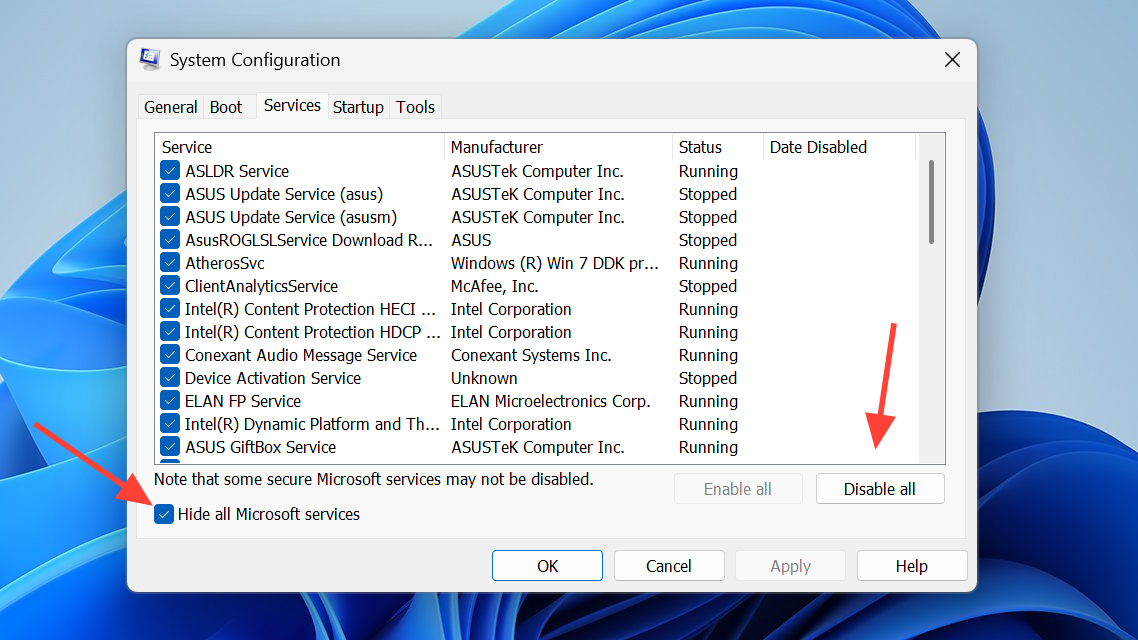
Fix ARC Raiders exit code 210 (Embark Game Boot fatal error)
Some players see a more generic “Embark Game Boot fatal error – the game has crashed, exit code is 210”. This is less specific but still usually linked to launch chain problems: permissions, EAC, or compatibility settings.
Method 1: Restart the obvious bottlenecks
Method 2: Launch the game directly from the install folder
PioneerGame.exe) to start ARC Raiders directly.Binaries\Win64), repeat the same test on the primary .exe found there.Method 3: Adjust compatibility and fullscreen settings
Method 4: Repair Easy Anti-Cheat and verify game files
EasyAntiCheat_EOS_Setup.exe as administrator again and use any “repair” or “install” option presented.When Embark Game Boot is stuck on loading or crashes at welcome screen
Not every problem shows a clear error dialog. Some players get stuck on the Embark Launcher loading bar, or the game crashes at or just after the welcome screen.
Method 1: Toggle VPN and overlays
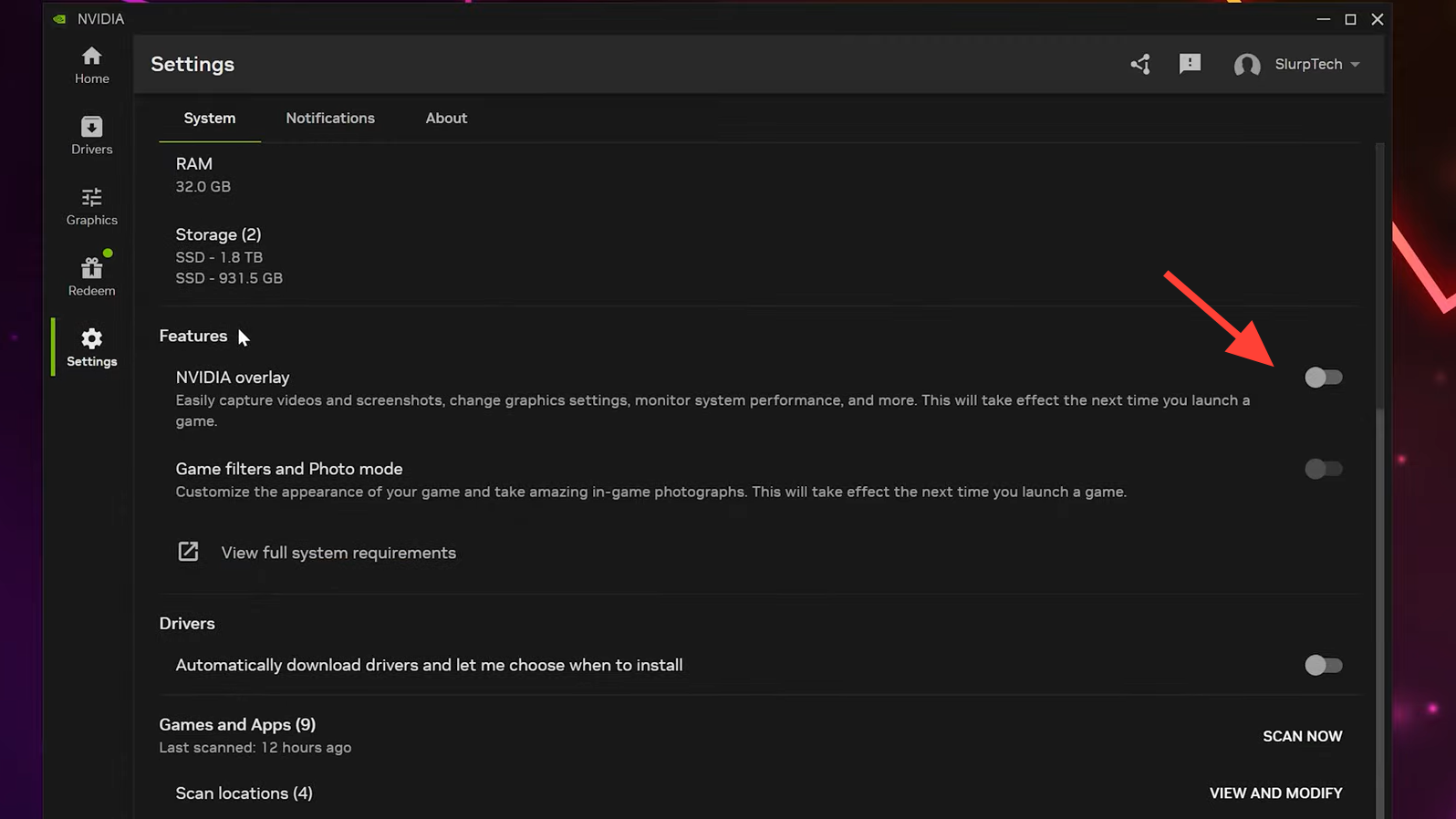
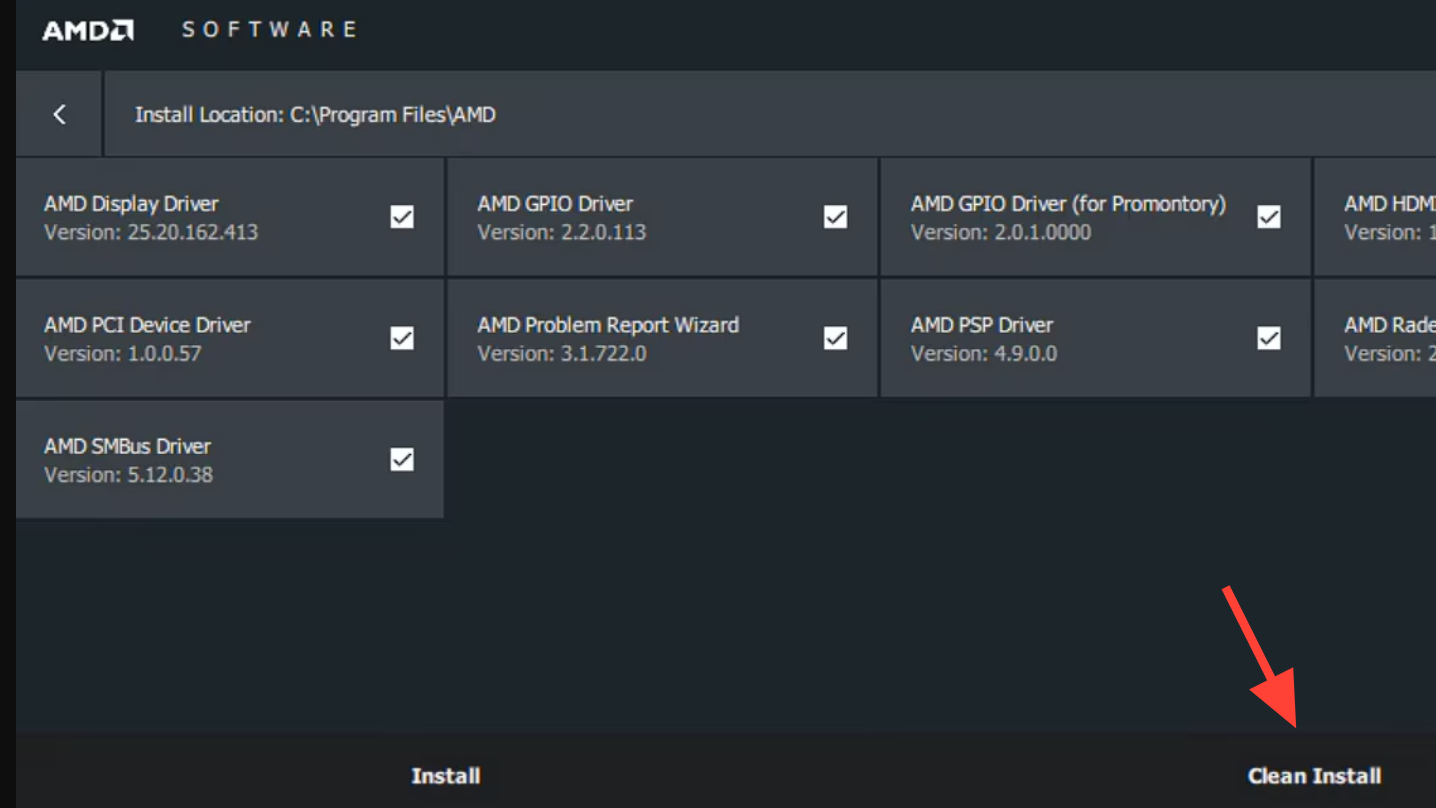
Method 2: Update or roll back your GPU drivers
Graphics instability can look like an Embark Game Boot issue when the crash happens immediately after the anti-cheat passes control to the game.
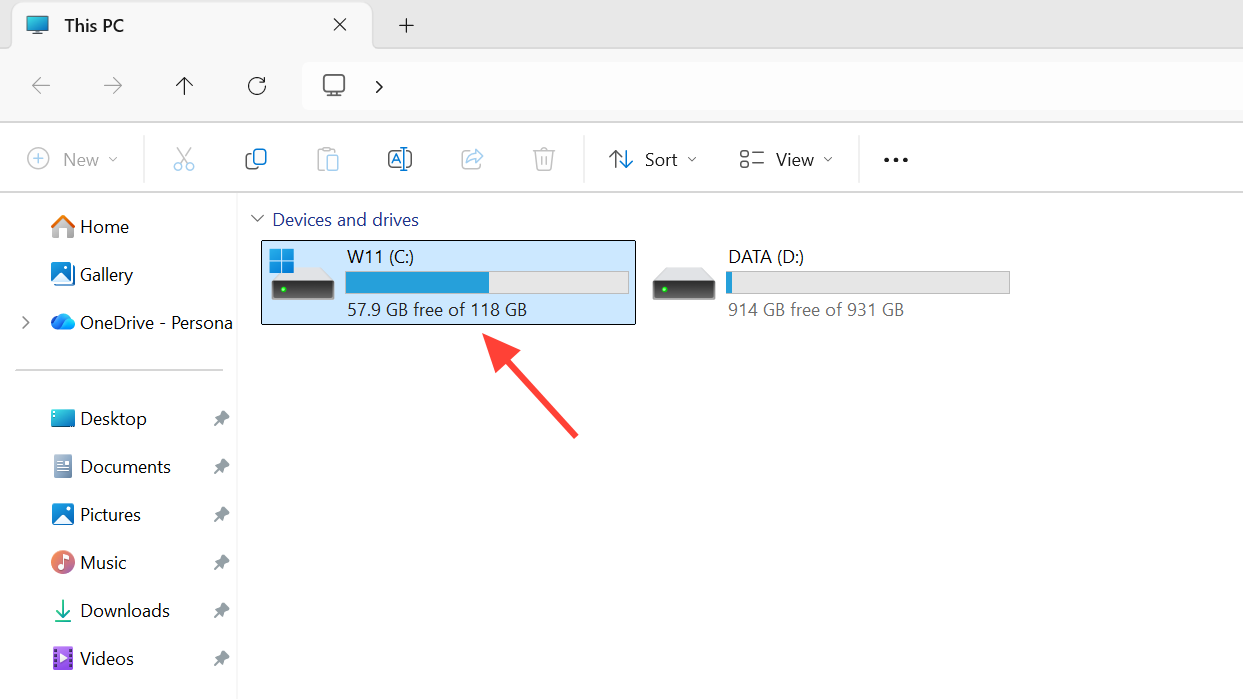
Method 3: Check install drive and move the game if needed
Some players report EAC or startup issues when ARC Raiders sits on a secondary drive with limited free space.
Embark Game Boot sits at the intersection of ARC Raiders, Easy Anti-Cheat, your drivers, and your network path. That makes its failures noisy but also predictable: they almost always stem from a misbehaving EAC install, a background macro or overlay tool, or a route that blocks anti-cheat servers.
Once you work through those three buckets — repairing or regenerating Easy Anti-Cheat, closing or uninstalling suspicious background utilities, and stabilizing or rerouting your connection — Embark Game Boot errors usually give way to a normal launch and the only thing left to fight is ARC itself.