
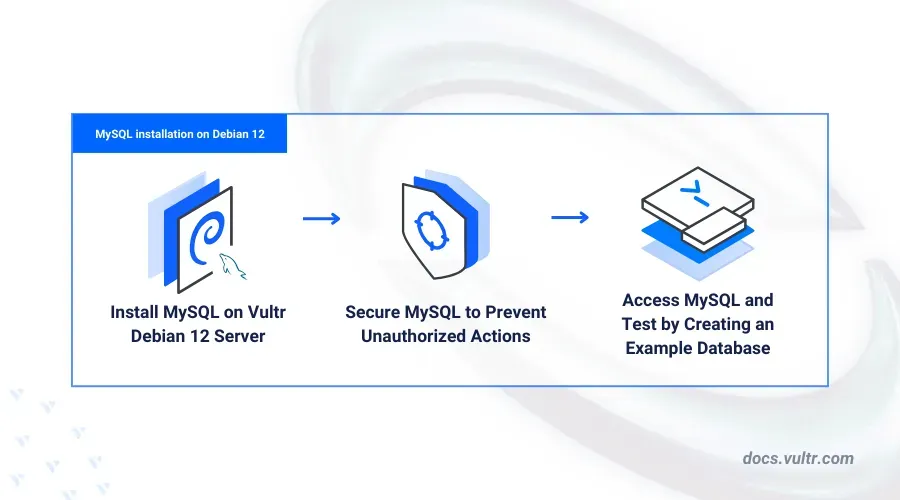
Debian 12 users installing MySQL often encounter confusion about selecting the correct “mysql-client” package. Installing the right package ensures compatibility, stability, and optimal database performance. Selecting the incorrect package can lead to dependency issues, package conflicts, or limited functionality.
Method 1: Installing the Default MySQL Client Package
sudo apt updateThis command refreshes your package database, ensuring you get the most recent and compatible version of the mysql-client package.
sudo apt install default-mysql-clientThe default-mysql-client package is a meta-package that automatically selects the most suitable MySQL-compatible client available in Debian 12. This simplifies installation and ensures compatibility with the Debian system.
mysql --versionThis command displays the installed MySQL client version, confirming a successful installation.
Method 2: Installing Specific Versions of MySQL Client (Optional)
If you prefer installing a specific version of the MySQL client rather than the default meta-package, you can explicitly specify the version:
apt search mysql-clientThis command lists available MySQL client packages along with their versions.
sudo apt install mysql-client-8.0Replace mysql-client-8.0 with the exact package name and version you wish to install.
mysql --versionThis confirms that the specific version you installed is active and ready to use.
Troubleshooting Common Issues
If you encounter dependency issues or conflicts during installation, ensure your Debian system is fully updated by running:
sudo apt update && sudo apt upgradeNext, attempt the installation again. If problems persist, consider removing conflicting packages using:
sudo apt remove [conflicting-package-name]Replace [conflicting-package-name] with the actual package causing the conflict, as indicated by the error messages during installation.
By following these steps, you’ll confidently install the correct MySQL-client package on Debian 12, ensuring smooth database management and operations.





