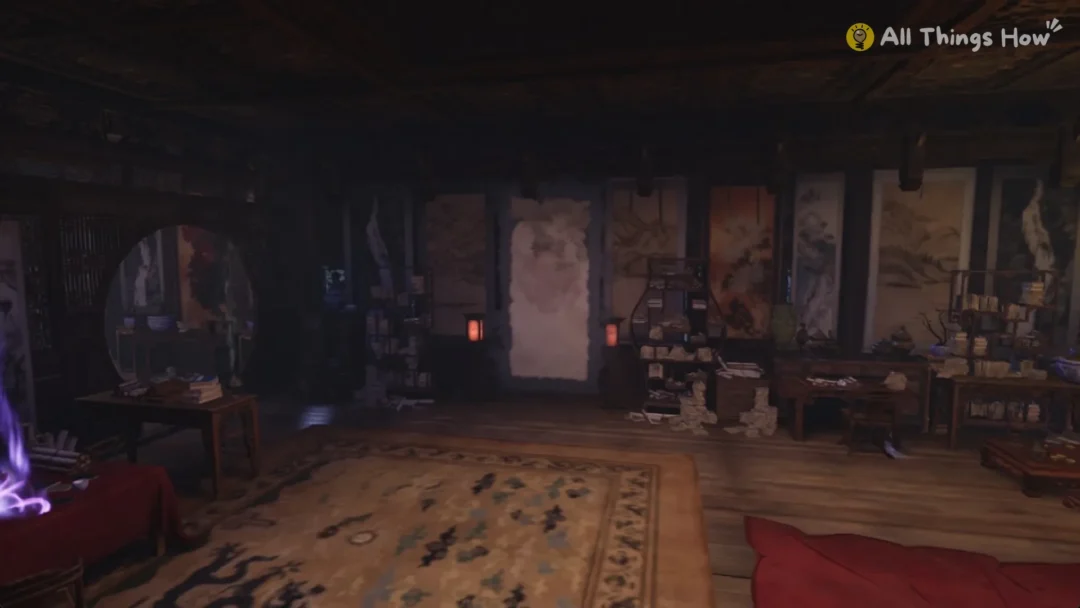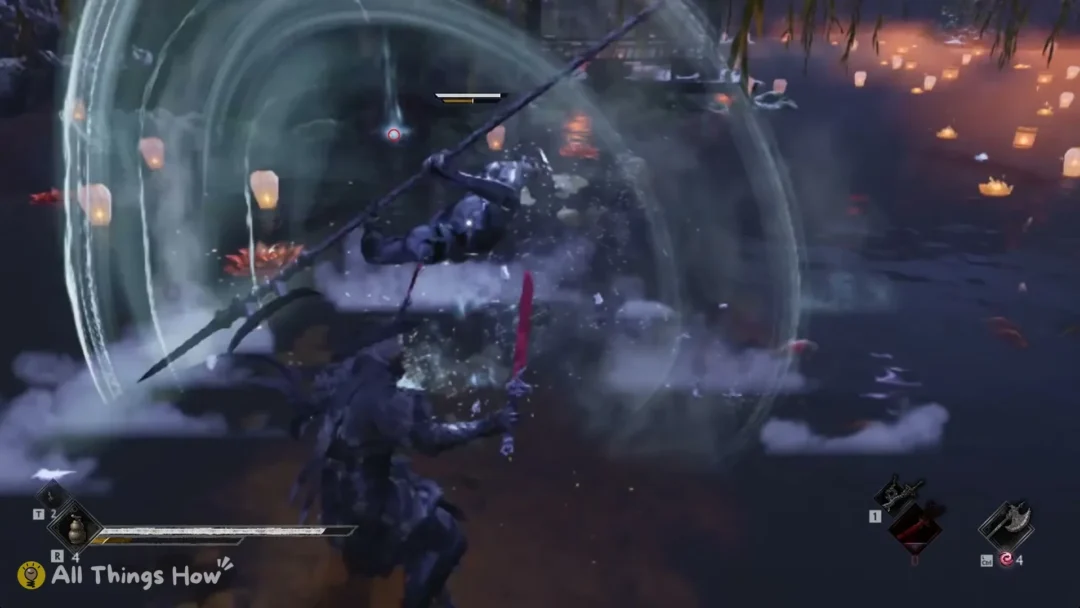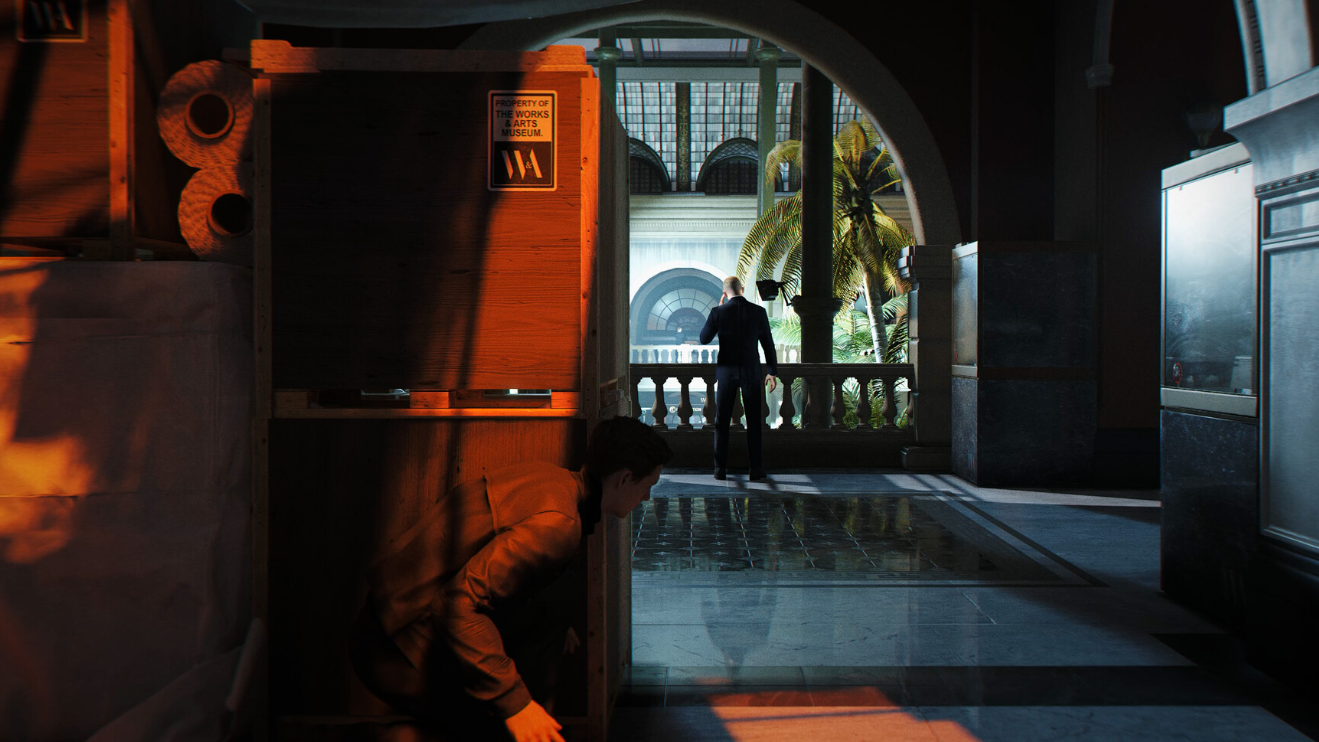
In 007 First Light, players hit a confusing wall the first time they enter Tactical Simulation. After finishing a TacSim run and choosing “Exit to MI6,” you end up walking around a small hub with no obvious way back to the Q-lab or the main campaign. The reason is simple. Once TacSim unlocks, it runs as its own mode, fully separate from Story Mode, so the in-world door you expect to find does not exist.
Why TacSim has no in-world exit to the story
Tactical Simulation is the replayable, scored side of 007 First Light. It holds challenge runs, leaderboards, and cosmetic unlocks, and it is built to stand apart from the main campaign. After the point where the game introduces it, the story and TacSim no longer share the same hub space.
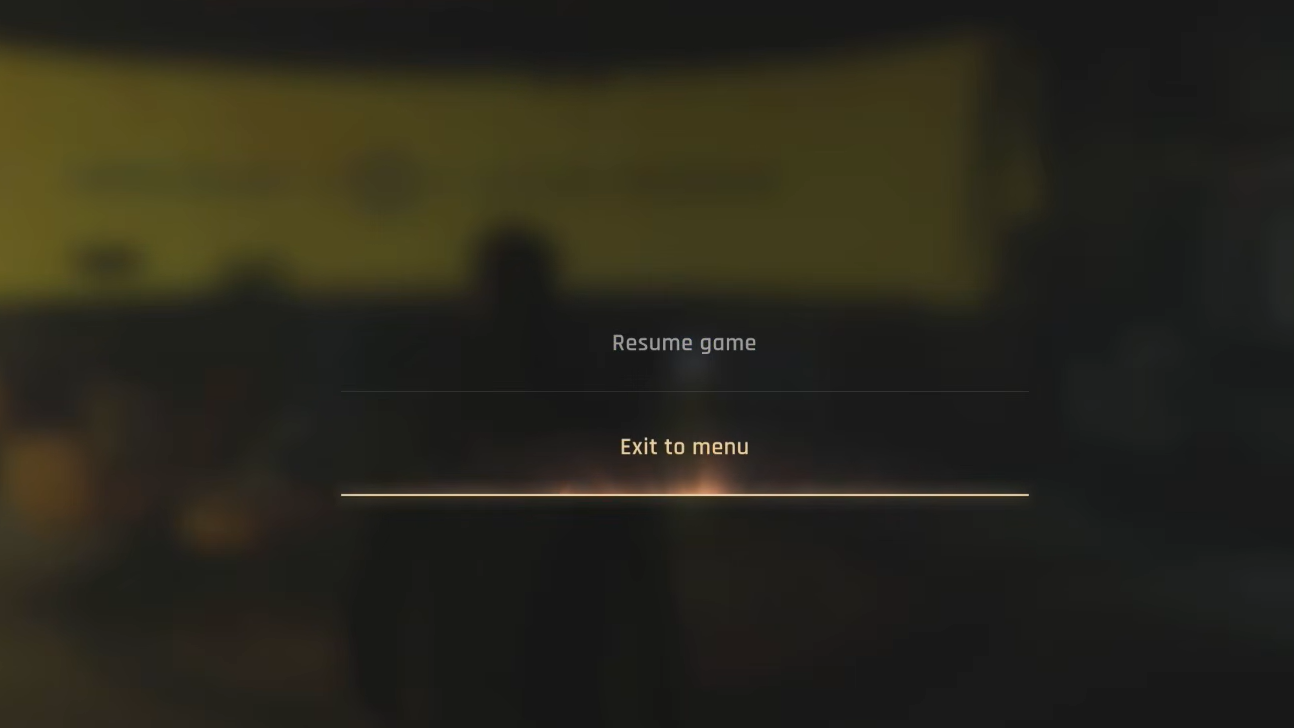
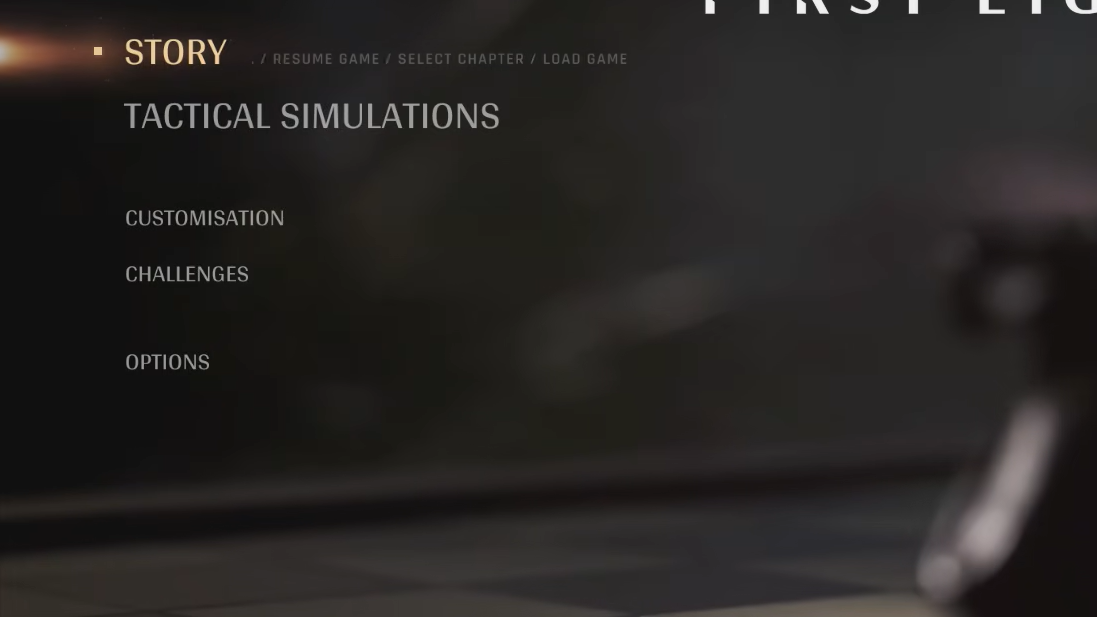
That split is why “Exit to MI6” only drops you into the compact TacSim hub instead of the campaign Q-lab. There is no NPC or interaction prompt that walks you from one mode into the other. The only bridge between them is the main menu.
How to leave TacSim and continue the story
How to confirm you are back in the story
You know the switch worked when you spawn in the campaign Q-lab, and Q is available for story dialogue. From there, the next mission or objective continues as normal. If you instead land in the small TacSim hub again, you re-entered the simulation by mistake, so return to the main menu and pick Story Mode rather than TacSim.
Reset shooting range scores and NPC dialogue
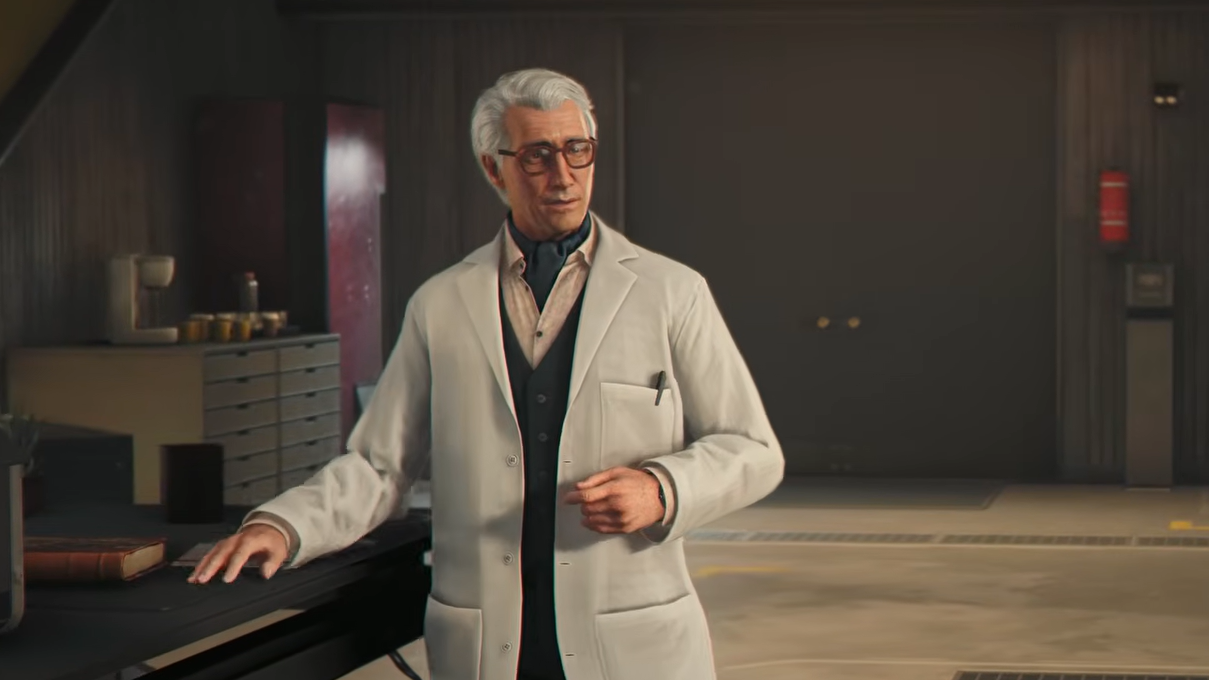
Switching out of TacSim through the main menu can make it look like progress vanished. Your shooting booth record may appear gone, and conversations with nearby characters may start over. This happens because the two modes keep separate states. TacSim scores live in TacSim, and campaign dialogue lives in the campaign, so jumping between them resets the surface details you saw a moment earlier.
This is expected behavior, not lost save data. Your campaign progress and your TacSim challenge progress are each tracked within their own mode, so moving between them does not erase the other.
The short version: is that TacSim is not a room you exit; it is a mode you leave. Once you stop searching the hub for a door and use the main menu to re-enter Story Mode, the Q-lab and the campaign are right where you left them.