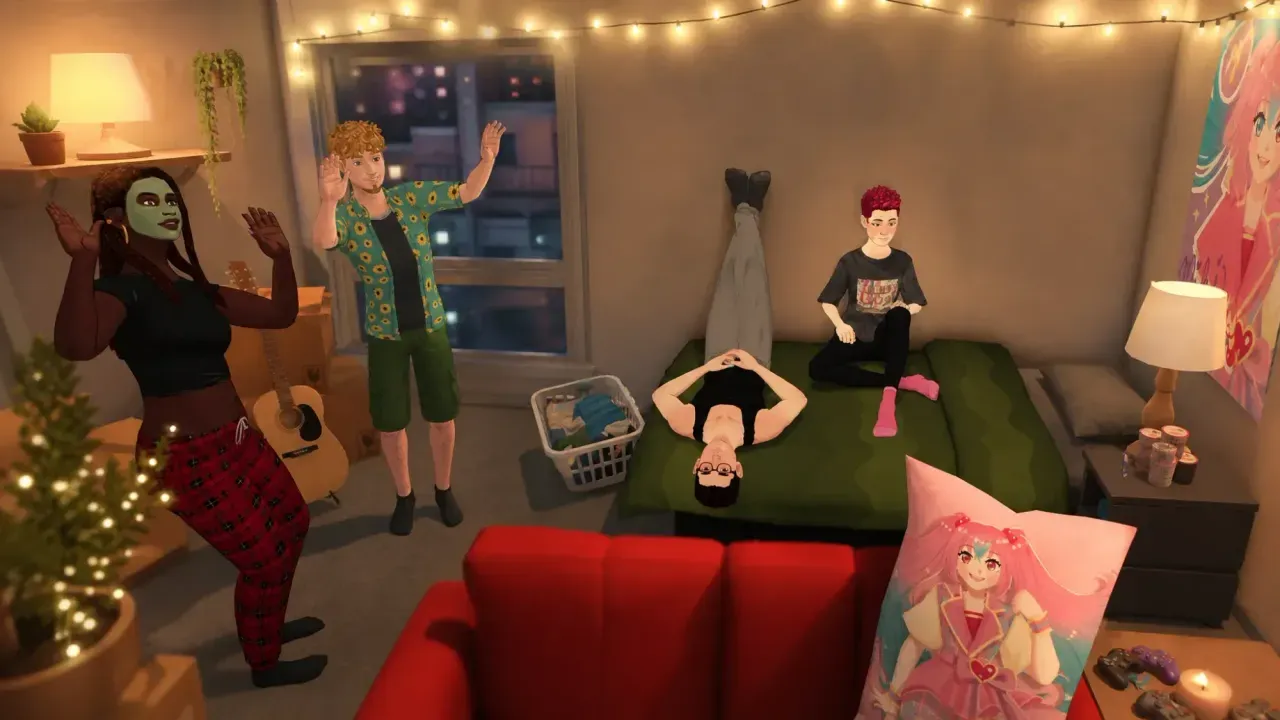
Every household that owns a lot in Paralives gets a bill, and it shows up like a piece of mail with a paper-style layout and a stamp tucked in the corner. The bill lands once every seven days and covers your lot taxes plus utility costs. Paying it is fast once you know where the button is.
What a Paralives bill actually charges you for
A bill in Paralives bundles several recurring costs into a single total. These are utilities and taxes, not furniture, food, or clothing, which you buy separately as one-off purchases. Because households share funds in Paralives, the bill is charged to the whole household rather than to one individual Para.
The itemized breakdown shows each line so you can see what is driving the cost.
| Line item | How it’s calculated | Notes |
|---|---|---|
| Municipal / lot taxes | A small percentage of your household funds | Appears on every bill |
| Electricity | Charged per kWh based on the appliances on your lot | Counts placed items, regardless of how much you use them |
| Water | Charged per liter based on the fixtures on your lot | Also based on what’s placed, not usage |
| Family benefit | A set amount per child | A credit, not a charge; only shows up if a minor lives in the household |
The family benefit works in your favor. If your household includes children, you receive a small payment per child each cycle, which offsets some of the costs that come with raising kids.
Paying the bill
What happens if you don’t pay
Skipping a bill has consequences. If you leave an electricity bill unpaid, the city cuts off your power until you settle the balance. Service outages are tied directly to non-payment, so an unpaid utility bill leaves your Paras without that service rather than just sitting harmlessly in the mailbox.
Making sure you can afford the bill
Since bills are weekly and automatic, the practical challenge is keeping enough Paradimes on hand. A steady job is the most reliable income, and a Para can hold more than one as long as the schedules don’t clash. You apply through job postings on a commercial building or your Para’s phone, and each posting lists the Application points you need to qualify.
If you’d rather earn at home, a painting easel pays off as your Painting skill climbs. Early small or abstract works sell for under 50 Paradimes, but larger, higher-skill pieces sell for several hundred each. Selling foraged gems, completing townie requests, and donating to the museum are other ways to keep the household funds above the weekly bill.
Clearing bills instantly with the console
If you’d rather not deal with bills at all, Paralives includes a cheat console. Press Ctrl + F1 to open it on the right side of the screen. If nothing opens, try Ctrl + Fn + F1 instead.
Type clearbills to remove the pending bill amount entirely. To stock up on Paradimes so you can always cover the total, a few money commands do the job.
| Command | Effect |
|---|---|
| clearbills | Removes the pending bill amount |
| setmoney #### | Sets your household balance to the number you enter |
| printmoney #### | Adds the amount you enter to the household |
| piggybank | Adds 1,000 Paradimes |
| makeitrain | Adds 10,000 Paradimes |
| jackpot | Adds 50,000 Paradimes |
| payday | Pays out your selected Para’s job salary |
You’ll know the bill is handled when the red total disappears and the pay prompt no longer shows on the mail. Paralives is in Early Access on PC and Mac, and the billing system is still being adjusted, so the exact costs and frequency can shift as the developers tune the in-game economy. Keep a buffer of Paradimes ready each week and a missed payment will never catch your household in the dark.