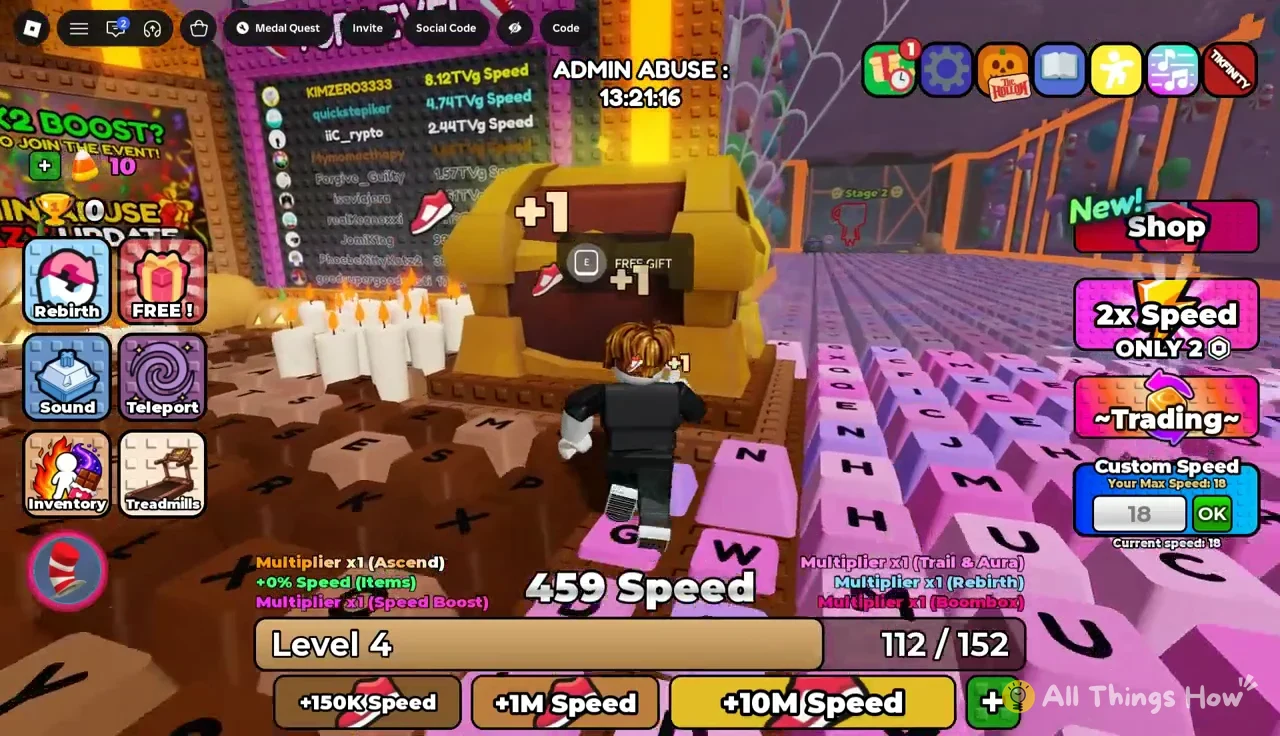
+1 Speed Keyboard Escape hands you two different speed numbers. One is a stat that climbs into the thousands. The other is a small Custom Speed value that sets how fast your avatar actually moves. Your level ties them together. Each level-up raises the Custom Speed ceiling, and one early level changes how much every shoe pickup is worth.
Quick answer: Each level raises “Your Max Speed” by 2, from 14 at Level 2 to 26 at Level 8. Reaching Level 8 also turns every shoe pickup from +1 into +2 Speed.
Custom Speed cap and level bar for Levels 2 to 8
The level bar sits under your Speed total and reads as a fraction, such as 15 / 115. Fill it and you get a “LEVEL UP!” banner. The bar then resets with a bigger target, and the Custom Speed limit goes up.
| Level | Your Max Speed | Level bar target | Speed per shoe |
|---|---|---|---|
| Level 2 | 14 | 115 | +1 |
| Level 3 | 16 | — | +1 |
| Level 4 | 18 | 152 | +1 |
| Level 5 | 20 | 175 | +1 |
| Level 6 | 22 | 201 | +1 |
| Level 7 | 24 | 231 | +1 |
| Level 8 | 26 | 266 | +2 |
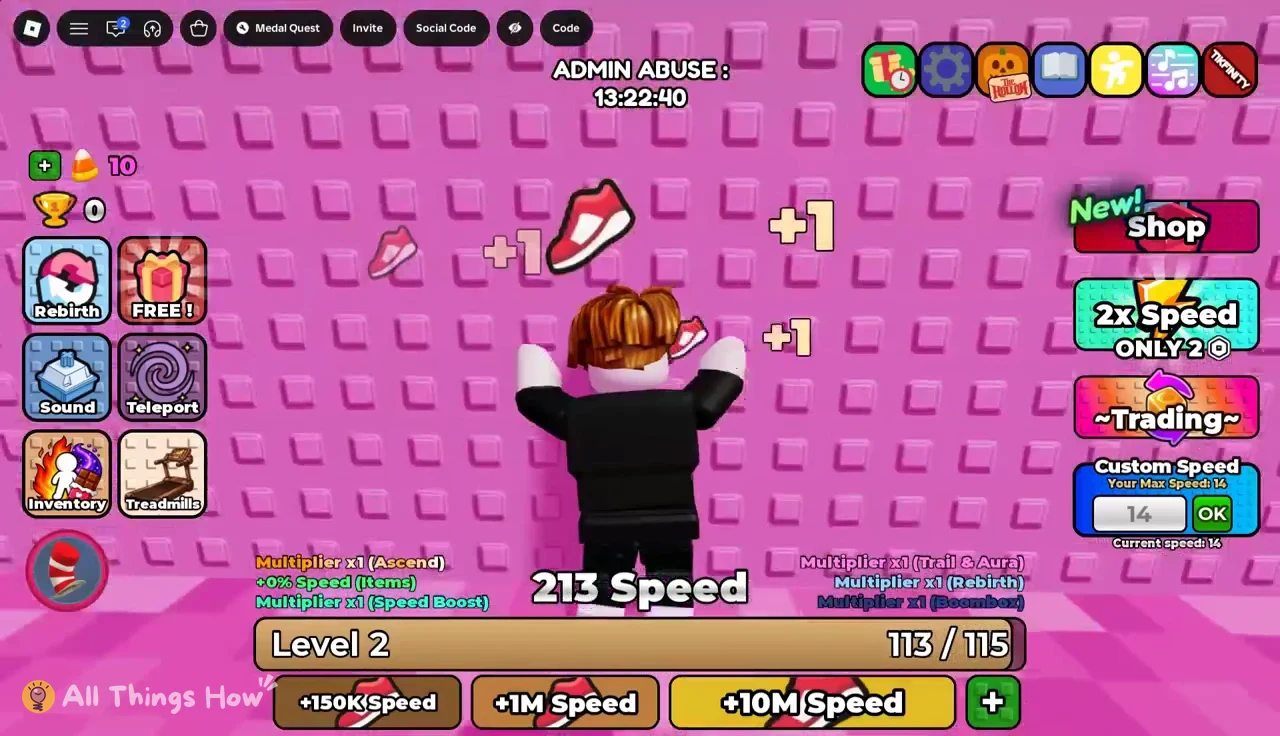
Your Speed total and your movement speed are not the same number. A fresh Level 2 account can show 115 Speed on the counter while the Custom Speed field still reads 14. The large number keeps growing as you collect pickups. The small one only moves when you level up.
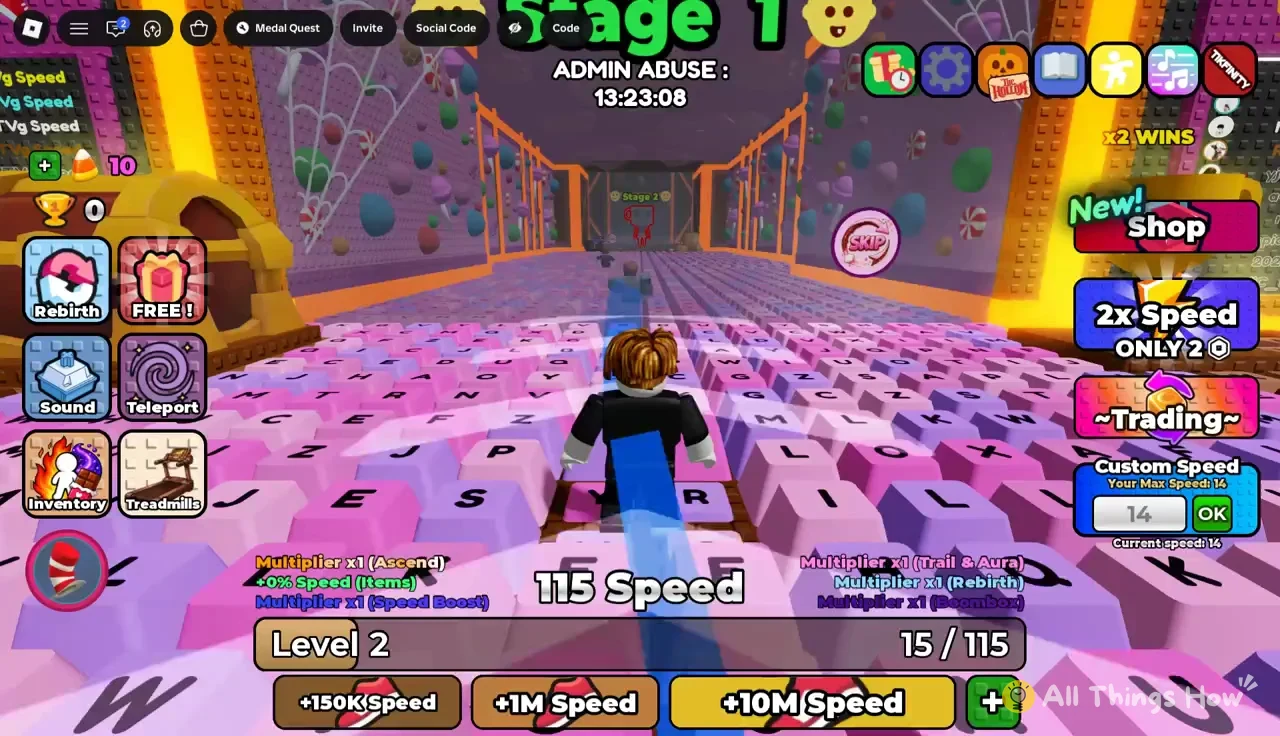
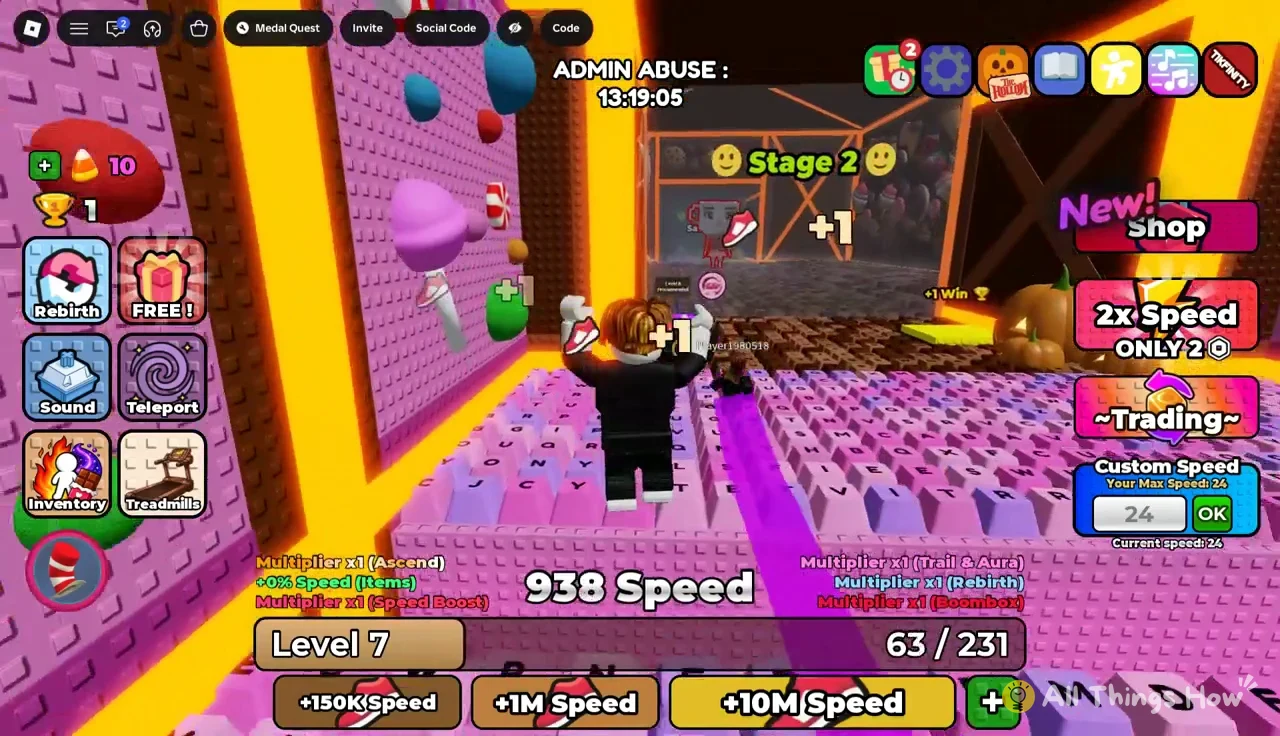
Every shoe you run through shows a floating “+1” and pushes the level bar forward by one. At Level 2 that means 115 pickups stand between you and Level 3. The keyboard track is lined with enough shoes that a couple of clean runs gets you most of the way.
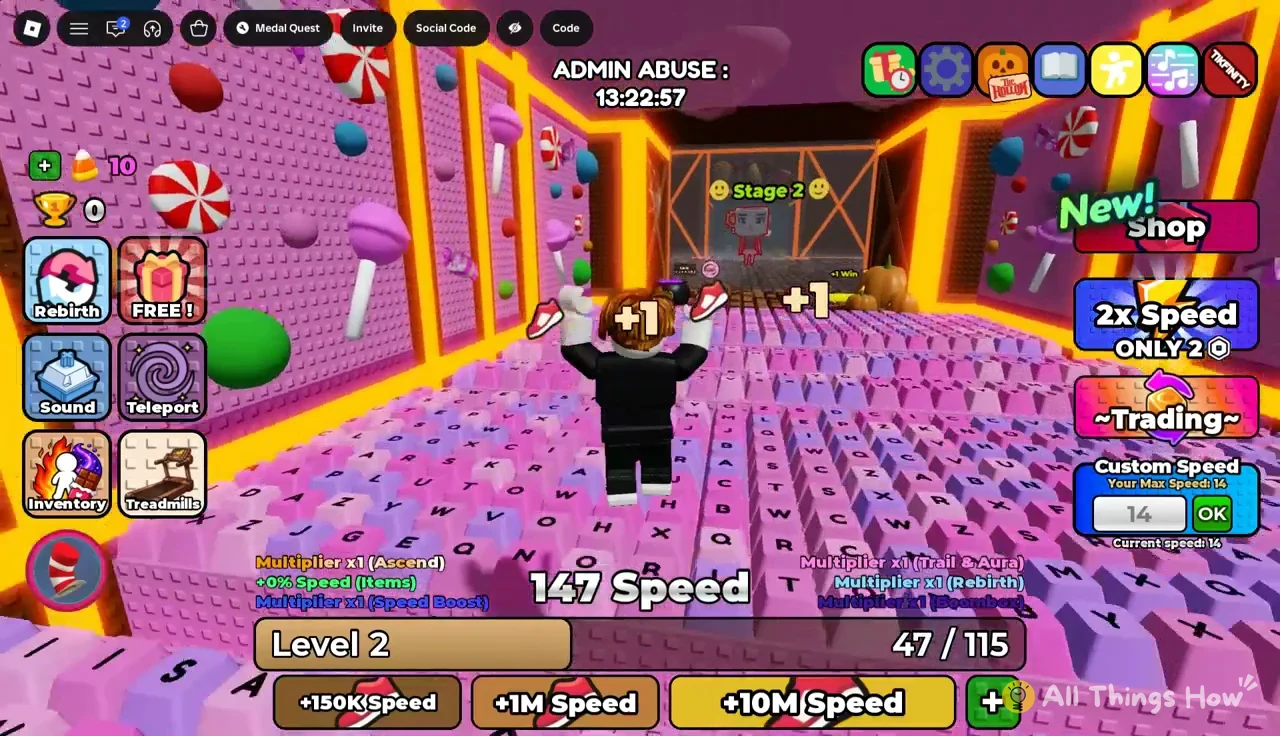
How to set Custom Speed after a level-up
A new level raises the limit, but the panel lets you choose any value up to that limit. Here’s how to apply it.
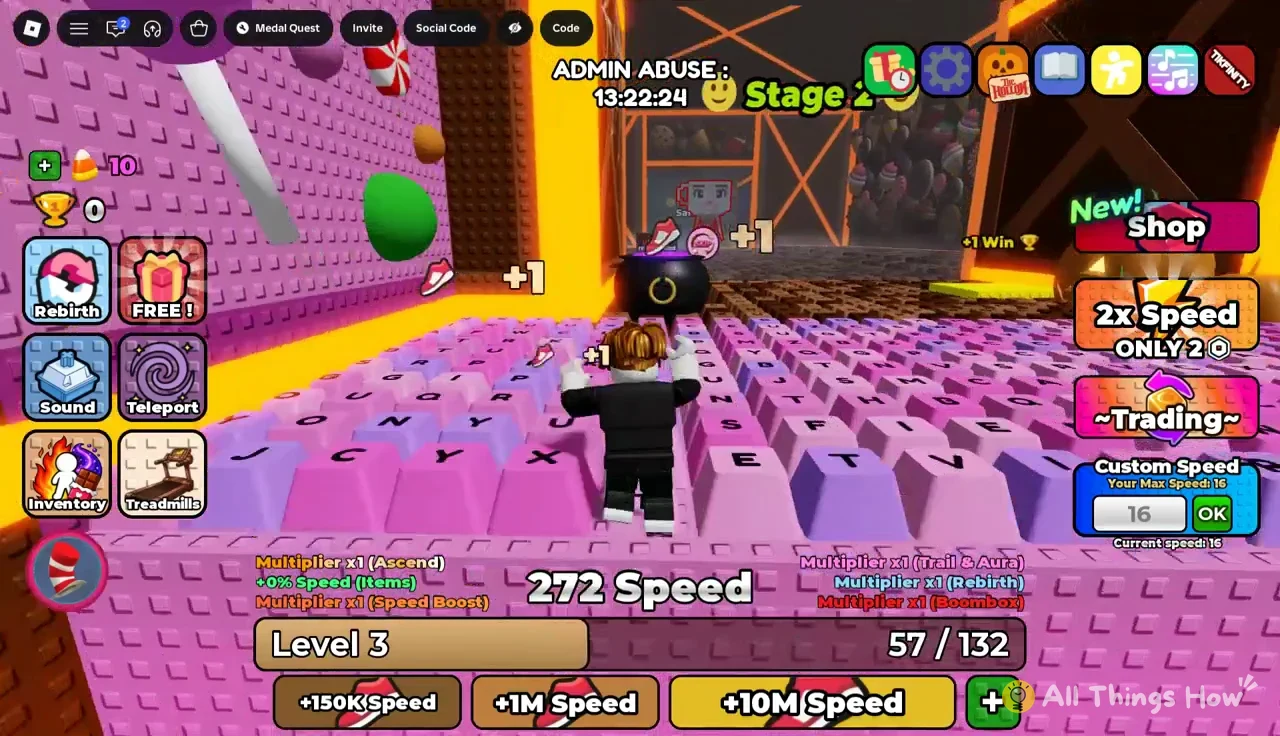
More speed is not always better. A faster avatar clears gaps more easily, but holding a direction too long can carry you off the keys. Any fall ragdolls you back to the lobby spawn, so dial the value down when a section needs precise jumps.
What the Custom Speed field reads at each level
The two-point steps are easy to see when you watch the field over a session. Level 4 arrives with a full-screen “LEVEL UP! Level 4” banner. After that, the field moves to 18.
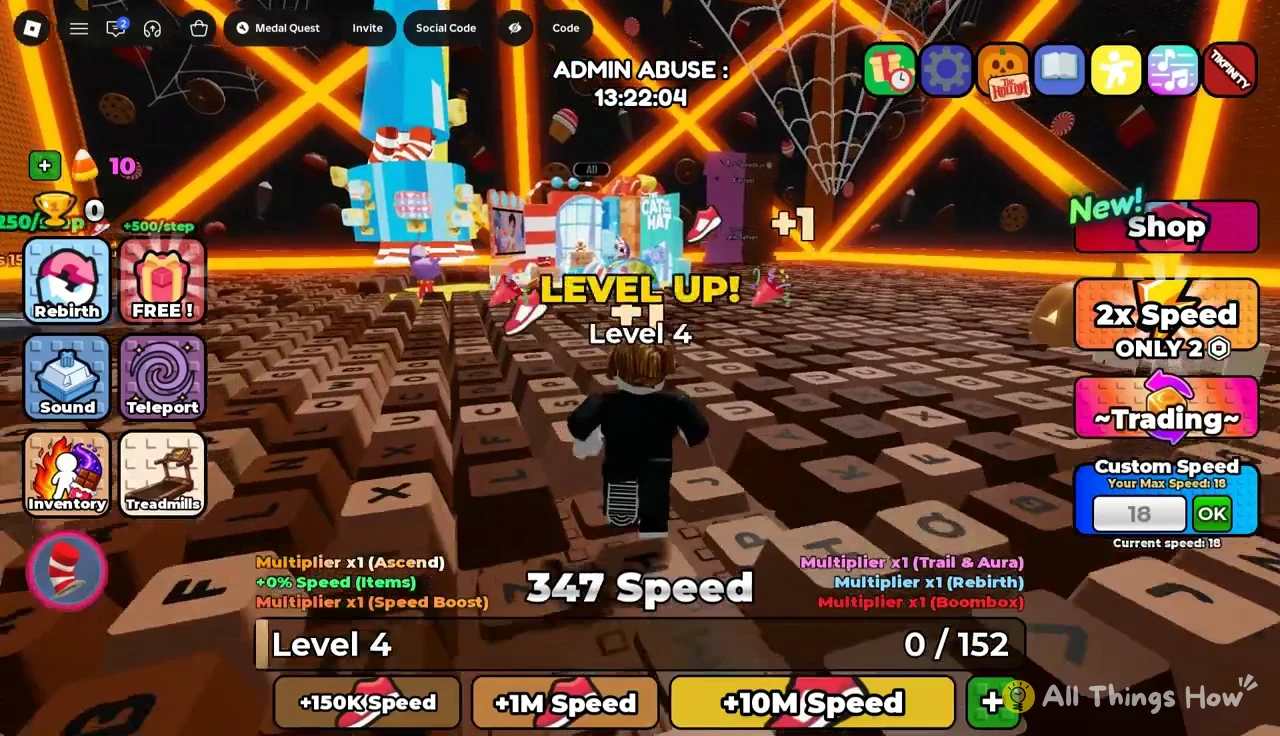
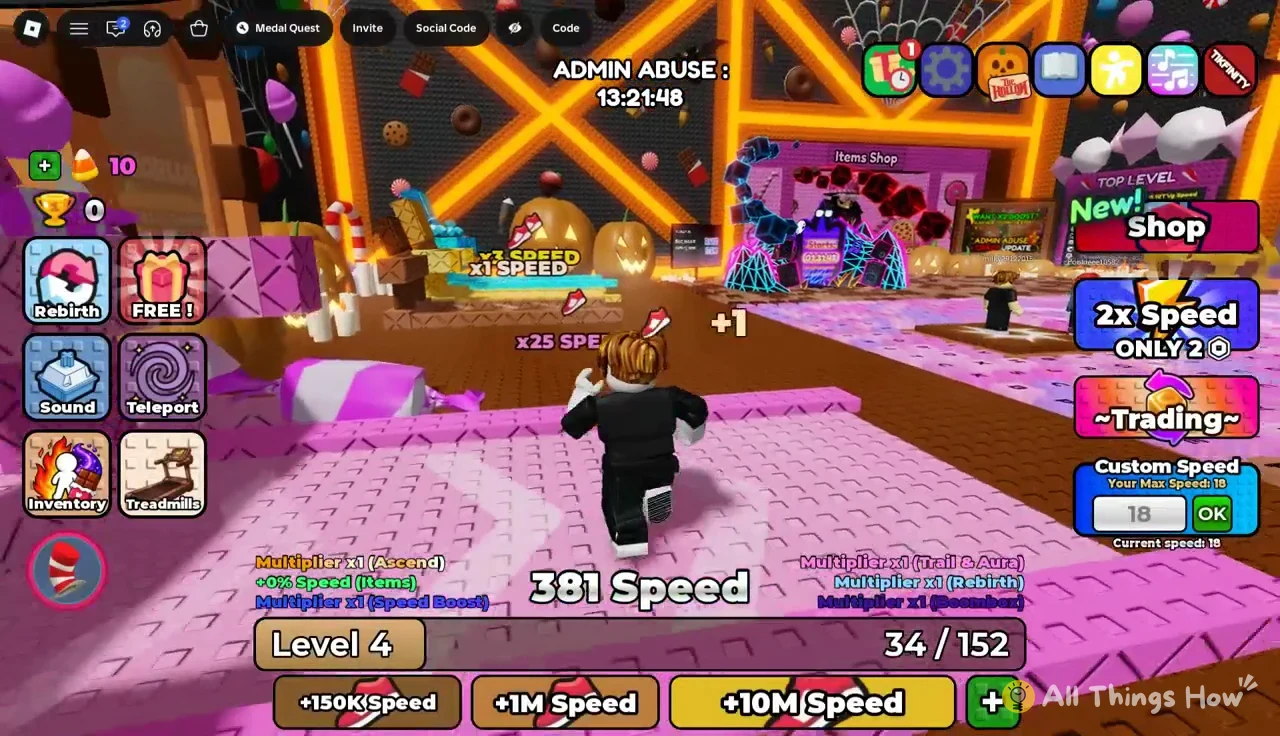
Level 4’s bar asks for 152. Level 5 asks for 175. The targets grow a little each time, but the extra 2 Custom Speed per level stays fixed.
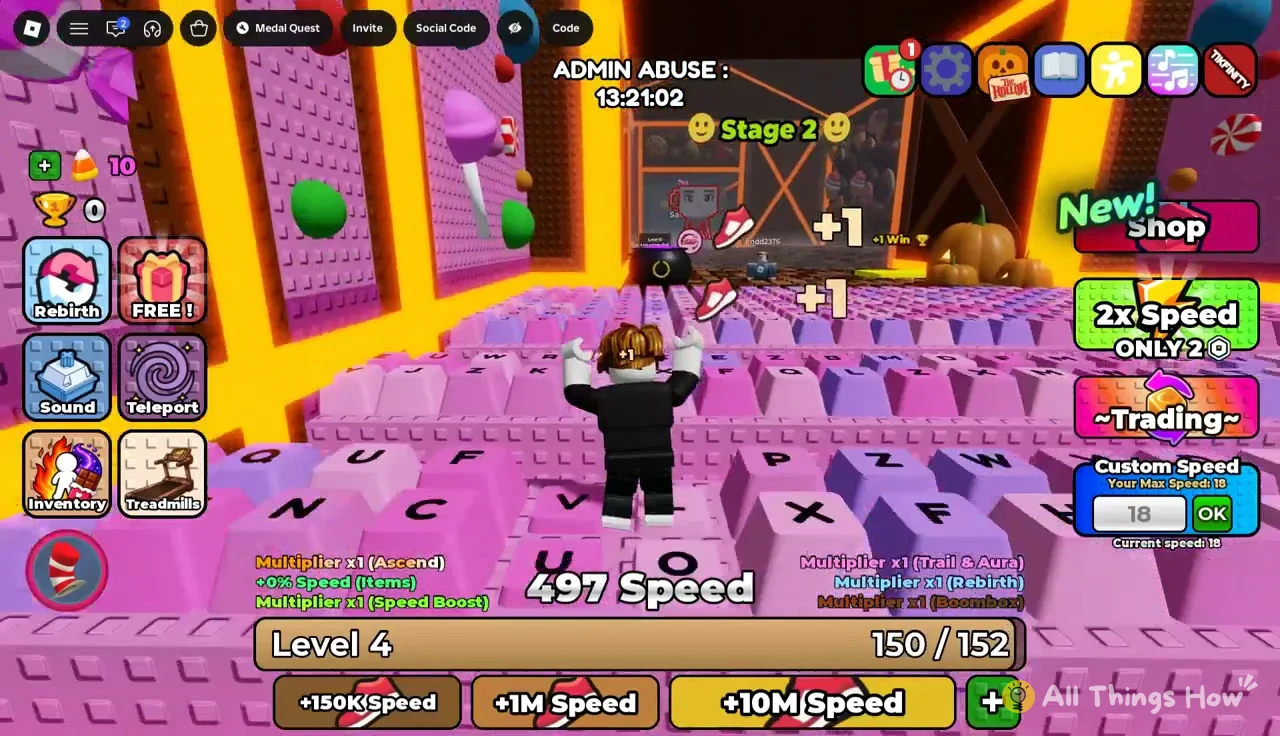
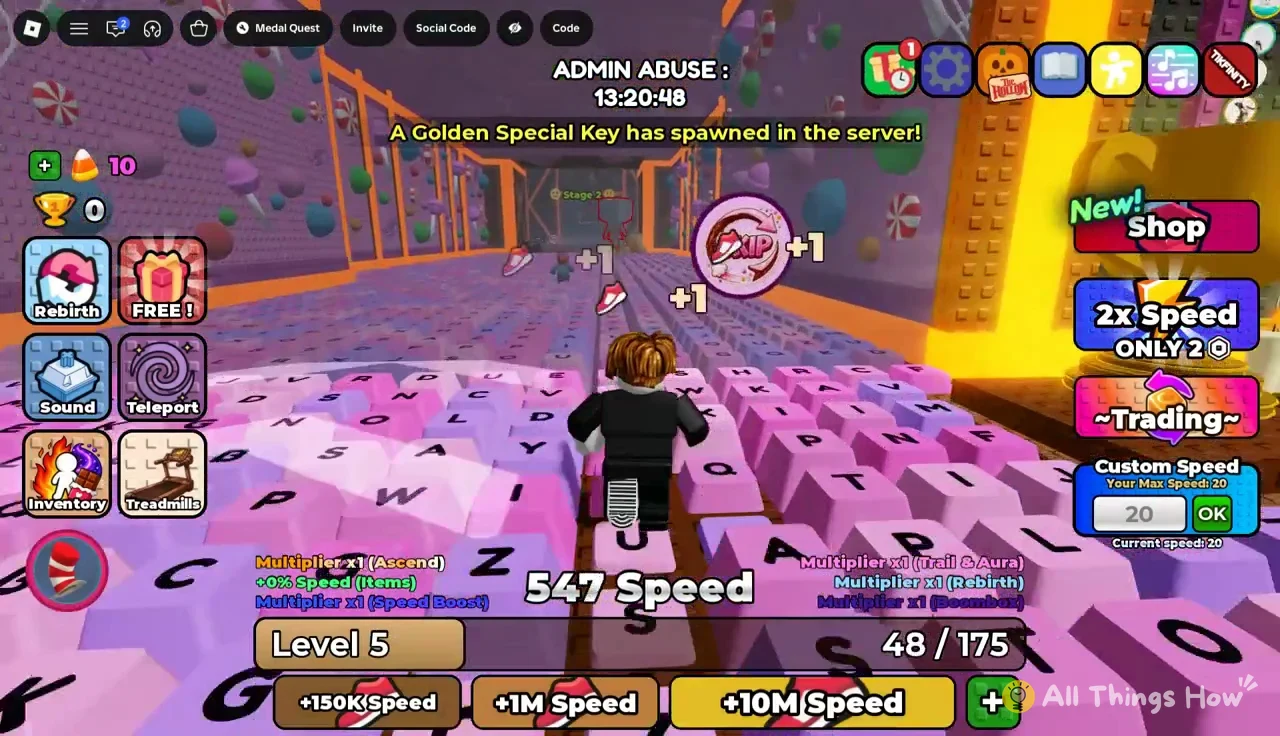
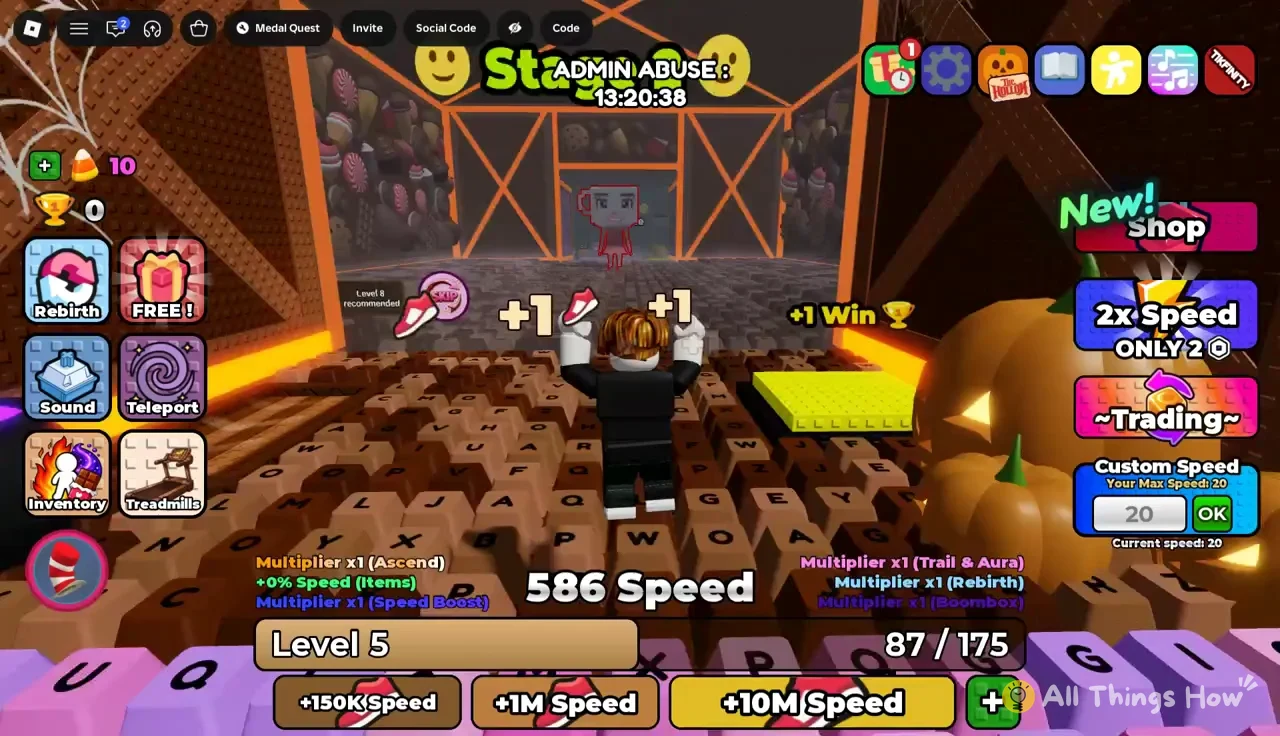
One pickup short of Level 6, the bar reads 174/175. The next shoe takes the limit to 22.
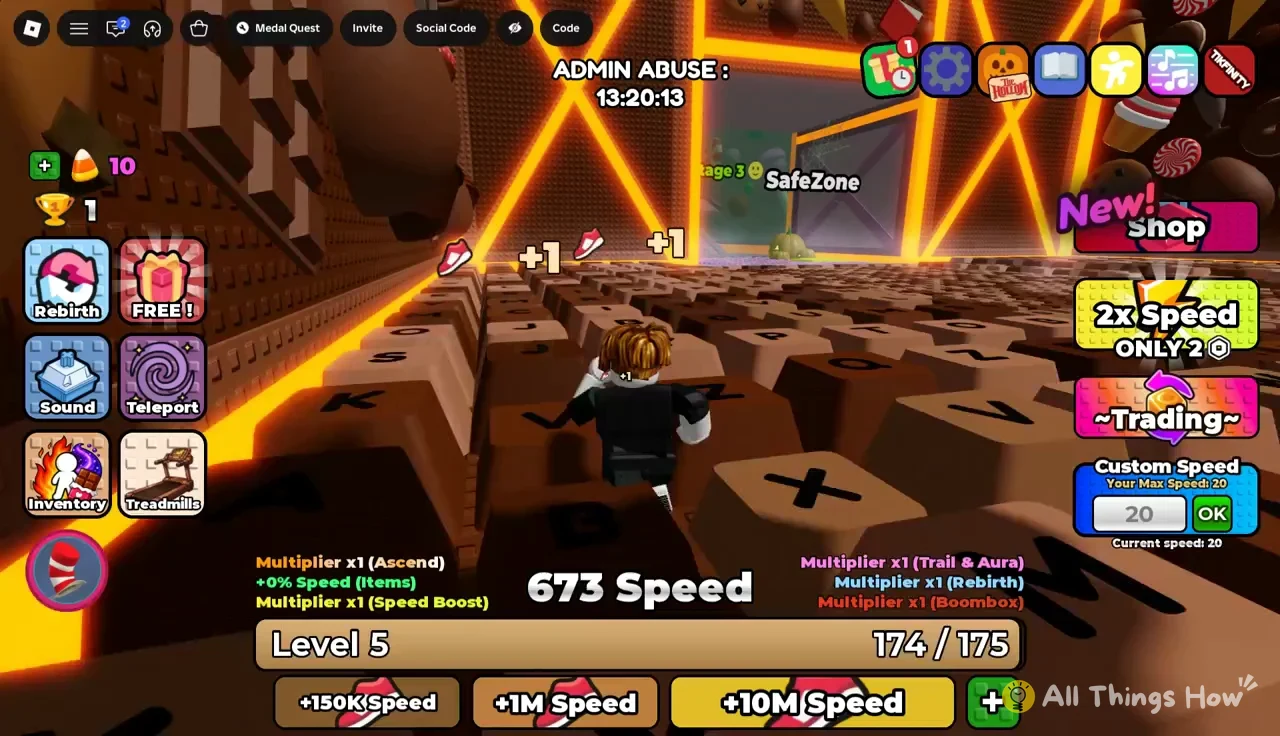
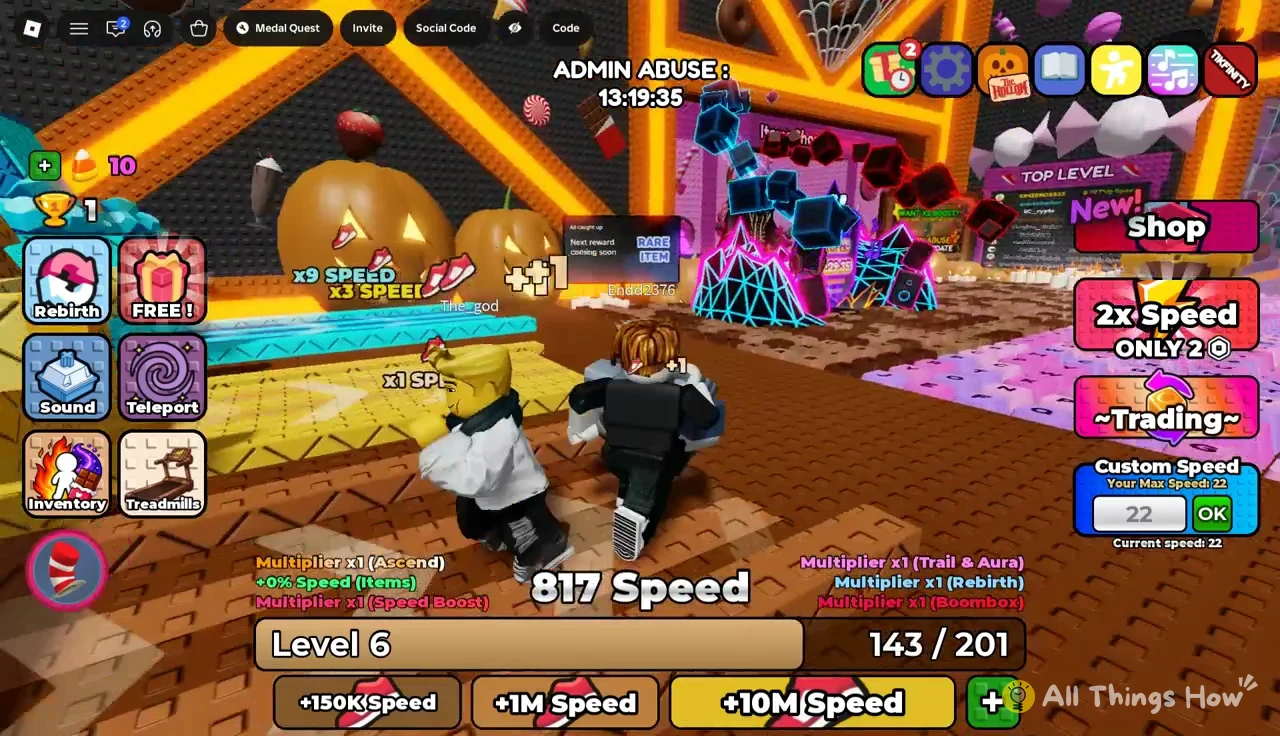
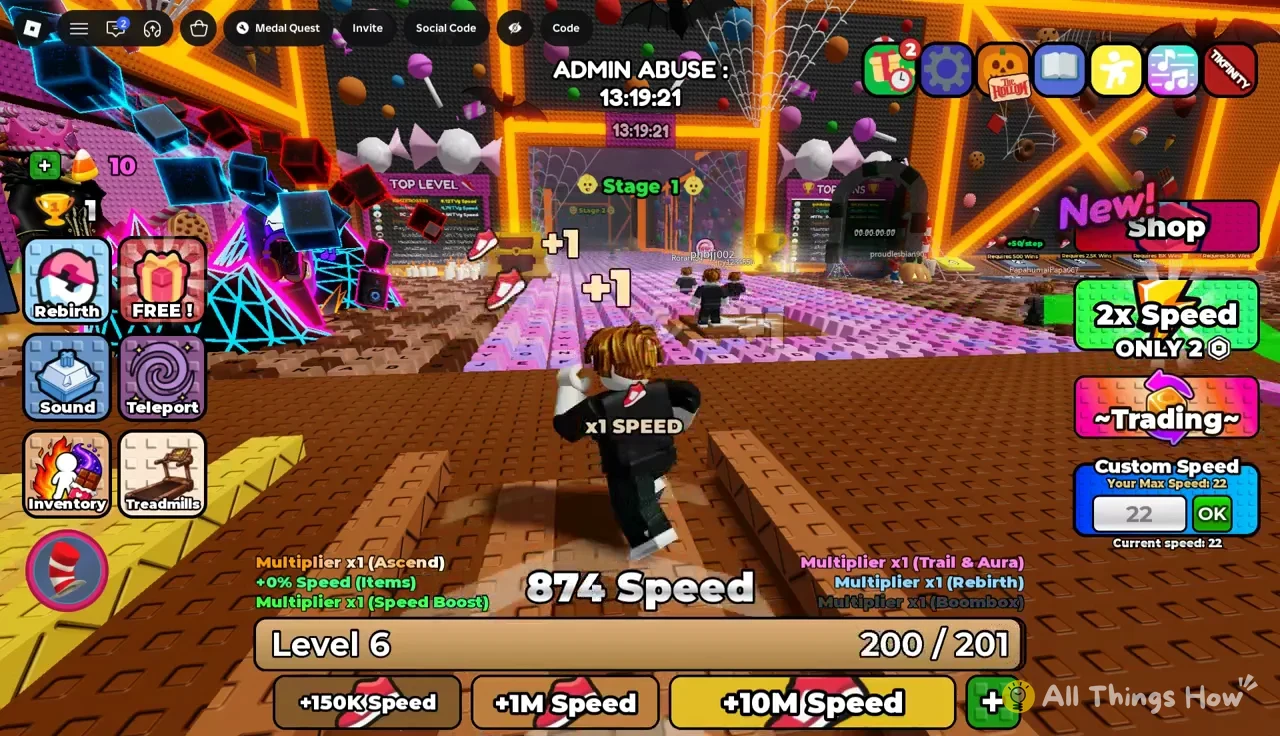
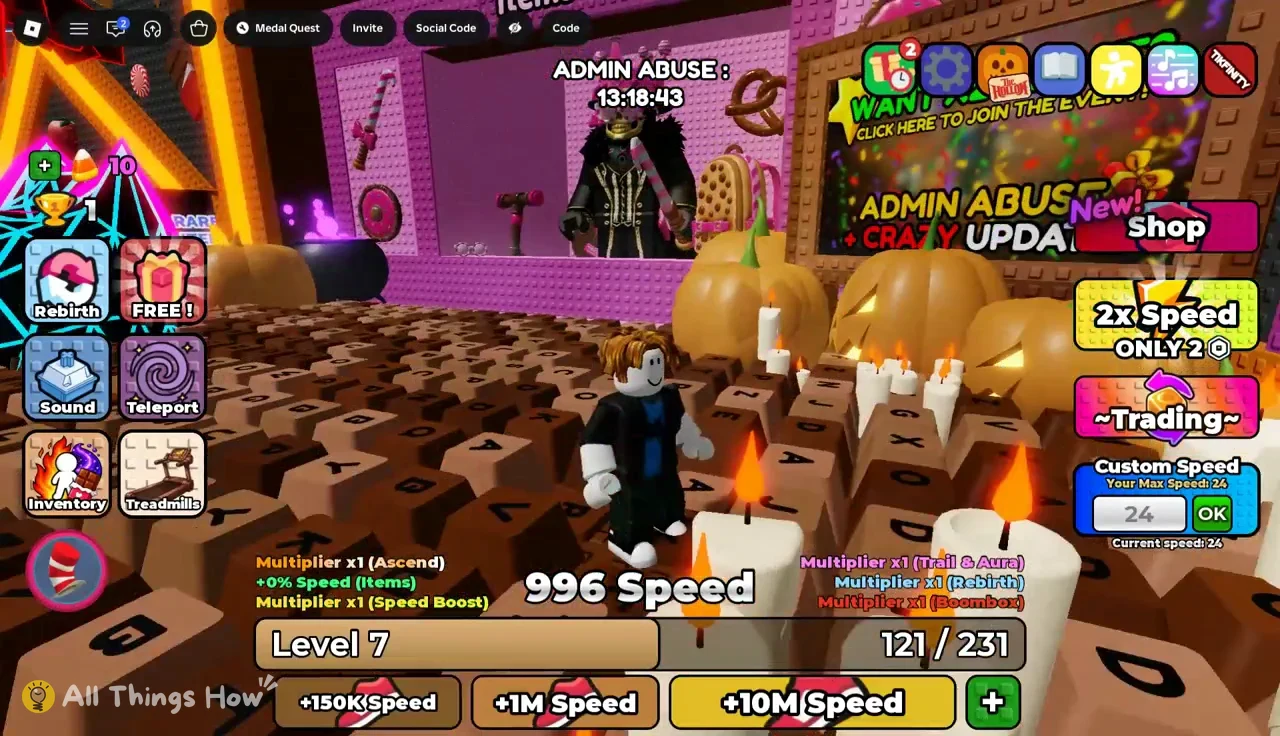
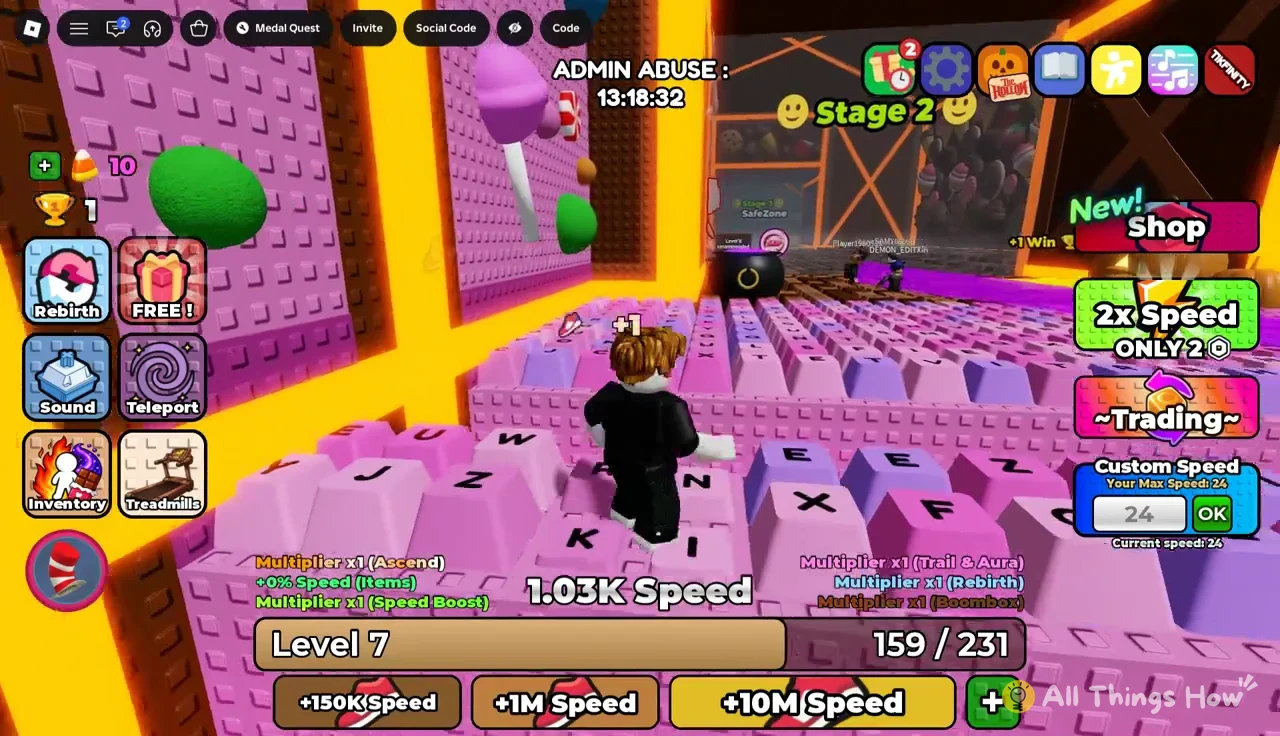
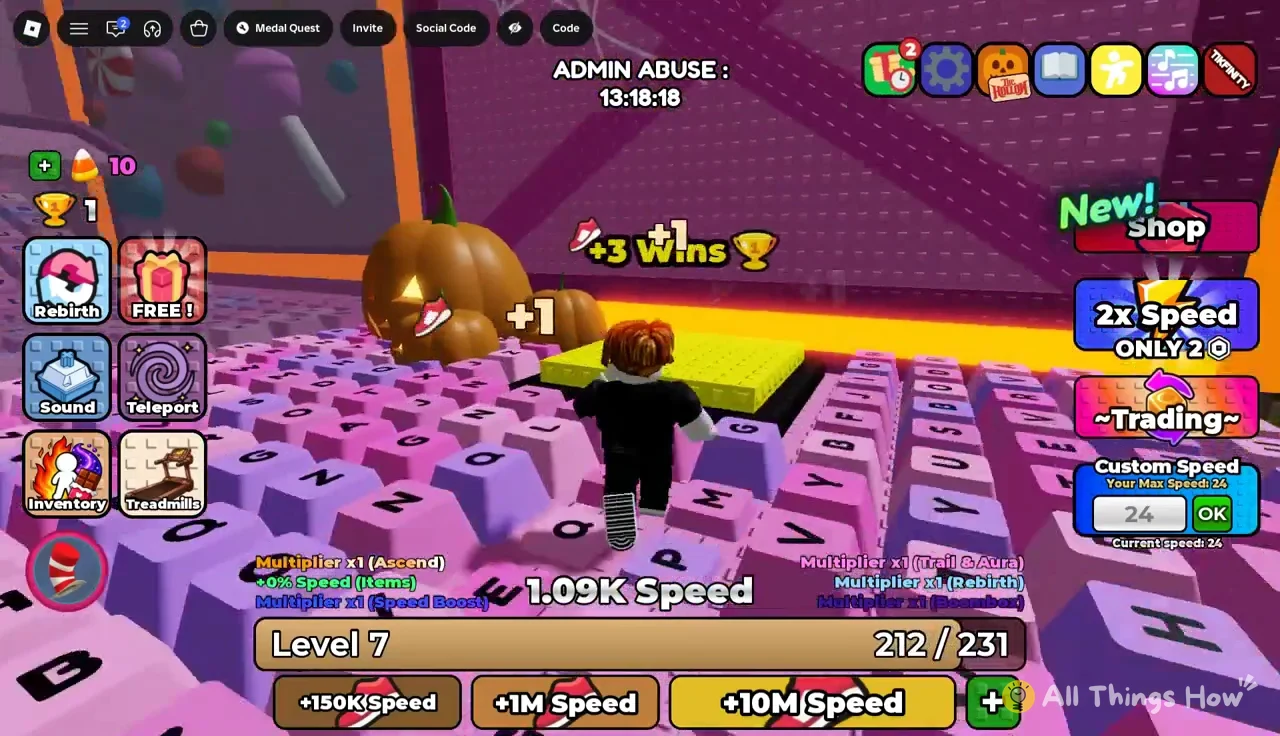
Level 7 brings the limit to 24. Around that point, the Speed counter passes 1,000, shown in the HUD as 1.00K Speed.
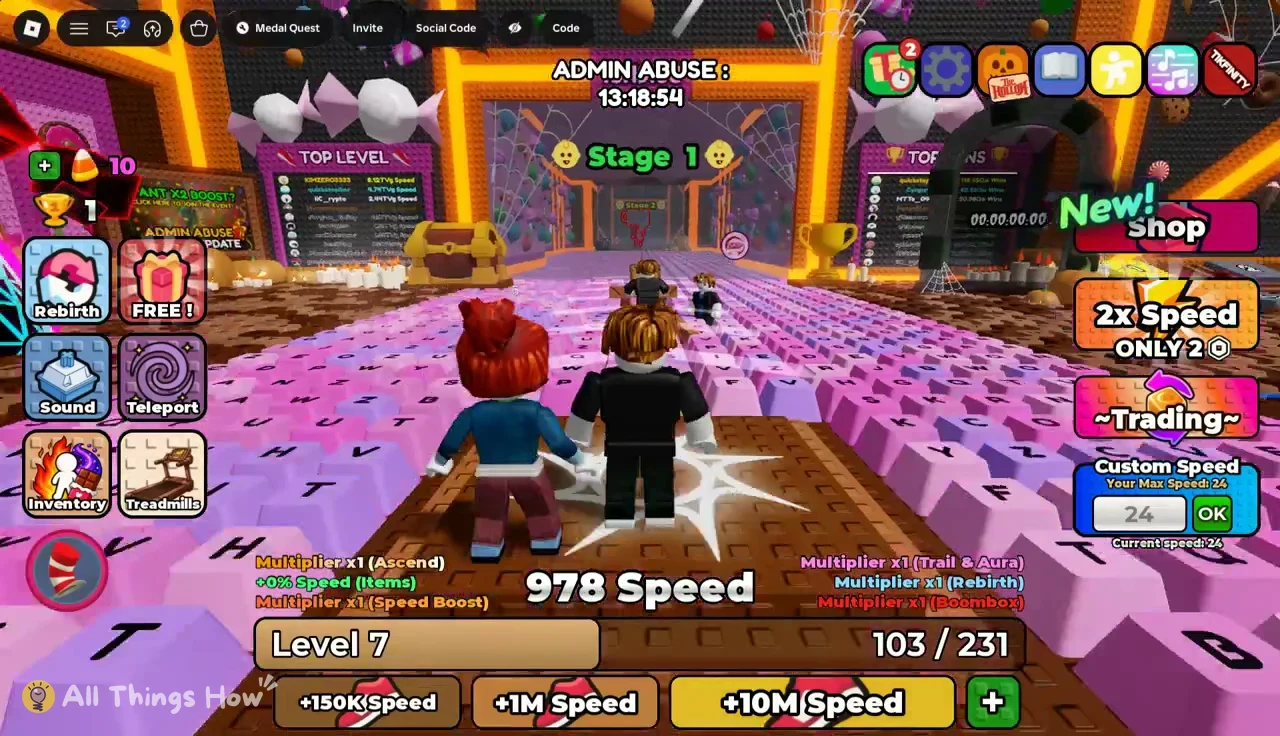
Level 8: +2 Speed per shoe and a 26 cap
Levels 2 through 7 pay the same +1 Speed per shoe. At Level 8 the floating text switches to “+2,” so every run down the keys is worth twice as much. The Custom Speed limit also reaches 26, and the next level bar is set to 266.
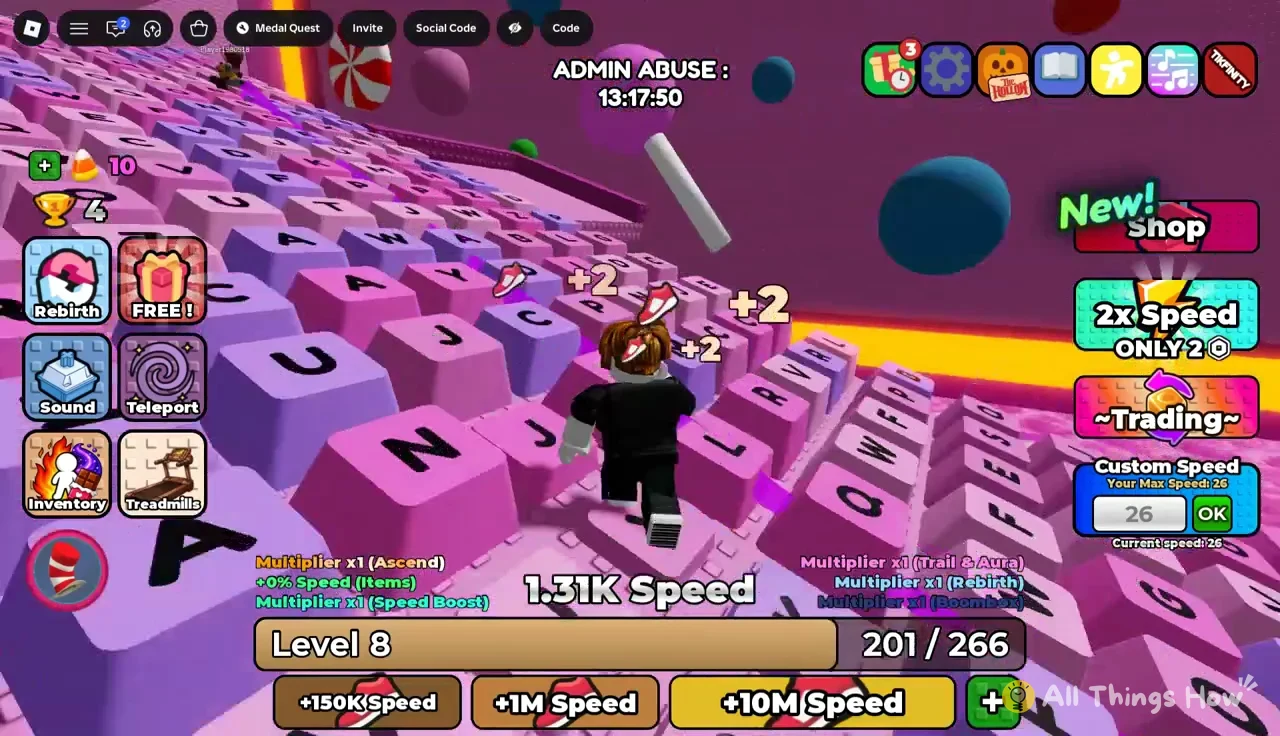
Level 8 also matches the first stage gate. The sign for the next section reads “Level 8 recommended,” and a later one asks for Level 10. Stages pay out Wins on the yellow pad at the end. Stage 1 gives +1 Win, and Stage 2 gives +3 Wins. The worlds menu lists World 2 as requiring Level 120.
Ways to fill the level bar faster
Shoe pickups are the core loop, but you have other sources of Speed. Each one multiplies or adds to what you gain.
| Source | Rate or reward | Cost |
|---|---|---|
| Free lobby treadmills | x1, x3, x9 Speed | Free |
| Gold Treadmill | Passive Speed | 35 R$ |
| Candy Treadmill | Passive Speed | 299 R$ |
| ADMIN Treadmill | Passive Speed | 479 R$ |
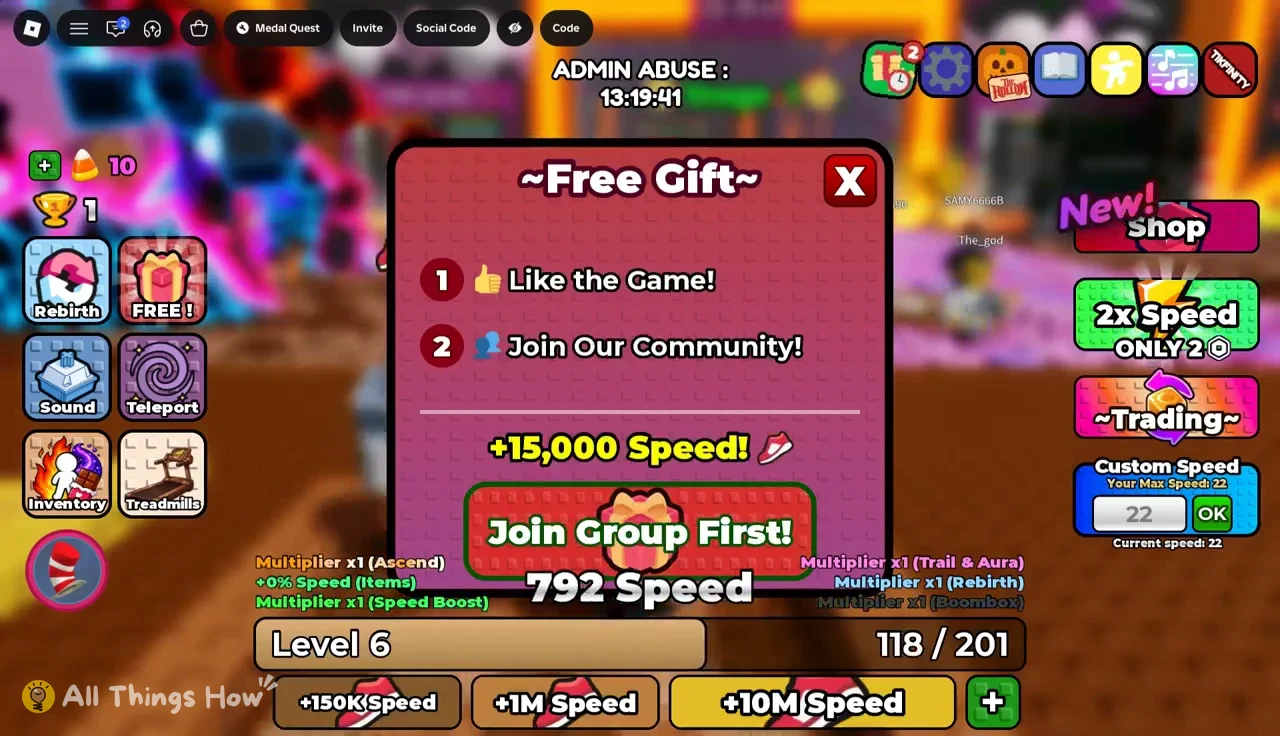
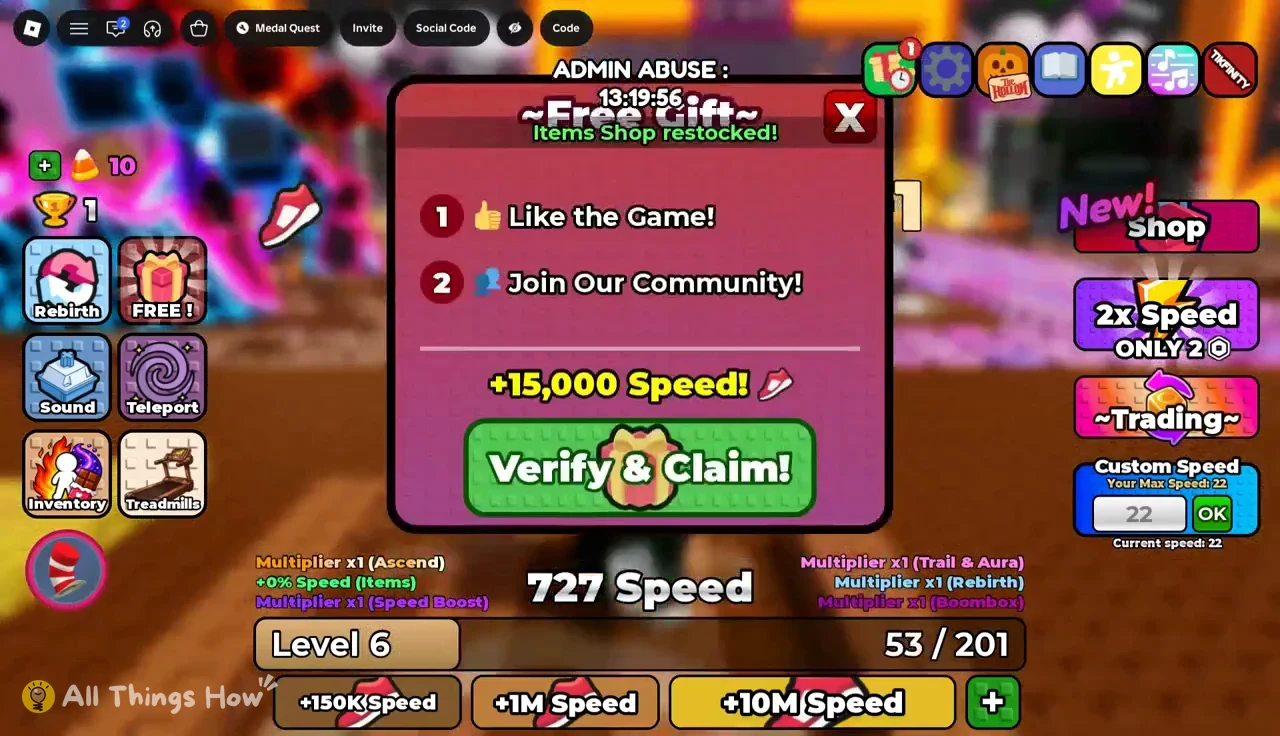
| Free Gift chest | +15,000 Speed | Like game, join group |
| Code BYP4SS1 | 15,000 Speed | Free |
The treadmills are conveyor strips in the lobby that build Speed while you walk on them. Stepping onto a paid treadmill opens a purchase prompt. If your balance is short, Roblox’s “Buy Robux and item” dialog appears and offers a Robux bundle first.
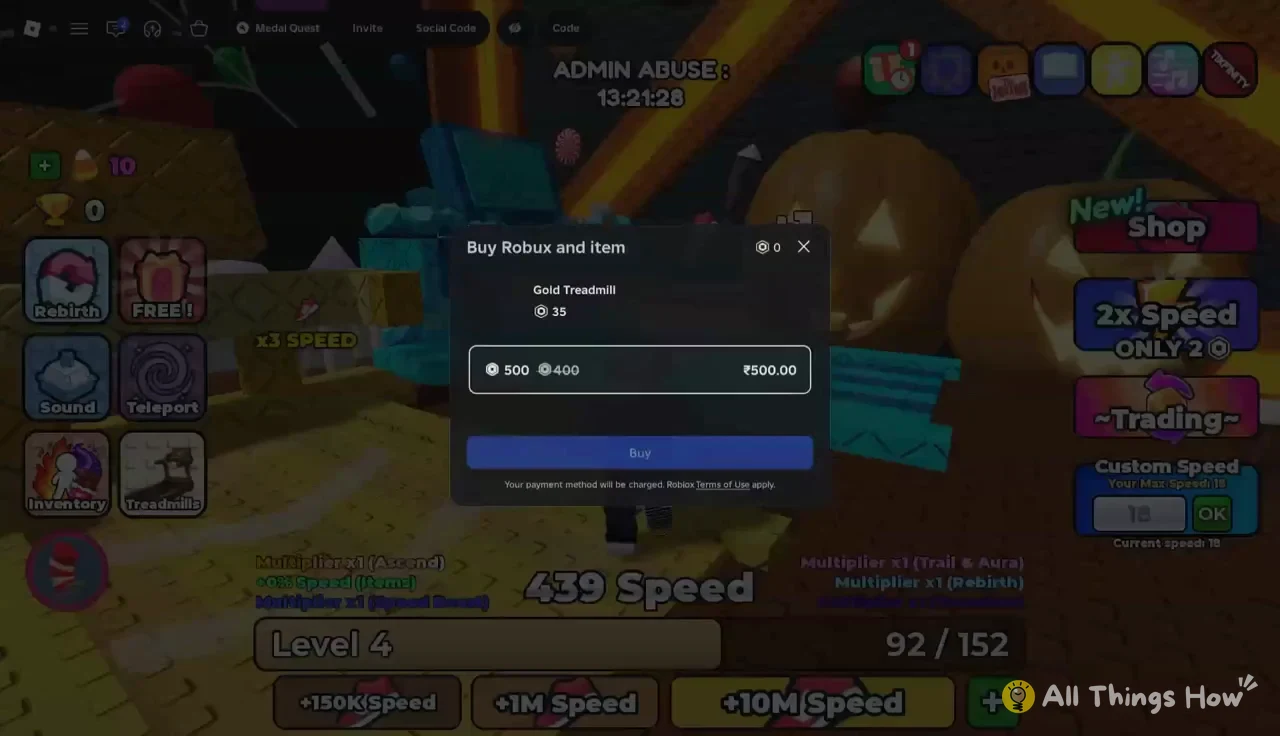
The HUD also lists multipliers for Ascend, Rebirth, Speed Boost, Trail & Aura and Boombox, plus a percentage from Items. All of them start at x1 or +0% on a new account. Codes go in through the Code button on the side menu.
Claiming the Free Gift +15,000 Speed