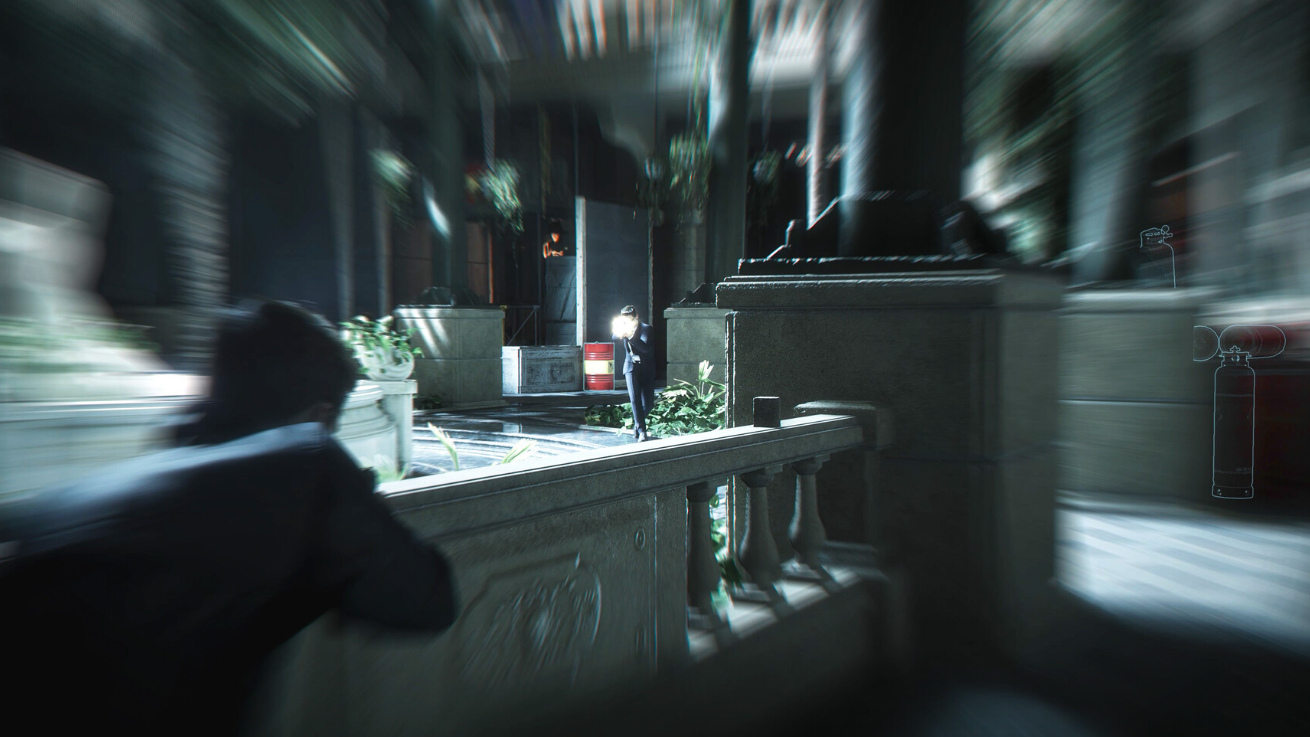
Firearms in 007 First Light are gated behind a context system called Rules of Engagement. Bond won’t draw a pistol in a crowded lobby or a lightly patrolled corridor, no matter how many guards are nearby. The game only hands you control of your gun when the situation officially escalates to Licence to Kill.
The Rules of Engagement system
Every area in 007 First Light runs on a state machine that tells Bond what he is and isn’t allowed to do. The banner at the top of the screen tells you which state is currently active, and that label determines whether your firearm is even accessible.
| State | What it means |
|---|---|
| Restricted Area | You’re somewhere you shouldn’t be. Stealth only. |
| Trespassing | Guards have noticed you but aren’t lethal yet. |
| Reinforcements Incoming | Backup is on the way. Threat is rising. |
| Licence to Kill | Lethal force authorized. Guns become usable. |
| Situation Contained | Threat resolved. Guns holster again. |
Bond is a spy first, so the default expectation is silence and misdirection. The pistol stays out of reach until the fiction of the scene supports pulling it.
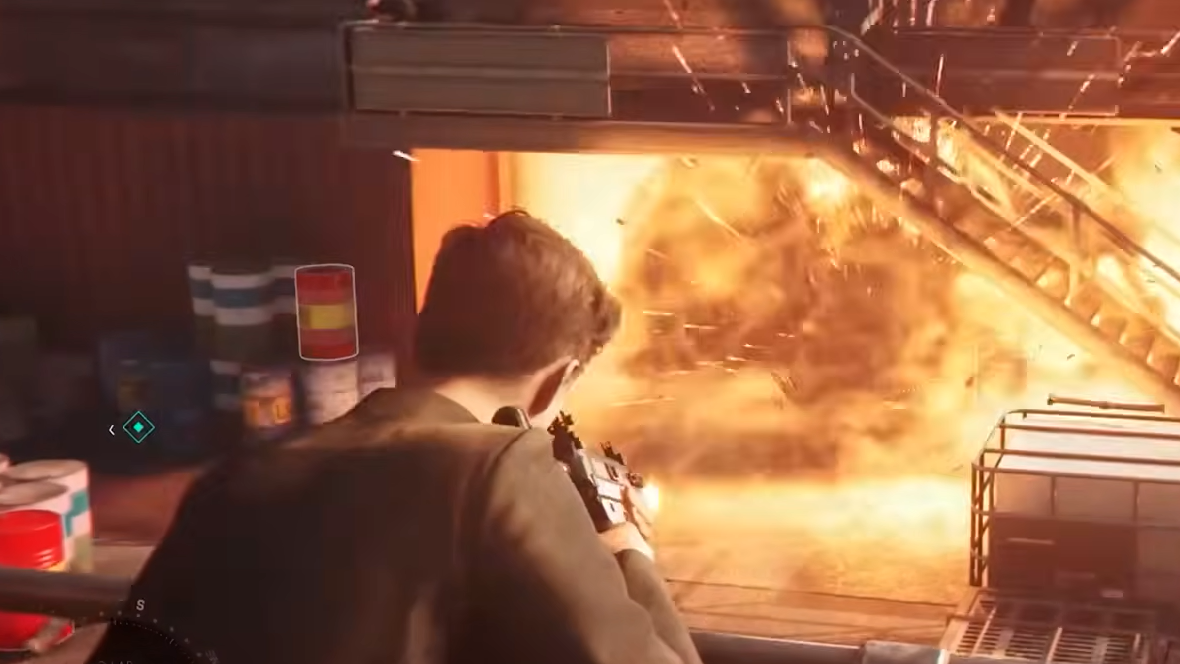
What triggers Licence to Kill
Two conditions flip the state to Licence to Kill. The first is an enemy showing clear intent to shoot, which usually means a guard has spotted you in a sensitive area and raised a weapon. The second is entering a high-security zone where the hostile force is shoot-on-sight by design, like a server room or a private wing during an active operation.
When the state changes, a message slides across the top of the screen. That banner is the signal to pull the trigger. Until it appears, the firearm controls do nothing useful, and aggressive button-mashing won’t override it.
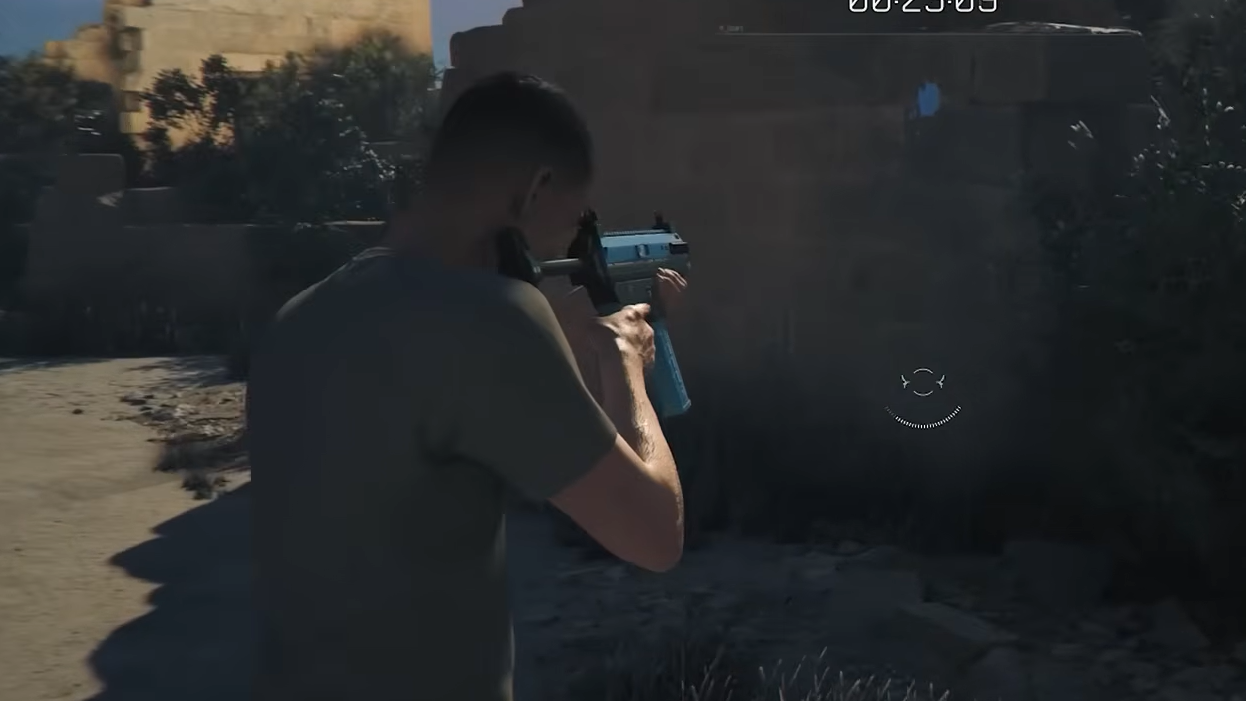
What gunplay unlocks once it’s live
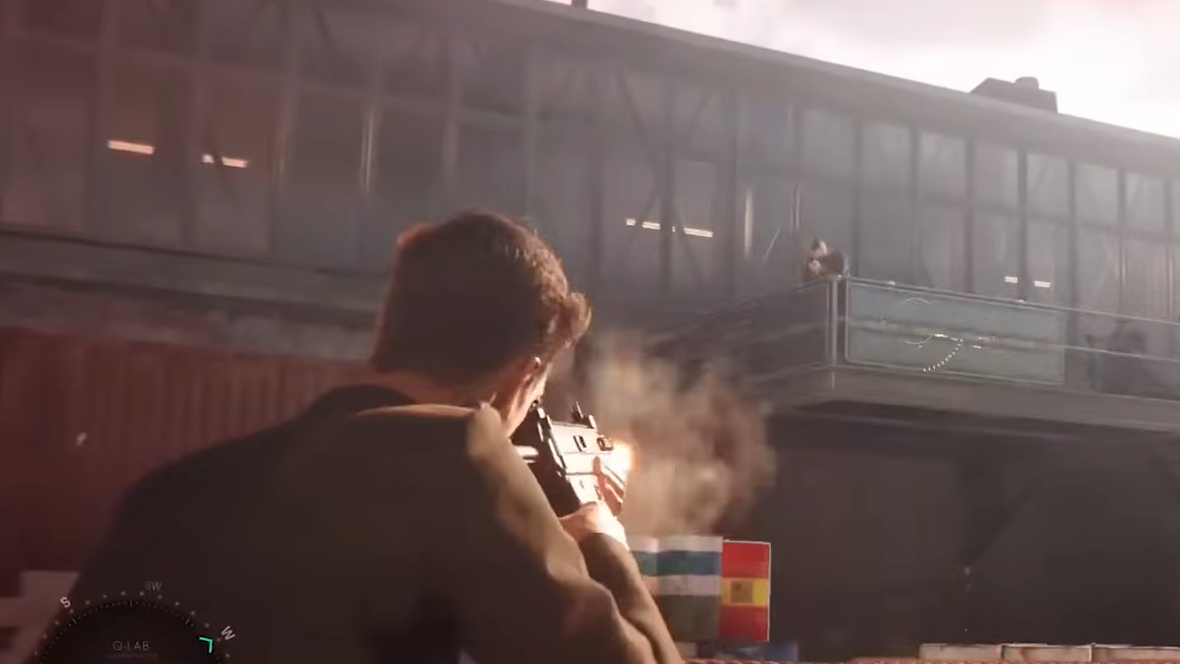
Once Licence to Kill is active, the combat sandbox opens up properly. You can fire from cover, headshot guards, and pick up weapons dropped by anyone you eliminate. A single well-placed shot can also disarm an enemy, leaving their weapon on the ground for you to grab.
There’s a focus mode tied to your instinct meter. Hold the R3 button on a controller to slow time and line up precise shots, which is especially useful when you’re outnumbered in an open firefight. Instinct drains while it’s active, so it’s worth saving for moments where one accurate burst matters more than spraying.
Gadgets remain available during a firefight as well. Distractions, throwables, and Q-branch tools all stay in your loadout, so you can blend lethal shooting with the same toolkit you’d use in stealth.
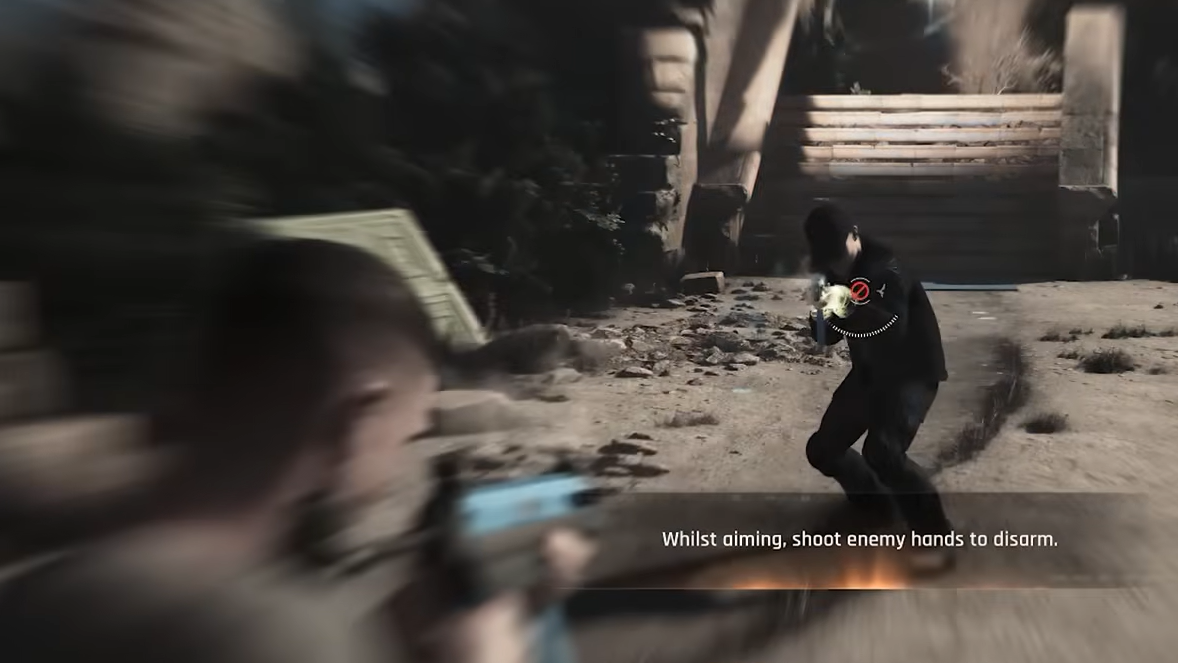
Close-quarters fights without guns
Not every combat encounter unlocks firearms. Plenty of scripted scuffles, hallway confrontations, and ambushes play out as melee exchanges, because the opponent isn’t drawing a gun either. In those moments, the rules cut both ways. If they’re throwing fists, you throw fists.
Parrying is the answer for those fights. Time the counter against an incoming strike, then follow up with your own combo to put the attacker down. The game won’t let you bypass the brawl by shooting your way out, so leaning into hand-to-hand is the only route through.
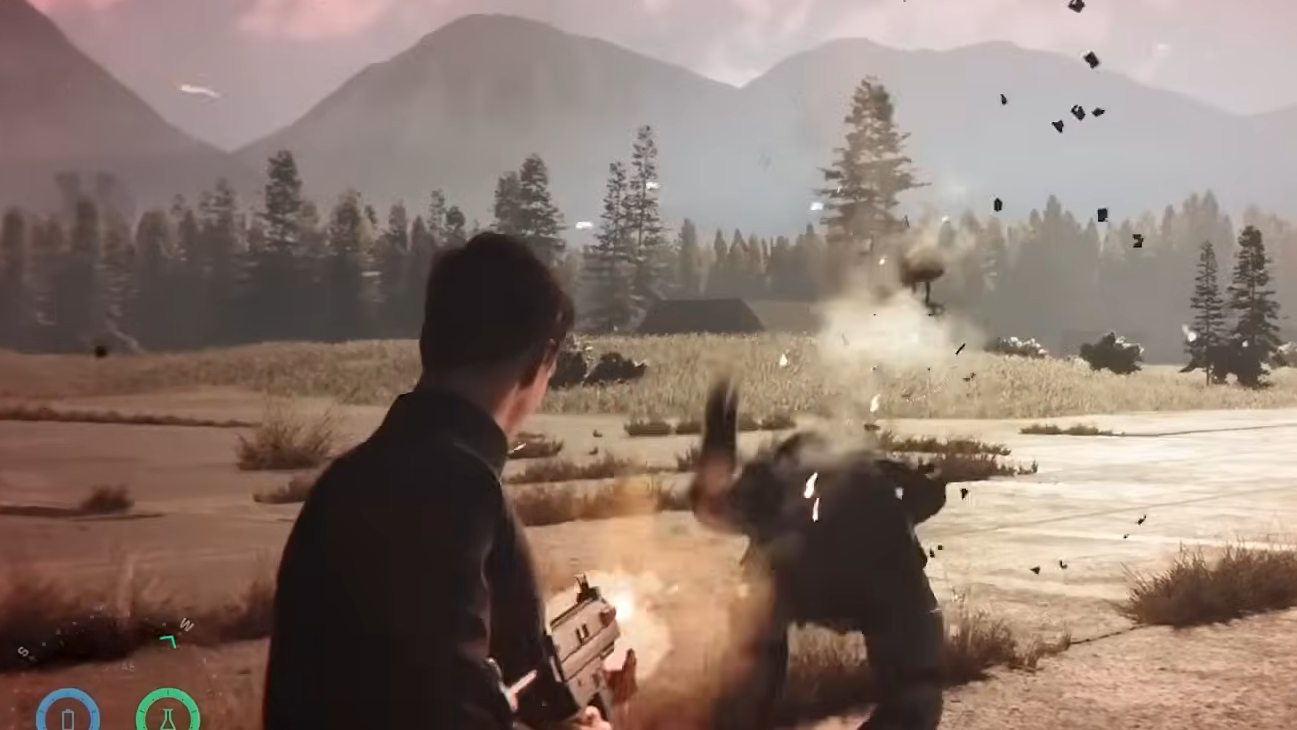
How to confirm guns are usable
Two visual cues tell you firearms are live. The Licence to Kill banner appears at the top of the screen, and Bond’s weapon becomes available in the HUD. If you pull the aim trigger and nothing happens, the state hasn’t flipped yet, even if combat looks chaotic on screen.
When the threat ends, the banner changes to Situation Contained, and the gun goes away again. Picking up an enemy weapon mid-fight doesn’t override the system either. Once the state resets, that gun is no longer in your hands.
The framing keeps Bond closer to the films than to a standard cover shooter. Most of your run will be quiet, with the occasional violent burst when the script and the AI agree it’s time for one.