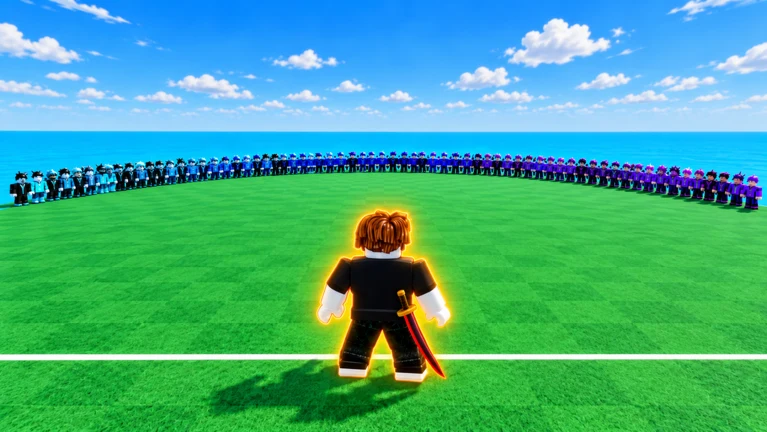
The next Huss Valley update is the Friendsgiving Update. It’s on the game’s Roblox Events list for Saturday, November 28th, and its pitch is short: bring your friends and you get rewards, including an exclusive friend knife.
Quick answer: The Friendsgiving Update starts November 28, 2026 at 18:52 UTC. Hit Notify Me on its Roblox event listing to get a message when it goes live.
Release time: Saturday, November 28, 2026, 6:52 PM UTC
Friendsgiving Update release time in your time zone
Roblox lists the start as 6:52 PM on Saturday, November 28th in UTC. Here’s that same moment in a few common time zones. If you’re in Asia or Australia, it lands on Sunday, November 29th.
| Region | Time zone | Start time |
|---|---|---|
| Global | UTC | 6:52 PM, Nov 28 |
| US West | PST | 10:52 AM, Nov 28 |
| US East | EST | 1:52 PM, Nov 28 |
| Brazil | BRT | 3:52 PM, Nov 28 |
| UK | GMT | 6:52 PM, Nov 28 |
| Central Europe | CET | 7:52 PM, Nov 28 |
| India | IST | 12:22 AM, Nov 29 |
| Australia (East) | AEDT | 5:52 AM, Nov 29 |
The Roblox event card shows the time in your own device’s time zone, so if your region isn’t in the table, the listing itself gives you the local start time.
What the Friendsgiving Update adds
The developer, Huss Valley Official, has only described the update in a line. The event card says “Bring friends get rewards,” and the description promises an exclusive friend knife. The developer hasn’t said how you earn the knife, how many friends you need in a server, or what the other rewards are. Those requirements will show up in the game once the event starts.
Huss Valley already counts time spent playing with friends: earn the Squad Up badge by sharing a server with a Roblox friend for one round. It’s the best clue so far to how a friend-based reward might work, but the Friendsgiving requirements are still unknown.
Get a notification when the Huss Valley update goes live
Open the Friendsgiving Update event page on Roblox and press Notify Me. You’ll also find the same card under the Events section on the Huss Valley game page. Roblox sends a message to your inbox when the event begins, so you don’t have to keep checking the clock.
What’s live in Huss Valley right now
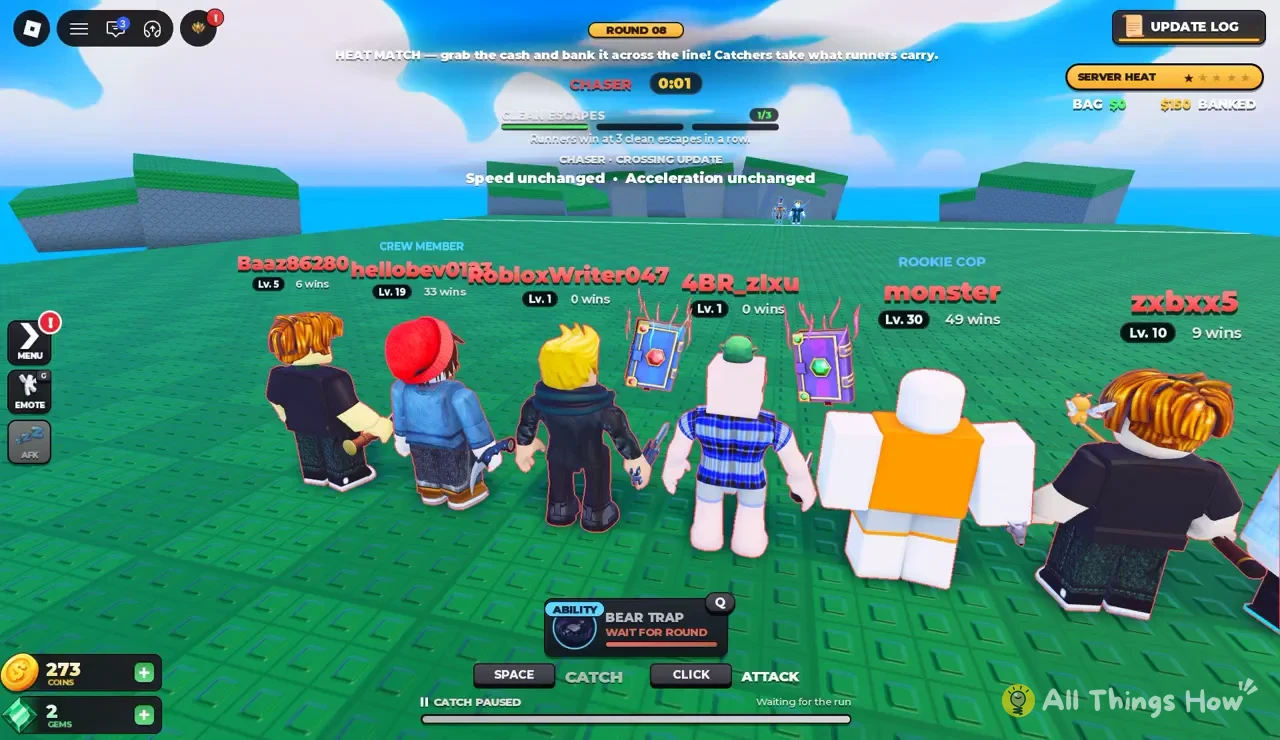
Until Friendsgiving starts, the HUSS CITY EVENT is the live event, billed as “Big heists & bounties.” Matches run as a HEAT MATCH, where you grab cash on the field and bank it across the line, and Catchers take whatever runners are carrying when they get caught. Runners win once they hit 3 clean escapes in a row, and the HUD tracks it as a counter like “1/3” along with your BAG amount, your banked cash and the SERVER HEAT meter.
During the pre-round countdown, the lineup screen shows every player’s level and win count, and your ability slot sits greyed out. As a Chaser with the BEAR TRAP ability on Q, for example, the slot reads “WAIT FOR ROUND,” and Catch is paused with the message “Waiting for the run” until the round actually starts.
How to tell the Friendsgiving Update is live
On the Huss Valley Roblox page, an event that hasn’t started shows its date with a Notify Me button. Once it’s running, the card switches to “New content” with a Join Event button instead, which is how the HUSS CITY EVENT looks right now. When the Friendsgiving card flips to Join Event, the update is in, and if you don’t see the new content after joining, leave and rejoin so you land on an updated server.