

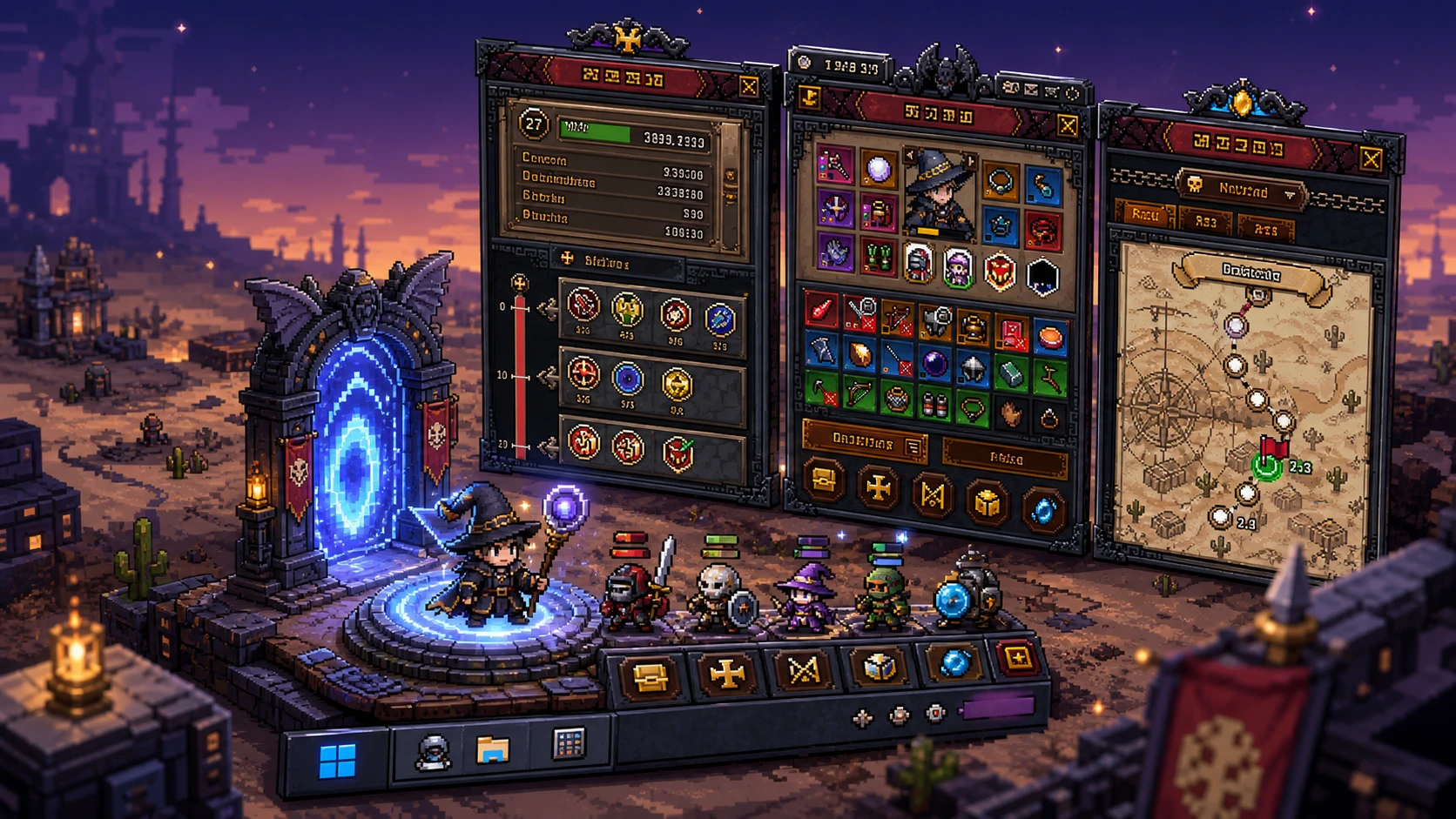
TBH: Task Bar Hero is offline right now. The taskbar idle RPG entered emergency maintenance on June 20, and because every session needs a live server connection, the game will not start while the servers are down. Trying to launch it returns an error and closes the client on its own.
Quick answer: The game is down for unplanned emergency maintenance that began around 11:00 UTC (4am PT / 6am CT / 7am ET / 12pm BST) on June 20. There is no fixed restart time. Wait for the official accounts to confirm the servers are back, then relaunch TBH to play.
Why TBH: Task Bar Hero is offline today
The shutdown is tied to a server security issue. The development team flagged a security problem on the backend and pushed an emergency maintenance to apply a fix, which is why the downtime was not on any planned schedule. The team has said the patch is meant to go live quickly, with another notice planned once the servers are restored.
This follows a rough stretch for the game. Despite topping 500,000 concurrent players on Steam, TBH has been dealing with cheaters sending abnormal item creation requests and an oversized total item count, both of which strained Steam’s servers and triggered earlier disruptions. The current maintenance is aimed at tightening that backend.
How to check TBH: Task Bar Hero server status
There is no public dashboard from the developer, so the fastest way to confirm status is to watch the official channels and test the client itself. The Japanese account has already posted the maintenance start and plans to post again when the game comes back.
error:500 ProtocolError HTTP/1.1 500 Internal Server Error message at login. Both behaviors mean the backend is still offline, not that your install is broken.What you can and can’t do during the outage
| Situation | What it means |
|---|---|
| Game closes after launch | Servers are down; nothing to fix on your end |
| Error 500 / Internal Server Error at login | Backend is unreachable during maintenance |
| SteamTradeShip not working | Market and trade features rely on the live server |
| Parts of the Cube unusable | Server-side features are paused until restore |
There is no workaround that brings the game online before the fix is applied. Reinstalling, switching networks, or clearing cache will not restore access while maintenance is active. The only action that matters is waiting for the servers to come back.
How you’ll know the servers are back
You’ll know maintenance is over when TBH launches and reaches the main screen without throwing an error or closing. Once that happens, login should succeed, your heroes load on the taskbar, and server-tied features such as the SteamTradeShip and the Cube’s market functions become usable again. The development team has said it will post a follow-up notice the moment service is fully restored, so a fresh update on the official accounts is your clearest confirmation before you even relaunch.
No official restart time has been confirmed, so avoid relying on any specific countdown. Keep the client closed, watch the official channels, and try again only after a restore notice goes live.