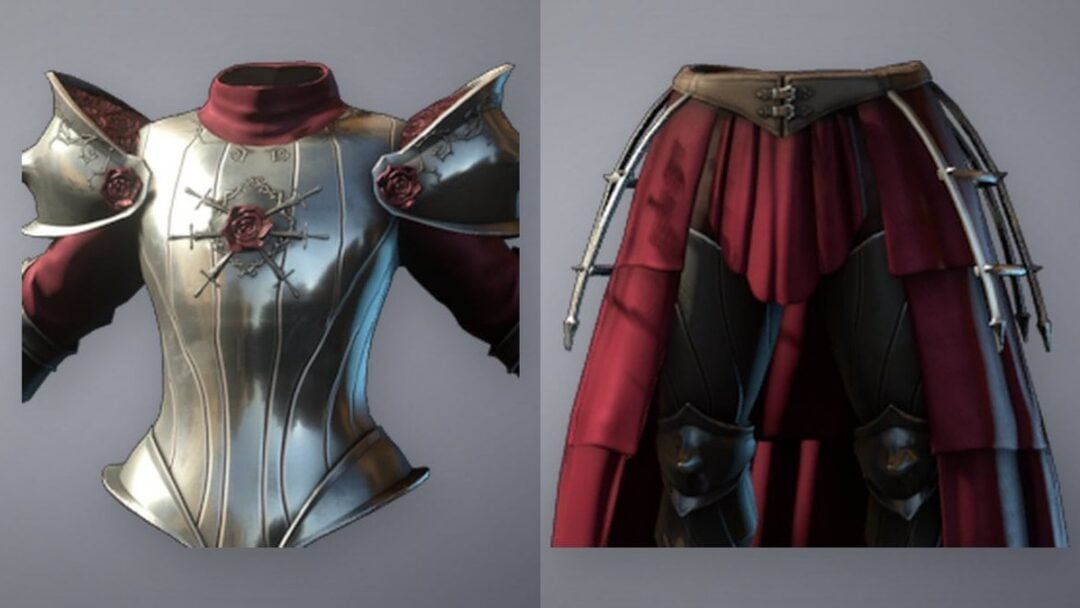
LEGO Batman: Legacy of the Dark Knight supports two-player cooperative play, but only in the same room on the same system. TT Games kept the long-running LEGO tradition of local couch co-op intact, while skipping native online multiplayer entirely.
What kind of co-op is supported
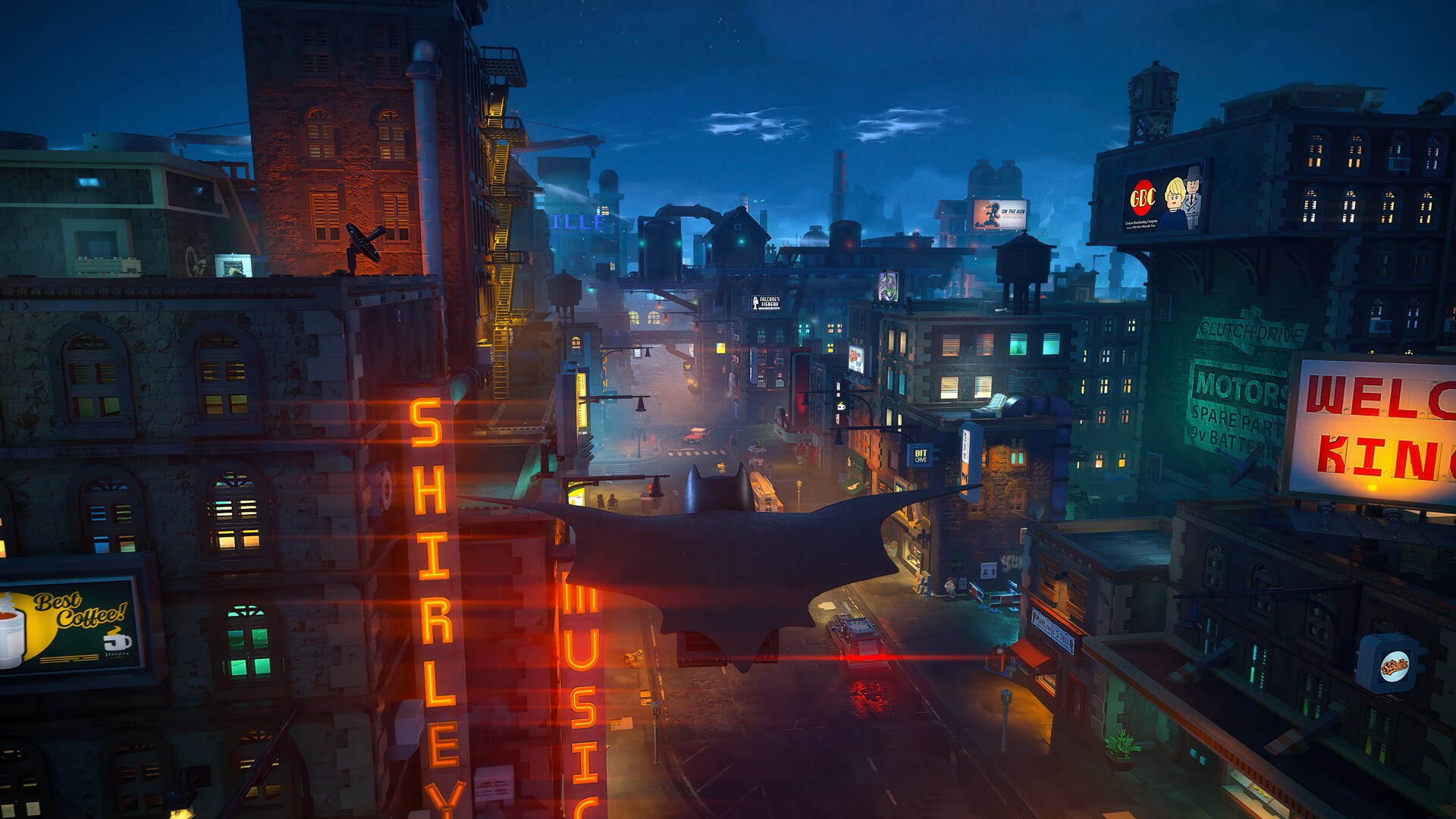
Co-op is limited to a single console or PC with two controllers connected. When Player 2 joins, the screen splits so both players can move independently through Gotham City, fight enemies, and tackle puzzles together. The split-screen layout is vertical, similar to the one used in LEGO Star Wars: The Skywalker Saga.
During free roam, each player can pick any unlocked character. In specific story missions, the second player’s character is locked to whichever ally the script requires for that scene.
| Feature | Supported? |
|---|---|
| Local couch co-op (2 players) | Yes |
| Split-screen | Yes (vertical) |
| Drop-in / drop-out | Yes |
| Online co-op | No |
| LAN / system link | No |
| Cross-platform play | No |
How to start co-op
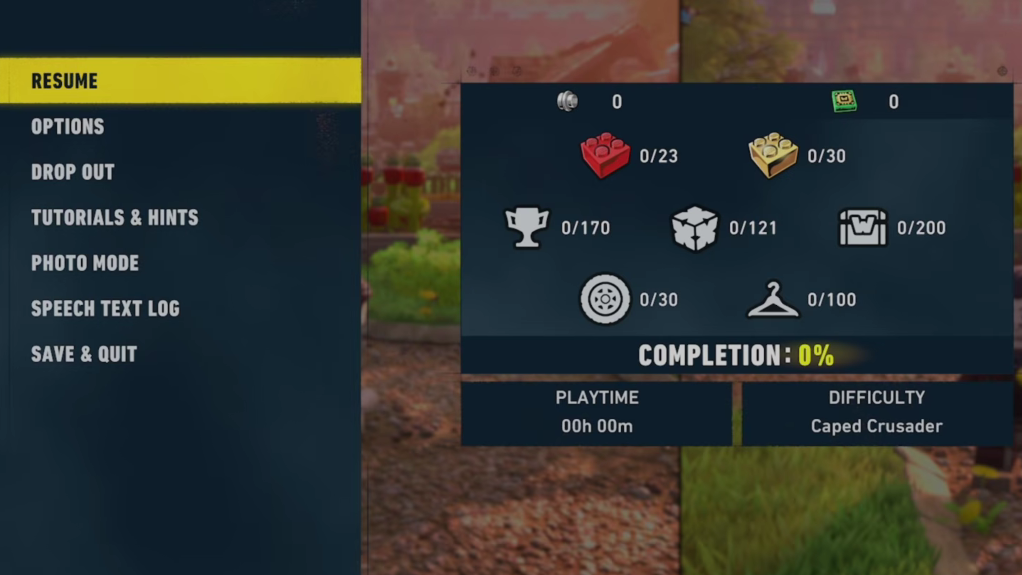
To leave co-op, Player 2 opens the pause menu and presses the drop-out input shown in the same top-right corner. Progress made during the shared session is saved to Player 1’s profile.
Online play and workarounds
There is no built-in online multiplayer, no LAN mode, and no cross-platform option. Playing with a remote friend requires platform-level streaming features rather than anything inside the game itself.
| Platform | Remote-play option |
|---|---|
| PlayStation 5 | Share Play |
| Xbox Series X|S | Remote Play (host-only input sharing is limited) |
| PC (Steam) | Remote Play Together |
These streaming methods can introduce input lag and reduced image quality, especially with the vertical split-screen layout. They are workarounds, not a substitute for native online co-op.
Character selection in co-op
The roster is intentionally small for a LEGO title, with seven playable heroes: Batman, Robin, Nightwing, Batgirl, Jim Gordon, Catwoman, and Talia al Ghul. Each has a unique gadget and progression tree, including Batman’s Batclaw, Robin’s Cable Launcher, Jim Gordon’s Foam Sprayer, and Catwoman’s whip.
In free roam, either player can swap to any unlocked character at any time. In scripted story beats, the game assigns the second character based on the mission, so don’t expect to bring, say, two Batmans into a cutscene-driven sequence.
Platform availability
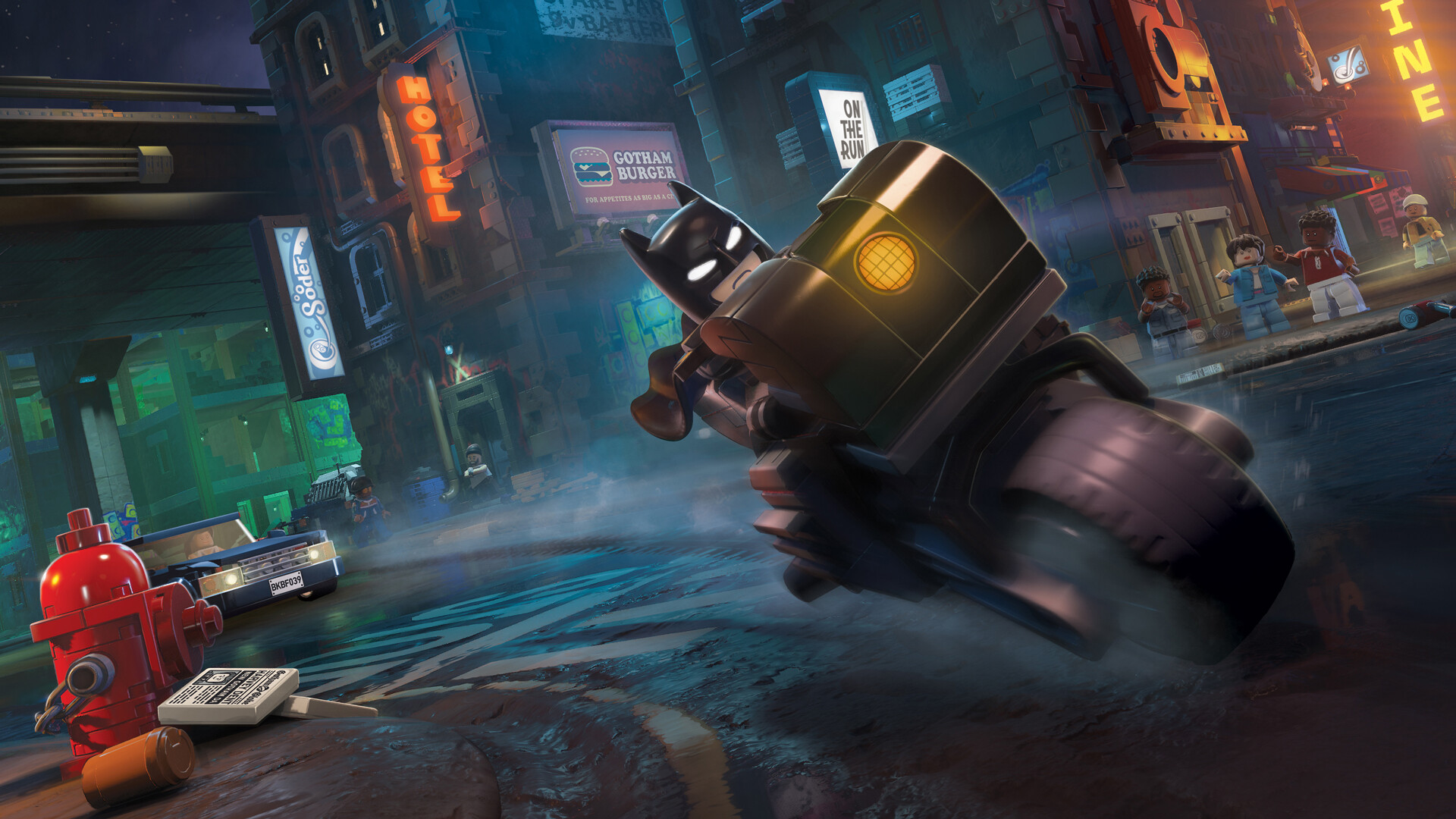
Co-op behaves the same way across every release platform. The game is out now on PlayStation 5, Xbox Series X|S, and PC through Steam and the Epic Games Store, with a Nintendo Switch 2 version planned later in 2026. No PlayStation Plus, Xbox Game Pass Core, or Nintendo Switch Online subscription is required to play co-op, since the mode is entirely local.
An internet connection is not needed to launch or play the game, though online access is required to download patches.
Couch co-op remains the only sanctioned way to bring a friend into Gotham here. If you were hoping to team up with someone across the country, the answer for now is to either share a couch or lean on platform streaming features and accept the trade-offs.