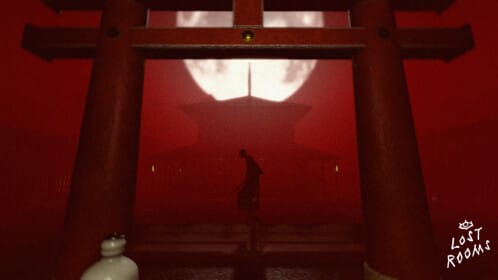
Lost Rooms is a Roblox survival horror experience where codes grant Credits, User Credits, emotes, and occasional equipment to speed up early progression.
Updated: October 25, 2025.
New codes: EMOTIONS
EMOTIONS— 3 free Emotes NEWFREELOSTROOMS— 200 Credits, 200 User Credits, and a Banhammer
How to redeem codes
Launch Lost Rooms on Roblox and wait for the Main Menu.
Watch for the on-screen confirmation pop-up; if nothing appears, recheck the spelling and try again.
Expired codes
Why codes might not work
- The code has expired and is no longer valid.
- There is a typo, extra space, or wrong capitalization; codes are case-sensitive.
- The code was already redeemed on your account.
- The game server or client is outdated; rejoin a new server or restart the game and retry.
Where to find more codes
- Join the MorbidStudios Roblox group: roblox.com/communities/6572113/MorbidStudios
- Check the official Discord server: discord.com/invite/EvbqHD8
- Follow the developer on X: x.com/MorbidalDev
Bookmark this page — we update code lists weekly.
Codes are time-limited and case-sensitive. Redeem them in-game only and avoid third‑party “code generators,” which are unsafe and unreliable.