Make Yourself Useful is an early errand quest handed out at Windfield Orchard, and it is about as straightforward as quests get: pick fruit, clear out the thieves stealing it, walk back. The only thing that slows most players down is that the two objectives overlap, so bandits tend to interrupt the apple run.
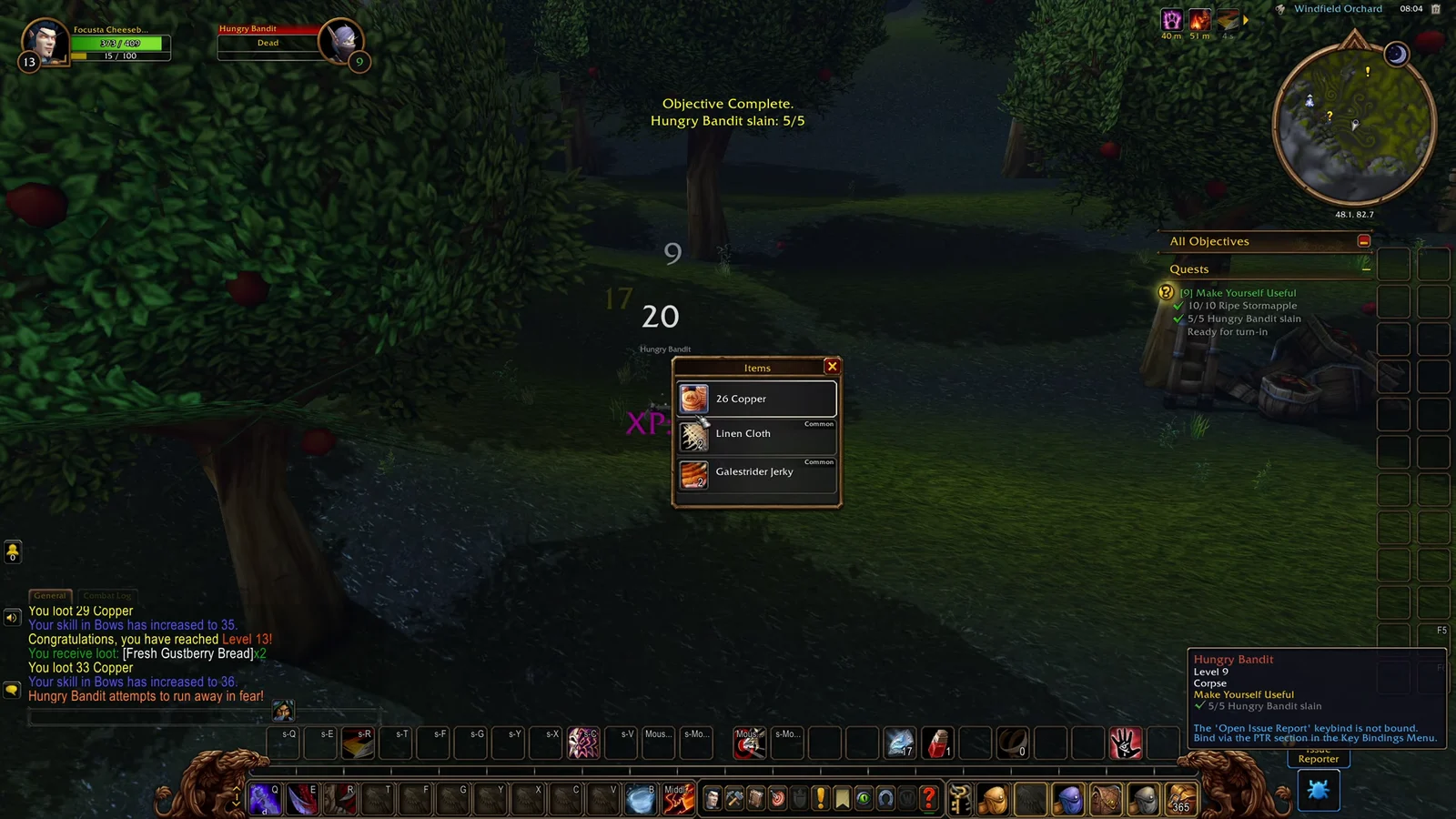
Quick answer: Take Make Yourself Useful from Aamella Windfield at Windfield Orchard, collect 10 Ripe Stormapples, kill 5 Hungry Bandits, then return to her for 775 XP and a Red Delicious Stormapple.
Make Yourself Useful objectives and rewards
| Detail | Value |
|---|---|
| Quest giver | Aamella Windfield |
| Location | Windfield Orchard |
| Objective 1 | Gather 10 Ripe Stormapples |
| Objective 2 | Slay 5 Hungry Bandits (level 8) |
| Item reward | Red Delicious Stormapple |
| Experience | 775 XP |
Both objectives are completed inside the orchard itself, so there is no travel between steps. Turn-in happens at the same NPC who gave you the quest.
Where to find Windfield Orchard and the quest giver
Windfield Orchard sits in the region of Valganaar and shows up as a named point on the zone map, which is the fastest way to confirm you are in the right place before hunting for the NPC. Aamella Windfield stands among the apple trees and carries the quest marker.

How to gather 10 Ripe Stormapples
Ripe Stormapples are ground-level pickups scattered beneath the apple trees and around the baskets dotted through the orchard. They glow, which makes them easy to spot at a distance, and each one you click adds a single unit to the counter until it reads 10/10.
There is no set route. Circling the orchard in a loop rather than crossing back and forth keeps you from re-checking trees you have already stripped, and new apples appear often enough that you rarely need to wait on respawns.
Keep picking apples while you move between bandits. Both counters can fill at the same time, which cuts the quest down to a single pass around the orchard.
How to slay 5 Hungry Bandits
Hungry Bandits are level 8 enemies that spawn across the orchard and will attack you while you are gathering. They fight one at a time in most spots, and they drop useful low-level loot such as linen cloth, copper and food, so it is worth looting each kill rather than running past.
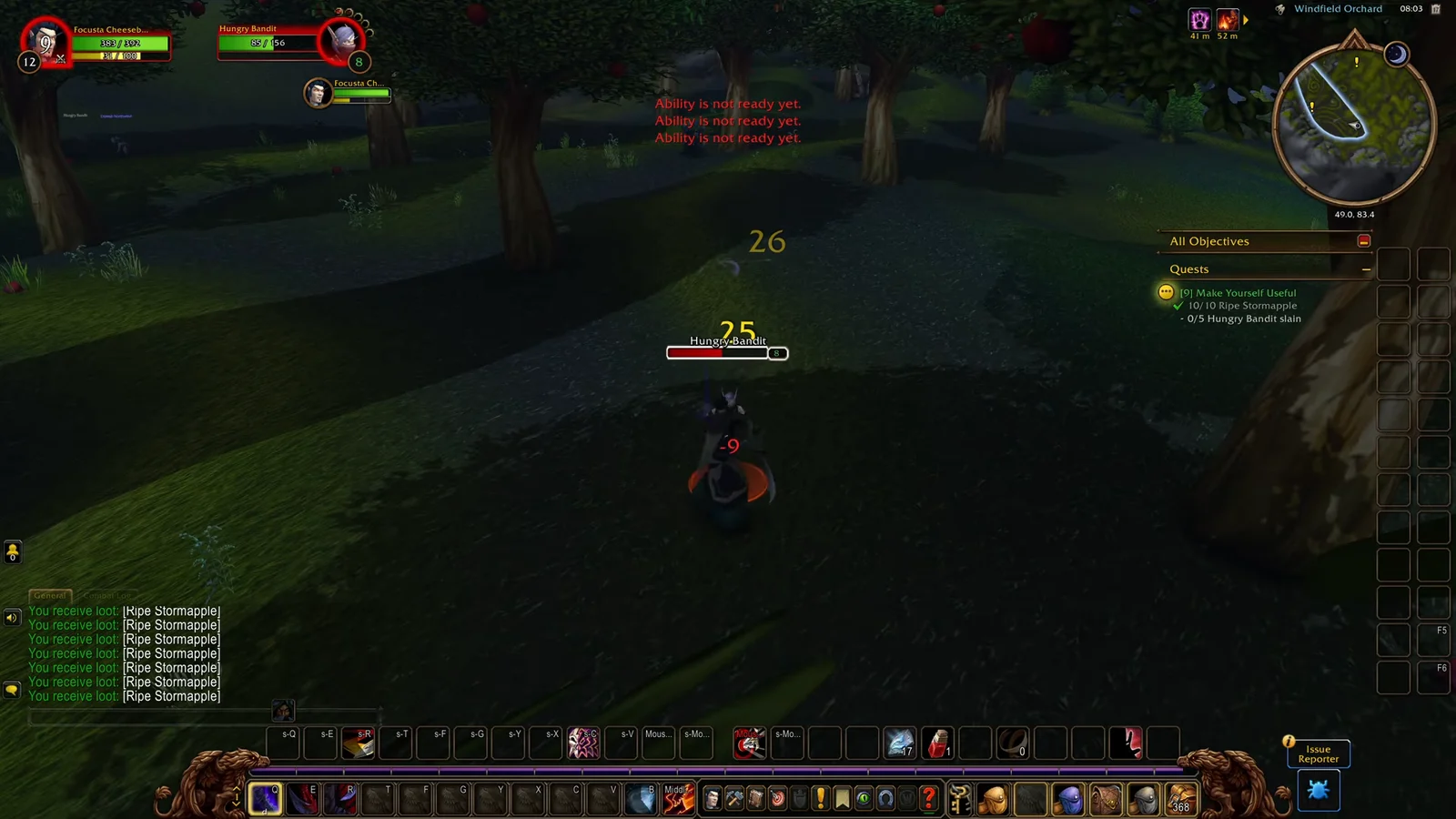
If the counter stalls, sweep the outer edges of the orchard instead of the middle. The last one or two bandits usually sit away from the tree rows, near the far fences and tents, and the objective locks in the moment the fifth kill registers as 5/5.
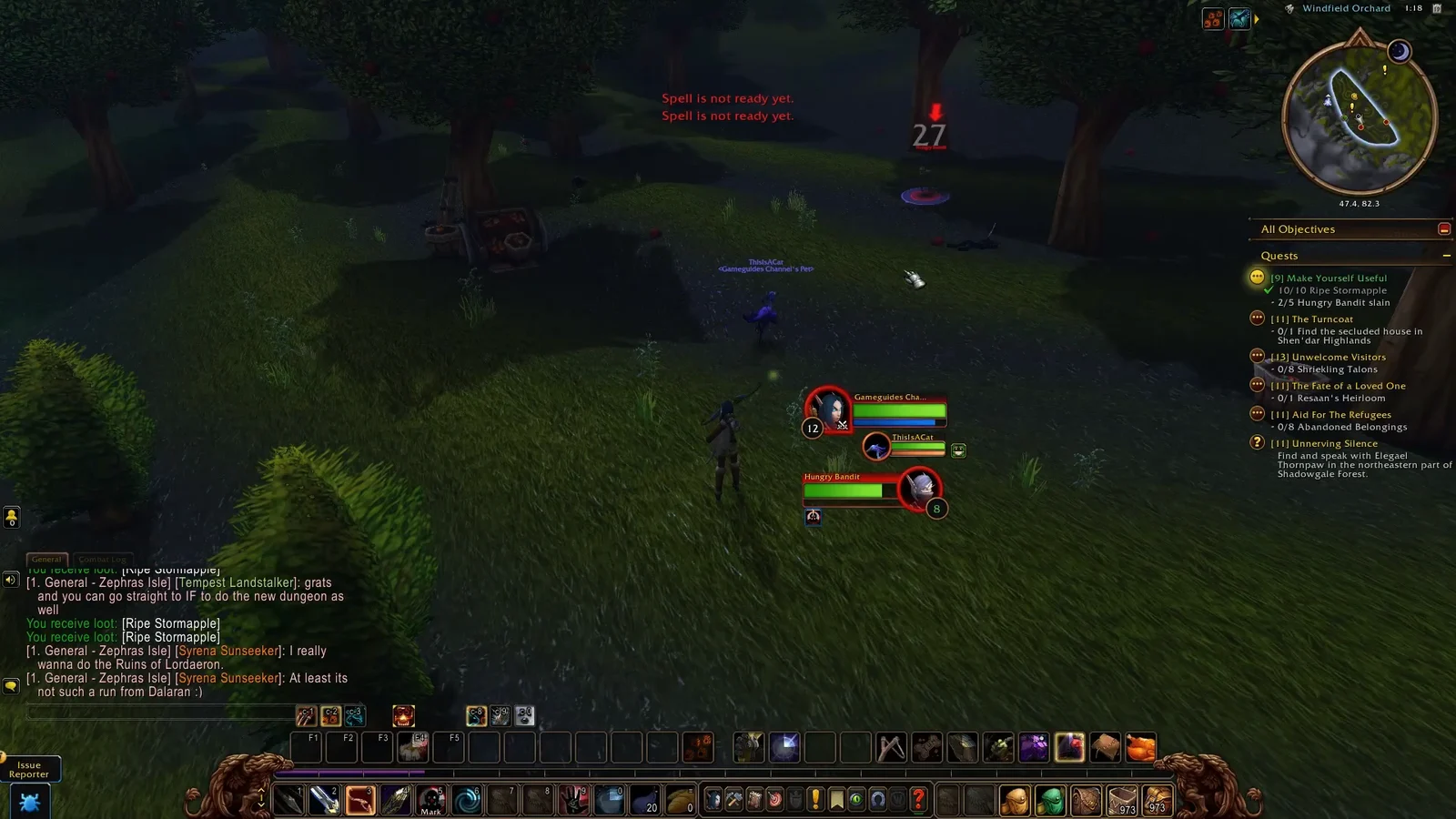
Turn in Make Yourself Useful and confirm it completed
With both counters full, run back to Aamella Windfield and hand the quest in. You know it worked when the completion window pays out 775 XP and the Red Delicious Stormapple lands in your bags. The quest then clears from your log entirely.
Make Yourself Useful in Uldum (World of Warcraft quest 27969)
World of Warcraft has a completely separate quest with the same name, and searching for it often pulls up the wrong one. The Uldum version was added in patch 4.0.3a, requires level 30, and both starts and ends with Commander Schnottz at [24.5, 64.2]. It follows Gobbles! in the chain, and Belloc hands out the next step, Crisis Management.
- Objective: persuade 6 Slacking Laborers to get back to work
- Provided item: Refurbished Trooper Uniform
- Reward choice: Shoulders of the Obelisk, Chestguard of Vigorous Motivation, or Mongoose-Hide Waistguard
- Plus experience and gold, and the quest is sharable with your party
How to motivate 6 Slacking Laborers


Stay on a flying mount while you interact with laborers. If one aggros, lifting off drops you out of combat and the laborer despawns, so you never need to dismount for the peaceful ones.
Verify the Uldum quest is marked complete
Since a 2010 hotfix, every party member gets credit when one of you motivates a Slacking Laborer, so grouping speeds the objective up rather than splitting it. If you are unsure whether the quest is already on your account, run this in-game command and check the output.
/run print(C_QuestLog.IsQuestFlaggedCompleted(27969))A true result means the quest is finished and will not reappear on Schnottz. Whichever version you are running, the pattern is the same: the counter in your objective tracker is the only thing that matters, and the turn-in window is the confirmation that the credit stuck.