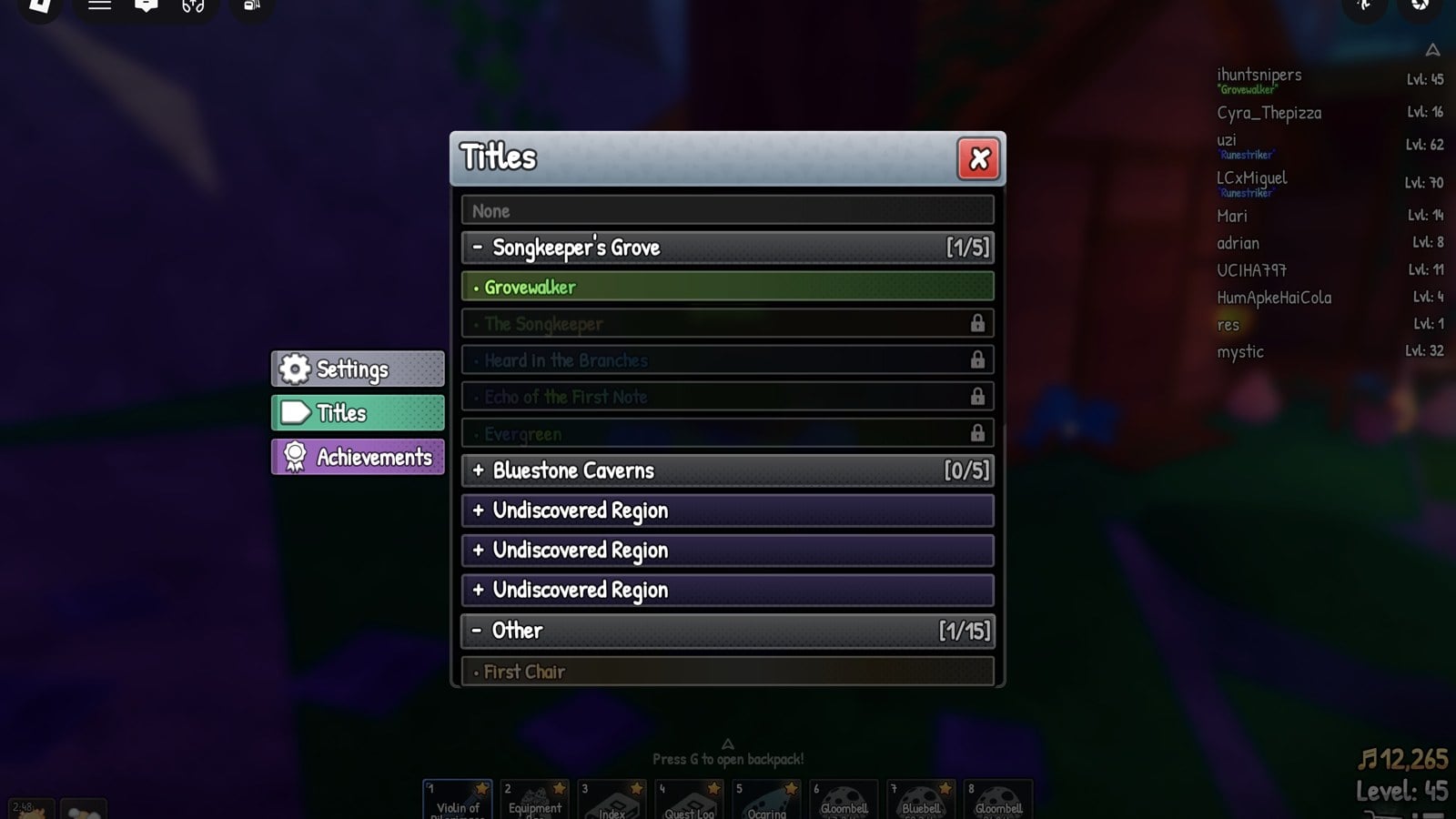
That coloured label some players carry under their name in SCROOMS, and in quotes beside their name in the player list, is a title. Things like “Grovewalker”, “The Songkeeper”, “First Chair” or “Runestriker” are all ones you choose and switch yourself. You pick which title to show from a menu, and the change happens the instant you click it.
Quick answer: To equip a title, use the list-shaped control in the lower-right corner, choose Titles, expand a group, then select a title you own. It takes effect immediately, without a confirmation step.
Open the Titles menu in SCROOMS
Its window has three vertically stacked buttons on the left: Settings, Titles and Achievements.
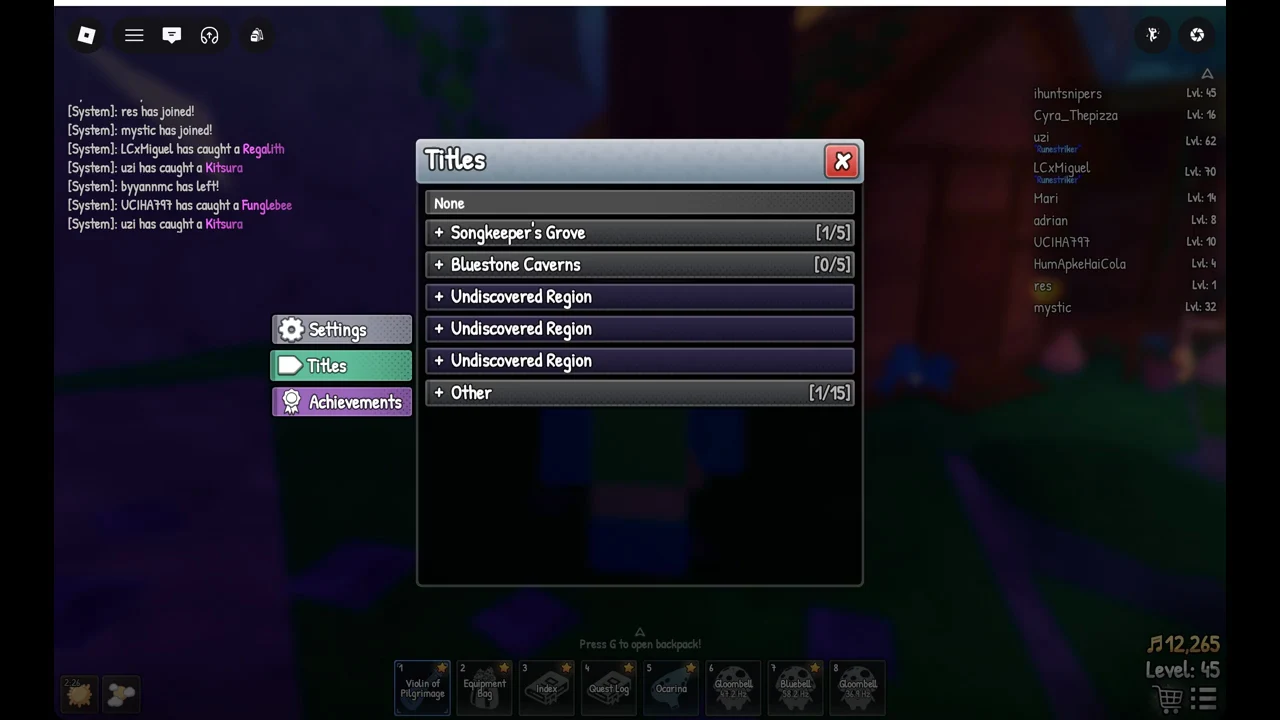
When a click has no effect, tap the right mouse button once before trying again. Camera control (“Camera Control Enabled – Right click to toggle”) keeps the mouse bound to the view; toggling it releases the cursor so you can select rows.
Equip a title and confirm it worked
Three signs confirm activation: the row for that title becomes bright green; while out in the world, the title sits beneath your character’s name; and your player-list entry displays it in quotation marks. Close the window using the red X, and the title will be visible below your username. Its colour depends on the title: Grovewalker shows in green, First Chair in pale orange.
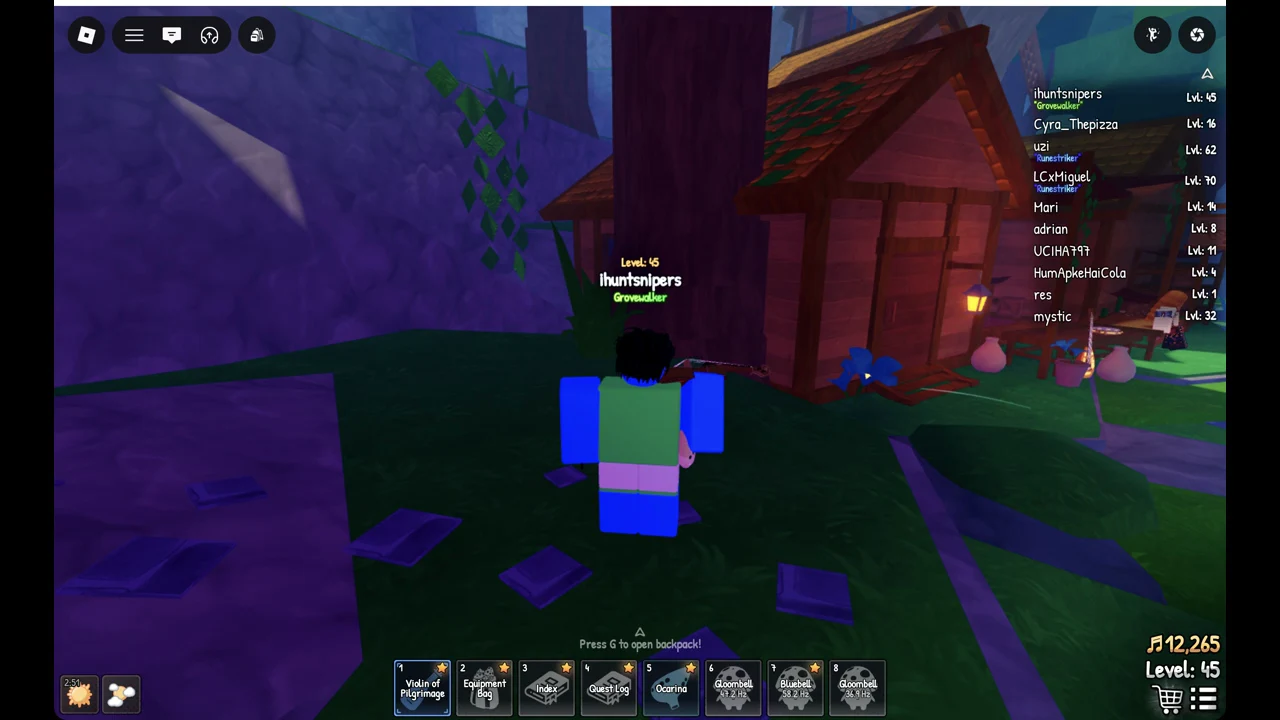
To take a title off, open the Titles page again and click None at the top. To switch to a different one, just click another owned title; you do not need to clear the current one first.
How titles are grouped
Titles are sorted by where they come from. Each region you have visited gets its own group, plus a catch-all “Other” group. Regions you have not reached yet show up as “Undiscovered Region” rather than by name.
- Songkeeper’s Grove [1/5] — the five grove titles are Grovewalker, The Songkeeper, Heard in the Branches, Echo of the First Note and Evergreen.
- Bluestone Caverns [0/5] — this row only shows its real name once you have reached the Bluestone Caverns; before that it reads “Undiscovered Region”.
- The Other [1/15] set includes First Chair and Seasoned Tamer. Living Legend is another entry, as are Thousand Songs and Instrumentalist, with Songbook and Collector of Names also included.
An “Undiscovered Region” row turns into a named group the moment you enter that area. The Titles page does not list any stat or bonus for a title, and we have seen no effect beyond the label.
Titles with a known source
Most titles in the menu do not spell out how you earn them. A few do. Three come from achievements, and two are sold in the Store as part of a bundle.
| Title | How to get it |
|---|---|
| Seasoned Tamer | Achievement: Reach level 50 |
| Living Legend | Achievement: Reach level 100 |
| Devoted | Achievement: Play for 50 hours |
| Scarlet Dove | 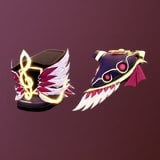 Crimson Plume Bundle (279 Robux) Crimson Plume Bundle (279 Robux) |
| Heart of Gold | 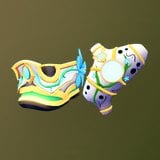 Supporter Pack (159 Robux) Supporter Pack (159 Robux) |
You can equip, swap or remove an owned title whenever you like. To switch titles, click another owned title.