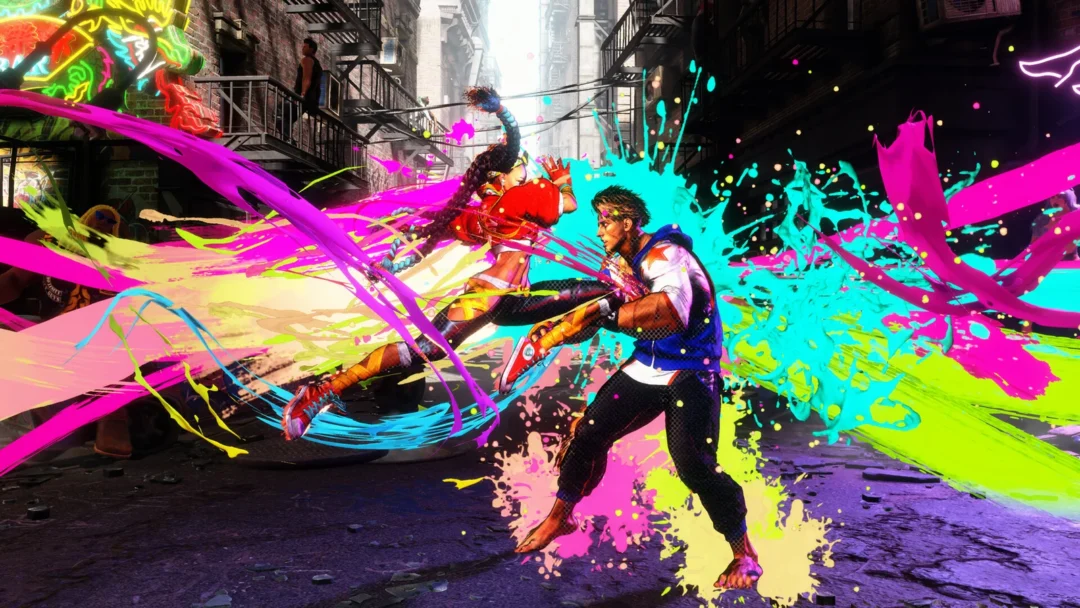
Arc System Works has rolled out a performance-focused update for Marvel Tōkon: Fighting Souls after a short maintenance window, and it lands squarely on the PC version. The patch cuts CPU load, kills a bug behind sudden frame drops, and adds a shader warm-up prompt so matches run smoother from the first fight. PS5 players have mostly avoided the trouble, so the meaningful changes here are for people on Steam and Epic.
Quick answer: Update the game to the latest version, accept the shader warm-up prompt when it appears on PC, and let the improved auto spec detection pick your graphics profile. Reduced CPU usage, fewer frame drops, and two lobby-related bug fixes apply automatically once you patch.
What the PC performance patch changes
The bulk of the update is aimed at the performance complaints that dogged the PC release, including lag and frame rate stutter. Several of the fixes touch how the game handles the CPU and audio while you play.
| Issue | Fix in this update |
|---|---|
| High CPU during startup | Reduced overall CPU usage so the game loads with less strain on your system. |
| Extra load from audio processing in matches | Stopped periodic audio processing that was adding unnecessary system load during fights. |
| Sudden performance and frame drops | Stopped the game from constantly checking for available audio inputs, which was described as unnecessary and was triggering the drops. |
| Frame rate drops at certain resolutions | Fixed the drop that happened when specific resolutions were selected. |
Arc System Works confirmed the servers are back online and listed the same set of performance improvements in its own post.
Warm up shaders and check your graphics profile on PC
Two PC-only changes need your attention after you download the update. Both make the biggest difference on the first launch of the patched version.
Note: Skipping the shader warm-up can leave you with stutter that the patch was designed to remove, so it is worth waiting for it to finish.
Bug fixes that affect PC and PS5
Beyond performance, the update clears up two bugs tied to settings and the online lobby that could hit players on either platform.
- Battle Settings: Restarting the game with certain customization items or colors enabled no longer reverts your settings to default.
- Online Lobby: Switching attack button displays to action icons no longer makes some buttons unresponsive during the open lobby mini games.
How to confirm the update installed
You will know the patch is active when the shader warm-up prompt appears on your first PC launch after downloading. If matches still stutter badly, verify that the game finished updating and that you allowed the shaders to warm up rather than closing the prompt. The performance fixes for CPU load, audio checks, and resolution-linked frame drops apply on their own once the new version is installed.
Why this update matters
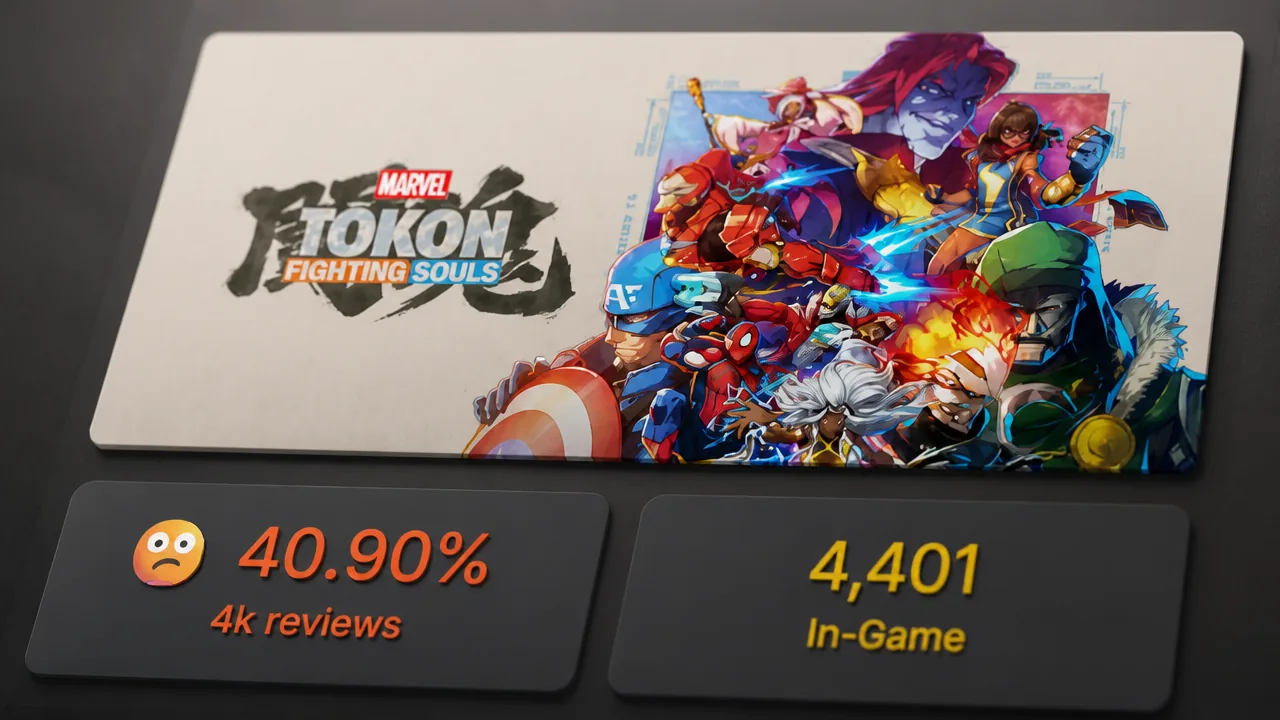
The 4v4 tag fighter arrived to a rough PC reception, with lag and frame rate issues that had already shown up during the beta carrying over to the full game. Frustration ran high enough that the Steam version was review bombed, with players also pointing at the PSN requirement and the lack of Linux support. This is the first patch following the day-one launch update, and it is deliberately narrow, targeting the most reported performance problems rather than reworking gameplay. For anyone who bounced off the PC version at launch, it is a small download that addresses the specific complaints holding the experience back.