Auto-paint tools for MECCHA CHAMELEON are third-party programs that take over the game’s signature painting skill for you. Instead of hand-painting your white character to blend into a stage, these tools hook into the running game and either project a picture onto your model or copy the colors directly behind you, mimicking a chameleon. Two have circulated publicly so far, a forum release called ParzPainter and a GitHub project named Meccha Camouflage.
Quick answer: These are unofficial injectors, not in-game settings. They paint your character automatically using image projection or background-color camo, they trigger antivirus warnings, they can crash you when a match starts or ends, and using them in MECCHA CHAMELEON’s online matches risks a ban.
Why painting matters in MECCHA CHAMELEON
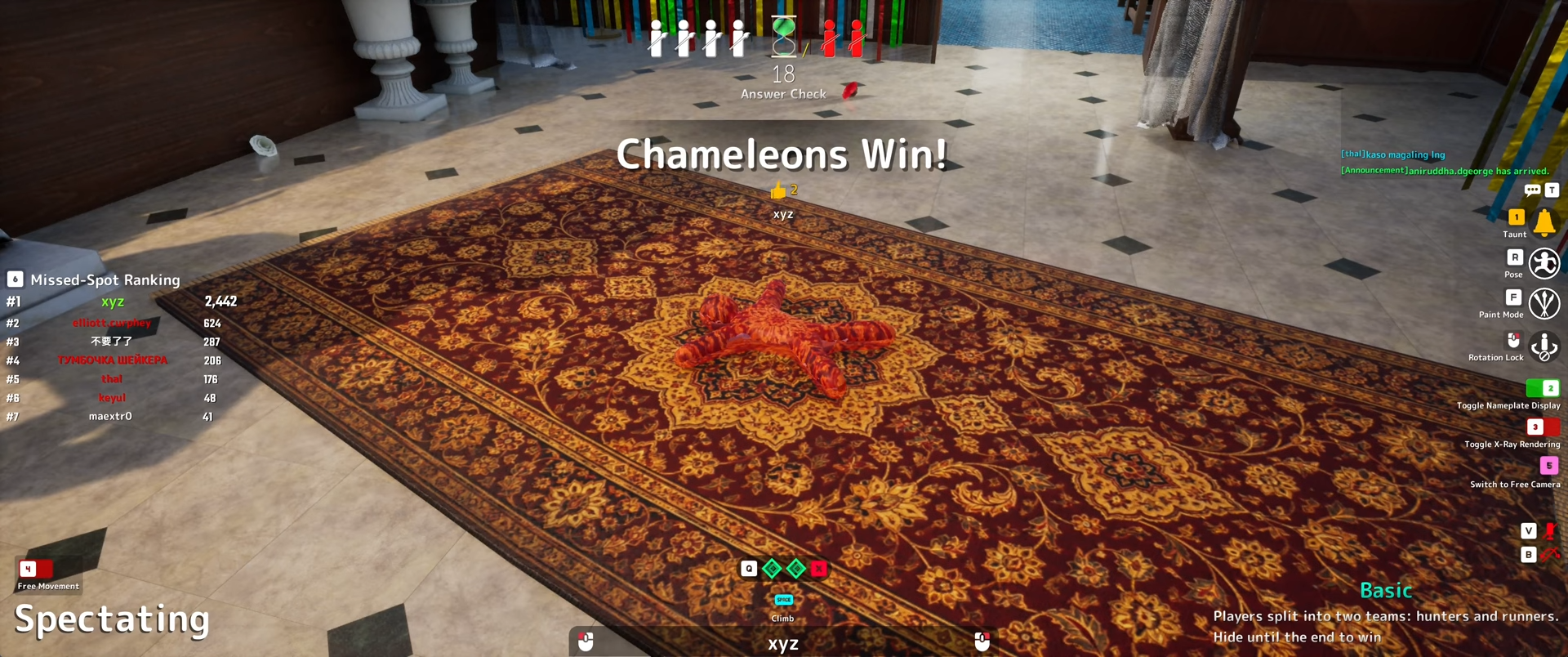
MECCHA CHAMELEON is an online hide-and-seek game where Hiders paint their pure white bodies to match a stage while Seekers try to find everyone before time runs out. The disguise depends on three things working together, the color you paint, the pose you strike, and the hiding spot you pick. A good camouflage is not just a matching color. It has to look believable under the room’s lighting and survive a Seeker sweeping past from another angle.
That manual skill is exactly what auto-paint tools try to short-circuit. Rather than painting carefully by hand, they apply a full image or a camouflage pattern in one action. The game runs on Windows 10 64-bit and supports both DirectX 11 and DirectX 12, sold for $5.99 from developer and publisher lemorion_1224 on its Steam store page. It is an online PvP title, which is the key reason these tools carry real risk.
ParzPainter and Meccha Camouflage compared
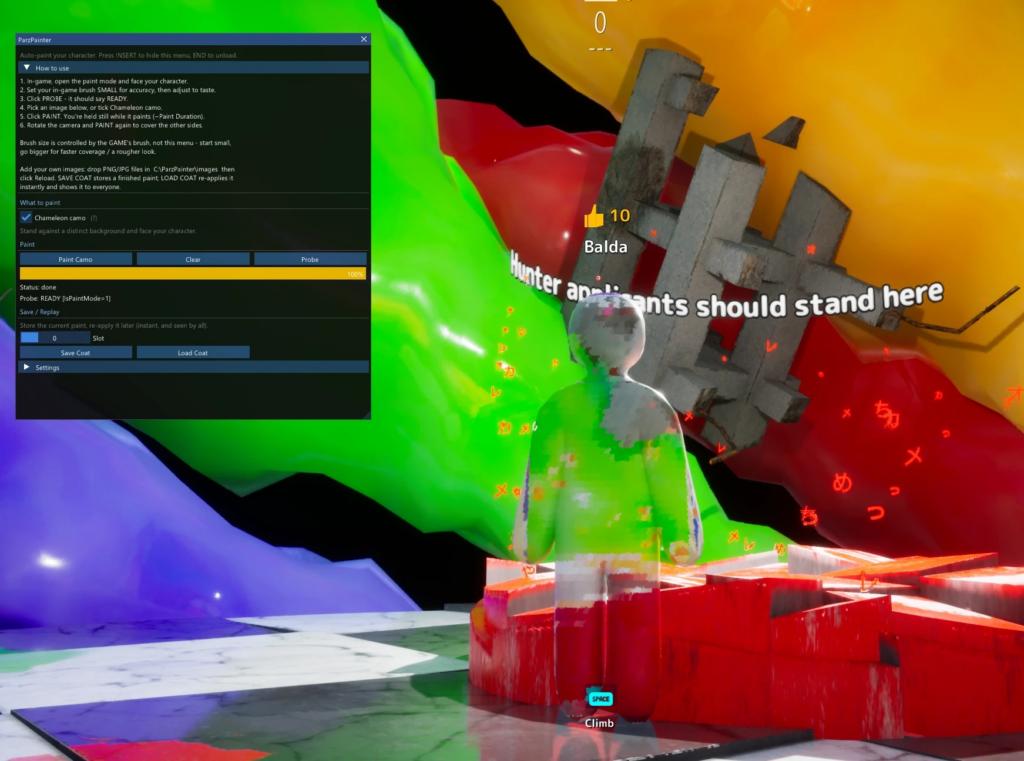
The two known tools take different approaches. ParzPainter is an injector that adds a menu inside the game and projects a picture from your current camera view onto your model. Meccha Camouflage is a standalone desktop app that talks to the game process and triggers a saved paint action. Here is how they line up.
| Detail | ParzPainter | Meccha Camouflage |
|---|---|---|
| Type | In-game injector with overlay menu | Standalone Windows desktop app |
| Main feature | Image projection and chameleon camo | Auto paint via saved hotkey |
| Built-in images | Starry Night, The Scream, Mona Lisa, Great Wave, Girl with a Pearl Earring | Not specified |
| Custom images | Drop PNG/JPG into the images folder, then Reload | Not specified |
| License | Forum release, built on phxgg’s chameleonEsp base | MIT license |
| Latest version | 2.0, requires the -dx12 launch option | v1.4.0-beta |
Note: ParzPainter’s image projection is described as working best with impressionist-style pictures, which spread color across the model rather than relying on sharp detail. Chameleon camo skips images entirely and samples the colors right behind you so your body matches the environment.
How ParzPainter runs
-dx12 in the game’s launch options rather than DirectX 11.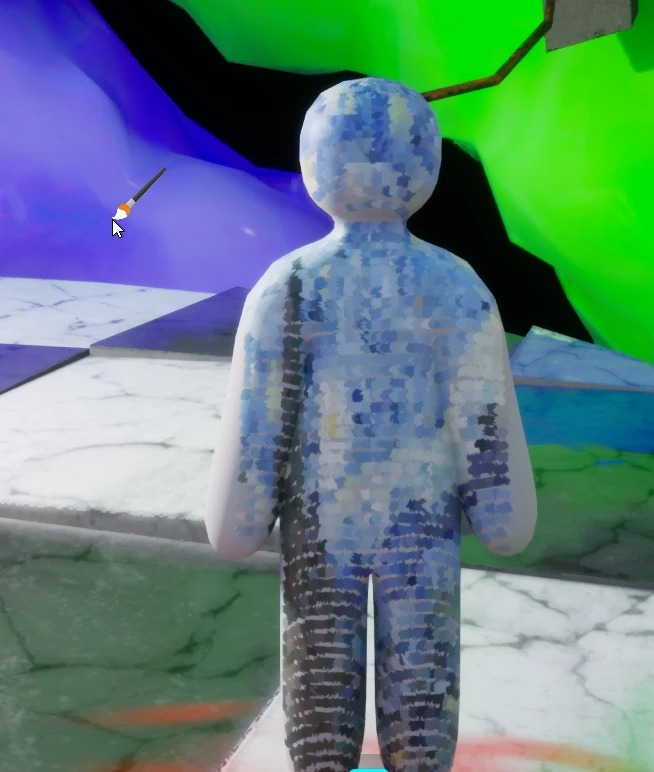
The READY message after Probe is your confirmation that the tool is connected. If it never reaches READY, the most common cause is failed injection, which the run-as-administrator step is meant to solve.
How Meccha Camouflage works
Meccha Camouflage runs outside the game as a separate window. You start MECCHA CHAMELEON, launch meccha-camouflage.exe, then confirm the target process and bridge state inside the app before pressing the saved paint hotkey. Its settings stay read-only until you choose Edit, with Save to apply changes or Cancel to discard them.
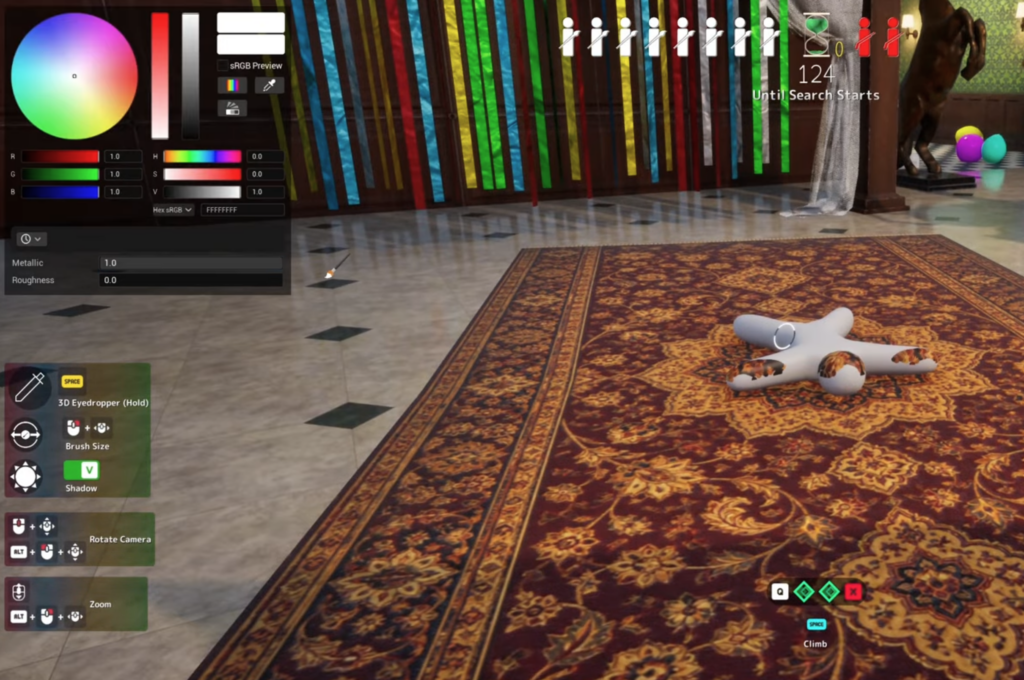
The app writes logs to %LOCALAPPDATA%\MecchaCamouflage\runtime\, which is where you would look if it fails to connect to the game. It is distributed as an open-source project under the MIT license, with builds posted to its GitHub Releases page.
Requirements and known failure points
Both tools target the Steam PC version on Windows. ParzPainter specifically needs the game launched in DirectX 12. Beyond setup, there are a few predictable ways these tools break or get noticed.
- Antivirus software will very likely flag and block the files, because they inject into and read the game’s memory.
- Changing game states while a paint is active, such as a match starting or ending, can crash you.
- Injection can fail outright, which is why administrator rights are recommended for ParzPainter.
- Unsupported image formats like WEBP will not project, even if renamed.
The risk of using auto-paint in online matches
MECCHA CHAMELEON is built around public and private online matches, and it requires agreement to a third-party EULA before play. Auto-painting your character with an injected tool sits squarely against the kind of fair play those agreements assume, which puts your account at risk in any match that is not fully private. The game has already sold more than 2 million copies and carries a Very Positive review rating, so the multiplayer pool you would be affecting is large and active.
These tools are external projects with no connection to lemorion_1224, and they can stop working whenever the developer updates the game and changes memory offsets, which is exactly what ParzPainter’s author had to patch for its 2.0 build. If you are curious about the painting skill itself, the intended path is practicing color, lighting, pose, and silhouette by hand in a private room, then having another player inspect your disguise from the Seeker route.