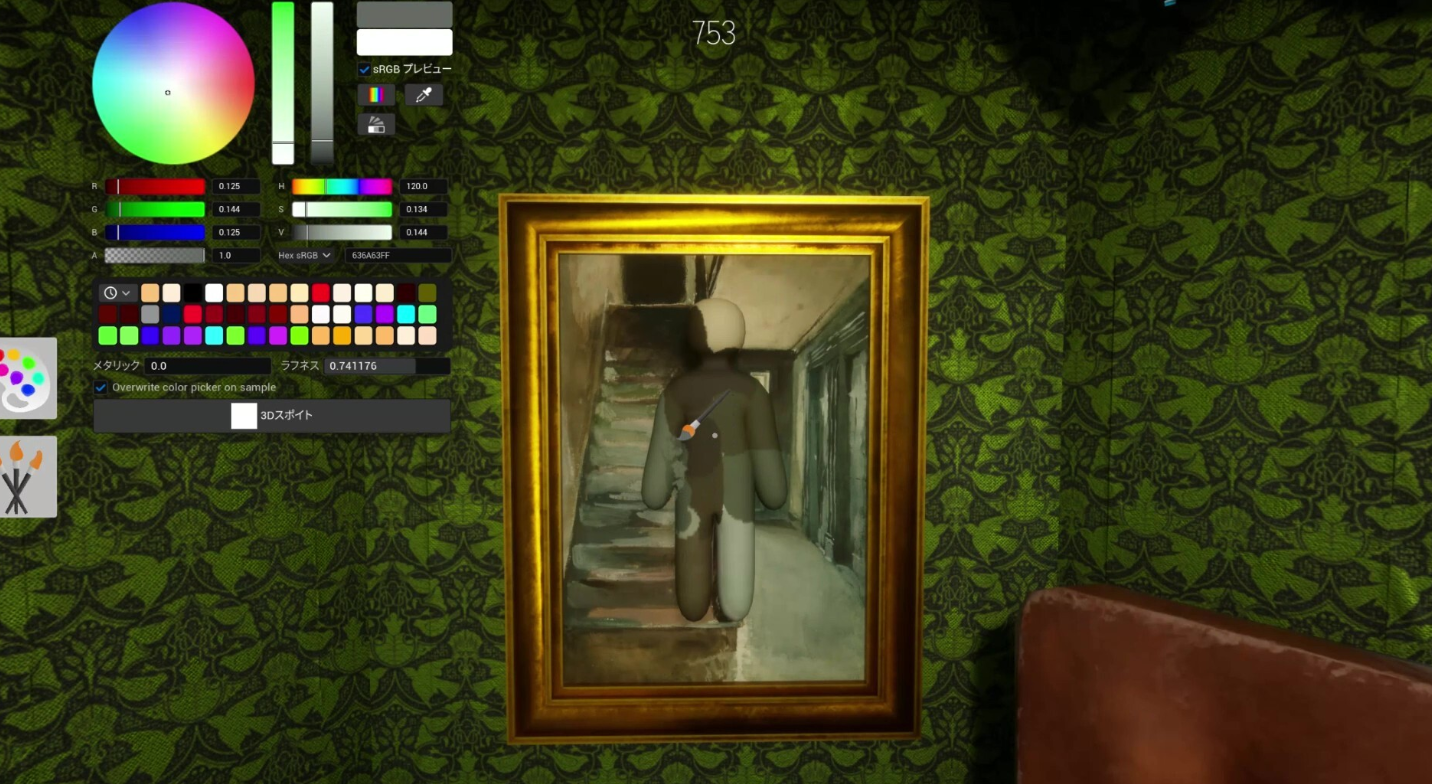
Clones are a hiding mechanic in Meccha Chameleon that let you leave painted copies of your character around a map so you can fill more blind spots and chase a higher score. Each copy mirrors exactly how you were painted and posed at the moment you placed it, which means a sloppy disguise becomes a sloppy clone. The trade-off is direct. More bodies on the field means more surfaces for a hunter to scan, and your copies are tied to your survival.
Quick answer: Paint and pose your character first, then press Q to drop a clone. You can have up to 3 characters total, with a 30-second cooldown between each. Press X at any time to delete every clone before a hunter tags one.
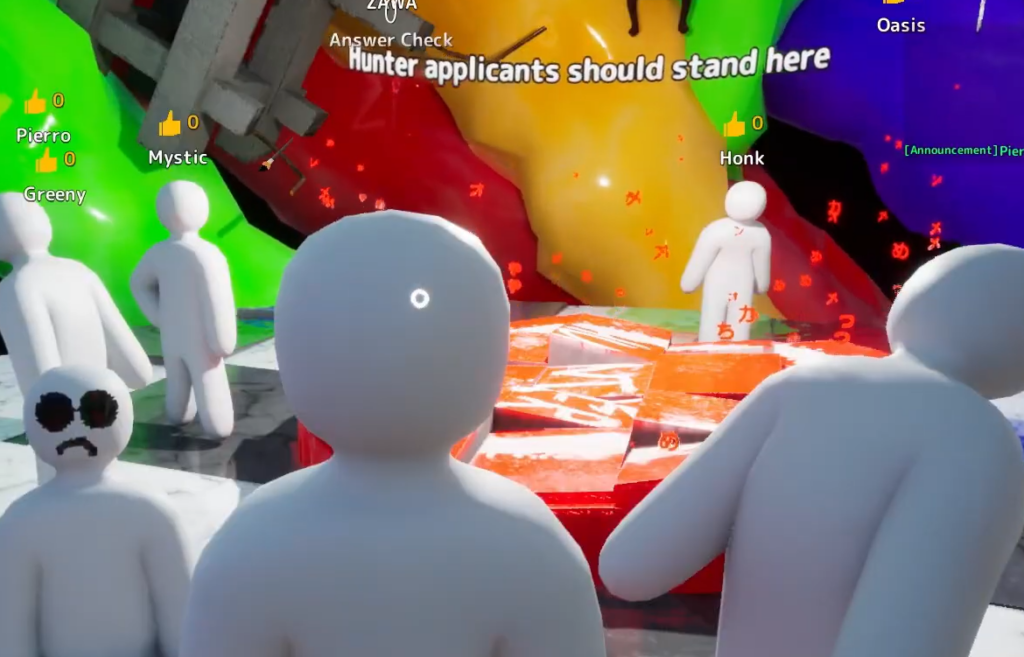
How to make a clone in Meccha Chameleon
The order of operations matters. A clone is a snapshot, so anything wrong with your paint or pose gets copied straight onto it. Lock the disguise before you duplicate.
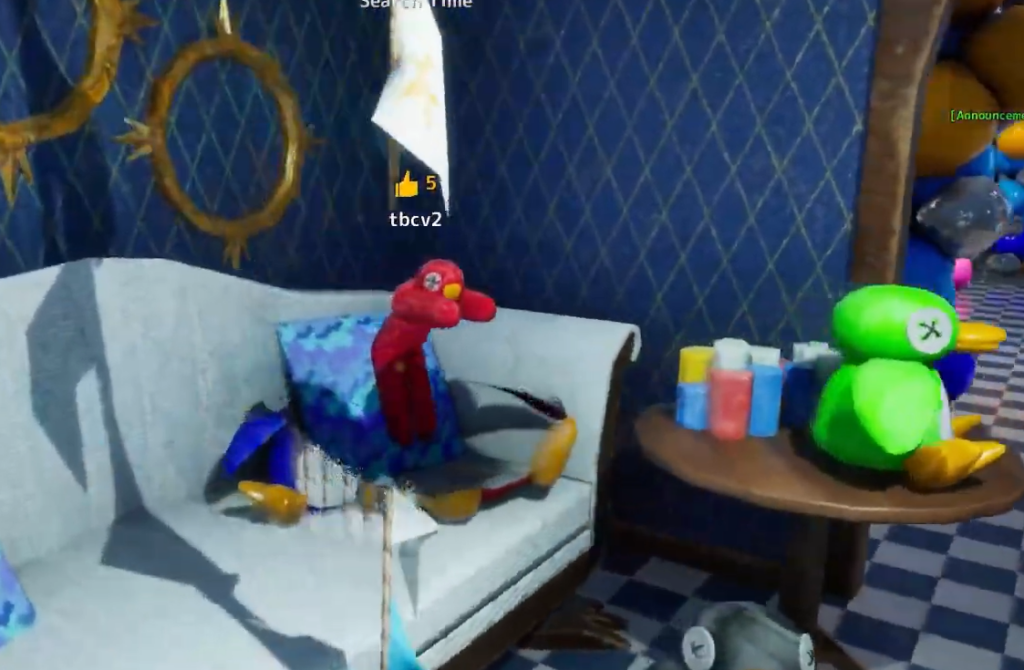
Cooldown timers and the 3-character limit
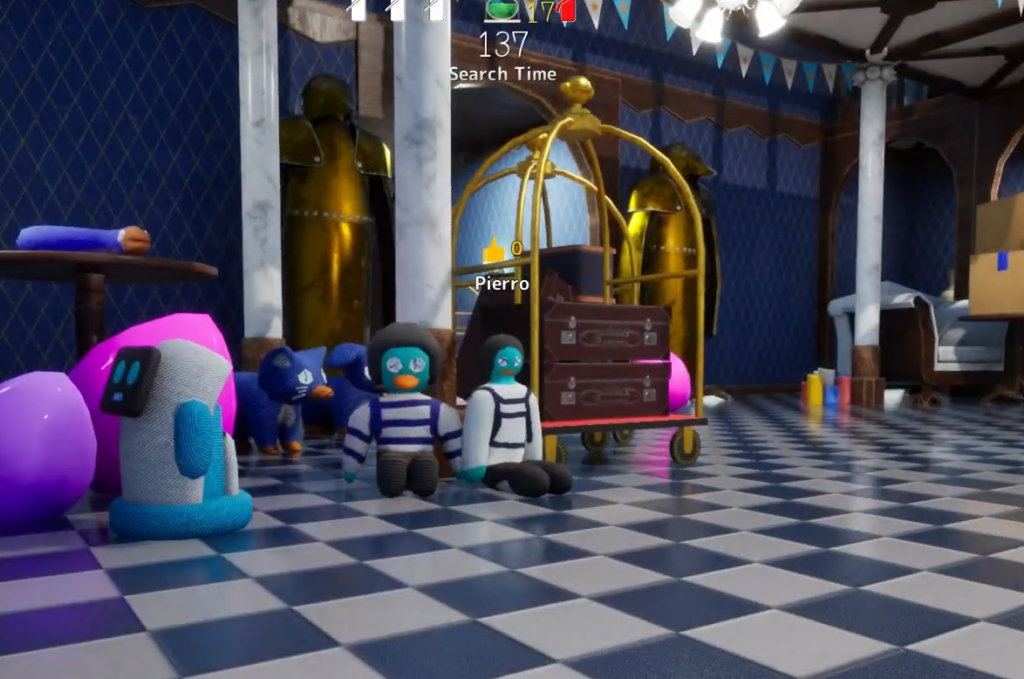
You cannot spam copies. Two green diamonds sit at the bottom of your HUD, and each one tracks a 30-second cooldown before you can place another clone. The left diamond governs your first clone and the right diamond governs your second. Once both are used, you have hit the cap of three total characters, which is your original plus two clones.
| Control | What it does |
|---|---|
| Q key | Creates a clone copying your current paint and pose (after cooldown) |
| X key | Deletes all of your clones at once |
| Left green diamond | 30-second cooldown for your first clone |
| Right green diamond | 30-second cooldown for your second clone |
| 5 key | Exits Free Camera mode so you can use X again |
The risk: if a clone is found, you are found
This is the rule that decides whether clones help or hurt you. Every clone counts toward your blind spot points, but if a clone is caught, your main body is caught too. A weak copy is a liability, since a hunter only needs to find one of your hides to end your round.
The escape valve is the X key. When a hunter closes in on one of your copies, pressing X removes all of your clones instantly, which keeps your main body alive so you can keep scoring. Keep a finger near that key whenever you have copies on the map.
You cannot press X to clear clones while you are in Free Camera mode. If you are viewing the map that way and need to bail, hit the 5 key first to leave Free Camera, then use X.
How clones work in Double Mode
Double Mode starts everyone as a hider. When the painting timer ends, every player flips to a hunter and goes looking for the others. Clones change the math here because each extra copy you placed is one more chance for someone to spot you.
Hunters still only need to find a single version of you. The moment one copy is found, your other two vanish from the player who found them. There is also a fixed catch you cannot undo. Once you have become a hunter in a Double match, you can no longer delete your own clones, so the X safety net is gone for that phase.
When the round reaches the answer check stage, the last character you hid is the one highlighted, and that holds true across all modes.
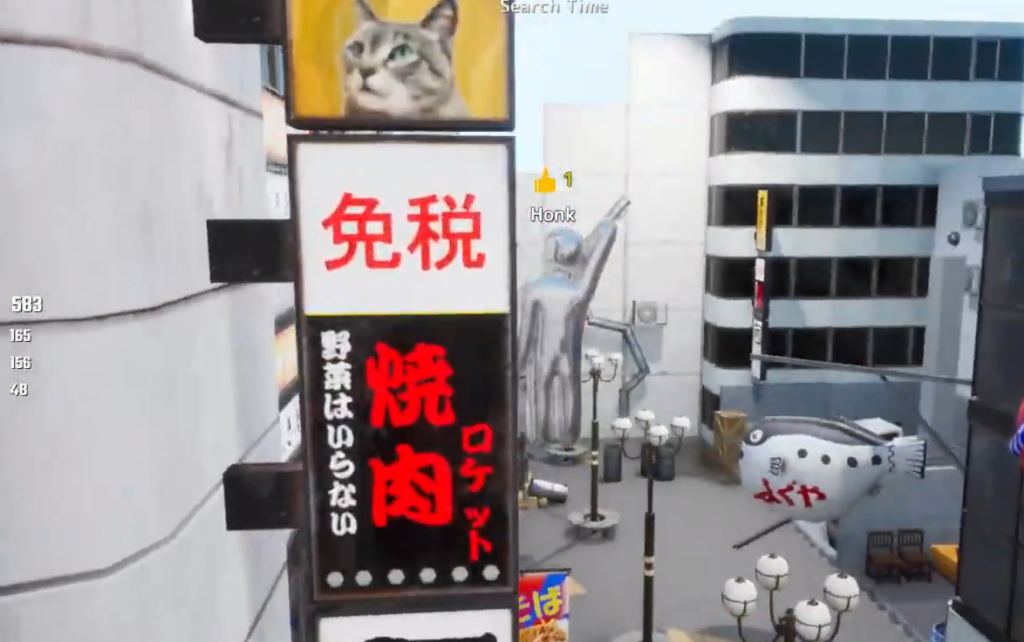
Settings and limitations to know
A few rules sit outside the round itself. Cloning is now a permanent feature for every player and every mode, and there is no setting to switch it off. If you want hiders to have enough time to place clones and build solid copies, raise the hunter wait time in the settings before starting.
- Clone creation cannot be disabled in any mode.
- Increase the hunter wait time to give hiders room to set up multiple copies.
- Free Camera blocks the X delete, so exit with the 5 key first.
Used well, clones turn one good disguise into two or three scoring blind spots. The cost is the shared fate between every copy and your main body, so the safest plays are clean paint jobs, sensible spacing, and a hand ready on X for the moment a hunter gets close.