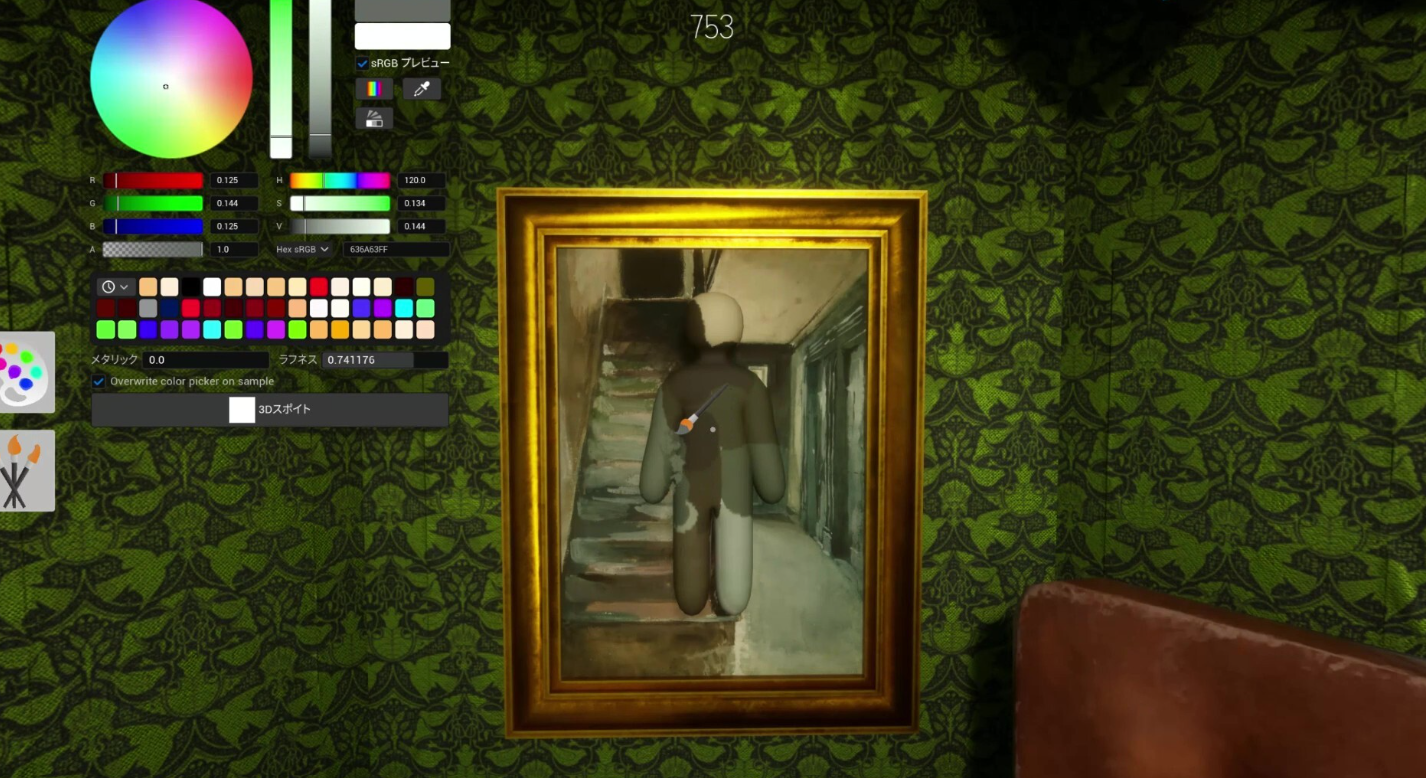
MECCHA CHAMELEON runs on Steam Deck, including the Deck OLED, even though it does not carry an official Deck Verified badge. It is a light hide-and-seek game where you paint your white body to blend into the stage, and the only real friction on a handheld is the paint tool, which depends on precise pointer control.
Quick answer: Install MECCHA CHAMELEON from Steam, launch it on Deck, and configure the controls yourself. Use the trackpad or an attached mouse for painting, since thumbstick painting is hard to aim and gets you caught.
What MECCHA CHAMELEON needs to run
The game is a PC-only Steam title built for Windows 10 64-bit. On Steam Deck it runs through Proton like other Windows games, and the modest minimum spec means hardware is not the limiting factor. Matches hold 2 to 10 players, and the person who hosts the lobby carries the connection.
| Detail | Value |
|---|---|
| Platform | PC (Steam), Windows 10 64-bit |
| Steam Deck | Playable, not Deck Verified |
| Processor | Intel Core i5 (minimum) |
| Graphics | DirectX 11 or 12 compatible card |
| Players per match | 2 to 10, host network sets the limit |
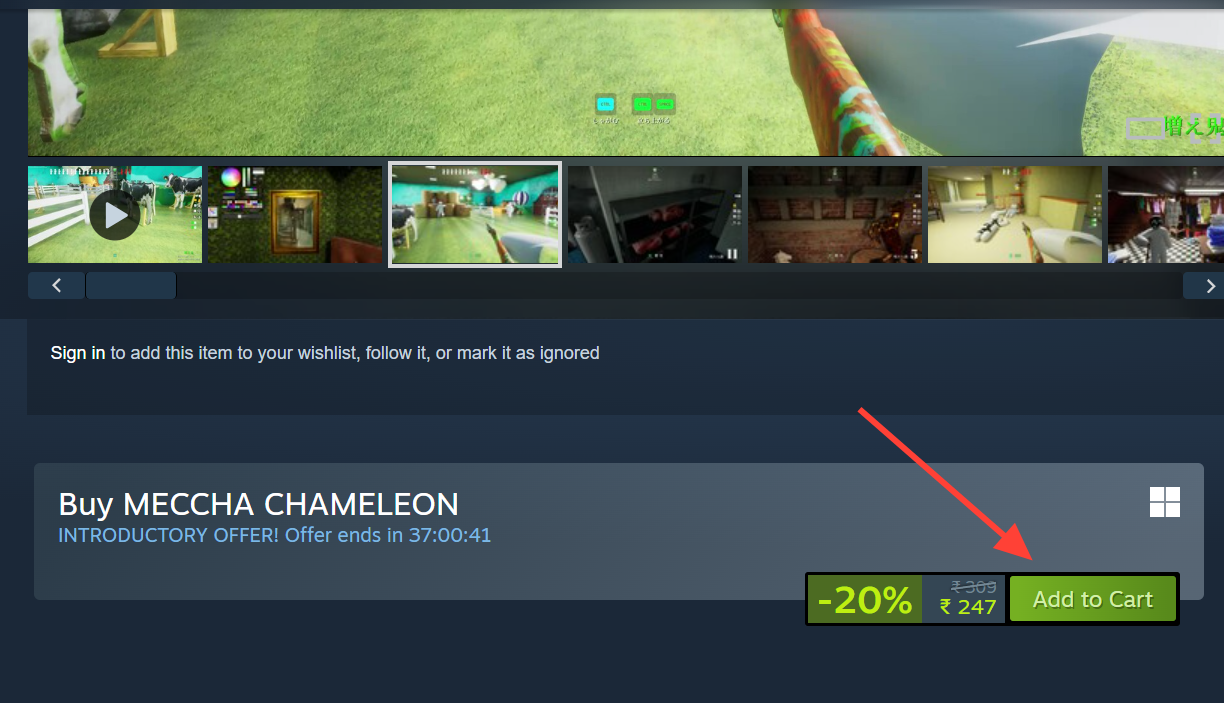
| Price | $5.99, discounted to $4.79 during the introductory offer |
You can buy and install it from the official MECCHA CHAMELEON Steam page. Each player needs their own copy to play online, and Family Sharing is enabled for households, though two people generally cannot play the same shared copy online at once.
Set up controls on Steam Deck
The game supports controllers, so menu navigation and the hunt phase feel fine on the Deck’s pad. The catch is painting. The default layout is built around keyboard and mouse, so the most reliable approach is to map the inputs yourself rather than relying on a stock template.
For a serious session, attach a mouse to the Deck. Painting a convincing disguise with a thumbstick is the quickest way to get spotted, and a real mouse makes the brush far easier to control.
Fix pixelation and stretched resolution
Some players see pixelation or a stretched image where the game resolution does not apply correctly. This usually clears up by switching display modes.
You know it worked when the image fills the screen at the right aspect ratio and the visuals look sharp instead of blocky.
Play on a TV or away from your desk
There is no console version, but you can still play off your main screen. Steam Link and Remote Play stream your own copy to a phone, tablet, or TV on your network. This streams a single purchase to another display rather than sharing the game with a friend, so it works well for couch sessions where you still want mouse-level precision for the paint tool.
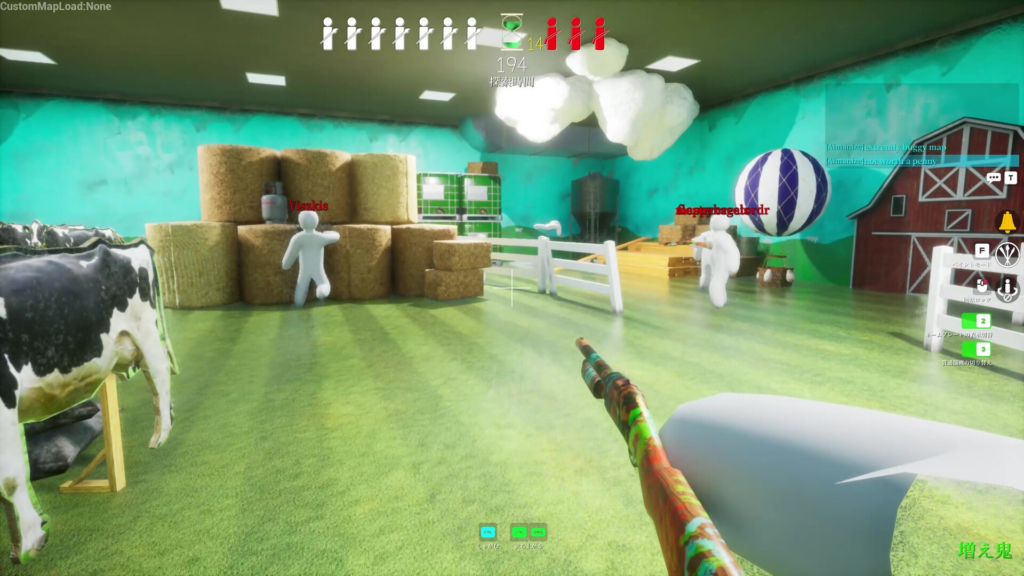
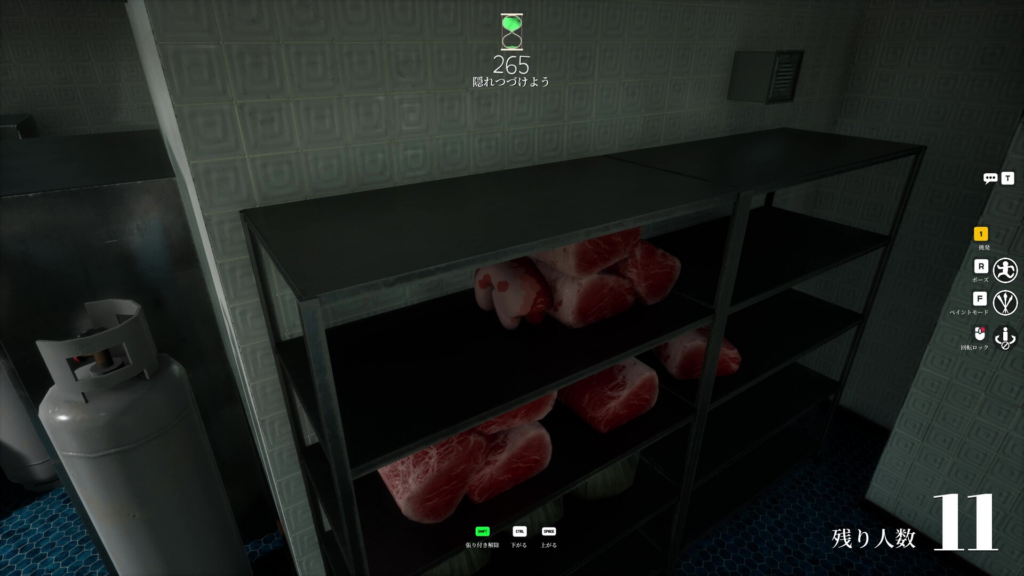
Each round plays the same way no matter the screen. Players split into hiders and seekers, hiders get prep time to paint and pose, and seekers hunt before the timer runs out. The hiding spot, your pose, and your painting skill decide whether you survive.