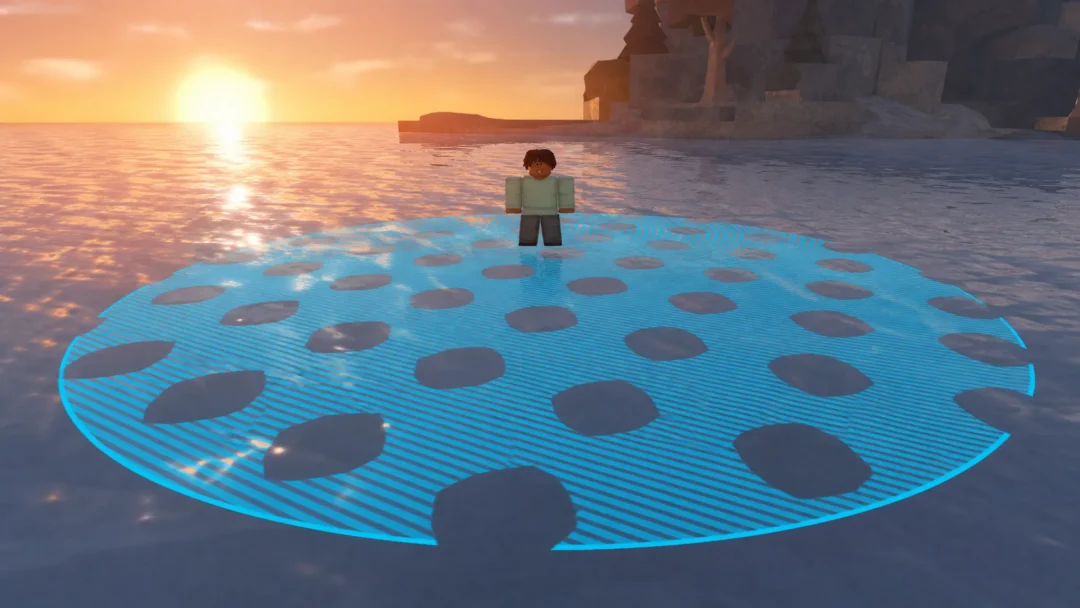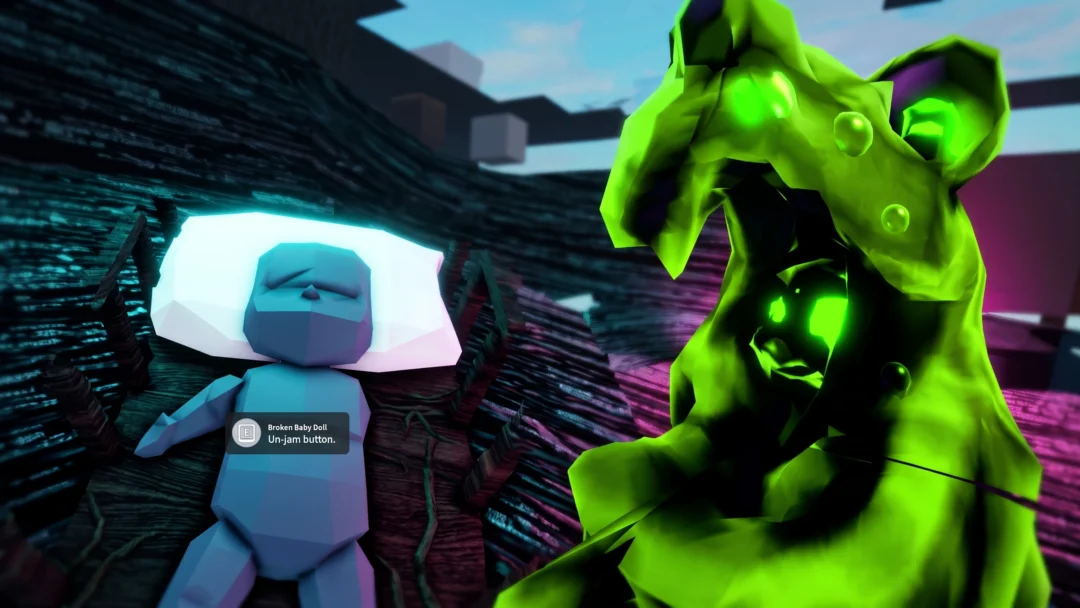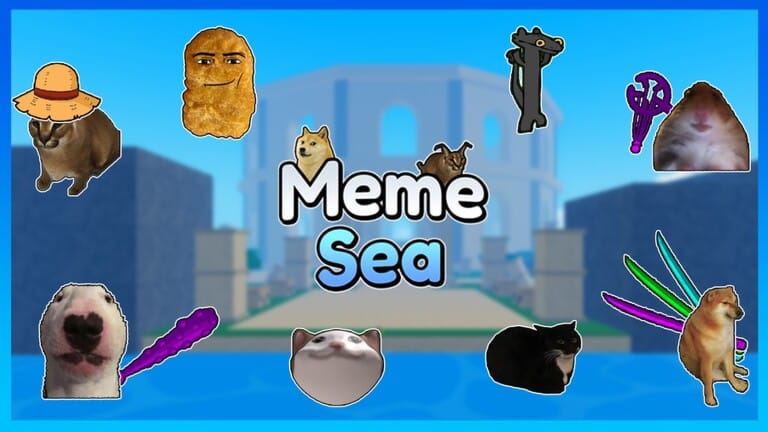
Meme Sea is a Roblox adventure that drops internet meme culture into a One Piece-inspired world. Players sail between islands, battle meme-themed enemies, and roll for powerful abilities through a gacha system fueled by gems and in-game cash. Both currencies are essential for keeping up with stronger opponents, and codes deliver them for free — taking the edge off the early grind. You can jump in through the Meme Sea page on Roblox.
Working Meme Sea Codes
Note: Your character must reach at least level 25 before code redemption becomes available.
amogus— Among Us Jumpscare NEWSadNoob— $1 cash NEW100KFavorites— 500 Gems100KLikes— 500 Gems100MVisits— $1,000,000 and 1,000 Gems100KActive— $1,000,000 and 1,000 Gems70KActive— 1,000 GemsUpdate4— $400,000 and 40 Gems10KLikes— 100 Gems10KMembers— 100 Gems
How to Redeem Codes in Meme Sea
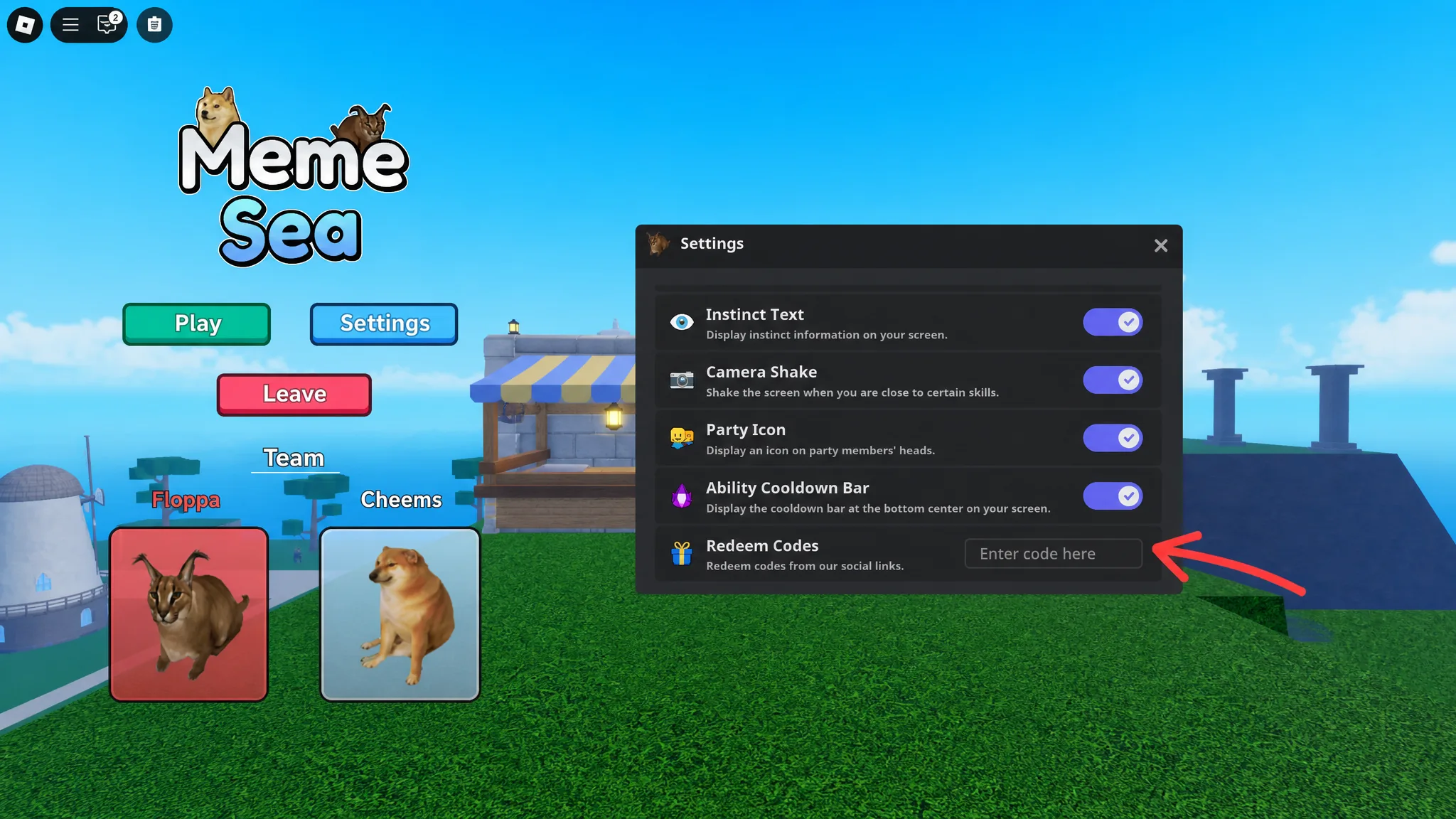
Codes are redeemed through the in-game Settings menu. Copy each code exactly as shown in the list above — Meme Sea codes are case-sensitive, so pasting is safer than typing manually.
Where to Find New Meme Sea Codes
The Meme Sea developers tend to release codes when the game hits milestones — things like visit counts, active player numbers, and likes. The official Meme Sea Discord server is typically the fastest source for announcements, followed by the game’s account on X (Twitter). The Meme Sea Roblox group also receives occasional posts when new codes go live.
Expired Meme Sea Codes
The codes below have passed their expiration window and can no longer be redeemed.
40KActive20KActive10KActive4KActive9MVisits8MVisits10MVisitsThankFor1KActiveThankFor100KVisitsMemeSeaReleaseThankFor1KLikesThankFor1MVisitsThankFor2MVisitsThankFor3MVisitsThankFor4MVisitsThankFor200KVisits