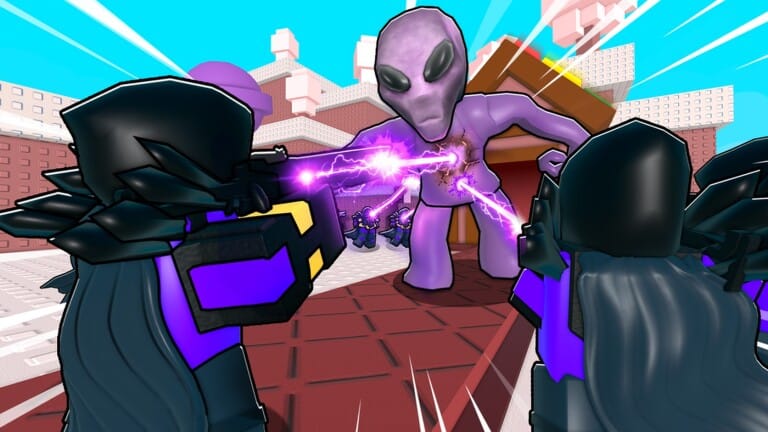
Noob Tower Defense pits armies of noobs against invading waves in Roblox, and gems and coins are what let you summon stronger units and push through tougher levels. Codes from the developer hand out batches of these currencies for free, cutting down the grind needed to build a stronger defense.
Working Noob Tower Defense codes
These codes are redeemable right now for gems and coins you can spend on summons and upgrades.
ENCHANTOVERHAUL— 450 Gems and 750 Coins NEWIMPOSSIBLE— 450 Gems and 750 CoinsECONOMY— 500 GemsBANANAS— 500 GemsRAIDS— 500 GemsTradePlaza— 150 Gems and 450 CoinsSummer— 125 Gems and 350 CoinsIndex— 150 Gems and 500 CoinsENDLESS— 300 GemsUPD3— 300 CoinsNTDSPRING— 300 GemsLIKES18K— 400 Gemshallsecret— 200 CoinsUPD2— 300 GemsSeason2— 300 GemsENDLESSDELAY— 300 gems
Codes are case-sensitive in most cases, so copy each one exactly rather than retyping it from memory.
How to redeem codes in Noob Tower Defense
The redemption menu only appears once the opening tutorial is finished, so make sure that step is out of the way first.
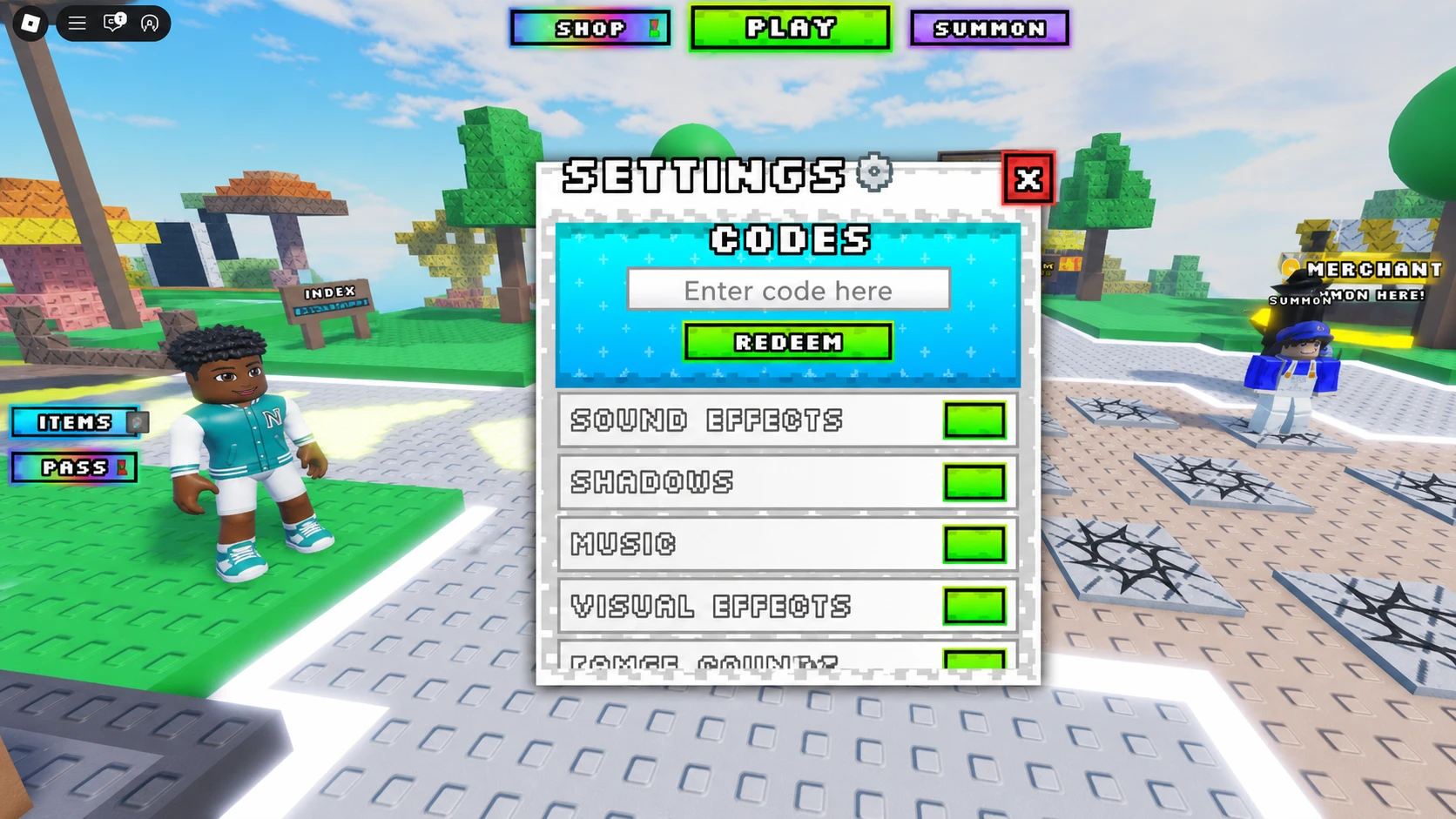
You’ll know a code went through when your gem or coin total updates immediately on screen. If nothing changes, the code has likely already expired or was entered with a typo.
Expired Noob Tower Defense codes
These codes no longer return any reward when entered.
Likes6klikes7kLIKES5KLIKES2KLIKES500SHIFTLOCK100KVISITSrewrite500LIKES100likes1000LIKES
Where new Noob Tower Defense codes get posted
New codes tend to appear around like or visit milestones and alongside major game updates. The official Noob Tower Defense Discord server is where the developer typically posts fresh codes first, often in a dedicated codes channel.
Bookmark this list and swing back whenever your gem or coin stash is running low before the next wave of noobs hits your defense.