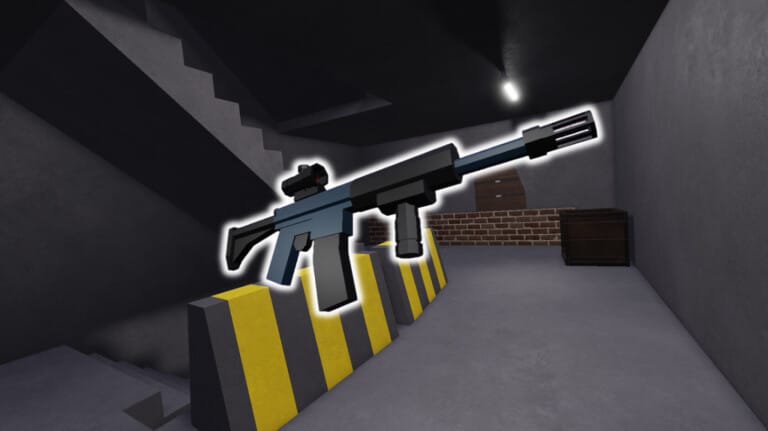
Operation One is a 4v4 tactical shooter on Roblox where two teams, Attackers and Defenders, fight to control a single building using breach charges, intel gadgets, and close-quarters gunplay. Codes for the game typically hand out free cash or gear that speeds up your loadout progress without extra grinding.
Working Operation One codes
There are no active Operation One codes right now. The developers at Colorful Squares have not released a redeemable code since the game’s code system went live, so there is nothing to enter at this time.
Codes are usually tied to updates, player-count milestones, or special events, so a fresh batch could arrive with little warning. Check back regularly, since this page gets updated as soon as a new code is confirmed.
How to redeem codes in Operation One
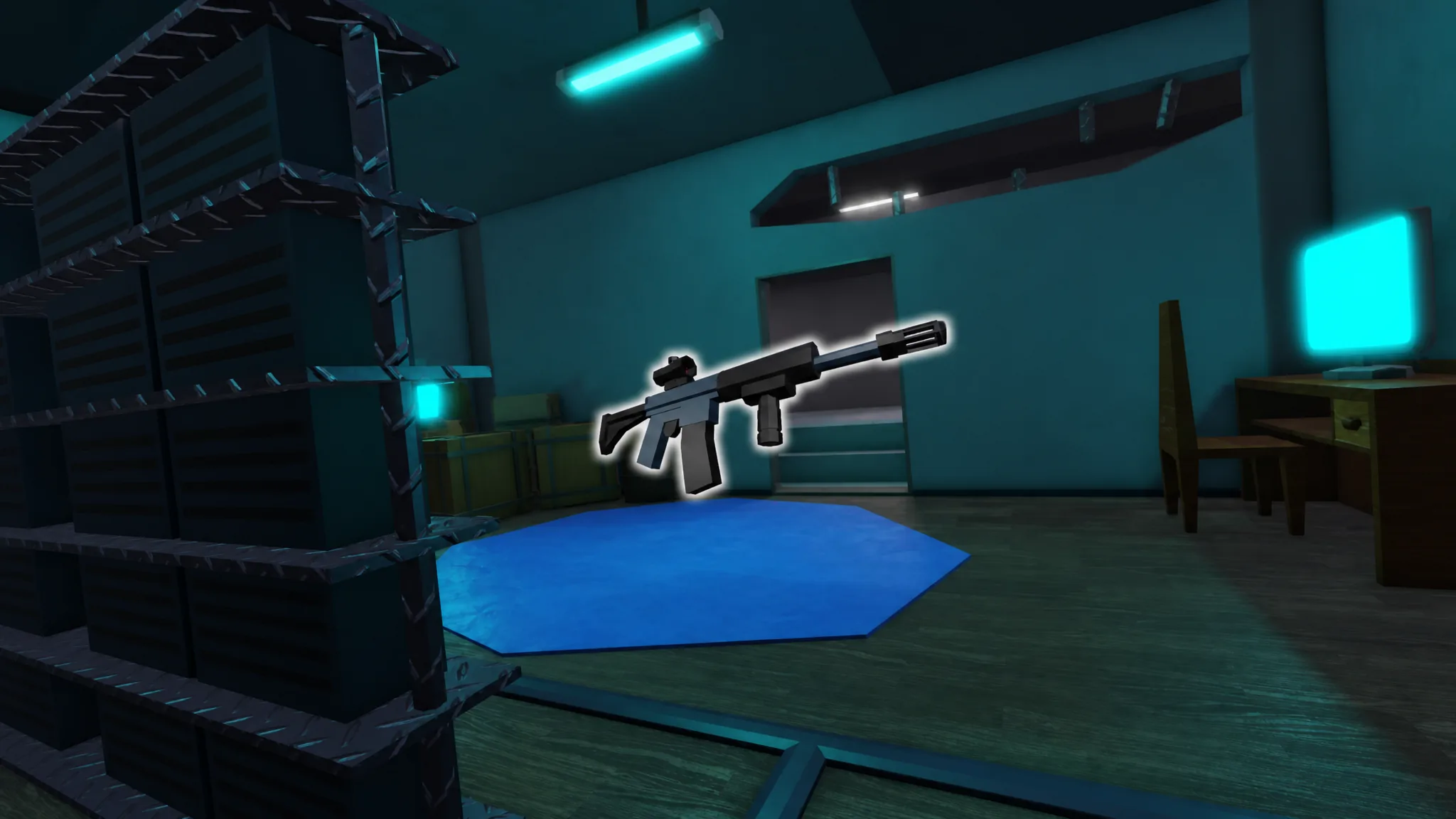
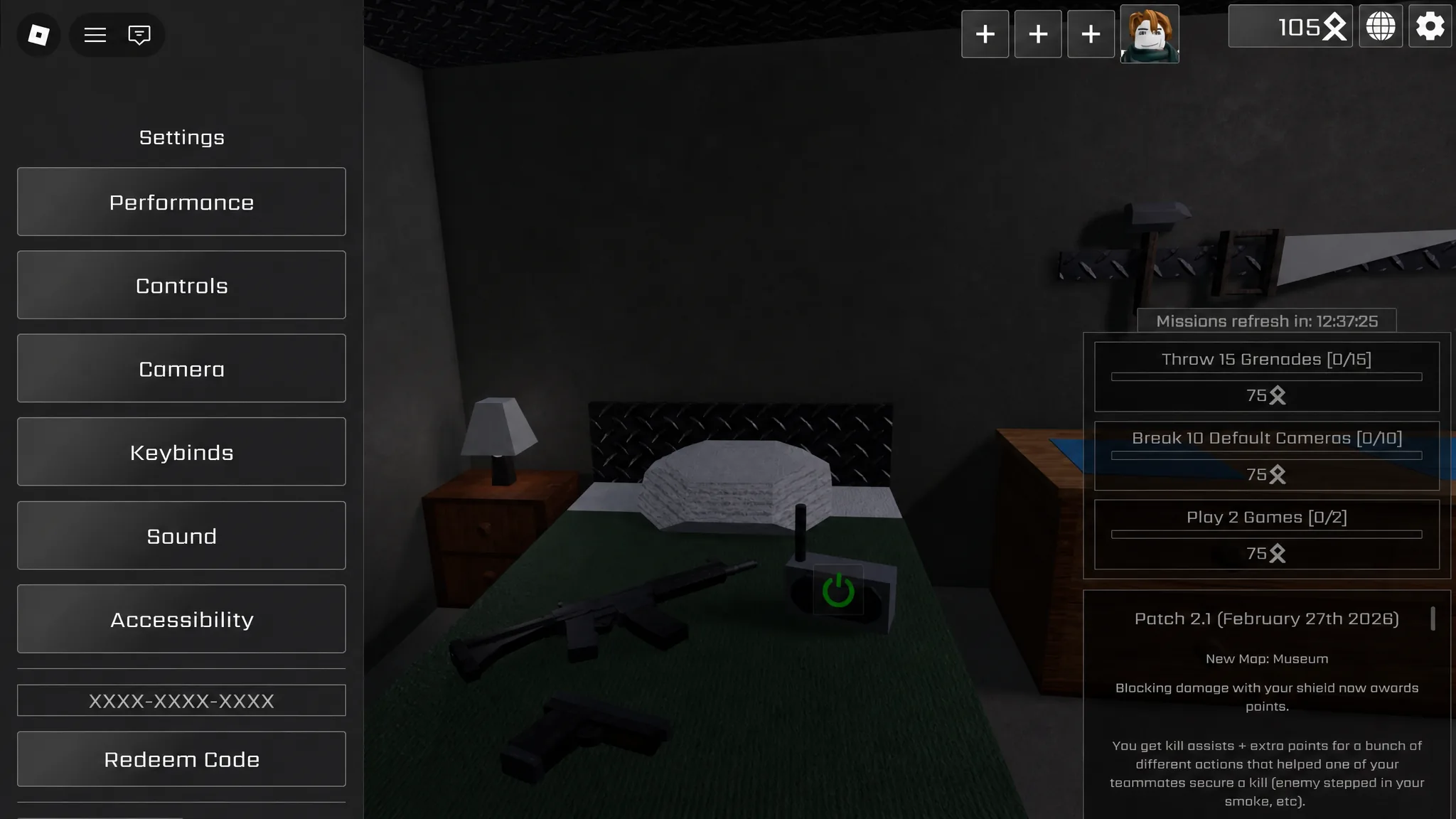
The redemption menu already exists inside Operation One, so you can have it ready for the moment a working code appears.
Expired Operation One codes
No Operation One codes have expired, mainly because none have been released since the game launched its redemption system.
Where to watch for new codes
The official Operation One Discord is where Colorful Squares tends to post announcements first, including any code drops tied to updates or milestones. The Colorful Squares Roblox group is another channel worth following for the same kind of updates.
No official date is confirmed for the next Operation One code, so avoid trusting any code shared outside these official channels until it’s verified.