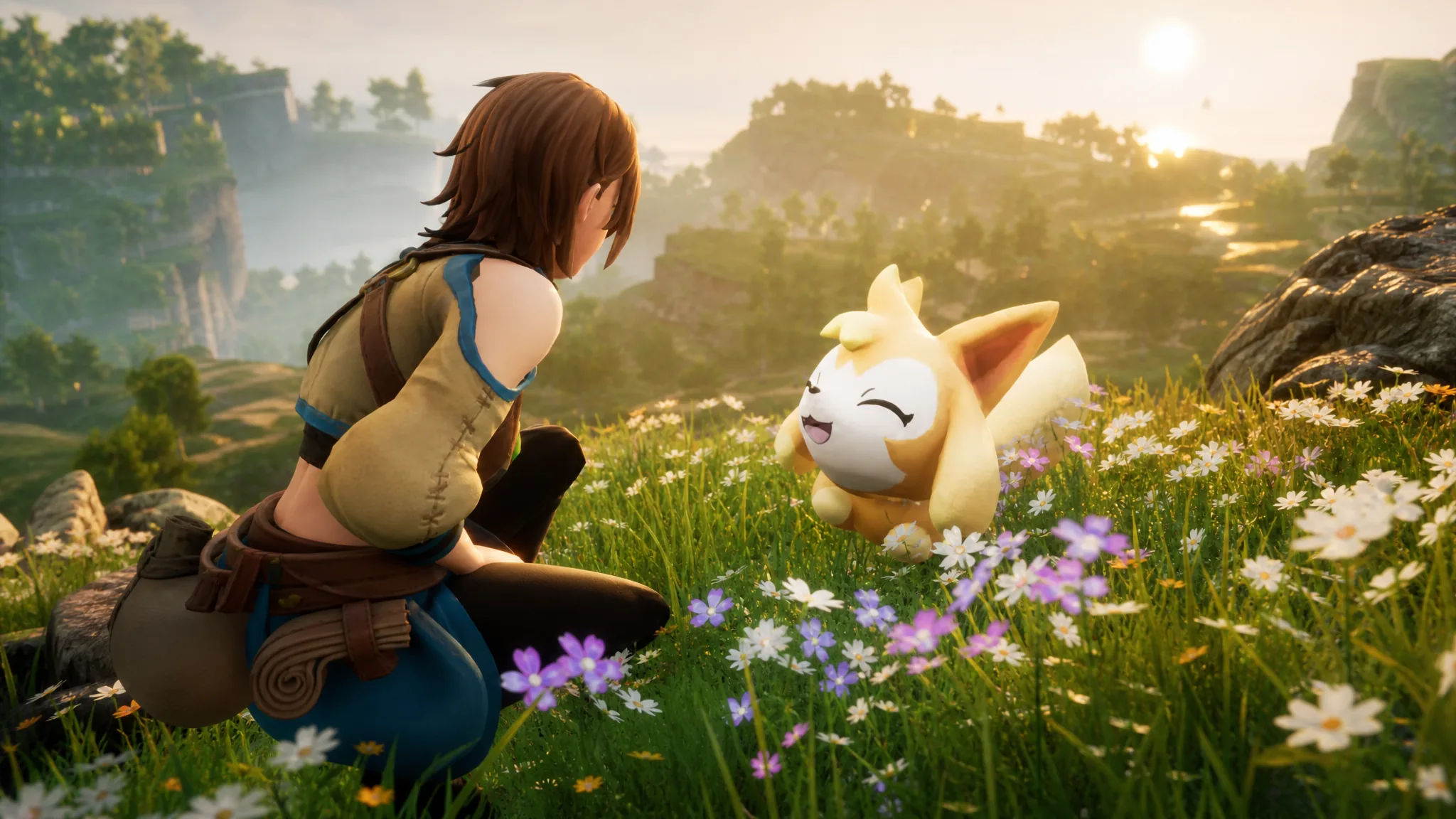
Palworld version 1.0.3 reworks several progression and resource systems while clearing out a long list of crashes and gameplay bugs. It lowers the unlock levels for Jetragon-related tech and the Aquatic Construction Kit, makes World Tree Holy Water easier to collect and lighter to carry, and cuts the cost of Crude Oil production.
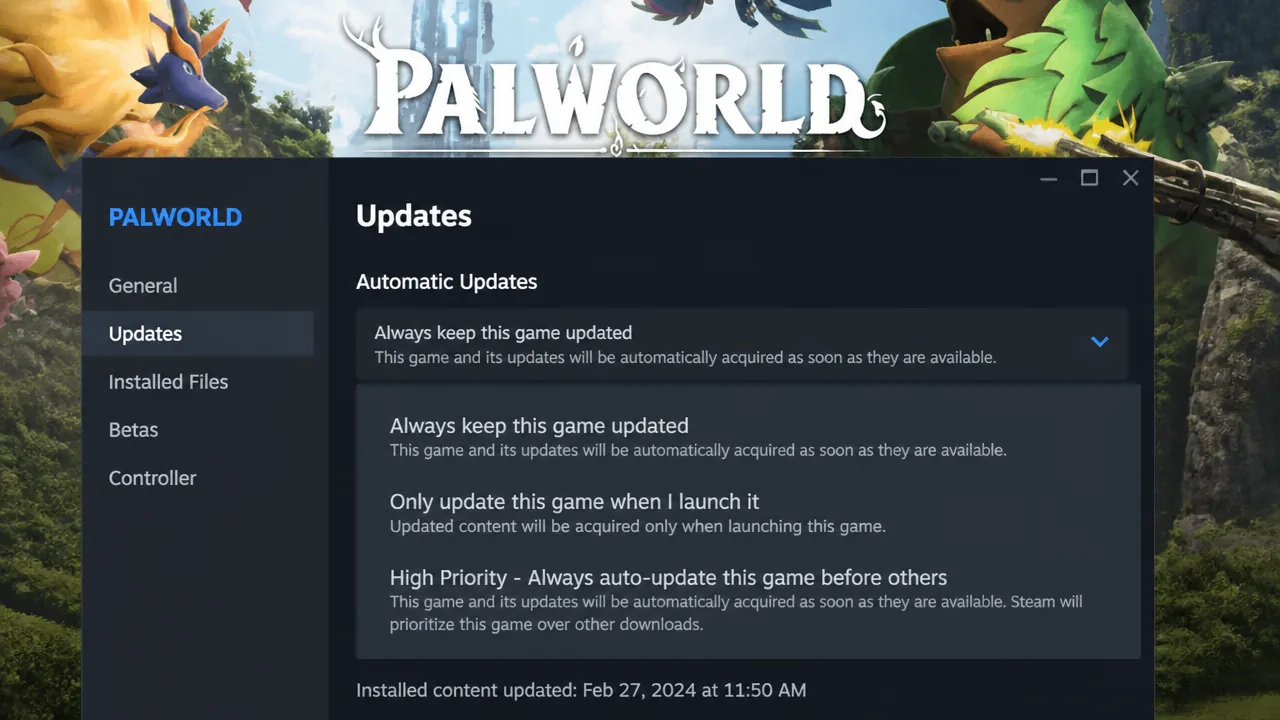
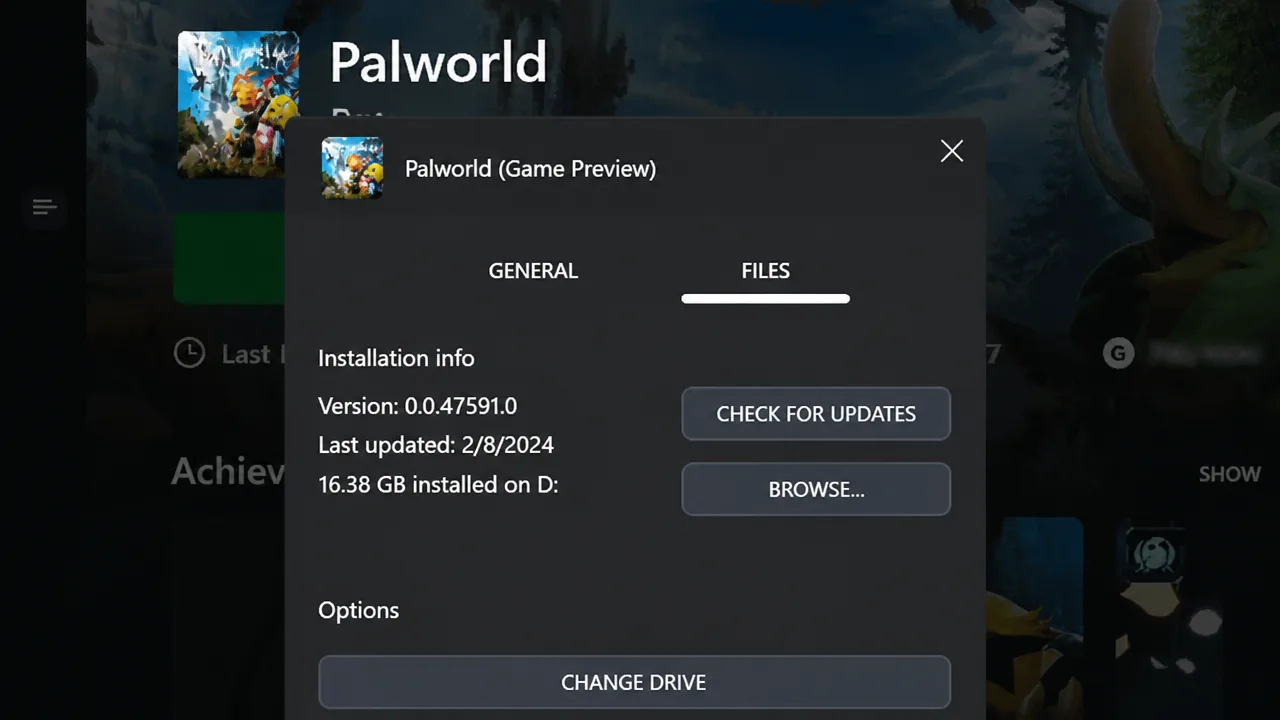
Quick answer: Version 1.0.3 is live on all supported platforms as of August 12, 2026. Update Palworld through Steam or Xbox Game Pass, then check that the version reads 1.0.3 on the title screen to confirm it installed.
Progression and item changes in Palworld 1.0.3
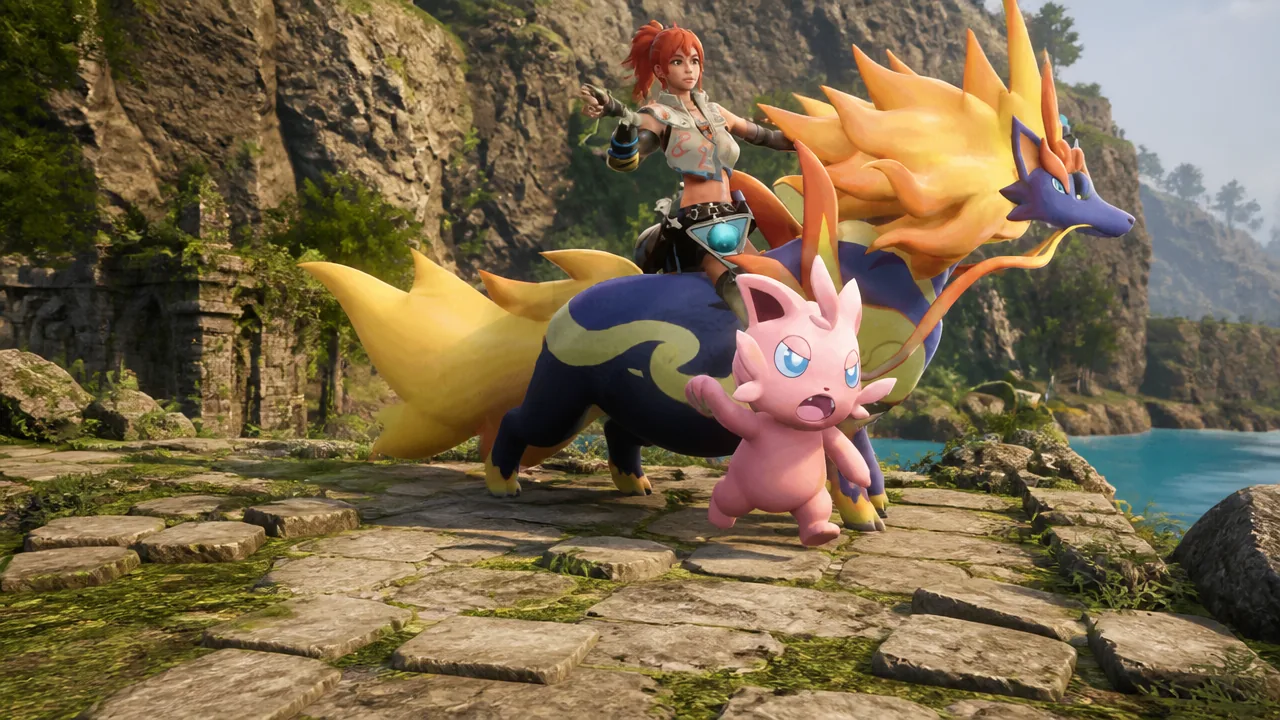
The biggest quality-of-life shift is how much earlier you can reach some late-game tools. Jetragon’s ride technology and the Aquatic Construction Kit both open at much lower levels, and their material costs drop as well. World Tree Holy Water also becomes far more practical to keep on hand.
| Change | Detail |
|---|---|
| Jetragon technologies | Unlock level moved from 79 to 70; fewer materials needed for the Pal Gear used to ride Jetragon |
| Aquatic Construction Kit | Unlock level moved from 66 to 23; Ancient Technology Point cost cut from 4 to 1; materials and work amount adjusted |
| World Tree Holy Water | Longer effect duration; weight reduced from 1 to 0.1; added to World Tree expeditions, World Tree fishing, and the Large Fishing Pond |
| World Tree Holy Water sources | Higher amounts from Pals in The World Tree area and from Teafant Spring |
| Ancient Armor series | Crafting work amount adjusted |
| Fiber | Amount obtained from trees doubled |
Base building, missions, and server settings
Crude Oil production is cheaper to set up and faster to run. The building costs of the Crude Oil Extractor, High-Pressure Crude Oil Extractor, and Large Power Generator are all reduced, and both extractors now produce crude oil more quickly. The base mission that previously required a standard Crude Oil Extractor can now also be completed by building a High-Pressure Crude Oil Extractor.
Dedicated server admins get a new toggle. The bAllowEnemyCampSpawnNearBaseCamp setting disables the suppression of enemy camp spawns near player base camps, letting hostile camps appear closer to your bases when enabled.
Two display tweaks also landed here. Area boundaries are easier to read from a distance, and some dungeon objects now render at higher quality. Using World Tree Holy Water also plays a new sound effect.
Crash and progression-blocker fixes
Several fixes target situations that could halt play entirely. These matter most if you were stuck loading, crashing on a specific platform, or unable to advance a main mission.
| Platform | Fix |
|---|---|
| PS5 | Prevented a crash when a user with parental controls opened the Global Palbox under certain conditions |
| Xbox One / Xbox One S | Prevented a crash when moving near some Field Bosses in The World Tree area |
| PS5 / Xbox | Fixed a lost cursor and blocked progression when “Some world settings are too high for your system.” appeared on the world selection screen |
| All | Fixed a Sunreach mission that could become impossible if the barrier was removed before accepting the main mission |
Multiplayer, Pals, and combat fixes
Co-op and dedicated server play received targeted repairs. Client-side lighting could display incorrectly after cutscenes or the ending, some scenes stuttered during the World Tree entry cutscene, Fast Travel could trigger unintentionally during Tower Boss battles on dedicated servers, and Pals could appear to vibrate rapidly on the client screen. All four issues are fixed.
Pal behavior is more reliable too. Summoned Pals no longer stop fighting or stop helping with base work, and Alpha Surfent now produces Leather when assigned to a Ranch. In multiplayer, the effect display for Orserk and certain other Pals’ Partner Skills updates correctly, so activations no longer look like they failed.
On the combat side, some Raid Boss battles that could stall now progress as intended, and Panthalus’s wave effects now match their actual damage range.
Item, reward, and building fixes
Reward settings for the normal Moon Lord battle and the Ultra Raid Boss battle now match their intended values, and an item duplication exploit tied to certain actions is closed. A separate fix stops Katress’s Partner Skill from letting a rider obtain a different Sphere type when switching Spheres.
Building placement is more accurate as well. Stairs and slanted roofs now match their real shape for placement detection, and stairs can be placed correctly on the sides of foundations and roofs.
| Area | Fix |
|---|---|
| World Tree Holy Water | Effect now displays on the ridden Pal when used while riding; aura no longer reappears near World Tree trees after the effect ends while mounted |
| Desert expedition | Corrected an unintended reward |
| Dark Skill Fruit: Psycho Gravity | Now appears on the item search screen |
| Sphere launchers | Firing interval is now set correctly |
Display, sound, controls, and map fixes
Fullscreen resolution settings now apply correctly, switching window mode with F11 or Alt+Enter no longer forces the game back to fullscreen after loading, and on-screen effects while aiming no longer blur the whole screen.
Audio issues were also addressed. The water sound effect plays correctly at Teafant Spring, Attack Chopper BGM no longer plays from far away on dedicated servers and now plays correctly for Wanted players, and unintended footstep sounds on furniture and facilities are gone.
For controls, restoring the “Attack that enemy!” key assignment to default now works, and settings no longer apply unintentionally when handling the change-confirmation dialog or duplicate key warning. On the map side, a beach-like display no longer lingers on the water after Fast Traveling to an offshore base.
How to download Palworld 1.0.3 on Steam
How to download Palworld 1.0.3 on Xbox Game Pass
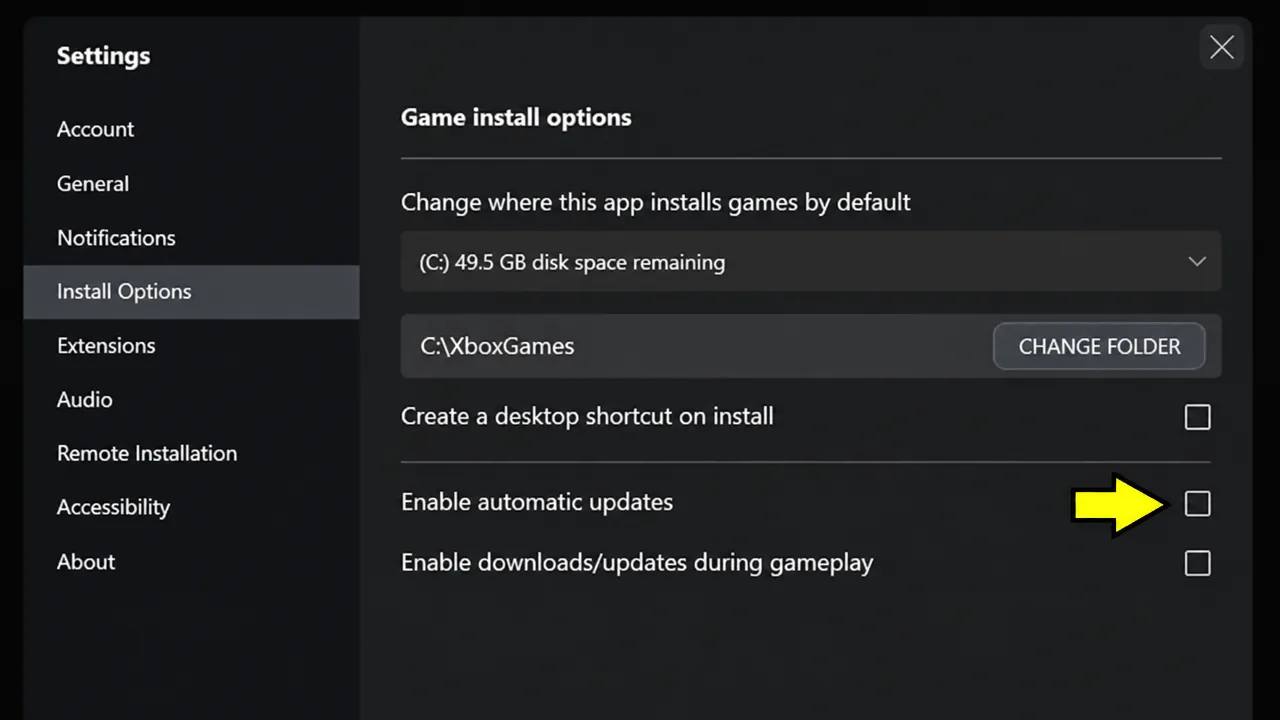
Once the download finishes, launch Palworld and confirm the version reads 1.0.3. Crossplay stays intact across platforms after updating, so you can keep playing with friends who are on 1.0.3 too.