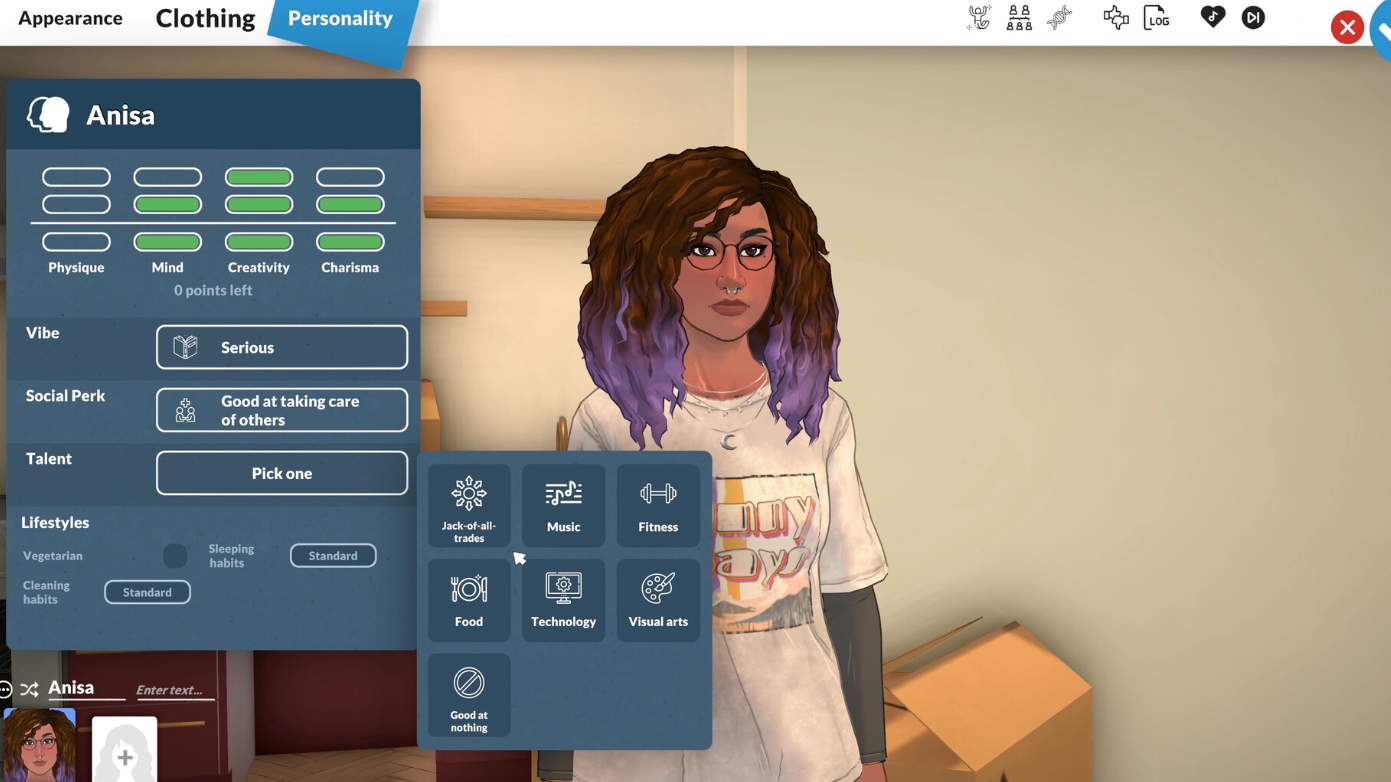
Paralives cheat commands – Full console list for Early Access
Every working console command for money, needs, skills, time, and debug controls in Paralives.
Every working console command for money, needs, skills, time, and debug controls in Paralives.
by Pallav Pathak
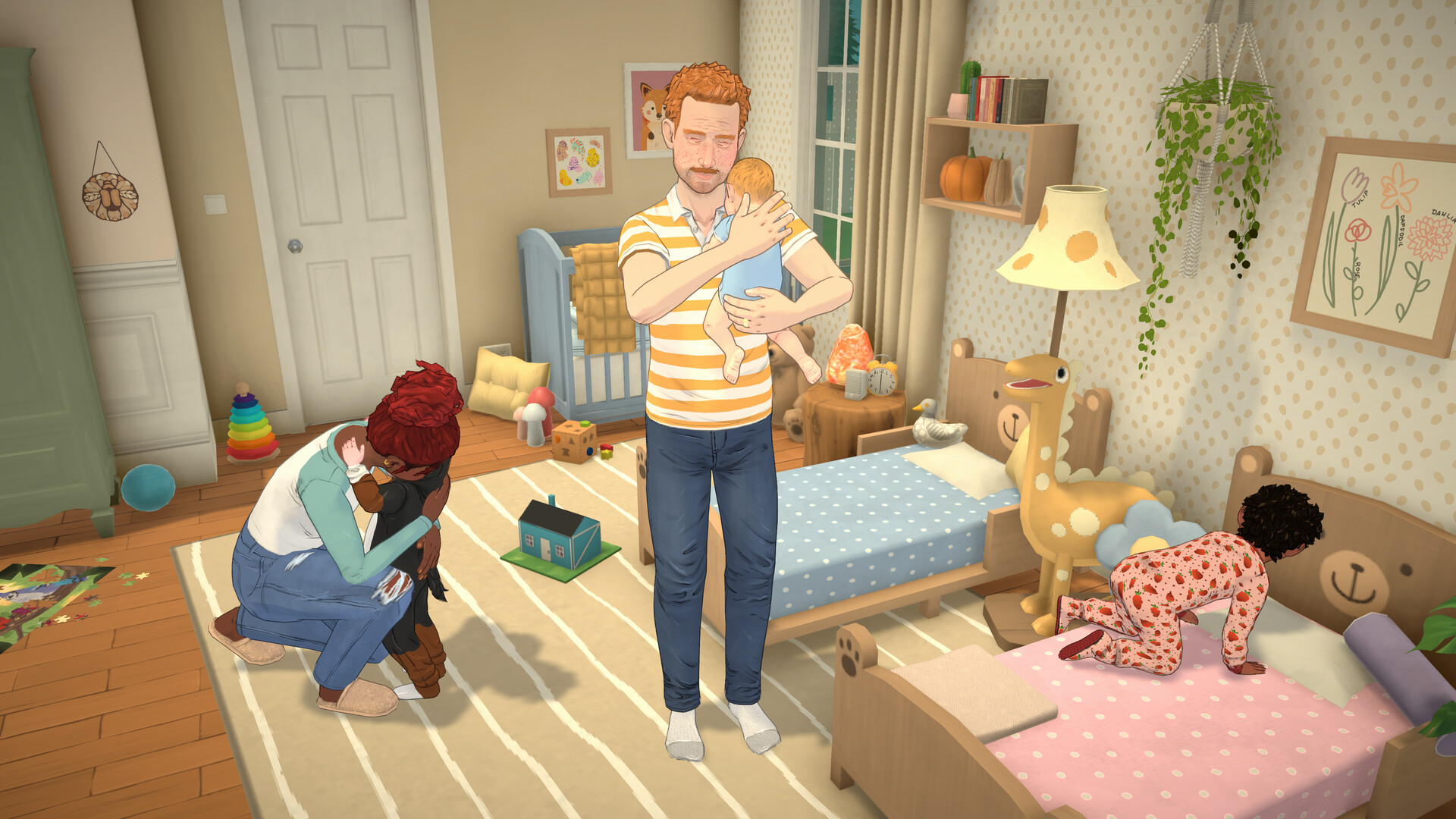
Paralives ships with a built-in cheat console that covers money, skills, needs, time, careers, pregnancy, fires, and a long list of debug toggles. The commands are case-insensitive and take effect the moment you press Enter, so typing makeitrain works the same as MAKEITRAIN.
⌨️
Quick answer: Press Ctrl+F1 or Ctrl+Shift+C to open the cheat console in Paralives, type a command such as MAKEITRAIN for 10,000 Paradimes, and press Enter. Type HELP to list every command available in your current build.
How to open the cheat console
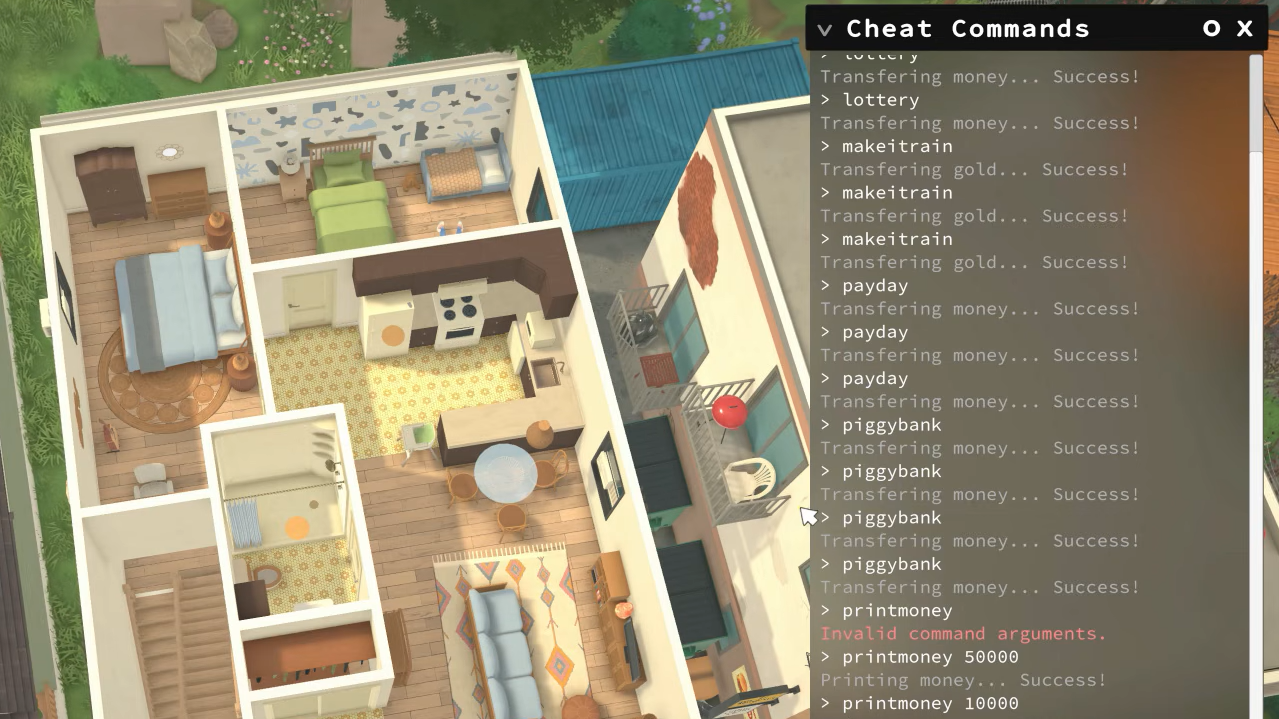
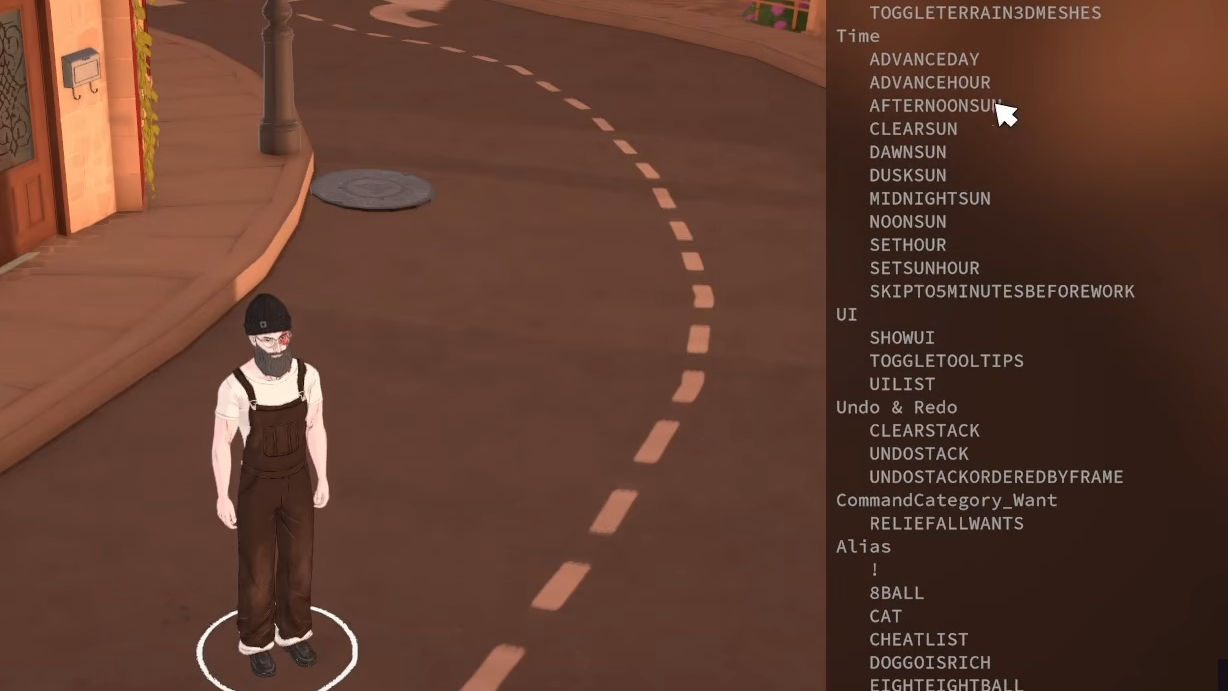
Load any save in Live Mode first. The console docks on the right side of the screen once it appears, and you can type or paste commands directly into it.
Type a command and press Enter. Use HELP to see the full in-game list, since the cheat catalog can change between Early Access patches.
Image credit: Paralives Studio (via YouTube/@taylorsaurus guides)
Money cheats
Money commands either add Paradimes to your current balance or overwrite it. PRINTMONEY adds to the household; SETMONEY replaces it entirely.
Command
Effect
PIGGYBANK
Adds 1,000 Paradimes
MAKEITRAIN
Adds 10,000 Paradimes
JACKPOT
Adds 50,000 Paradimes
LOTTERY
Random amount between 1 and 100,000 Paradimes
PAYDAY
Pays the selected Para their current salary
PRINTMONEY 5000
Adds the specified amount to the household
SETMONEY 100000
Replaces household funds with the specified amount
CLEARBILLS
Deletes all pending household bills
Time cheats
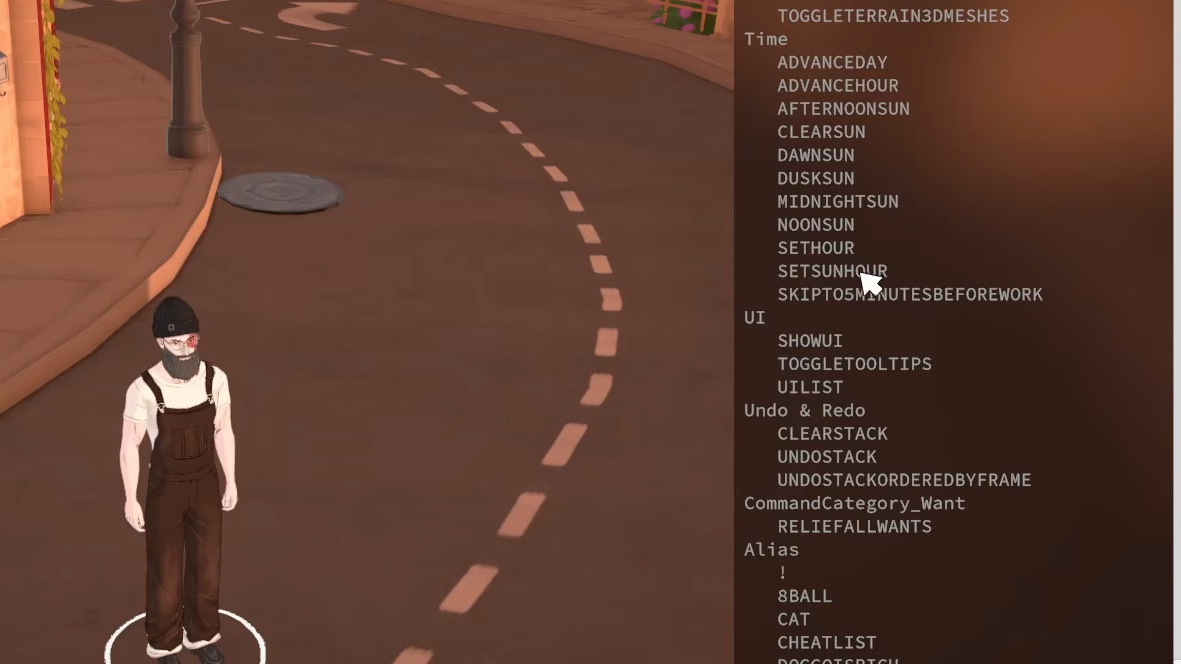
Useful for skipping overnight waits, lining up career shifts, or jumping the clock to a specific hour for a build screenshot.
Command
Effect
ADVANCEDAY
Skips forward 24 hours
ADVANCEHOUR
Skips forward one hour
SETHOUR 5
Sets the clock to the specified hour (5 AM in this case)
SKIPTO5MINUTESBEFOREWORK
Jumps to five minutes before the selected Para’s shift
Needs cheats
Need values run from 0 to a maximum, with higher numbers meaning the need is satisfied. Need names you can pass include Hunger, Hygiene, Sleep, and the other standard need IDs visible from SHOWNEEDS.
Command
Effect
SHOWNEEDS
Prints all current need values for the selected Para
CHANGENEED Hunger 2
Raises one need by the specified amount
DECAYNEED Hunger 2
Lowers one need by the specified amount
SETNEED Hunger 2
Sets one need to an exact value
RELIEFNEED Hunger
Maxes a single need
RELIEFALLNEEDS
Maxes every need for the selected Para
RELIEFALLNEEDSOFALLCHARACTERS
Maxes every need for every Parafolk in town
Image credit: Paralives Studio (via YouTube/@Side Quest)
Character, age, and personality cheats
Most of these act on the currently selected Para. KICKSELECTEDCHARACTERSFROMHOUSEHOLD can leave a character without any household, which is known to cause bugs. Use KICKCURRENTHOUSEHOLDINTONEWHOUSEHOLD instead when you just want to split people off.
Command
Effect
EDITCHARACTER
Reopens the Paramaker for the active household
PRINTAGE
Prints the selected Para’s age
SETAGE 25
Sets the selected Para to the chosen age
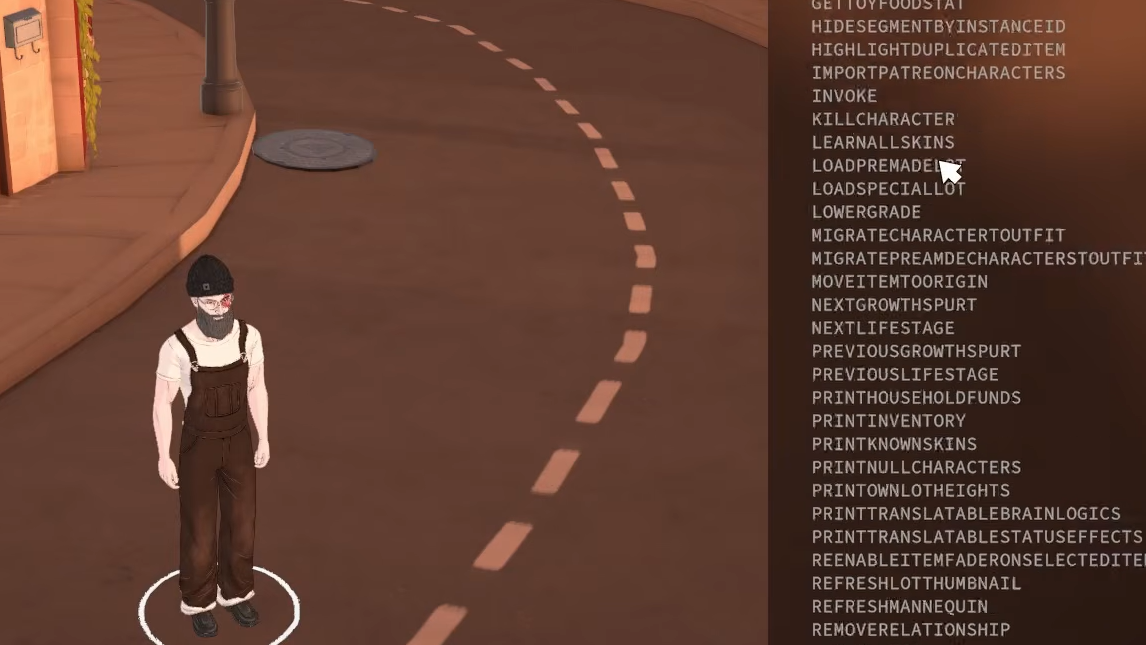
NEXTLIFESTAGE / PREVIOUSLIFESTAGE
Moves a Para forward or back one life stage
NEXTGROWTHSPURT / PREVIOUSGROWTHSPURT
Moves through growth spurts within a life stage (Teen, etc.)
LEVELUPPERSONALITY
Adds one personality level
RESETPERSONALITY
Resets personality level to 1 and clears trait choices
SHOWSTATUSEFFECTS
Lists all status effects on the selected Para
CLEARSTATUSEFFECTS
Clears emotions, viruses, and other effects
CLEARSTATUSEFFECTSONALLCHARACTERS
Clears status effects across all Parafolks
CLEARWANTCOOLDOWNS
Forces new Wants to be offered immediately
COMPLETECURRENTWANTS
Completes all active Wants for the selected Para
GAINSTORYCARD
Grants a Story Card
ADDSELECTEDCHARACTERSTOHOUSEHOLD
Adds the selected NPC to your household
CREATECHARACTER HumanAdult
Spawns a new Para from a model GUID or DisplayName
CLEARALLONSELECTEDCHARACTERS
Wipes needs, Wants, interactions, bills, memories, and emotions
KILLCHARACTER
Kills the selected Para
REVIVEALLSELECTEDCHARACTERS
Revives selected Paras
Skill cheats
Skill commands take an internal skill ID, not the display name. If a command returns an invalid argument error, the ID is wrong. Use the IDs below or check the output of SHOWSKILLS in-game.
Command
Effect
LEVELUPSKILL Guitar
Adds one level to the named skill
SETSKILLLEVEL Guitar 5
Sets a skill to an exact level
LEARNALLSKINS Recipes
Unlocks every skin/recipe in the given category
Common skill IDs include Piano, Guitar, Triangle, Cooking, Painting, Dancing, Exercising, Programming, GraphicDesign, Fishing, Astronomy, Surgery, Language, and Potty. Valid LEARNALLSKINS categories include Recipes, Piano, Guitar, Triangle, and Paintingstyles.
Image credit: Paralives Studio (via YouTube/@Side Quest)
Occupation cheats
Command
Effect
ENDWORKDAY
Ends the shift, paying salary and an upgrade point if performance passes
ADDVACATIONDAY
Adds a vacation day to the current occupation
ADDSTRIKETOOCCUPATIONS
Adds a disciplinary strike
CLEARSTRIKES
Removes all occupation strikes
CLEARALLOCCUPATIONS
Quits every job the selected Para holds
PRINTALLPOSSIBLEEXTRASFOROCCUPATION
Lists perks available for the current job
Pregnancy and family cheats
Command
Effect
GETPREGNANT
Makes the selected Para pregnant
GIVEBIRTH
Forces immediate birth if the Para is pregnant
MAKEBABIES 2
Two selected Paras have children together (1–3 for single, twins, or triplets)
PREGNANTSTATUS
Displays the current pregnancy status
Build mode and item cheats
⚠️
TOGGLEEDITTOWN is not the finished “edit world” mode. It can leave lots in an unstable state, so save before turning it on.
Command
Effect
TOGGLEEDITTOWN
Unlocks town-wide lot editing
REPAIRALLITEMS
Removes the broken state from every object
UNSPOILALLITEMS
Restores all spoiled food
SETITEMSTATE IsOn 1
Forces an item’s state value (states are defined in the control panel)
Image credit: Paralives Studio
Fire cheats
Command
Effect
SETITEMONFIRE
Ignites a selected item
SETSELECTEDCHARACTERSONFIRE
Sets the selected Para on fire
EXTINGUISHSELECTEDCHARACTERSONFIRE
Puts out a burning Para
EXTINGUISHALLFIRES
Puts out every fire in the world
Newspaper and mail cheats
Command
Effect
GENERATENEWSPAPER
Generates a new newspaper issue
DELETEALLNEWSPAPERISSUES
Removes all current newspaper issues
GENERATEMAIL
Sends queued mail to the mailbox
RESETMAILBOX
Clears the mailbox
Debug and miscellaneous cheats
If a Para gets stuck in an object or off the navmesh, you can also use the Unstuck button in the pause menu without opening the console.
Command
Effect
HELP
Lists every cheat available in the current build
CLEAR
Clears the console window
ALIASES
Lists aliases defined through the mod system
SCHEDULE FPS
Runs a command every frame and prints output top-left (use FPS for framerate display)
STOP
Stops the currently scheduled command
UNSTUCK
Moves the selected Para to a valid navmesh position
UNSTUCKALL
Moves every Parafolk to a valid position
SHOWCURRENTCHARACTERGUID
Prints the selected character’s GUID
CANCELALLCHARACTERSINTERACTIONS
Cancels queued interactions for every Para
CANCELALLHOUSEHOLDINTERACTIONS
Cancels queued interactions in the current household
CANCELSELECTEDCHARACTERSINTERACTIONS
Cancels queued interactions on the selected Para
DELETESELECTEDCHARACTERSINTERACTIONS
Deletes queued interactions on the selected Para
RESETMUSEUMDONATIONS
Resets the museum donation list
SAVE
Saves the current game
ZIPSAVEFILE
Drops a zipped copy of the save on your desktop
QUITTOMAINMENU
Quits to the main menu
RAGEQUIT
Closes the game without saving
Performance cheats
Command
Effect
FPS
Prints the current framerate
CAPFPS 60
Caps the framerate at the specified value
BENCHMARKFPS
Runs a 15-second FPS benchmark
STARTTOWNBENCHMARKSTORYBOARD
Runs a scripted benchmark across the town
FULLSCREEN / WINDOWED
Switches between fullscreen and windowed mode
RESOLUTION
Prints the current resolution
SETRESOLUTION 1920x1080
Changes the resolution
VSYNC
Reads or sets VSync passes
SHADOWDISTANCE
Prints the current shadow render distance
Fun cheats
Command
Effect
BEAR
Prints an ASCII bear in the console
CAT
Shows a black cat photo
EIGHTBALL
Magic eight ball response
HOTEL
Prints “Trivago”
RANDOMIZEALLDEFORMATIONS
Randomizes a Para ignoring slider limits
SPIN
Spins a chance wheel
Image credit: Paralives Studio (via YouTube/@Side Quest)
If a command does not work
Most failures come down to three things. The Para you want the command to affect isn’t selected, the argument is wrong (a skill ID or need name spelled differently from its internal label), or the command was changed or removed in a recent Early Access patch. Run HELP to confirm the command still exists in your build, and use the print commands like SHOWNEEDS or SHOWCHARACTERRELATIONSHIPS to verify the exact identifiers the game expects before retrying.
Paralives is still in Early Access, so the developers have signaled that several debug-only cheats may be hidden or removed before the 1.0 release. Save before experimenting with anything that edits the town, kicks Paras out of households, or rewrites character data, since a few of those paths can leave saves in awkward states.