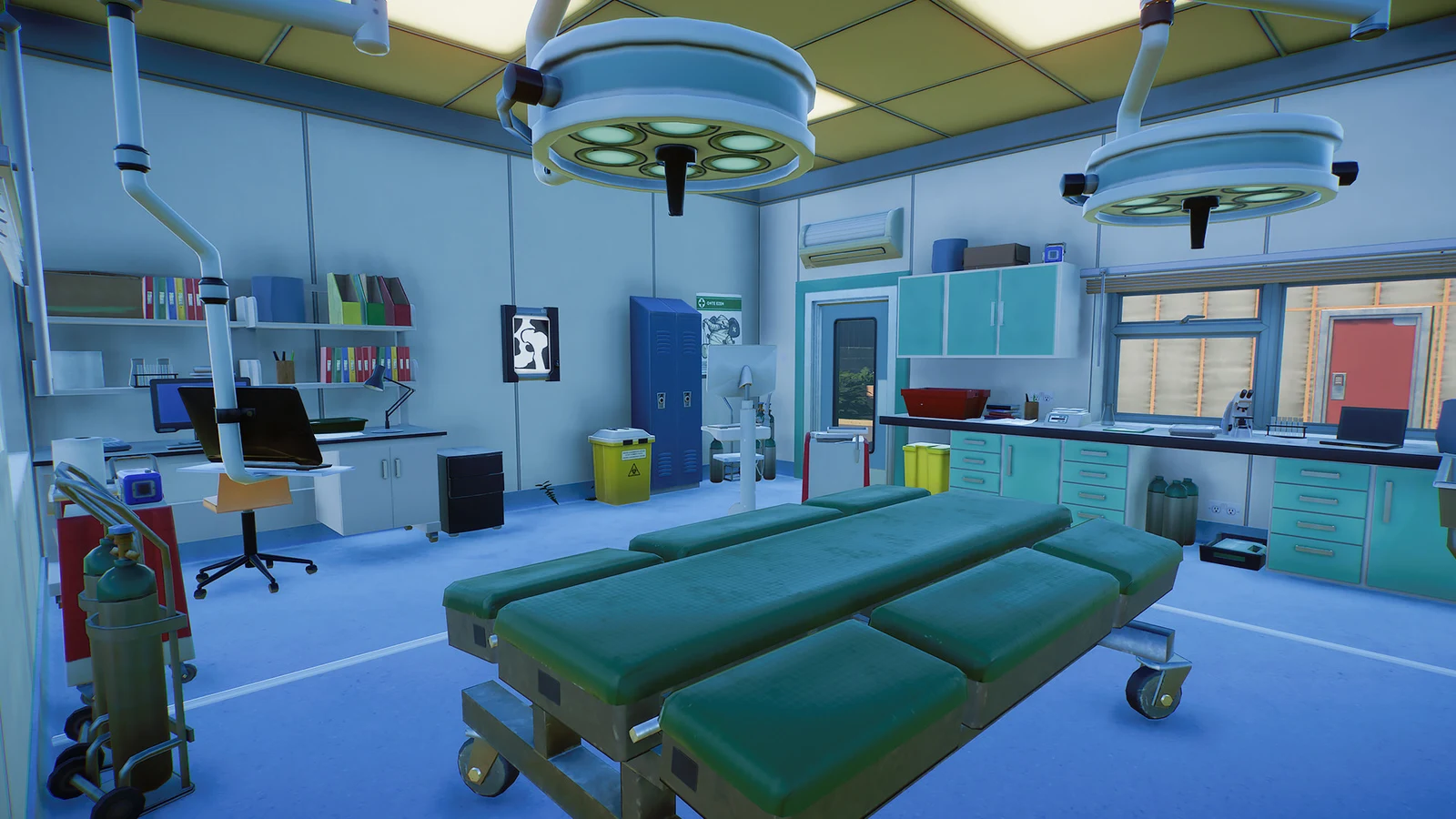
In Planet Zoo 2, Research expands what your zoo knows about its animals. It grants access to welfare requirements, breeding bonuses, enrichment items, education topics, and disease immunity. A Research Center and Vets assigned to specific topics are both needed. After assignment, a Vet makes progress without further direction until completing the topic or reaching a Research Gate that requires a zoo action.
Quick answer: Build a Research Center from Facilities → Staff, hire a Vet, open Research (hotkey 2), choose a category and topic, then assign an available Vet to it.
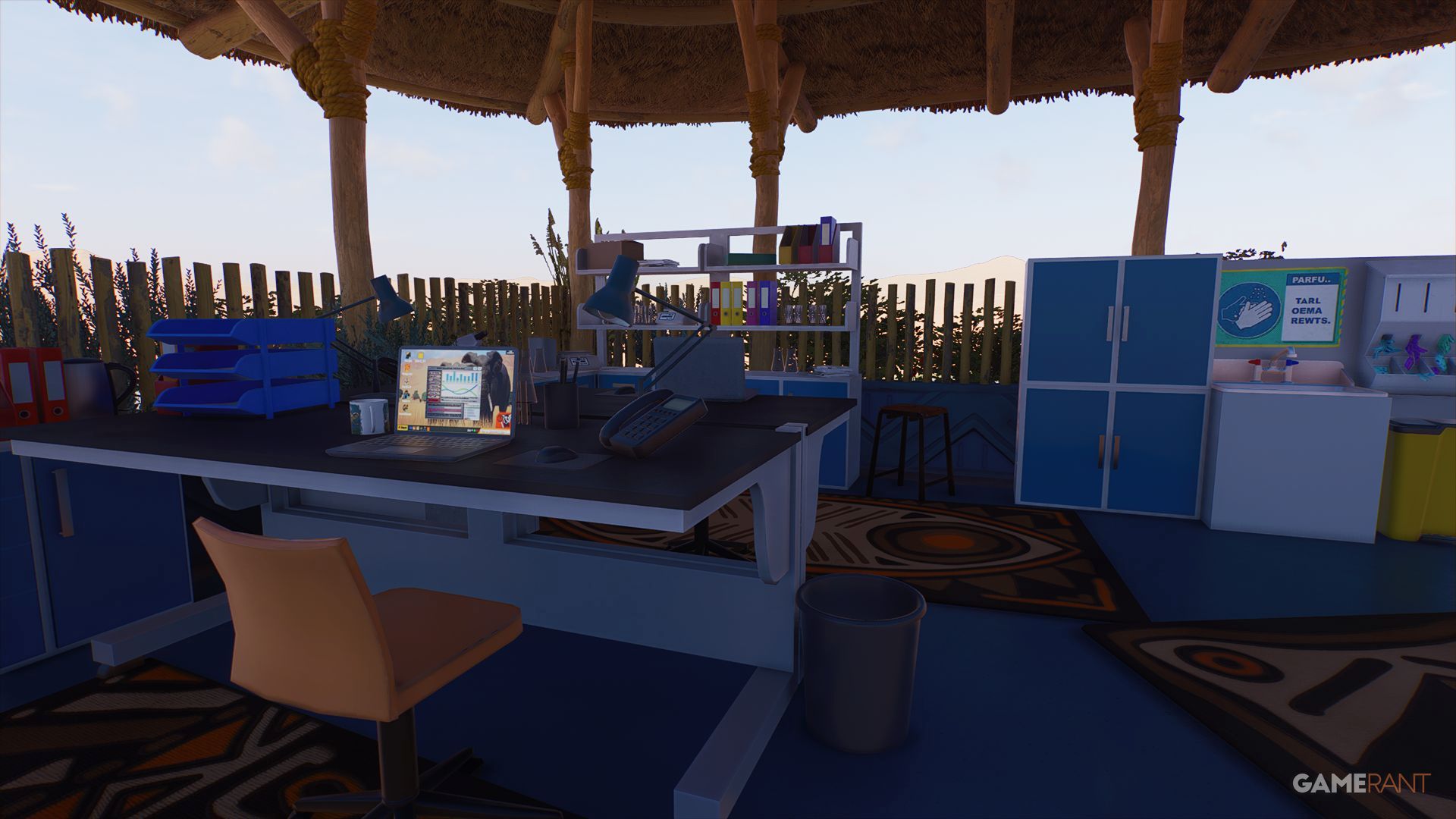
Which Planet Zoo 2 modes use research
Research is part of Career and Franchise modes. Sandbox has no Research option because everything there starts unlocked. The rules for how unlocks are saved differ by mode.
- A new Franchise starts with nothing researched.
- Research carries over between zoos in the same Franchise.
- Career mode unlocks are tracked separately from Franchise unlocks.
- Scenery themes and building pieces are not researched. All building options are available from the start.
- There is no separate Mechanic research tree. Vets handle all research.
That last point is a break from the original Planet Zoo, where you also had to research construction items. In the sequel, research covers animals, enrichment, education, and disease.
Planet Zoo 2 research categories and what they unlock
There are 217 research topics spread across four categories at launch.
| Category | Topics | What it unlocks |
|---|---|---|
| Species | 136 | Fact Sheet, Thriving Requirements, fertility, Release Groups |
| Disease | 52 | Advanced Diagnosis, Treatment, Pharmacology |
| Enrichment | 22 | Food and Toy Enrichment items |
| Education | 7 | Education topics, interactive stations, ambience sounds |
A species track moves through stages such as the animal’s Fact Sheet, Thriving Requirement levels, and Fertility Levels. Thriving Requirements raise Animal Welfare, which leads to longer lifespans and bigger donations. Fertility levels improve breeding. Release Groups are needed for conservation work in Wildlife Reserves. Assigning a researched topic to an Education facility also improves Guest Education for the relevant species.
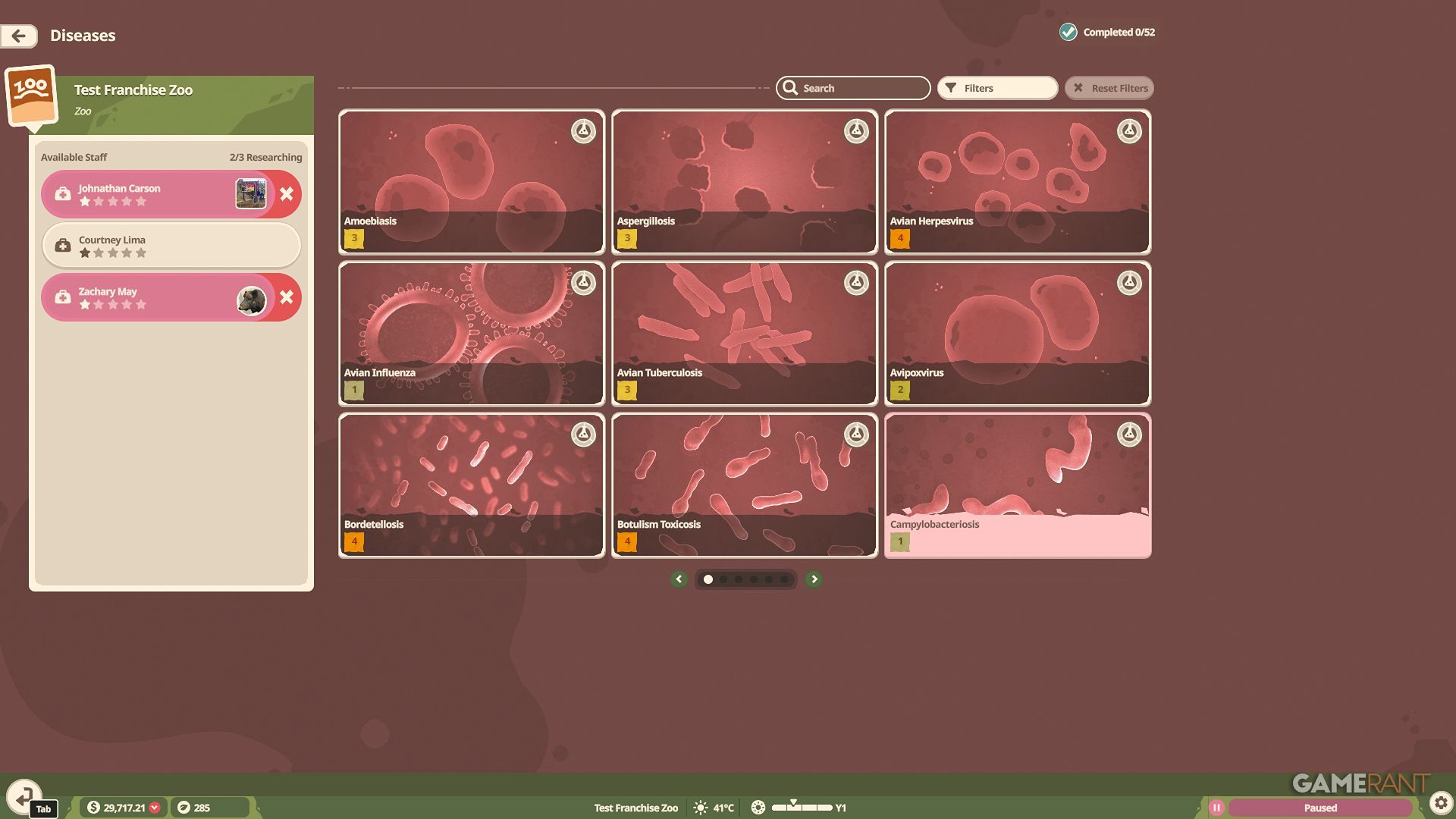
Each disease has three research stages. Finishing them raises immunity to that disease, and the benefit applies to every susceptible species in your zoo, not just one animal. Disease research matters most in crowded or dirty habitats, though good habitat planning and contraceptives deal with those problems more directly.
How to start research and assign Vets in Planet Zoo 2
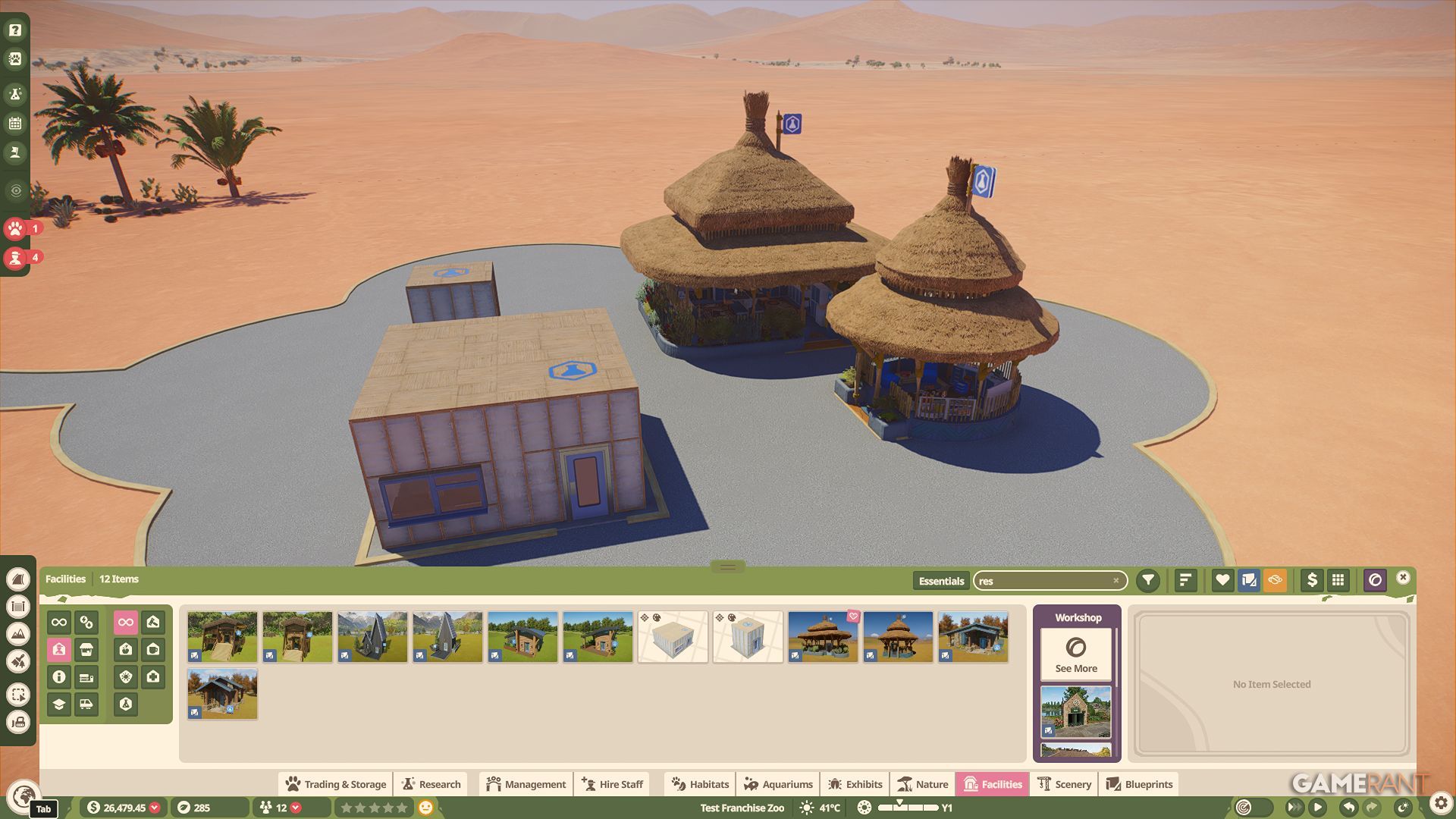
| Research Center | Cost | Vets at once |
|---|---|---|
| Small | $1,000 | 1 |
| Large | $4,000 | 6 |
The Large Research Center costs four times as much but holds six times as many Vets. If you plan to run several topics at once, it is the better deal.
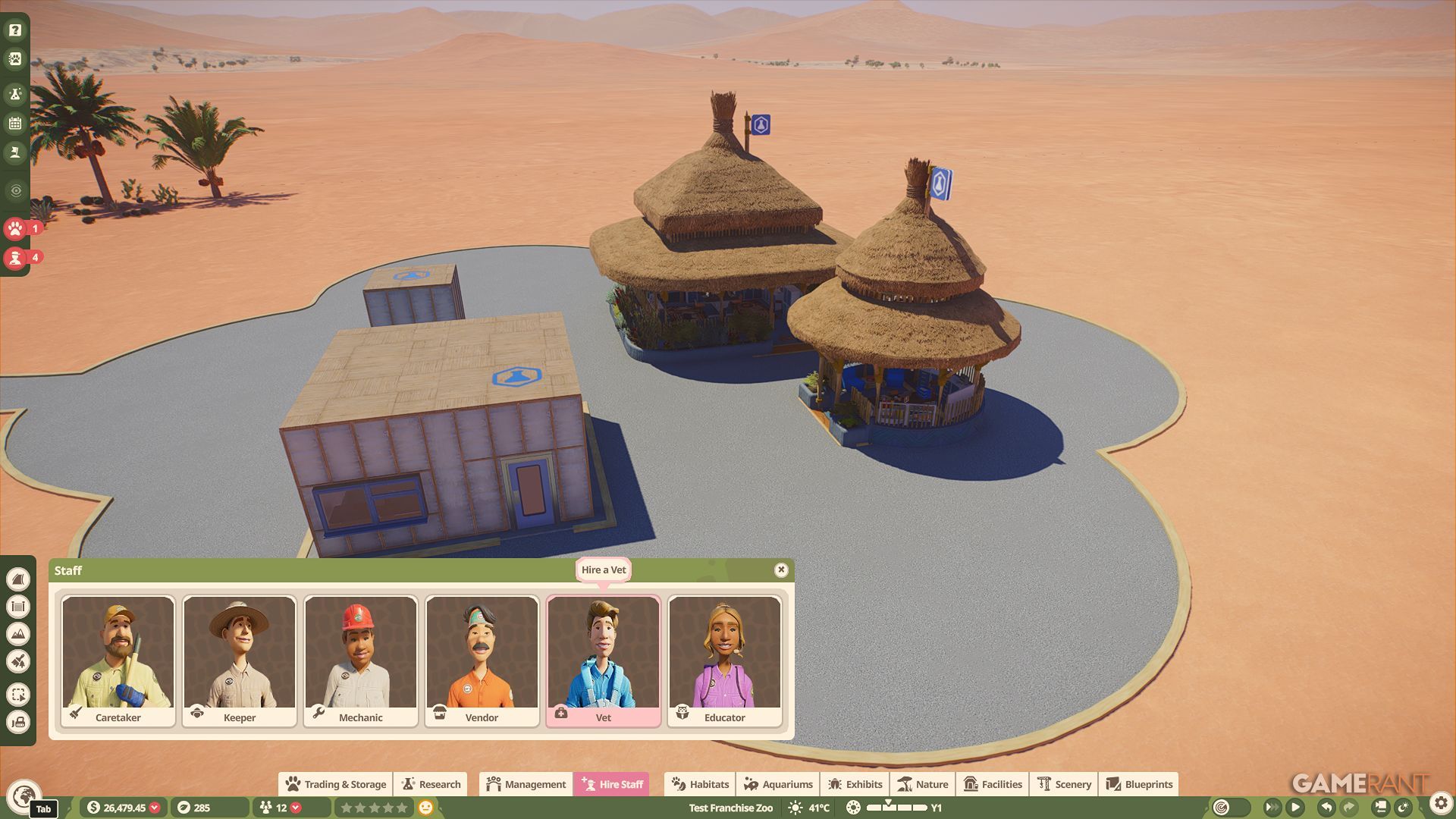
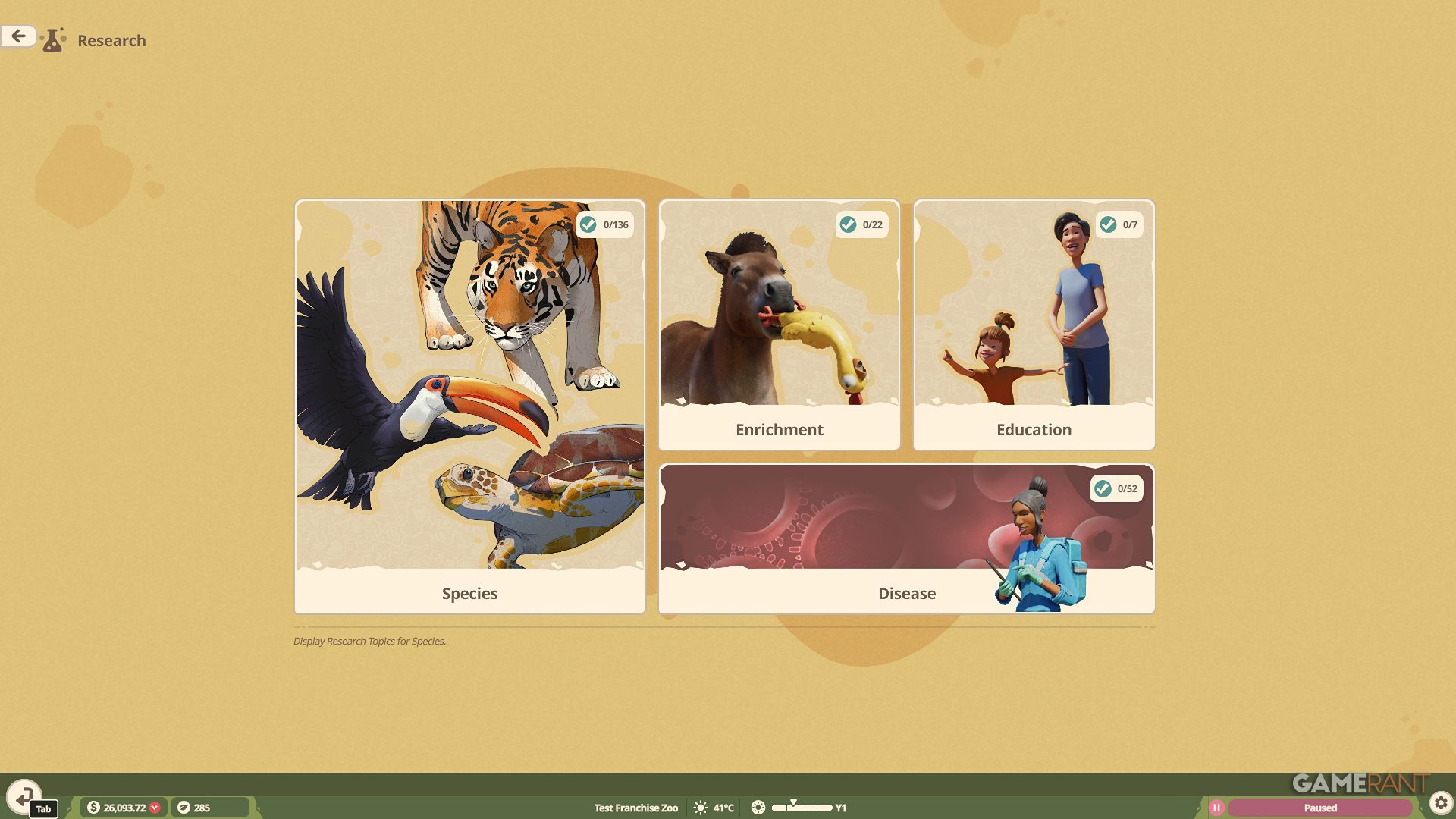
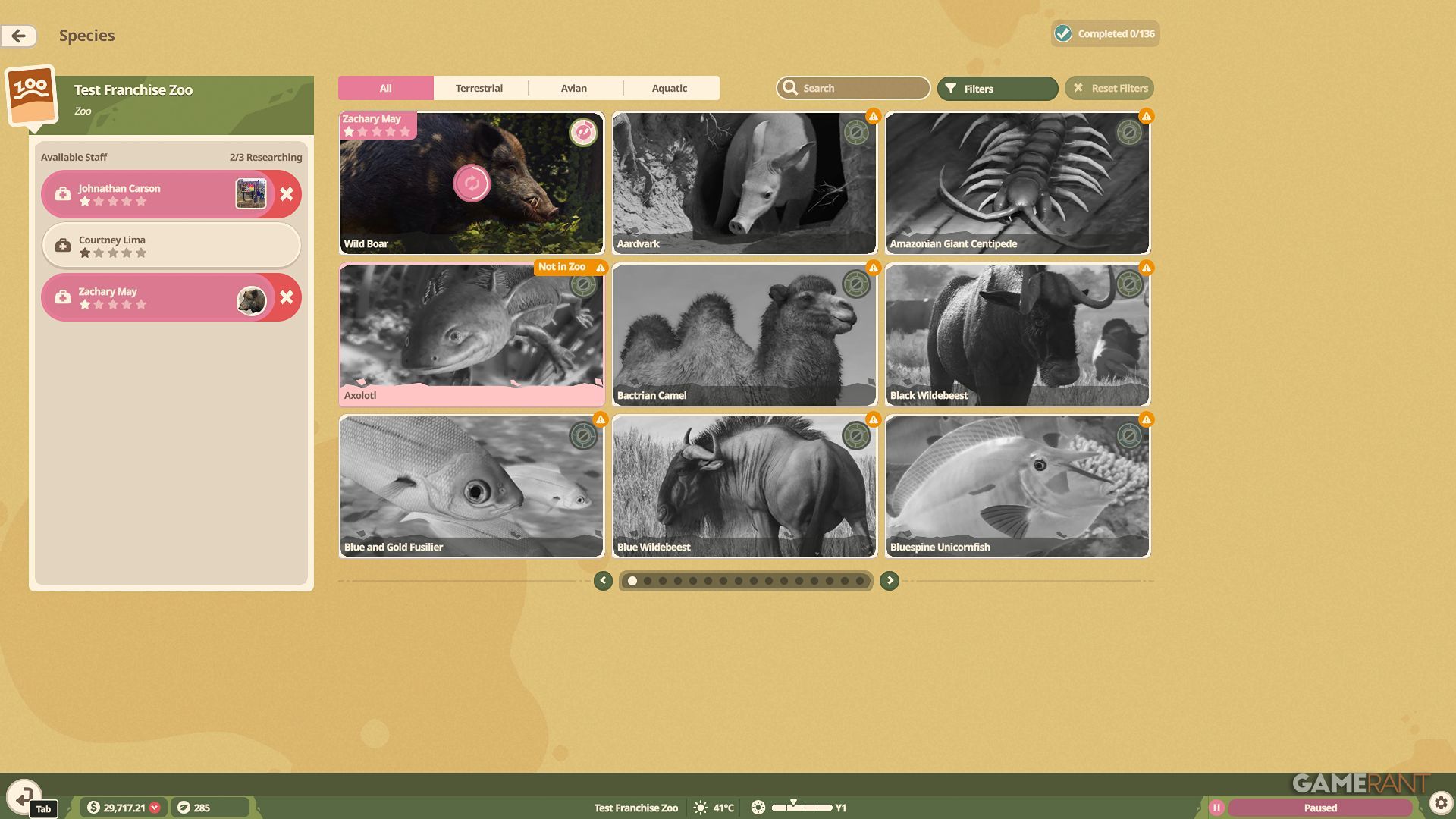
Disease topics work the same way. Open the Disease category and pick the condition you want to study.
You can’t stack several Vets on one topic. To research a Meerkat and a Grizzly Bear at the same time, put one Vet on each track.
How to confirm a Vet is researching
A successful assignment changes the menu right away. Check for these signs.
- The Vet’s name tag turns pink and they leave the available roster.
- The topic shows a pink progress circle with the Vet’s name and skill rating.
- The status counter updates with entries like “1/5 Researching” as more Vets are put to work.
The Vet then heads to the closest Research Center to do the work. For species research, the Vet also goes to that animal’s habitat. They progress through the track levels automatically, without any more instructions from you.
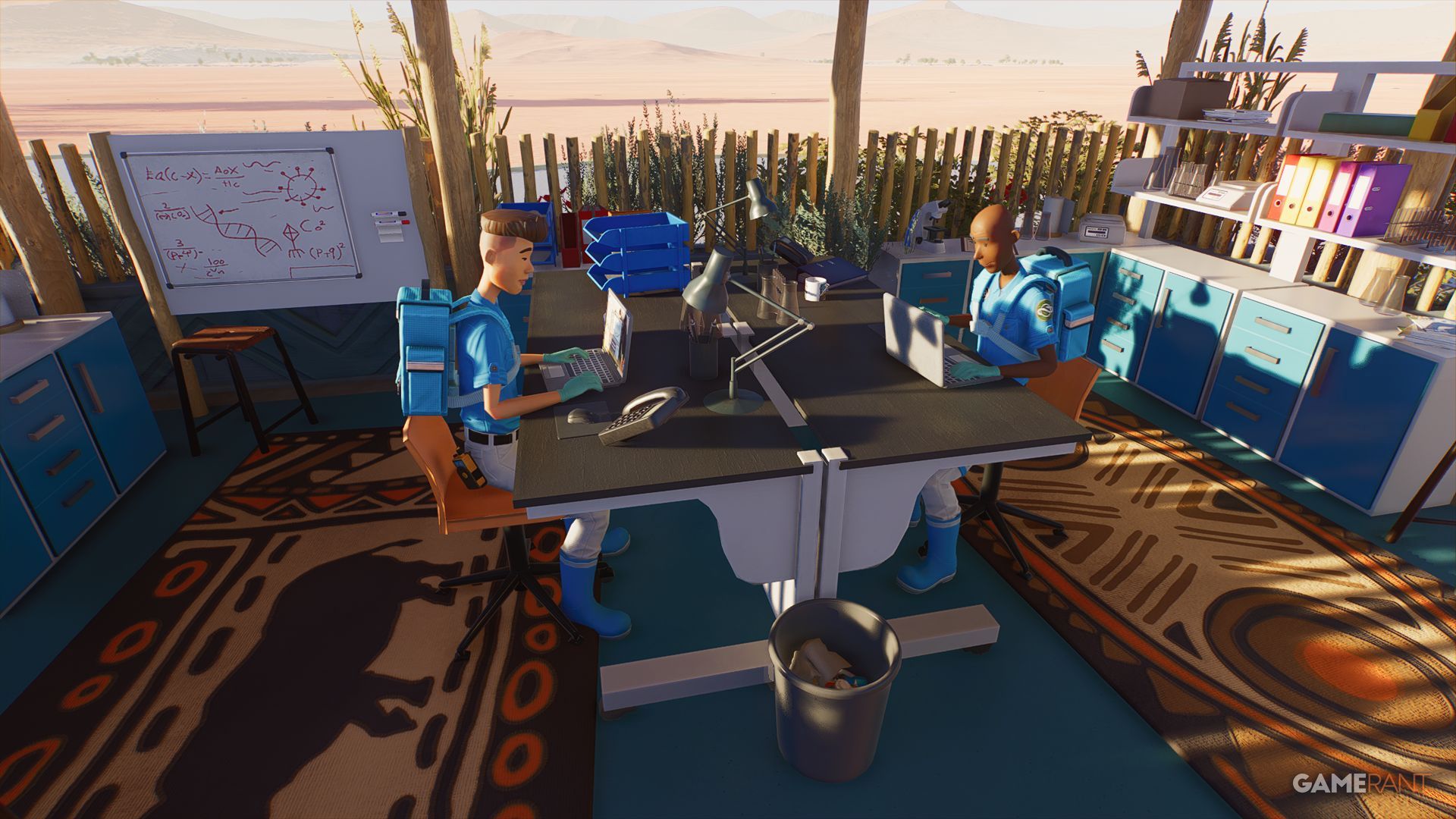
Animal emergencies take priority. When an animal is sick or injured and no other Vet is available, the researcher stops to treat it, then picks up again at the same point on the track. To remove a Vet from a topic yourself, select the cross icon beside their name tag. Either way, the progress remains saved.
Training your Vets speeds up research and also makes them better at treating injured and diseased animals.
Research Gates and Wildlife Reserves
For some species, research progress pauses at a Research Gate after only a few unlocks. This applies to animals eligible for release into Wildlife Reserves. The blocker depends on a zoo milestone, not Vet effort, so neither hiring extra staff nor training your Vets will clear it. Hover over the gate to check what it requires.
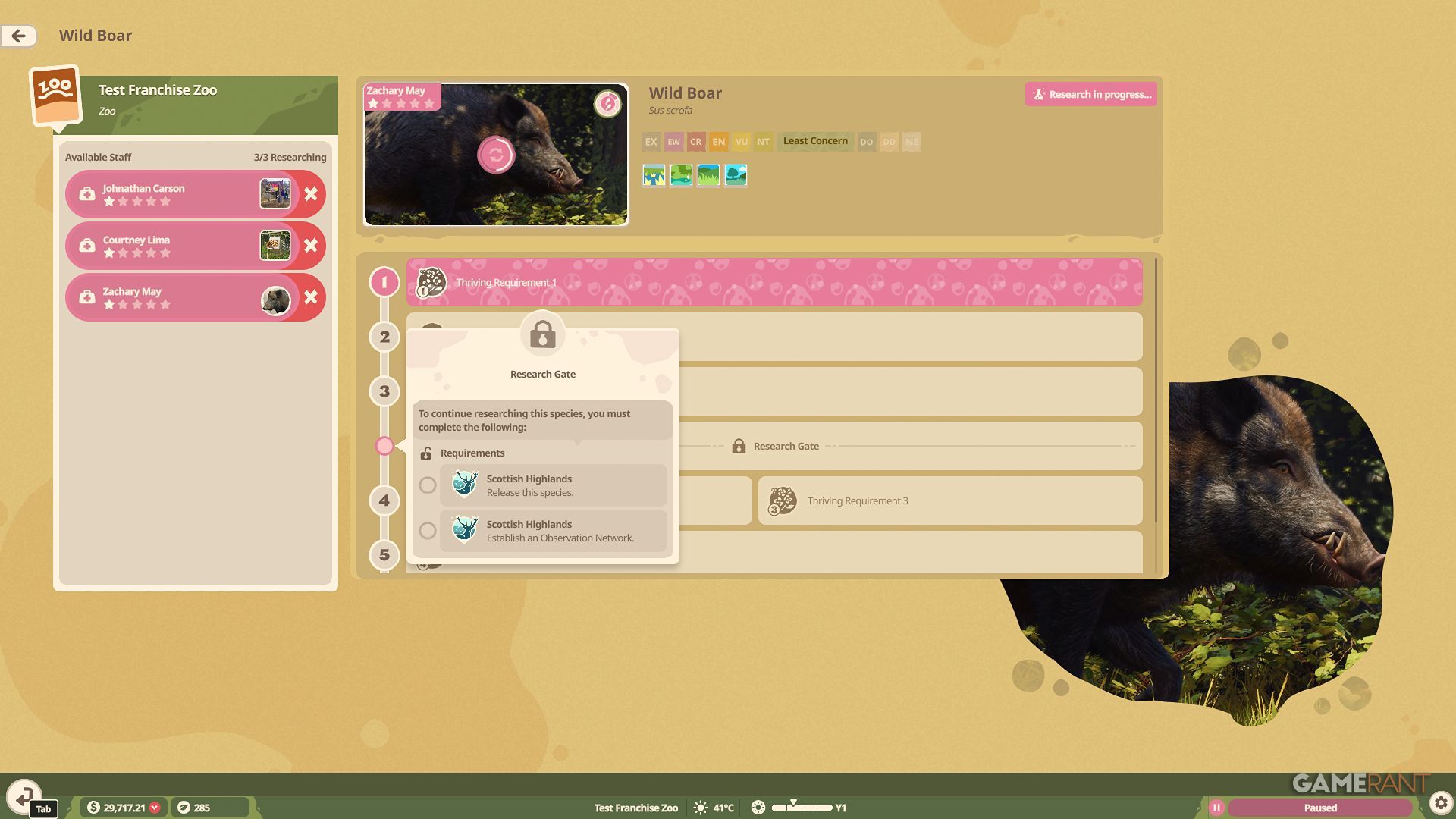
Typically, you need to return a group of that species to the wild, then establish an Observation Network to study them. The specific requirement may call for Observation Platforms, Acoustic Monitors, or Camera Traps. Meeting it opens the gate, and the assigned Vet proceeds to the remaining levels.
What to research first in a new Planet Zoo 2 zoo
You can research in any order. For a fresh Franchise zoo, this sequence improves welfare, donations, and Zoo Reputation fastest.
1. Species already in your zoo
Start with the animals you own. Their tracks unlock Fact Sheets for guest education and Thriving Requirements for welfare, plus fertility boosts once your breeding program begins.
2. Education topics
Better-educated guests are happier and more likely to donate, which steadies your finances early on. Research one Conservation topic for Conservation Education Boards first. Then pick Animal Diets or Activity Patterns, which work on regular Habitat Education Boards.
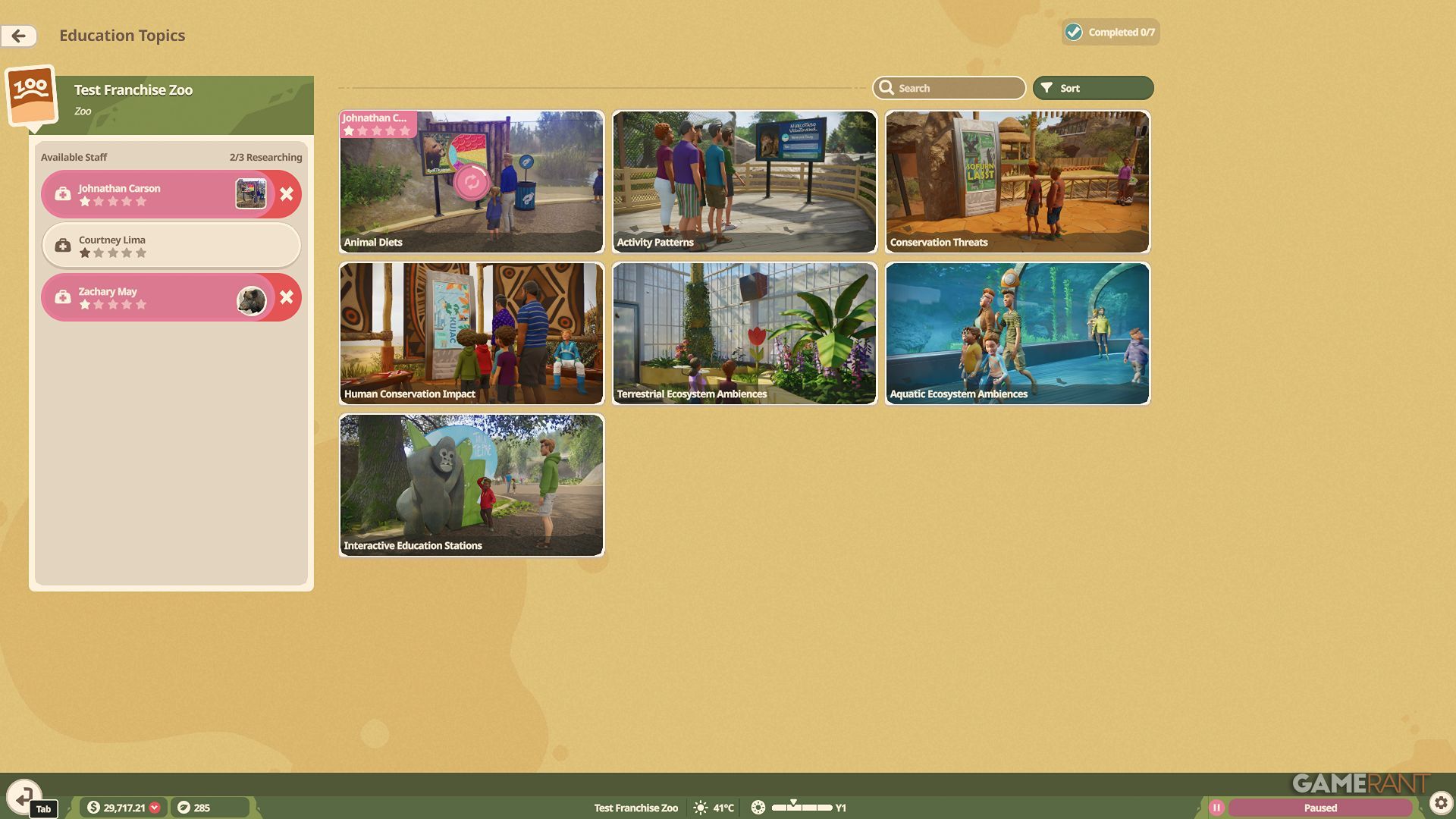
3. Enrichment your animals can use
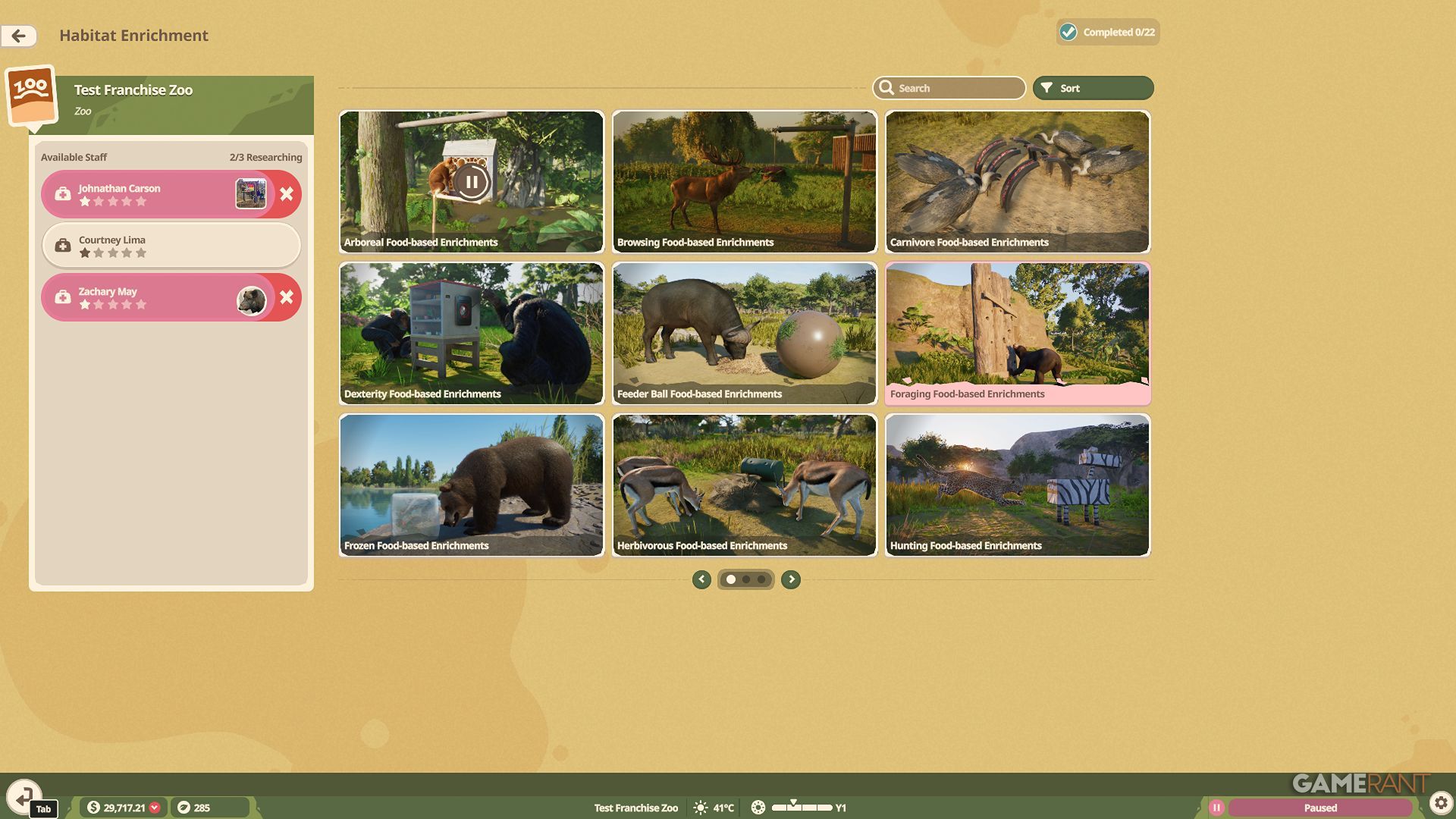
With only one or two species, research only Enrichment categories that include something for them. Time spent on items for animals you don’t own is wasted. If you keep Wild Boar, Browsing Food-Based Enrichments followed by Olfactory Toy Enrichments gives them one food item and one toy.
4. Diseases your animals can catch
Disease research isn’t urgent early on. When you get to it, choose diseases your current animals are susceptible to, and favor the lowest-threat ones. They tend to be the most common. You can also wait until an animal gets sick and research that disease then.
Why Planet Zoo 2 research stops progressing
If a track’s counter isn’t moving, it usually comes down to one of these.
- The Vet is busy treating an injured or sick animal and will return afterward.
- The Research Center has no power.
- The Research Center isn’t connected to the path network.
- The track is paused at a Research Gate until the zoo meets a milestone.
The first three are fixed by freeing up the Vet or repairing the building’s power and path access. A gate only clears once its listed objective is complete, after which the same Vet picks the track back up without being reassigned.