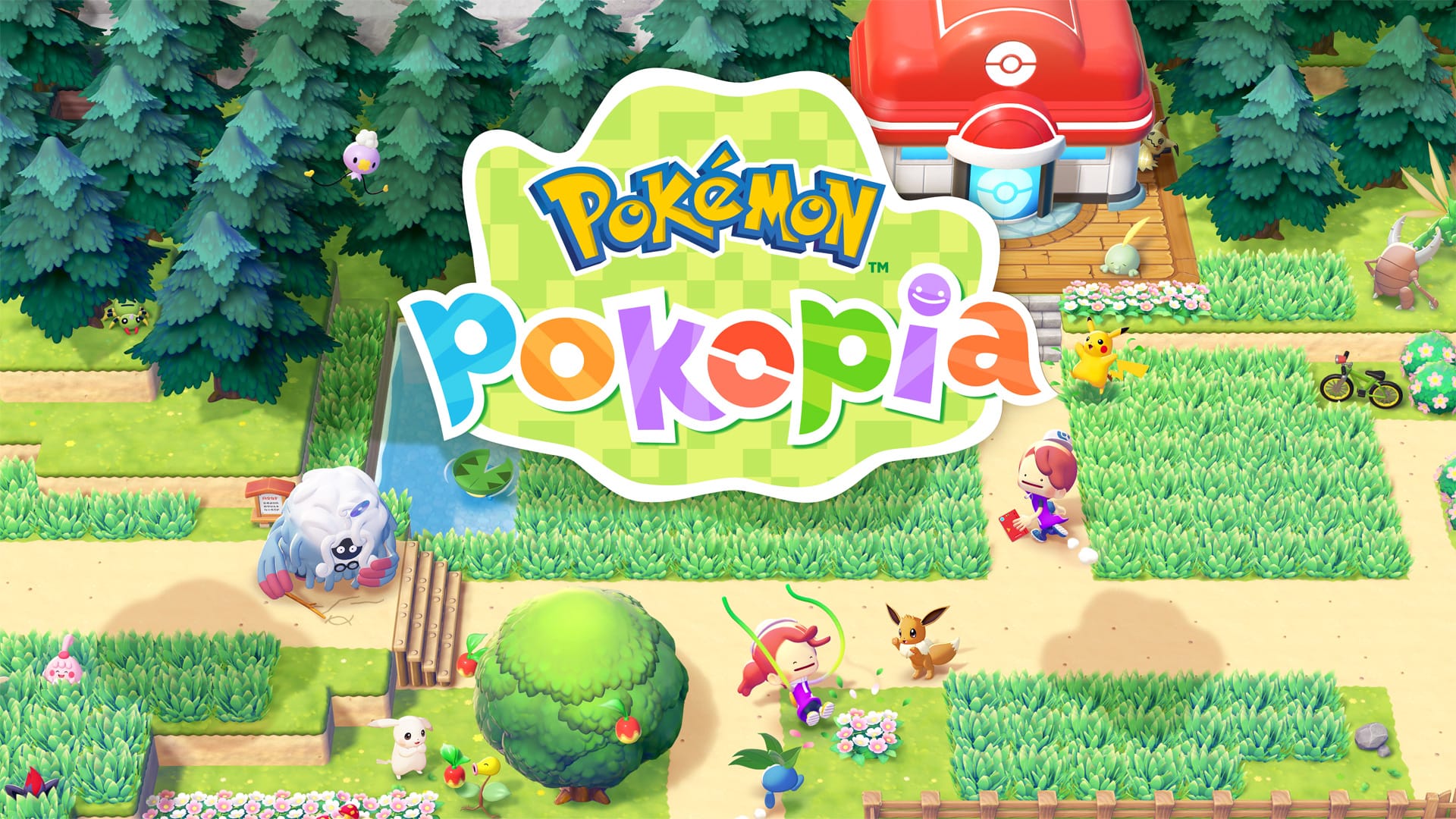
Pokemon Pokopia hands out free furniture, decorations, and crafting materials through its Mystery Gift system. Below is every code and internet-claim gift currently redeemable at a Pokemon Center PC.
Working Pokopia codes
One gift needs a code, and one is claimed straight from the internet without typing anything in.
P0K0P1AGARDENS— Chansey plant (redeemable through October 7, 2026)NO CODE NEEDED— Ditto rug, claimed via “Get via Internet” (available through January 31, 2027)Unique code sent by email— 30 rare Pokémetal ingots plus Dynamic Ditto block and wallpaper crafting recipes, tied to Expansion Pass purchases made by August 31, 2027, redeemable until September 30, 2027Unique code (sent by email)— 30 rare Pokémetal ingots, tied to Expansion Pass purchases made by August 31, 2027 (expires September 30, 2027)Get via Internet— Ditto rug, no code requiredEXPANSION PASS BONUS— 30 rare Pokémetal ingots (redeemed with a code emailed after purchase) plus the Dynamic Ditto block and wallpaper crafting recipes (claimed via internet), redemption open through September 30, 2027
Both items can also be crafted or obtained through normal play, so the Mystery Gifts mainly save you the trouble of gathering materials or finding recipes yourself.
Anyone who buys the expansion pass by August 31, 2027 also unlocks 30 rare Pokémetal ingots and the Dynamic Ditto block and wallpaper recipes. The ingots come as a one-time personal code sent to the buyer, redeemed through “Get with Code/Password,” while the Dynamic Ditto recipes are claimed through “Get via Internet.” Both stay redeemable through September 30, 2027, but since the ingot code is unique to each purchase, it isn’t something to share or look up separately.
How to redeem Mystery Gift codes in Pokopia
Your Nintendo Switch 2 needs an active internet connection and a Nintendo Account linked to your profile before any gift will register. In-game, you also need to have reached the first Pokemon Center PC in the Withered Wastelands, which usually takes about 30 minutes of play from the start of the game.
Redeeming a code
Claiming a gift via internet
If you pre-ordered a copy that included an early purchase bonus, a unique digital code arrives by email rather than being posted publicly, and it’s redeemed the same way as any other code through “Get with Code/Password.”
Expired Pokopia codes
This one-time launch giveaway is no longer available to new claimants.
Release Commemorative Gift Set— 2 Leppa Berries, 2 Fresh Carrots, and 2 Beans; the code was only distributed through the official Pokemon social account and stopped being handed out after March 5, 2026
New Mystery Gifts tend to appear around content updates or seasonal promotions, so it’s worth checking the Mystery Gifts menu on the Pokemon Center PC every so often even between announcements.