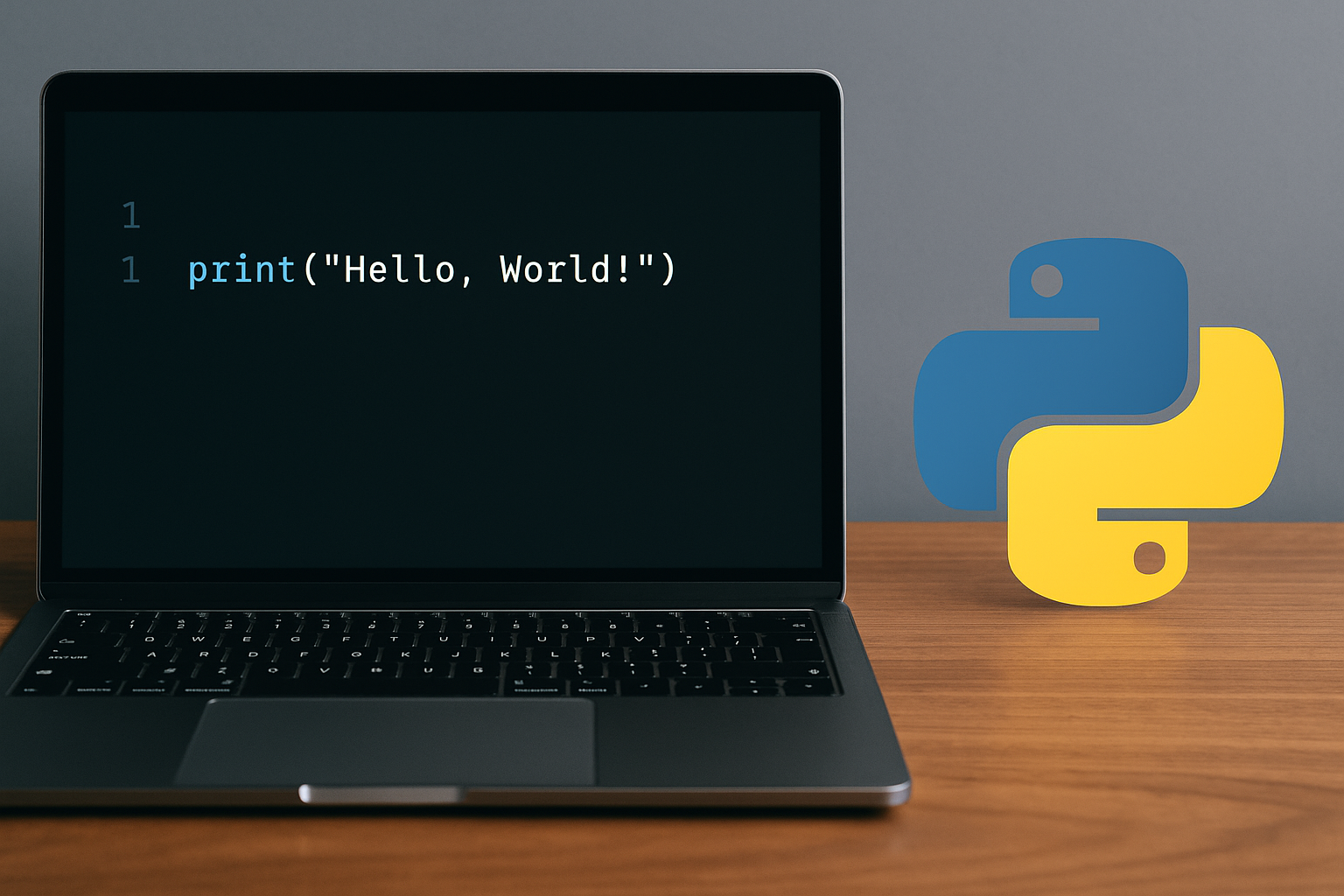
Python 3 prints text with the built-in print() function. Running print("Hello, World!") confirms your environment works and teaches the basic syntax used throughout Python.
Prerequisite: Install the latest Python 3 from the official site if it’s not already on your system. See the downloads page at python.org. The print() function is documented at docs.python.org.
Method 1: Save and run a script (recommended)
print("Hello, World!")cd path/to/your/folder# Windows (reliable):
py hello_world.py
# Windows (if python is on PATH):
python hello_world.py
# macOS/Linux:
python3 hello_world.pyHello, World!Method 2: Use the interactive Python shell (REPL)
# Windows:
py -3

# macOS/Linux:
python3>>> print("Hello, World!")
Hello, World!exit()Method 3: Run in a browser-based IDE (no install)
print("Hello, World!")Method 4: Use IDLE (bundled with Python on Windows/macOS)
print("Hello, World!")Notes and quick fixes
- Use Python 3 syntax:
print()requires parentheses in Python 3, which is the current standard. In Python 2,printwas a statement without parentheses. - Windows launcher tip: The
pycommand is the official Python launcher on Windows and reliably selects your installed Python 3 (docs). Ifpythondoesn’t work, trypy. - If nothing prints: Confirm you’re in the correct folder and you passed the filename. On Windows, run
where pythonor usepy hello_world.py. Also ensure your file is not namedpython.py. - Strings can use single, double, or triple quotes. For example,
print('Hello, World!')andprint("Hello, World!")both work. - Indentation matters in Python, but not for this one-liner. When you write blocks like
iforfor, use four spaces per indent.
That’s all you need to print “Hello, World!” in Python. Keep the script handy—you’ll reuse the same workflow for every program you write next.