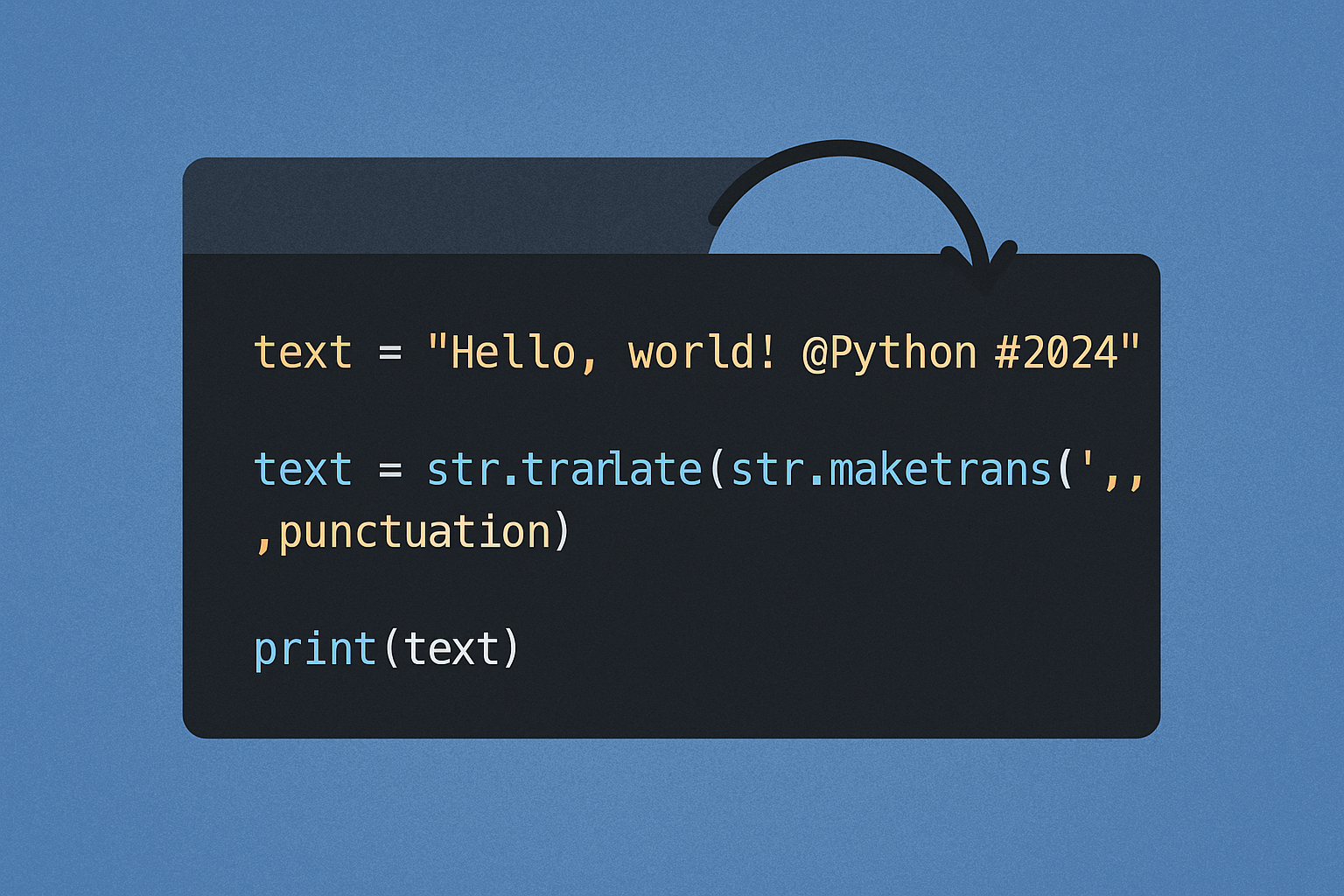
Solution preview: removing punctuation is fastest and simplest with the built-in str.translate() and a translation table built from string.punctuation. For full Unicode punctuation, use unicodedata or a Unicode-aware regex.
Method 1: Delete ASCII punctuation with str.translate (fast, built-in)
This approach runs in C under the hood and is typically the most efficient for ASCII punctuation. See the documentation for details.
import stringtable = str.maketrans('', '', string.punctuation)s = "Hello, world! Python 3.12—fun?"
clean = s.translate(table)
print(clean) # Hello world Python 312—funspace_table = str.maketrans({ch: ' ' for ch in string.punctuation})
spaced = s.translate(space_table)
normalized = ' '.join(spaced.split())
print(normalized) # Hello world Python 3.12—funNotes:
string.punctuationcovers ASCII punctuation only. It does not include punctuation like“ ” — 。 !. See the reference.- To handle non-ASCII punctuation, use Method 3 or Method 4.
Option 2: Remove ASCII punctuation with re.sub
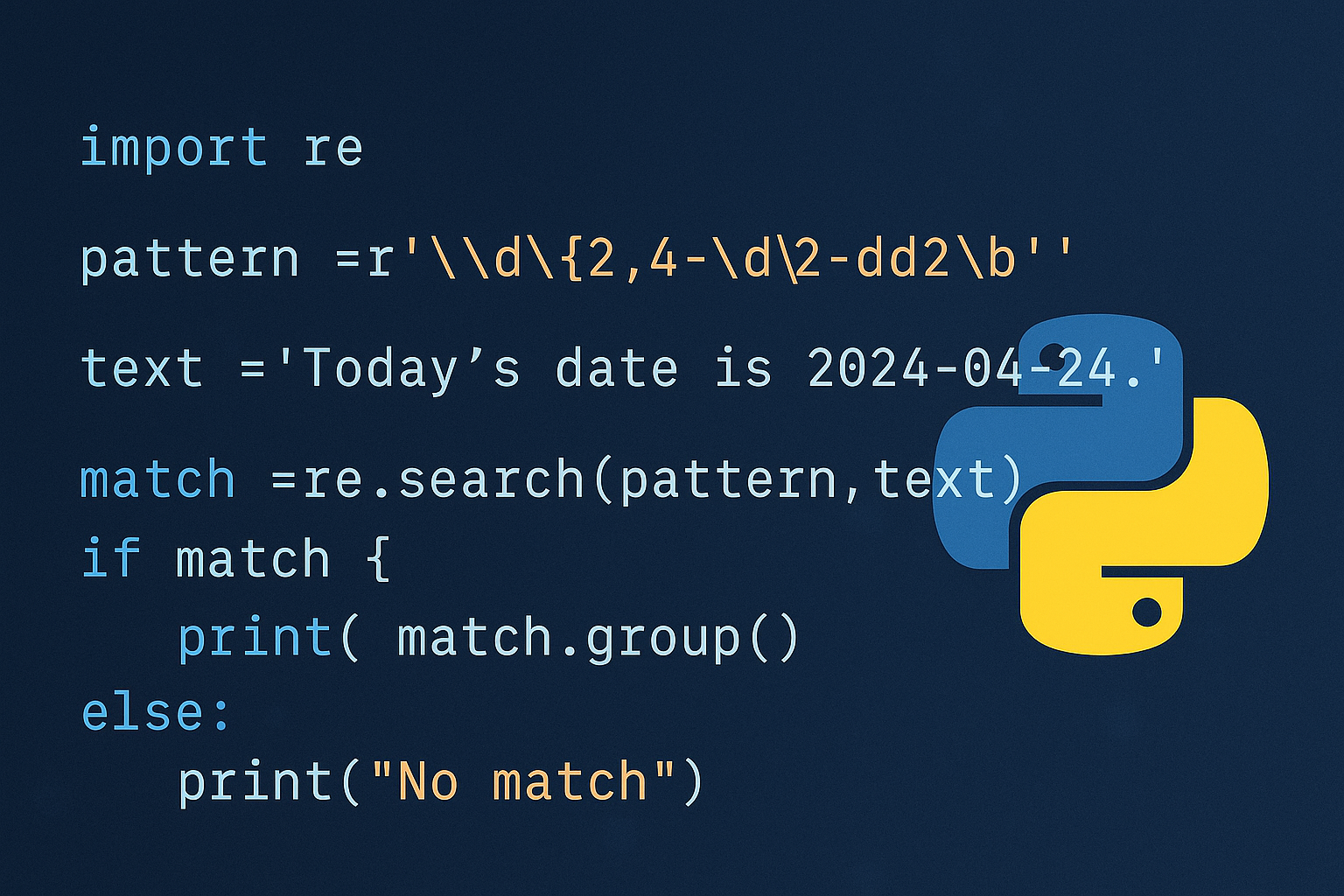
Regular expressions are concise and flexible. Escape the punctuation class once, then substitute. See re.sub in the documentation.
import re, stringpattern = re.compile(r'[%s]' % re.escape(string.punctuation))s = "A test: regex-only, please!"
clean = pattern.sub('', s)
print(clean) # A test regexonly pleaseTip: \w includes letters, digits, and underscore, and \s matches whitespace; both are described in the documentation. If you prefer a whitelist, you can keep word and space characters: re.sub(r'[^\w\s]', '', s).
Approach 3: Remove all Unicode punctuation with unicodedata (built-in)
This approach removes any character whose Unicode category begins with 'P' (punctuation), not just ASCII. See the reference.
import unicodedata, sysdelete_punct = dict.fromkeys(
i for i in range(sys.maxunicode + 1)
if unicodedata.category(chr(i)).startswith('P')
)s = "Unicode: 「quotes」 — dashes… 你好,世界!"
clean = s.translate(delete_punct)
print(clean) # Unicode quotes dashes 你好世界Tip: If you also want to drop symbols like currency signs, extend the filter to include category 'S'.
Way 4: Use the third‑party “regex” module for Unicode properties
Python’s built-in re does not support \p{...} Unicode properties. The regex package supports them and can target punctuation precisely using \p{P}. Install it from the package page.
pip install regeximport regex
pattern = regex.compile(r'\p{P}+')s = "Mix: ASCII, Unicode… and 「symbols」!"
clean = pattern.sub('', s)
print(clean) # Mix ASCII Unicode and symbolsTip: To remove punctuation and symbols together, use r'[\p{P}\p{S}]+'.
Path 5: Quick comprehension/filter (simple, slower)
This pure-Python option is easy to read for small inputs, but is slower than the methods above.
import strings = "Keep it simple, okay?"
clean = ''.join(ch for ch in s if ch not in string.punctuation)
print(clean) # Keep it simple okayNote: This also relies on ASCII-only string.punctuation.
Practical tips:
- Decide whether to delete punctuation or replace it with spaces; replacing then normalizing whitespace keeps word boundaries intact.
- When using regex, remember
\wincludes underscore; if underscores should be removed, target them explicitly. - For very large texts or performance-critical code, prefer
str.translate()with a prebuilt table.
That’s it—use str.translate for speed on ASCII, unicodedata or a Unicode-aware regex when you need to cover all punctuation across languages.