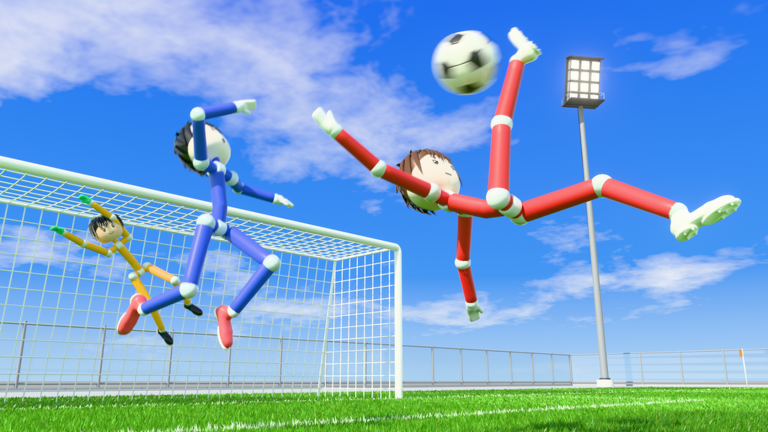
Ragdoll Soccer on Roblox puts two teams, Blue and Red, on a full-size pitch with a goalkeeper at each end. Every player is a floppy, jointed ragdoll, so a sliding tackle or a mistimed shot can send bodies tumbling across the grass. The controls are simple, but the physics punish sloppy timing. Most of what a new player needs to know is how the kick meter works, when to slide, and what the game expects from you between goals.
Quick answer: Move with Shift to sprint, press LMB to kick, 2 to switch to a lob, Q/E to curve, X to slide tackle and G to call for the ball. Score in the goal marked SCORE HERE.
Ragdoll Soccer controls on PC
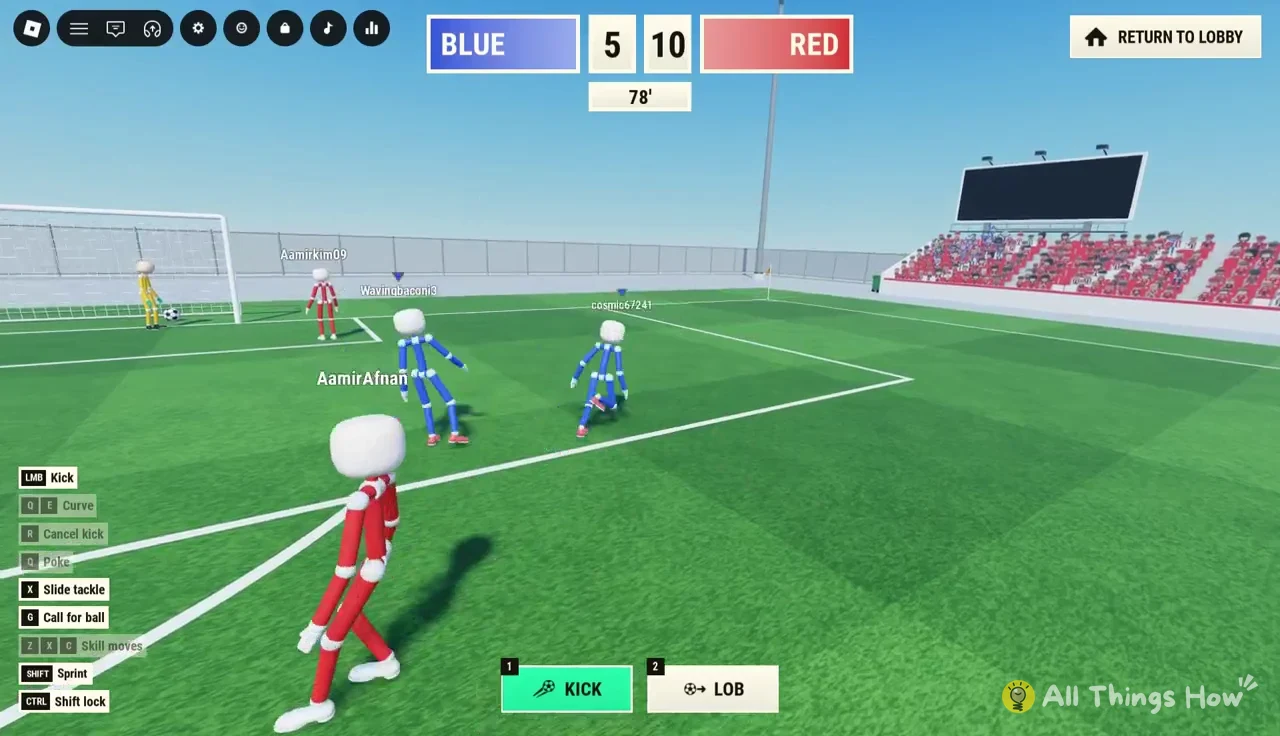
The game prints its full control list in the bottom-left corner of the screen during every match, so you never have to memorize it before your first game. The table below matches that HUD, plus the hotbar keys and the replay skip.
| Key | What it does |
|---|---|
LMB | Kick |
1 | Kick (standard shot type) |
2 | Lob |
Q / E | Curve the ball |
Q | Poke |
R | Cancel kick |
X | Slide tackle |
G | Call for ball |
Z / X / C | Skill moves |
Shift | Sprint |
Ctrl | Shift lock toggle |
Space | Vote to skip a goal replay |
Two keys pull double duty. Q curves the ball when you are shooting and pokes it when you are close to it, and X appears both as the slide tackle and as one of the skill-move keys. In practice, pressing X while chasing an opponent throws your ragdoll into a slide. Shift lock on Ctrl is the standard Roblox camera lock, which keeps your character facing where the camera points and makes lining up shots far less fiddly.
How shooting works: the POWER and HEIGHT meter
Shots are built, not just fired. The hotbar at the bottom of the screen holds two shot types, 1 KICK and 2 LOB, and whichever one is selected glows green. When you start charging, a two-bar meter appears showing POWER and HEIGHT, along with a label for the shot it will produce, such as DRIVE. A circular aiming ring also appears on the turf around the ball so you can see where your ragdoll will strike it.

1 for a standard kick when you want a low, hard strike, or 2 for a lob when you need to get the ball over defenders or a keeper who has come off the line.Shift to sprint if you need to win the race. The aiming ring on the grass shows you are in range to strike it.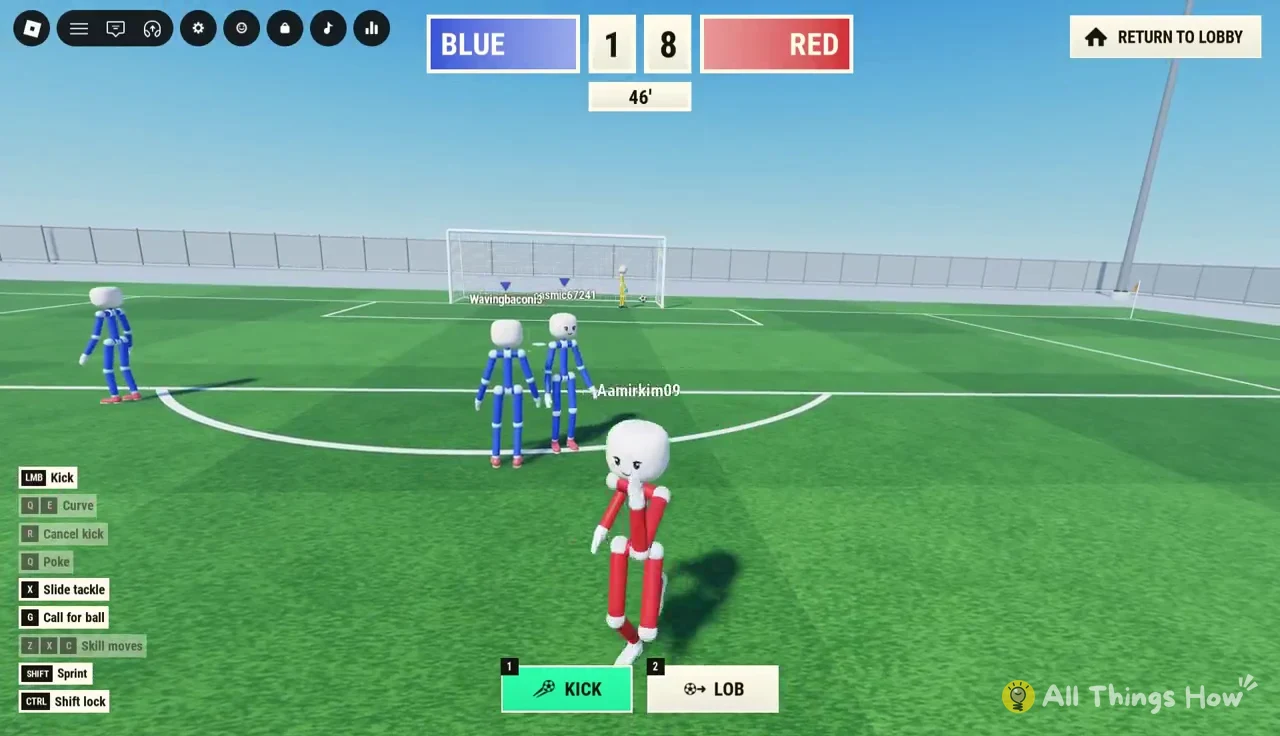
LMB and watch the POWER and HEIGHT bars fill. A full-power drive flies fast and flat; a lower charge gives you a softer pass or a placed finish.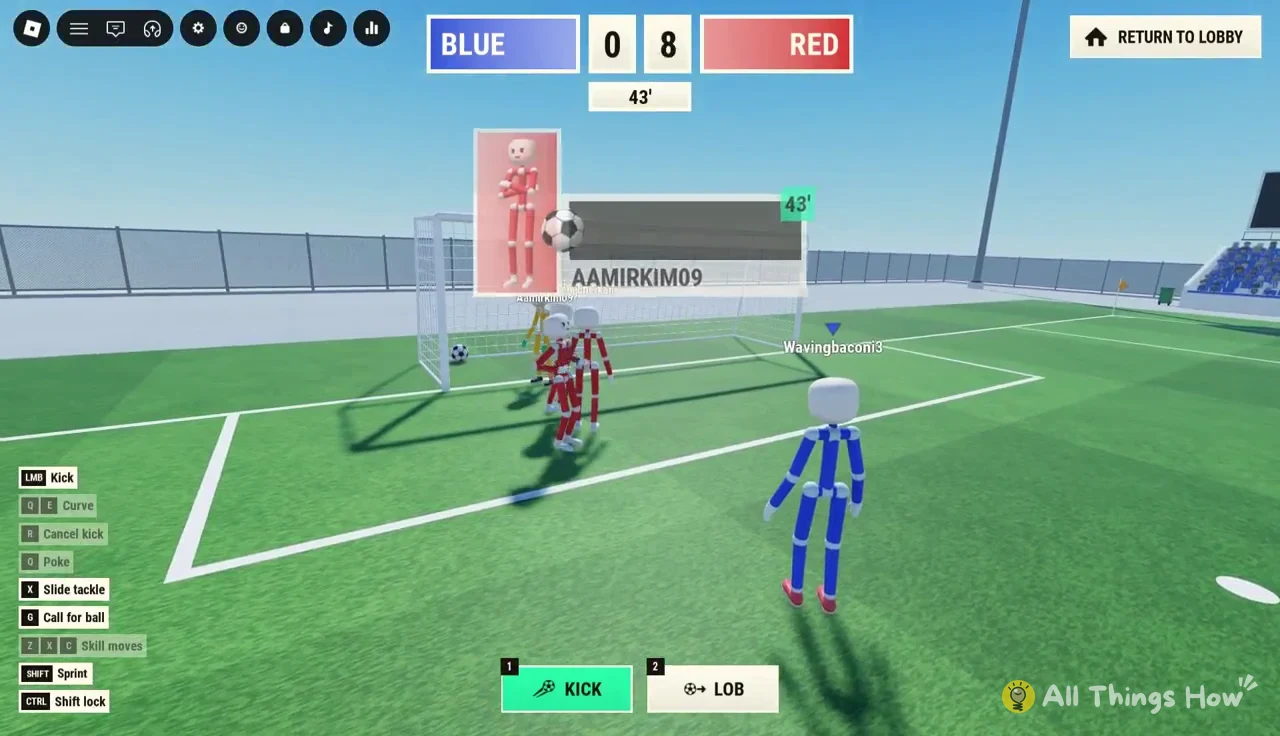
Q or E if you want the ball to curve away from the goalkeeper. Each key bends the shot in the opposite direction, which is useful for aiming at the far corner.R to cancel the kick if a defender closes you down or the angle disappears. Cancelling keeps the ball at your feet instead of wasting a weak, rushed shot.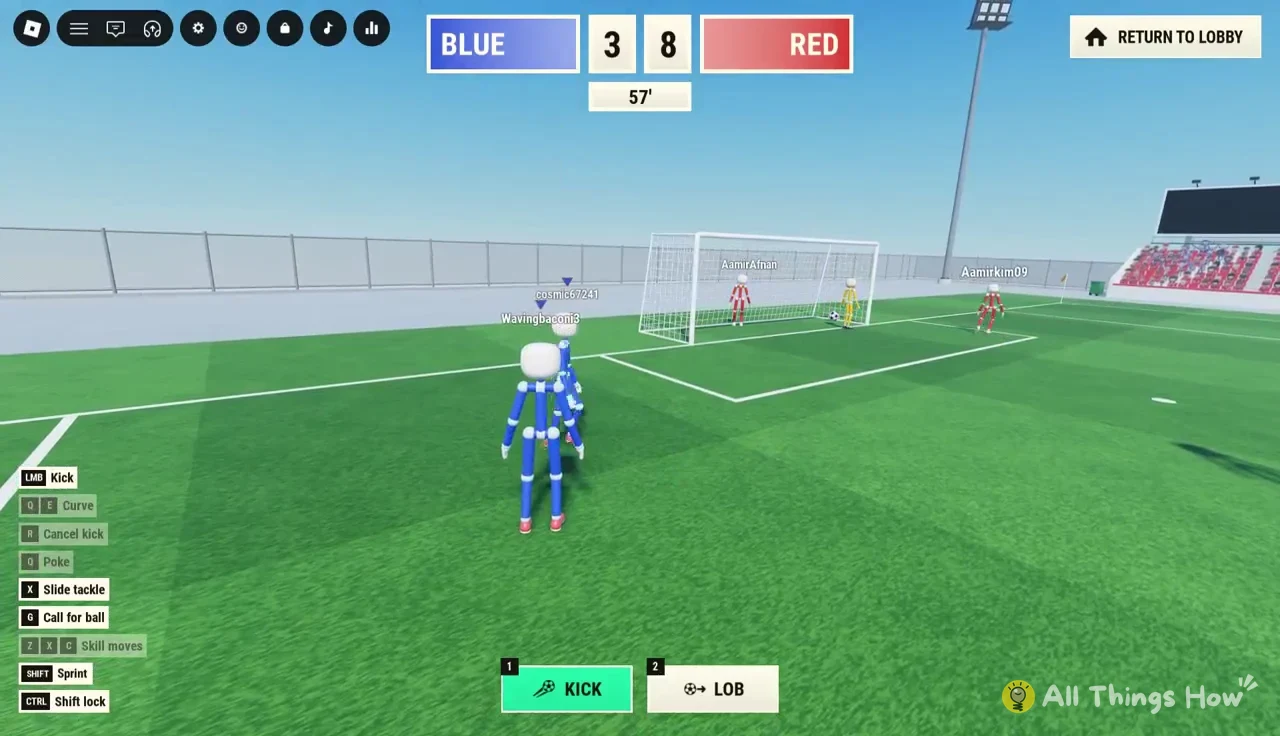
Goals often come from close range after a tackle in the box. A quick, low-power finish from inside the penalty area tends to beat the keeper more reliably than a long charged drive from distance, because the ragdoll keeper can dive, catch and hold the ball before kicking it back out.
Passing, tackling and goalkeepers
Calling for the ball
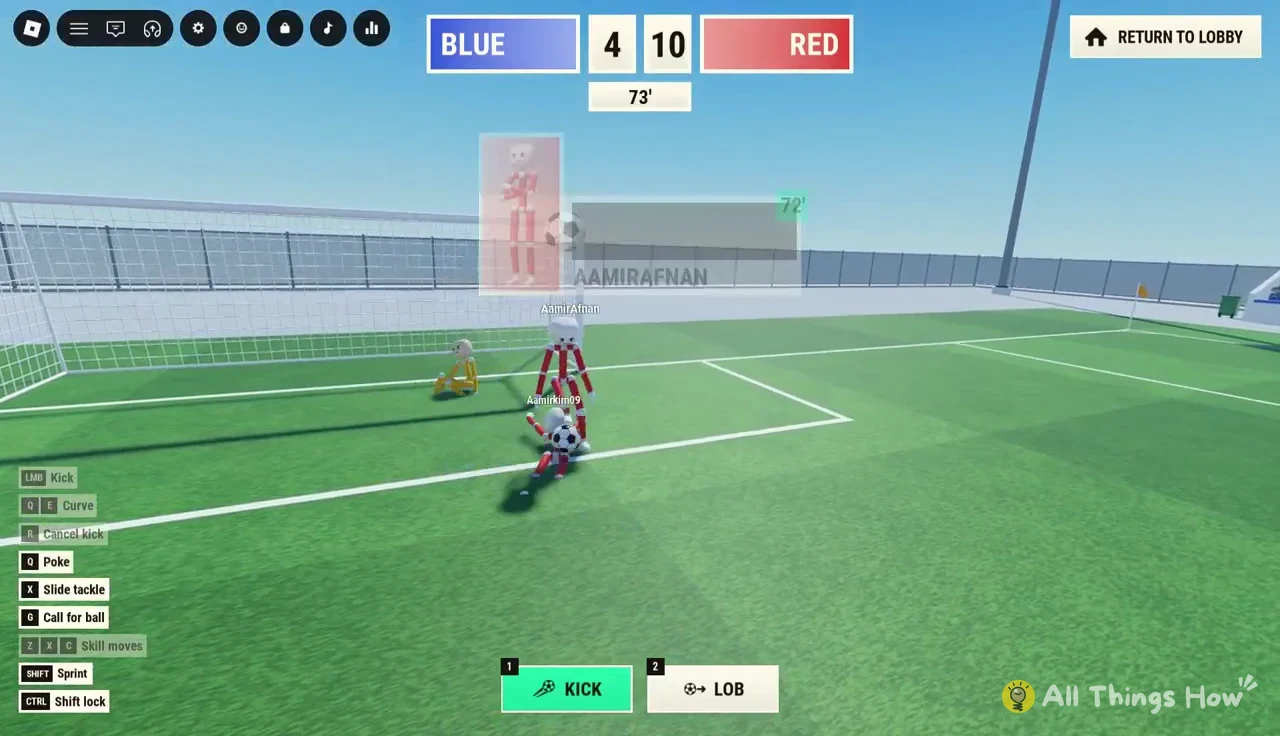
Press G when you are open and a green PASS! speech bubble pops up over your character. Teammates can see it from across the pitch, which matters in public servers where nobody is on voice chat. When a teammate calls, a soft kick in their direction is usually enough; full power on a short pass tends to send the ball past them. Every player also carries a nameplate and a blue or red triangle marker overhead, so you can tell teams apart in a crowded scramble.
Slide tackles and pokes
Pressing X launches your ragdoll into a slide across the grass. A good slide either knocks the opponent over or cuts straight through the ball’s path and takes it. A bad one leaves you on the floor while the attacker runs past, so slide when you are level with or slightly ahead of the ball carrier, not behind them. For lighter contact, Q pokes the ball away when you are right next to it, which is a safer way to break up a dribble without committing your whole body.
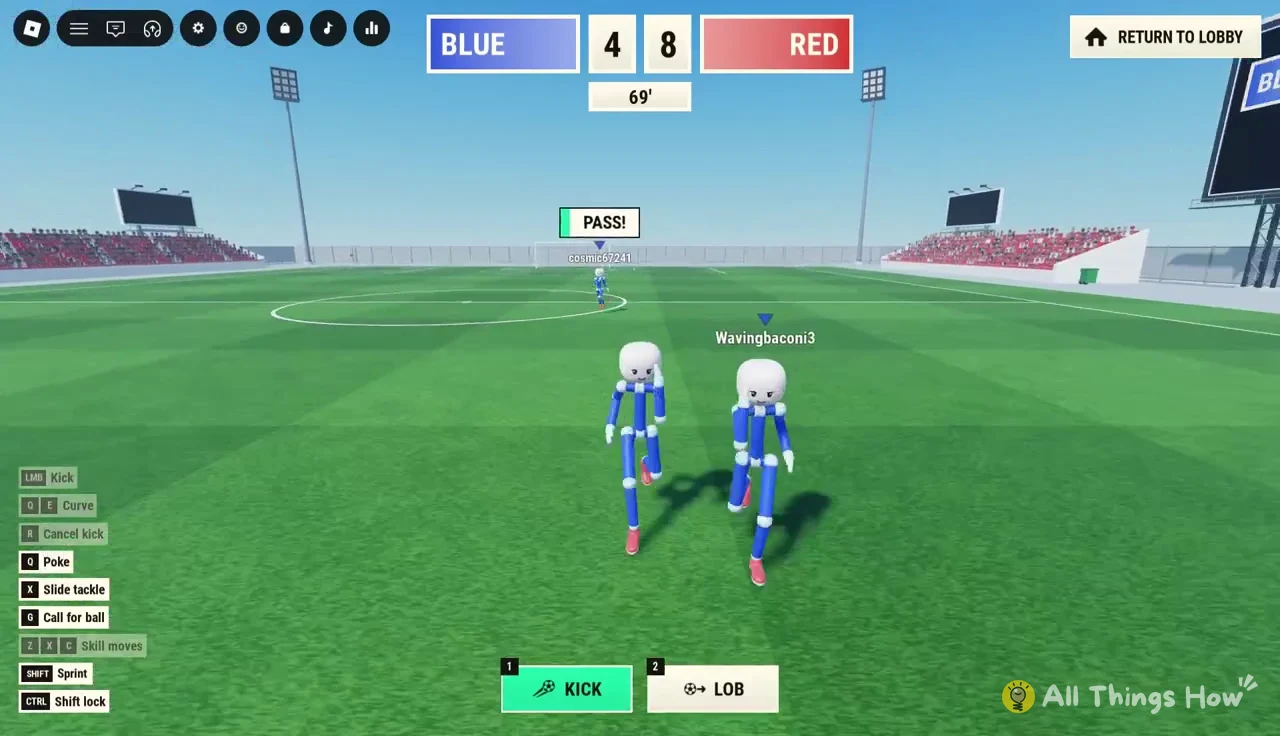
Spotting the goalkeeper
Each side has a goalkeeper, recognizable by yellow and orange limb joints instead of the usual team colors. Keepers can dive at shots and catch and hold the ball, then kick it back into play. Team uniforms are fixed by the game, so you cannot change your Blue or Red outfit to stand out; look for nameplates instead.
What happens after a goal in Ragdoll Soccer
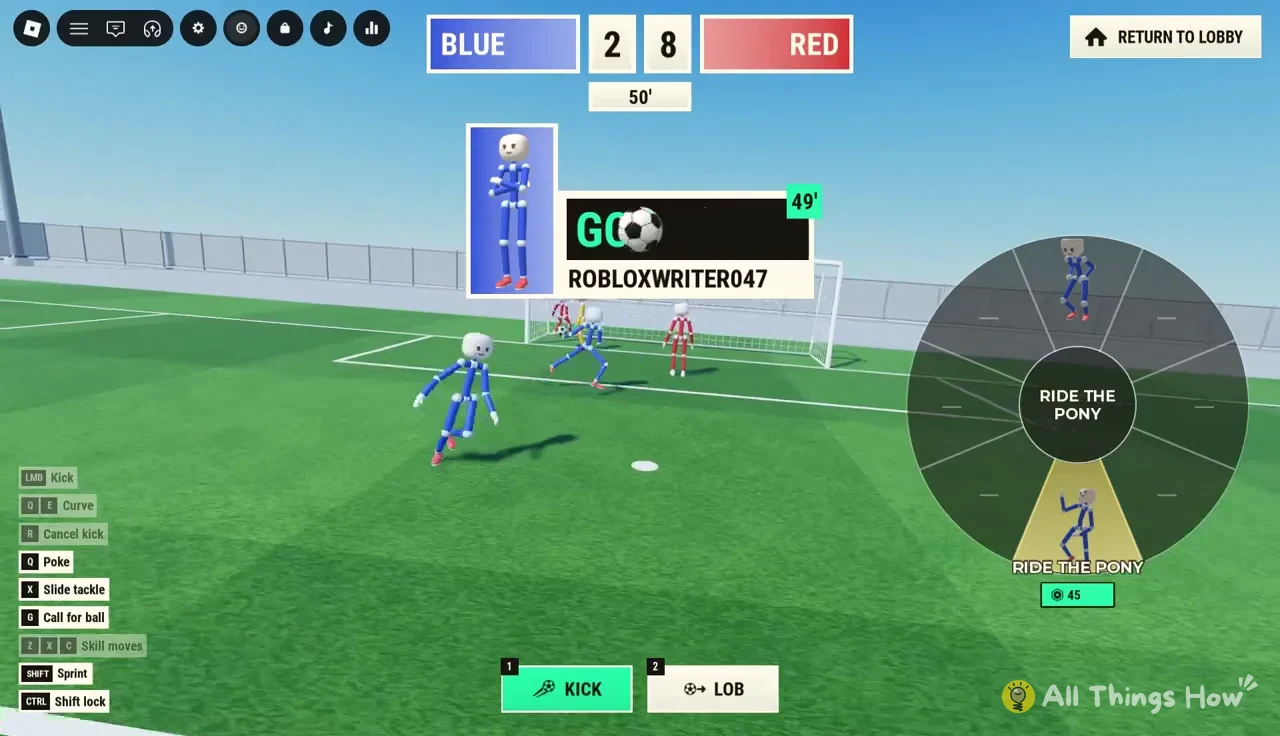
Every goal triggers a short sequence before play resumes. A callout names the scorer and the minute, and credits the assist when there is one, for example GOAL COSMIC67241 ASSISTED BY ROBLOXWRITER047 45'.
- The scorer gets an emote wheel with options such as
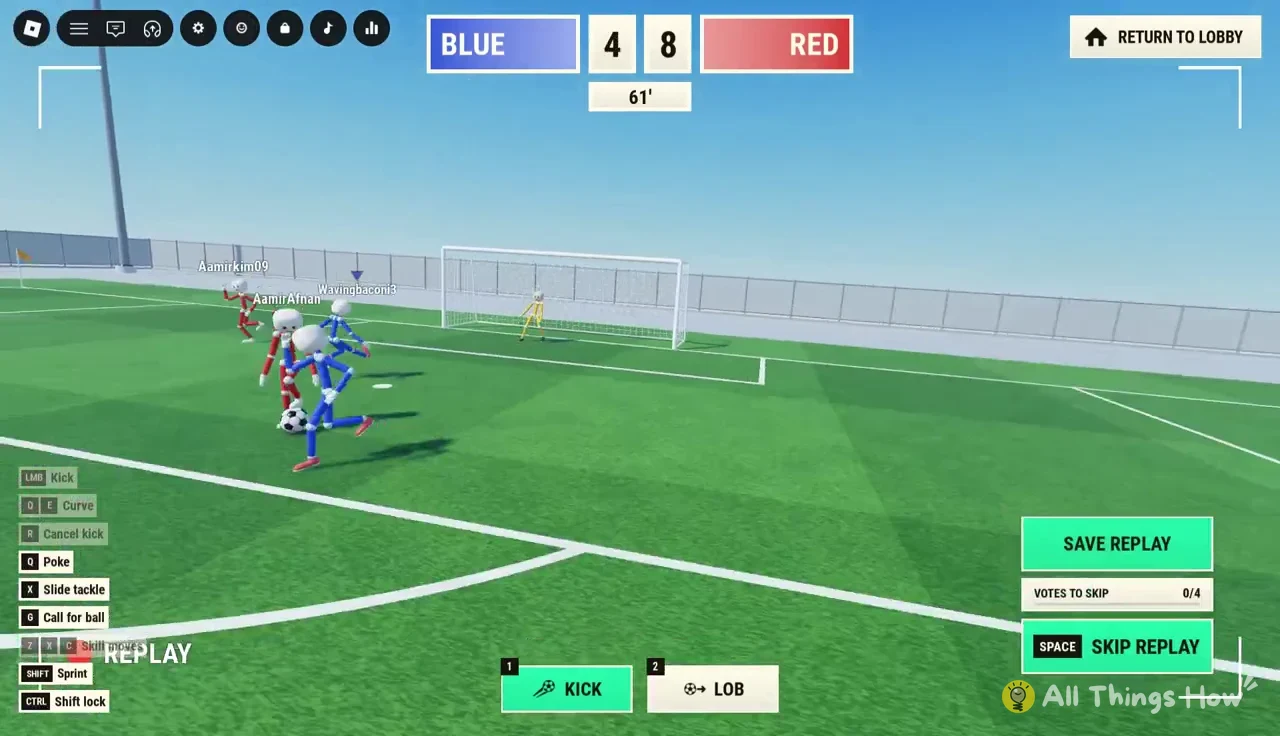
CELEBRATE,RIDE THE PONYandDAB. - A replay of the goal plays for everyone, marked
REPLAYon screen. - A
SAVE REPLAYbutton lets you keep the clip. - Press
Spaceto vote to skip; aVOTES TO SKIPcounter tracks the lobby and showsVOTEDonce you have. - Both teams then line up for kickoff while a
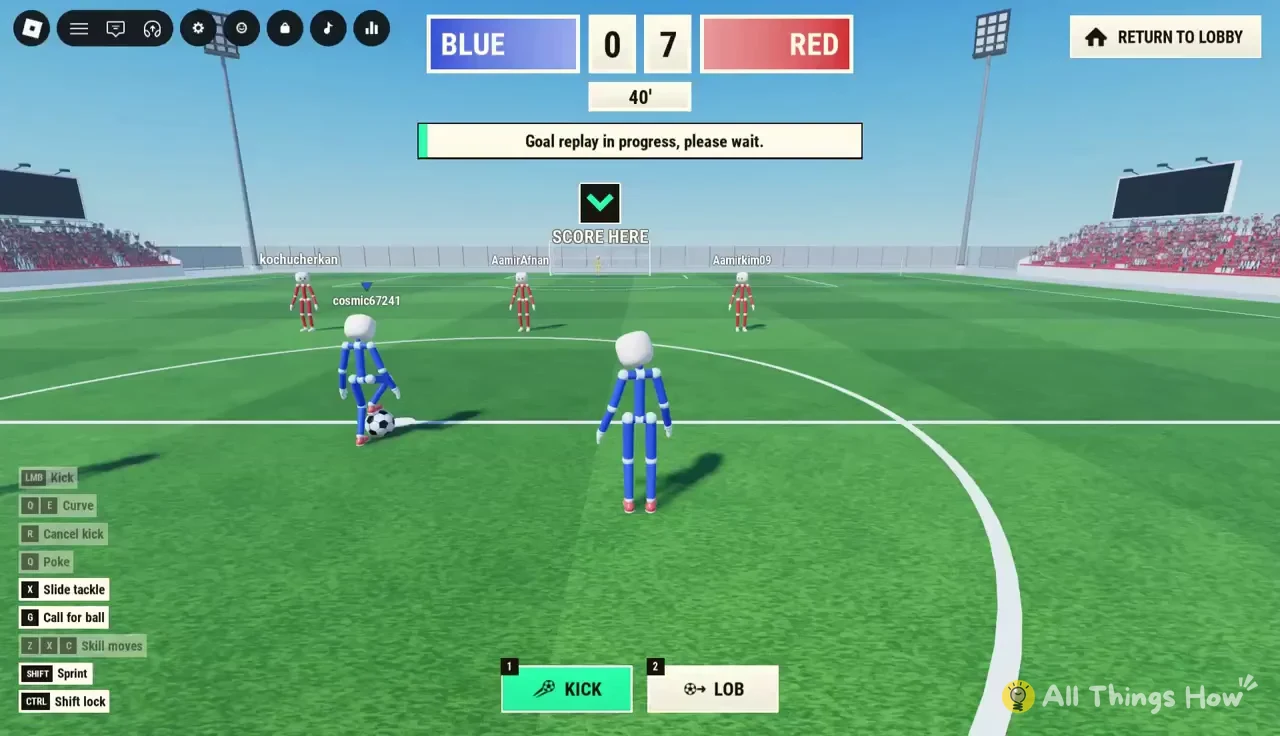
Goal replay in progress, please wait.notice shows.
At kickoff, a green downward arrow labelled SCORE HERE points at the goal your team attacks. Check it after every restart, especially if you joined mid-match and are not sure which way you are playing. Kickoffs are also a dangerous moment: a team that presses straight after the restart can force a turnover and score again within a couple of in-game minutes, so do not switch off once the replay ends.
Match clock, joining mid-game and full time
The scoreboard at the top of the screen shows both team scores and an in-game minute count that runs to 90, followed by added stoppage time shown as, for example, 90' +7. You can be placed into a match that is already under way, including one where your team is several goals down, so the clock and score may not start at zero when you load in.
When regulation and stoppage time both run out, a banner reads The match has ended! and the game moves to a FULL TIME screen. That screen breaks down MATCH STATS such as shots, possession percentage, saves and pass accuracy, lists PLAYER RATINGS, and includes a FREE COINS reward. If you want to leave earlier, the RETURN TO LOBBY button sits in the top-right corner of the screen during play, and the standard Roblox Escape menu still opens mid-match to show the player list.