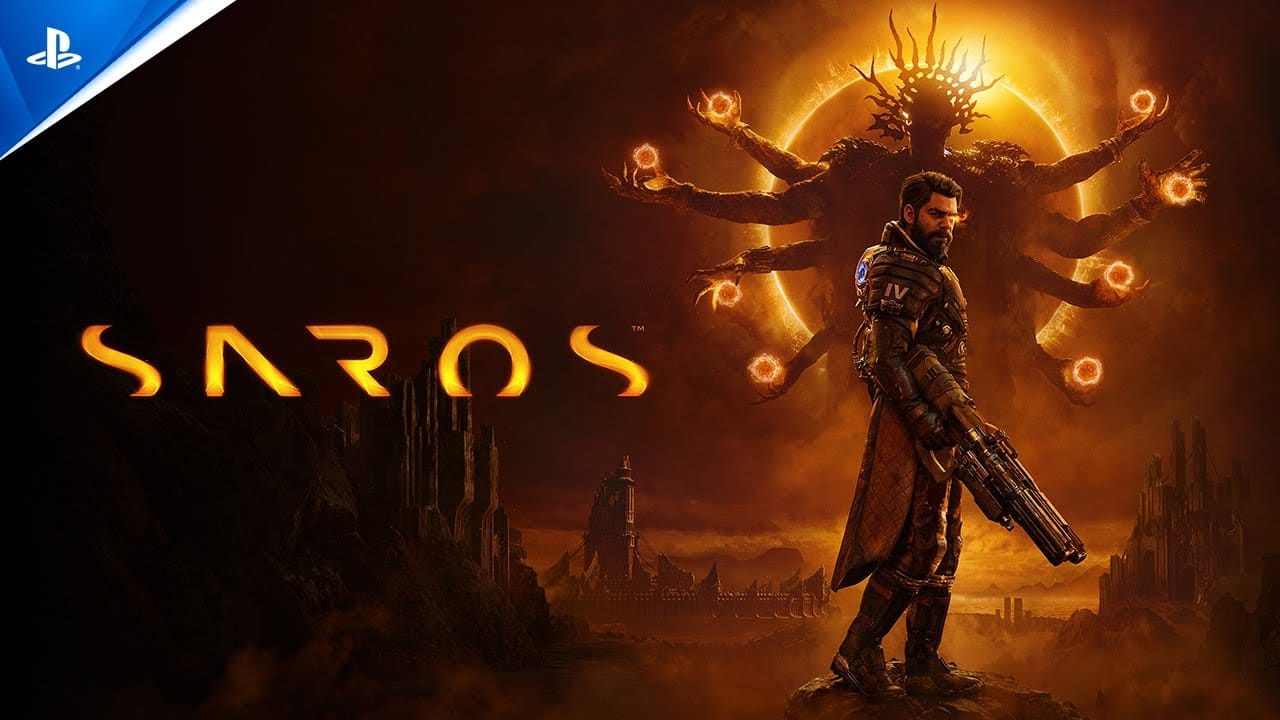
SAROS has free PlayStation Network profile avatars available through redeem codes. These codes unlock the SAROS avatar pack on your account, so the reward is a profile cosmetic rather than in-game content.
SAROS codes
BN5Q-7B28-G7ND— SAROS avatar pack for Americas accountsQLD2-2HD4-4NA2— SAROS avatar pack for Europe and Oceania accountsT23N-MDCL-569D— SAROS avatar pack for Asia accountsED22-899Q-69JN— SAROS avatar pack for South Korea accountsHEKJ-925F-XG3M— SAROS avatar pack for Japan accounts
Use the code that matches the region on your PlayStation account. The reward is tied to the account that redeems it.
How to redeem SAROS codes
Sign in with the PlayStation account you use on your PS4 or PS5. Open the PlayStation Store account menu and choose
Redeem Code.Enter the SAROS code for your region and confirm the redemption. When the code is accepted, the SAROS avatar pack is added to that account.
Open your profile on console and change your avatar. If the new SAROS avatars are available to select, the redemption is complete.
The official SAROS page also has a Call the Eclipse prompt that reveals the regional code on the page before redemption.
What the SAROS codes unlock
The current reward is a SAROS avatar pack for your PlayStation Network profile. The pack includes six avatars, and they become selectable on the same account that redeemed the code.