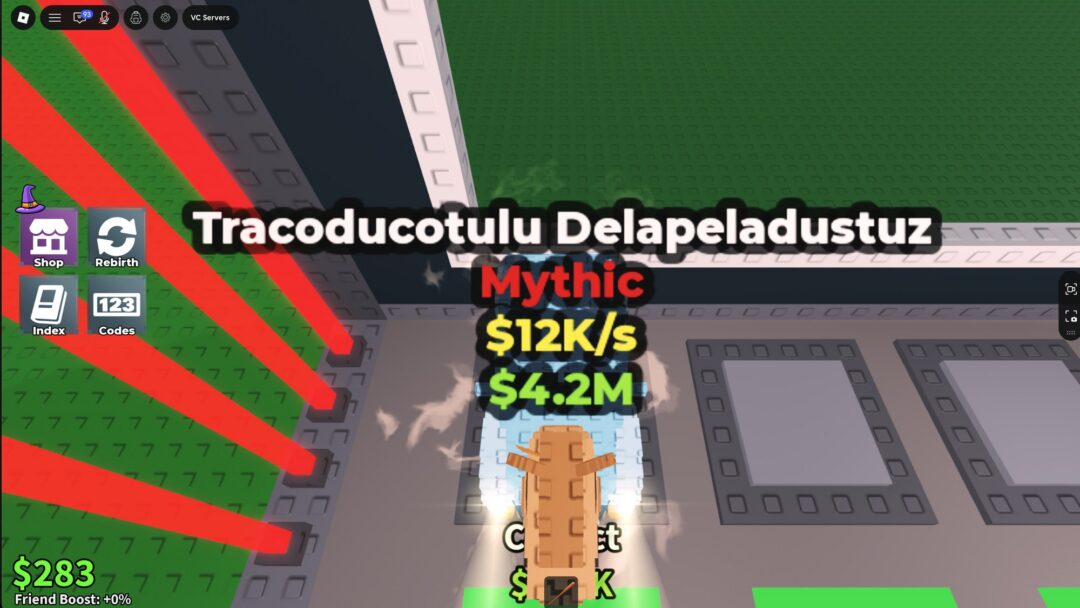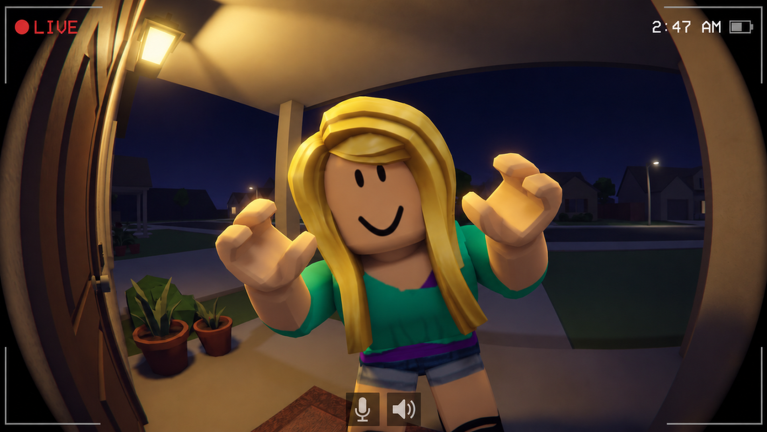
Scare Your Neighbor is a Roblox simulation tycoon built around one loop. You knock on a door, frighten whoever answers, and run off with their package. Back home, your minions break that package open into items, and those items pay you every second. The rest of the game is about making that loop faster and more profitable. That means more speed, more scare power, better minions, and a bigger base.
Quick answer: Knock on a neighbor’s door, scare them, steal the package, and set it down at your base. Your minions open it, and the item inside generates cash per second, starting at $10/s for a Common Snow Globe.
Scare Your Neighbor first run: Steal a package and get paid
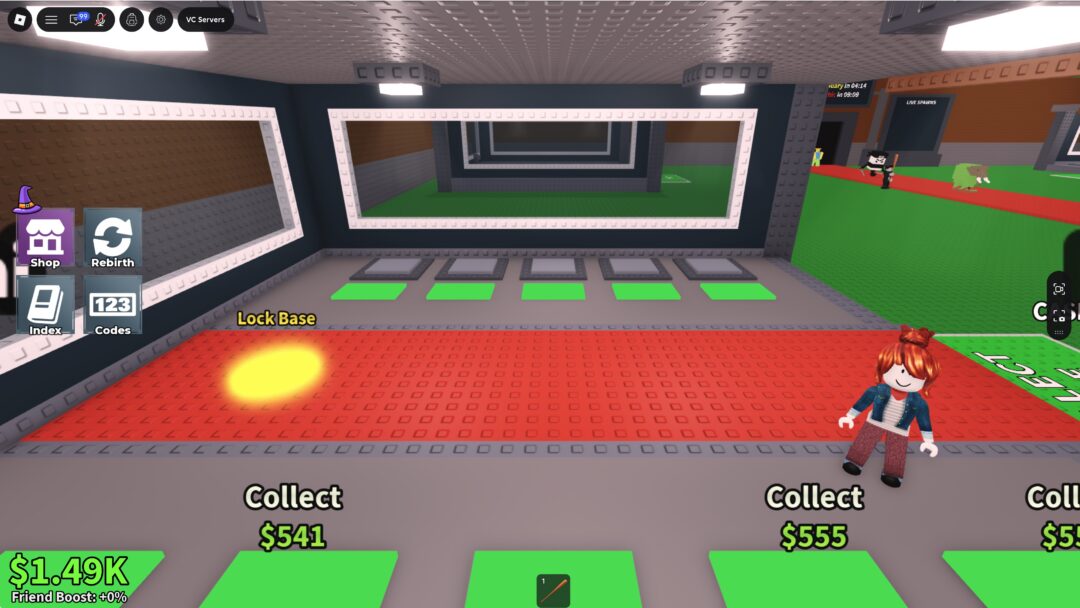
You don’t need anything to start except your avatar. Your base sits in an enclosed yard behind a white picket fence, and the neighbors live in the houses around it. Every run follows the same order. Learning it once covers every house you’ll visit later.
You’ll know the run worked when two things happen. The package label disappears in favor of an item label with a per-second rate, and the green cash number in the bottom-left corner starts ticking up.
Scare Your Neighbor HUD: What each number and button means
The screen stays fairly clean, but every element on it maps to part of the loop. Three counters run along the bottom left, menus sit on the left edge, and quick buttons sit on the right.
| HUD element | Location | What it tracks |
|---|---|---|
| Blue shoe icon | Bottom left | Speed |
| White ghost icon | Bottom left | Scare stat |
| Green cash icon | Bottom left | Money |
| Index | Left edge | Items you’ve collected |
| Shop | Left edge | Purchases |
| Box and briefcase icons | Right side | Quick-access buttons |
| Hotbar | Bottom center | Held items, such as packages |
The Index button picks up a notification badge when there’s something new in it. Open it whenever that badge appears so you can see what you’ve added to your collection. Labels hovering over objects in your yard work as a second HUD. Your minion station shows its rate, such as “1/s Minions.” Each package shows whether it’s ready, and each item shows what it earns.
Scare Your Neighbor upgrades: Where your cash goes
Every dollar your items generate gets reinvested in the operation. There are four things you can upgrade, and each one speeds up a different part of the loop.
- Treadmill is your training equipment for getting faster.
- Scare trainer is the equipment that builds your scare power.
- Minions are the workers in the doghouse-style station that break packages open.
- Base is the yard where your packages and earning items live.
The practical rule is to upgrade whatever is slowing you down right now. Packages piling up at “Ready to open!” mean your minions are the bottleneck. Struggling to pull off scares or get packages home points you toward the training equipment. Running out of room in the yard means it’s time to upgrade the base.
Rarer packages, offline earnings, and platforms
Common items like the Snow Globe are only the starting tier. The game has rarer packages and rarer items to discover, and pushing toward them is how your per-second income grows beyond those first few dollars. Each new item you find also fills in another entry in the Index.
You also don’t need to keep the game open to get paid. Scare Your Neighbor earns you money while you’re offline, so items you place before logging off keep working. That makes it worth placing every package you’re holding before you quit.
The game is free to play and runs on desktop, mobile, tablet, and console. Servers hold up to seven players, so you’ll share the neighborhood with a handful of other package thieves.
Once that first Snow Globe is ticking in your yard, the loop is set. Knock, scare, steal, place, and spend. Every upgrade you buy makes the next run easier and more profitable.