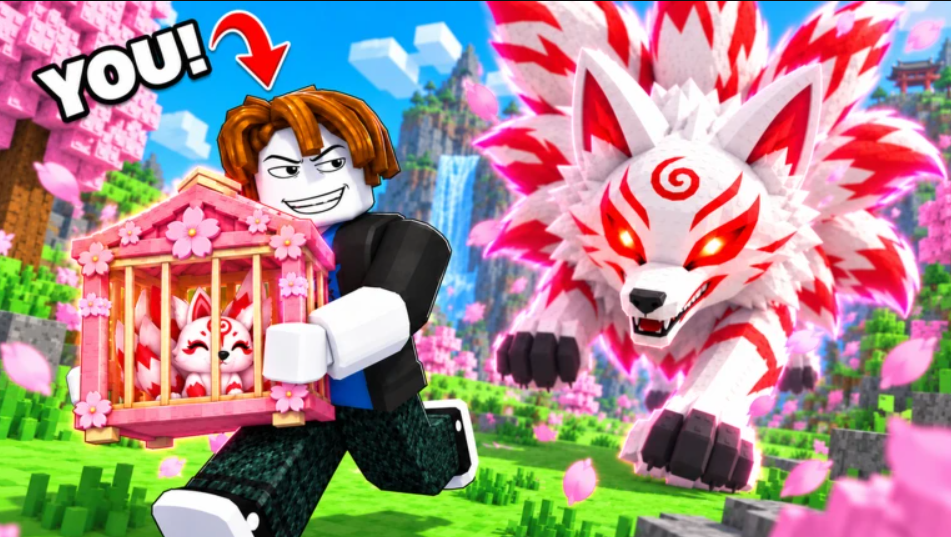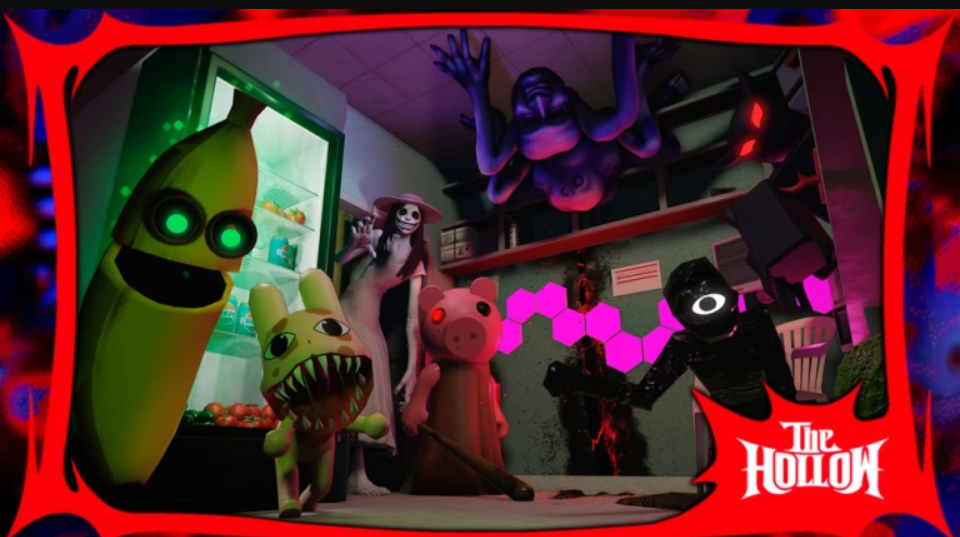
The Hollow is an optional event inside a regular night shift in Scary Shawarma, the Roblox horror kiosk game. You don’t need any items to start it. A vote prompt appears once the opening tutorial is done. If you vote yes, a tear rips open in the kitchen wall, and the only way to shut it is to keep cooking.
Quick answer: Finish the opening tutorial, vote YES on “THE HOLLOW” prompt, then keep serving. Each crossover guest you serve fills one stage of the 7-stage Breach Progress bar.
Starting The Hollow event from the night shift
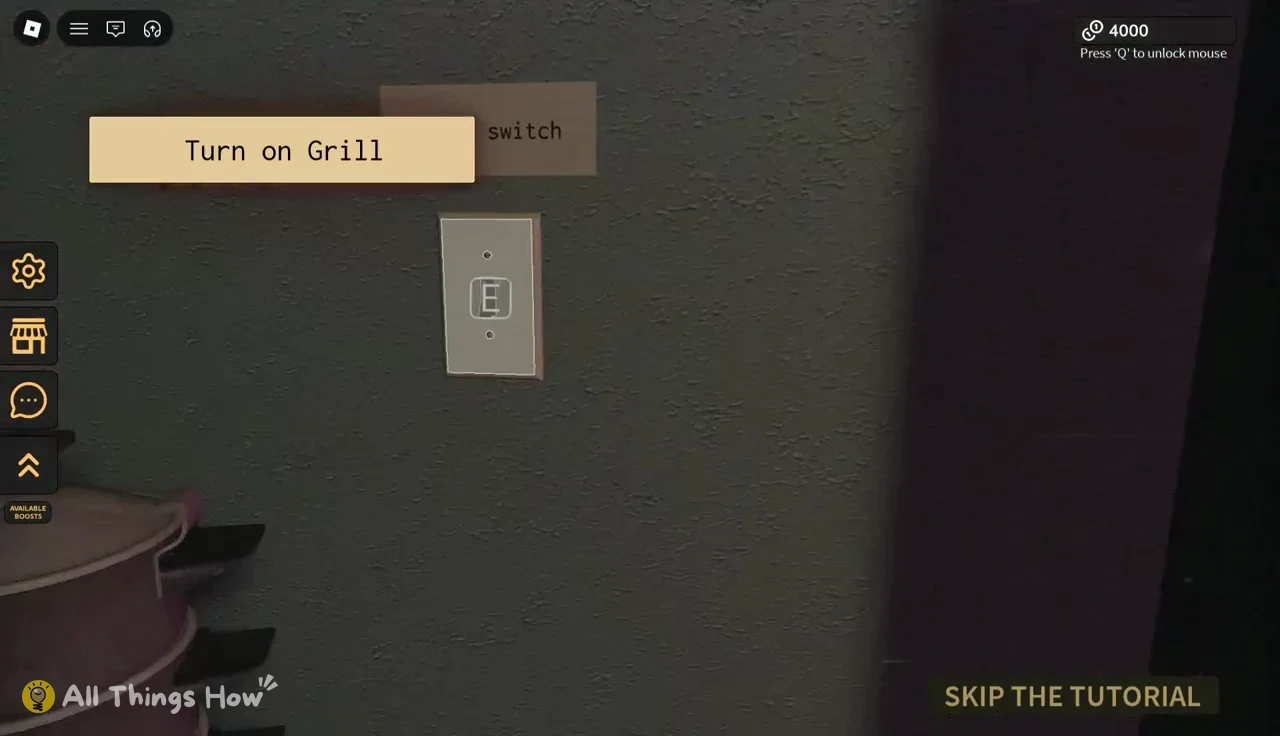
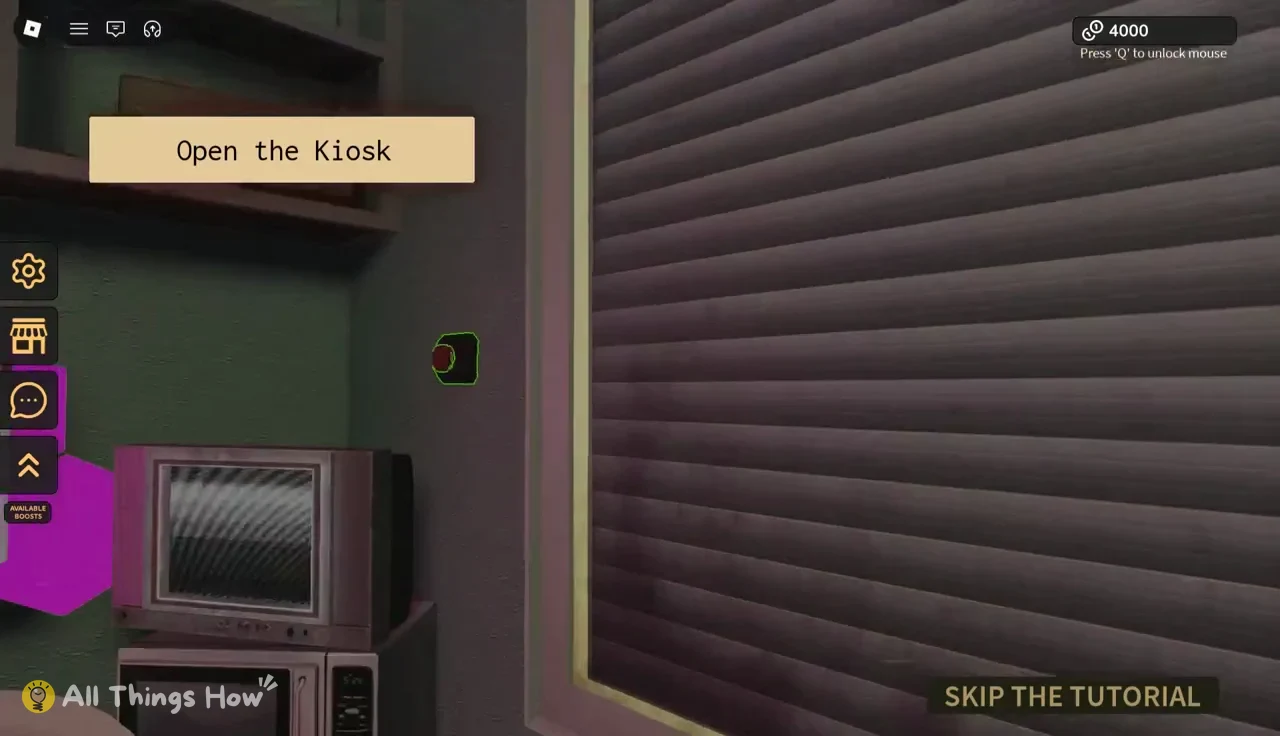
The event vote only appears after the kiosk is up and running, so the tutorial tasks come first. You can’t skip ahead to the vote. Press Q any time you need to free the mouse cursor, and press E to interact with highlighted objects.
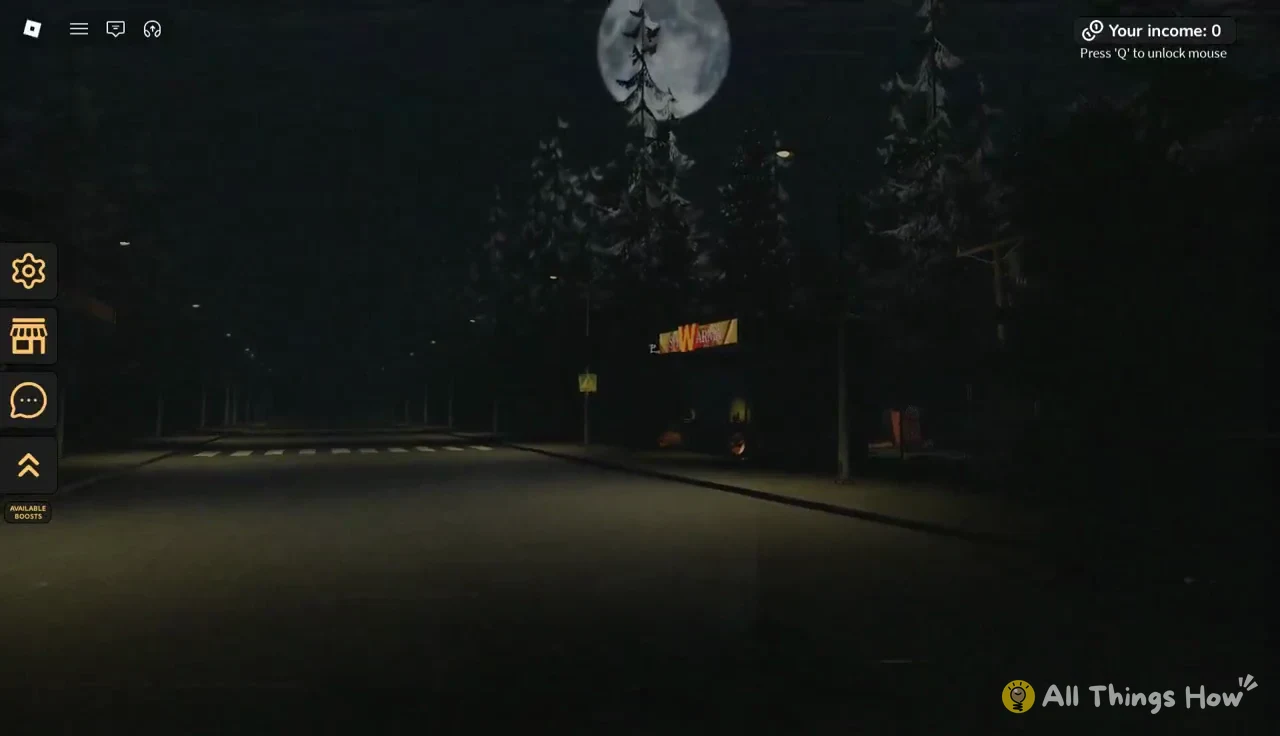
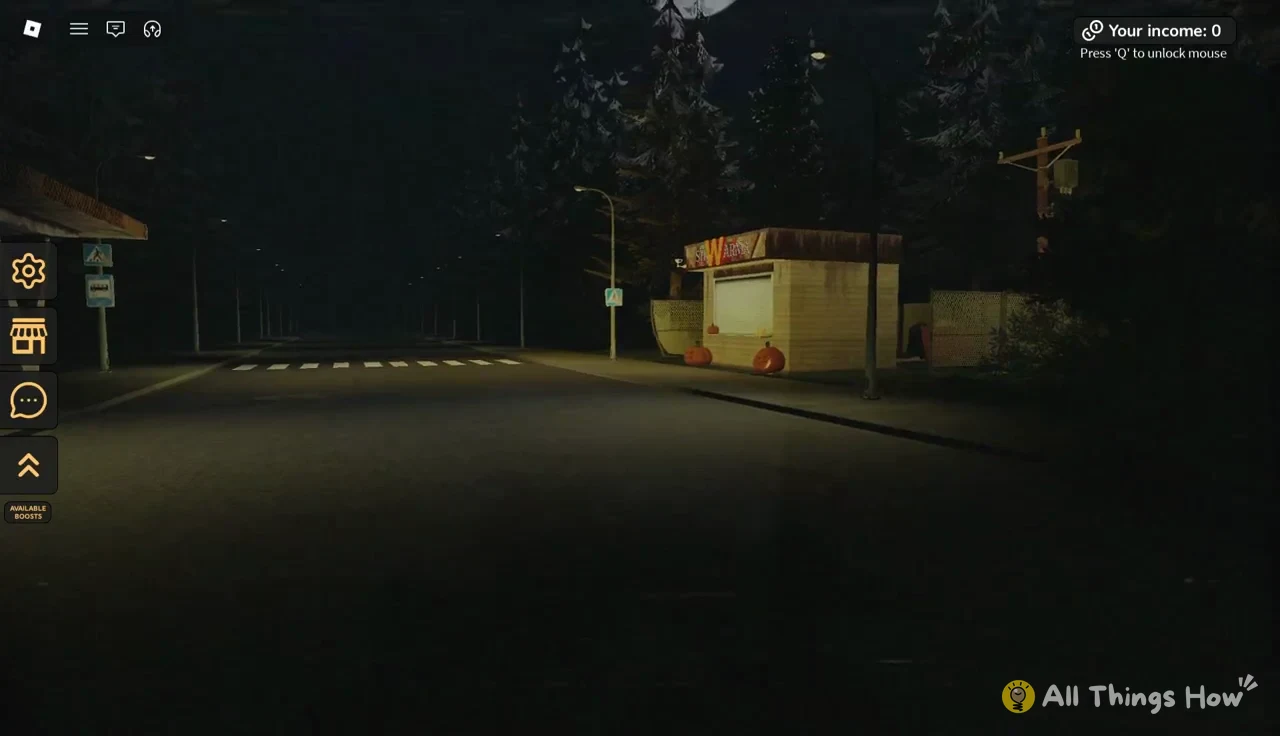
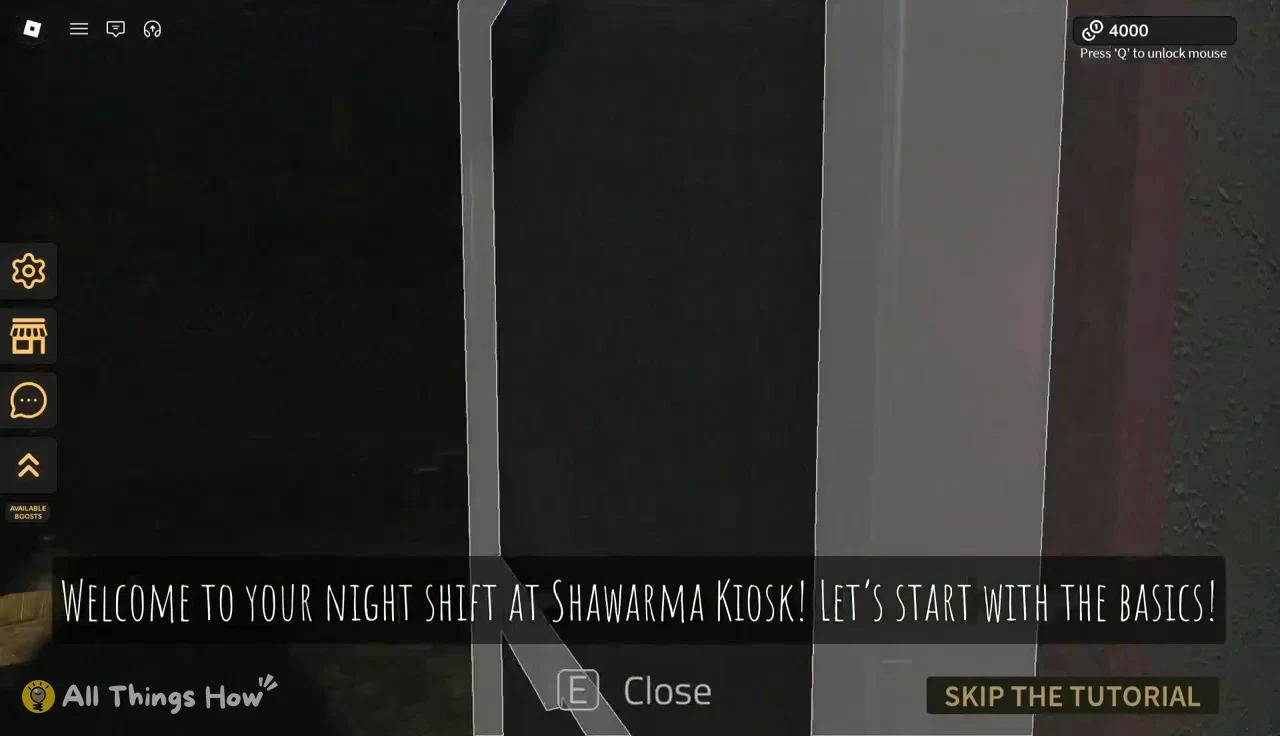
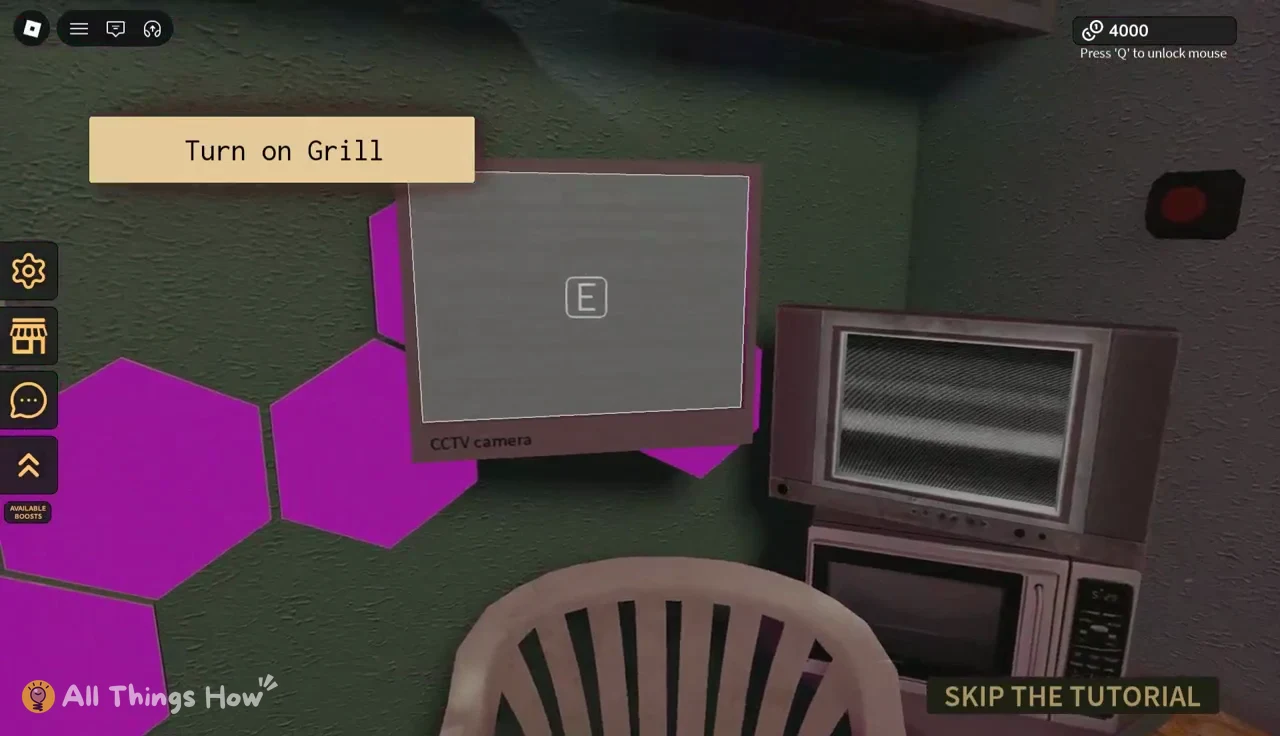
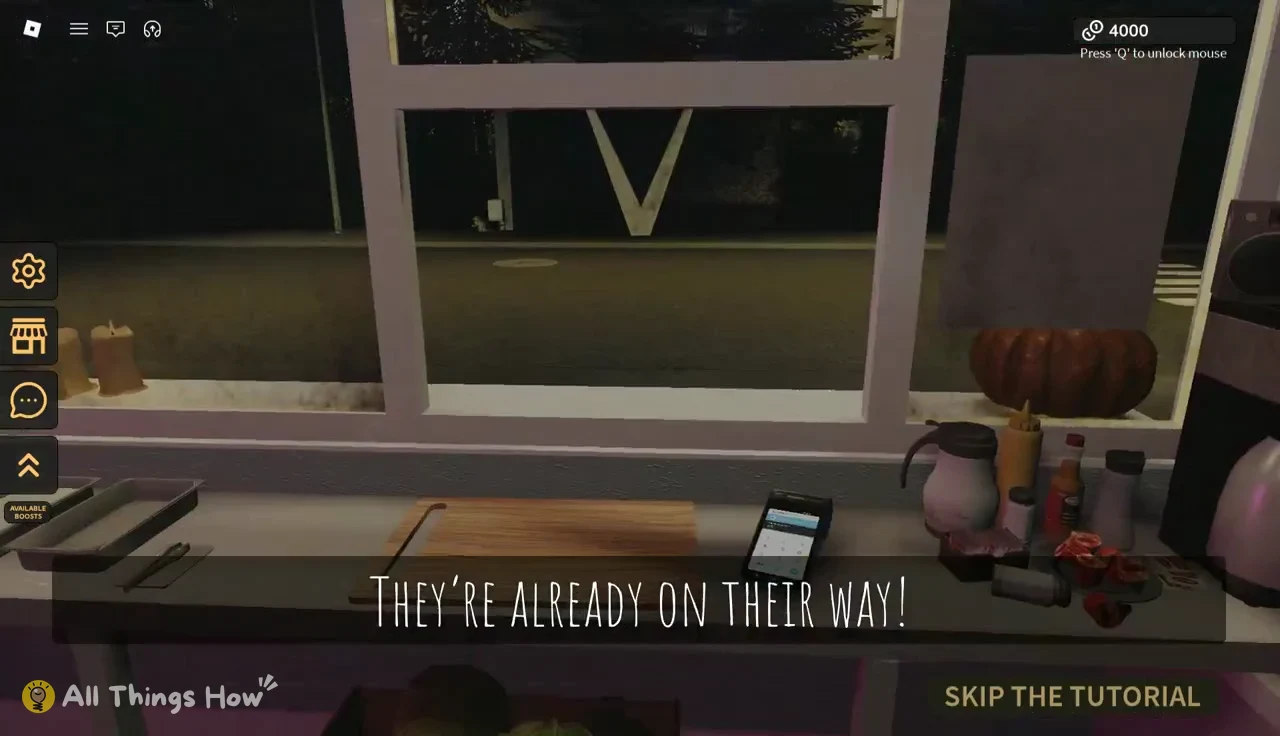
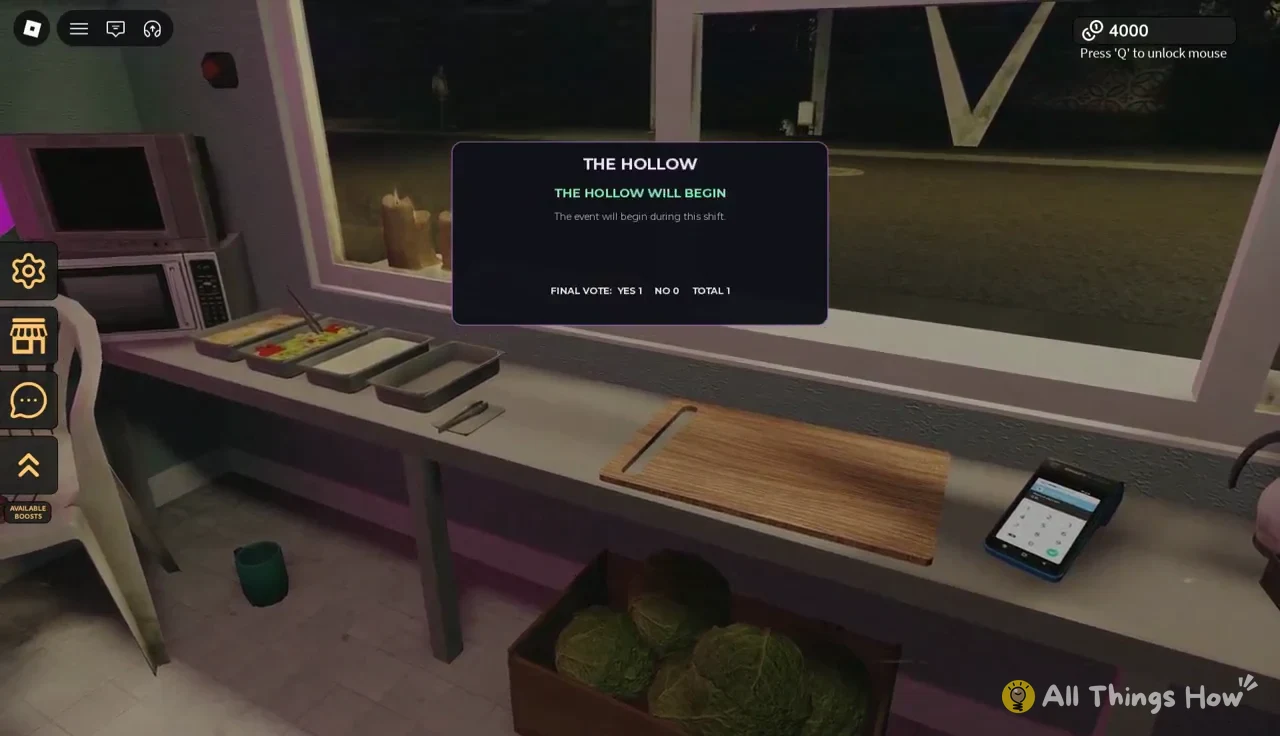
It’s a group vote, so every player on the server gets a say. Voting NO skips the event for that round.
How the breach opens in the kitchen
Nothing happens right away. Keep taking orders, and a chain of warnings appears on screen while you cook. The first customer, a man in a dirty shirt who wants a soft shawarma, is served while it plays out. The messages arrive in this order:
- “THE HOLLOW HAS NOTICED YOU”
- “SOMETHING IS MOVING INSIDE THE WALLS”
- “THE WALL IS BEGINNING TO CRACK”
- “THE WORLDS ARE COLLIDING”
- “SOMETHING IS COMING THROUGH”
- “THE BREACH IS FULLY OPEN”
After the last message, a black-and-red glowing tear opens in the kitchen wall. A bar labelled “THE HOLLOW • BREACH PROGRESS” appears at the top of the screen and counts up to 7. That bar is your quest tracker for the rest of the event.
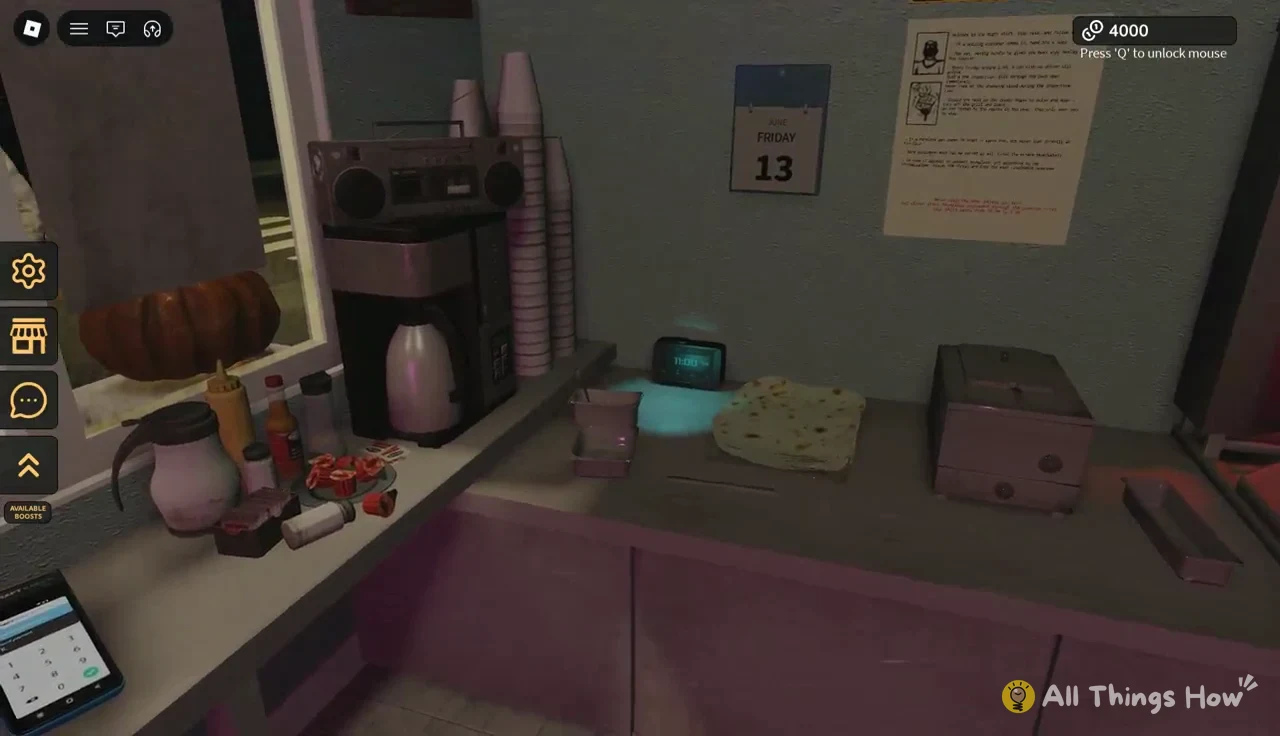
If the meat runs out mid-shift, the game shows “Meat refilled. You can continue” once it’s topped up.
Making a shawarma for Hollow guests
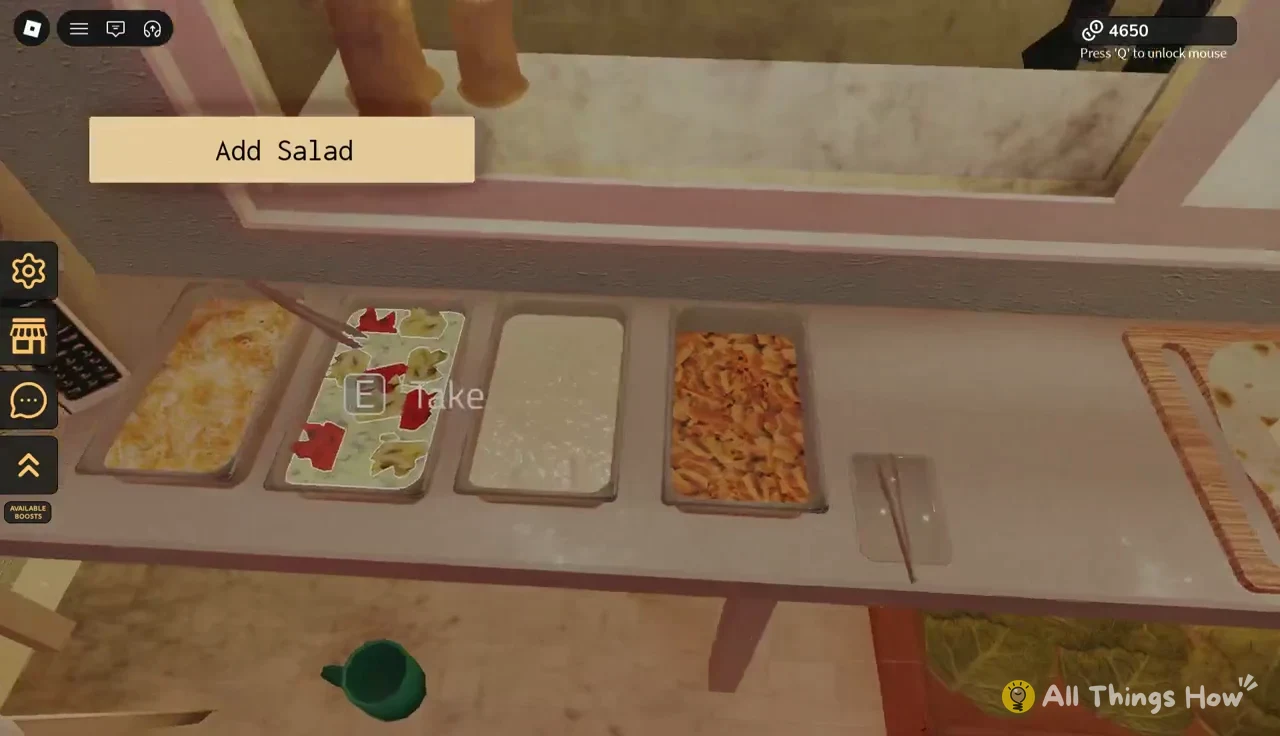
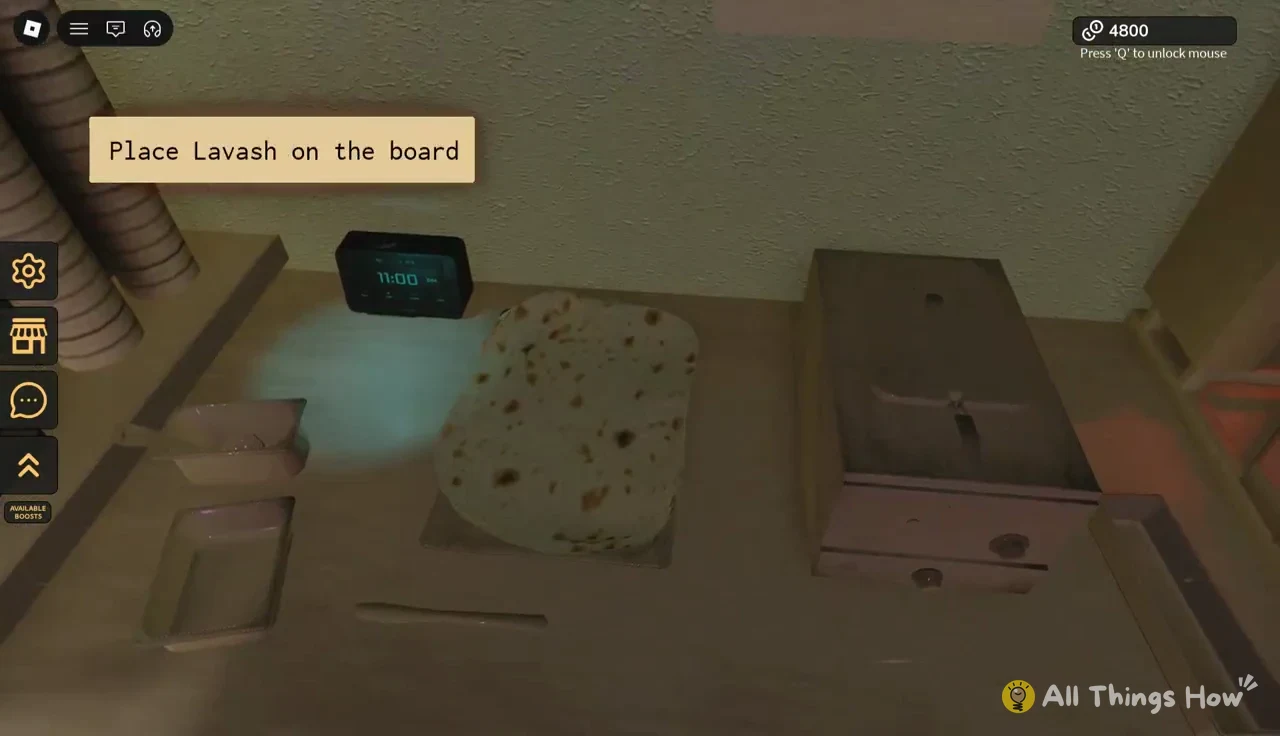
Every Hollow guest is served through the same prep routine as regular customers. On-screen prompts walk you through each stage, and green arrows and white outlines mark the next ingredient or surface.
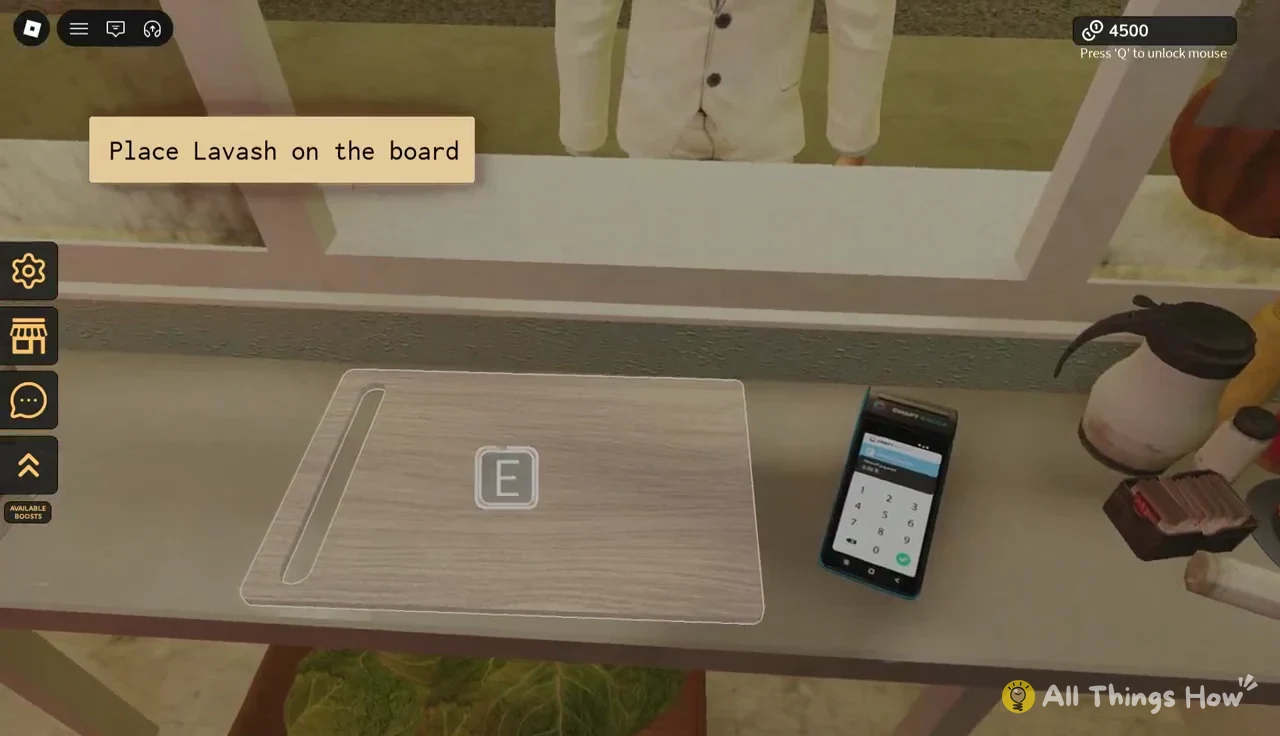
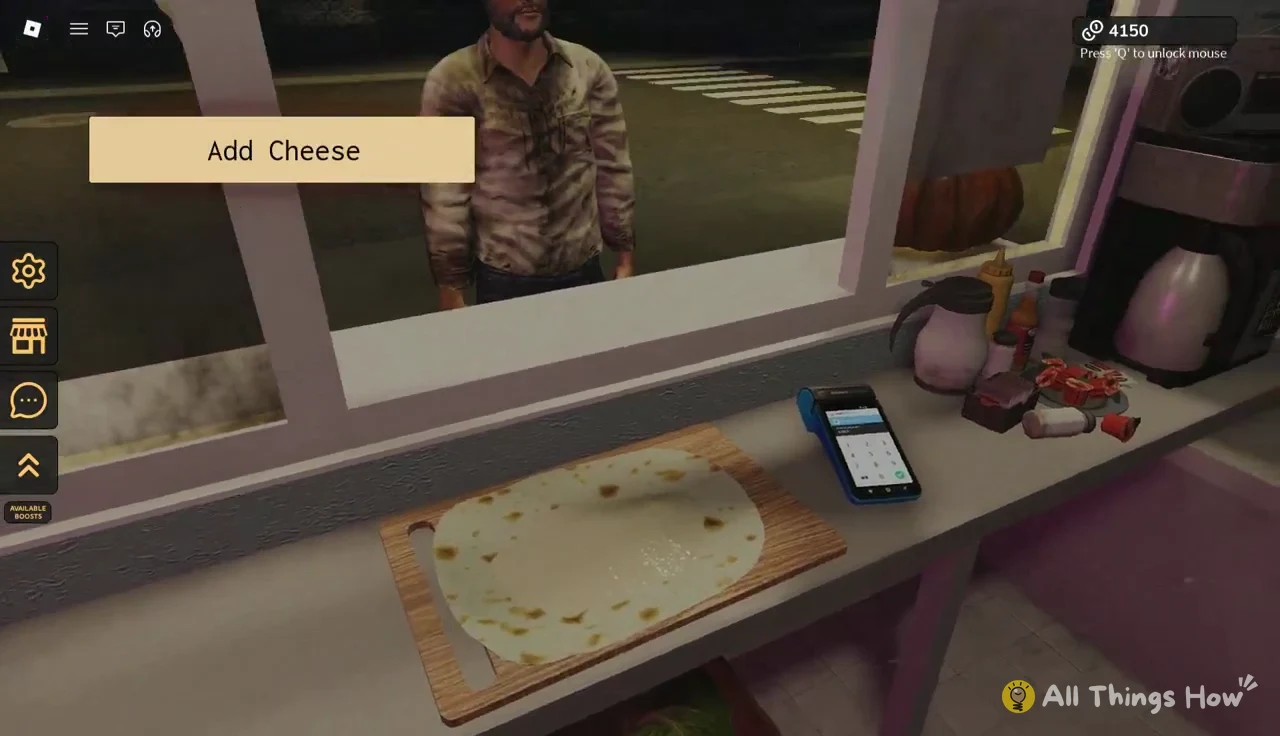
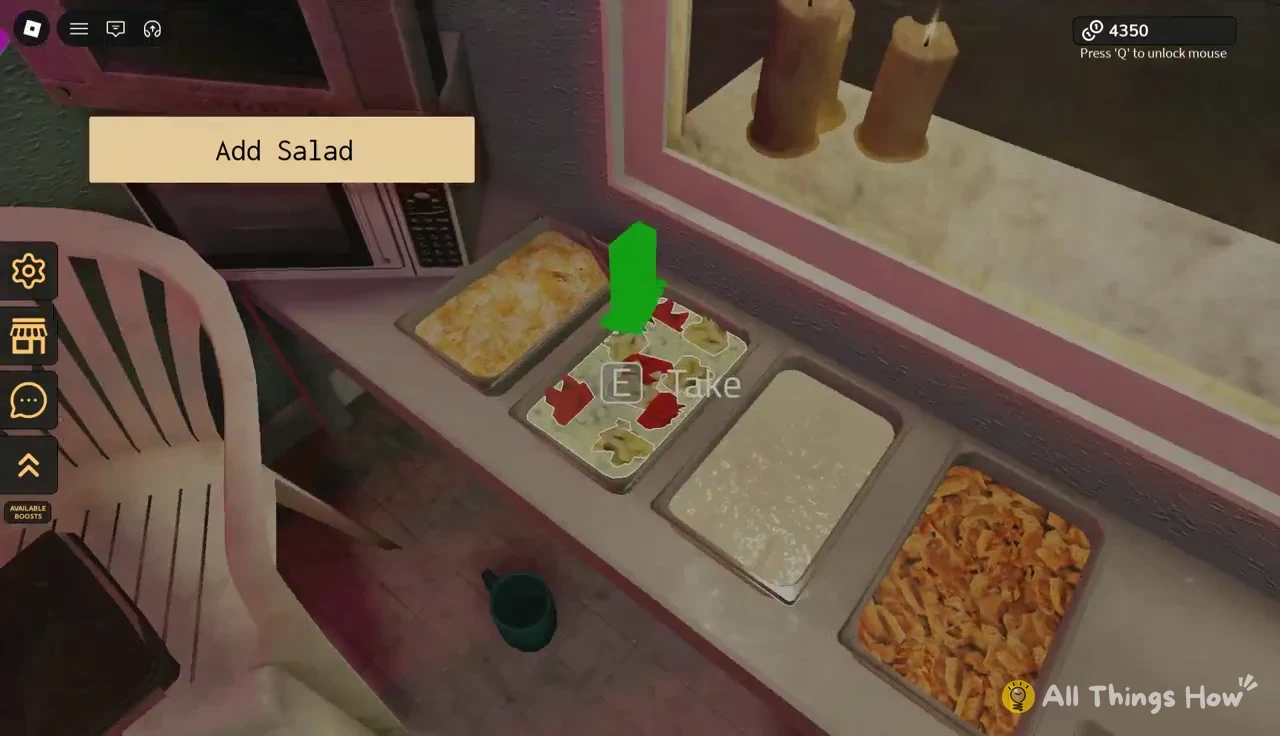
If an order needs a drink and you hand over only the wrap, the game flags it with “You forgot the soda.”
Hollow guests and Breach Progress
Once the breach is open, regular customers keep coming, but crossover characters from other Roblox games show up between them. Serving a crossover guest moves the bar forward by one stage. Serving a regular customer doesn’t change it.
| Guest | Order | Progress after serving | Message |
|---|---|---|---|
| Animal Hospital rabbit | Shawarma + Brepsi soda | 1 / 7 | “THE BREACH IS BECOMING UNSTABLE” |
| Seek (DOORS) | Standard shawarma | 2 / 7 | “THE CRACK IS BEGINNING TO SHRINK” |
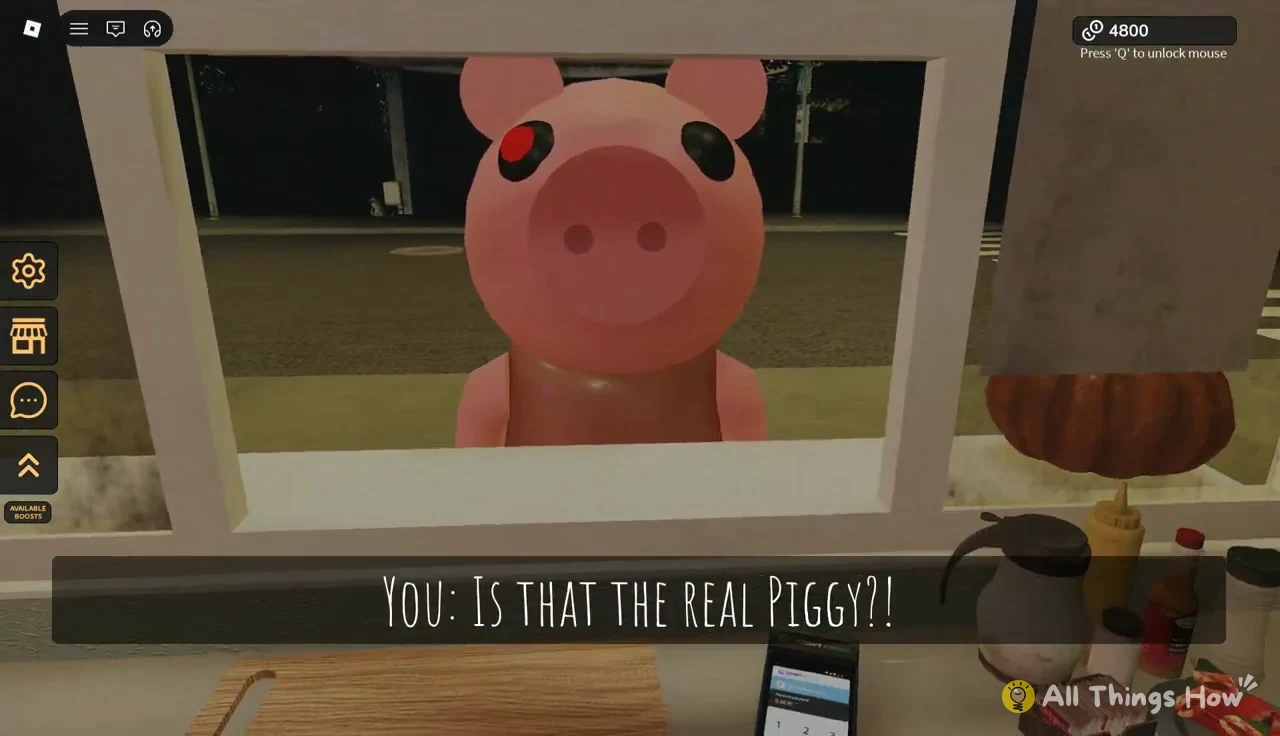
| Piggy (Piggy) | Shawarma | 3 / 7 | “THE HOLLOW IS LOSING ITS GRIP” |
Animal Hospital rabbit. A cream-and-brown spotted rabbit creature comes to the window and shows a mouthful of sharp teeth when it pays. It wants a shawarma and a can of Brepsi from the refrigerator. Both items have to be handed over for the bar to reach 1/7.
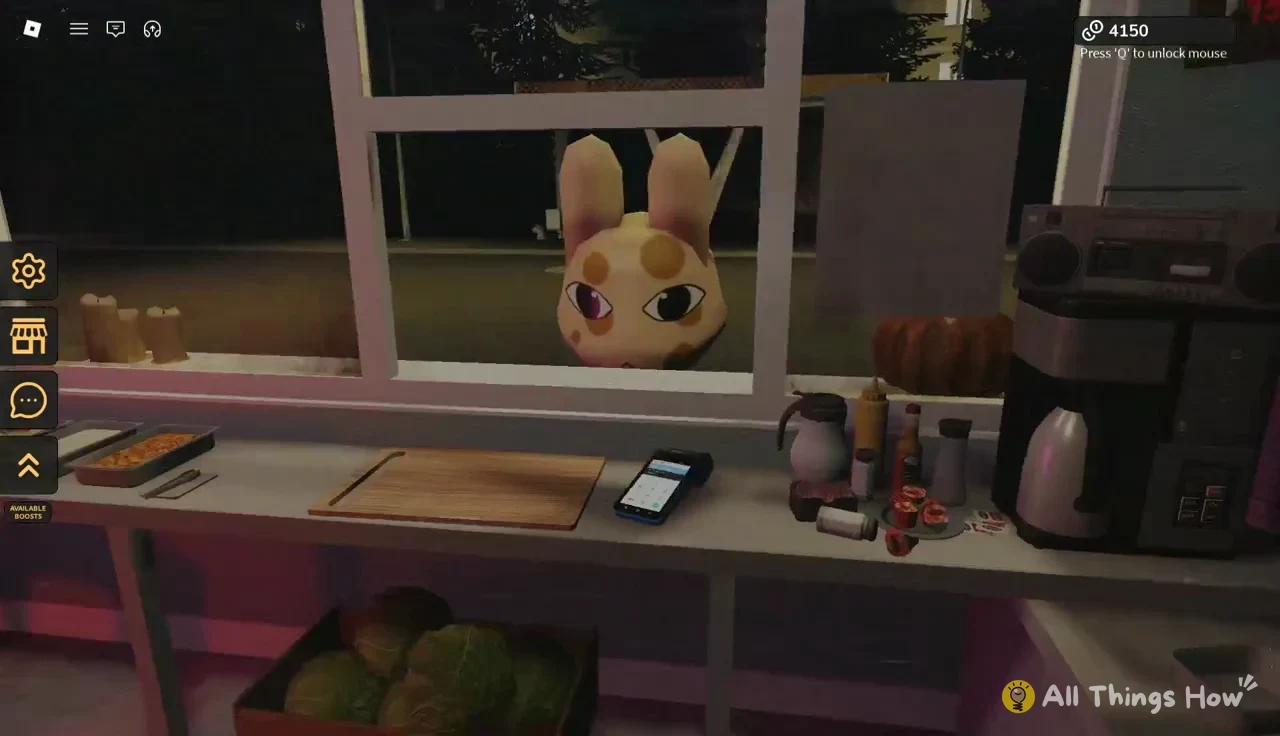
Regular customers still turn up between guests. A man in a white suit, for example, asks for an ungrilled shawarma without onions, so read each order before you start building.
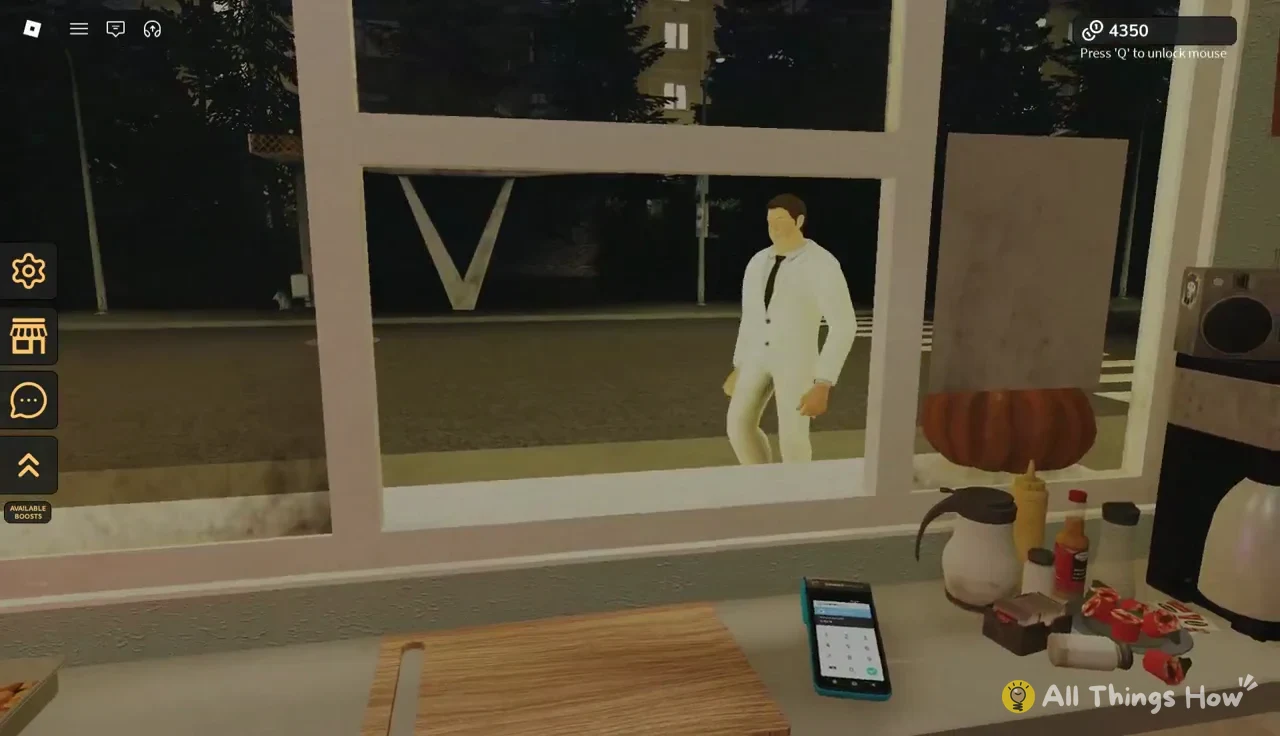
Seek. The tall black figure with one white eye from DOORS orders a standard shawarma and leaves once it’s served. That pushes the bar to 2/7.
A regular woman in green comes next and gets a normal shawarma, with no change to the bar.
Piggy. The pig from Piggy, with its single glowing red eye and dress, shows up at the window and gets a shawarma. Serving it moves the bar to 3/7.
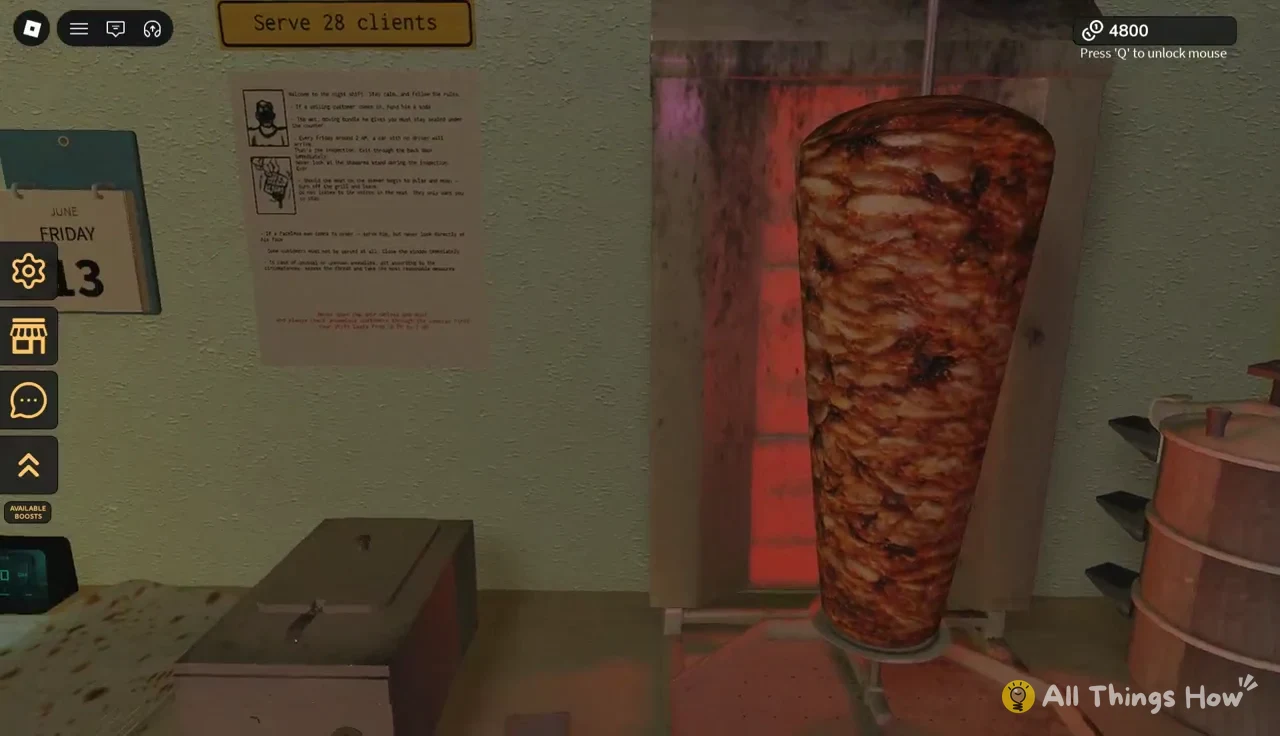
The shift’s own client objective keeps running alongside the breach bar, so the event doesn’t pause your normal quota.
Each completed order adds to your income, in increments of +150 or +200. Expect the counter to climb steadily through the 4,000s while you work toward later stages.
Shift rules that still apply during The Hollow
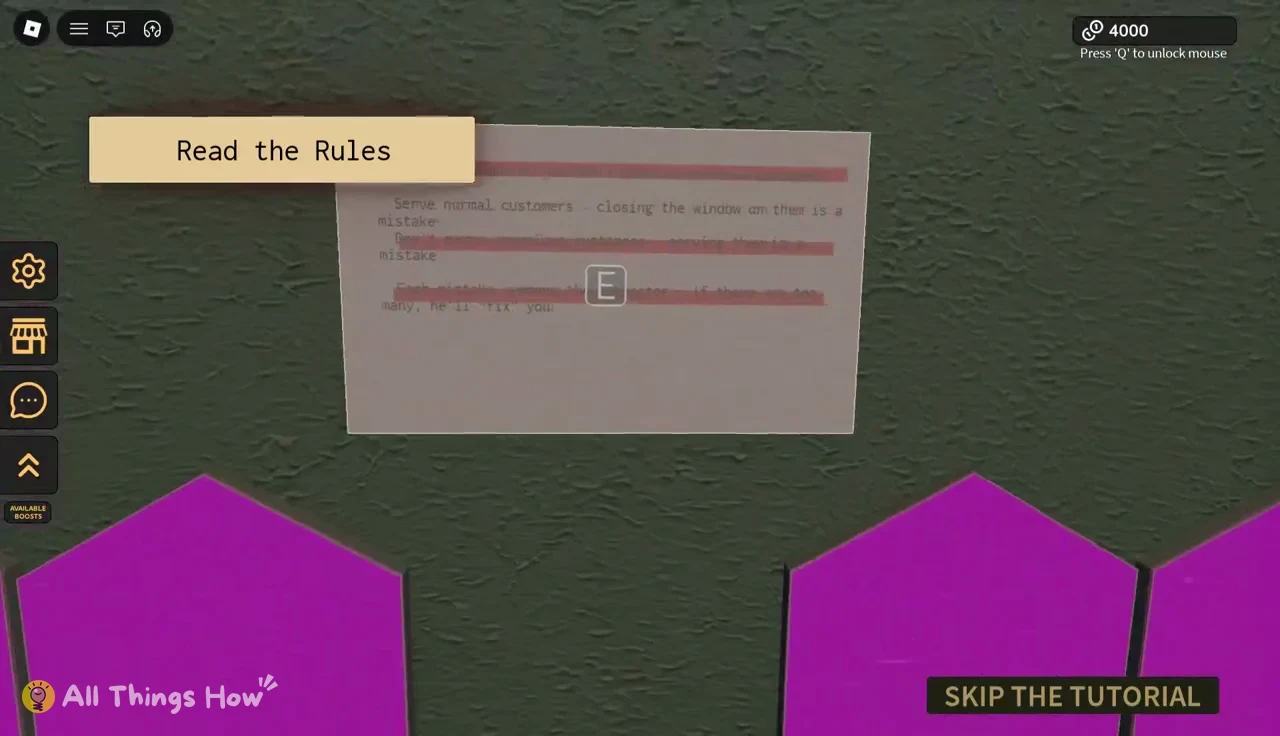
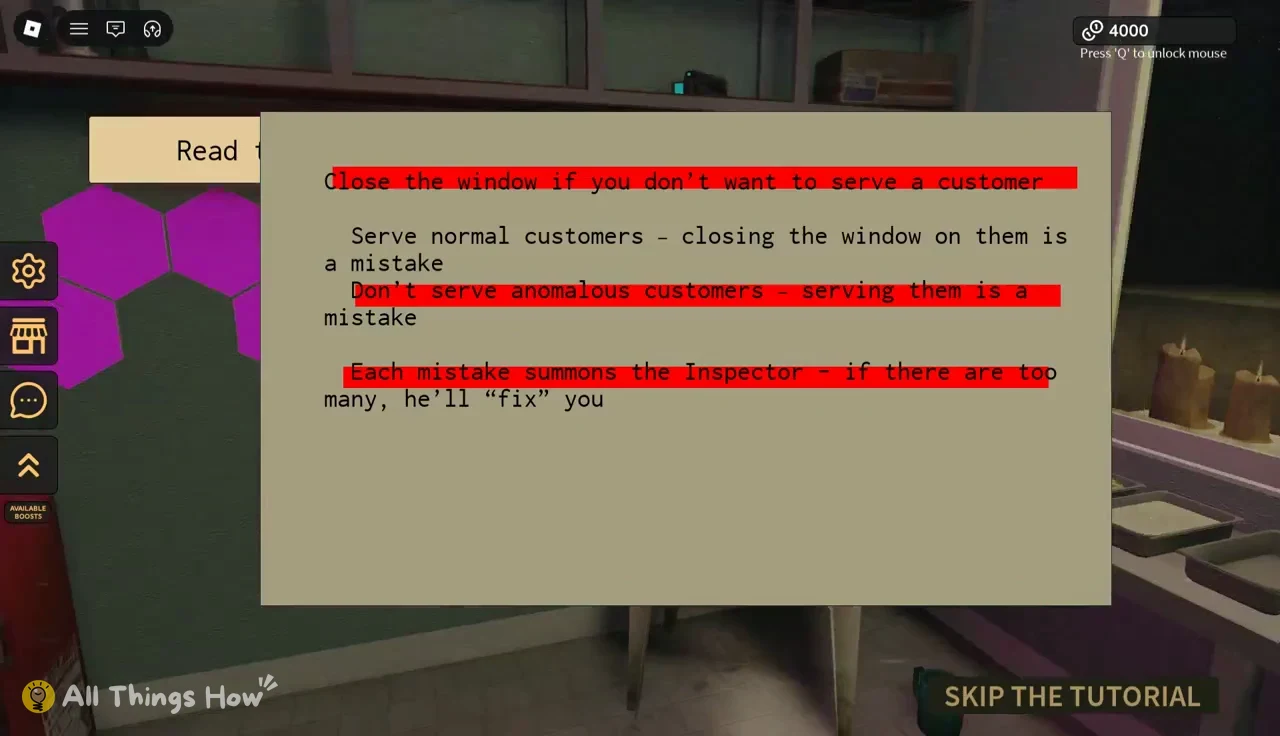
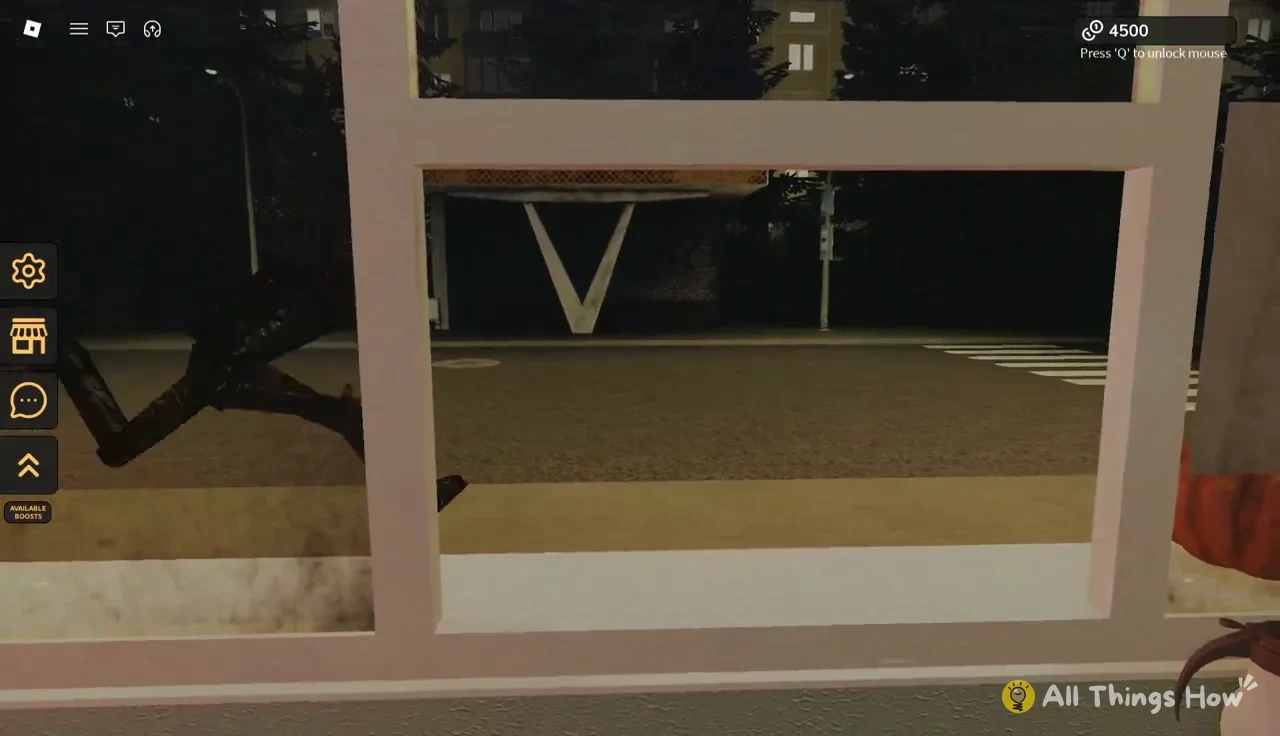
The safety rules don’t switch off when the breach opens. On paper, the rules say not to serve anomalous customers. The Hollow’s crossover guests are the exception, because serving them is exactly what advances the bar. Every other rule stands:
- Serve normal customers. Closing the window on them counts as a mistake.
- Each mistake summons the Inspector, and too many mistakes and he’ll “fix” you.
- If a smiling customer comes in, hand him a soda.
- Serve a faceless man, but never look directly at his face.
- Check anomalous customers through the cameras before opening the door.
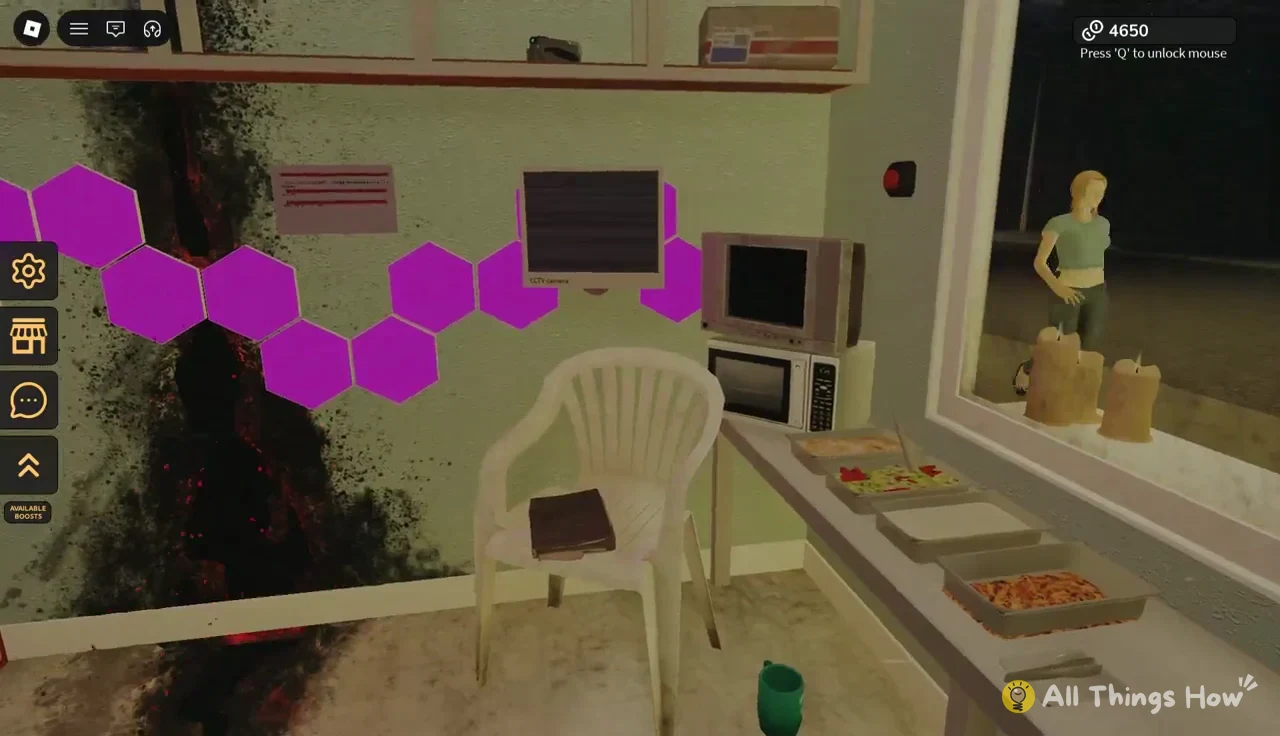
You can tell the quest is moving when the Breach Progress bar ticks up and a new line appears after each crossover guest. The messages track the tear shrinking, going from “BECOMING UNSTABLE” to “BEGINNING TO SHRINK” to “LOSING ITS GRIP.” The bar needs all seven stages filled to close the breach, so keep the window open and keep the grill running until it does.