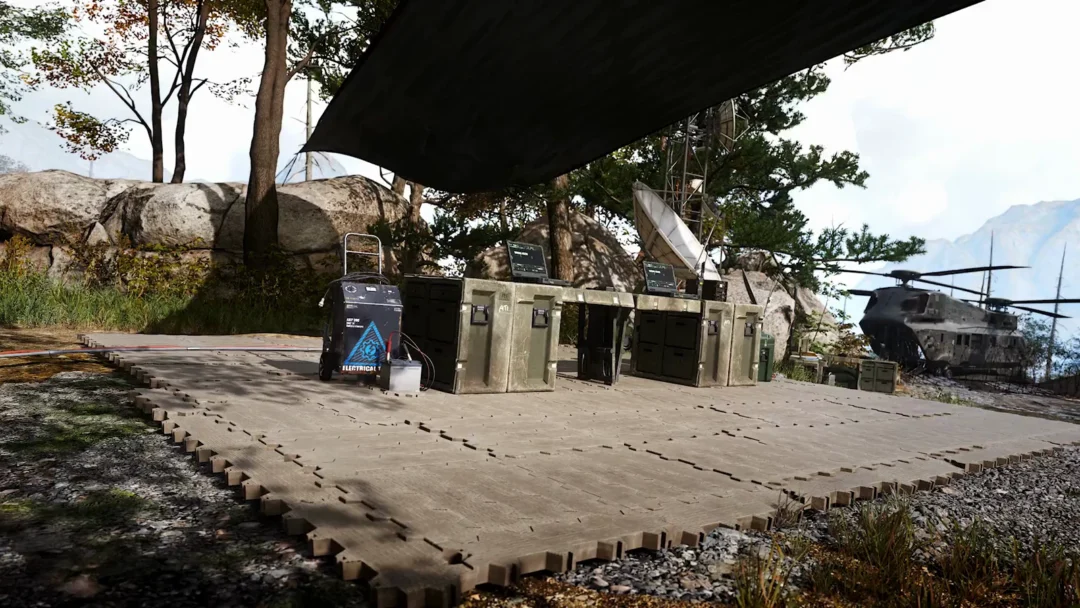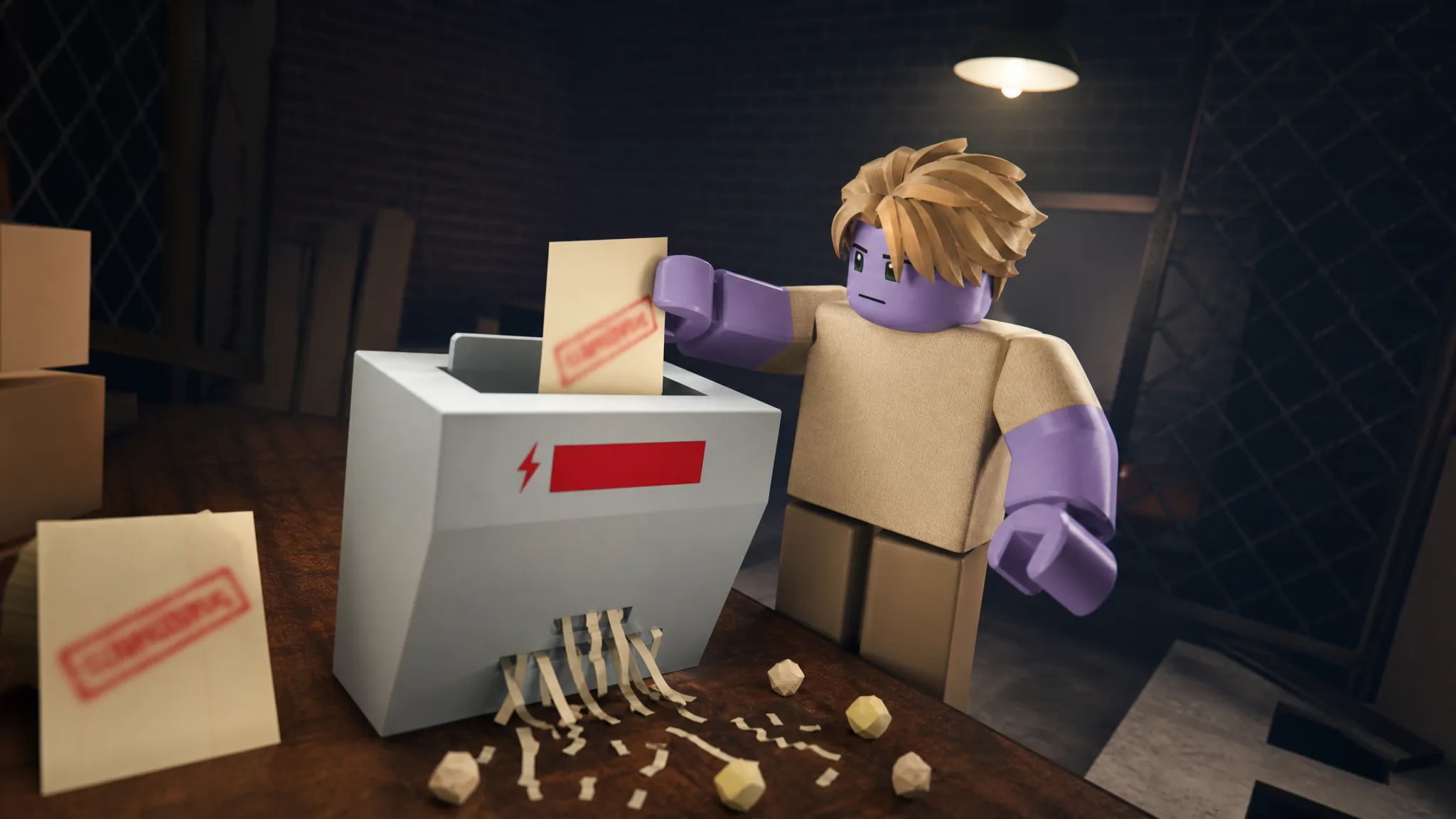
Shred the Secrets tracks 27 badges, and each one locks to a single condition tied to shredding paper, spending cash, exploring rooms, or reaching one of the game’s endings. The badges are purely cosmetic. Unlocking one lets you equip it at the Badges station so it floats above your avatar during a run, but it does not change your speed, carrying capacity, or income.
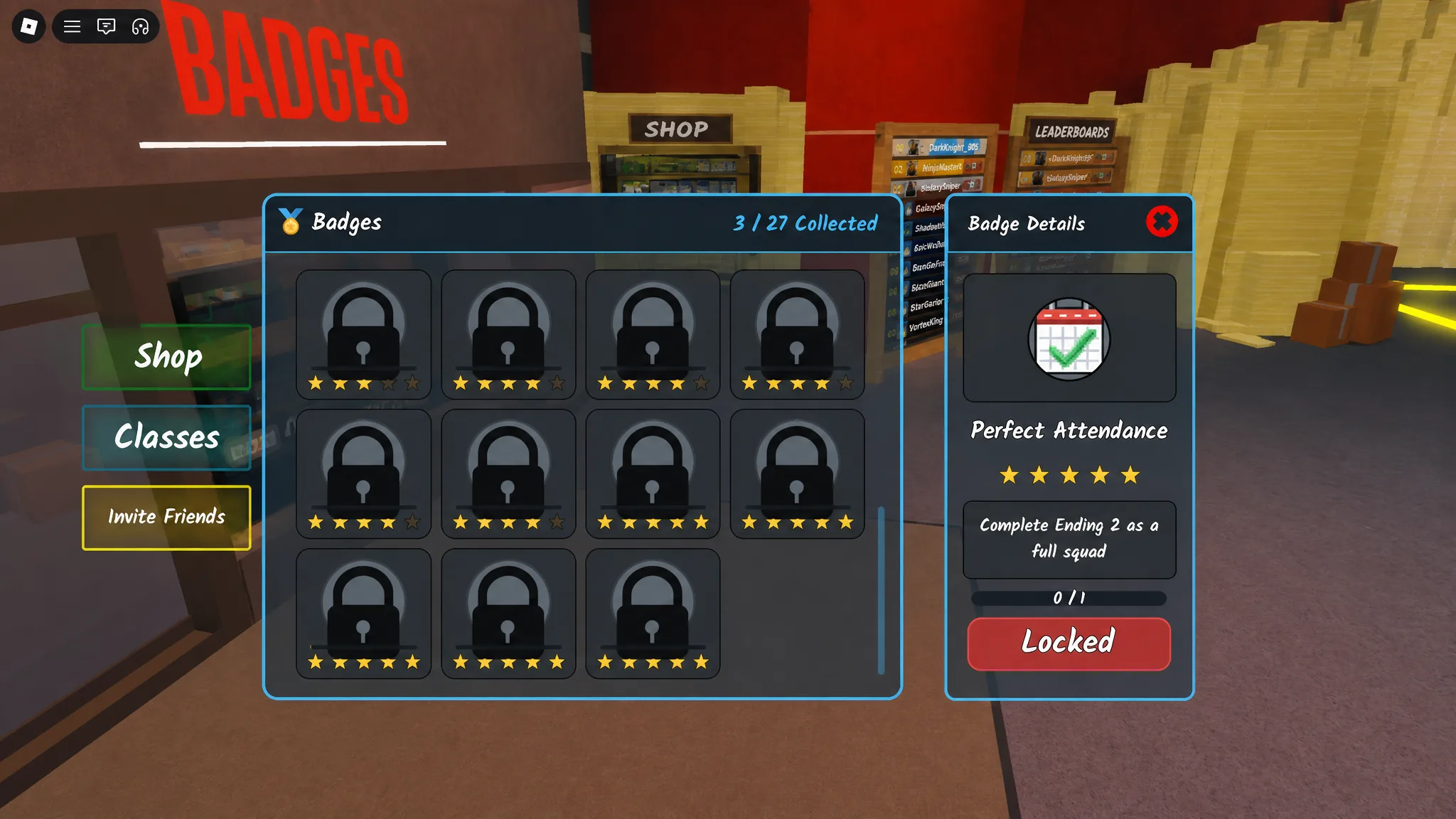
Quick answer: There are 27 badges. Meet a badge’s condition during play, then walk to the Badges station in the lobby and equip any you have earned. The menu shows your total as “X / 27 Collected” and marks each entry as Earned or Locked with a live counter.
How badges work and where to equip them
Badges unlock automatically the moment you satisfy their condition. No purchase or claim step is involved. Each badge carries a star rating from 1 to 5, and that rating signals difficulty rather than any reward. One-star badges land in your first minutes, while five-star badges require finishing an ending or shredding thousands of stacks.
To equip one, head to the service window marked BADGES in the lobby and interact with the NPC behind the counter. The panel lists every badge with its star count, its description, and a progress figure such as “43 / 5,000” for cumulative goals. Any badge still showing “Locked” has not registered its condition yet.
How to confirm it worked: a newly earned badge switches from “Locked” to “Earned” in the Badges menu, and your collected total climbs by one. If a cumulative counter refuses to move, the action likely did not register, so repeat it and watch the number update before assuming a problem.
Starter badges you earn almost instantly
Three badges clear themselves as you learn the core loop. Joining awards one on its own, and the other two follow the first time you shred and the first time you spend cash on an upgrade.
| Badge | Stars | Condition |
|---|---|---|
| Welcome! | 1 | Join the game. |
| First Day on the Job | 1 | Shred your first stack of paper. |
| Company Card | 1 | Buy your first upgrade. |
Shredding and cranking milestones
These badges reward repetition of the main task. Paper Pusher and The Shredfather count total stacks shredded across your account, so they tick up naturally during normal play. IT Department counts crank actions on the manual shredders, which you perform with the crank input each time you shred by hand. Secrets? What Secrets? is different because it must be completed within a single run.
| Badge | Stars | Condition |
|---|---|---|
| Paper Pusher | 2 | Shred 100 stacks of paper. |
| IT Department | 2 | Crank shredders 100 times. |
| The Shredfather | 5 | Shred 5,000 stacks of paper. |
| Secrets? What Secrets? | 5 | Shred every last document in a single run. |
For Secrets? What Secrets?, treat it as a dedicated clean run. Split each room into zones, sweep the perimeter again every time a new area opens, and confirm any paper you are carrying is actually shredded before you leave a room.
Cash and run-count badges
A second group tracks earnings and how many runs you finish. Millionaire counts cash within a run’s goal, while Cooking the Books tallies earnings across every run, so it keeps building session after session. Buzzer Beater rewards a fast finish, and Exceeded Expectations asks you to clear the full upgrade board in one sitting.
| Badge | Stars | Condition |
|---|---|---|
| Millionaire | 4 | Collect $1,000,000. |
| Just Another Day at the Office | 4 | Complete 10 runs. |
| Buzzer Beater | 4 | Complete a run in under 45 minutes. |
| Exceeded Expectations | 4 | Purchase every upgrade in a single run. |
| Cooking the Books | 4 | Earn $10,000,000 across all runs. |
| Understaffed | 3 | Complete a full run solo. |
Exploration and secret badges
Several badges push you to open doors, search the office, and find hidden objects. Access Granted triggers on your first unlocked door, while Nosy Coworker and Housekeeping count filing cabinets and cobwebs. The rest reward specific discoveries, including the Room 3 key, the fake exit, the Sketchy Coworker’s Phone, and the Golden Shredder.
| Badge | Stars | Condition |
|---|---|---|
| Access Granted | 2 | Unlock your first door. |
| Nosy Coworker | 2 | Open 20 filing cabinets. |
| Housekeeping | 2 | Clear 20 cobwebs. |
| It’s Not What It Looks Like | 2 | Get caught by the FBI. |
| Keymaster | 3 | Find the key in Room 3. |
| Tricked! | 3 | Find the fake exit. |
| Let’s Keep This Between Us | 3 | Find the Sketchy Coworker’s Phone. |
| Solid Gold | 3 | Shred with the Golden Shredder. |
| Dangerous Knowledge | 3 | See something you were not supposed to see. |
| Intruder | 3 | Break every plank off the boarded-up doorway. |
| Joyride | 3 | Ride the elevator out of the basement. |
The fake exit tied to Tricked! looks like a normal exit but behaves oddly, so watch for a door that does not complete the room as expected. Solid Gold requires a registered shred action with the Golden Shredder specifically, not any standard shredder.
Ending badges
The final set locks to the game’s endings. What? and Dark Secrets cover the two main conclusions, while Perfect Attendance requires reaching Ending 2 with a full squad rather than solo.
| Badge | Stars | Condition |
|---|---|---|
| What? (Ending 1) | 5 | Complete Ending 1. |
| Dark Secrets | 5 | Complete Ending 2. |
| Perfect Attendance | 5 | Complete Ending 2 as a full squad. |
A third ending is in development. The studio behind the game, CRAZY BRAZILIAN, has listed a Secret Update tied to Ending #3, so additional badges could arrive alongside it. You can track badge progress and equip anything you have earned from the official Shred the Secrets experience on Roblox. Whichever badges you chase, the fastest path is a tight loop of grabbing documents, vacuuming scraps, and shredding, since almost every counter feeds off that same routine.