Silent Hill: Townfall — The Only CRTV Signal in Chapter 8
Where the lone Chapter 8 radio sits in the Other Medical Centre and how to finish its tuning near Channel 28.
Where the lone Chapter 8 radio sits in the Other Medical Centre and how to finish its tuning near Channel 28.
by AllThingsHow Staff
Image: Screen Burn
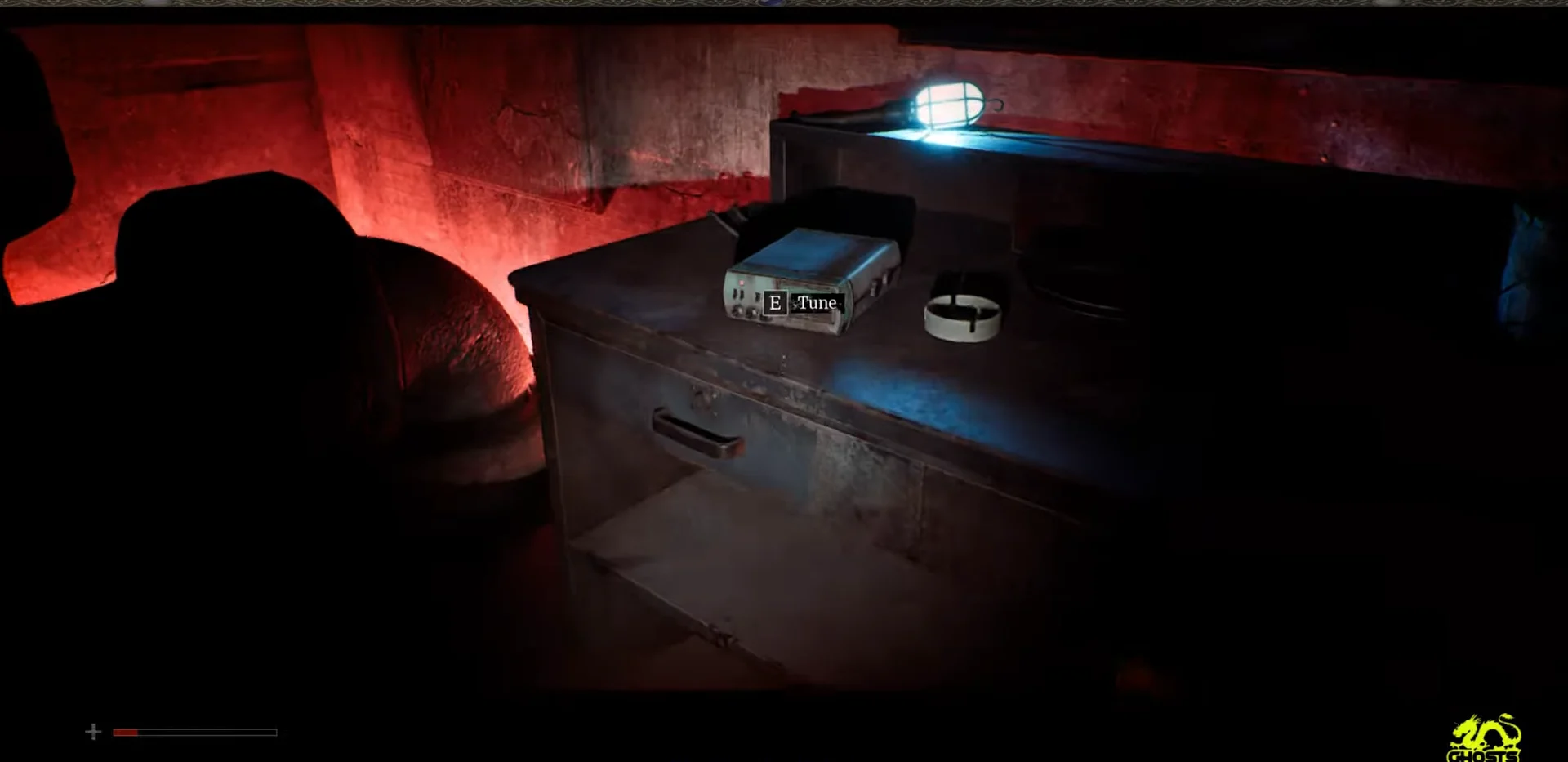
Chapter 8 of Silent Hill: Townfall carries a single CRTV signal, marked on screen as 01/01. It sits behind a narrow gap in the Other Medical Centre while you are controlling Simon, and it needs the full radio calibration routine before it counts toward the Sweeping Signals trophy.
Quick answer: Squeeze through the narrow gap in the Other Medical Centre, interact with the radio tuner on the desk, then complete the fine-tune and color calibration to store the signal near Channel 28.
Where the Chapter 8 CRTV signal is
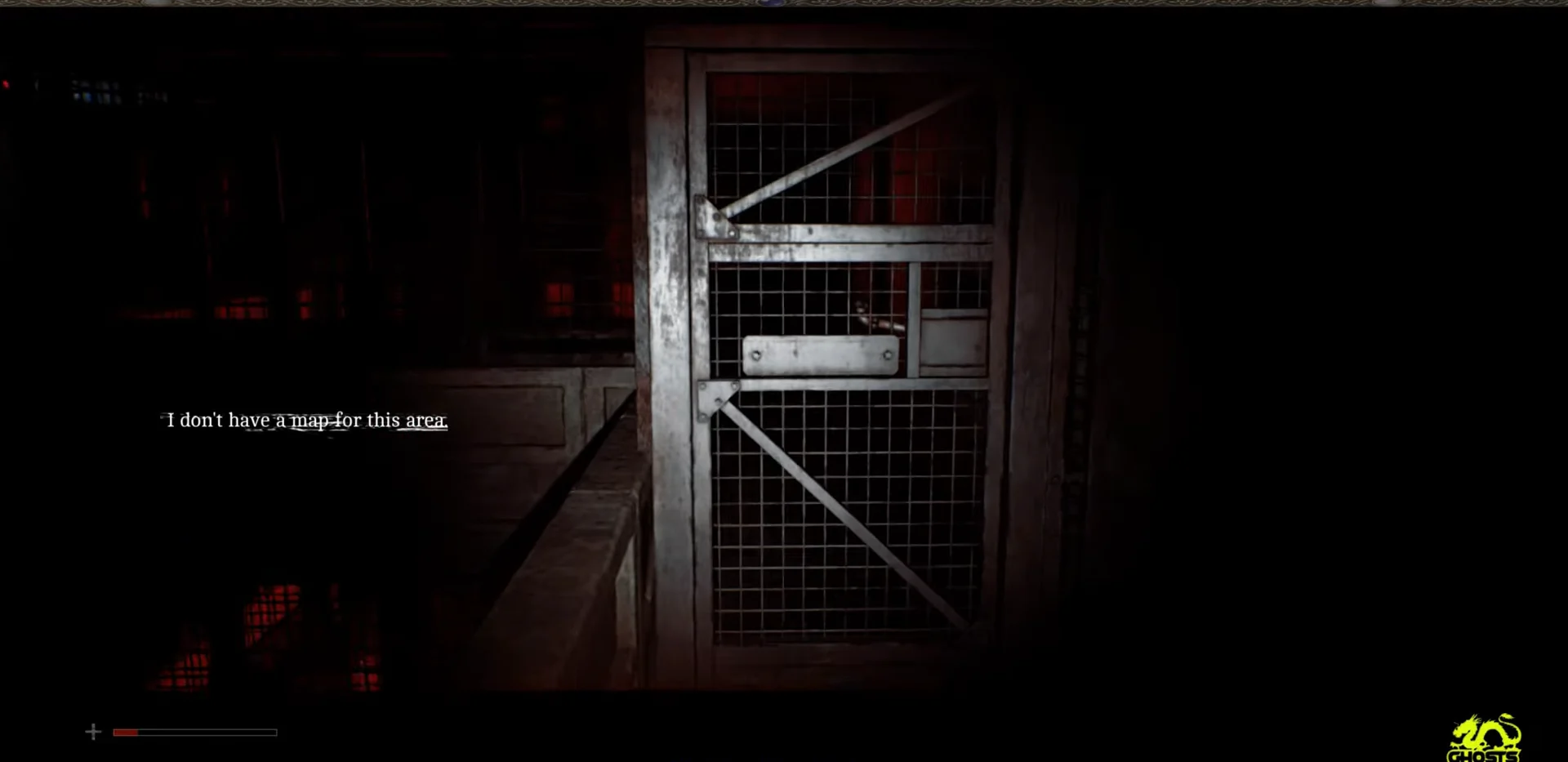
This signal is a physical radio, not a frequency you sweep for in the open world. It is tucked in a back room past a narrow concrete fissure, deeper into the distorted version of the Medical Centre. The area has no map, so the on-screen prompt “I don’t have a map for this area” is expected here and is not a sign you missed a turn.
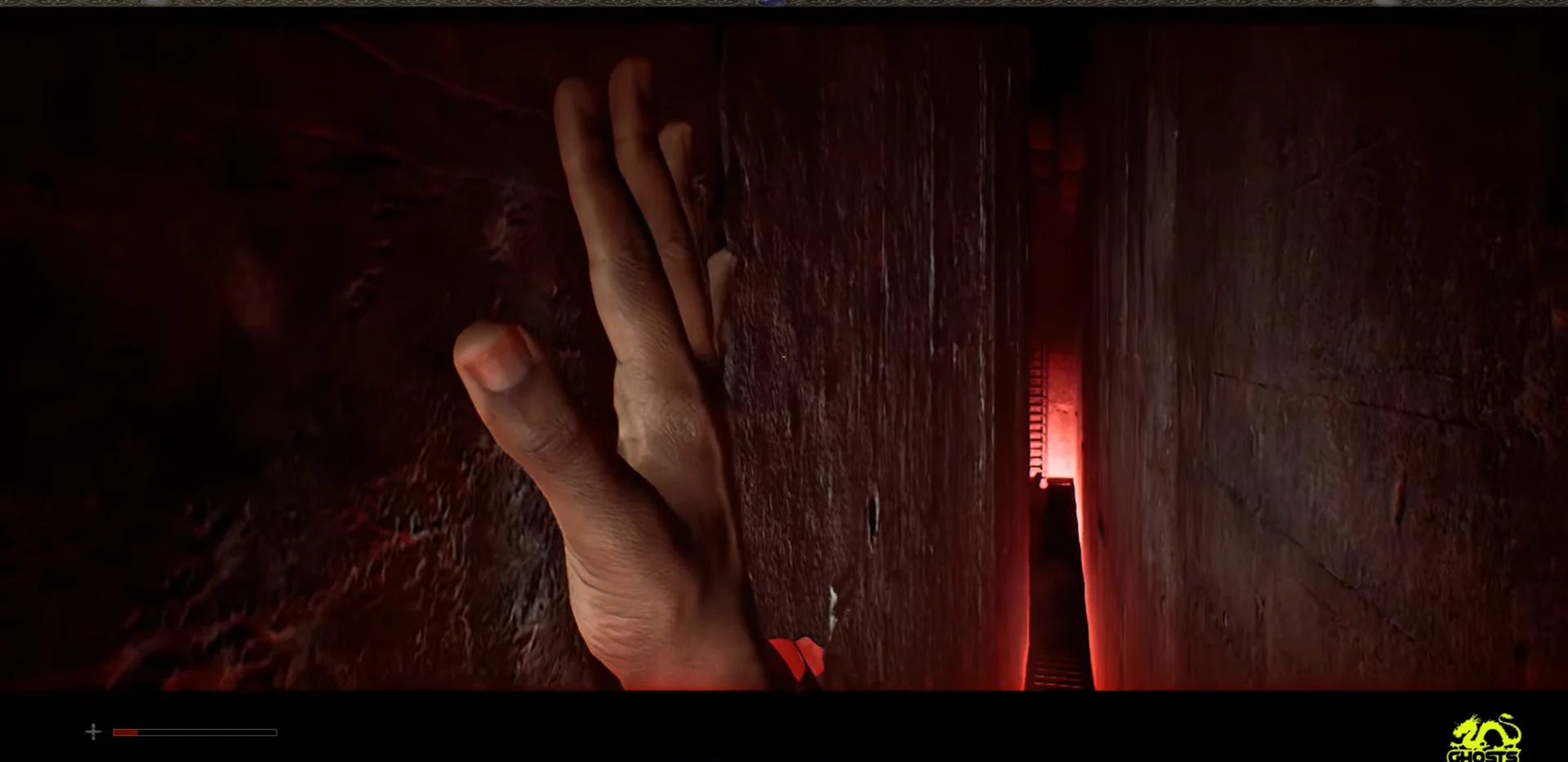
Move down the red-lit walkway until you reach the narrow crevice between the concrete walls. When the “Squeeze Through” prompt appears, hold the interact button to slip sideways through the gap.
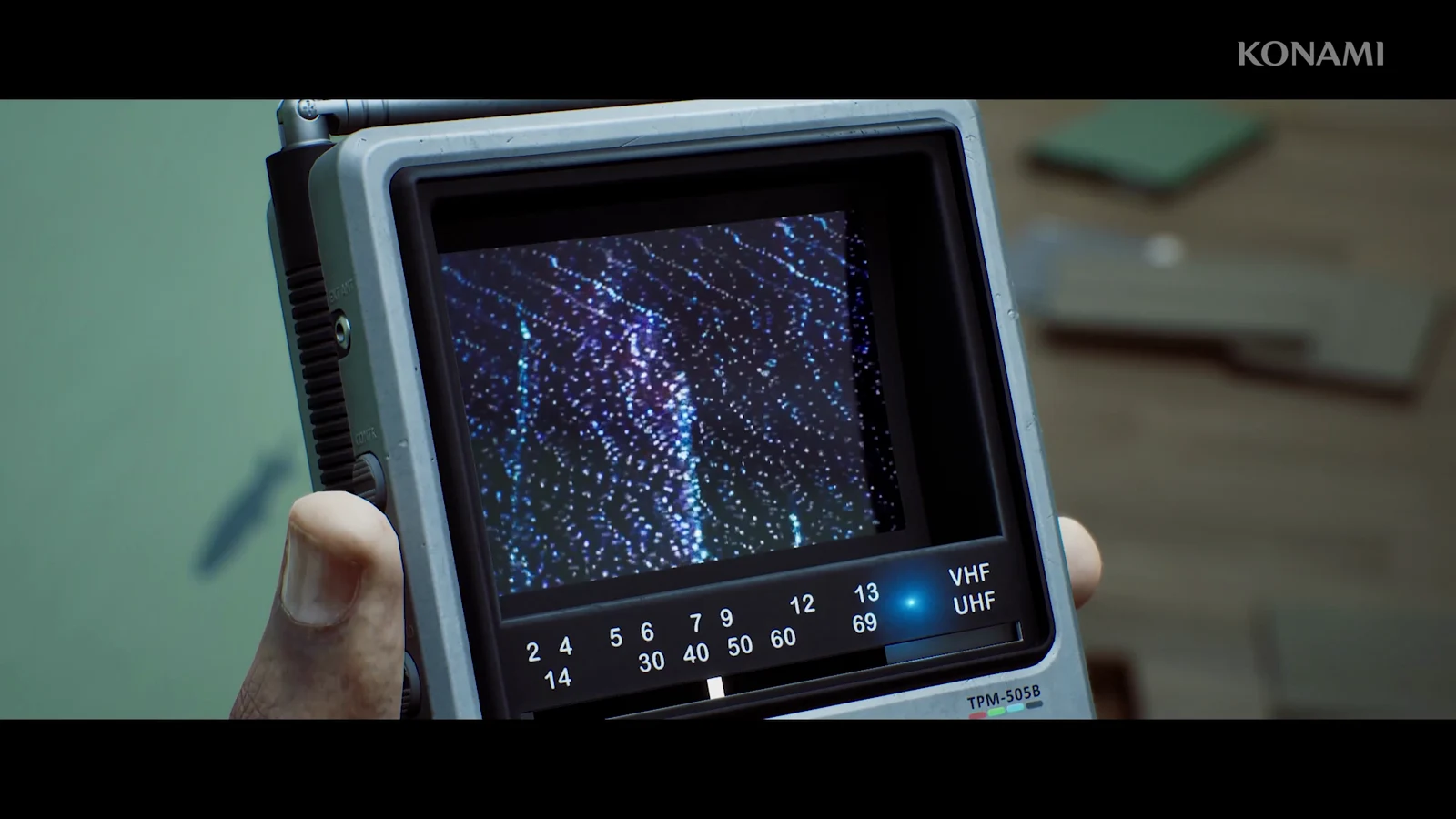
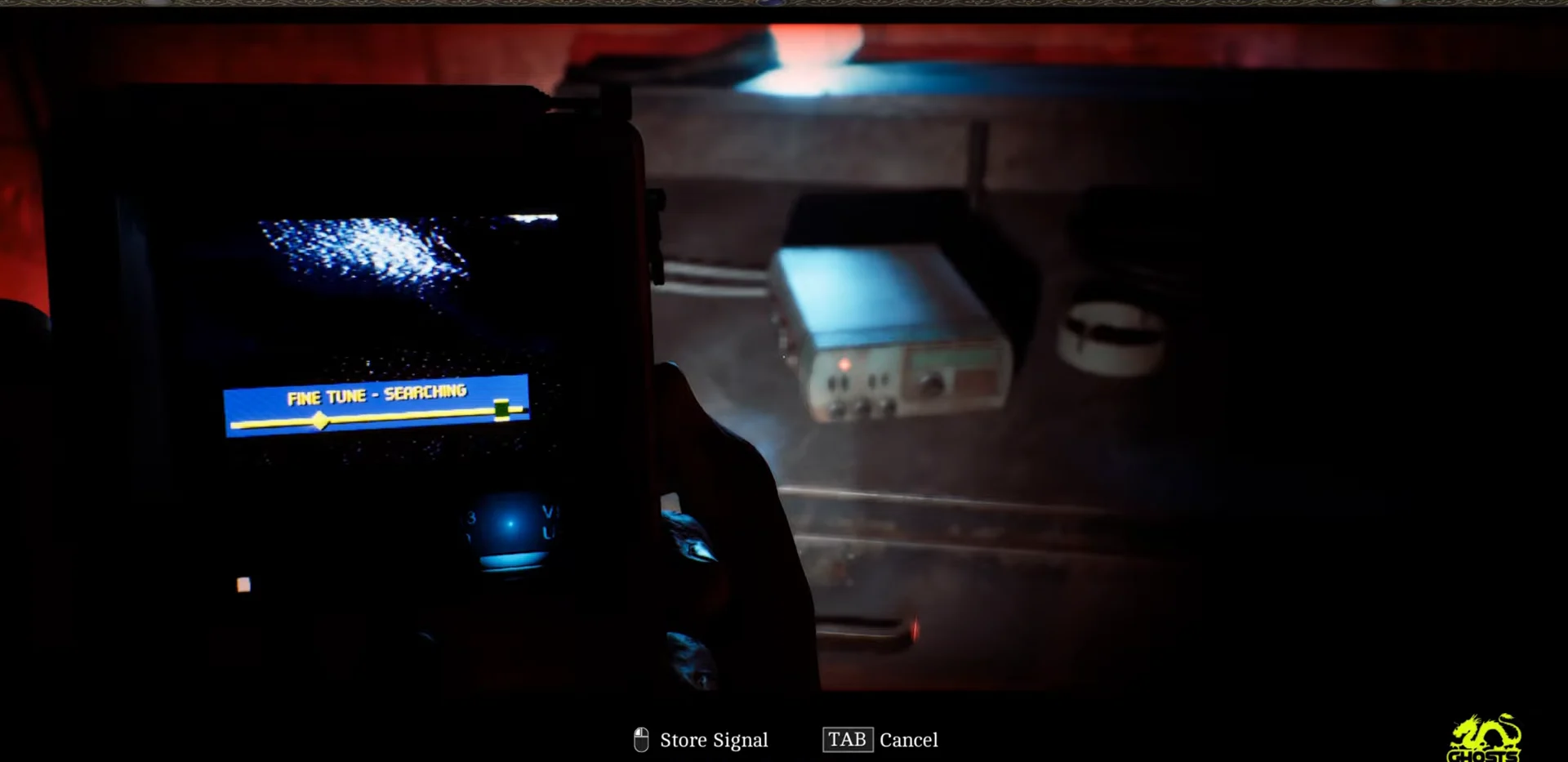
Work the fine-tune slider until the search bar locks onto a signal. The display reads “FINE TUNE – SEARCHING” while you move the slider, and it settles once the frequency registers close to Channel 28.
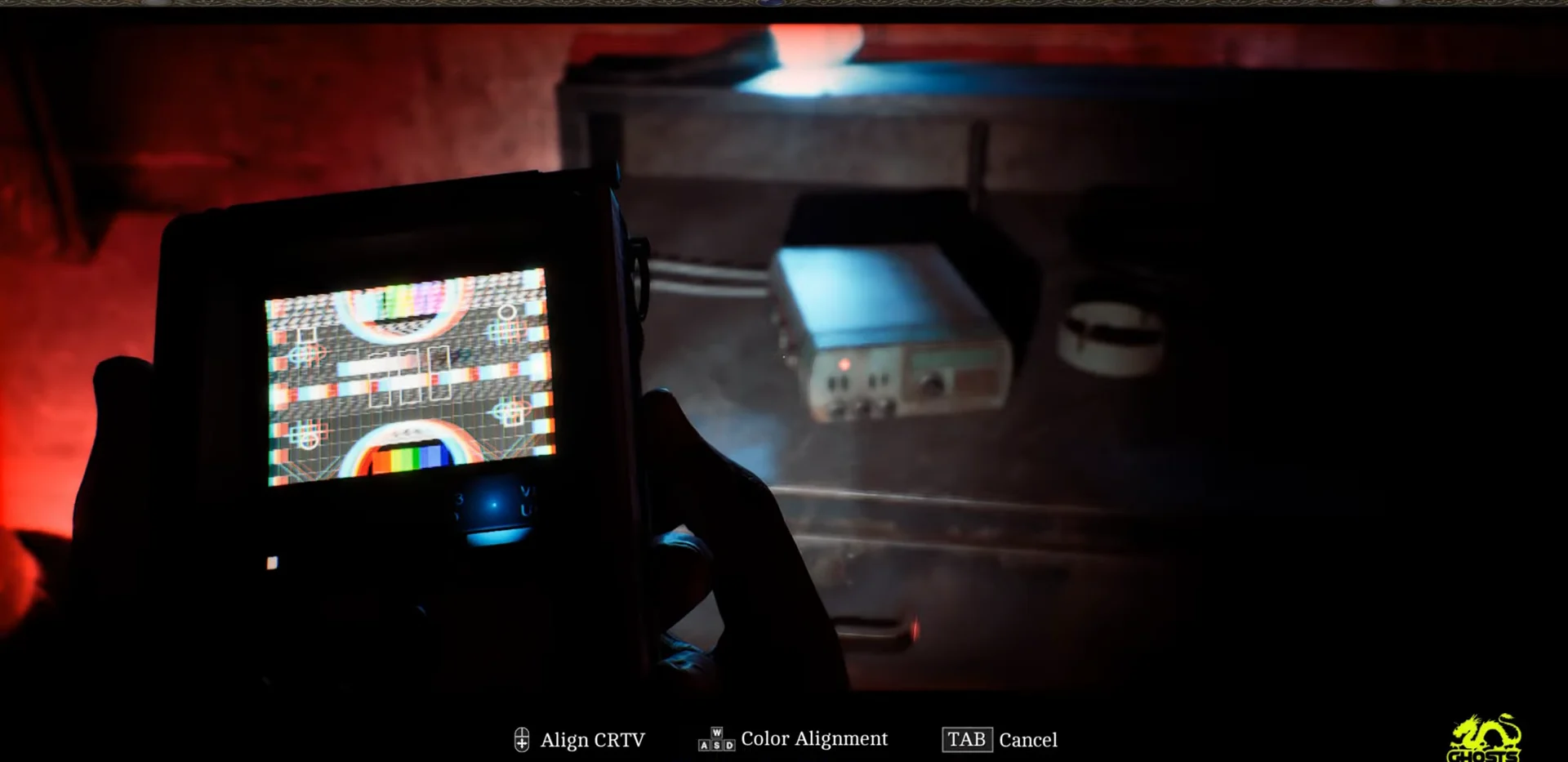
Align the screen geometry so the test pattern lines up with its border. The prompt shows “CALIBRATION REQUIRED”, and this stage settles the picture before you touch the colors.
Align the red, green, and blue channels until they lock into place. Use the color-alignment control to bring each channel into its frame, and keep adjusting until the “Align RGB Signals” warning clears.
On PS5 the tilt is handled by DualSense motion by default. If that makes the alignment awkward, turn off Enable CRTV Motion Sensor Controls in the settings, and the right stick takes over the tilt.
How to confirm the signal is stored
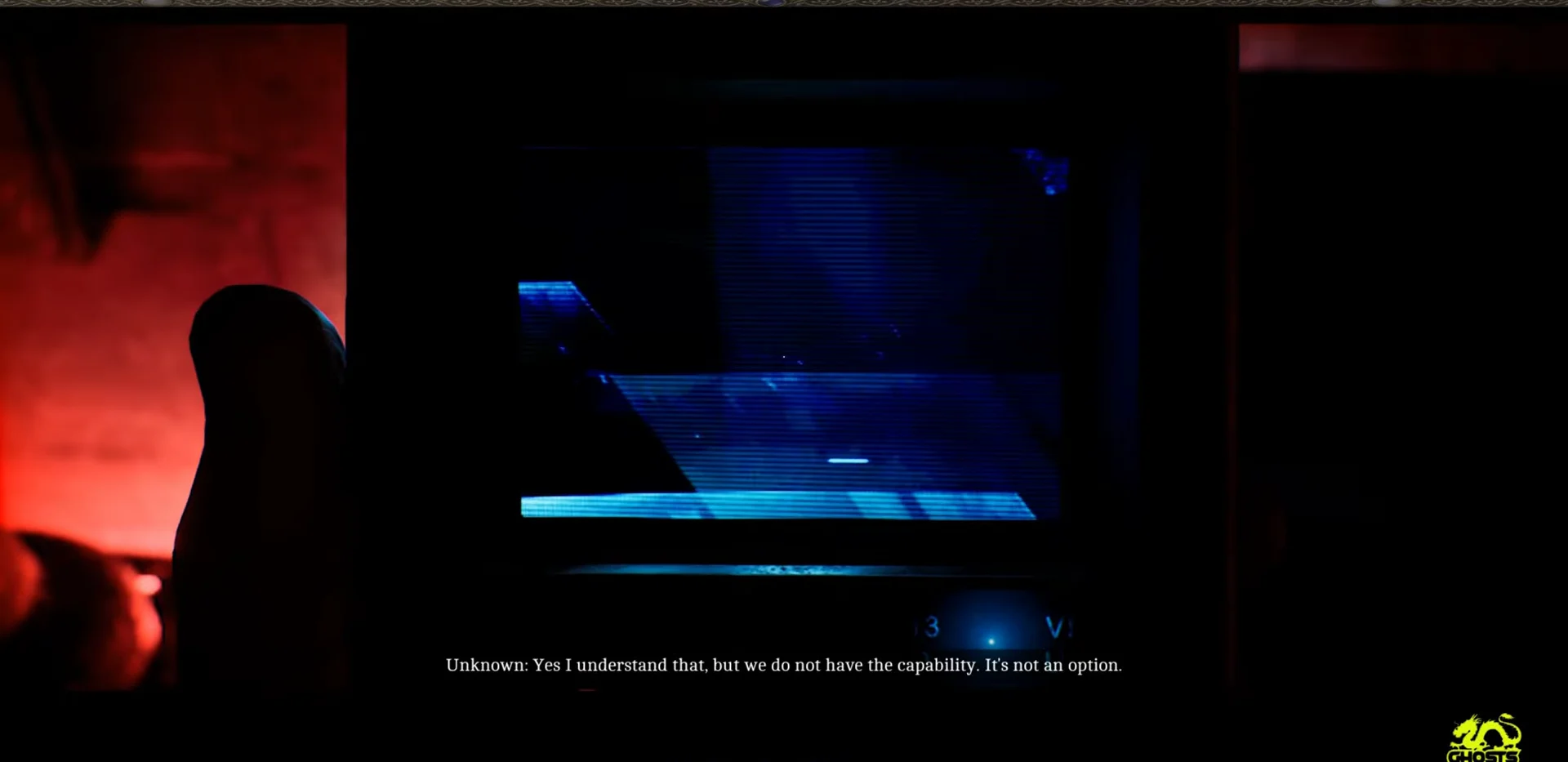
Once both alignment stages are done, the screen shows “CALIBRATION COMPLETE” with a “HOLD to STORE” prompt. Hold the store button to save the signal, and a recorded broadcast plays. The footage carries subtitled dialogue about emergency protocols and patient intake, including lines such as “Patients check in at tent” and “There are protocols for this, why are you coming to us?” Watching it play through confirms the signal counts toward your total.
Skipping this recording won’t make it permanently unavailable. Your CRTV signal progress persists across playthroughs, so on a fresh run, you only need to retrieve the recordings you’re missing, not collect them all again.