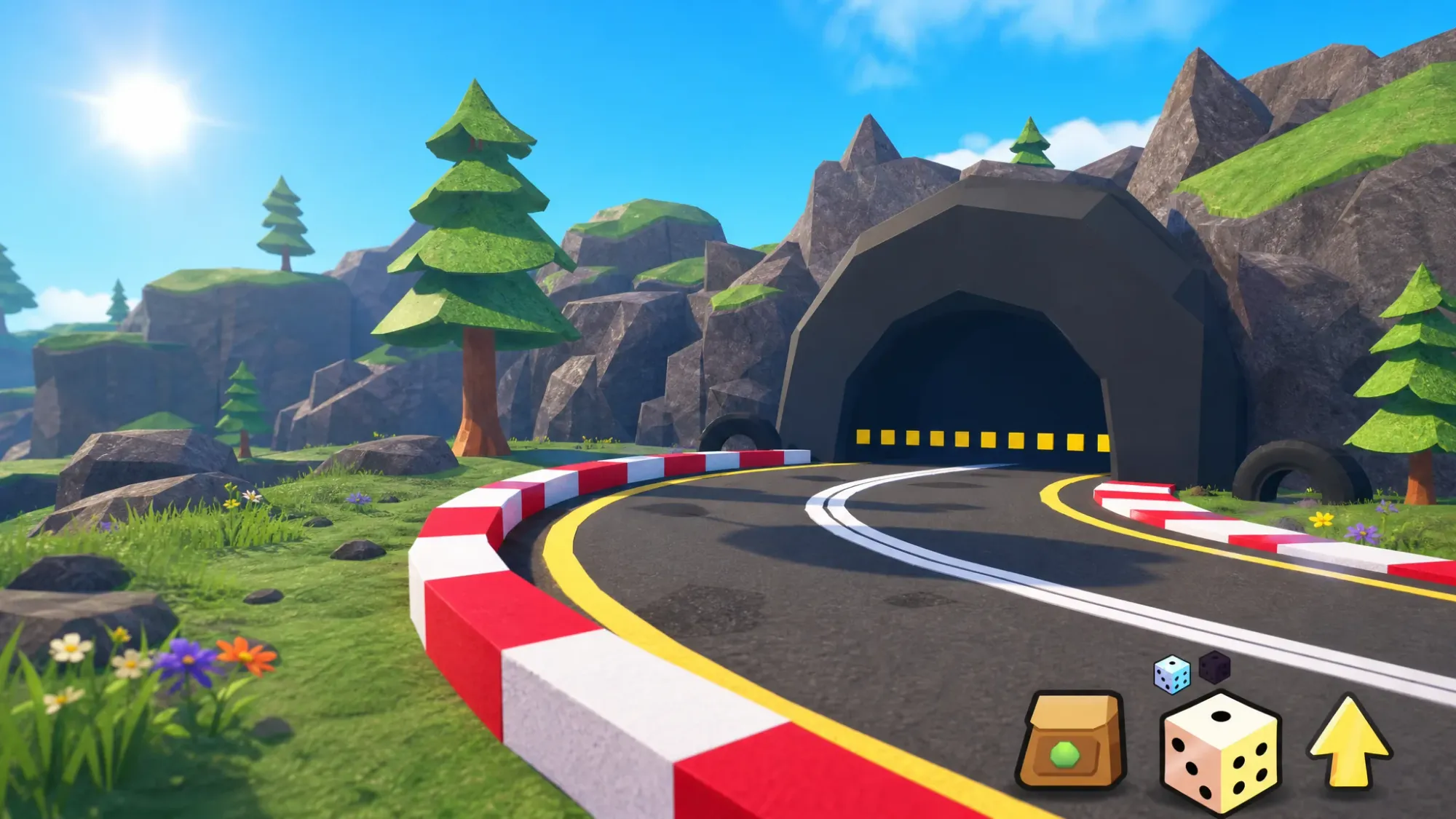
Stouts Studio has rolled out a fresh update to Slime RNG, the roll-for-slimes incremental game on Roblox where your equipped slimes fight automatically while you chase rarer pulls. The update went live over the weekend, and there’s an in-game event scheduled for Saturday on top of it. Here’s what’s confirmed, what players expect, and how to get into the new content right away.
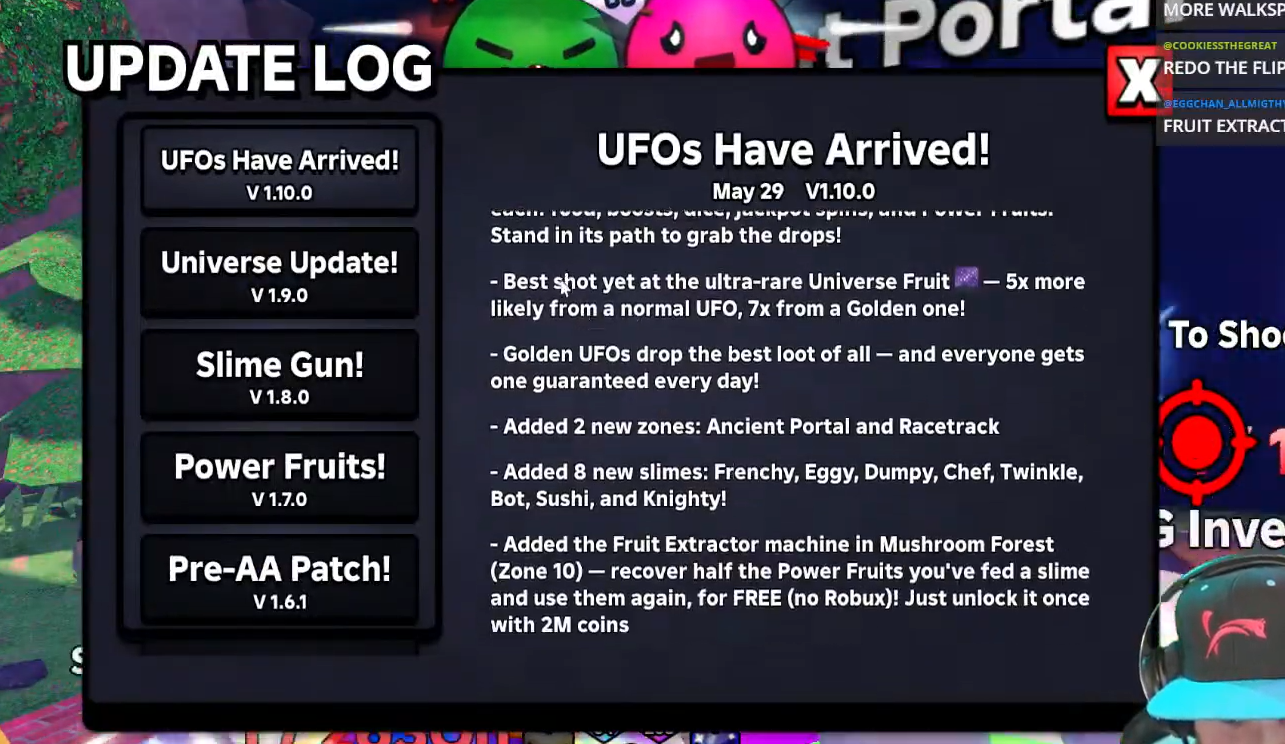
When the Slime RNG update went live
The update launched on Friday, May 29, 2026. Stouts Studio ships new content for Slime RNG on a regular cadence, and each drop usually arrives with a redeemable code. The game page on Roblox shows a last-updated date of May 29, lining up with the rollout.
What the new Slime RNG update adds
Stouts Studio has kept quiet on a full breakdown of the contents, so most of the specifics become clear once you’re in-game. Based on how past updates have gone, players are watching for new areas to unlock and explore, along with new slimes to roll for and add to the index.
A new Machine is also a realistic possibility. The game already includes the Leveling Machine and the Slime Crafting Machine, so an additional system would fit the existing structure. Treat any feature beyond new zones and slimes as expected rather than confirmed until you see it yourself.
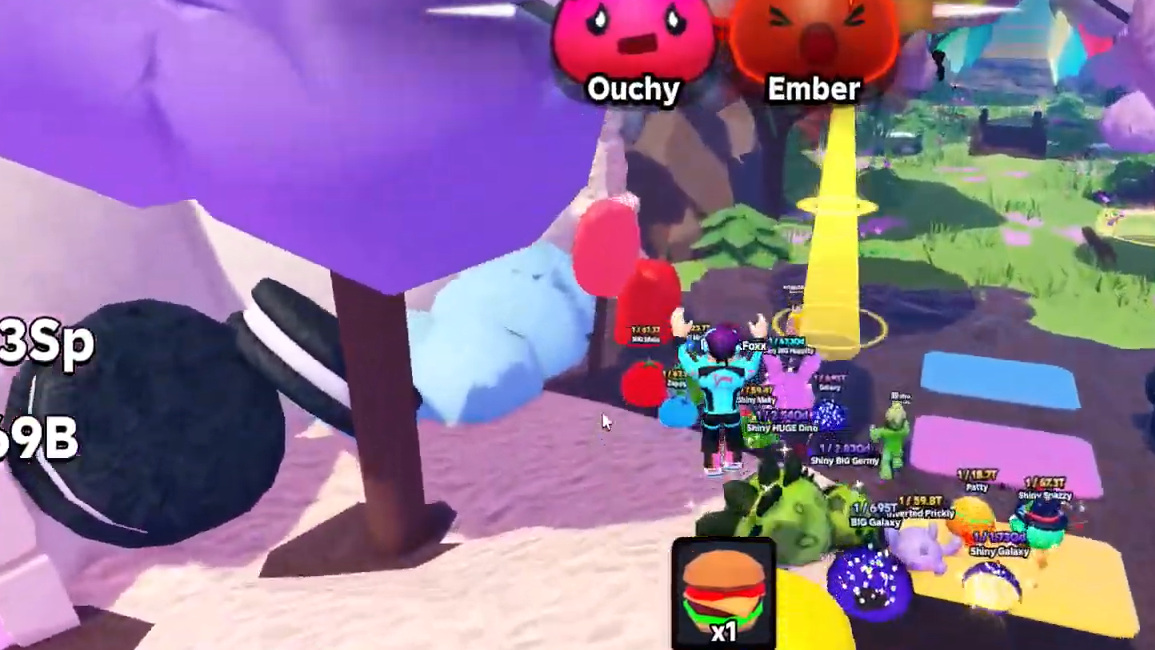
How to jump into the new Slime RNG update
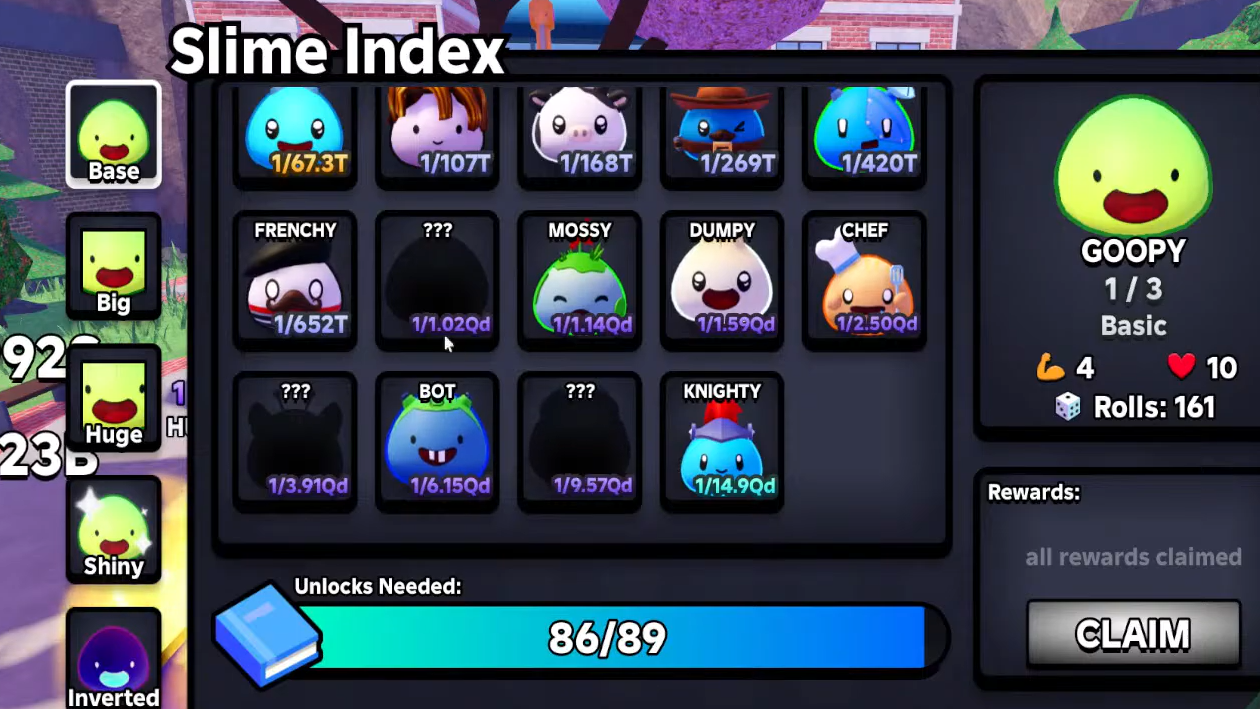
Slime RNG Admin Abuse event on Saturday, May 30
An in-game Admin Abuse event is scheduled for Saturday, May 30. The event is billed as an “OP admin abuse” session, the kind where admins hand out boosts and effects to players in the server. You can hit Notify Me on the event listing through the game’s page so you don’t miss the start window.
Active Slime RNG code for the update
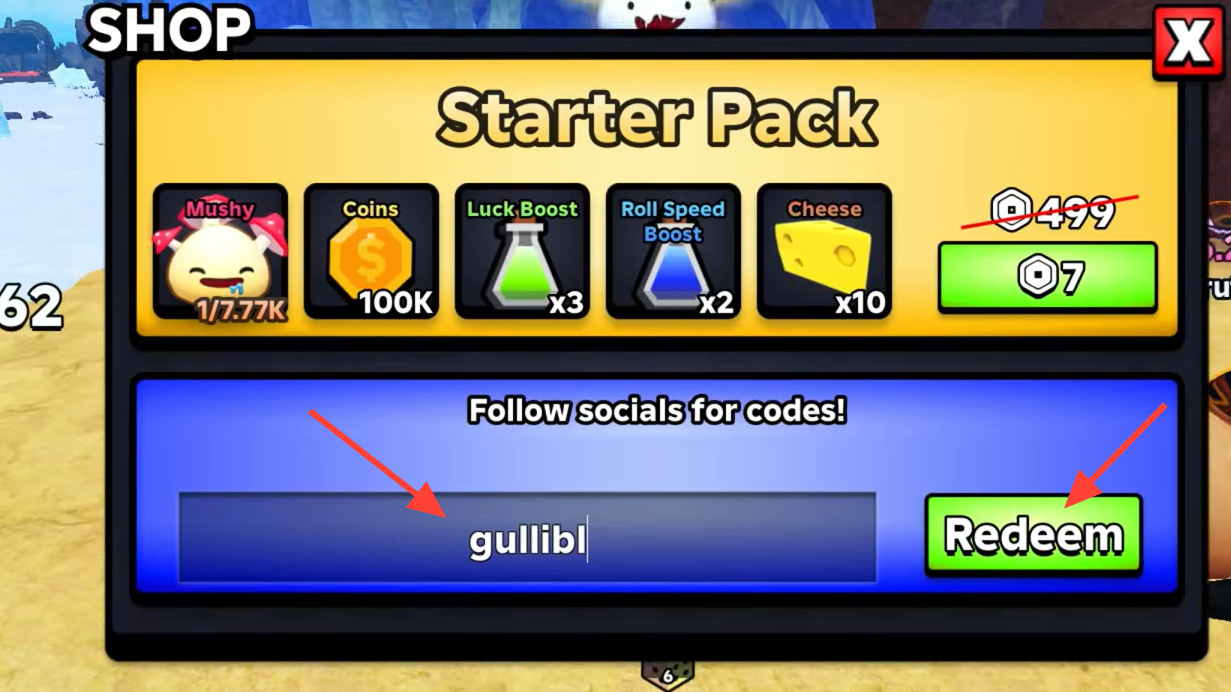
Codes drop alongside Slime RNG updates, and there’s a working one right now. It grants a Big Dice, which is used to push for Big slime variants when your luck and roll-speed boosts are active.
| Code | Reward |
|---|---|
| fruitfeast | 1 Big Dice |
You’ll know it worked when the Big Dice lands in your inventory and the redeem confirms. If it fails, the code was likely already used on your account or has since expired. Codes in Slime RNG can carry usage limits, so claim them quickly.
The update is playable now, so the fastest way to see exactly what changed is to load in, push toward the next zone unlock, and watch your index fill with new entries. Pair that with the Saturday Admin Abuse event and the fruitfeast code, and you’ve got a few easy wins to grab while the new content is fresh.