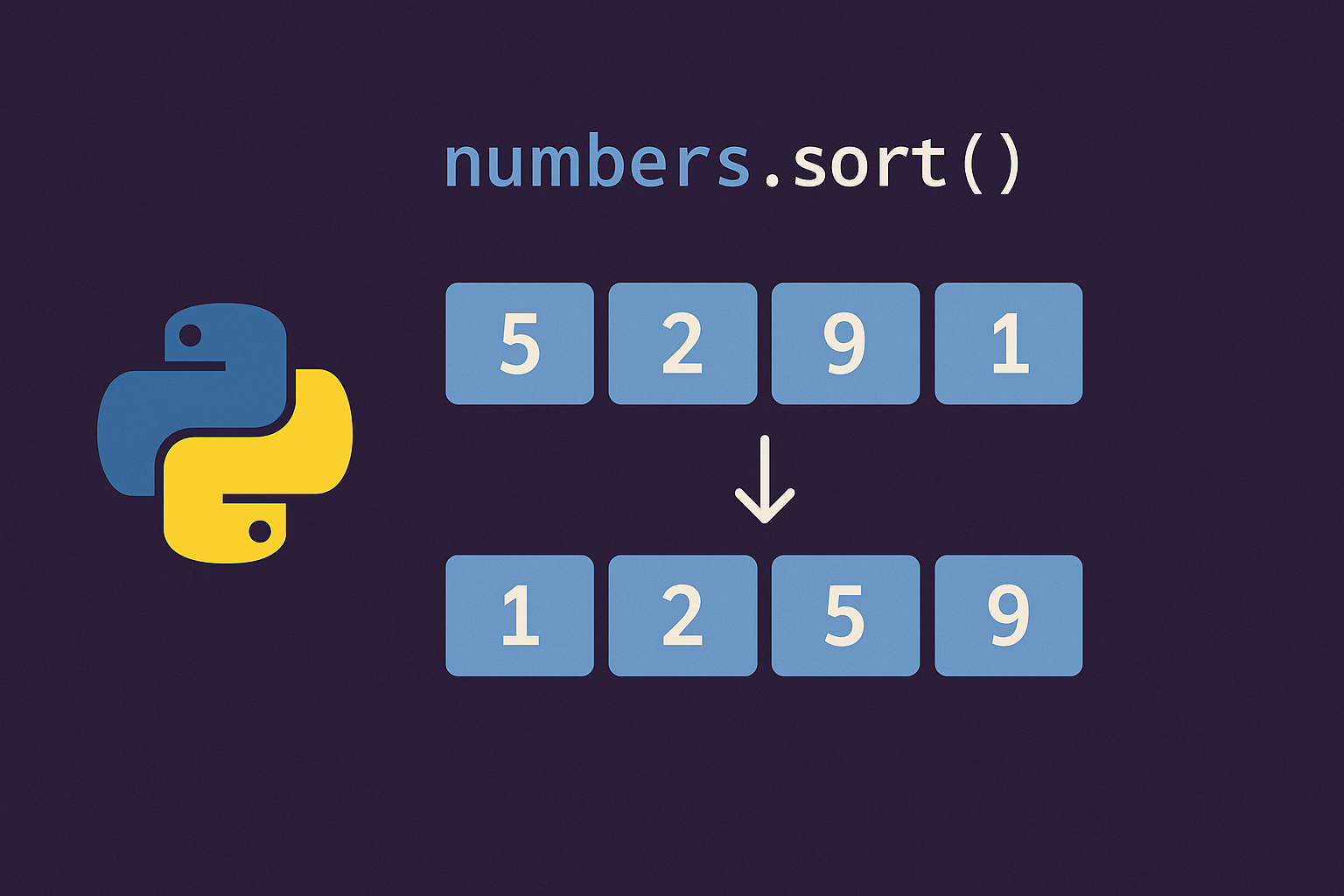
Use Python’s built-in sorting tools to organize data deterministically. The official Sorting Techniques guide covers the two core APIs—sorted() and list.sort()—including custom keys, descending order, and stability guarantees that preserve the order of equal items. See the documentation at docs.python.org. For the in-place method reference, see list.sort().
Method 1: Create a new sorted list with sorted()
nums = [5, 2, 9, 1]
sorted_nums = sorted(nums)
print(sorted_nums) # [1, 2, 5, 9]print(nums) # [5, 2, 9, 1]sorted_desc = sorted(nums, reverse=True)
print(sorted_desc) # [9, 5, 2, 1]Method 2: Sort a list in place with list.sort()
a = [5, 2, 9, 1]
a.sort()
print(a) # [1, 2, 5, 9]a.sort(reverse=True)
print(a) # [9, 5, 2, 1]a = [3, 1, 2]
a.sort() # correct
# a = a.sort() # incorrect: a becomes NoneMethod 3: Apply custom criteria with the key= parameter
words = "This is a Test from Python".split()
ci = sorted(words, key=str.casefold)
print(ci) # ['a', 'from', 'is', 'Python', 'Test', 'This']from operator import itemgetter
student_tuples = [
('john', 'A', 15),
('jane', 'B', 12),
('dave', 'B', 10),
]
by_age = sorted(student_tuples, key=itemgetter(2))
print(by_age) # [('dave', 'B', 10), ('jane', 'B', 12), ('john', 'A', 15)]from operator import attrgetter
class Student:
def __init__(self, name, grade, age):
self.name, self.grade, self.age = name, grade, age
def __repr__(self):
return repr((self.name, self.grade, self.age))
students = [
Student('john', 'A', 15),
Student('jane', 'B', 12),
Student('dave', 'B', 10),
]
by_age = sorted(students, key=attrgetter('age'))
print(by_age) # [('dave', 'B', 10), ('jane', 'B', 12), ('john', 'A', 15)]vals = [1, -5, 10, 6, 3, -4, -9]
by_abs_desc = sorted(vals, key=abs, reverse=True)
print(by_abs_desc) # [10, -9, 6, -5, -4, 3, 1]Method 4: Multi-key and stable sorting
from operator import itemgetter

gradebook = [
    ('john', 'A', 15),
    ('dave', 'B', 10),
    ('jane', 'B', 12),
]
by_grade_then_age = sorted(gradebook, key=itemgetter(1, 2))
print(by_grade_then_age)
# [('john', 'A', 15), ('dave', 'B', 10), ('jane', 'B', 12)]from operator import attrgetter
class S:
def __init__(self, name, grade, age):
self.name, self.grade, self.age = name, grade, age
def __repr__(self): return repr((self.name, self.grade, self.age))
data = [S('john', 'A', 15), S('jane', 'B', 12), S('dave', 'B', 10)]
# First: secondary key (age ascending)
tmp = sorted(data, key=attrgetter('age'))
# Second: primary key (grade descending)
result = sorted(tmp, key=attrgetter('grade'), reverse=True)
print(result)
# [('dave', 'B', 10), ('jane', 'B', 12), ('john', 'A', 15)]Tips, performance, and common pitfalls
Both sorted() and list.sort() use Timsort, which is stable and optimized for partially ordered data, and typically run in O(n log n) time. The key= function is evaluated once per element, then comparisons use the computed keys. For deeper background on stability, multi-pass sorts, and comparison-function adapters, see the Python docs linked above.
- Need to keep the original data? Use
sorted(), which returns a new list. - Want the fastest path for a list you plan to mutate? Use
list.sort()to sort in place. - Don’t assign
a = a.sort(); it returnsNone. - For custom order, pass
key=(e.g.,key=str.casefold,key=itemgetter(...),key=attrgetter(...)). - Use
reverse=Truefor descending order; sort stability is preserved. - When memory is tight, prefer in-place sorting; when you need the original order elsewhere, prefer
sorted().
With these patterns, you can sort any iterable predictably—numbers, text, tuples, or objects—while controlling criteria and order with minimal code.