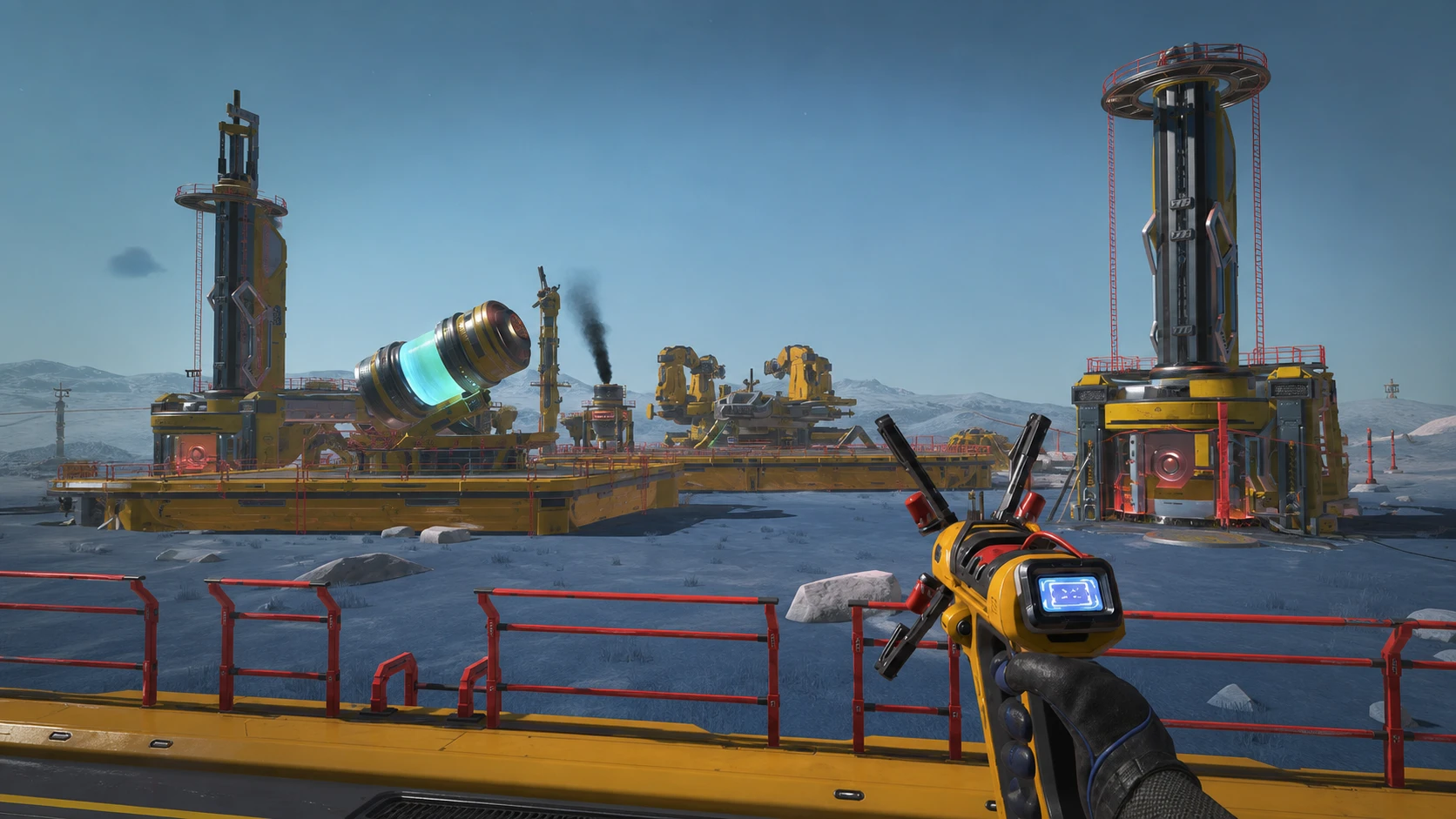
Once SpaceCraft lets you drop your own base, the work shifts from hand-mining to running a production network that keeps going while you fly off to other planets. The catch is that every structure costs a fixed set of materials, and a missing part can stall an entire build. The recipes below cover every module currently available in the Early Access release.
Quick answer: Build an Extractor first (1 Motor, 4 Concrete), then a Pylon (1 Magnetic Coil) and a Smelter (1 Stainless Plate, 10 Concrete) to start a working chain. Stainless Plate and Concrete are the most-used inputs across nearly every module.
All SpaceCraft base building material requirements
The table lists each module and the materials it consumes. Since the game is in Early Access, the module list may grow with future updates.
| Building Module | Required materials |
|---|---|
| Command Tower | 50 Stainless Plate, 25 Structural Beam, 80 Magnetic Coil, 250 Concrete |
| Micro-Furnace | 2 Stainless Plate, 5 Concrete, 1 Calcite |
| Extractor | 1 Motor, 4 Concrete |
| Warehouse | 50 Metal Sheet, 4 Structural Beam, 4 Stainless Plate, 20 Concrete |
| Pylon | 1 Magnetic Coil |
| Assembler | 4 Structural Beam, 8 Stainless Plate, 40 Concrete, 3 Motor |
| Solar Plant | 1 Structural Beam, 9 Stainless Plate, 36 Solar Cell |
| Drone Dispatcher | 1 Metal Sheet, 1 Stainless Plate |
| Smelter | 1 Stainless Plate, 10 Concrete |
| Trading Box | 10 Metal Sheet |
| Landing Pad | 8 Stainless Plate, 40 Concrete |
What each base module does
Knowing a module’s job helps you decide what to build and when. Each one fills a specific role in the input, processing, storage, power, and transport flow of a base.
| Module | Function |
|---|---|
| Extractor | Sits directly on a resource deposit and drills raw ore automatically, online or offline. |
| Smelter | Converts raw ore into ingots continuously, removing the need to refine by hand. |
| Micro-Furnace | A compact refiner that turns ingots back into ores for specific recipes. |
| Assembler | Crafts industrial compounds from processed resources for large-scale production. |
| Warehouse | Stores solid materials in bulk; drones can move resources in and out. |
| Pylon | Connects to the power grid and extends it across the base. |
| Solar Plant | Generates electricity from radiation with no fuel needed when well placed. |
| Drone Dispatcher | Deploys and monitors drones, and organizes logistics routes. |
| Landing Pad | Acts as a shipping dock so ships can transfer fuel, liquids, and materials. |
| Trading Box | Lets corporation members leave and take resources between bases. |
| Command Tower | Doubles the maximum base footprint and raises the experience cap to 800 points. |
Core materials you will need most
Concrete and Stainless Plate appear in almost every recipe, so a reliable smelting and assembly line for those two pays off early. Magnetic Coil is cheap individually but stacks up fast for a Command Tower, which alone needs 80. Solar Cells are unique to the Solar Plant, and Calcite is only used by the Micro-Furnace.
If one material keeps running short, set up an Extractor and Smelter route that feeds it directly rather than waiting on trade. The Command Tower’s 250 Concrete and 80 Magnetic Coil are the biggest single drain, so plan that supply before you start construction.
Recommended build order for a first base
A first base works best when it stays compact and turns one input into one useful output for a ship, module, or trade route. Place storage close to processing, keep power lines short, and leave room for the next machine before you commit materials to a Command Tower or sprawling expansion.