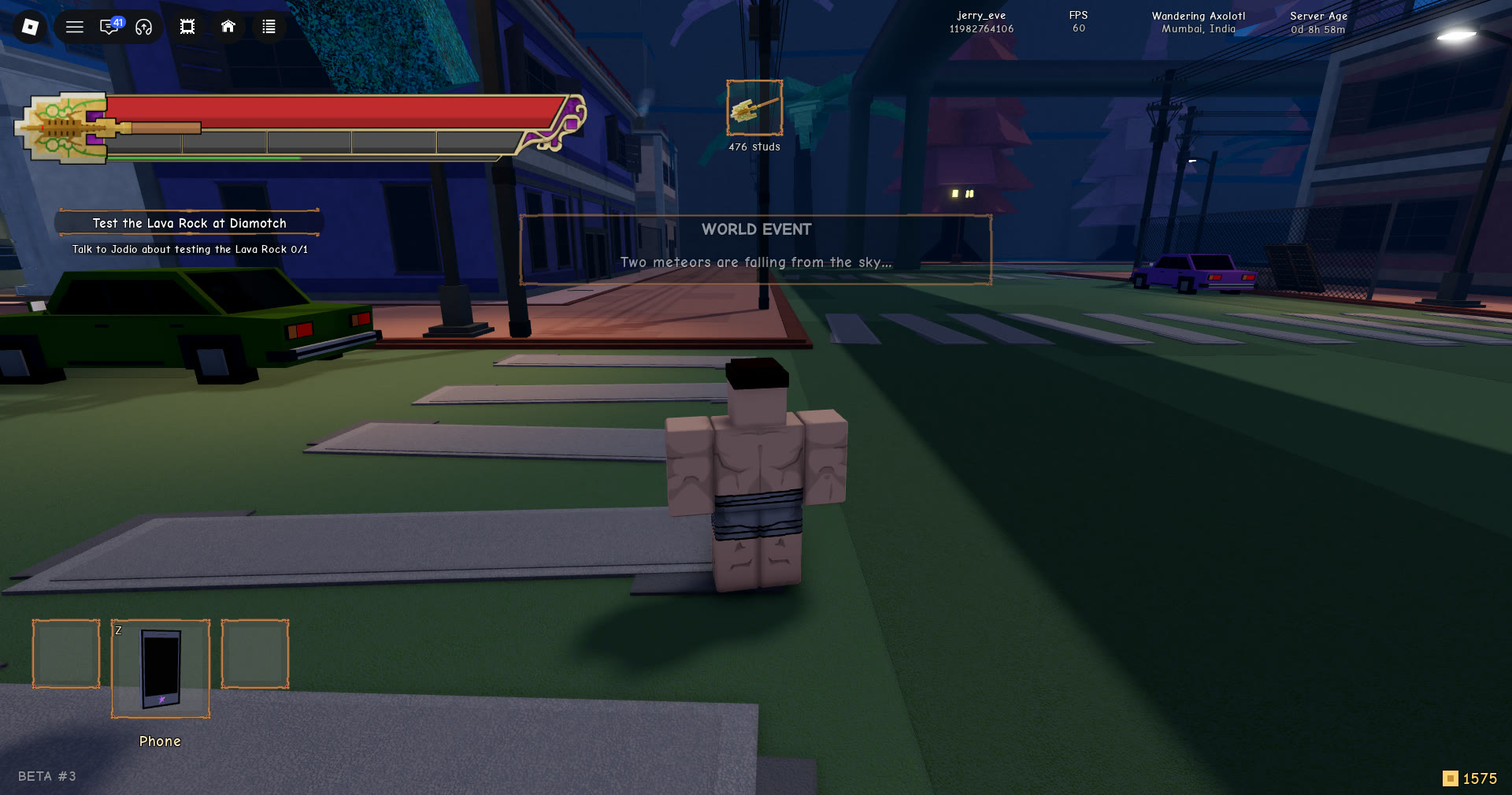
Stand Out announces its world events with a small gold-trimmed notice at the top of the screen. It is easy to miss, and it says very little. Each banner is one short sentence, and knowing what that sentence means decides whether you drop what you’re doing.
Quick answer: “Two meteors are falling from the sky…” warns that meteors, a source of Arrow Parts, are on the way. Boss banners such as “DIO has appeared at School!” name who has turned up and where.
Meteors are a source of Arrow Parts, the material behind Mysterious Arrows.
Stand Out WORLD EVENT banners, word for word
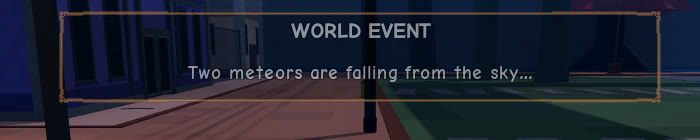
Each banner uses the same heading, so the line underneath is the only thing that tells you which event is starting.
| Event | Heading | Line under it |
|---|---|---|
| Meteors falling | WORLD EVENT | “Two meteors are falling from the sky…” |
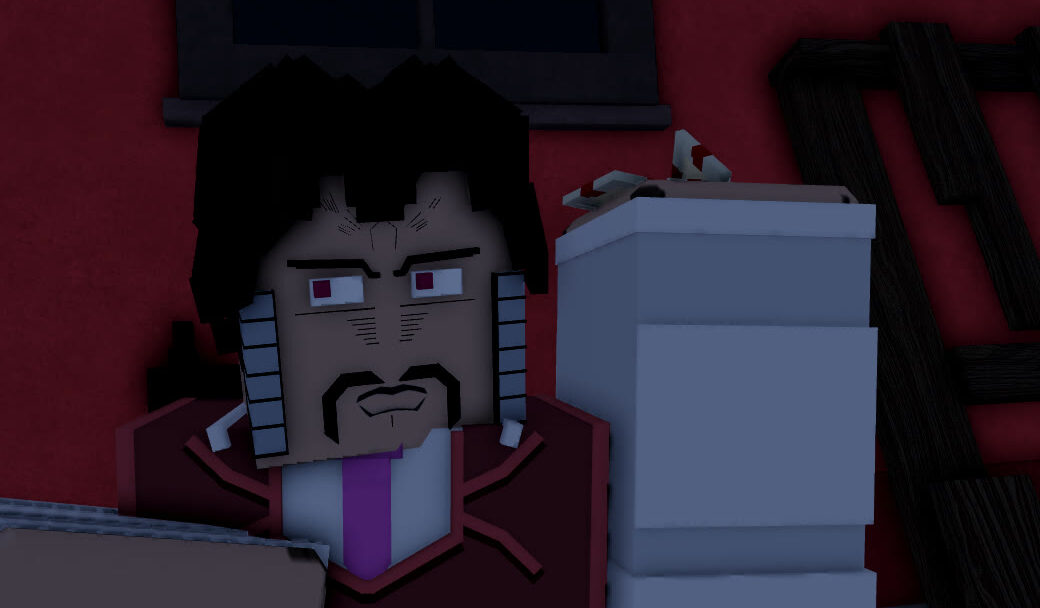
| Boss has appeared | WORLD EVENT | “DIO has appeared at School!” |
| Boss has appeared | WORLD EVENT | “Jotaro has appeared at Museum!” |
The details are small but worth reading correctly. The meteor line trails off with an ellipsis instead of a full stop, which fits what it is: a warning that something is on its way down. It does not say where the meteors will land. Both boss banners end with an exclamation mark and follow the same shape: a name, then a place. “DIO has appeared at School!” and “Jotaro has appeared at Museum!” change both, so the two things worth reading are who has turned up and where (School and Museum, both capitalised). That place name is the only location a banner gives you.
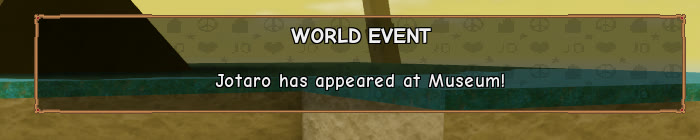
No timer, distance, or reward appears on any of these banners; the sole actionable detail is that single sentence.
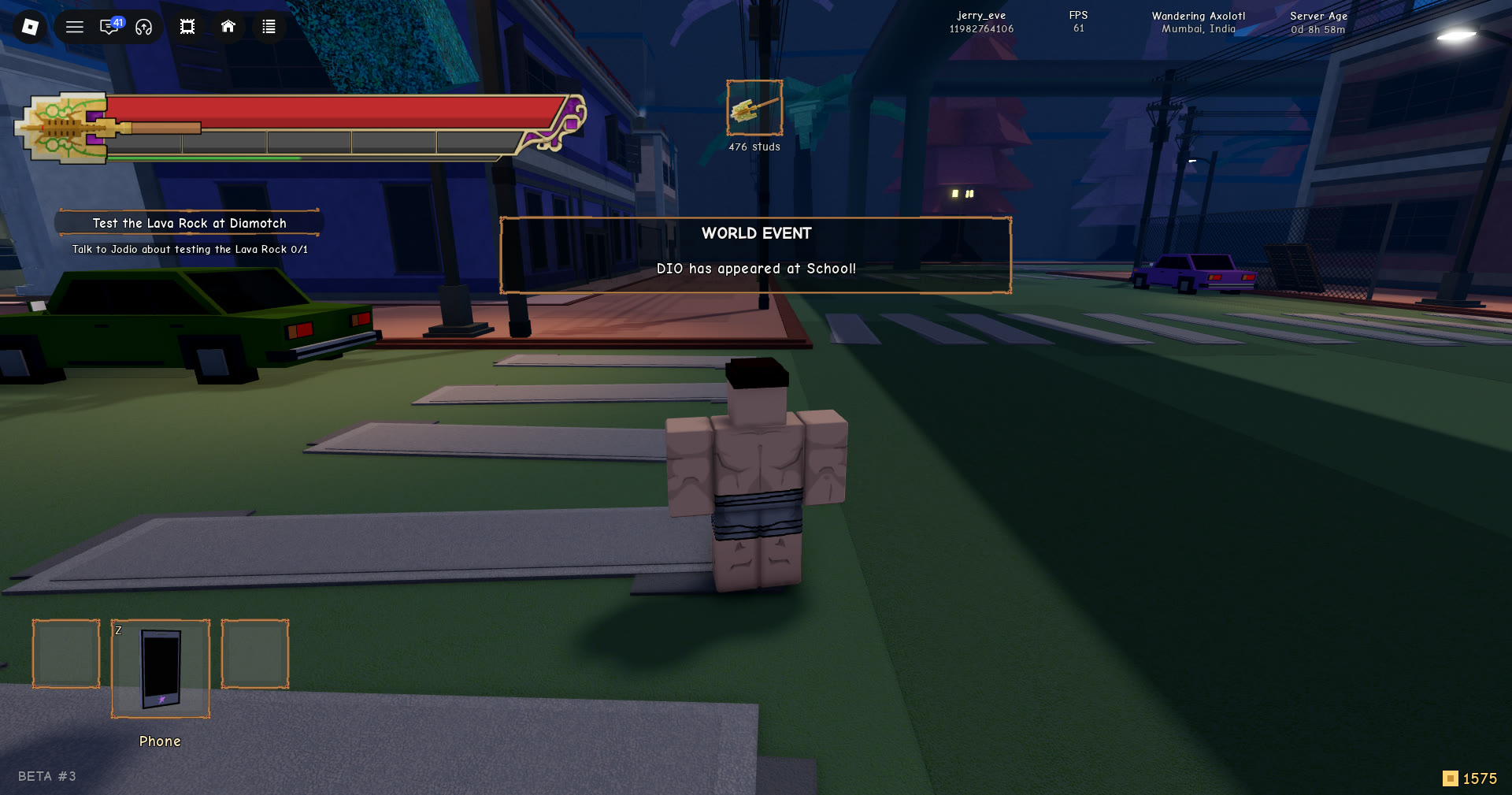
How the WORLD EVENT panel behaves on screen
The notice is not a pop-up you have to deal with. It appears over the street and buildings and leaves on its own. Here is what to expect:
- It appears at the top centre of the screen as a dark panel with a thin gold border.
- The display has two lines: WORLD EVENT appears as the all-caps title, with one sentence beneath.
- It is not a menu. There is nothing to press or confirm.
- It fades out by itself after a short while.
- Only one panel shows at a time.
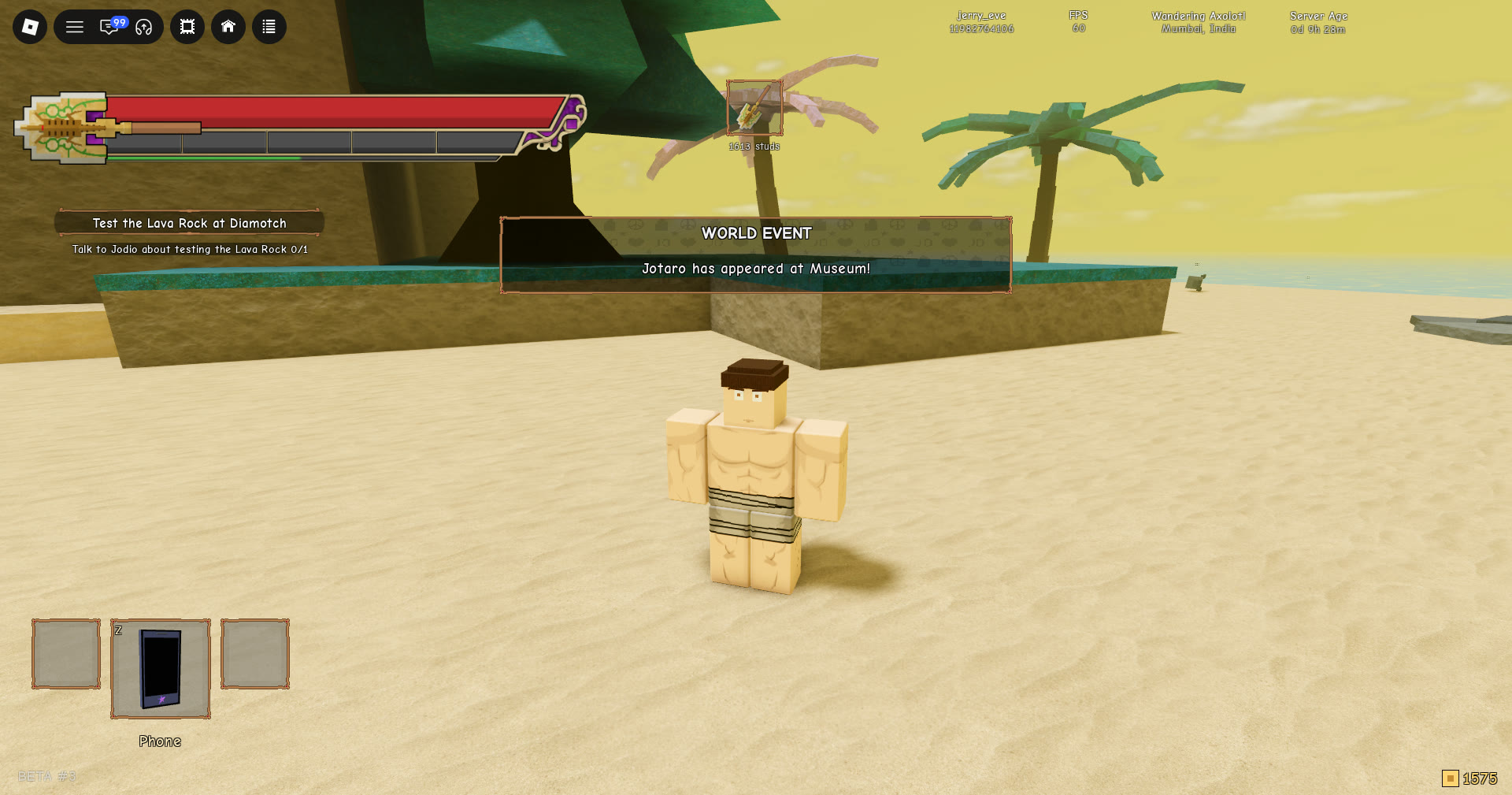
That last rule matters when events stack up. If a second notice arrives while the first is still visible, the game doesn’t add a new panel. It swaps the sentence in the existing one almost instantly. The meteor line can be replaced by the boss line in the same moment, so if you glance away you can miss the first announcement entirely.
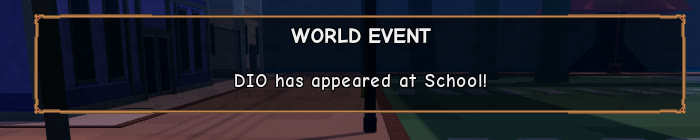
Read the panel as soon as the gold border appears, before the text is swapped or the panel fades.
What the meteor event gives you: Arrow Parts
The meteor banner is the one tied to crafting. Meteors are one source of the Arrow Part material, and Arrow Parts go into Mysterious Arrows at the workbench. The game says this directly in two places.
The workbench window shows a hint under the Arrow Part material that lists every place it comes from:
“found in meteors, beach digs, ocean crates, Money Transport wrecks and Bizarre Adventures.”
THE ARCHIVE’s item page for ARROW PART lists it as a MATERIAL and describes it as “A meteor fragment used to craft Mysterious Arrows.” So meteors are not the only route to the material, but they are the one the item itself is named after.
| Mysterious Arrow ingredient | Amount |
|---|---|
| Arrow Part | 3 |
| Steel | 2 |
| Wood | 1 |
Arrow Parts are the largest share of the recipe, which is why the meteor banner is worth your attention when you’re working toward a Mysterious Arrow.
Check the Arrow Part sources yourself at the workbench
You can confirm the meteor link in-game without waiting for an event.
If you want a second confirmation, open THE ARCHIVE and look up ARROW PART. Its description names it as a meteor fragment used for Mysterious Arrows. When both screens match, you know the meteor event matters whenever “Two meteors are falling from the sky…” appears at the top of your screen.