Steam has overhauled how you send games to friends and family, and the changes remove several long-standing roadblocks. You can now buy any game without a Steam account, send a gift straight to someone’s email address, and gift a game to a friend in a different region without doing any currency math. Valve rolled out the changes on July 22, 2026, alongside a set of wishlist improvements.
Quick answer: Use guest checkout to buy any Steam game without an account, send it to a recipient’s email, or gift directly to a friend across regions. Email gifts must be accepted within 30 days or they are automatically refunded, and the recipient must live in the same country as the purchaser.
Guest checkout now works for any game
Guest checkout first arrived in 2024, but it only covered digital gift cards and hardware. That limit is gone. You can now purchase any game on Steam as a guest, which means a parent, relative, or friend can buy you a title without ever creating a Steam account.
Someone can also open a wishlist share link you send them and buy a gift straight from that list as a guest. If they want the purchase to be a surprise, they can send it to an email address instead of tying it to a specific account.
Send a game or gift card to an email address
You no longer need to know the recipient’s Steam account to gift them something. Both games and digital gift cards can now be sent directly to an email address. It does not have to be the same email attached to their Steam account either.
The recipient gets an email with a link that lets them sign in and accept the gift. If they already have a Steam account, they can redeem it right away. If they don’t, they’ll need to create one before they can claim the game or gift card. You can pick up a gift card from the digital gift card page.
An email gift that isn’t accepted within 30 days is automatically refunded to the buyer. Because of this, gifts can’t be scheduled to arrive on a future date.
Cross-region gifting handles the price for you
Buying for a friend in a higher-priced region used to mean sending a digital gift card, and that only worked if you knew the exact local price of the game. Now you can gift the game directly, and Steam calculates the cost in your friend’s region at checkout.
There is one requirement for this option. Your friend must be on your Steam friends list to receive a cross-region gift.
Gifting directly from a wishlist
Sharing a wishlist link is now a more complete way to give and receive gifts. You can send someone a digital gift card or a game straight from their wishlist, and you no longer need to be friends on Steam to do it.
You can also create a filtered wishlist link that only shows specific games, which is handy for pointing family toward a shortlist for a birthday or holiday. When someone opens your shared link and chooses to gift you a game, your details are automatically filled into the checkout cart, and they can complete the purchase as a guest.
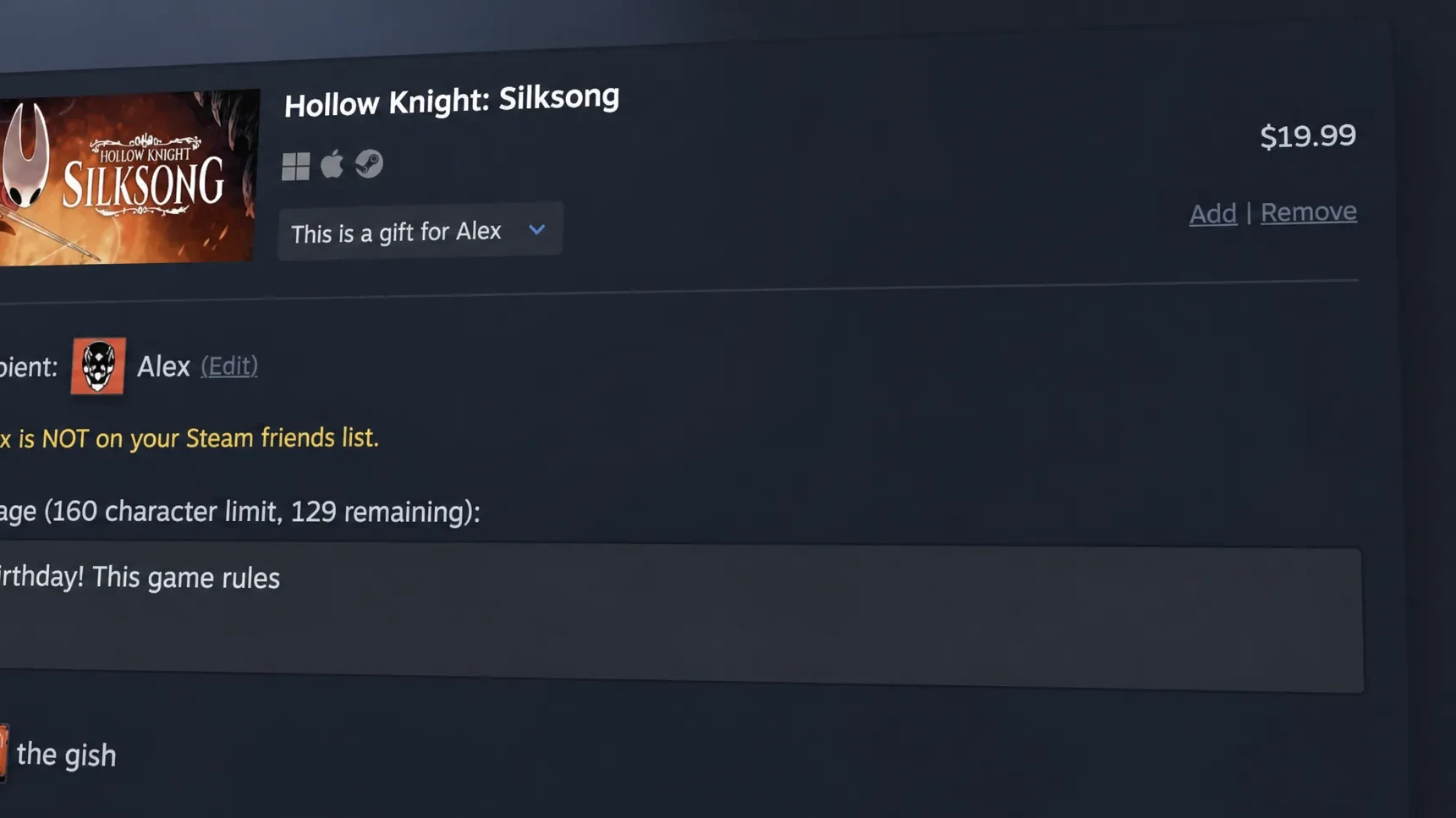
Requirements and limits for each gifting method
The new options each carry their own conditions. Use the table below to match the right method to your situation.
| Method | Buyer needs a Steam account? | Key condition |
|---|---|---|
| Guest checkout (games) | No | Works for any game on Steam |
| Gift to email | No | Recipient needs an account to redeem; unaccepted after 30 days is refunded |
| Cross-region gifting | Yes | Recipient must be on your friends list; Steam sets the regional price |
| Gift from wishlist | No (guest allowed) | Friendship no longer required to send |
One rule applies across email gifts regardless of method. The recipient must live in the same country as the purchaser, so this is not a way around regional pricing on its own.
How to confirm a gift went through
For email gifts, the purchase is complete once the recipient receives the message and uses the link to sign in and accept it. If they don’t act within 30 days, you’ll see the amount returned to your original payment method as a refund. For cross-region gifts, the checkout will only proceed if the person is on your friends list, and Steam shows the final converted price before you pay.
Email-based gifting isn’t entirely new to Steam. Valve offered a version of it years ago and retired it in 2017 in favor of the account-based system, largely to cut down on fraud and unauthorized reselling. Its return, paired with guest checkout and automatic regional pricing, makes sending games to friends and family far less fiddly heading into birthdays, holidays, and seasonal sales.