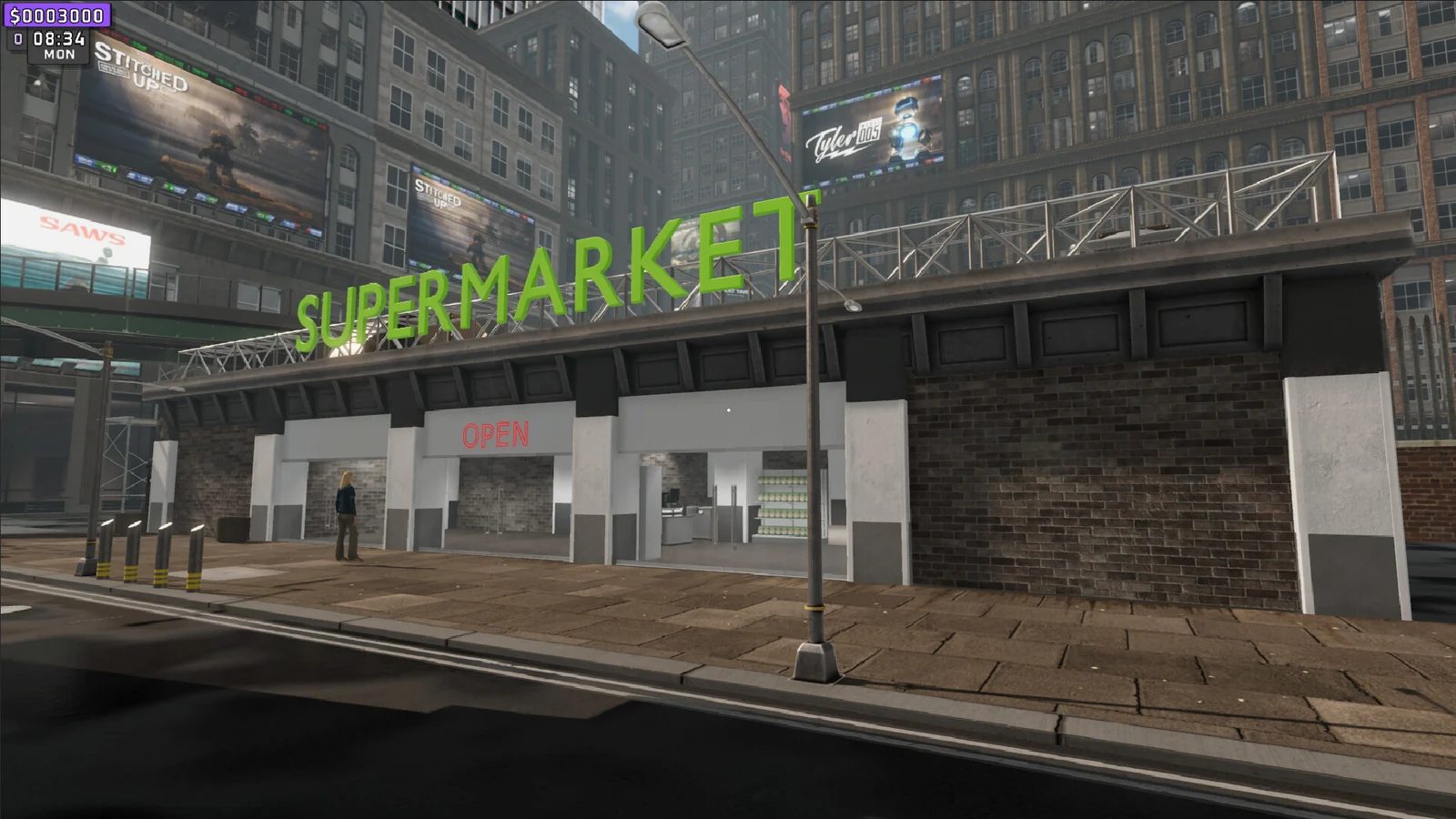
Supermarket Together drops you behind the counter of a store that only makes money if someone actually works it. It’s the co-op take on the supermarket sim formula, built by BambooST, and the whole thing runs on a simple loop: open the doors, keep shelves full, ring up customers without shorting them on change, then spend the profit on more space to sell more stuff. The catch is that every one of those jobs is a manual action, and customers get pushier the more players are in the server.
Quick answer: Flip the sign from Closed to Open, scan items at the register and hand back exact change, then reinvest earnings into shelves and licenses through the in-store Desktop terminal.
Opening the store and taking payments at the register
Nothing happens until the store is open. The sign at the front is a toggle, and leaving it on Closed is the single most common reason a shop sits empty for an entire in-game day.
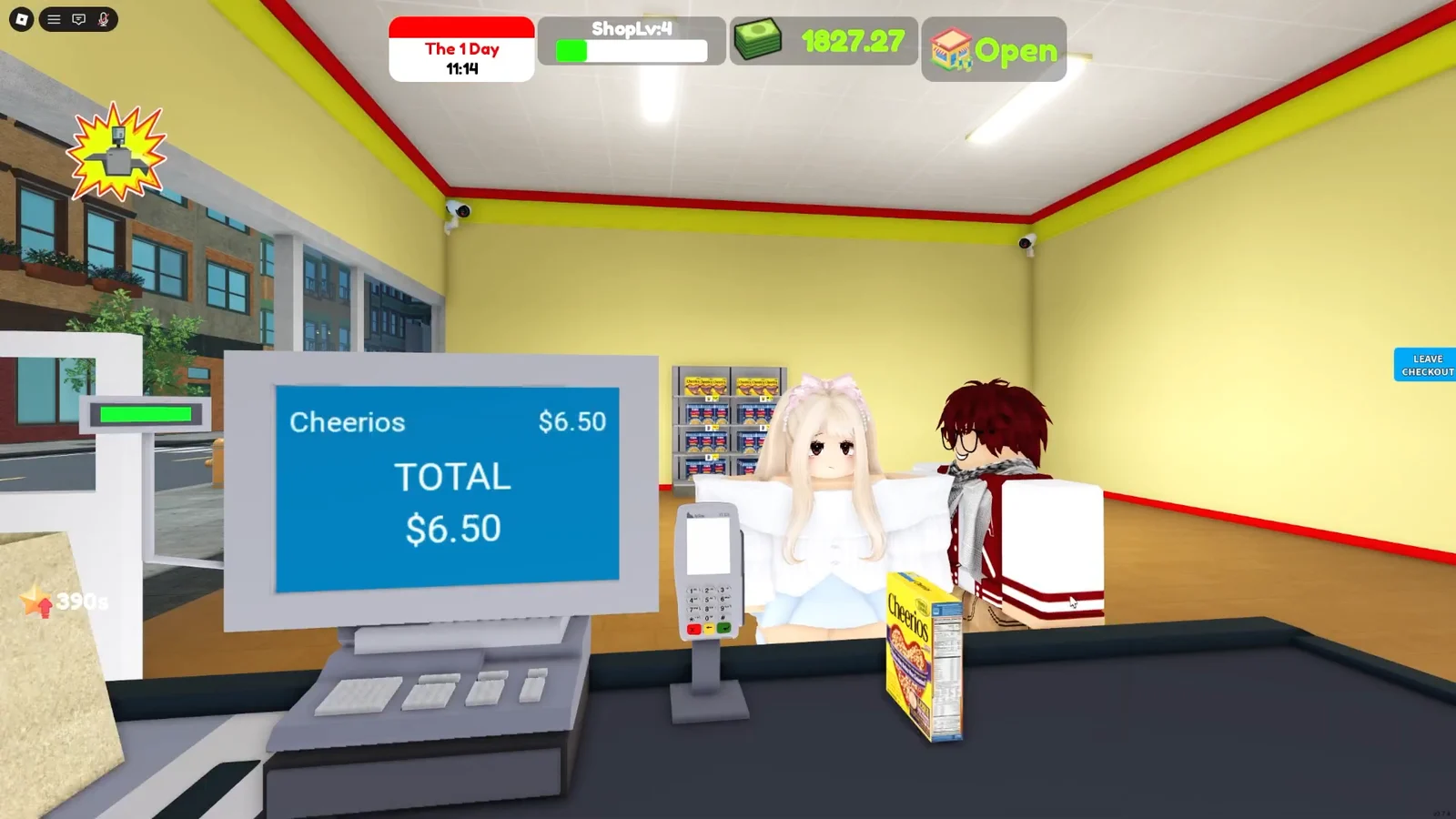
A self-checkout counter placed near the entrance takes some of that queue off your hands. It arrives as a box outside the store, so you carry it in and drop it into position yourself.
Buying shelves and setting prices from the Desktop terminal
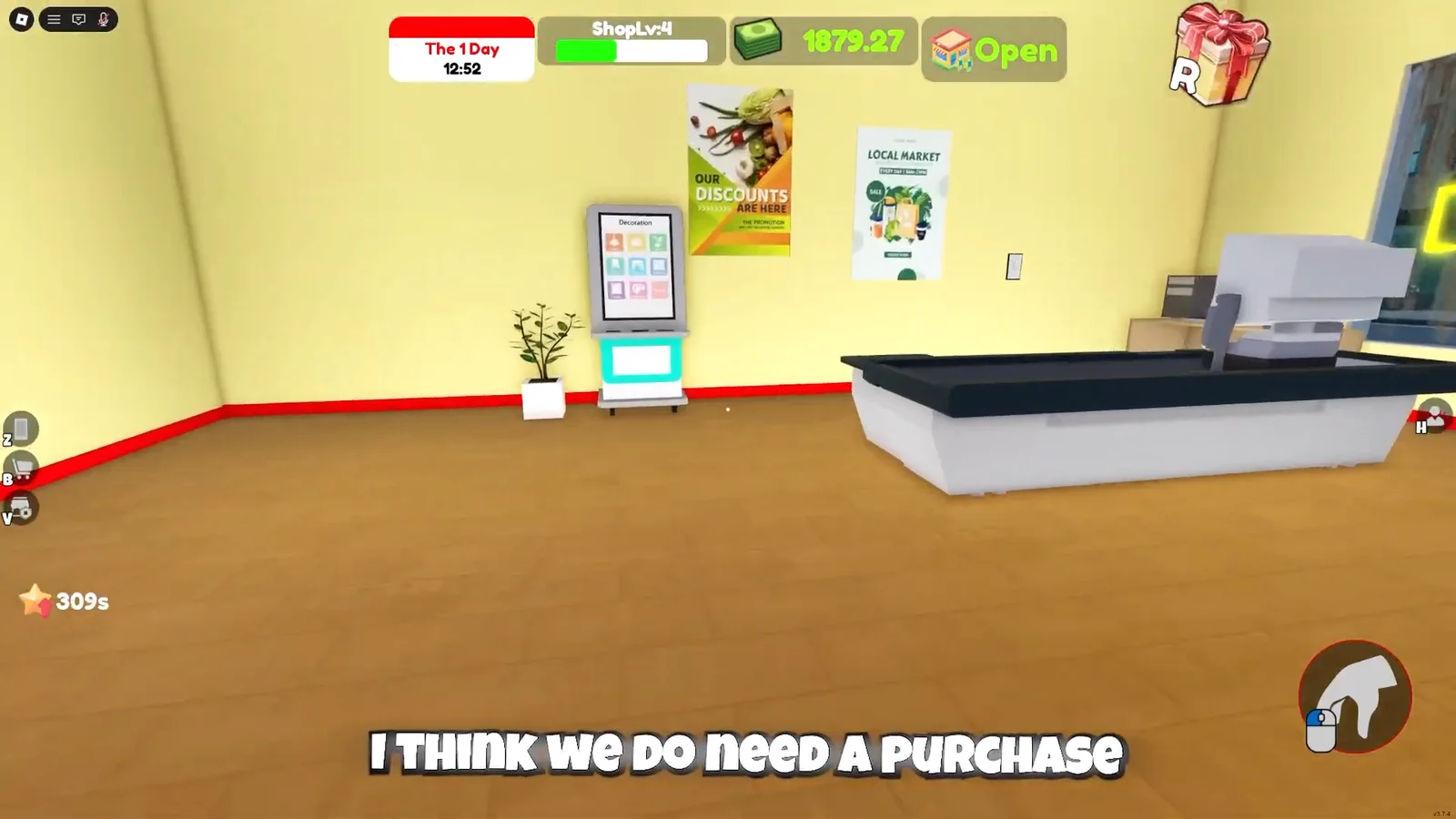
The in-store computer is where the business side lives. Every piece of furniture, every product order, and every price change runs through that Desktop terminal, and it’s the only way to turn a pile of cash into more selling space.
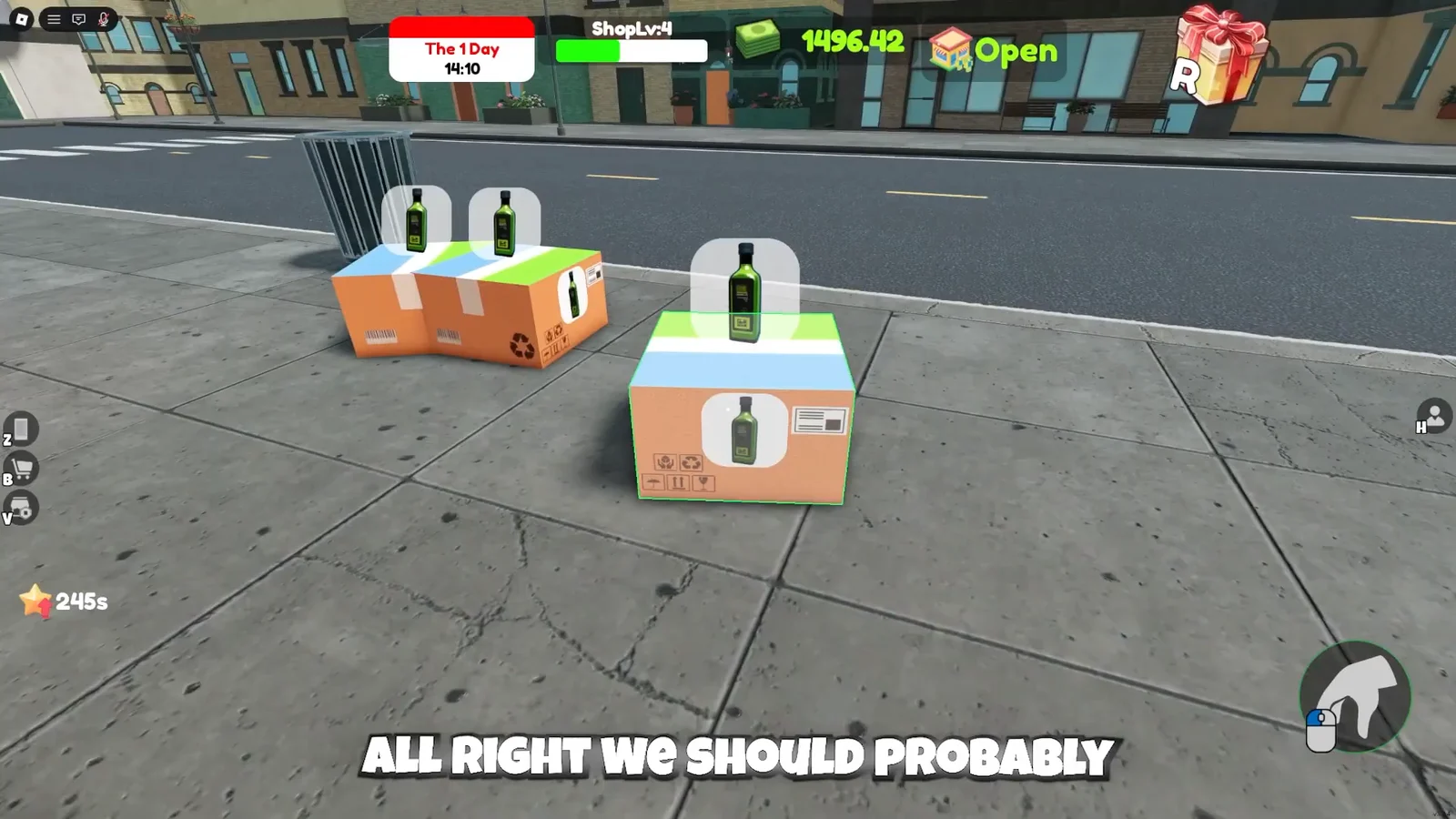
You’ll know a shelf is working when customers start pulling from it and the item shows up on the register scan with your price attached.
Store upkeep and spare furniture
Mess accumulates while you’re busy at the counter. Water puddles appear on the shop floor and need mopping out, and stray boxes or duplicate fixtures eat into the space you just paid to fill.
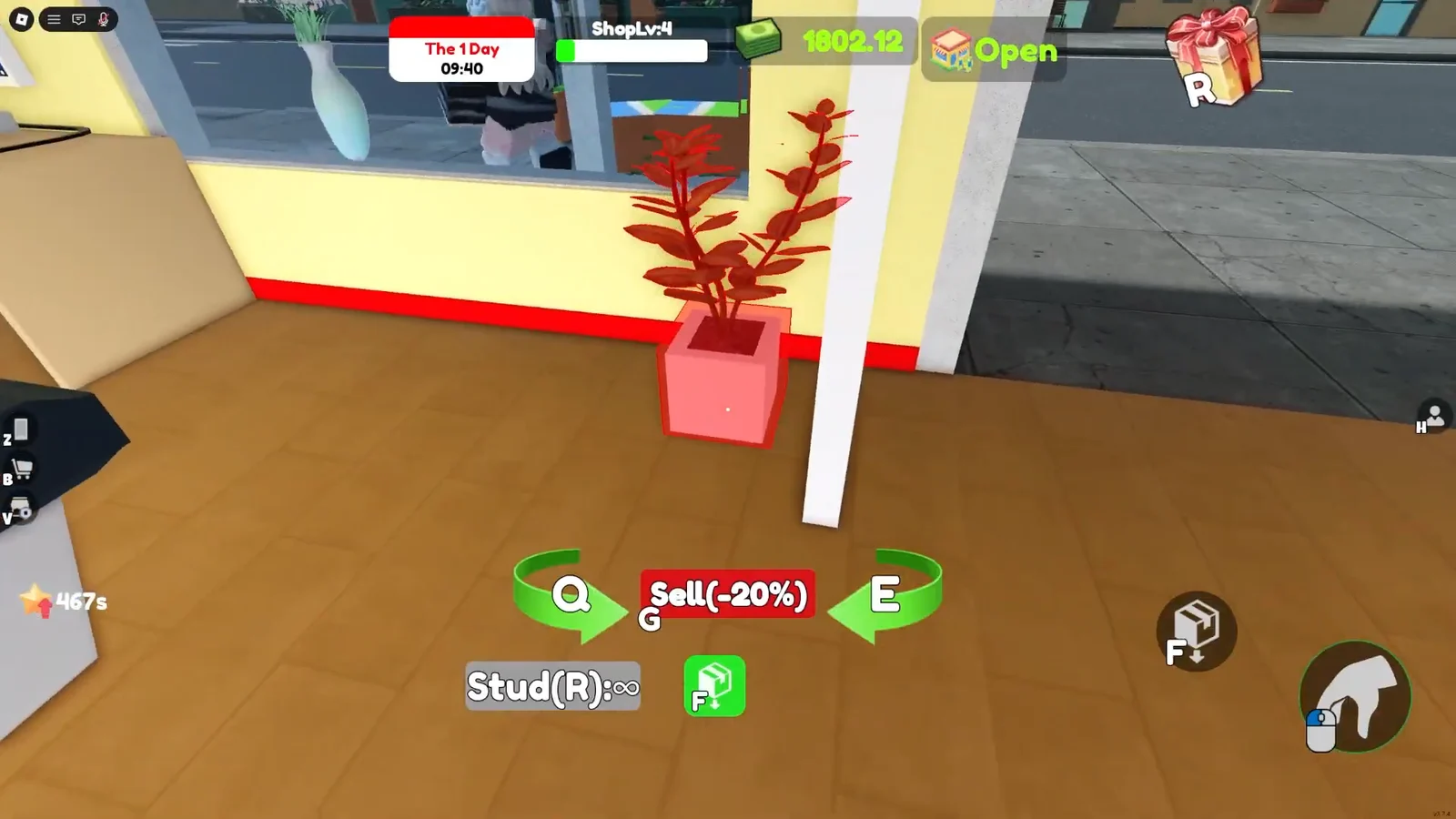
Anything you don’t need can be sold back rather than dumped in a corner. A spare trash can, for example, returns $8. It’s small money, but it clears the floor and every bit of it goes back into the shelf fund.
| Item or action | Where | Amount |
|---|---|---|
| Shelf | Desktop terminal, Shelves tab | $400 |
| Sell spare trash can | In-store | $8 returned |
| Olive oil price | Terminal keypad | $5.00 per unit |
Decoration is optional but it costs you nothing in sales. Potted plants and similar props can be placed around the aisles without interfering with the shelves or the checkout lane.
Growing the store: licenses, perks, and hired workers
Progression comes from leveling up, and leveling unlocks new product licenses. Those licenses are the gate on what you’re allowed to sell, so the more you push through, the wider your catalogue and the higher your margins get. Perks and franchise unlocks sit on top of that, letting you expand the store itself rather than just restocking the same four aisles.
You don’t have to do all the labor forever. AI workers can be hired to handle jobs you’d rather not repeat, which frees you up to concentrate on whichever part of the shop you actually enjoy running.
Customer demand scales with the number of players in the server, and you can raise the difficulty deliberately if you want a harder run. A solo store with the difficulty pushed up is a very different job from a four-person shift.
Private servers and saved stores
Private servers are free here, which matters when your store is a long-term project. From the New Game tab you pick a name and a password for the server, then share that password with whoever you want on the team. It keeps your shop off the public rotation and stops you getting booted mid-shift by whoever owns the lobby you dropped into.
One thing worth clearing up: any “cheat codes” you come across for a PC game with a similar name belong to a different title entirely. The Roblox version has no cheat system.
Codes
| Code | Reward |
|---|---|
| Outstanding125k | Double EXP buff, 10 minutes |
| Favorites200k | 2,000 Cash |
| IsBack | 1,000 Cash and Double EXP, 5 minutes |
| Super1500 | Speed Up buff, 5 minutes |
| Welcome | Free rewards |
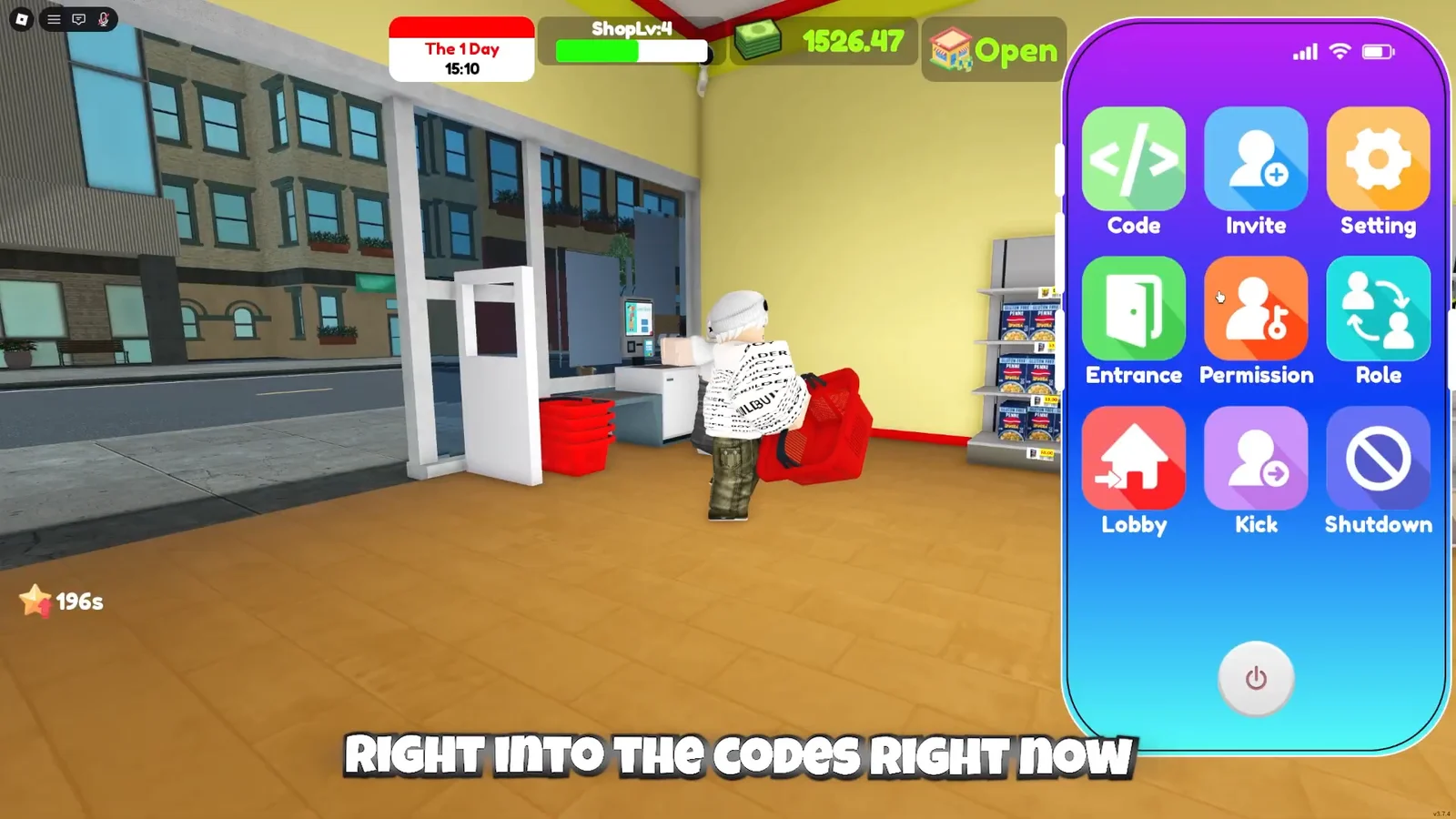
Press Z to bring up your in-game phone, open the Code app, type the entry exactly as written, and hit Enter. Entries are case-sensitive, and the reward lands immediately if it’s still valid.