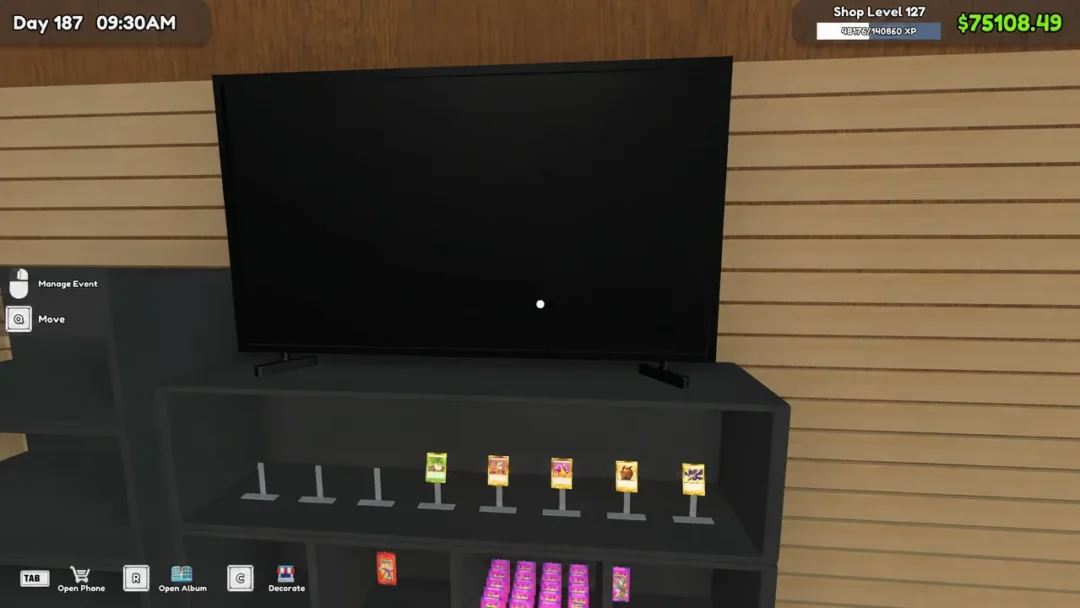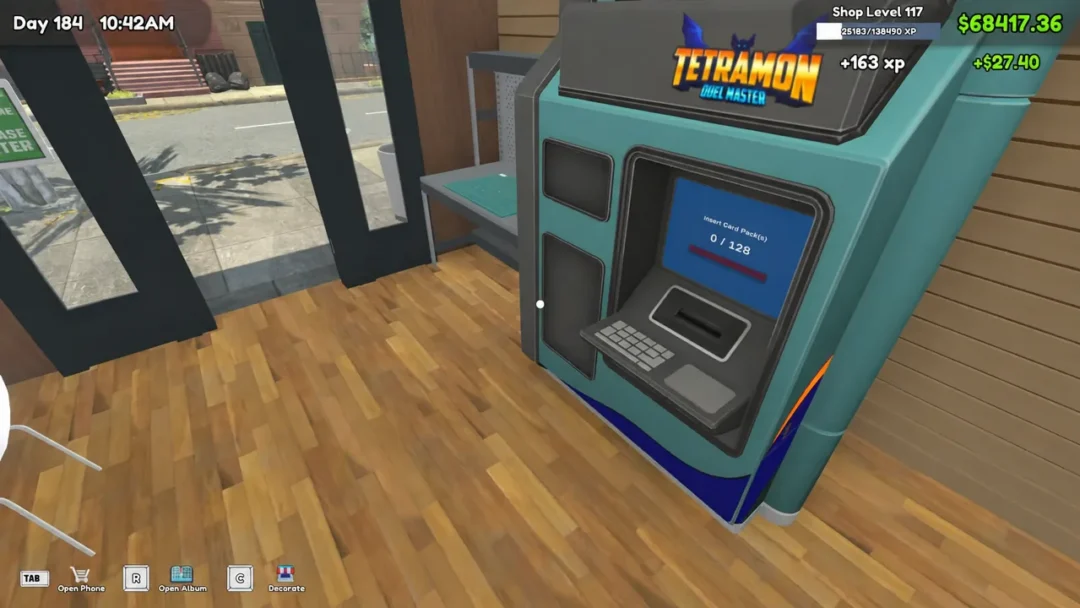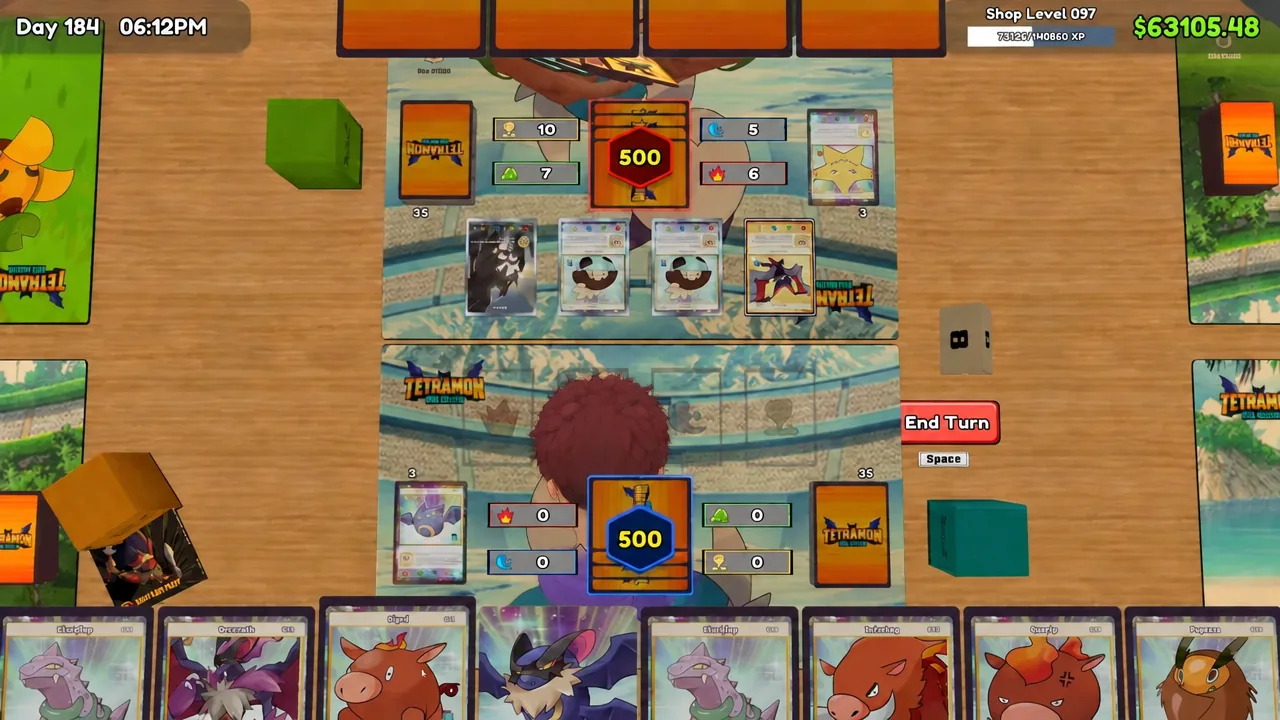
Running the shop is only half of TCG Card Shop Simulator. The card play tables on your floor host real Tetramon matches, and you can sit down against a customer yourself once you have a legal deck built. Winning pays out in free booster packs, which makes the card game a small but genuine income source on top of pack sales.
Quick answer: Buy the Workbench for $1,000 from the My DIY Racks app, build a 50-card deck with more Basic cards than Evolution cards, then right-click a table where a customer is seated to start a match.
Unlock deck editing with the Workbench
Deck editing lives on the Workbench, not in the phone menu. Open your phone, go to the My DIY Racks app, and purchase the Workbench for $1,000. Place it anywhere in the shop, then walk up to it and interact when the green outline appears.
The Workbench menu carries three useful buttons. Rulebook explains the card game itself, Bundle Cards turns surplus singles into bulk bundles you can sell, and Deck Edit opens the Deck List. From there you pick Deck 1 or Deck 2 and hit Edit to start assembling cards, or Use to set the deck you take into matches.
Deck size and the four elements
A deck holds exactly 50 cards. The counter at the top of the edit screen shows your progress, reading something like 48/50 Cards along with a split of Basic and Evolution cards. You cannot take an incomplete deck into a match, so fill every slot before you leave the menu.
Every card belongs to one of four elements, each with its own colour on the interface:
- Fire — red and orange
- Earth — brown
- Water — blue
- Wind — green
Beside each element icon sit two numbers. These are the minimum and maximum damage your current deck can produce with that element. Add or remove a card and the counts update straight away, which is the fastest way to see whether an element is too thin to threaten anything.
Basic to Evolution ratio: how many copies to run
Evolution cards cannot be played from an empty board, so a deck stuffed with them leaves you holding a hand you cannot use. Keep Basic cards in the majority. A split of around 29 Basic to 21 Evolution gives you enough openers while still letting the good evolution lines come online.
Within a single evolution family, weight the copies toward the bottom of the chain:
- At least 4 copies of the Basic card you want to open with
- 1 or 2 copies of its first evolution
- 1 copy of the later, higher-rarity evolutions
A full Fire line shows how the rarity climbs as the chain gets longer, and why you only need one copy at the top:
| Position in line | Card | Rarity |
|---|---|---|
| Basic | Pigni | Basic Common |
| First evolution | Burpig | Rare |
| Second evolution | Interhog | Epic |
| Third evolution | Blazear | Legendary |
Reading play effects in the card album
Before you add anything, open the album and change Sort By to Type. That groups evolution families together instead of scattering them across pages, so you can see a whole line and its rarities in one place rather than hunting for the middle stage later.
Click into any card to read its Play Effect, which is the text that decides whether the card earns its slot. Pigni, a Basic Common worth $0.20, reads “Boost active elemental power of this card by 10 this turn.” That is a small, reliable bump on a card you can run four copies of.
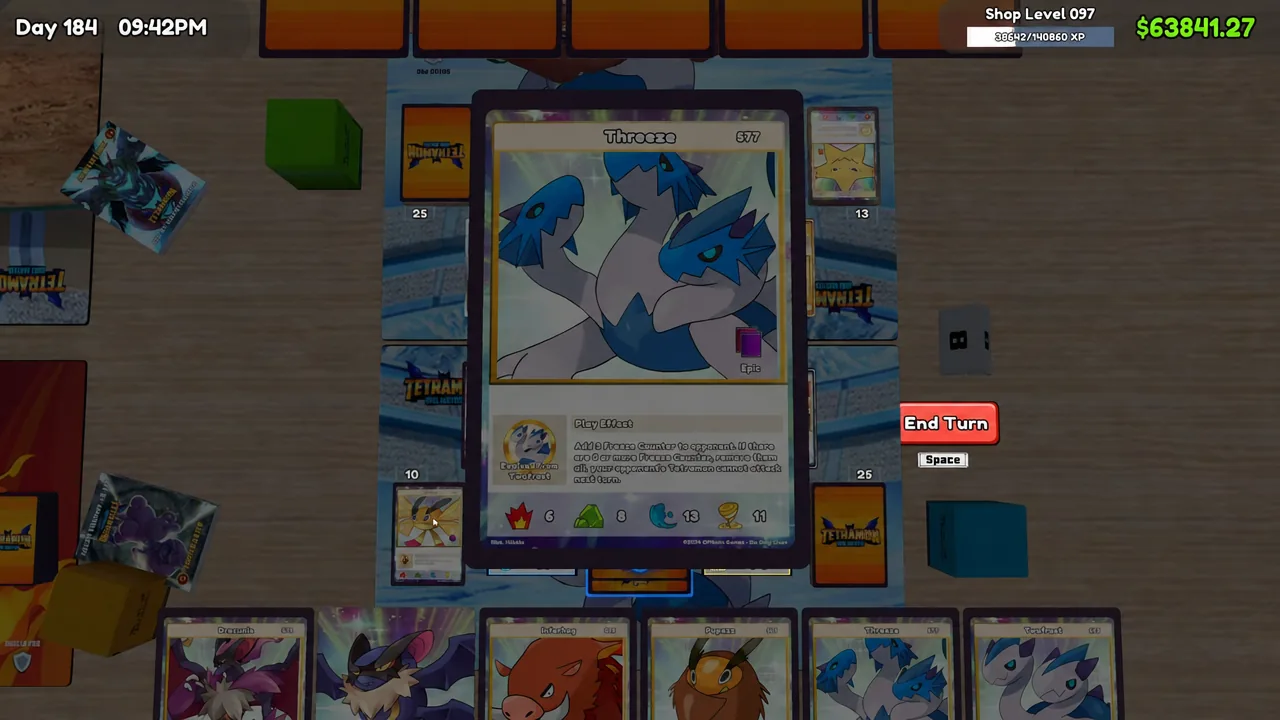
Some of the strongest deck slots go to Basic cards that never evolve at all. Drilceros, a Basic Epic worth $0.31, reads “If your opponent has active Tamer shield, destroy it. Then, boost Fire elemental power by 15 this turn.” A card like that hits hard on turn one without needing a follow-up in hand, which is exactly what you want in the opening turns.
The album also shows how many copies you own, listed as In Album, so you know whether you can actually field four of a card before you plan around it.
How to start a match at a card table
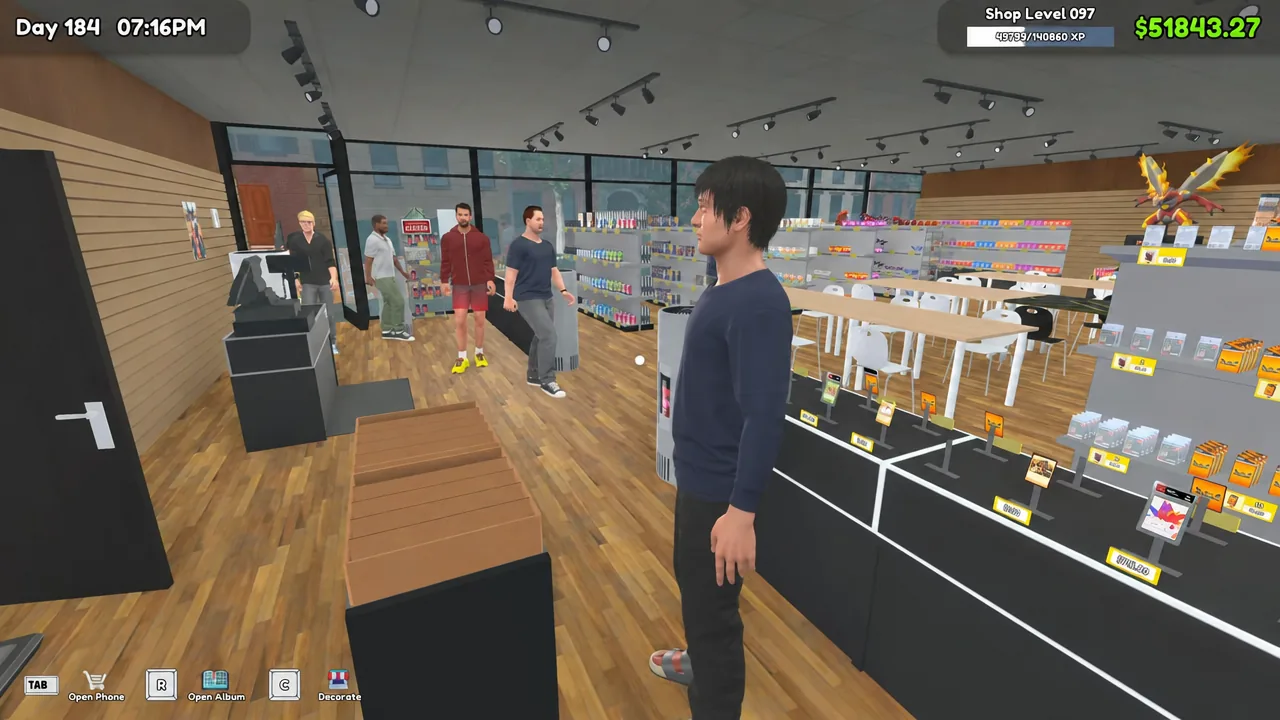
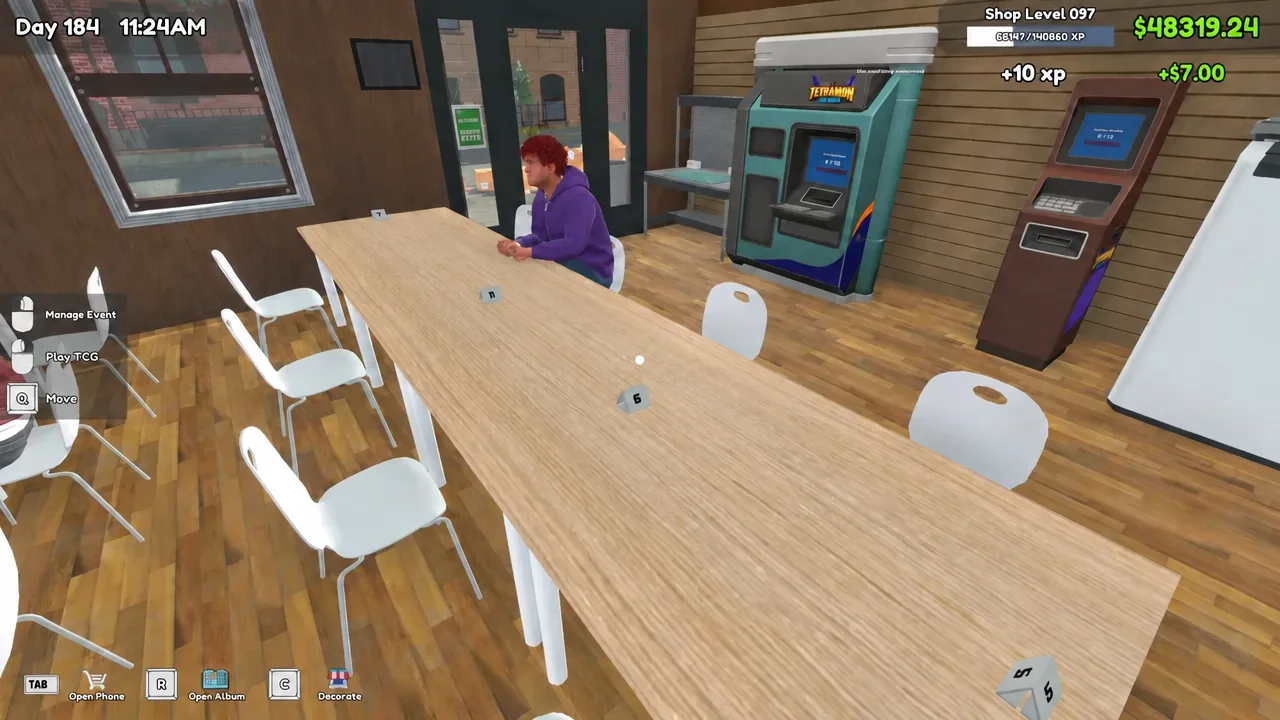
Matches take place at the Tetramon Duel Master play tables on your shop floor. You need a customer already seated at one, so keep an eye on the tables during the day and walk over when someone sits down.
Play effects, evolving, and status effects during a match
Most play effects only fire on the turn the card hits the field. That single rule drives the whole match. Leaving a card parked in an active slot gives you nothing extra, so the game constantly rewards swapping cards in and out to re-trigger effects.
Evolving works the same way. Turning Pigni into Burpig, then Burpig into Interhog, grants a temporary elemental power boost that lasts only for the turn you evolve. Chain those evolutions on the turns you intend to swing and you stack the boosts into your attack instead of wasting them.
Repeat copies of the same card can be chained across consecutive turns to build up their play-effect bonuses, which is why a Legendary with a strong effect is worth running more than once if you own the duplicates. Elemental bonuses also come from placement, such as dropping Hydron for a +15 Water damage bonus before you end the turn.
A few cards carry status effects rather than raw damage. Placing Kyroic into a Water slot applies Ice to the opponent’s active card, and Kyroic later evolves into Twofrost for an additional boost.
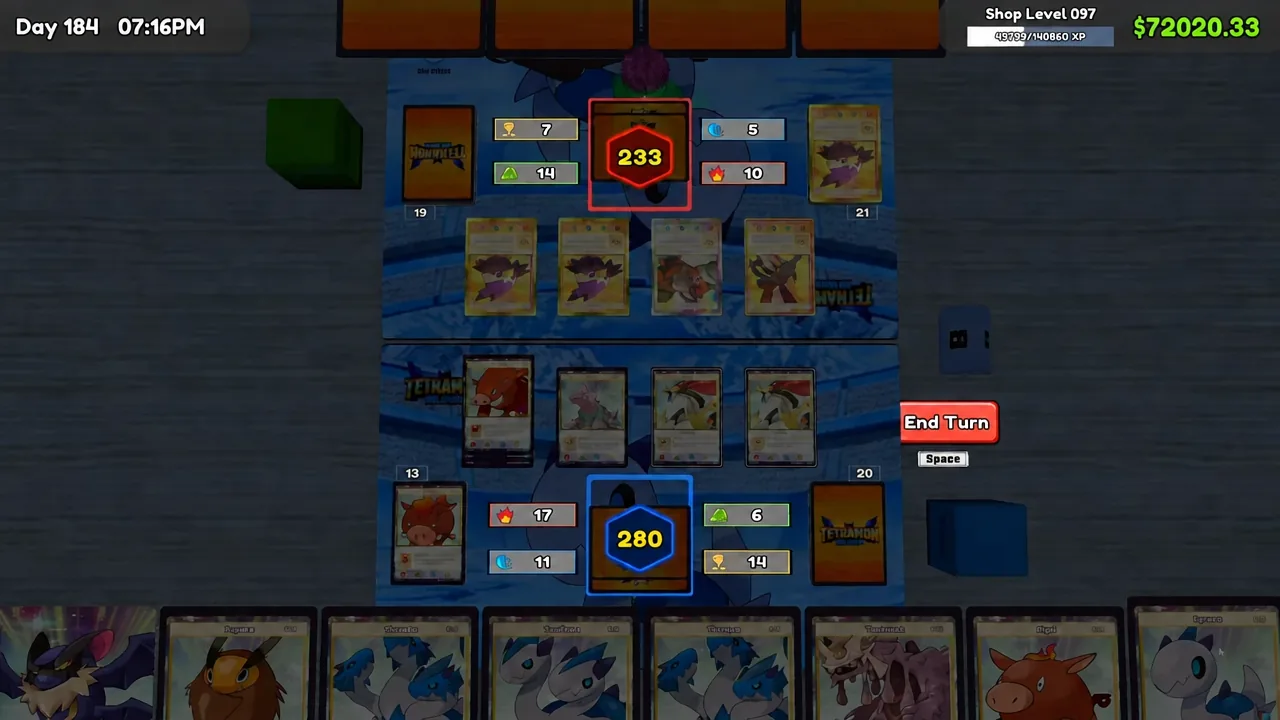
If your opponent forces you to discard, open the Discard Pile from the match interface and read through it. It tells you which pieces of an evolution line are gone, so you stop holding a Stage 2 card waiting for a Basic that is no longer in the deck.
Confirming the win and claiming your pack rewards
A finished match is unmistakable. The board clears and a YOU WIN screen appears with two buttons, Rematch and Leave. The defeated customer will also grumble about the loss as they stand up.
Choose Leave to get up from the table and collect the reward. Winning hands you free Tetramon Duel Master booster packs, which you open the same way as shop stock: hold the pack, peel it, and click through the cards. The game totals up the value of everything you pulled at the end.
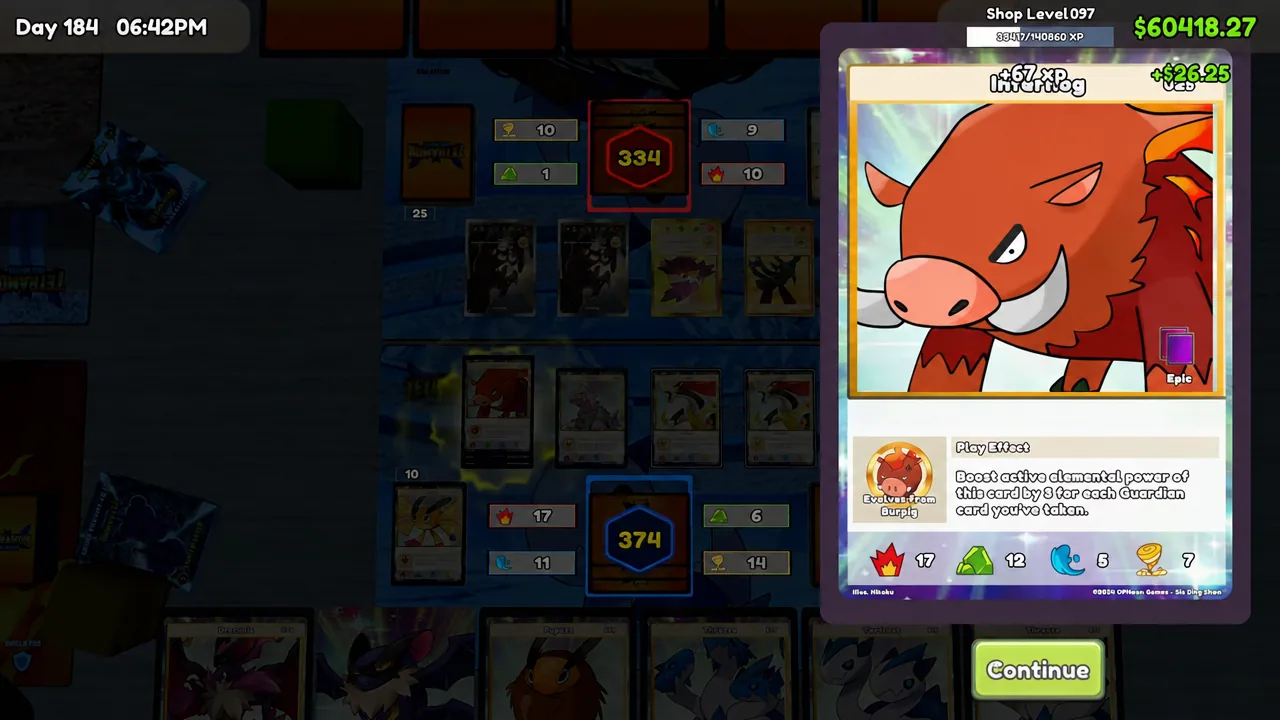
Those pulls feed straight back into the loop. Anything valuable goes on a card display table to sell, and any duplicates of your preferred Basic cards go back through the Workbench into Deck 1, tightening the deck for the next customer who sits down.