The Red Moon Rising event brought a fresh Twitch Drops campaign to The Division 2, letting you earn five rewards simply by watching eligible streams. The lineup covers two arm patches, a Named Cache, an Exotic Cache, and a weapon skin, all tied to how long you watch.
Quick answer: Link your Ubisoft account to Twitch, watch any Drops Enabled The Division 2 stream, and claim each reward at four watch-time milestones between 30 minutes and 4 hours before October 6, 2026.

All Red Moon Rising Twitch Drops rewards and watch times
Viewing progress counts across multiple channels, letting you move between streamers while advancing toward each tier. Each reward becomes available when your accumulated viewing reaches its listed threshold.
| Watch time | Reward |
|---|---|
| 30 minutes | Red Moon Marauder Arm Patch |
| 1 hour | Named Cache |
| 2 hours | Red Moon Black Tusk Arm Patch |
| 3 hours | Exotic Cache |
| 4 hours | Red Moon Rising Weapon Skin |

Link your Ubisoft and Twitch accounts
Before any watch time counts, your accounts must be connected. This is a one-time setup, so once it is done you never need to repeat it for future campaigns.

Watch and claim your drops
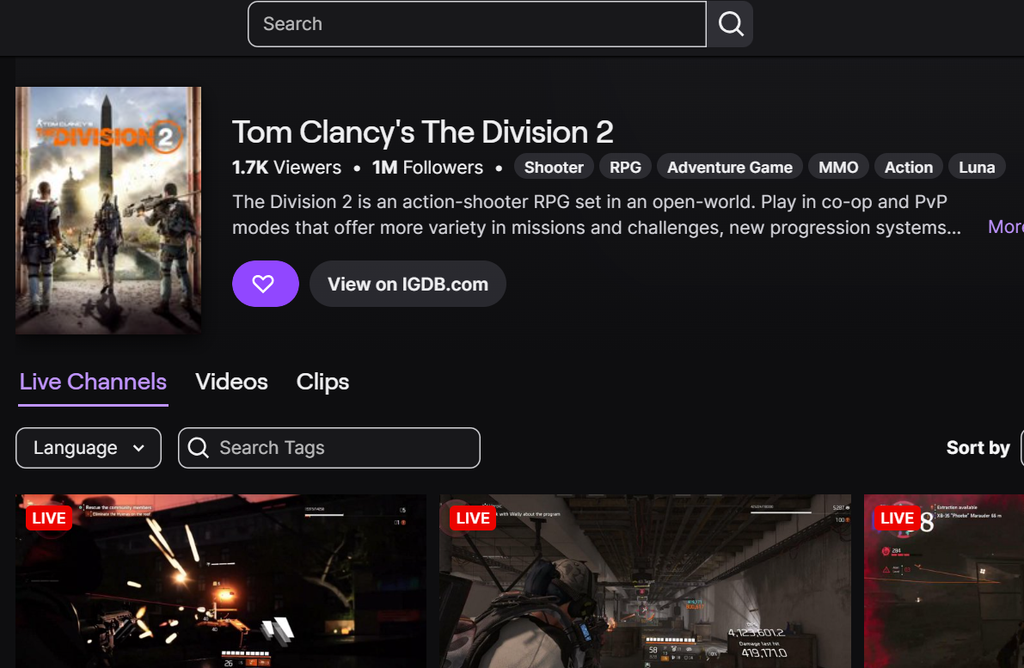
How to receive the rewards in-game
A few minutes after you claim the rewards on Twitch, they arrive in your linked The Division 2 account. Start the game, go to any Settlement or the Base of Operations, and use the Mailbox in your Stash to pick them up.
If a claimed drop does not appear, restart the game and check the Mailbox again.
Campaign deadline
The Red Moon Rising Twitch Drops campaign started on September 24, 2026, and runs until October 6, 2026, at 4:59 pm CEST / 10:59 am EDT / 7:59 am PDT. Any drops left unclaimed when the campaign closes expire, so redeem each reward and pull it from your in-game Mailbox before the cutoff.