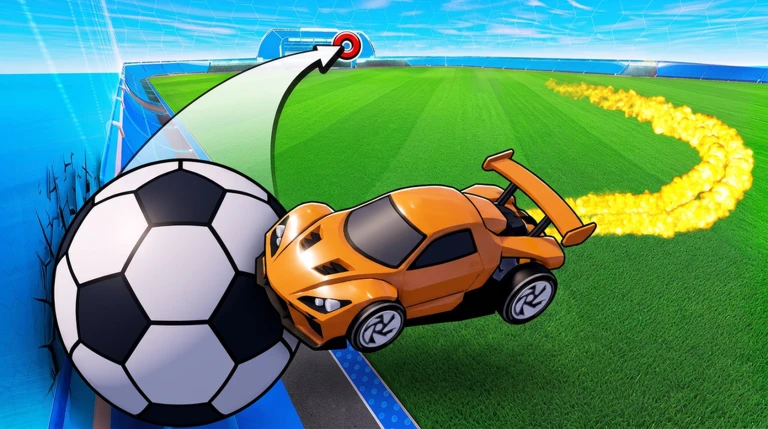
Turbo Soccer is a car soccer arena on Roblox where you drive, boost, flip, and knock an oversized ball into the net across fast matches. Before you queue into Casual or Ranked, there are a handful of settings, a free three-item pack, and a few ball mechanics that make every touch cleaner.
Quick answer: Open the Gift menu, give the game a like and a favorite, join the official Turbo Soccer community group, then press Claim Pack to open a free Legendary Pack with three cosmetics.
Claim the free Legendary Pack
The free Legendary Pack is tied to three quick community actions. You complete all of them inside the game and on the Roblox group page, then return to the menu to open the pack.
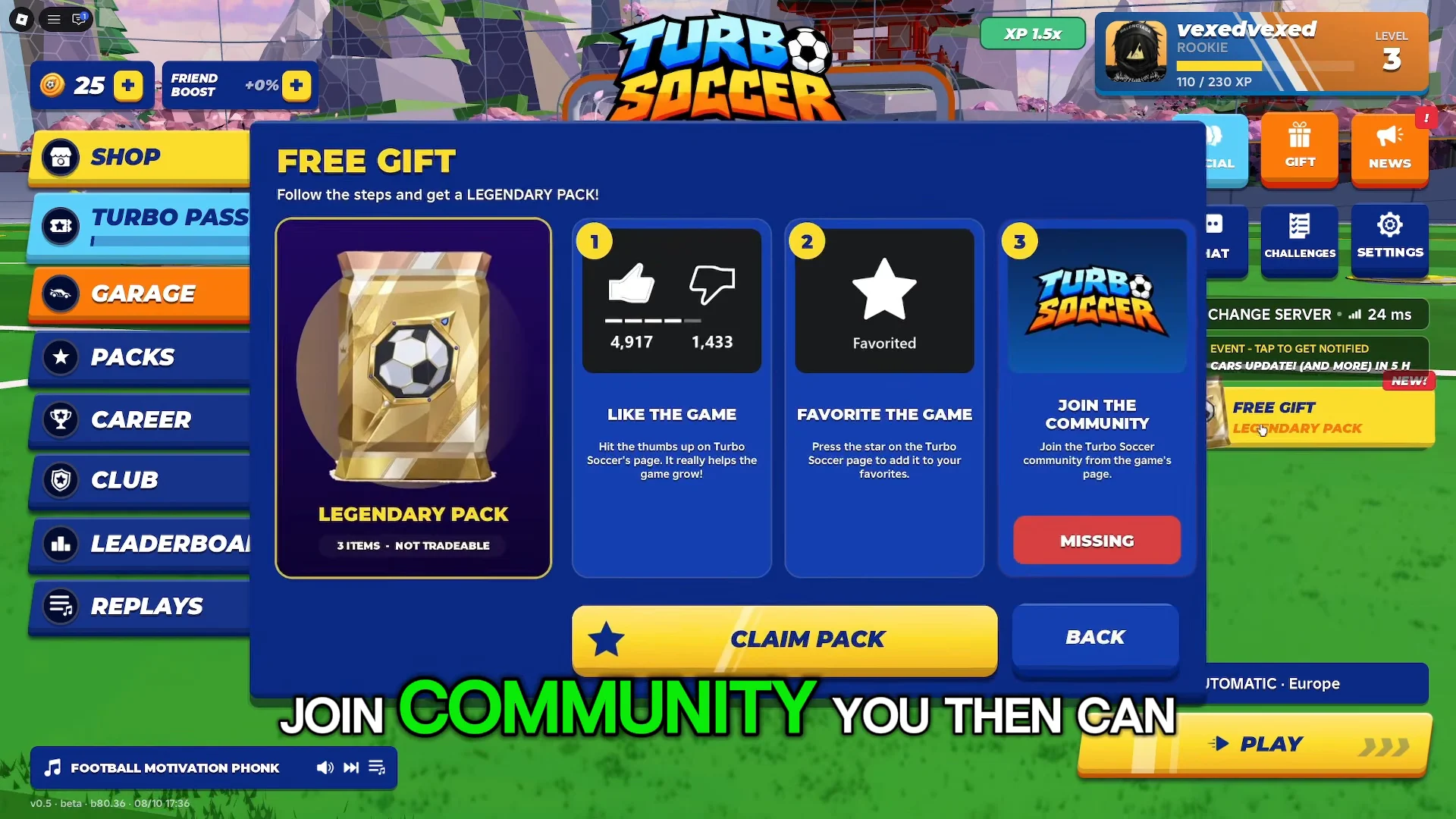
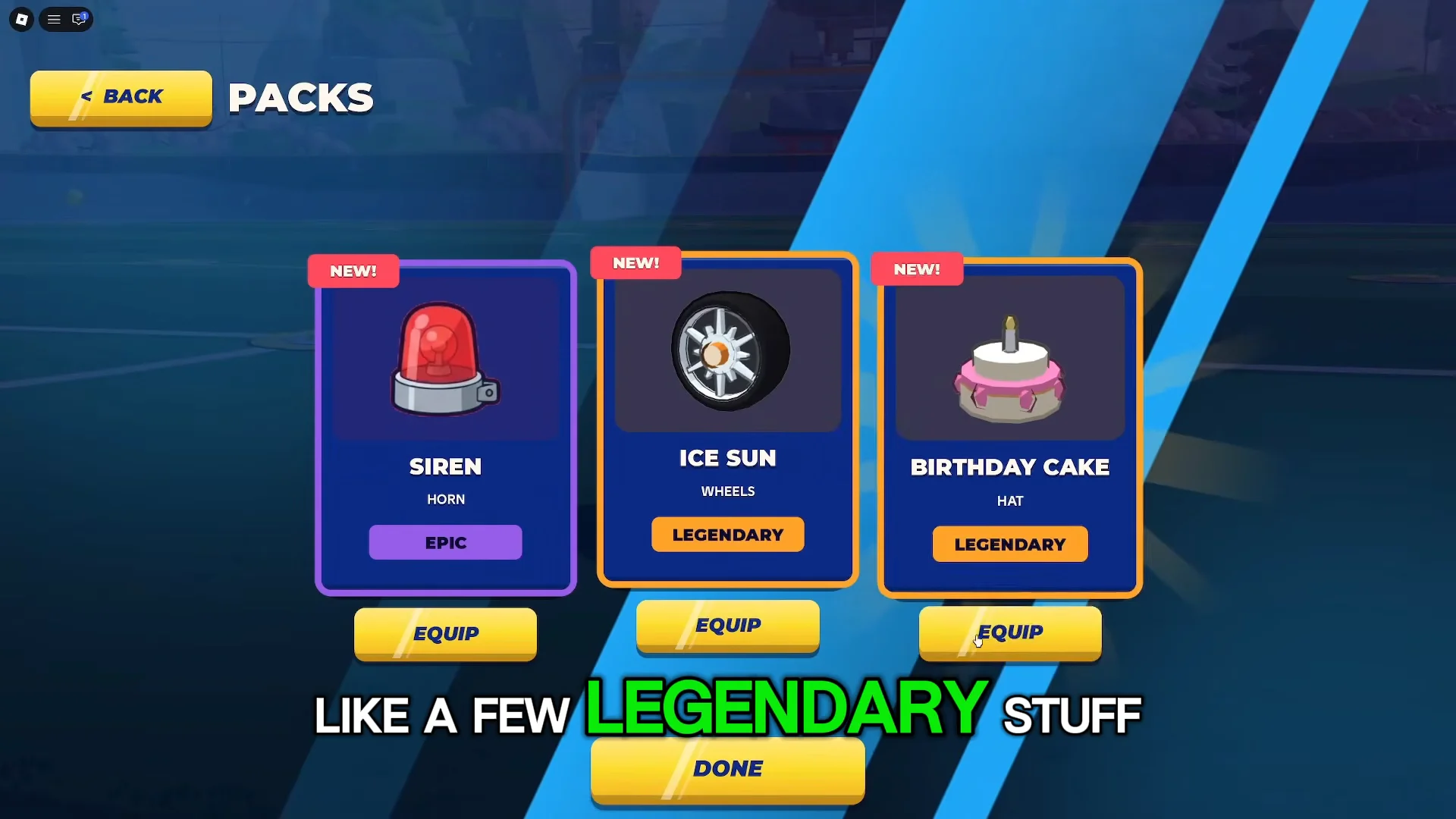
You know it worked when the pack animation plays and three cards flip over. The reward is a fixed set: the Siren horn (Epic), the Ice Sun wheels (Legendary), and the Birthday Cake hat (Legendary). These three items are not tradeable.
The in-game Settings menu also has a Codes box. Redeeming the active PACK code there grants an extra Exclusive Pack on top of the Gift reward.
Camera settings that improve ball tracking
Your camera does more for your play than any cosmetic. The default view sits too close for reading the whole pitch, so the first thing to change is the camera preset.
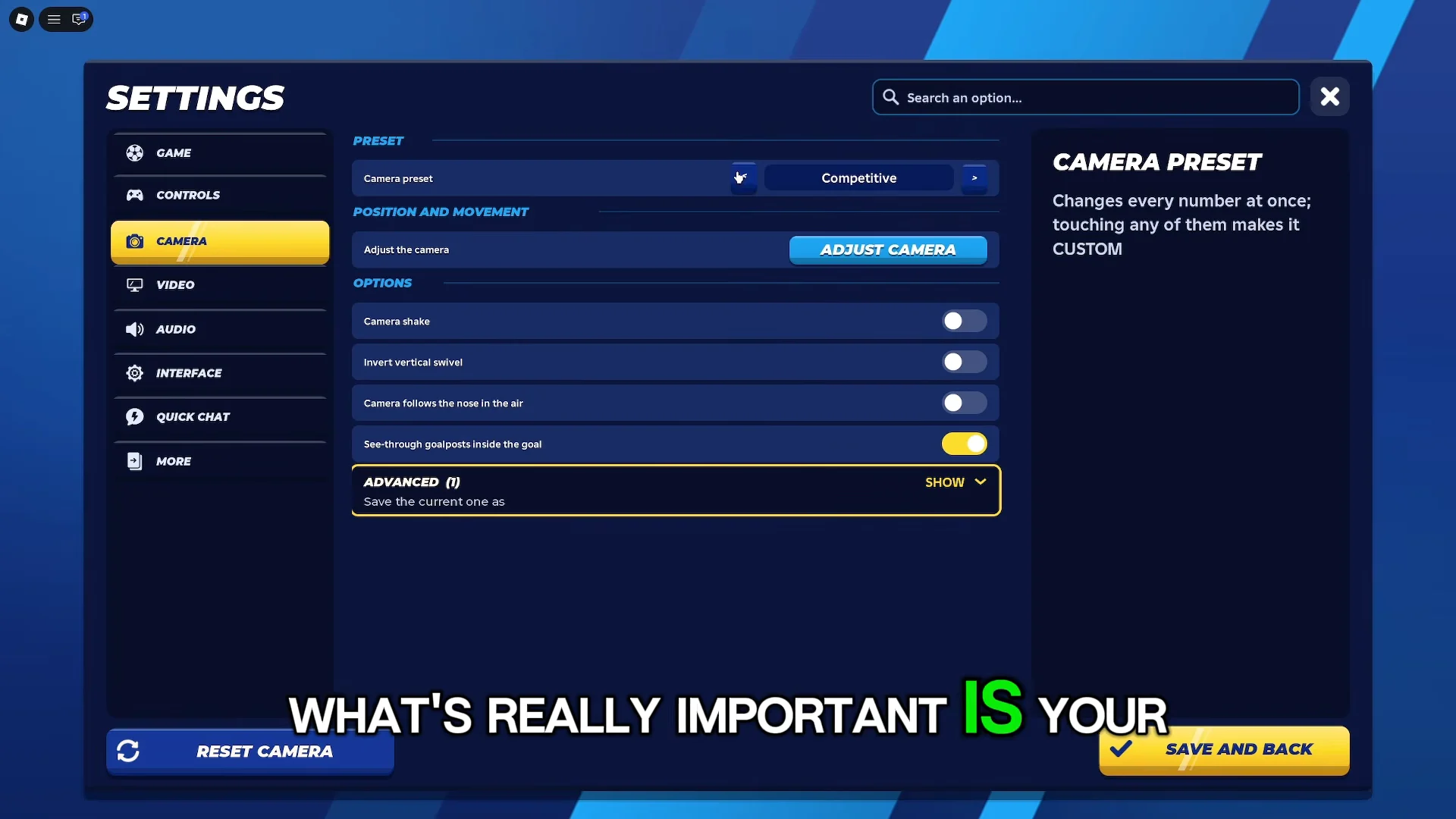
Set the camera preset to Competitive or Far. Both pull the view back and widen your field awareness, so you can see the ball, your opponent, and the goal at the same time instead of chasing the ball blind.
Then practice with Ball Cam toggled on. The toggle defaults to the Spacebar, and with it active the camera automatically keeps the ball centered as you drive and fly. It feels strange at first, but it is how you track aerials without losing the ball off-screen.
Graphics and HUD settings for a cleaner screen
Framerate matters more than visual detail in a game decided by split-second touches. Set Graphics Mode to Max performance to smooth out the framerate and keep your inputs honest.
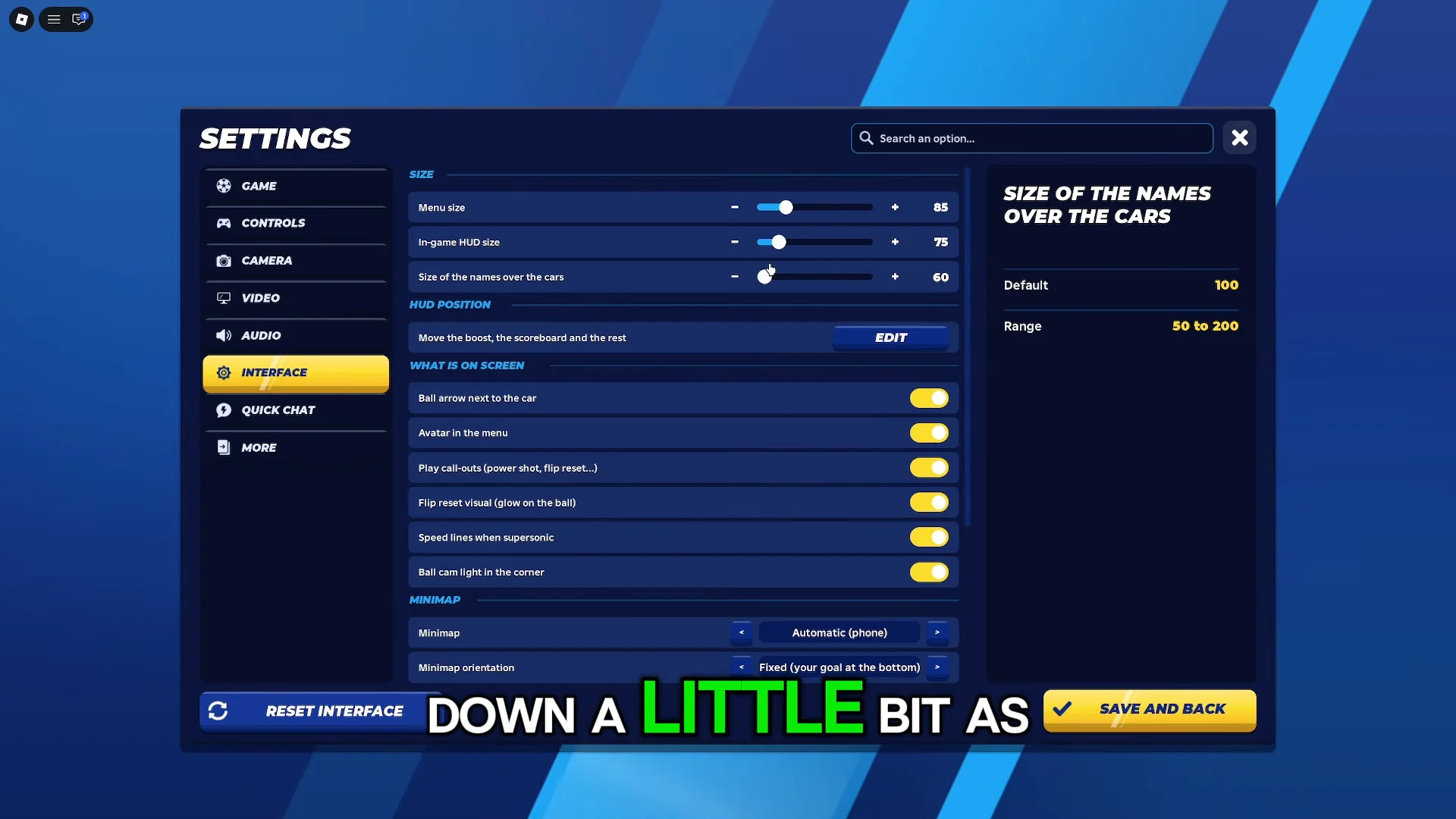
From the interface options, shrink the menu size, the in-game HUD size, and the minimap size and opacity. Clearing that clutter frees up screen space so the opponent and the ball are easier to follow during a scramble.
Dribbling, flicking, and reading the landing ring
A flick sends the ball up and forward instead of rolling it flat along the ground. To flick, boost toward the ball and jump into it at the moment of contact. The upward pop that results carries the ball over a defender rather than gently nudging it.
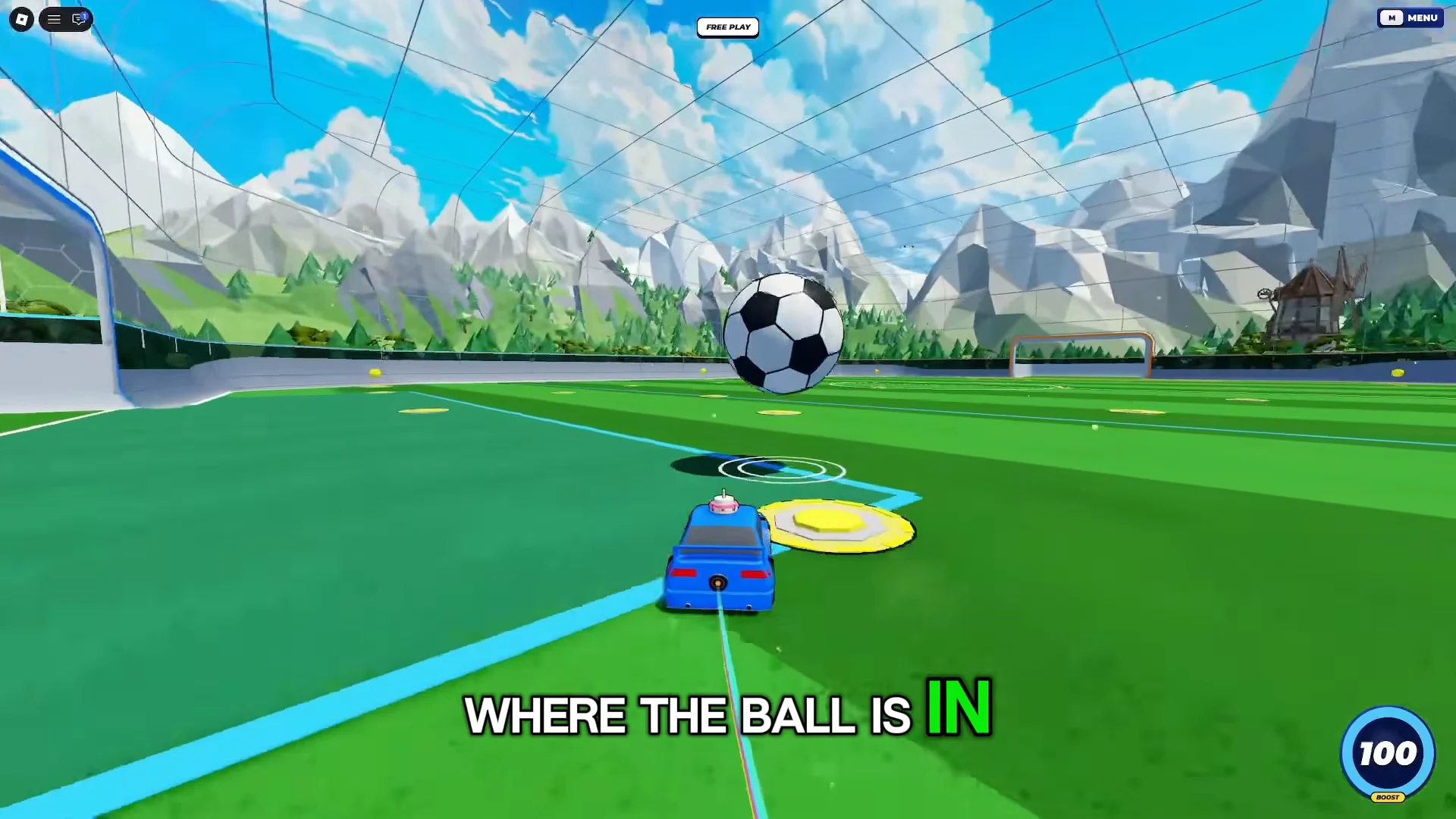
When the ball is high in the air, the pitch draws a white circular target indicator on the floor directly under its descent. That ring marks the exact spot the ball will land, so drive to the ring and set up your touch there instead of guessing where to be.
How car hitboxes change your touches
Cars do not all hit the ball the same way. The shape of a car’s hitbox decides how easily it makes contact and whether that contact pushes the ball along the ground or lifts it into the air.
- Tall, boxy vehicles like the Kombosa carry a taller, wider hitbox, so making contact with the ball is easier and more forgiving.
- Cars with a low, wedge-like profile, including the Rocket, can function as ramps, sending the ball airborne when hit from the front.
You can compare any car’s hitbox in the Garage before committing to it. Pick the boxy frame if you want reliable touches, or the wedge if you plan to lift the ball for aerial plays.
The 1v1 kickoff counter
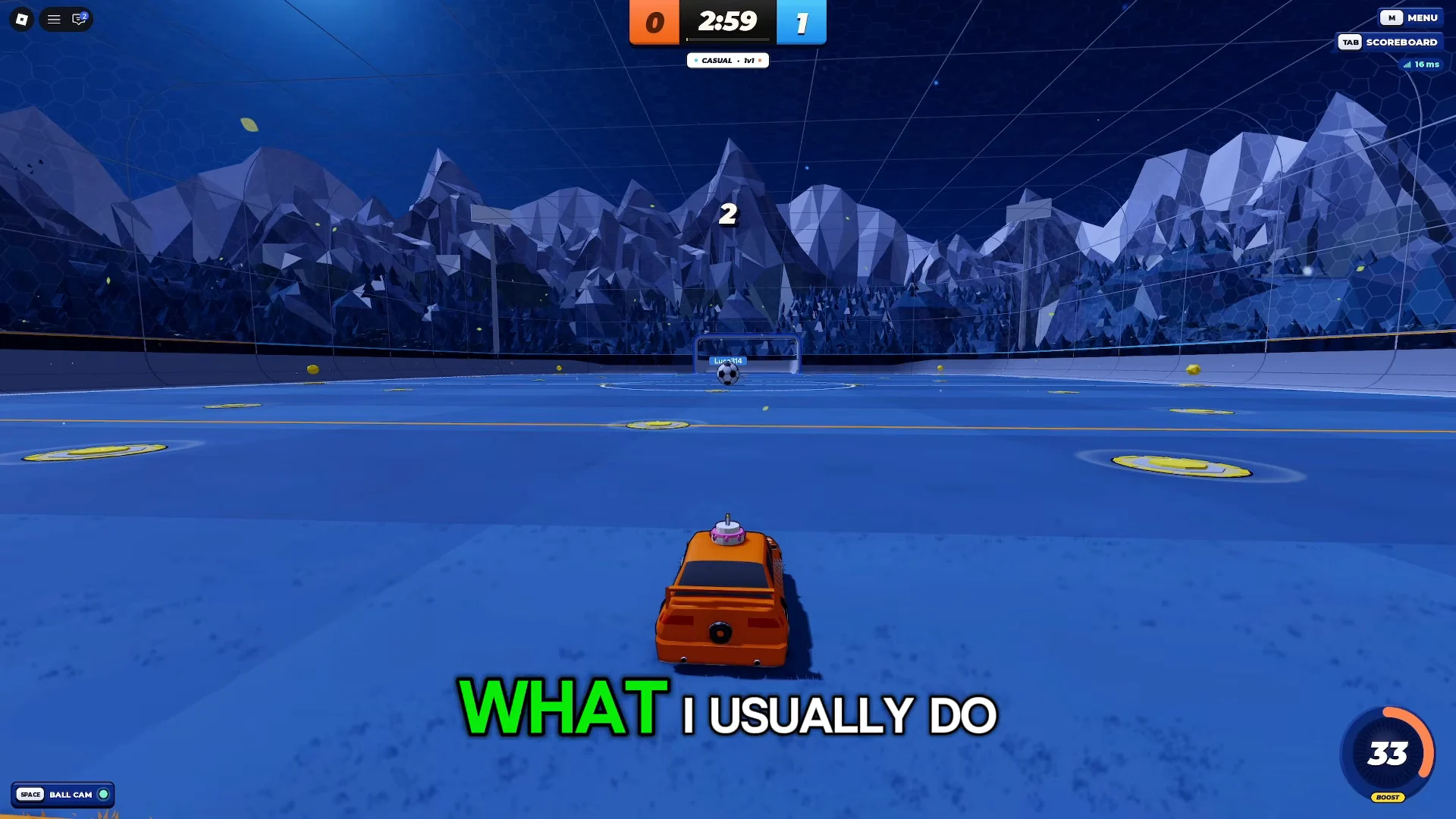
Rushing the ball headfirst on a 1v1 kickoff often ends with a 50/50 that bounces anywhere. A cleaner option is to hold back slightly and let your opponent commit to the ball first.
When they make contact, the ball frequently deflects back toward their own half, and the push leaves them out of defensive position. That gives you an open read on a loose ball near their net instead of a coin flip at center.
Minigames to train before Ranked
The Minigames menu holds practice modes built to drill one skill at a time. Two of them are the most useful warm-ups before you queue competitive.
Rings (Open Sky)
Rings drops you into an open sky and asks you to fly your car through a series of rings. It trains air control, pitch, and roll stability, and the goal is to steer through each ring smoothly without over-spinning between them.
Targets
Targets places marked zones on a backboard and asks you to strike the incoming ball into them. It sharpens shot placement, so you learn to direct passes and rebounds to a precise spot rather than just hitting the ball hard.
Run a few rounds of both modes first, then take the clean touches and camera habits straight into Casual and Ranked matches. A short warm-up in the minigames builds muscle memory far faster than grinding losses against players who already have it.