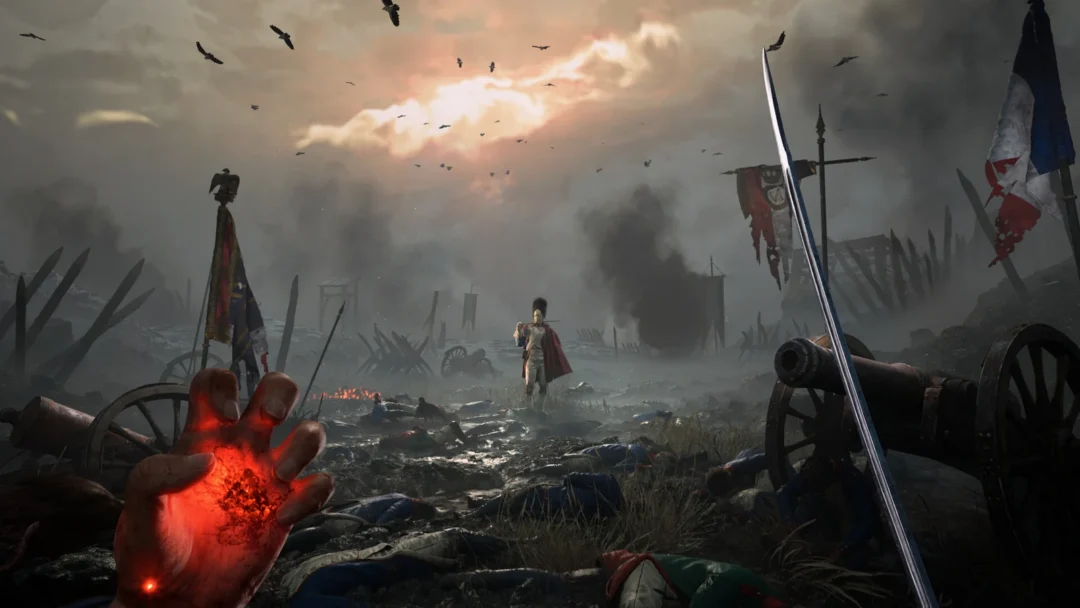
On its initial PC launch, Valor Mortis pauses on a dark battlefield image displaying “SHADER COMPILATION…”, while a progress bar inches along below. The screen gives no completion percentage or duration estimate, and cannot be bypassed, which can make startup look stuck. It is still working: the bar advances gradually as the graphics card stays at full load.
Quick answer: Leave the game running and wait. On a mid-range PC the first compile takes about 12 minutes, then the calibration, warning, and title screens load. Do not close the game.
How long the shader compilation takes on first launch
From the moment the game window opens to the end of the bar, the first compile ran about 12 minutes on an Intel Core i7-9700K with an NVIDIA GeForce RTX 2060 6 GB and 24 GB of RAM. That figure was measured with other heavy programs running at the same time, so a PC doing nothing else should finish at least that fast.
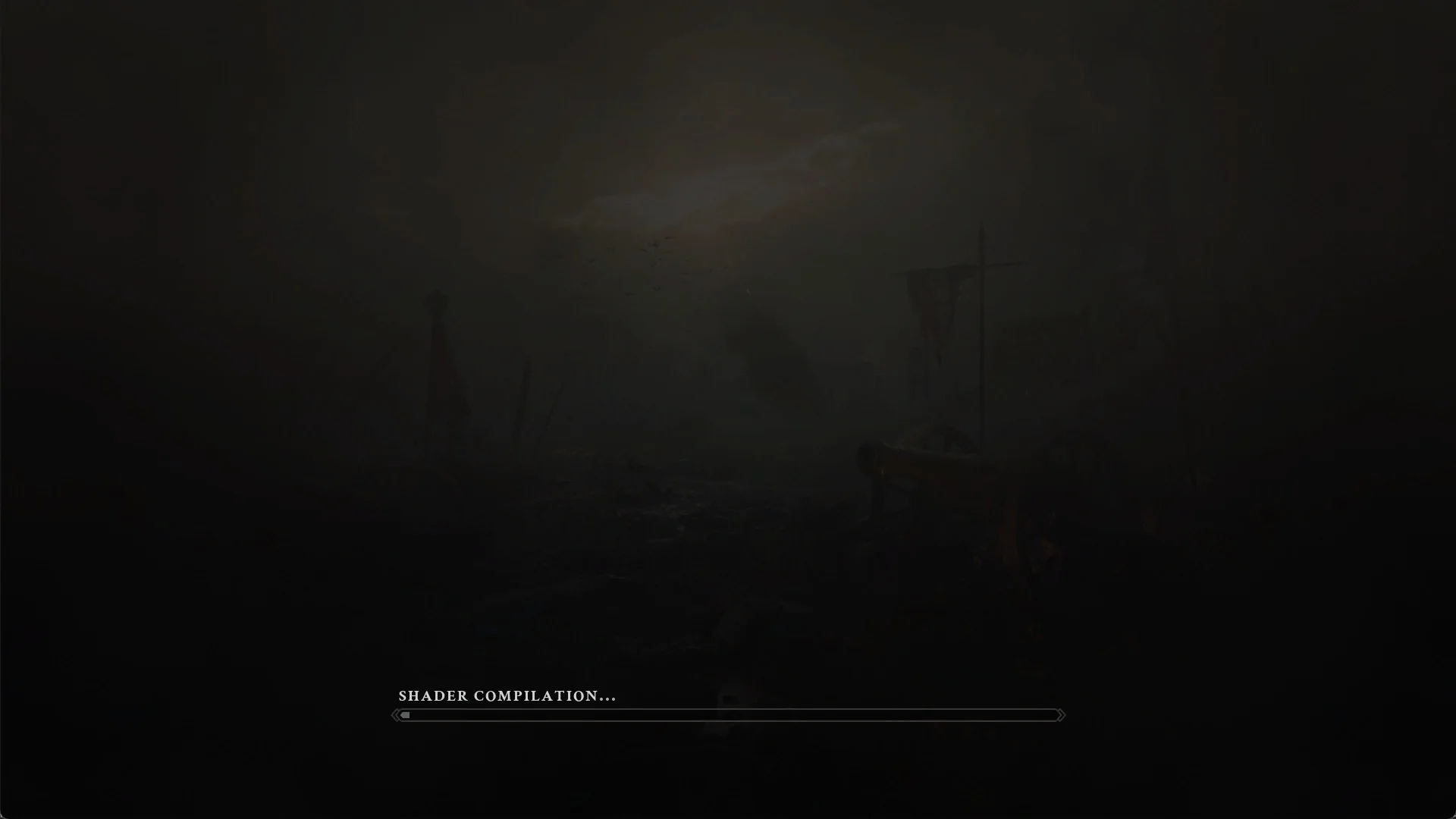
The graphics card runs at full load for the whole compile.
Do not close or force-quit the game while the bar is moving. Let it reach the end on its own.
The Steam prompt that can appear before the window opens
On the first Play from Steam, an install step labeled “Running install script” runs and can raise a Windows administrator prompt. If that prompt is declined, Steam shows a message reading “Restrictions / This operation has been cancelled due to restrictions in effect on this computer. Please contact your system administrator.” with an OK button.
Pressing OK clears the message, and the game still starts afterward. You then land on the shader compilation screen described above.
What loads after the first compile finishes
When the bar completes, a short run of setup and front-end screens appears in order before you reach the main menu.
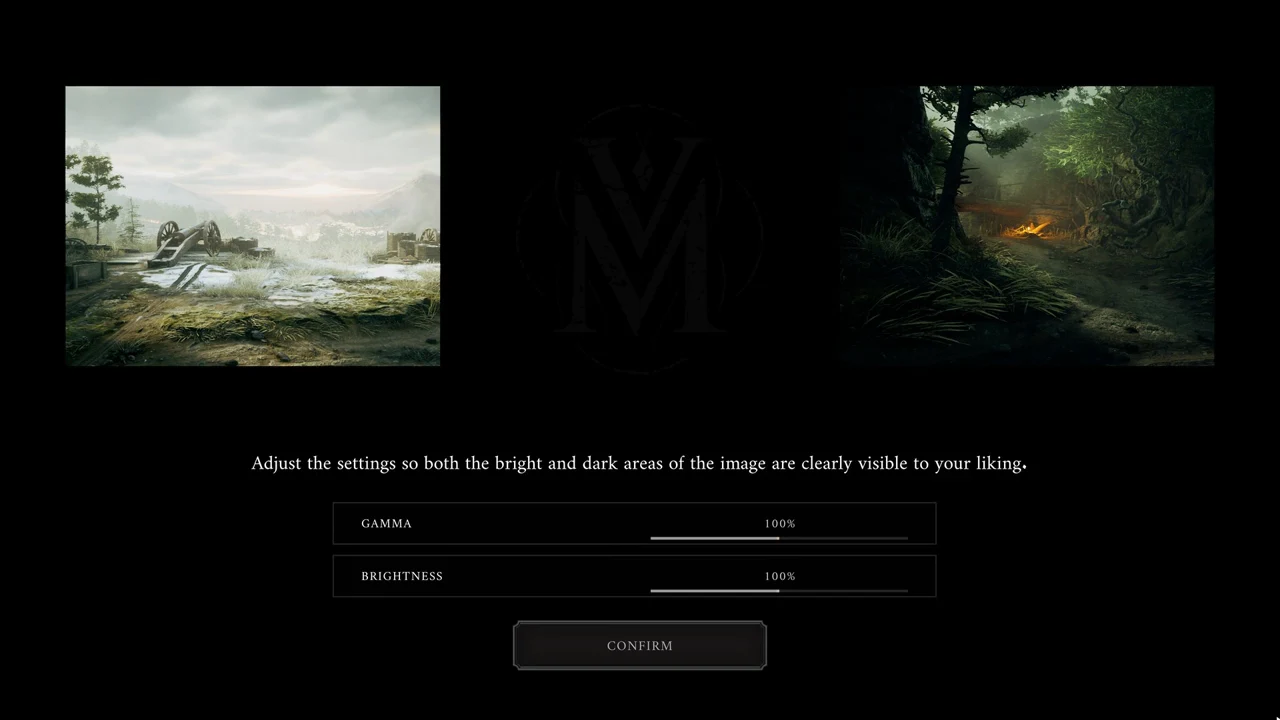
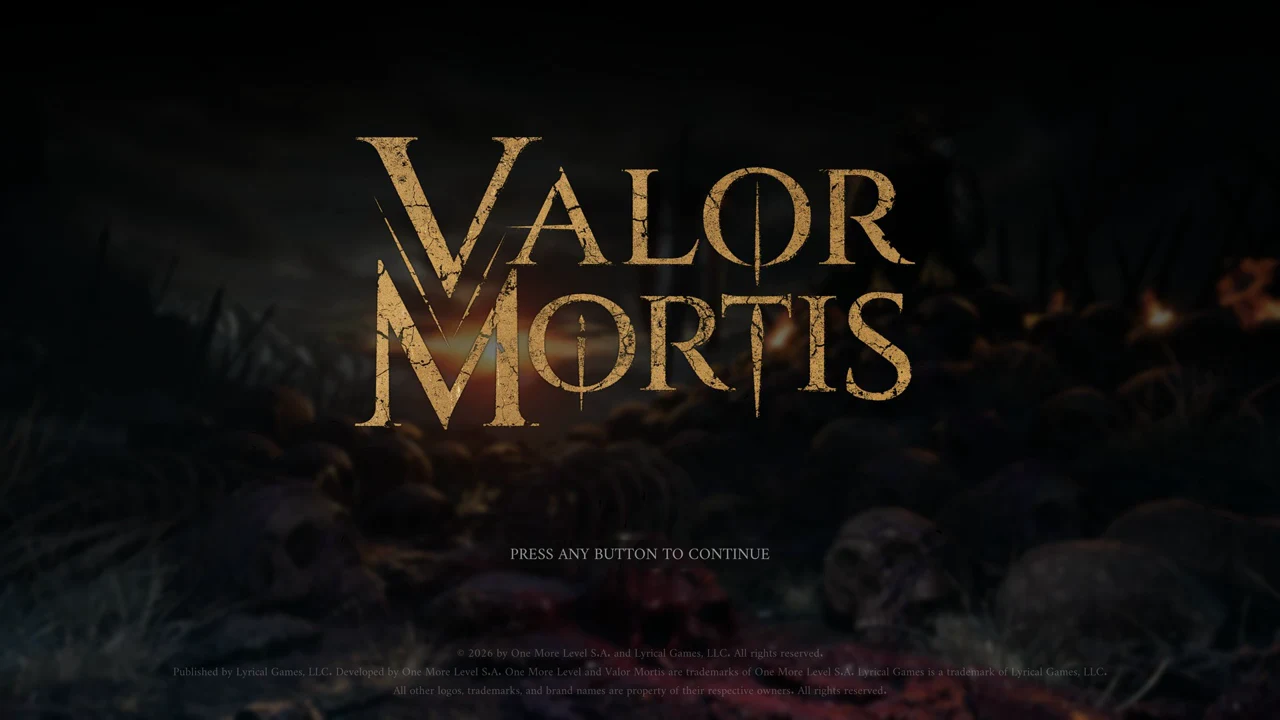
Check the graphics settings before you start
On the first launch the game runs a quick CPU and GPU test and picks the graphics settings from the result. On the RTX 2060 it selected the LOW preset with NVIDIA DLSS set to ULTRA PERFORMANCE. Open Options > VIDEO before starting to check what was chosen.
A second shader compile on New Game
The initial shader pass leaves some work undone. Select NEW GAME and let the opening cinematic play; before gameplay starts, another “SHADER COMPILATION…” screen appears with an identical bar. The opening minutes afterward may run more slowly than later play, so leave the game open and allow this second pass to complete.