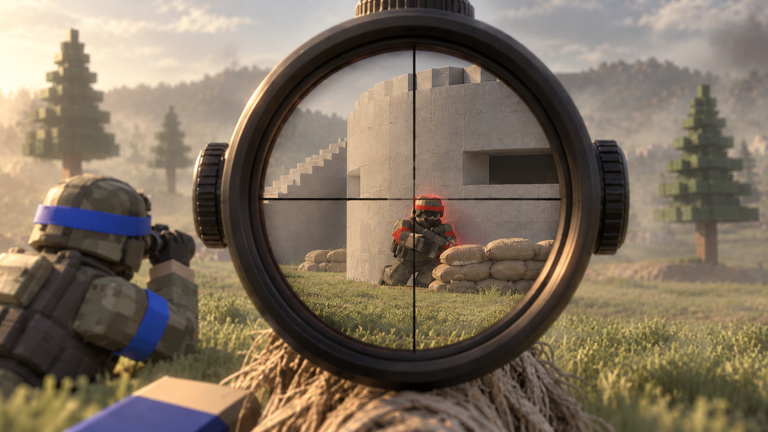
Every new player in Voxel Wars, the 15v15 destruction shooter on Roblox from Voxel Front, drops into their first match with the same kit. The VR-30 assault rifle sits in slot 1, and the Rocket Launcher is in slot 3. Everything else in the Armory, including six more rifles, unlocks as your level goes up. You get those levels by playing matches, and they can come up partway through a round.
Quick answer: You start with the VR-30. The K-433 rifle unlocks at Level 2, and the last rifle, the BT-762, needs Level 20. Open Armory, then Loadout, to see each gun’s level requirement.
Voxel Wars starting loadout
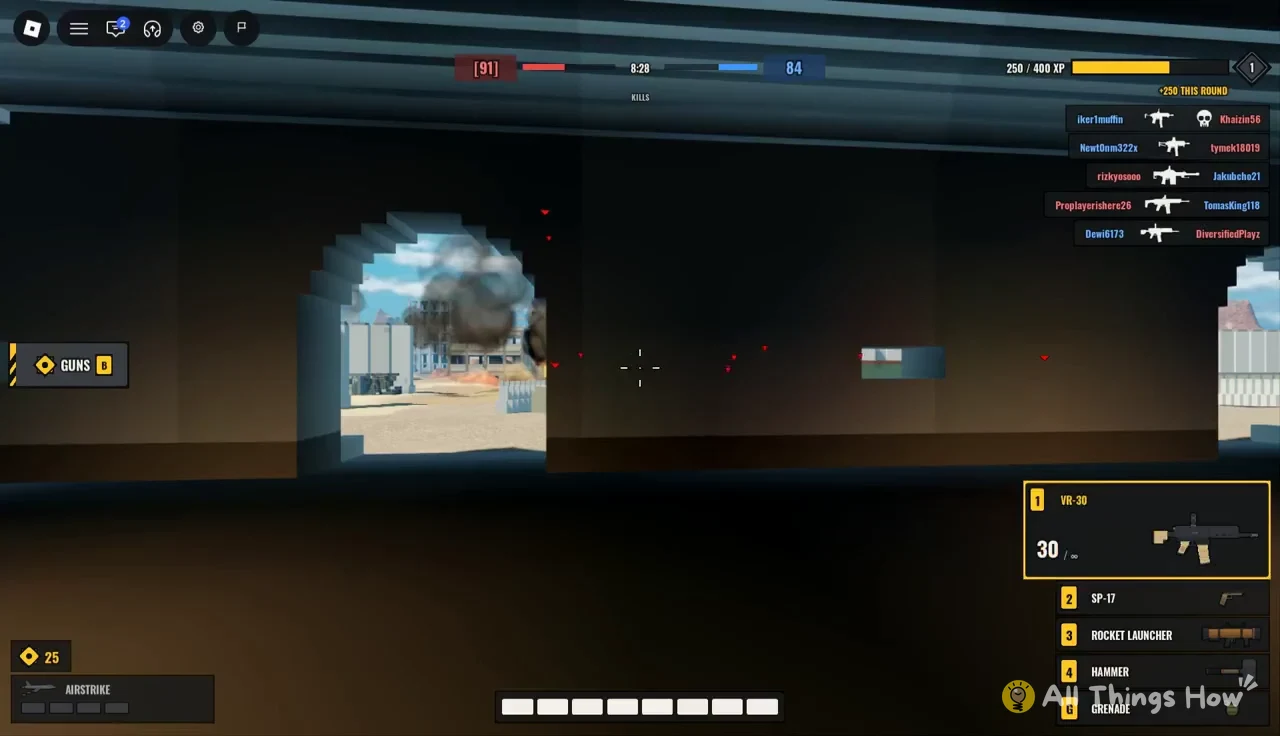
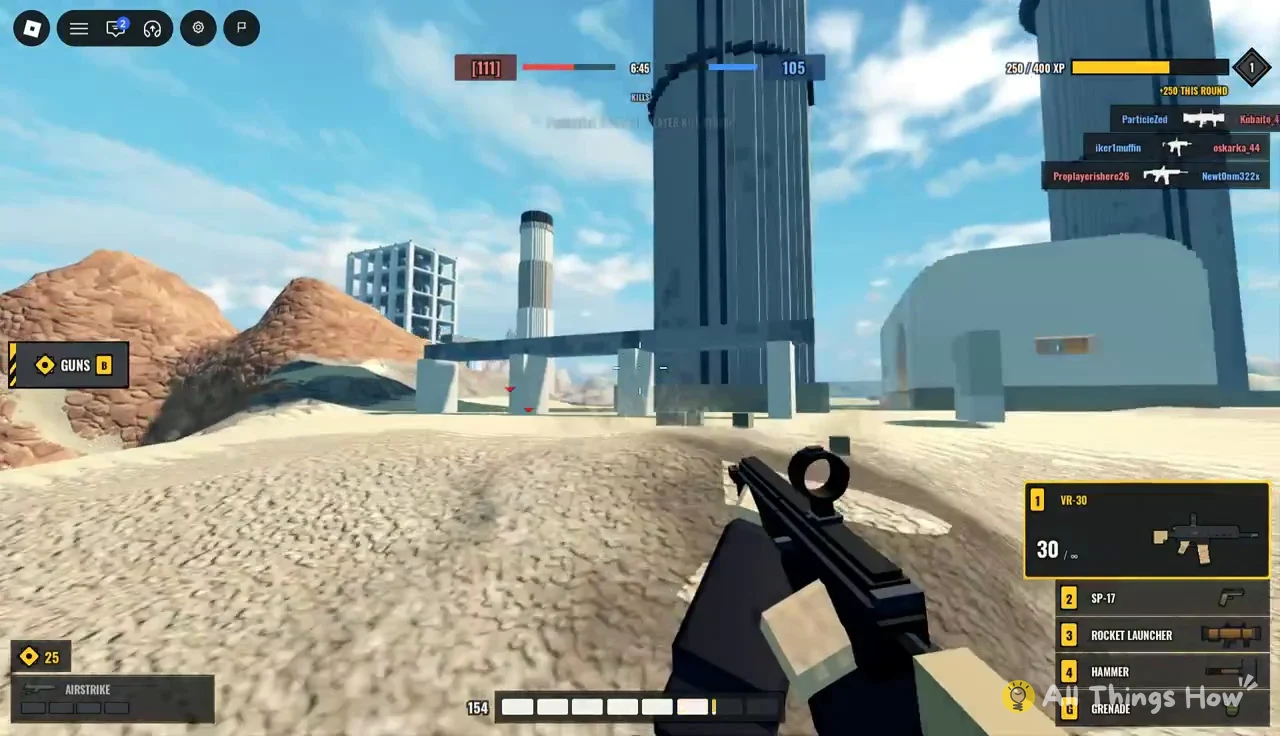
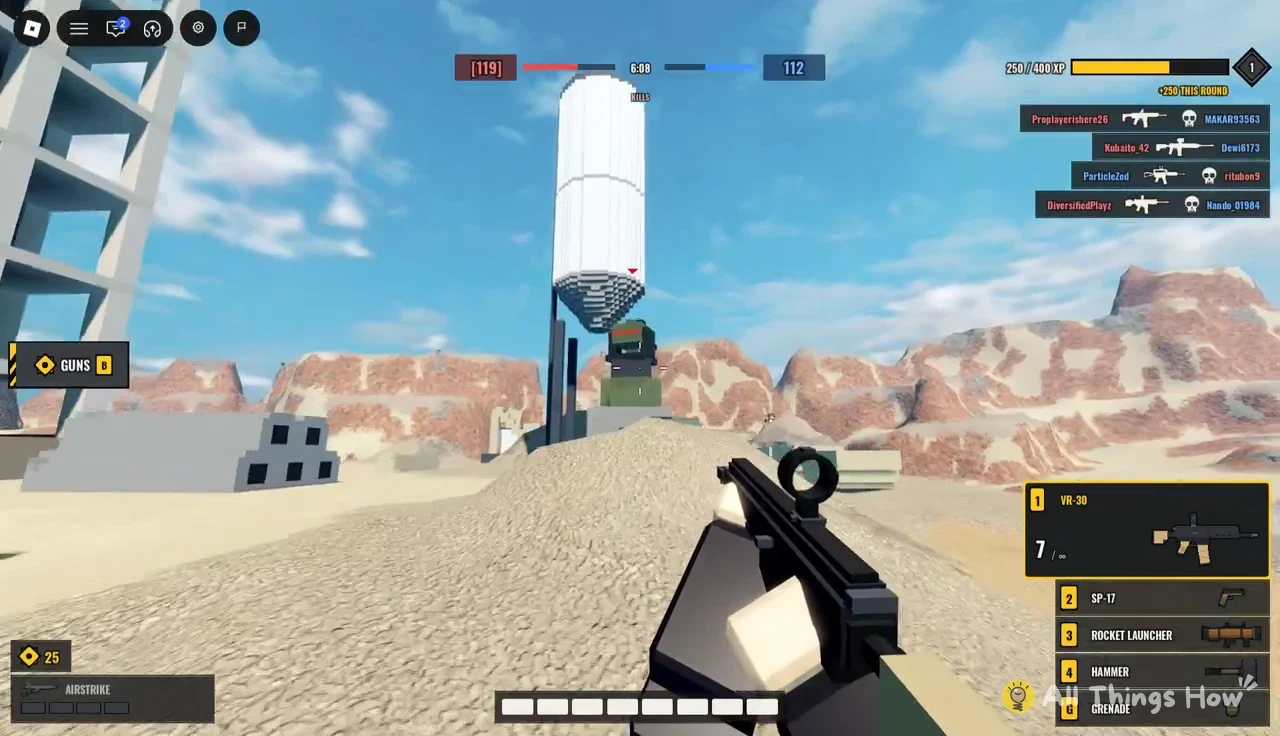
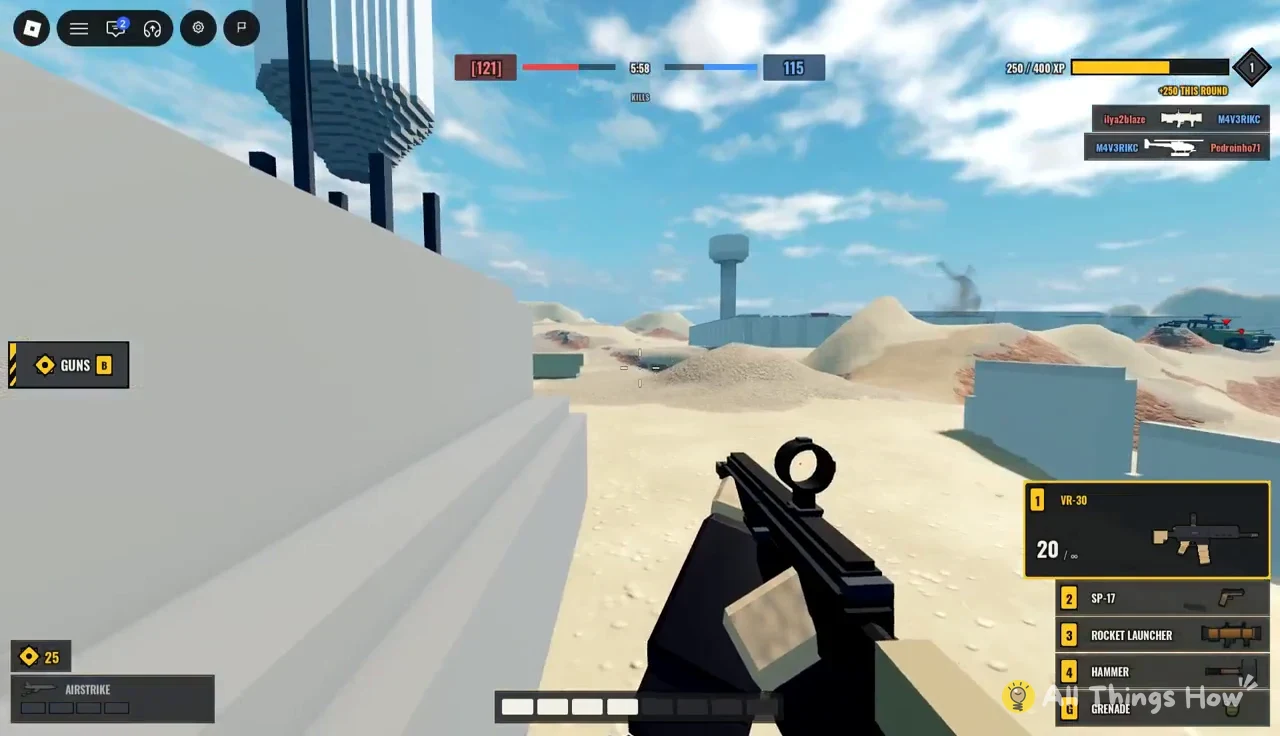
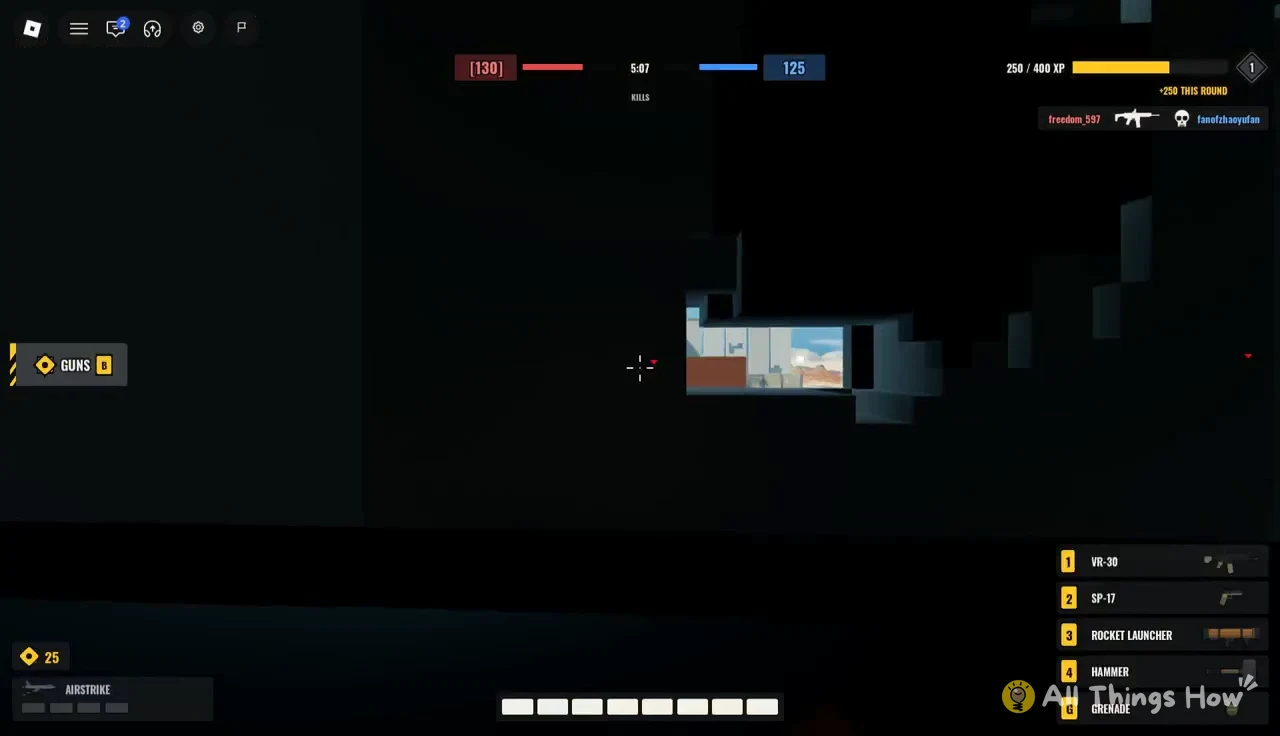
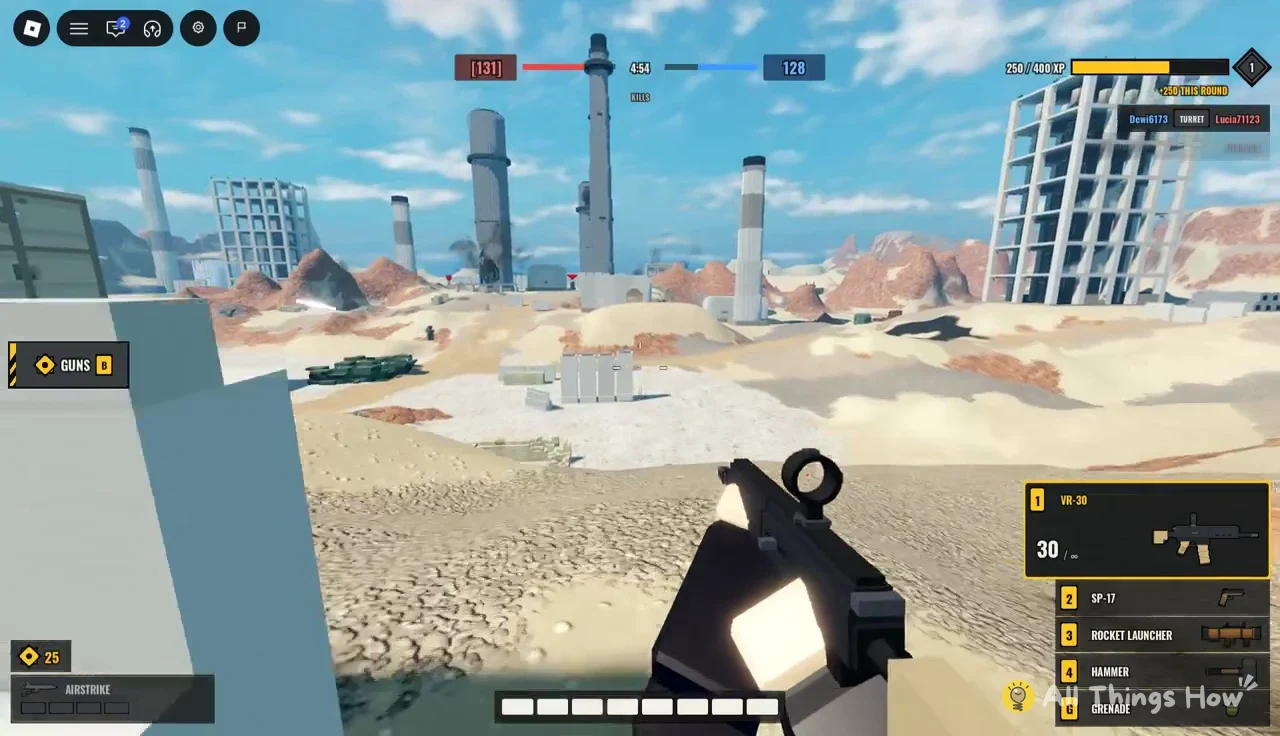
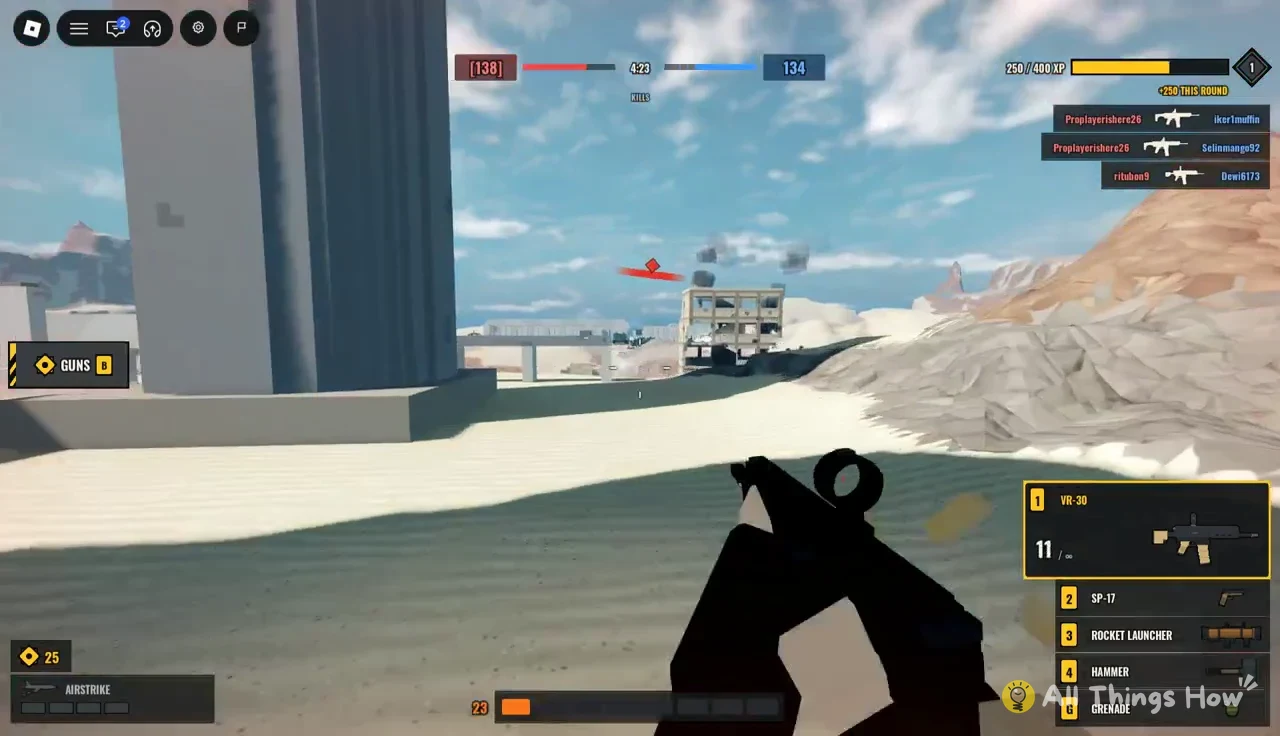
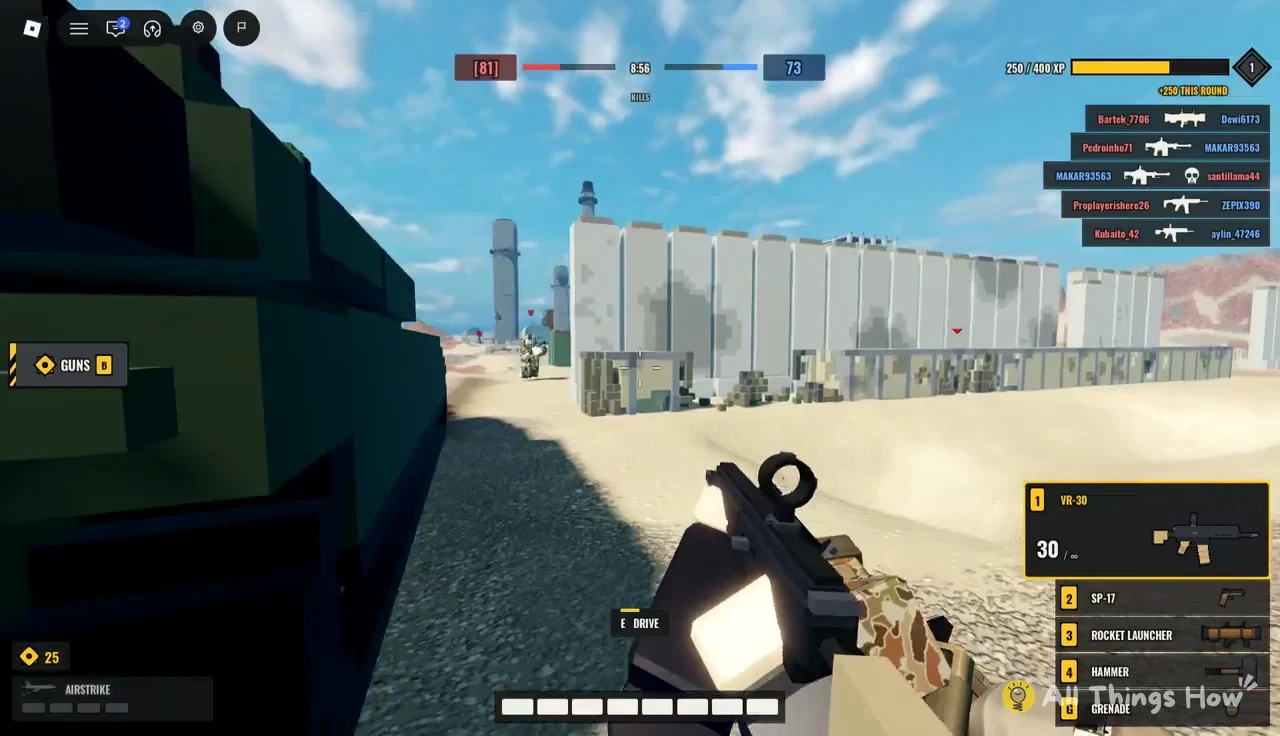
When you spawn inside your team’s base, the weapon bar shows the VR-30, the SP-17, the Rocket Launcher, a Hammer and a Sledgehammer, a Grenade and Frag Grenade, and the Airstrike killstreak. The VR-30 is in slot 1 and is the gun you’re holding when you first walk out the spawn door.
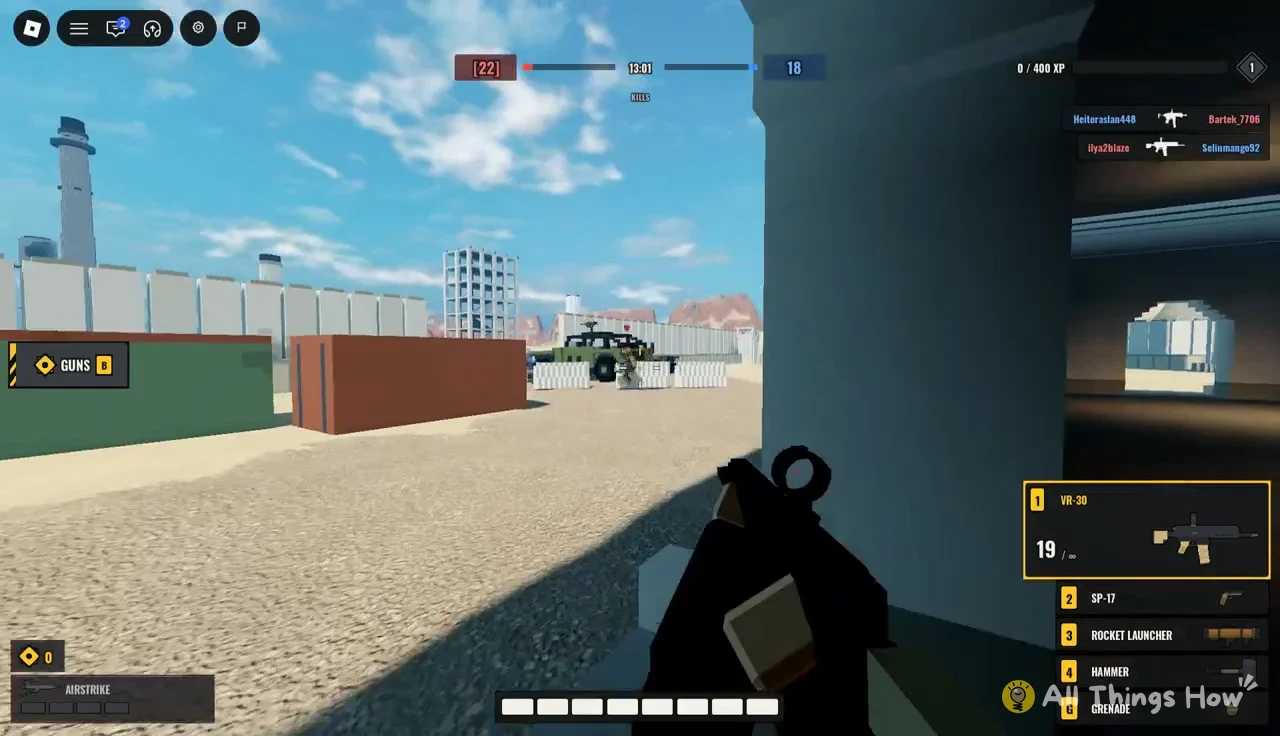
Your loadout has six slots: Primary, Secondary, Utility, Melee, Throwable and Streak. The weapon panel on the HUD lights up whichever slot you’re holding, which makes it easy to check at a glance whether you’ve got the rifle or the launcher out.
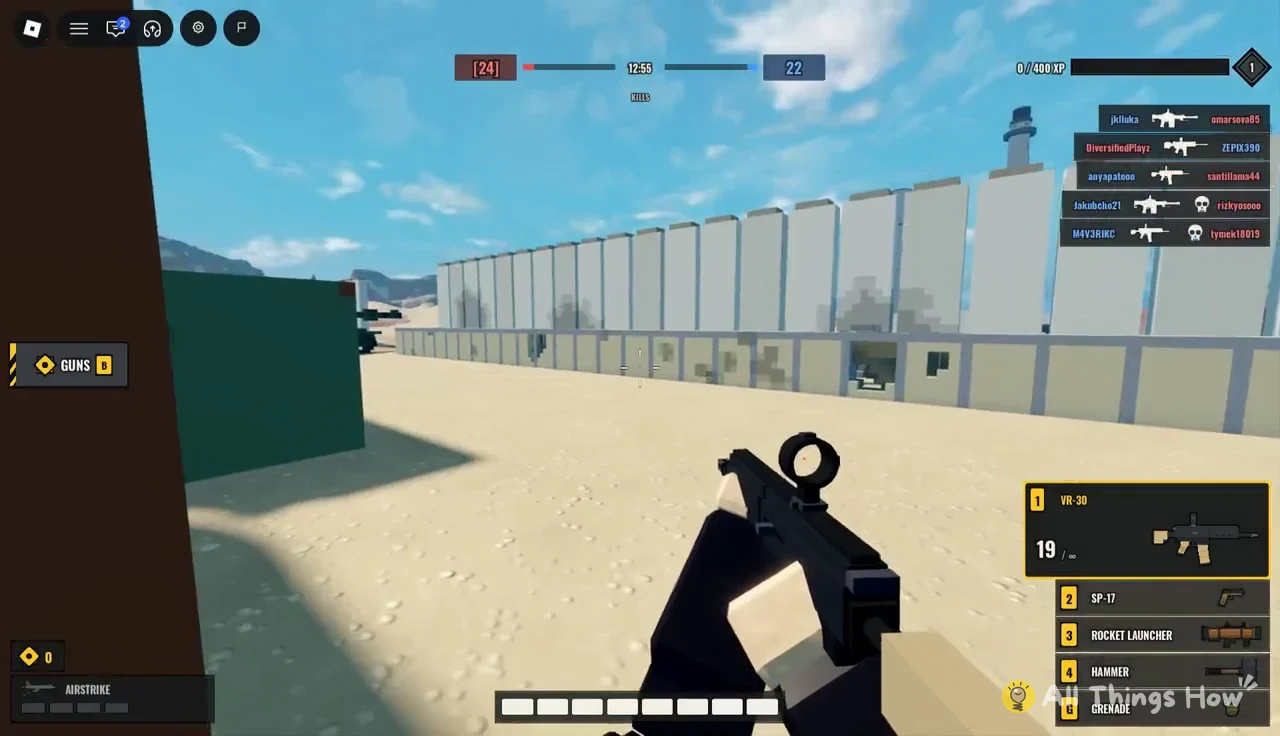
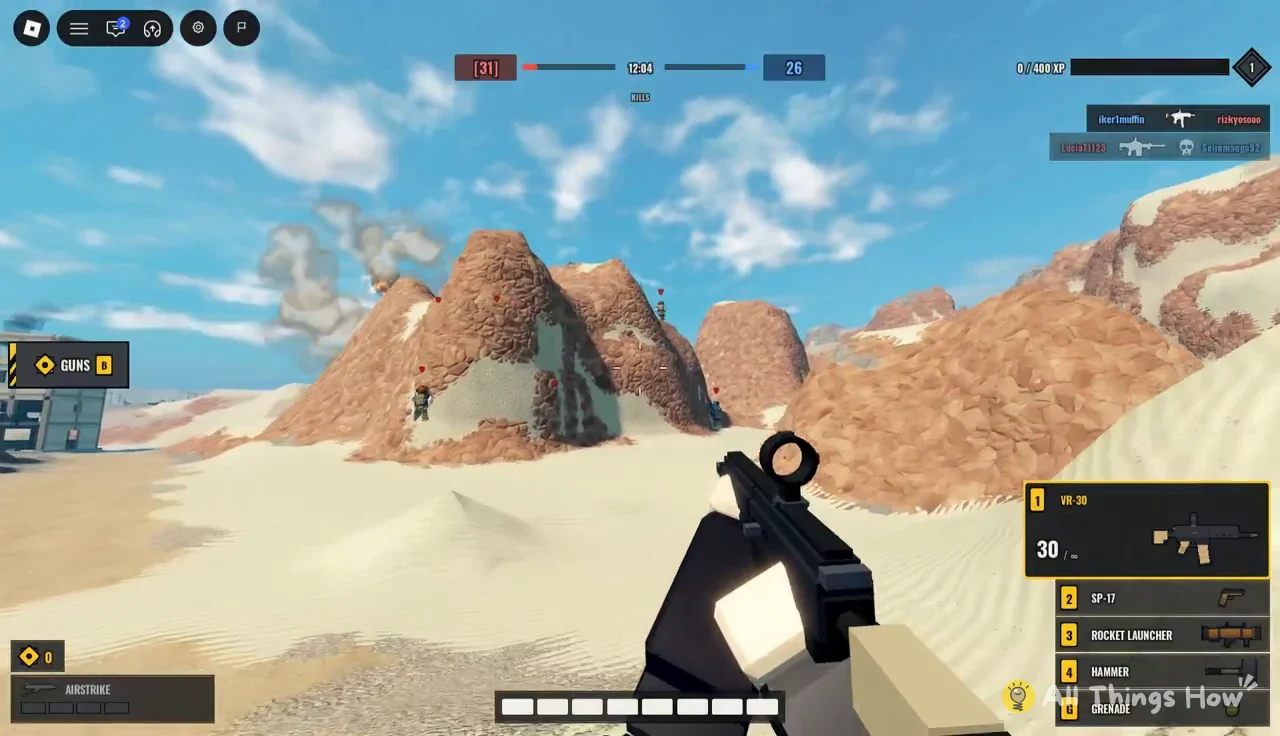
VR-30 stats
The Armory describes the VR-30 as “Full auto, 30 rounds. An even all-rounder; five torso hits up close, seven far out. It chips away at blocks.” So you need two more body shots to drop someone at range than you do up close, and the bullets slowly break the voxel walls you’re shooting through.
| Stat | VR-30 |
|---|---|
| Damage | 41 |
| Fire rate | 600 RPM |
| Magazine | 30 |
| Reload | 1.19 s |
| Aim time | 0.24 s |
| Recoil | 0.58° |
| Aimed walk speed | 70% |
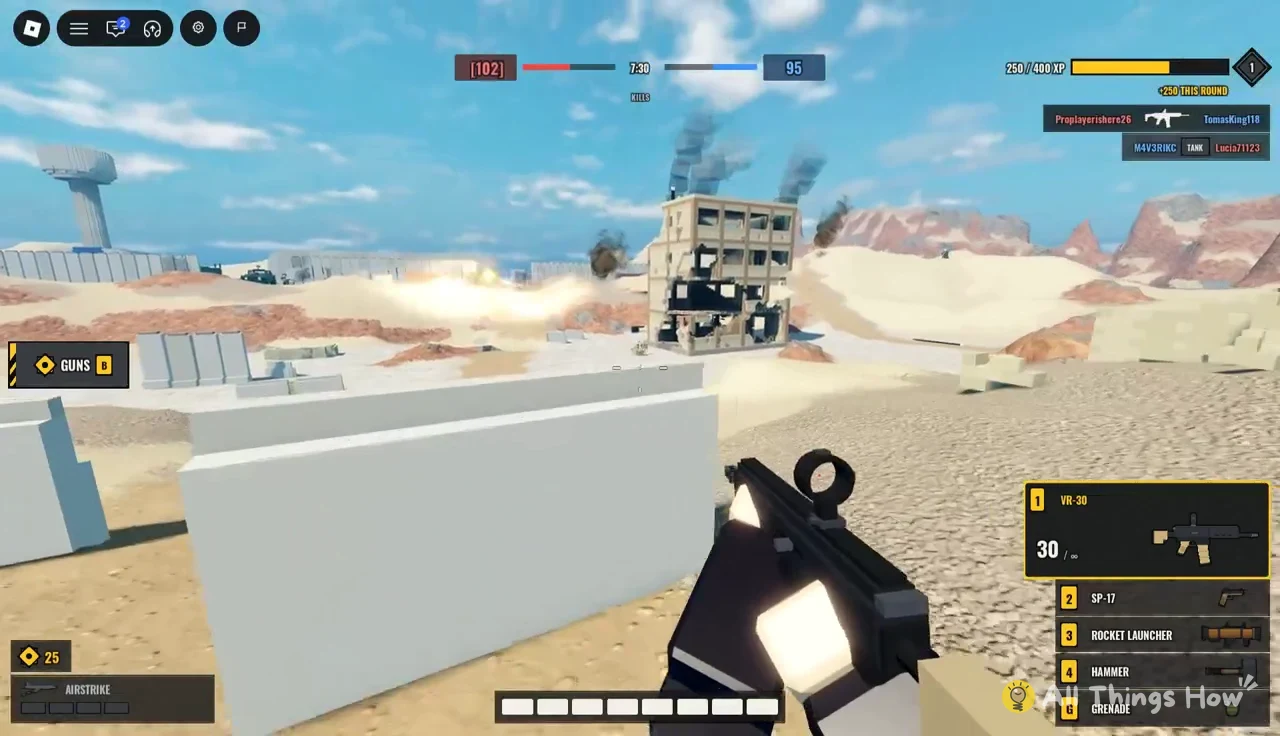
Headshots count for extra, and the game flags them with a skull and a HEADSHOT tag. At 1.19 seconds, a reload is short enough to do between bursts across the open sand on Saltpan.
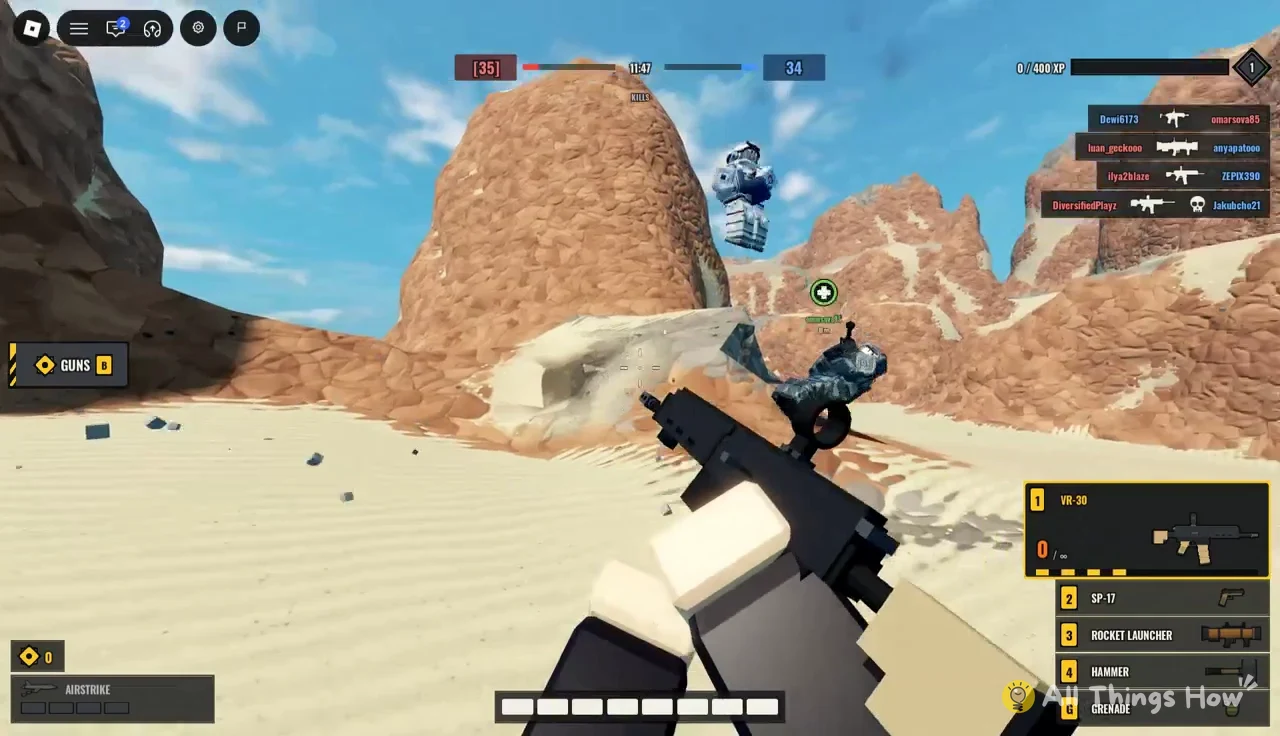
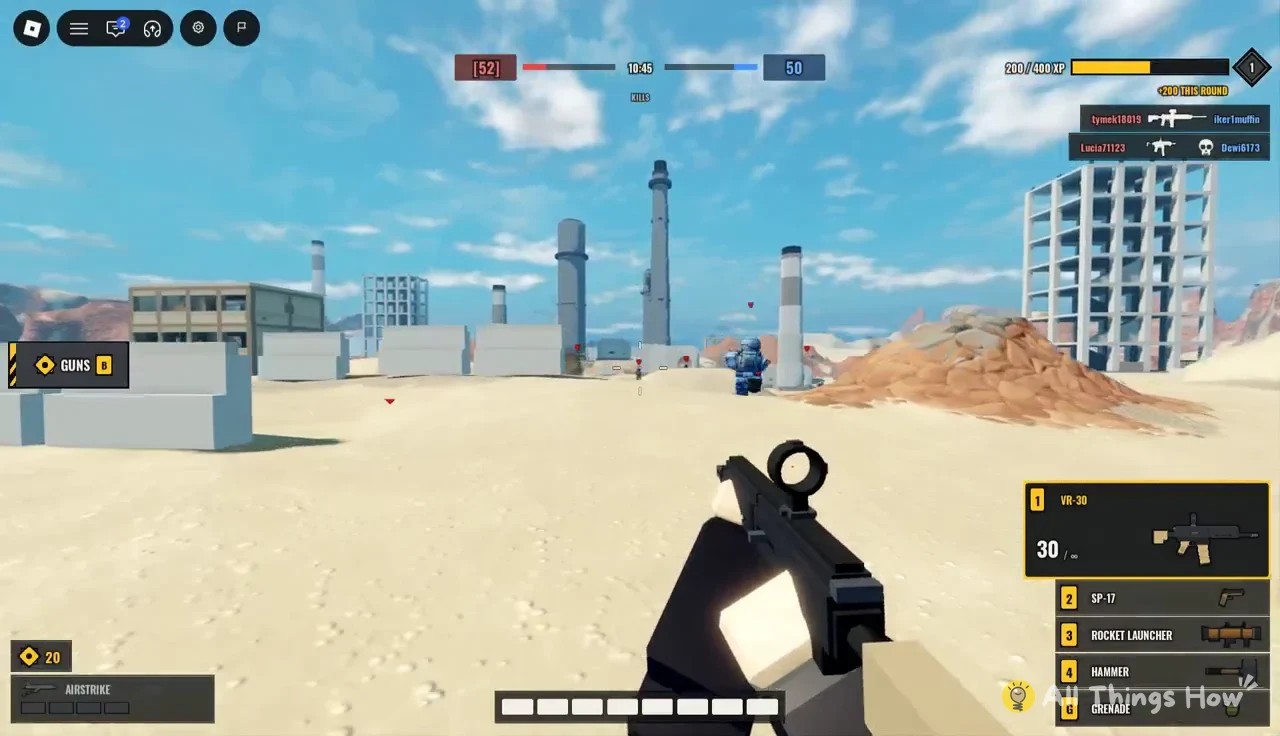
Aiming takes 0.24 seconds and drops your walk speed to 70%, so you can strafe a little while you’re aimed down sights. Most VR-30 fights on Saltpan happen at long range, across the flats between the bases, where you’ll need seven torso hits.
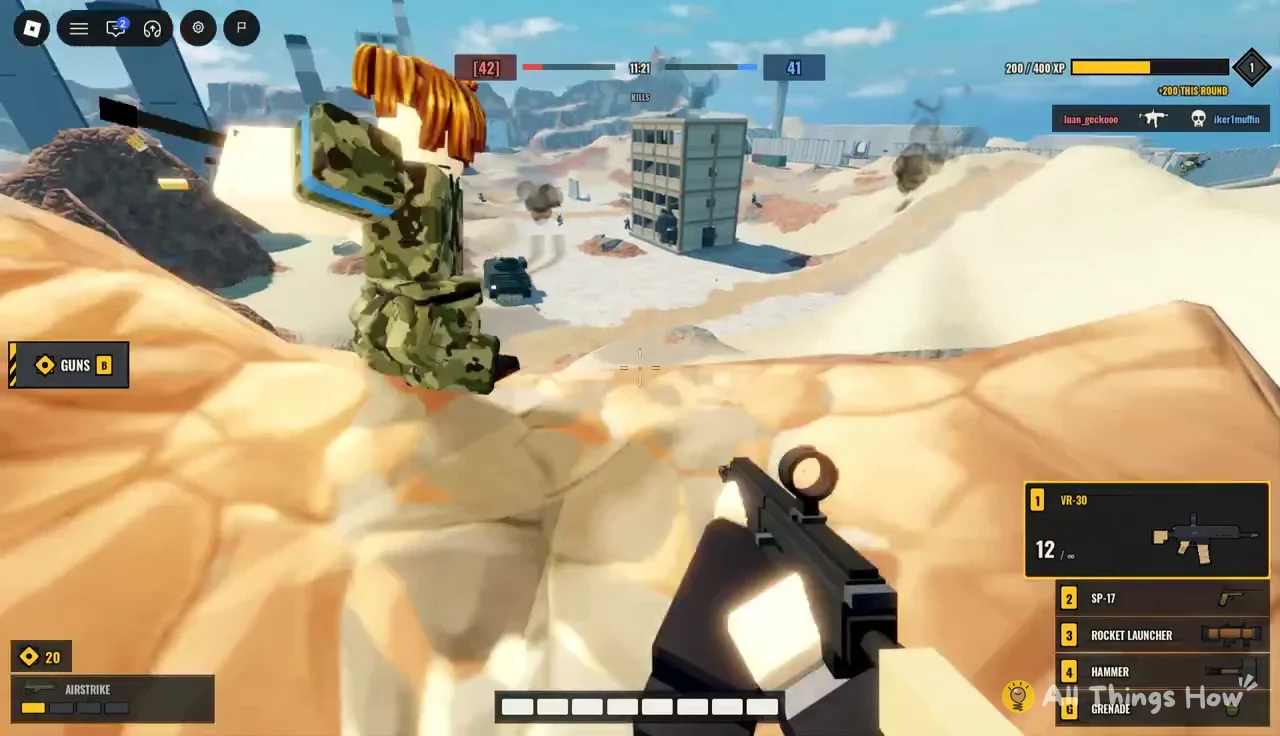
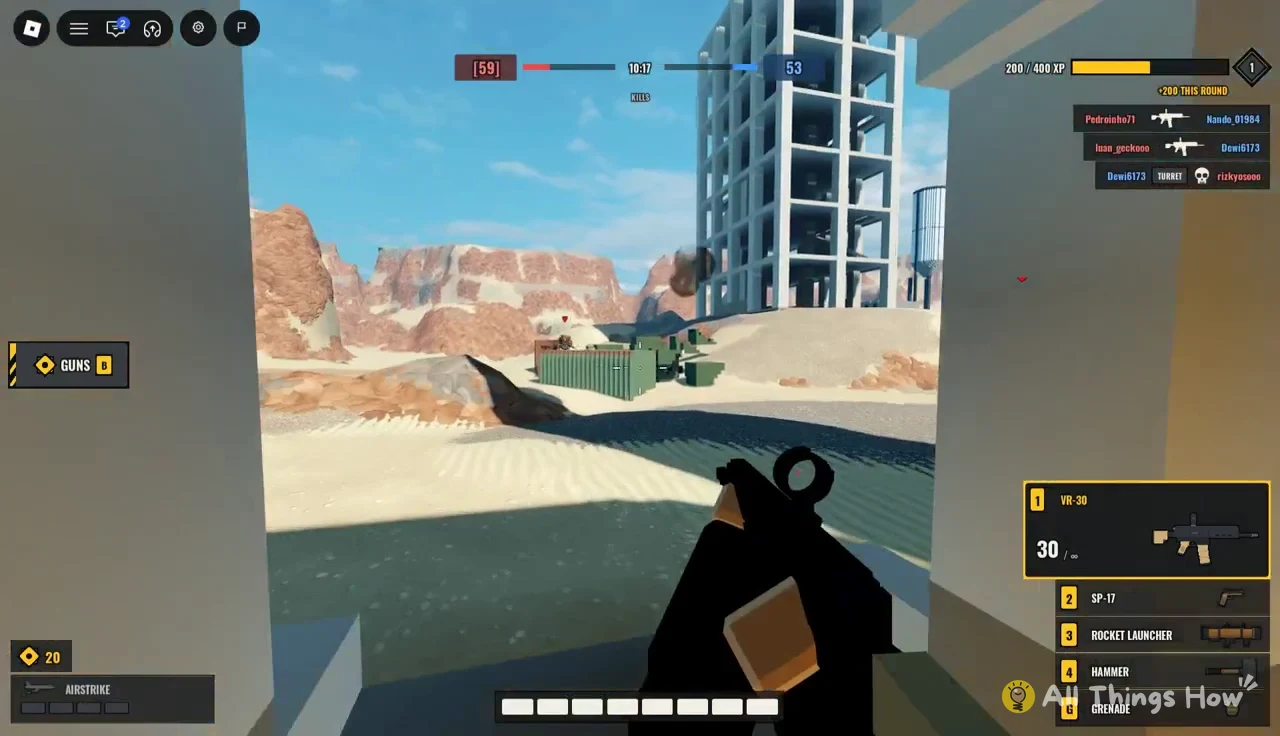
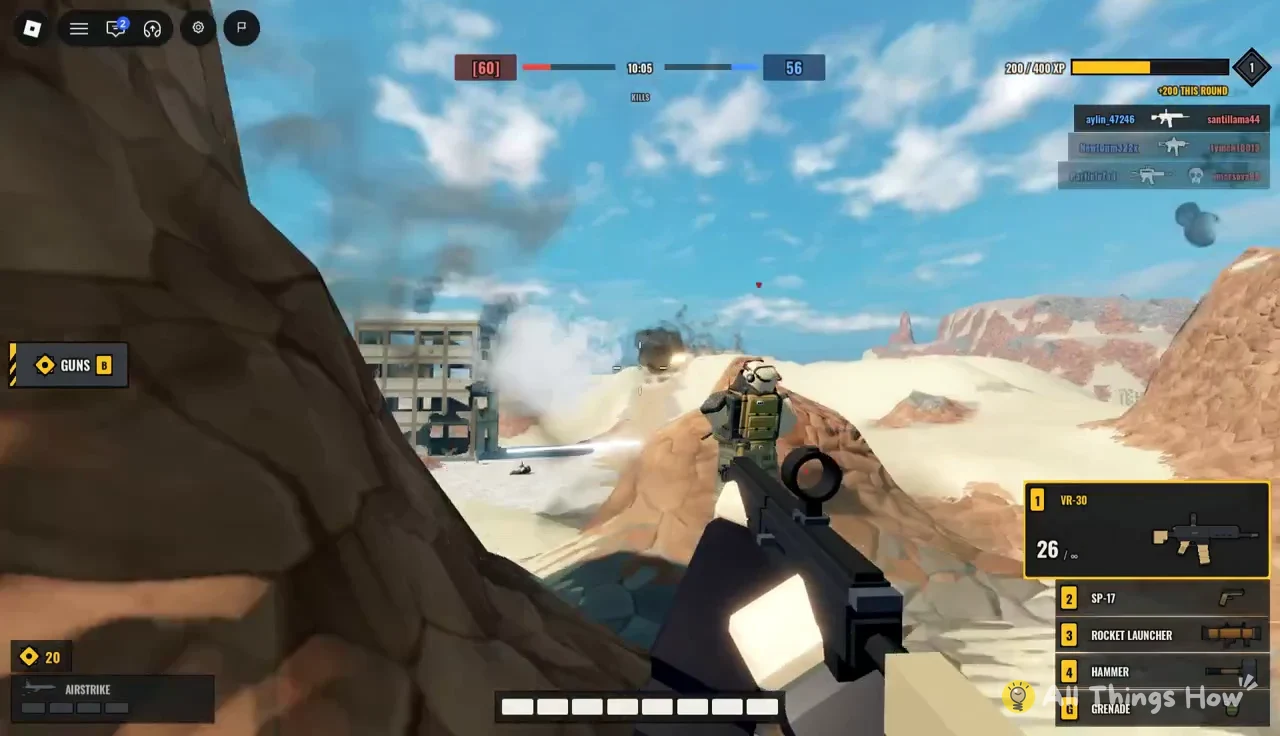
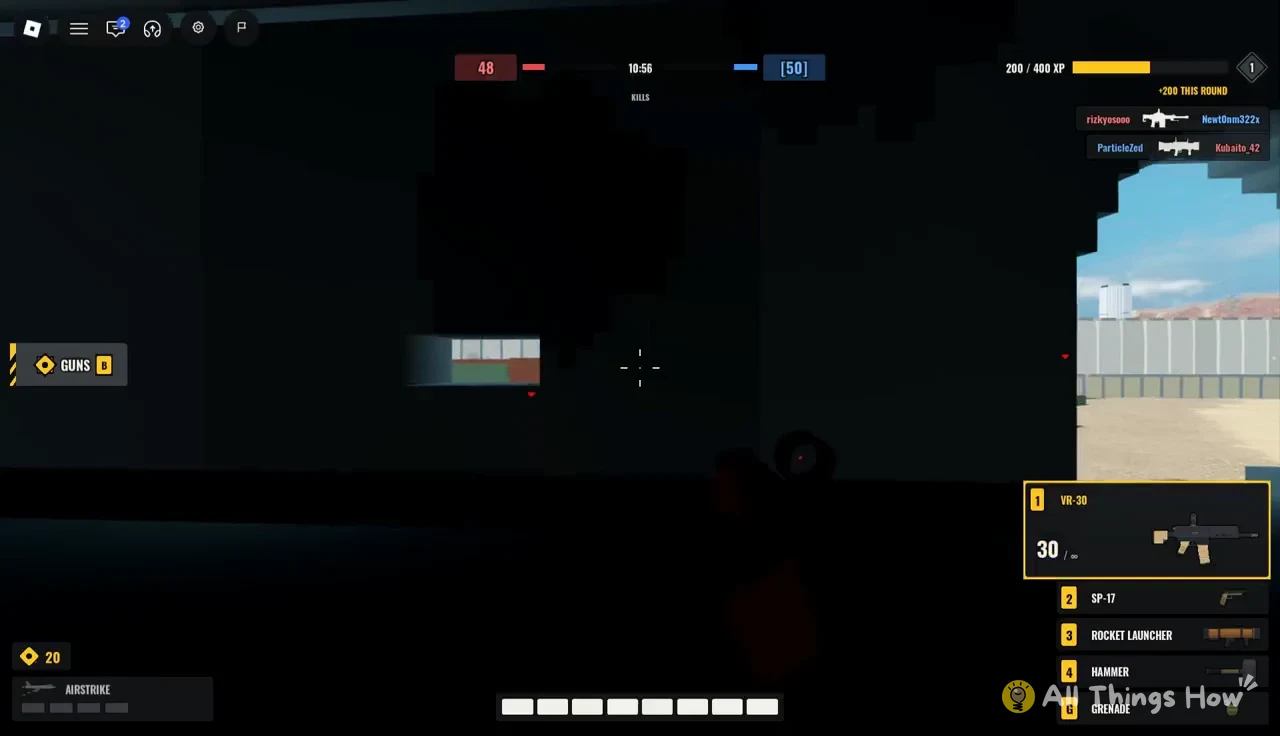
Inside buildings and bunkers, you’re in the five-hit range, and the 30-round magazine is enough for a couple of close kills before you need to reload.
How to check and equip guns in the Armory
The Armory menu has tabs for Armory, Loadout, Quests, Outfits, Vehicles, Store and Profile. You can open it in the middle of a match, and that’s where you change guns and see what each one needs.
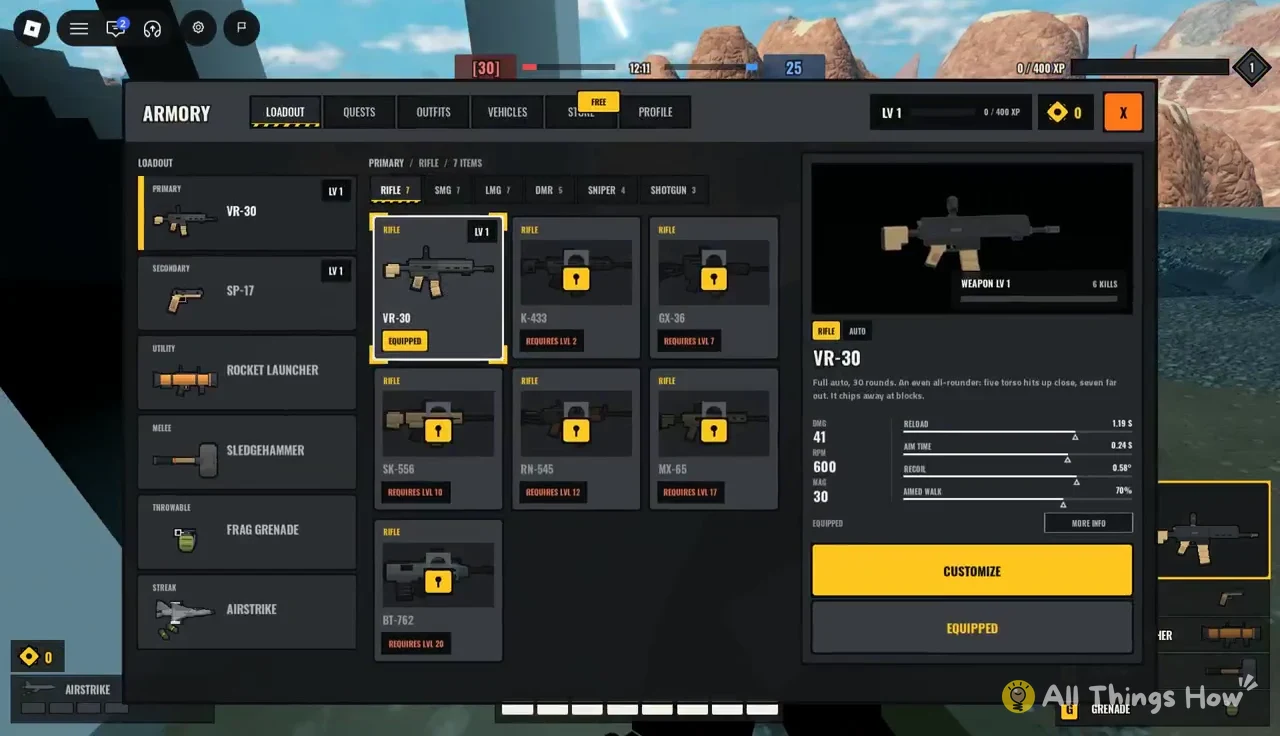
These are the categories and the numbers next to them on the Loadout screen:
| Category | Number shown |
|---|---|
| Rifle | 7 |
| SMG | 7 |
| LMG | 7 |
| DMR | 5 |
| Sniper | 4 |
| Shotgun | 3 |
Back in the match, the weapon panel shows the new gun in its slot once you close the menu.
Voxel Wars rifle unlock levels
The Rifle tab holds seven guns. The VR-30 is free from the start, and the other six each have a level requirement:
| Rifle | Unlock |
|---|---|
| VR-30 | Starter |
| K-433 | Level 2 |
| GX-36 | Level 7 |
| SK-556 | Level 10 |
| RN-545 | Level 12 |
| MX-65 | Level 17 |
| BT-762 | Level 20 |
Levels don’t wait for the round to end. A Level 2 promotion can pop up partway through a match, and the post-match screen then lists everything each new level opened up. A single Team Deathmatch round on Saltpan can take a new account from Level 1 to Level 3.
| Level | Weapons and gear | Outfit |
|---|---|---|
| Level 2 | HC-7 handgun, K-433 rifle, Smoke Grenade | Standard Issue |
| Level 3 | Minigun, Repair Torch | Boonie Recon |
The GX-36 at Level 7 is the first big step past the starter rifle, and you’ll see why early on, because a lot of players on the other team already have it.
Rocket Launcher in slot 3
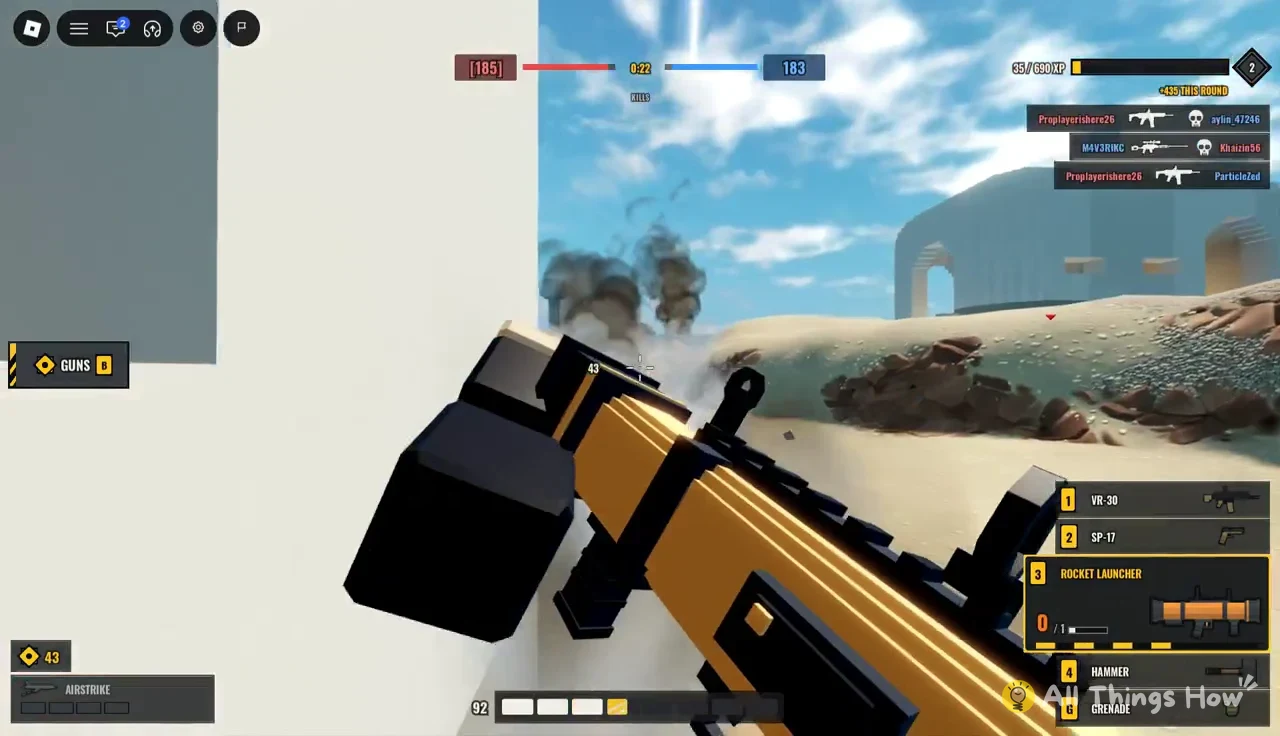
Switch to slot 3 and you’re holding the Rocket Launcher. Its explosions tear holes in terrain, break through brick walls and damage armored tanks, so it’s the tool for opening a new route into a base or hitting enemy vehicles that your rifle can’t touch.
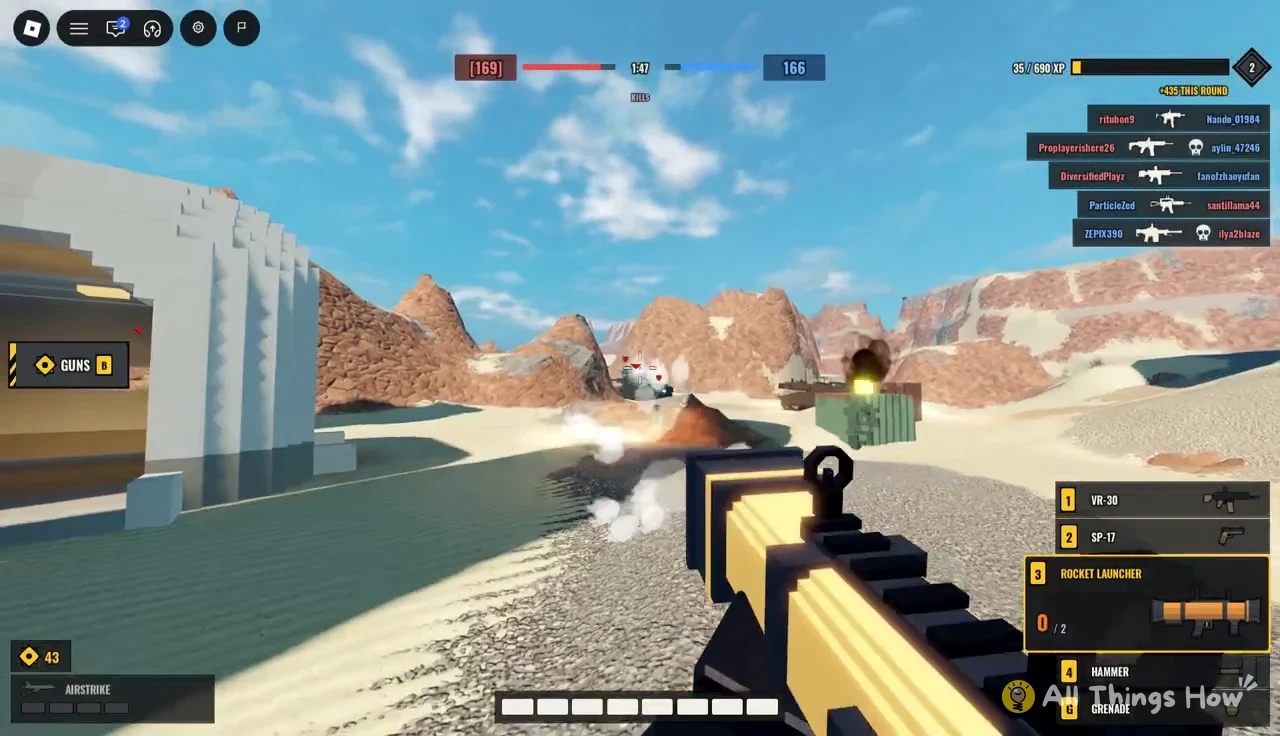
Several rockets straight into an enemy battle tank will damage it, and you’ll usually need more than one hit.
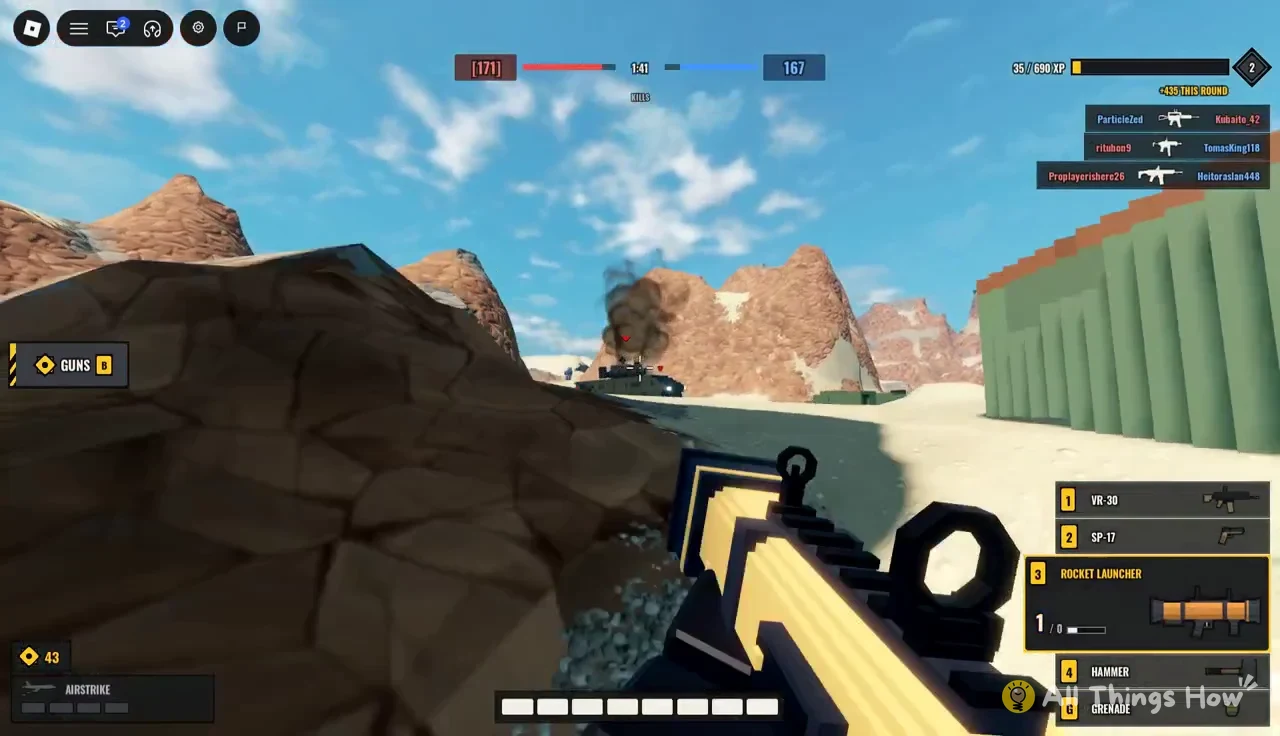
The HUD shows when the launcher is empty, and you still have it in slot 3 after you respawn.
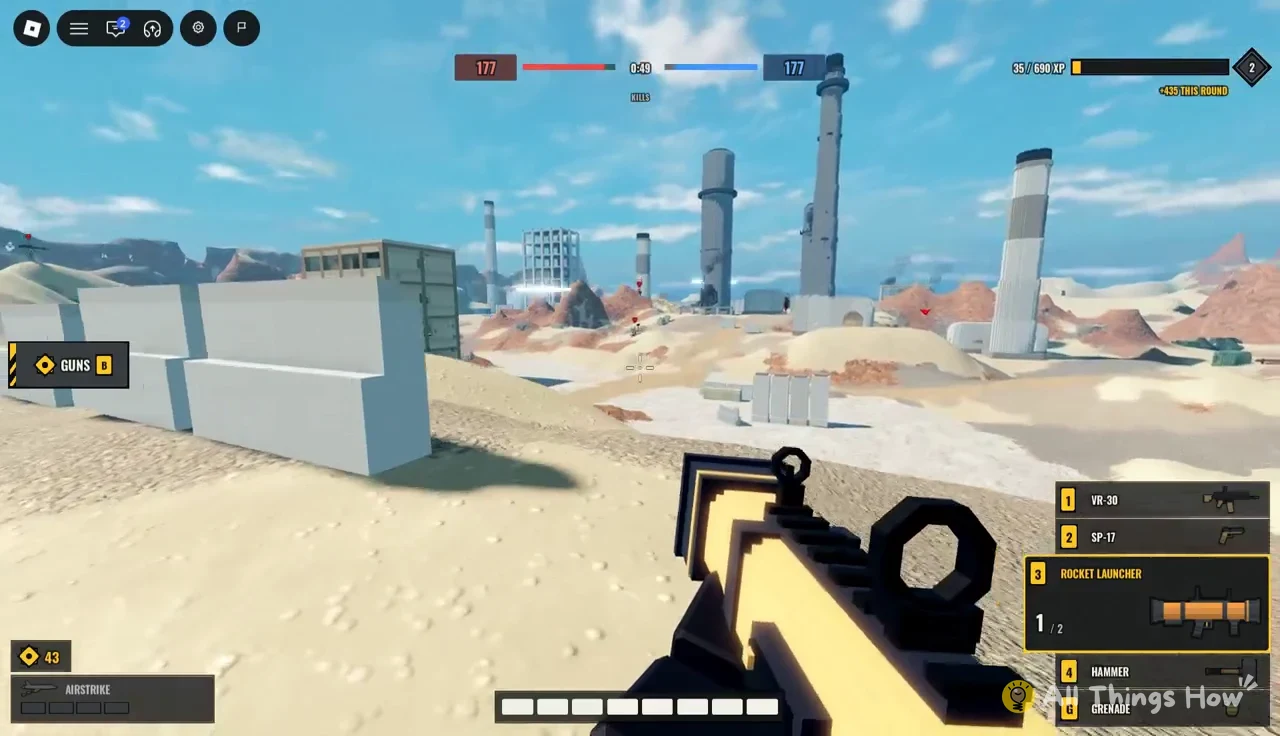
The blast hurts you, too. A rocket fired point-blank into a wall can knock you down, and the death screen reads “CAUGHT IN YOUR OWN ROCKET.”
Enemy guns on the death screen
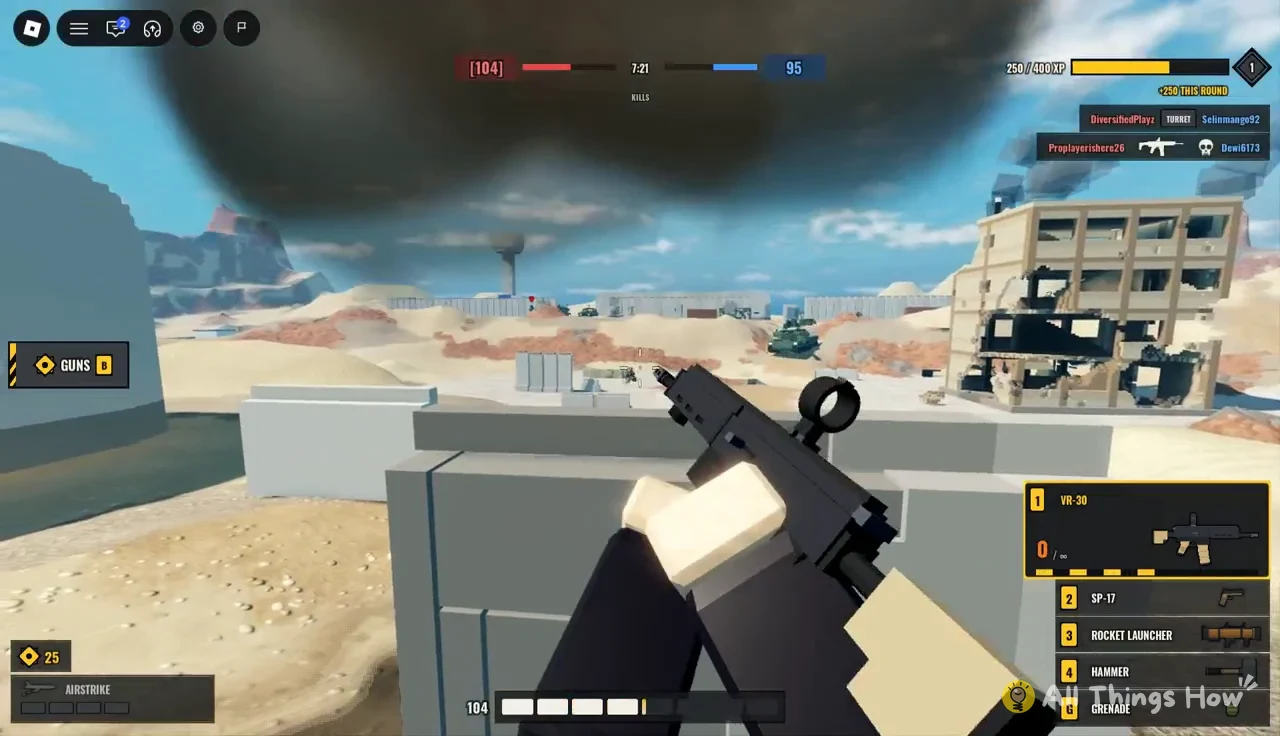
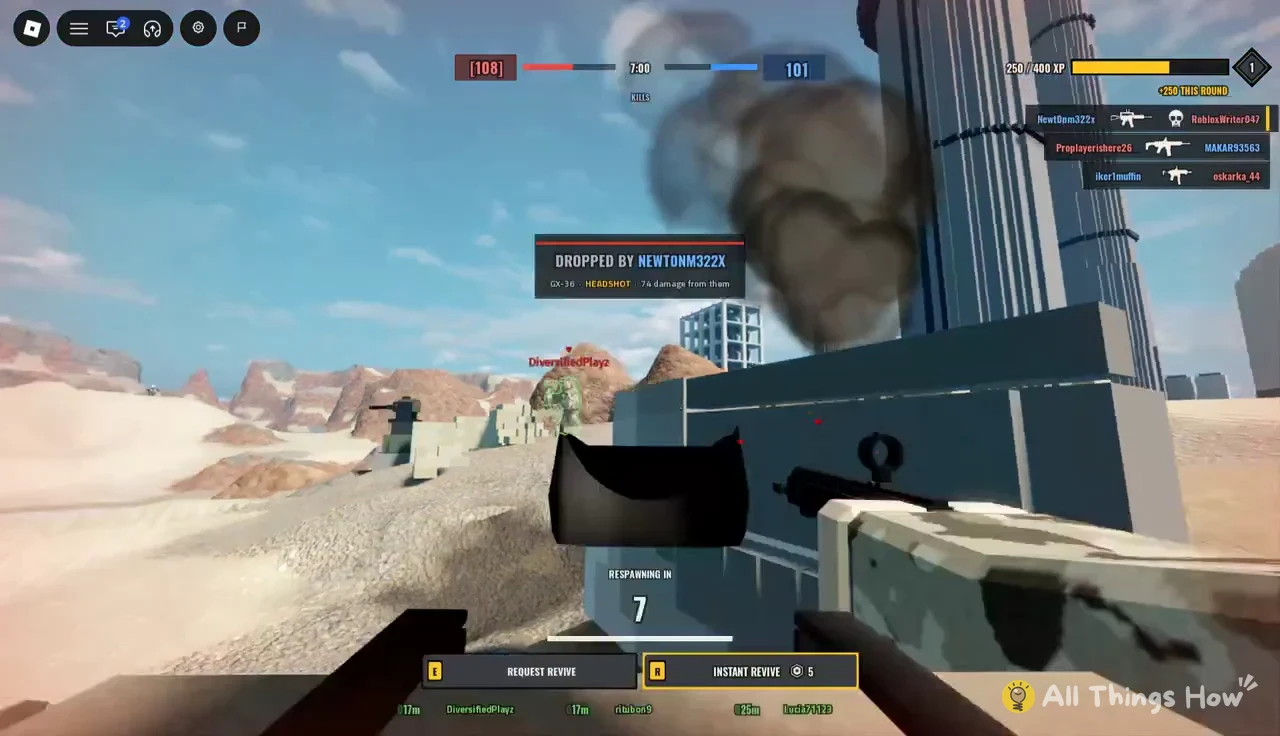
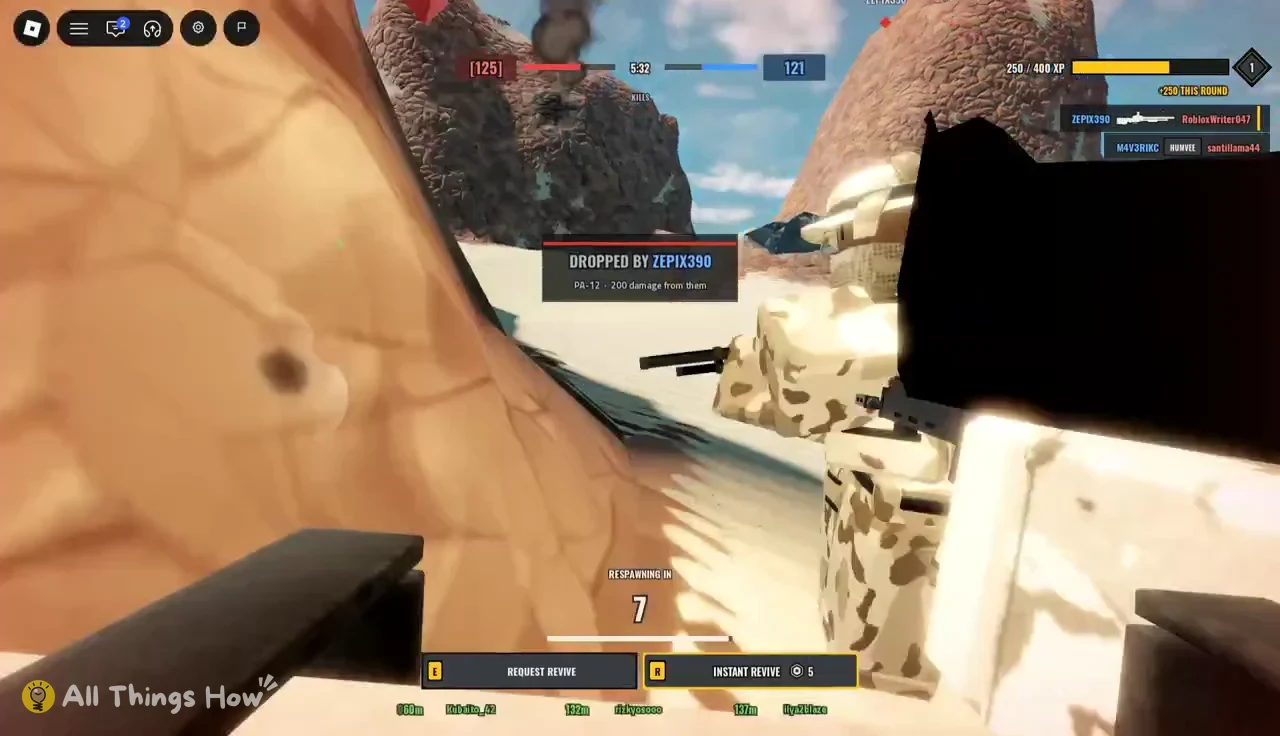
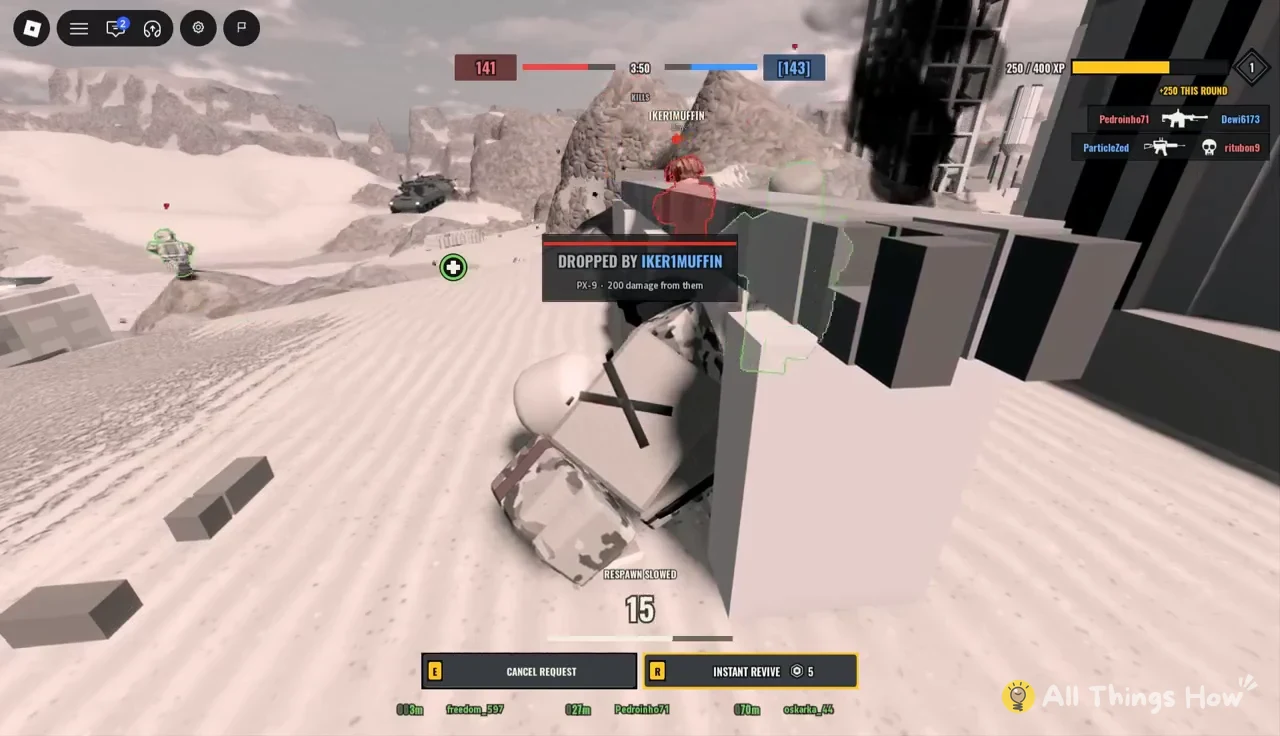
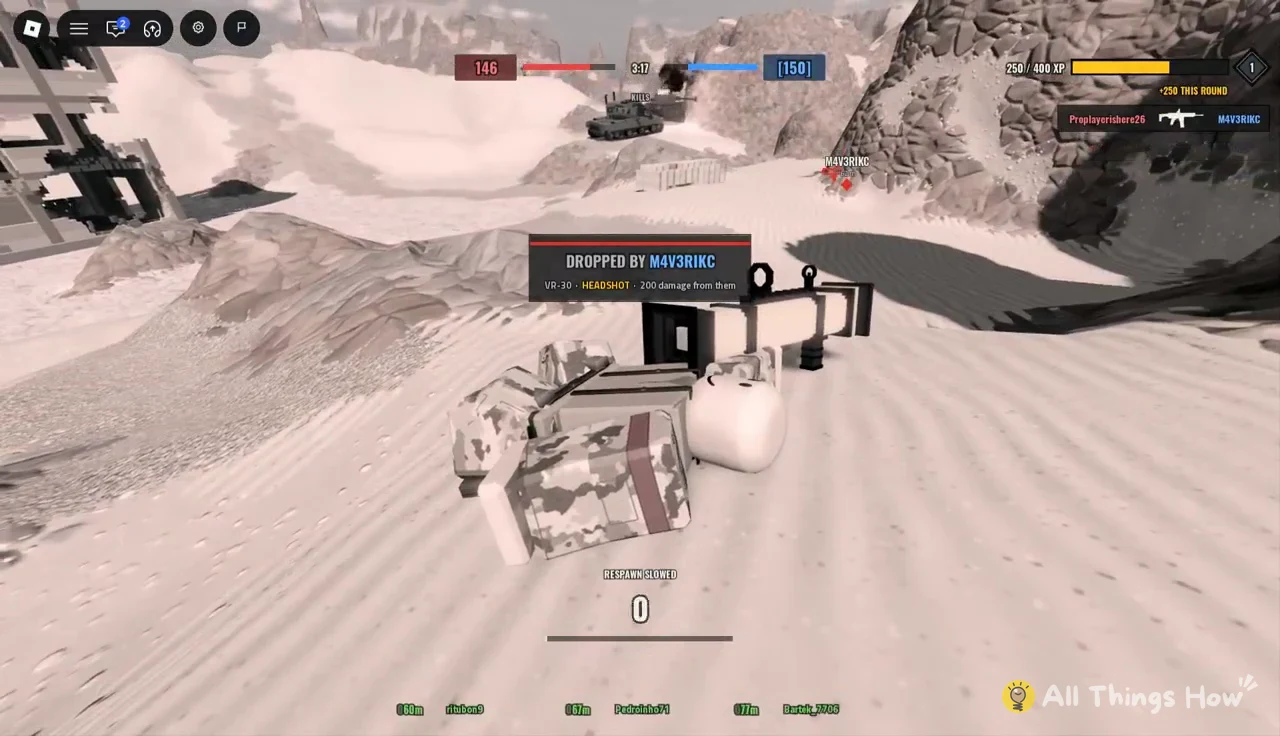
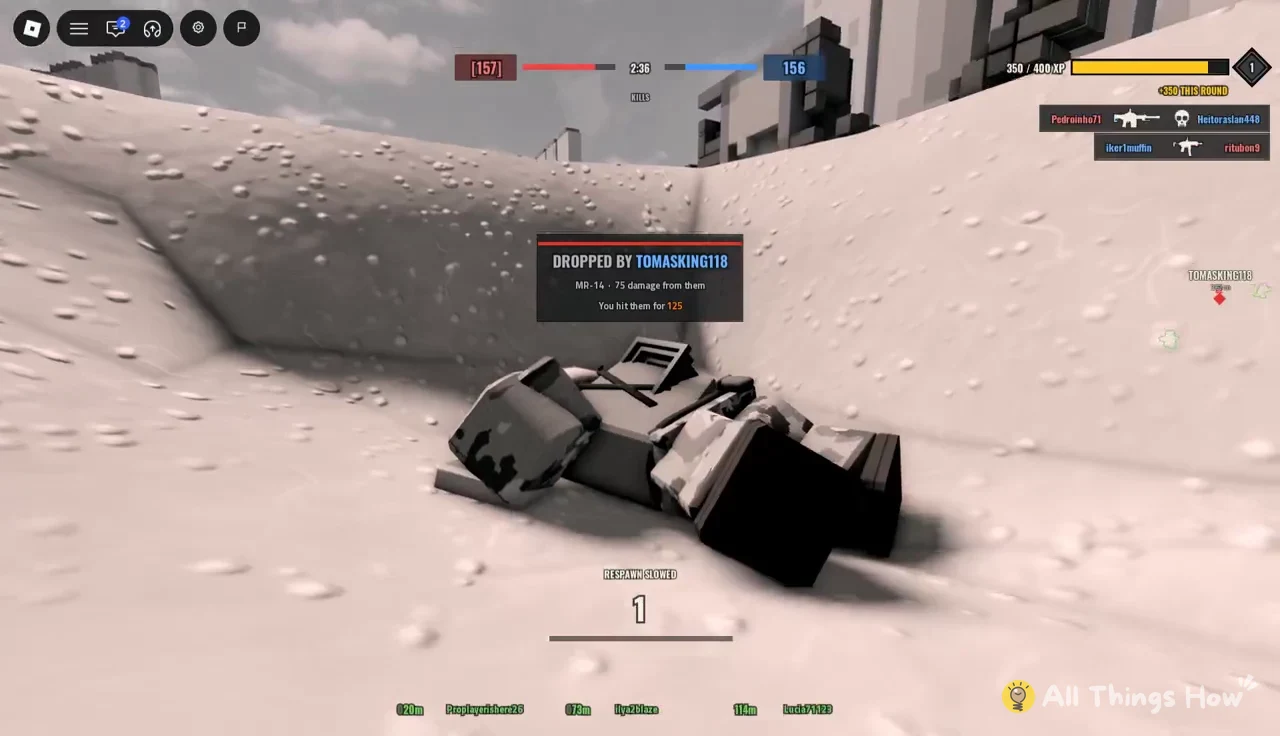
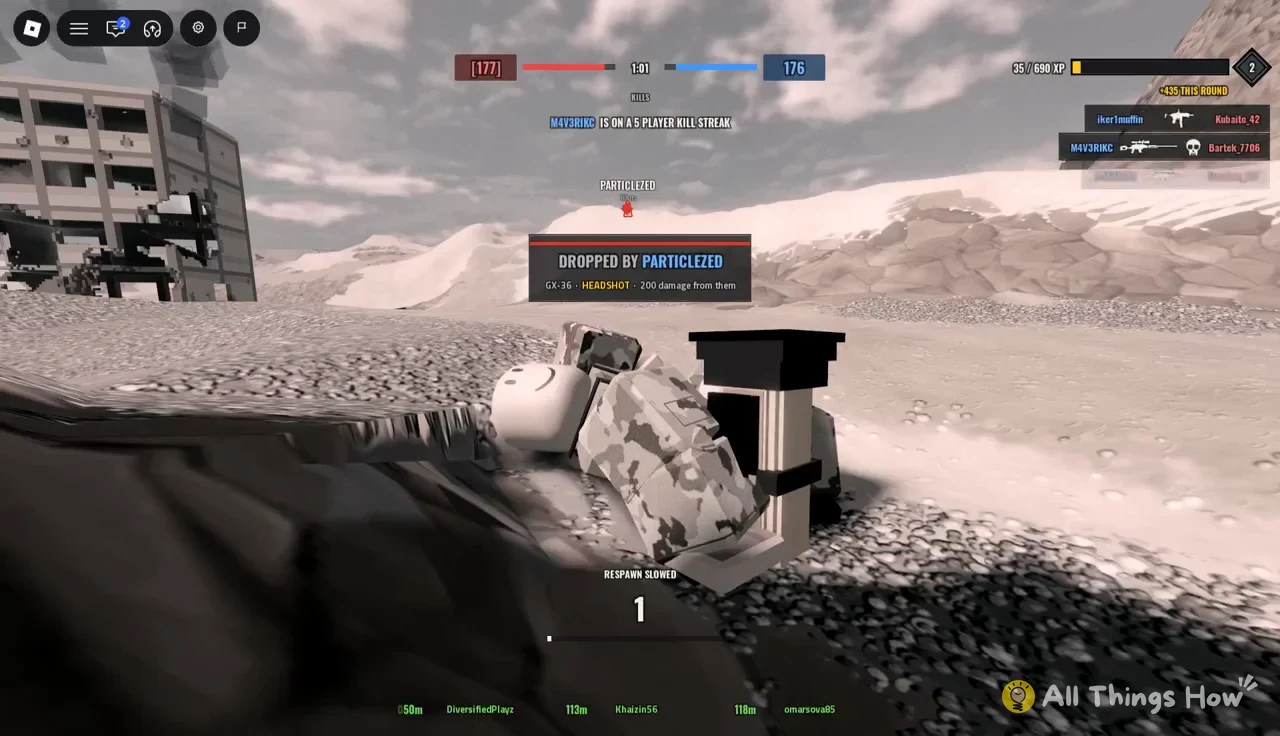
When you go down, the screen names the player who dropped you, the gun they used, and whether it was a headshot. It’s a quick way to learn which guns other players are running.
| Gun | Type |
|---|---|
| GX-36 | Rifle (Level 7) |
| VR-30 | Rifle (starter) |
| PA-12 | Shotgun |
| HB-100 | Not shown |
| PX-9 | Not shown |
| MR-14 | Not shown |
The PA-12 kills come at close range. GX-36 kills are often headshots from a long way off.
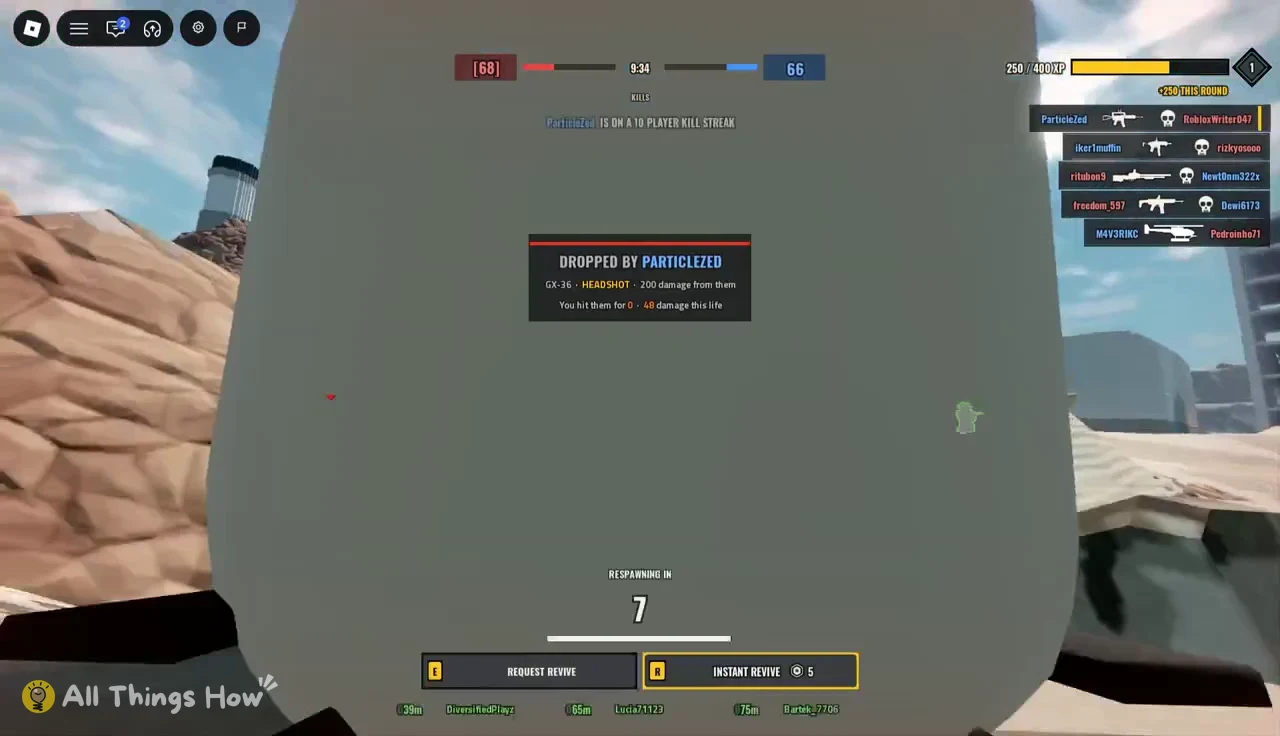
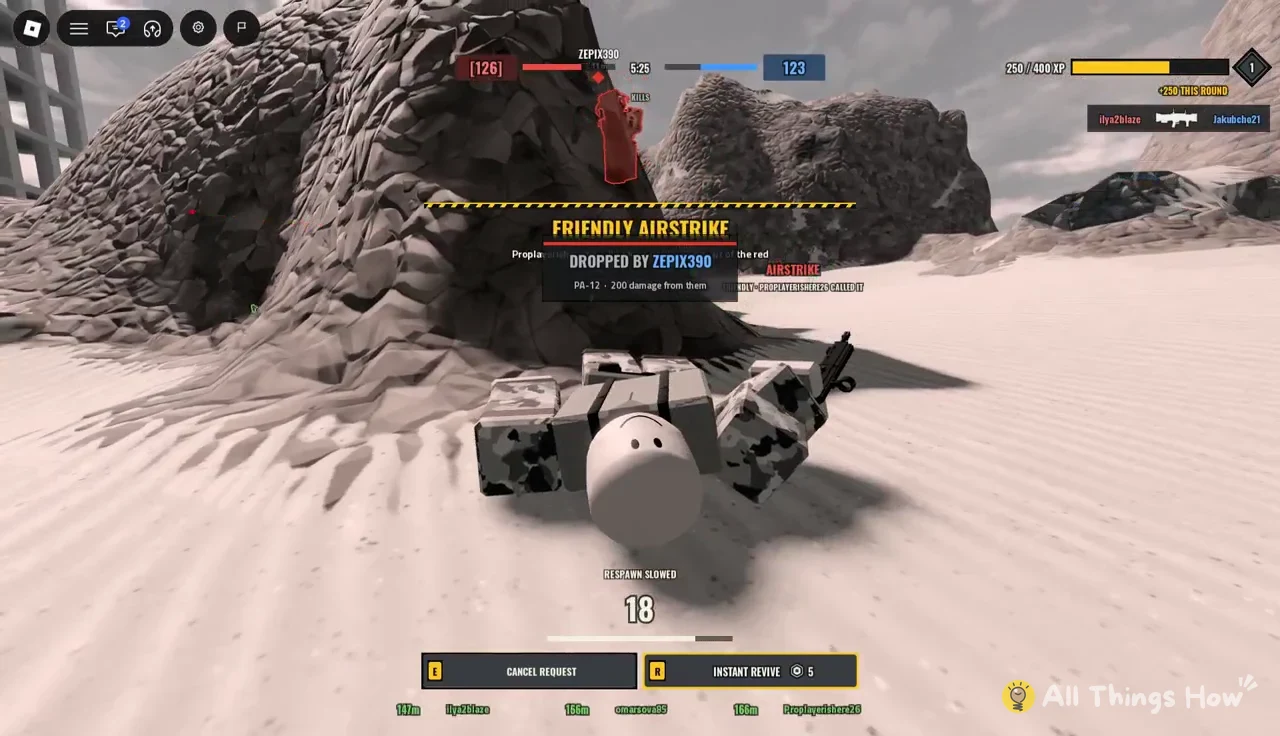
While the respawn countdown runs, you can pick Request Revive to call a teammate over, or Instant Revive. After you request, the button switches to Cancel Request.
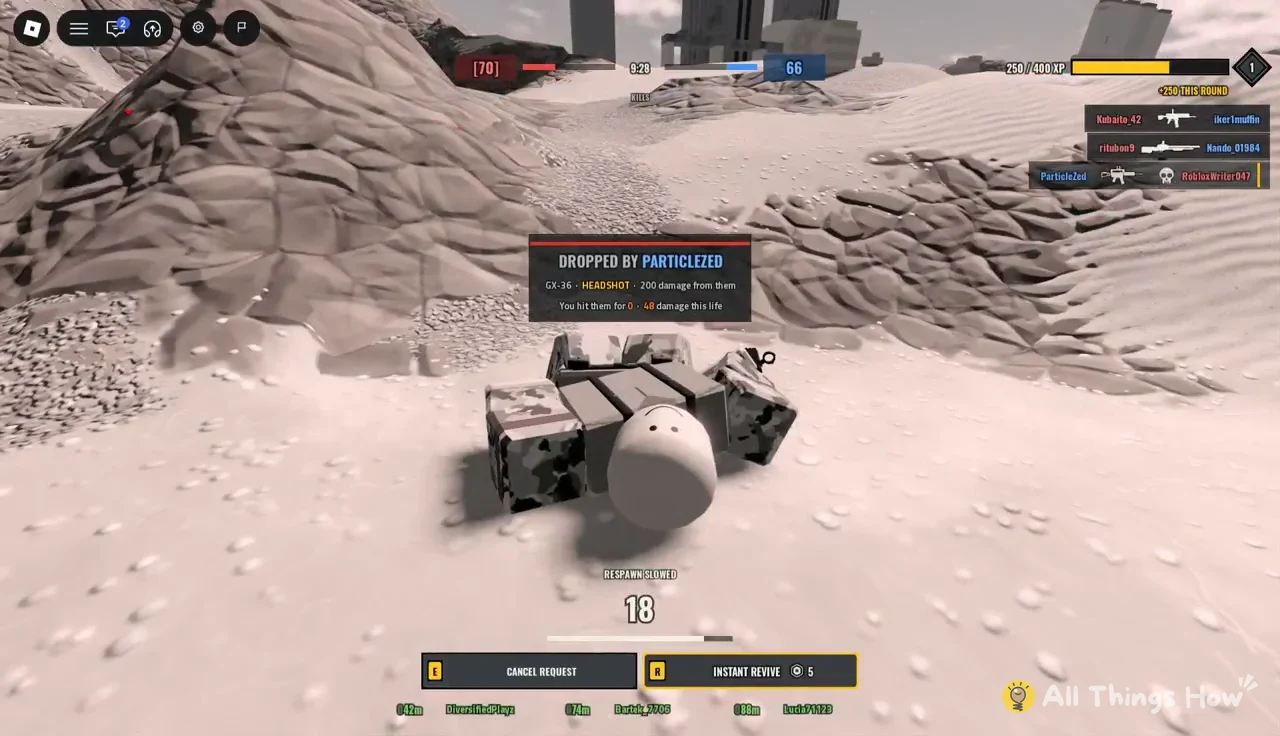
Downed teammates show a green cross above them. Walk up and hold E to bring them back, which pays out 100 (shown as REVIVE 100 on screen).
The countdown on the downed screen runs about seven seconds. Killstreak banners, like “FRIENDLY AIRSTRIKE,” can show up over it while you wait.
Checking your new unlocks after the round
When the round ends, the game shows the top three players first, then the full scoreboard with kills, deaths, assists and score for both teams. After that comes the level-up summary, which lists each level you reached in that match and the guns, gear and outfits it unlocked. Anything listed there shows up without the “REQUIRES LVL” label the next time you open Armory and Loadout.
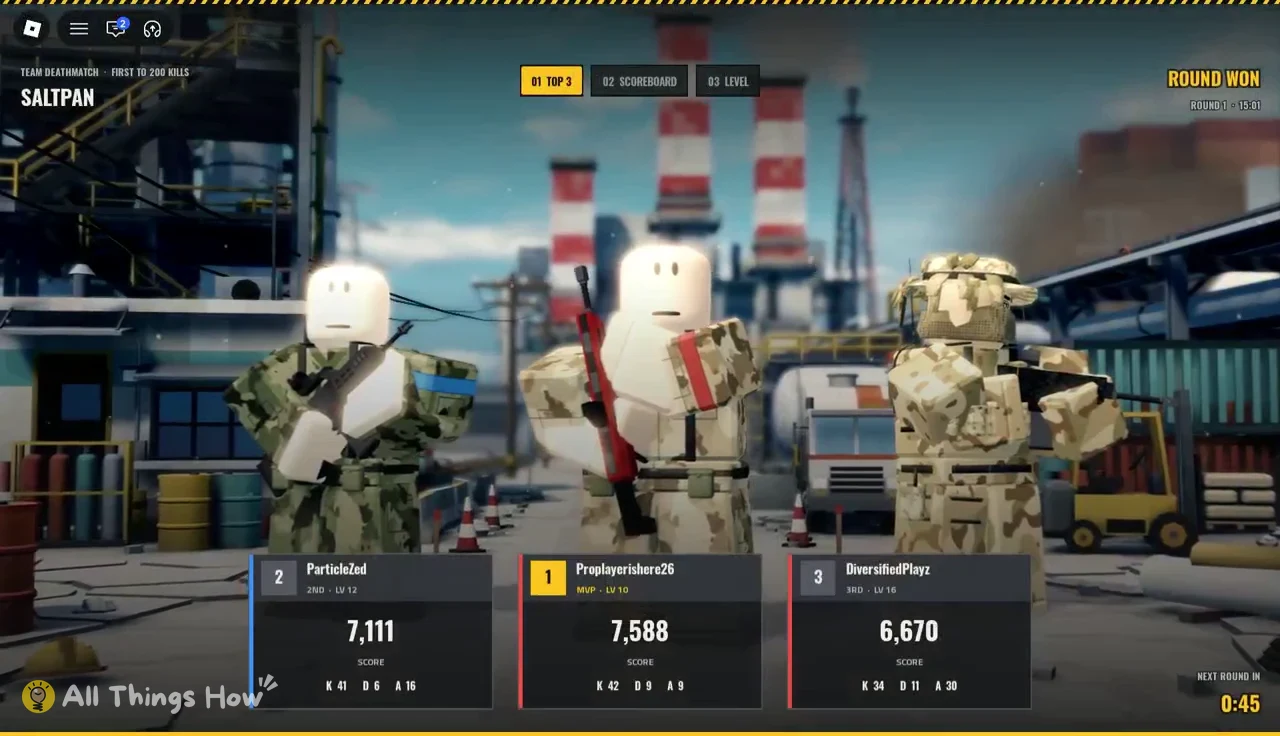
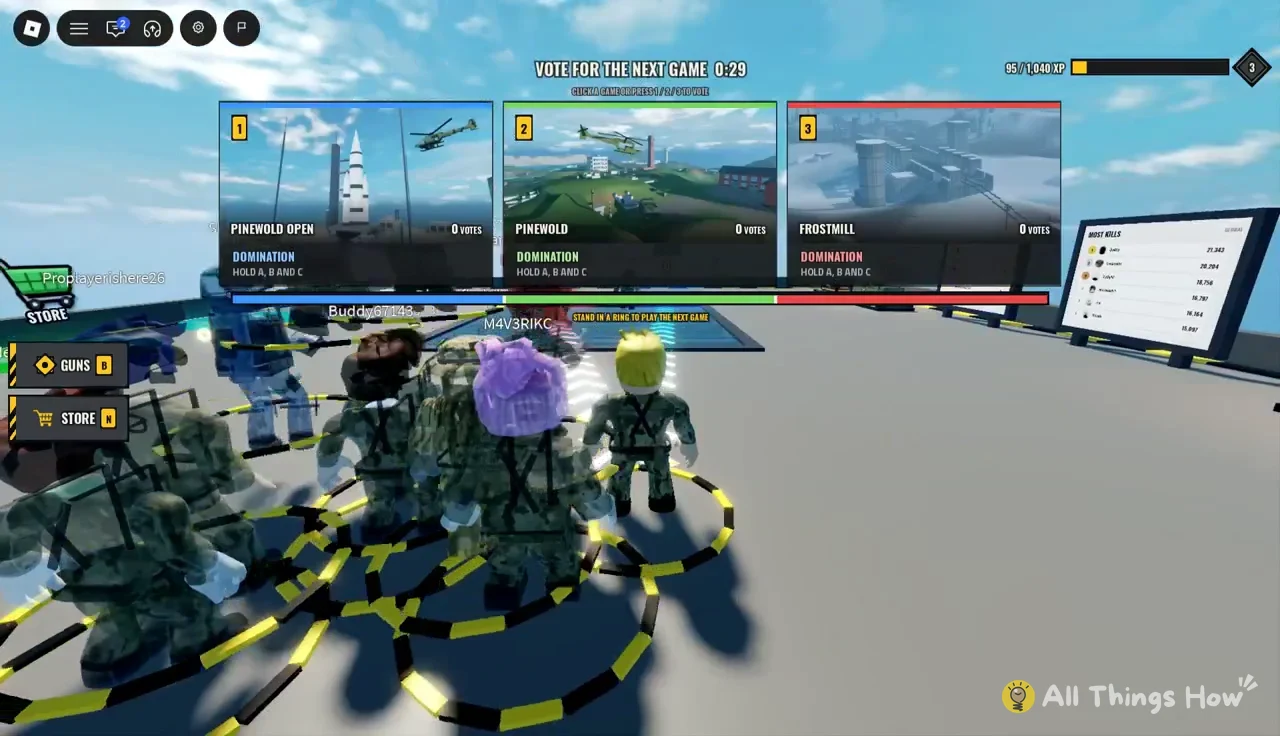
Then you’re sent to the lobby, where you vote for the next game. Map cards like Pinewold Open, Pinewold and Frostmill appear, along with modes like Domination, where you hold A, B and C. Your new guns carry over into whatever wins the vote. If you want to jump straight in, you can launch the game from the Voxel Wars page on Roblox.