


If your PC has started making short “ba bing” or “ba ba” chimes that seem to come from nowhere, the source is the Epic Games Launcher. The sounds are tied to background social activity in the launcher, not to a system fault, malware, or a hardware problem.
Quick answer: The pings are the Epic Games Launcher’s party chimes. Epic confirmed they fire more often than intended and is updating the launcher to reduce them. You can delete the sound files for now, but an update will restore them.
What triggers the Epic Games Launcher chimes
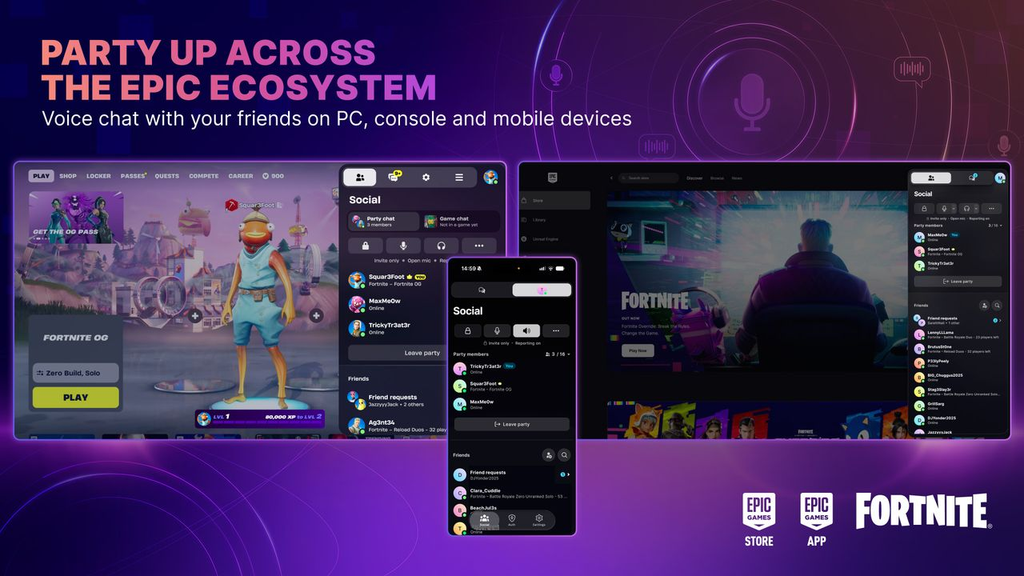
The chimes play in response to party and voice activity that happens quietly in the background. Because these events can occur while you are doing something else entirely, the sound feels disconnected from anything on your screen, which is why so many players struggled to trace it.
- A party member joins or leaves
- A party message is received
- A party’s joinability changes
- Push-to-talk is activated or deactivated
The individual audio files carry plain internal names that match those events. In order, they are Party User Left, Push to Talk Activated, Push to Talk Deactivated, Party Joinability Changed, Party Message Received, and Party User Joined.
What Epic is changing
The official Fortnite Status account confirmed the problem: party chimes are playing more often than intended. Epic plans a launcher update that will limit which events can trigger them, with the aim of reducing pings rather than removing the feature.
There is currently no built-in setting to switch the chimes off completely. Players have asked Epic for a proper toggle, but the announced change only reduces how often the sounds fire.
How to stop the sounds now
Until the update reaches your machine, you can silence the chimes by deleting the sound files inside the launcher’s install folder.
This is a temporary fix. A future launcher update can replace the deleted files and bring the chimes back, so you may need to repeat the step after the launcher updates itself.
How to confirm it worked
You will know the chimes are gone when party members join or leave, messages arrive, or push-to-talk toggles without any accompanying sound. After Epic’s update installs, expect the pings to occur far less often even if you have not deleted anything, since fewer events will trigger them.