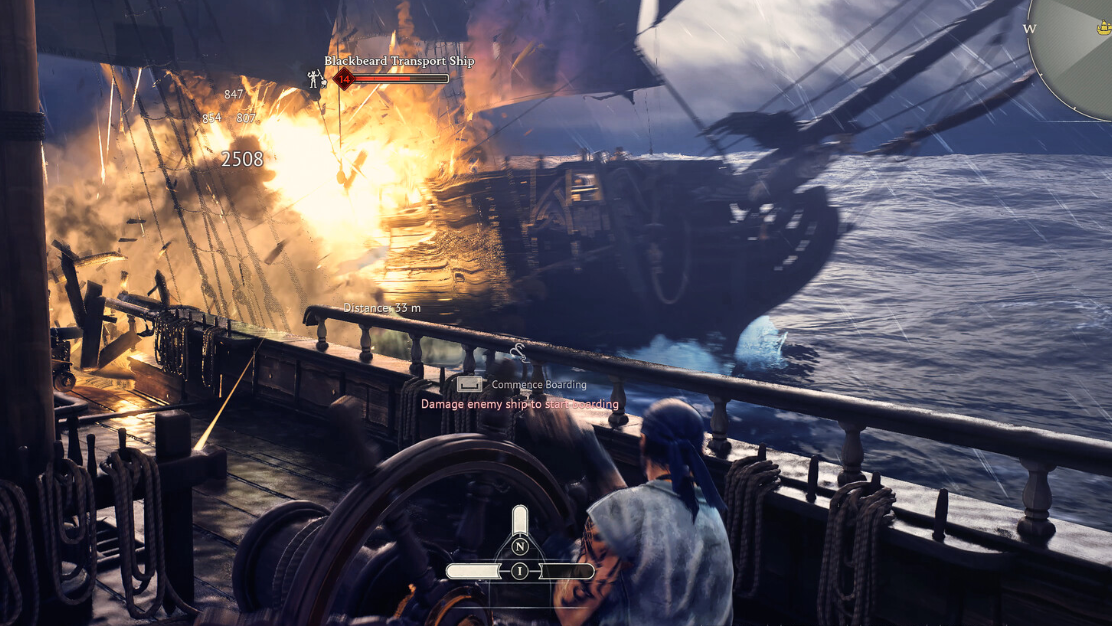
Windrose, the sailing survival game built on Unreal Engine 5, does not expose a developer console or any in-game admin commands. Pressing the tilde key (~) does nothing, and no publicly documented cheat commands exist in the current Early Access build. Players hoping to spawn resources or skip the grind will need to look elsewhere.
Quick answer: There are no admin or console commands in Windrose right now. Server operators manage their worlds through JSON configuration files and .ini edits, not a live command prompt.
Why the Console Is Locked
Windrose ships with the Unreal Engine 5 console disabled for end users. The developers have not provided a key binding, launch argument, or config flag to re-enable it. This is a deliberate choice during Early Access, and admin tooling may expand in future updates. For now, the standard UE5 console commands that work in other titles simply aren’t accessible here.
Server-Side Commands Through a Server Manager
If you run a dedicated server, a community-built tool called Windrose Server Manager (available on GitHub) lets you pipe commands directly into the server process. The tool supports a handful of basic operations.
| Feature | What It Does |
|---|---|
| Save World | Forces an immediate world save on the server |
| List Players | Returns the names of currently connected players |
| Custom commands | Sends arbitrary text to the server process stdin |
| Config editor | Edits server name, max players, password, and difficulty sliders without touching JSON files |
| One-click backup | Zips your save data into a timestamped archive |
These are server-process-level commands, not in-game cheats. They won’t let you spawn items or toggle god mode. They’re useful for routine server maintenance and avoiding manual file edits.
Configuring Your Server Through Files
The primary way to control a Windrose dedicated server is by editing two key files: ServerDescription.json and the world difficulty settings in the configuration directory. Hosted server providers typically wrap these in a control panel, but the underlying mechanism is the same.
Password-Protecting Your Server
Open ServerDescription.json and set the following values:
"IsPasswordProtected": true,
"Password": "your_password_here"
ServerDescription.json — password fields
Changing the Invite Code
The invite code lives in the same ServerDescription.json file. It must be at least six characters long, uses only alphanumeric characters (0–9, a–z, A–Z), and is case-sensitive.
Adjusting World Difficulty
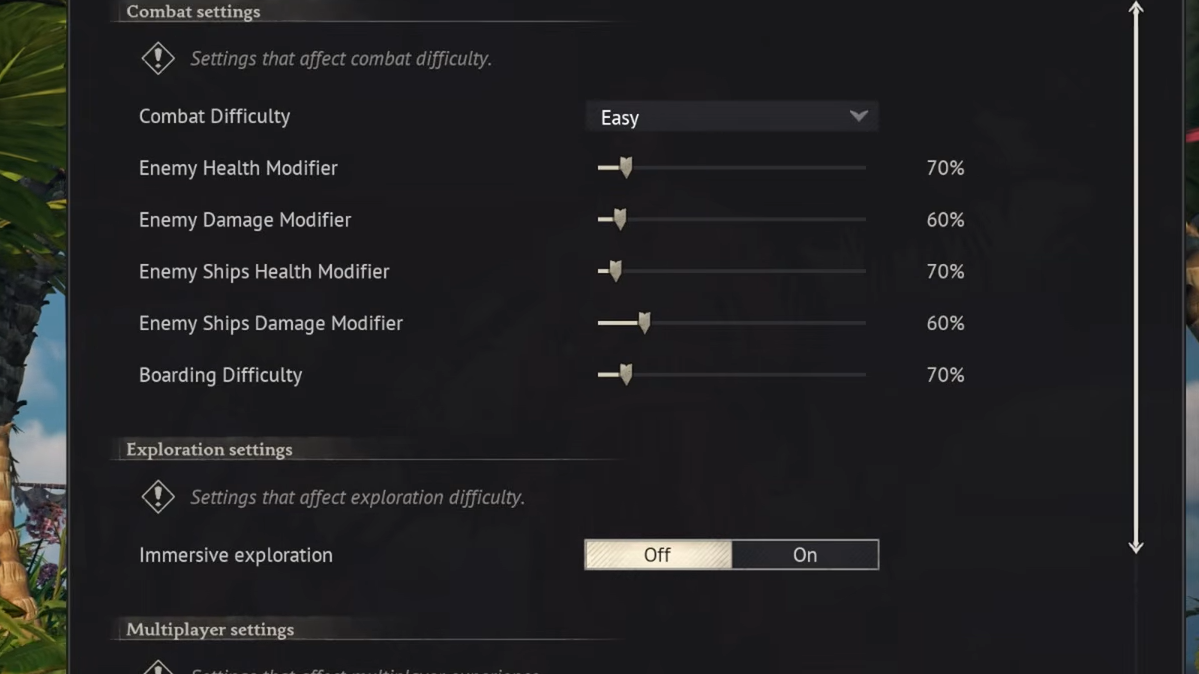
Windrose exposes a range of difficulty-related multipliers that you can tweak without any console access.
| Setting Category | Examples |
|---|---|
| Difficulty presets | Easy, Medium, Hard |
| Mob tuning | Health multiplier, damage multiplier |
| Ship tuning | Ship health multiplier, ship damage multiplier |
| Boarding | Boarding difficulty slider |
| Co-op scaling | Modifiers that scale enemy stats with player count |
| Combat difficulty | Boss encounter intensity, enemy aggression |
These settings are edited through the server’s configuration files (or a hosting provider’s config panel). They take effect after a server restart.
Engine-Level Configuration
Two additional files give you deeper control over the Unreal Engine layer:
| File | Purpose |
|---|---|
ServerConfig.ini | Advanced engine settings specific to the Windrose server |
Engine.ini | Standard Unreal Engine configuration (rendering, networking, etc.) |
Launch parameters can also be toggled to enable or disable features like Vehicle Physics. If you self-host, you edit these files directly. Managed hosting panels expose them through a web interface.
Backing Up Your World Save
World save data is stored at the following path on the server:
R5\Saved\SaveProfiles\Default\RocksDB\\Worlds\\
Save data directory
Back up this entire directory regularly. If you use the Windrose Server Manager tool, its one-click backup feature handles this automatically by creating a timestamped zip archive.
Mods as an Alternative to Console Commands
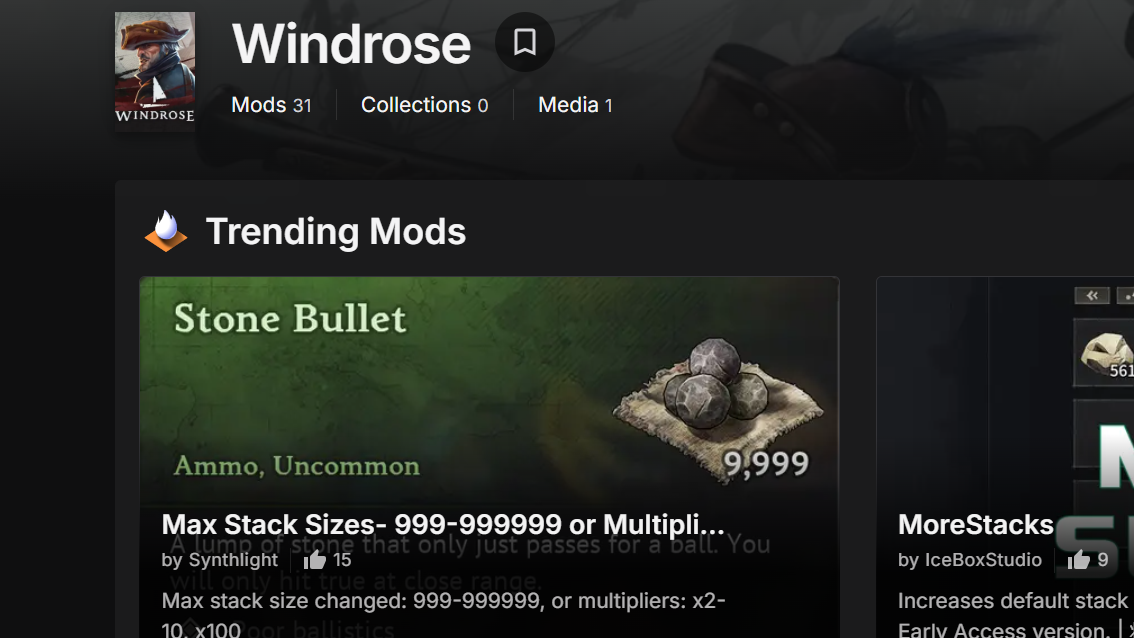
For single-player or co-op sessions where you want to skip the resource grind, community-made mods on Nexus Mods offer various alterations. Some mods adjust gathering rates or unlock building materials more quickly. These are third-party modifications, not official developer tools, so use them with the understanding that they may break after patches.
Automatic Server Restarts
Since there’s no in-game restart command, scheduled restarts are handled externally. Hosting providers generally offer preset intervals of 2, 4, 6, 12, or 24 hours. Self-hosted operators can achieve the same result with OS-level task schedulers or cron jobs that stop and relaunch the server process.
Windrose is still in Early Access, and the lack of console commands is one of the more noticeable gaps in its admin tooling. The developers have not announced a timeline for adding an in-game console or admin command set. For now, configuration files, third-party server managers, and community mods are the only levers available. If the game follows the pattern of similar Unreal Engine survival titles, a proper admin command layer will likely arrive as the game matures — but nothing has been confirmed.