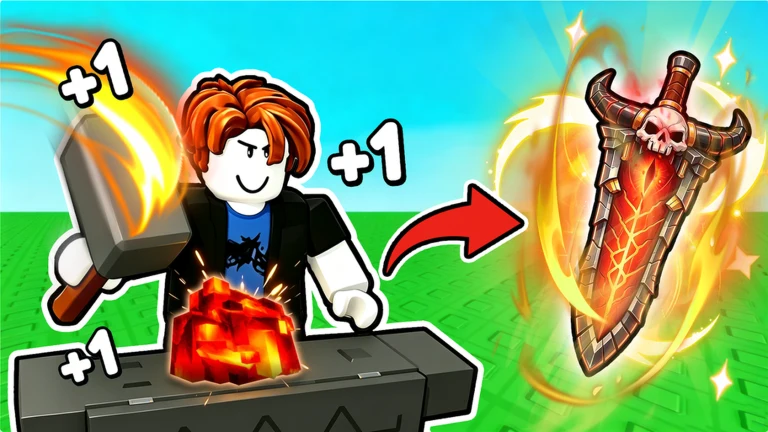
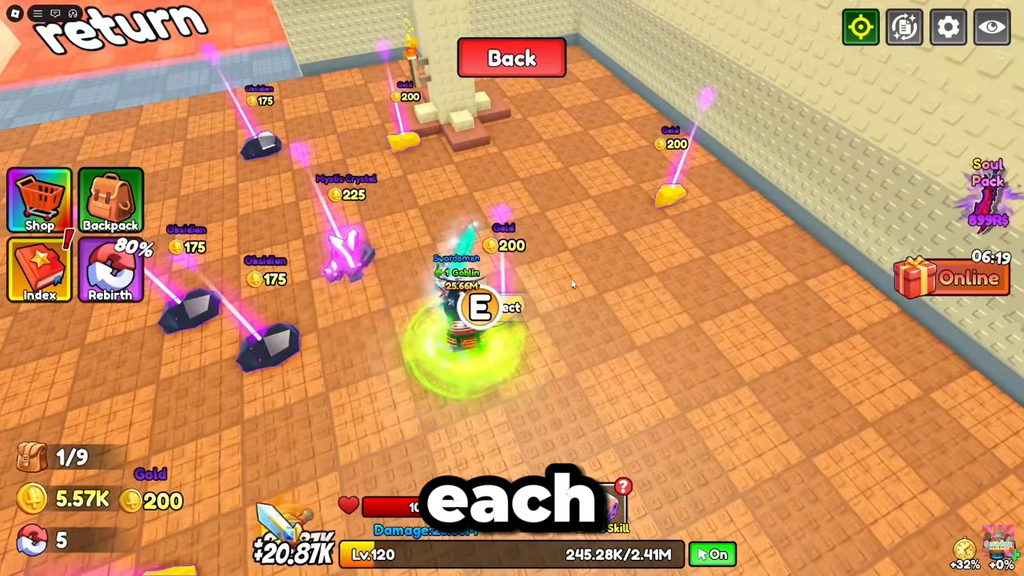
+1 Loot to Forge runs on a simple loop: clear dungeon floors, collect ores and monster parts, and feed them into the hub Forge to build stronger weapons. Codes hand you a head start on that grind by dropping Ember Stones, Coins, Race Rolls, and Power Potions straight into your account. Good Bro Studio ties new codes to game updates, so the working list changes often.
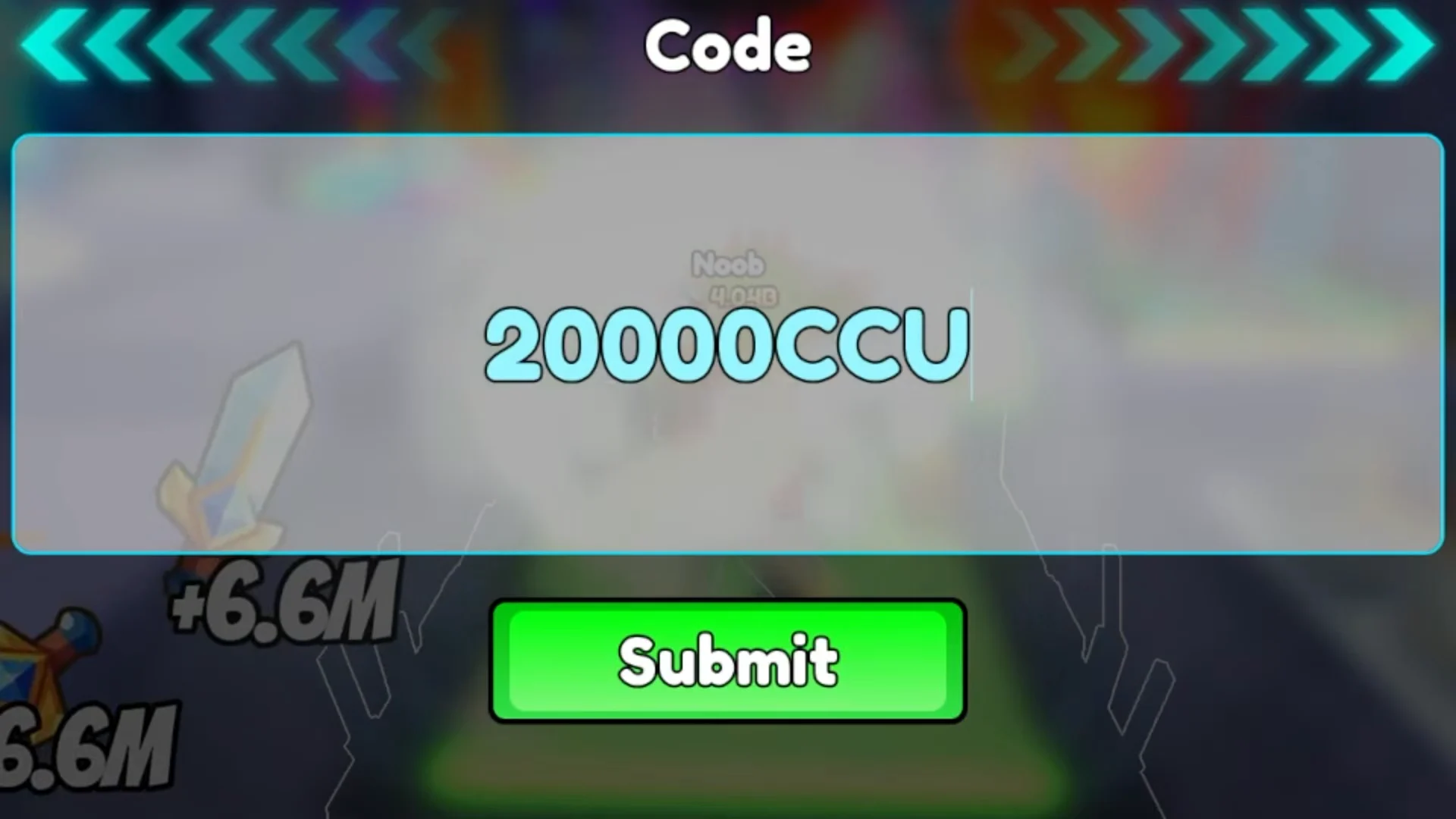
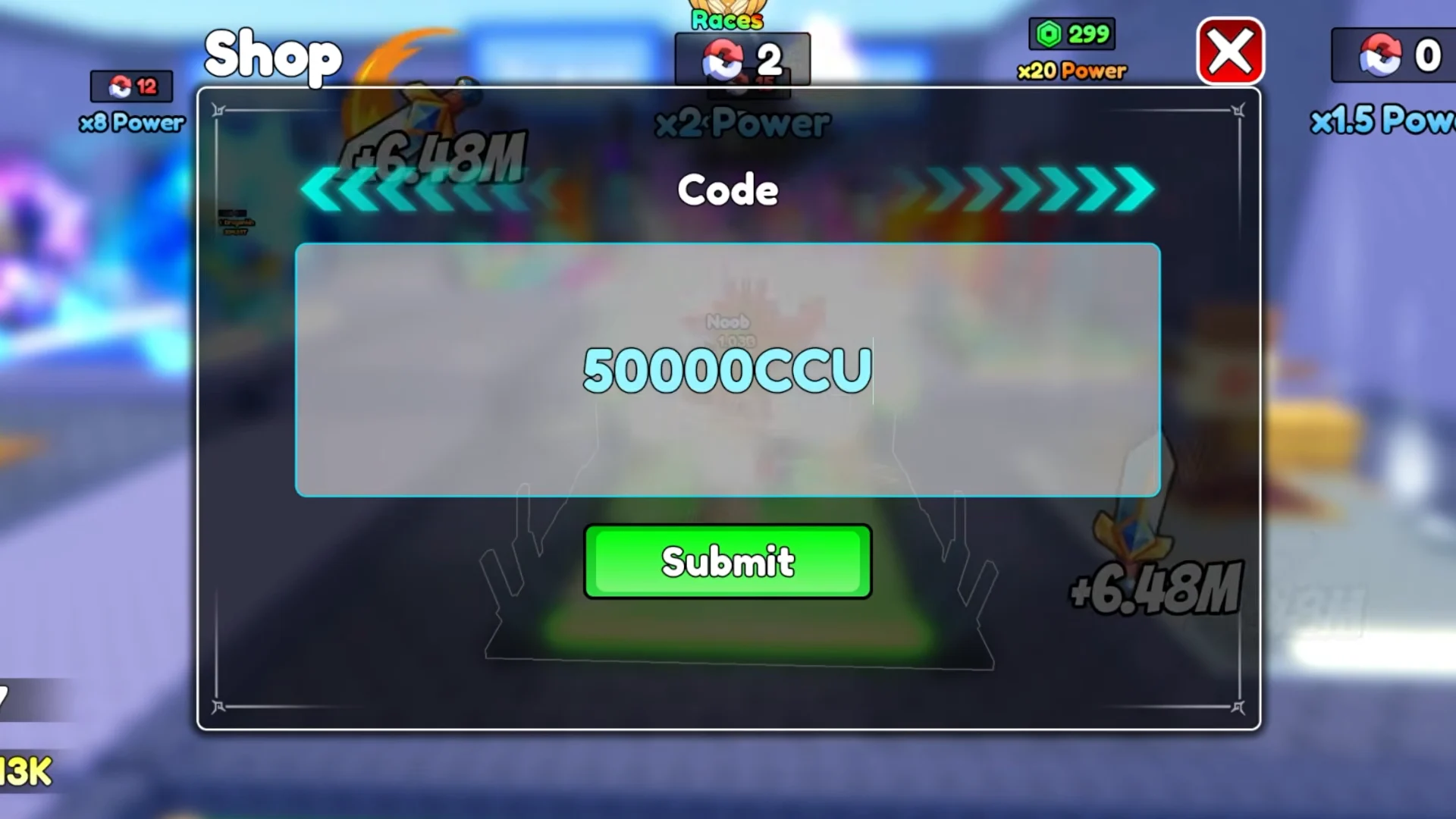
Quick answer: Open the Shop menu, scroll to the Code box, type a code exactly as written, and press Submit. The newest working code is 50000CCU for 50 Ember Stones.
Working +1 Loot to Forge codes and rewards
The code below is the most recently confirmed active one. It grants 50 Ember Stones, a crafting resource you spend while upgrading gear. Redeem it before it expires, since codes here often stop working within days of release.
| Code | Reward | Status |
|---|---|---|
| 50000CCU | 50 Ember Stones | Newest active |
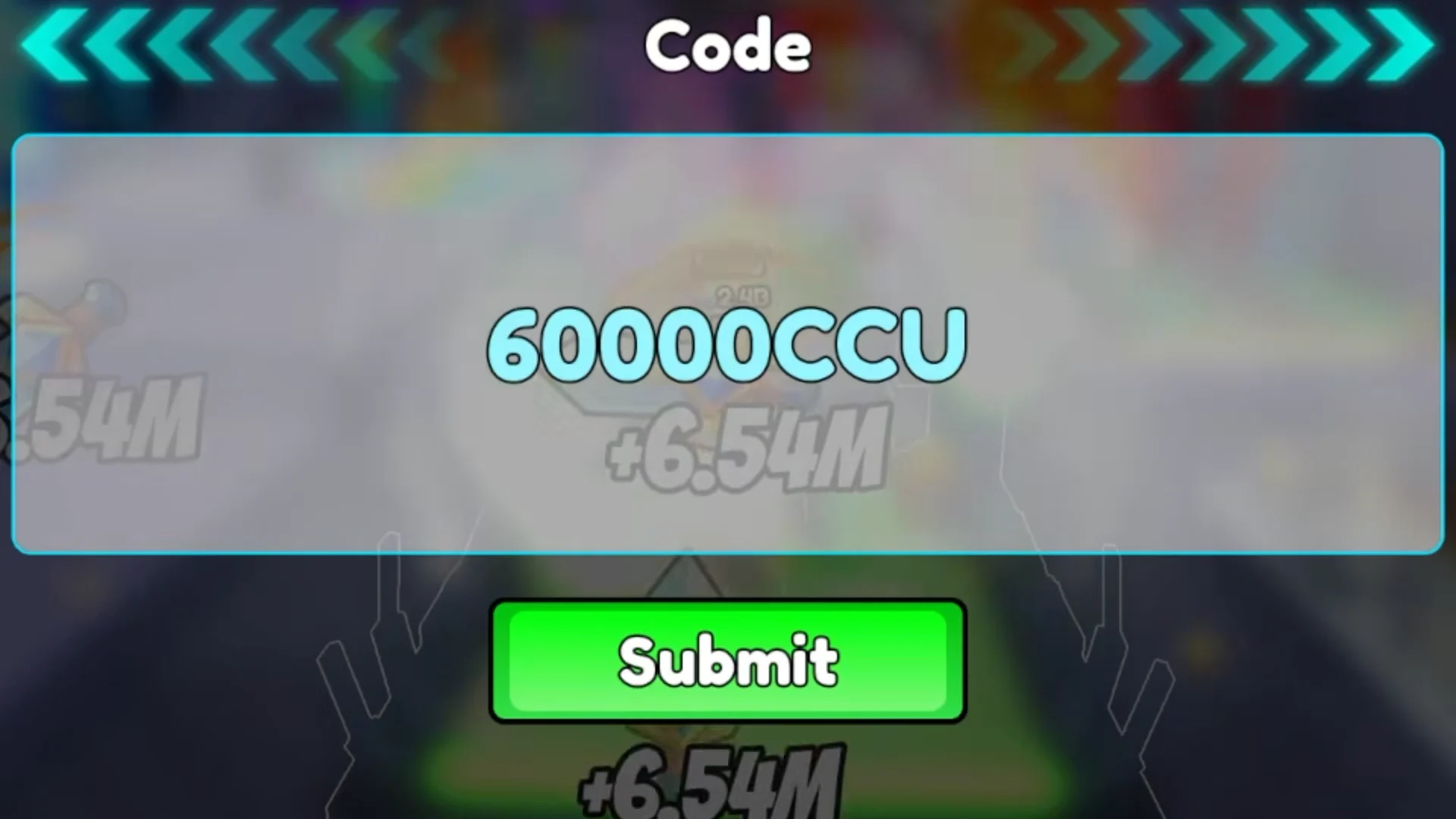
| 30000CCU | 2,000 Coins and 2 Race Rolls | Limited window |
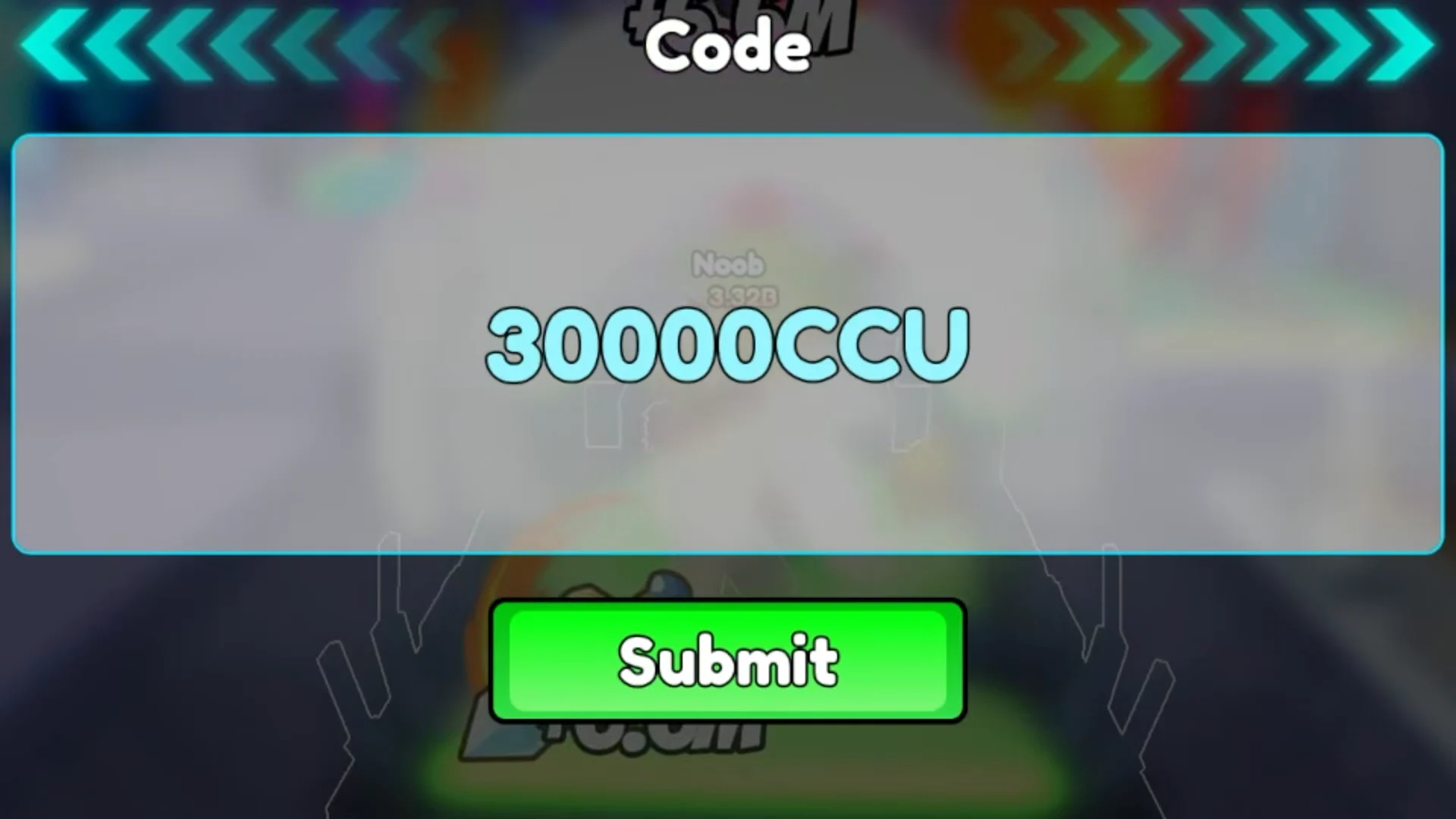
| 20000CCU | 2,000 Coins and 1 Power Potion | Limited window |
The 30000CCU and 20000CCU codes still redeem for some players but sit near the end of their life, so try them as soon as you can. Coins cover a large share of what the Forge charges when you turn dungeon ores into better weapons. Race Rolls let you reroll your race for different power bonuses, and a Power Potion gives a temporary damage boost for tougher fights.
If a code fails, copy and paste it instead of typing, since the entries are case-sensitive and easy to mistype.
How to redeem +1 Loot to Forge codes
How to confirm a code worked
A valid code adds its reward the moment you press Submit. For 50000CCU, you will see Ember Stones added to your total. Coin and item codes update your Coin count or drop a Power Potion and Race Rolls into your inventory right away. If nothing changes, the code did not register.
A code can fail for a few clear reasons:
- You already redeemed it, since each code works once per account.
- Your game version is outdated. Close the game, launch it again, and try once more.
- The code has expired and is no longer accepted.
Where new codes are posted
New codes come directly from the developer, Good Bro Studio. The Good Bro Studio Roblox group is the main channel for update notes, and fresh codes usually appear around the same time an update goes live. Codes are typically added every few days and often tie to those updates, so checking after each new patch is the fastest way to catch one before it expires.