The cat in IRON NEST: Heavy Turret Simulator lives inside the war machine alongside you, and it is easy to misplace once it starts wandering the decks. Getting it back and shaping how it looks both run through the same in-game menu, so tracking the cat down is quicker than it first seems.
Quick answer: Finish the first mission to unlock the bed, then look for the cat in that same room. If it disappears, open the cat customization menu to force it to reappear.
Where the cat lives and how to find it
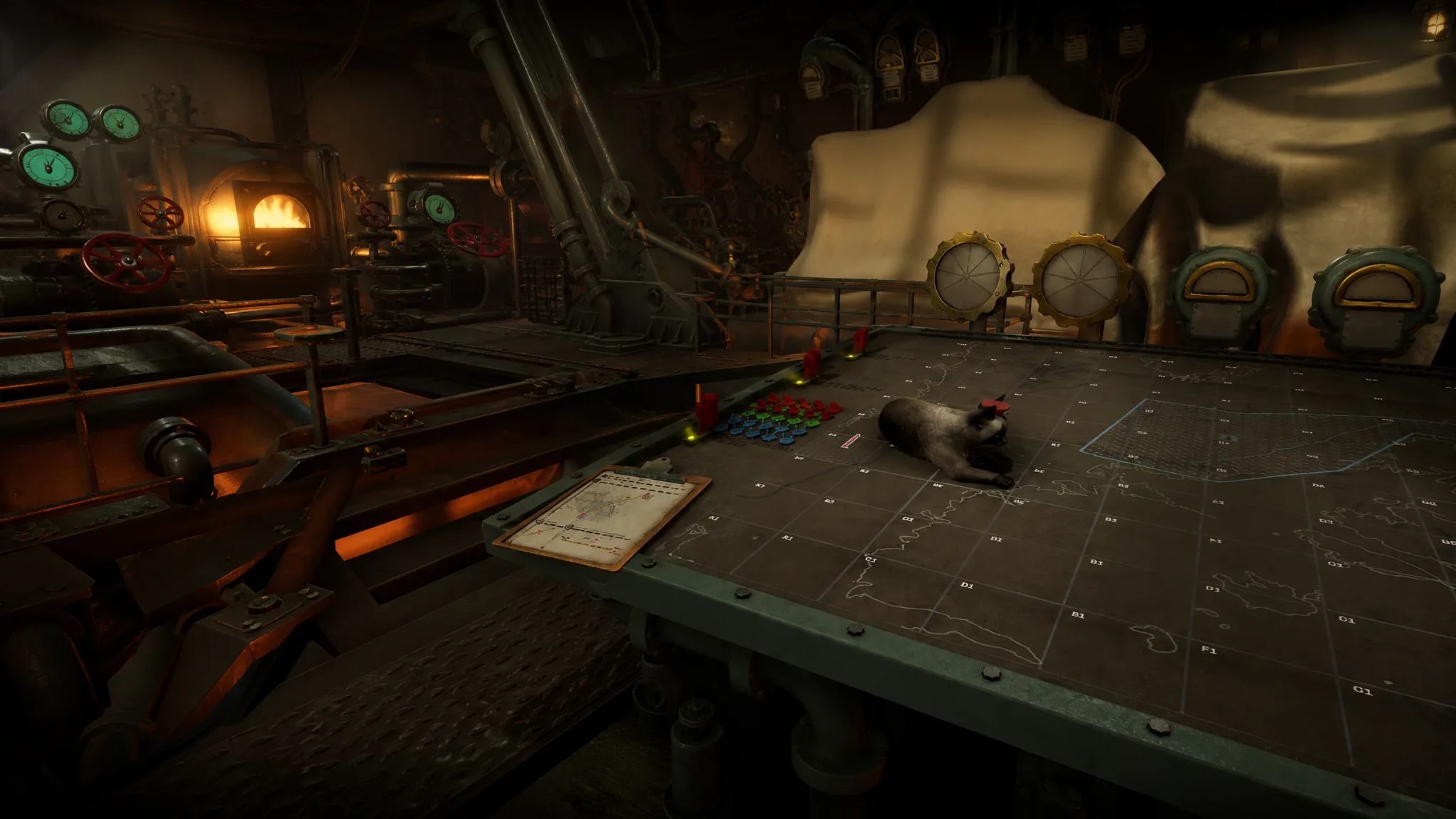
The cat becomes available after you complete the opening mission. Clearing that mission unlocks the bed, and the cat sits in the same room where the bed appears. From there it roams freely across the lower deck of the Iron Nest.
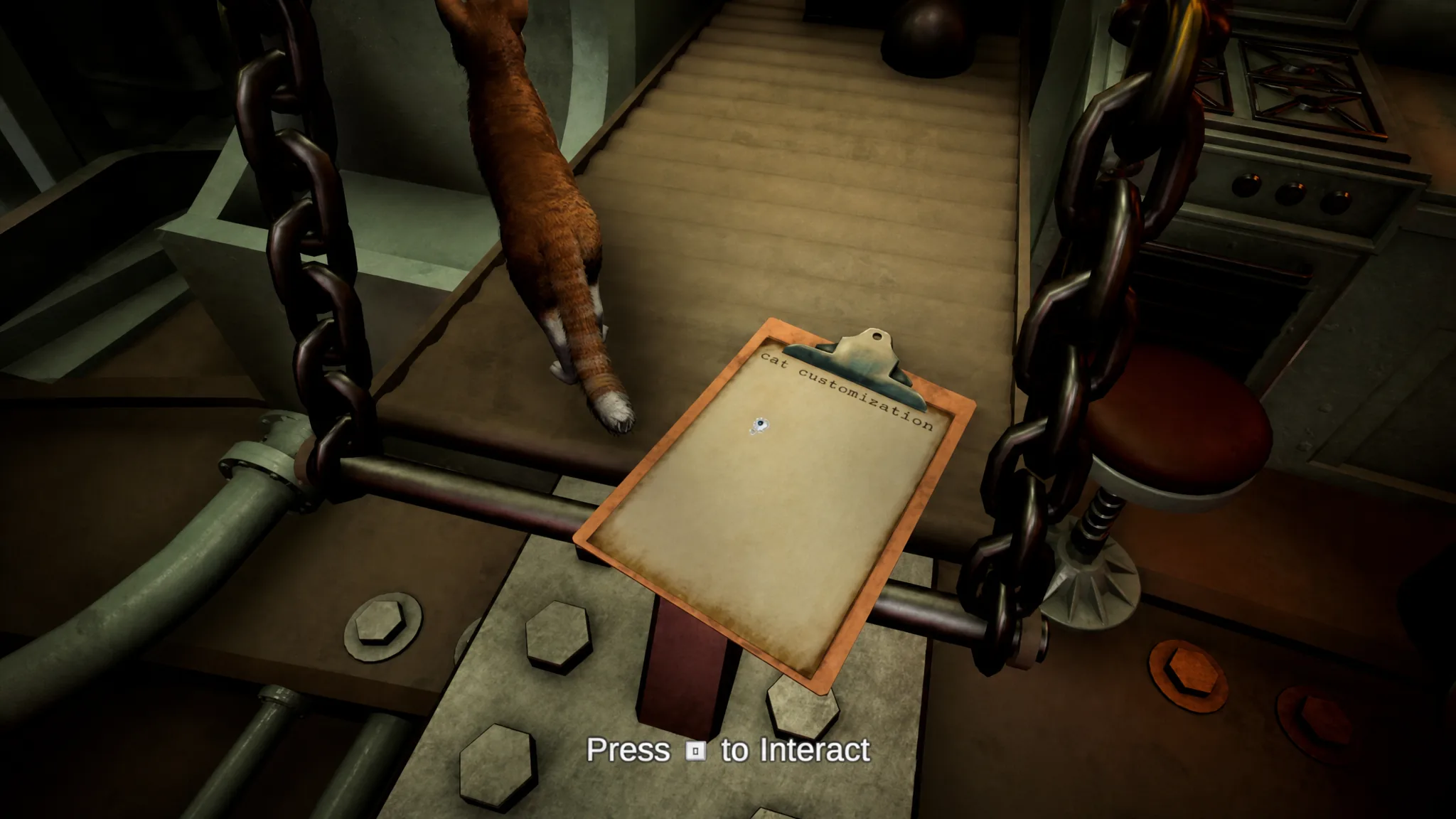
Because it moves on its own, the cat can slip out of sight. The fastest way to bring it back is to open the cat customization menu. Opening that menu makes the cat reappear, which is why it doubles as your recovery tool whenever you cannot spot your companion.
How you know it worked: the cat shows up again on the lower deck once you exit the menu. If it is not in the bed room, walk the lower deck to catch it mid-roam.
Keep the cat off the upper deck and your map
By default the cat stays on the lower deck, but you can also stop it from climbing to the upper deck. Turning this restriction on prevents it from stepping onto your map area or accessing the upper deck at all, which keeps it clear of your controls while you work.
If you catch the cat somewhere it should not be, you can shoo it out of that space. You can also pick it up at any time if you would rather hold it than move it along.
All cat customization options
The same menu that recalls the cat also lets you rebuild its look from head to tail. The available settings cover its color, its facial features, and the shape of its body, grouped below for reference.
| Area | Options |
|---|---|
| Presets and extras | Kitten, General Hat, Tired eyes |
| Color | Eye Color, Fur Color |
| Eyes | Pupil size |
| Head and jaw | Head Round, Head Square, Jaw size |
| Ears | Ears Round, Ears Pointy |
| Nose and snout | Nose Wide, Nose narrow, Snout Up, Snout Size |
| Cheeks | Cheeks Pointy, Cheeks Size |
| Body | Back Up, Back Arch, Belly fattiness, Belly thinness, Neck thinness |
| Legs | Legs thinness, Legs thickness |
| Tail | Tail thickness |
You can mix these settings freely to fine-tune the cat’s proportions and coloring. Since the menu is always accessible, you can adjust the look later or open it purely to summon the cat back to the lower deck.