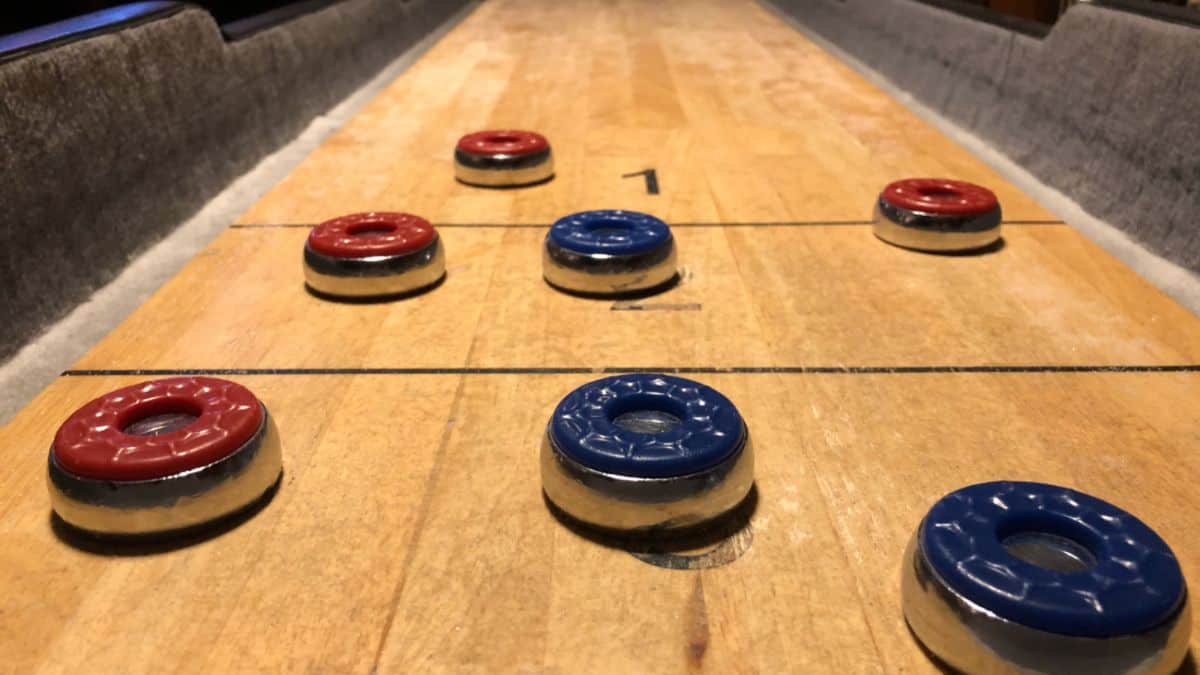
Shuffleboard, a classic game enjoyed for generations, has transitioned from physical courts to digital screens. Now, you can play Shuffleboard directly within iMessage on your iPhone, allowing for quick and engaging matches with friends without interrupting your routine.
Before you can start playing with your contacts, you’ll need to install the necessary game app through the iMessage App Store.
Install Shuffleboard using the iMessage App Store
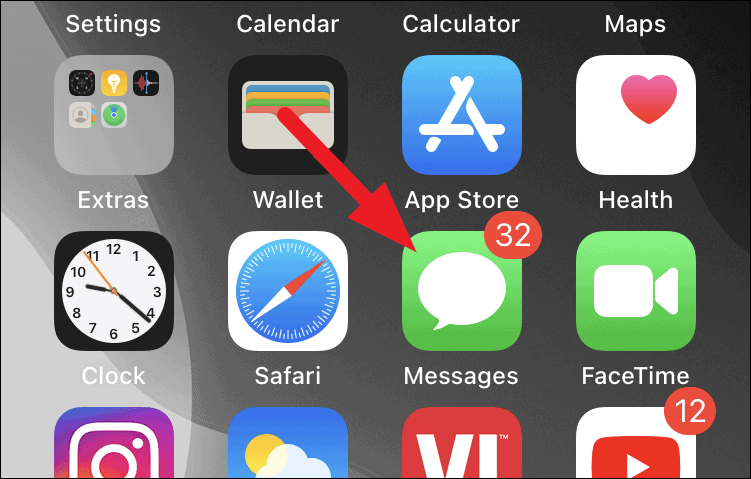
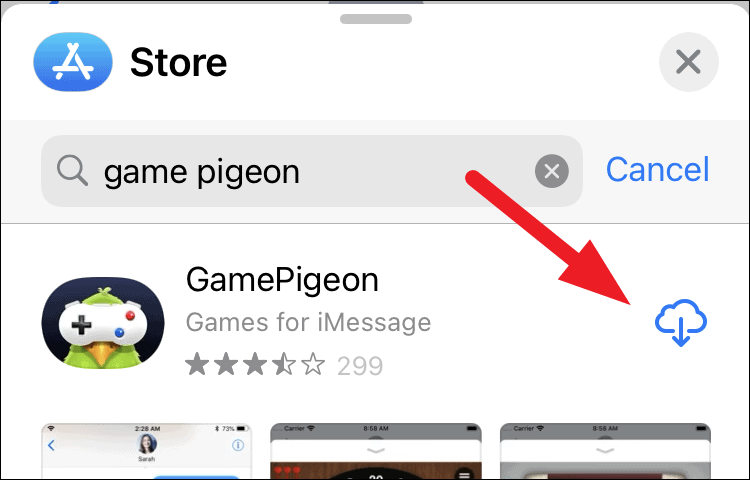
Since Shuffleboard isn’t available as a standalone app for iMessage, it’s included within the GamePigeon app—a collection of various games accessible through iMessage. Follow these steps to install GamePigeon and access Shuffleboard.
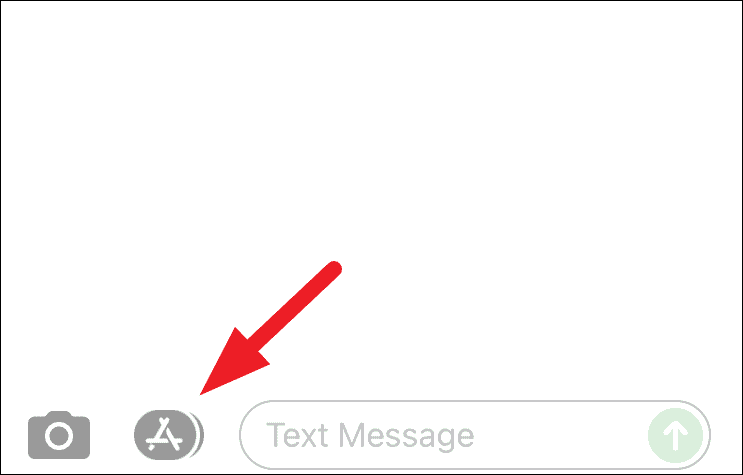
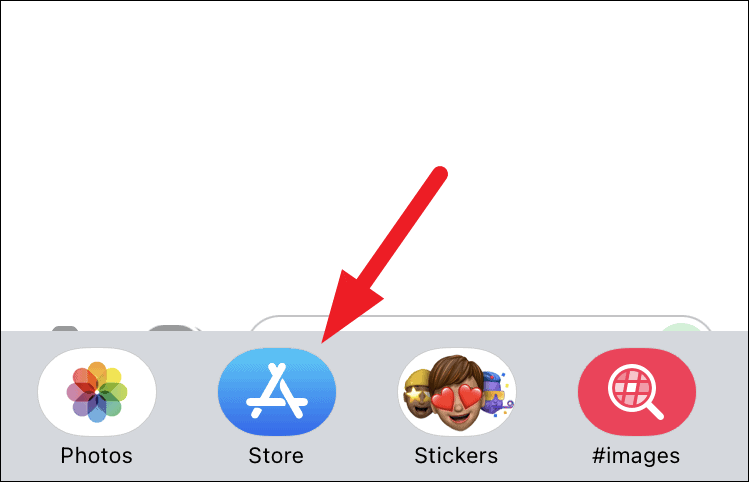
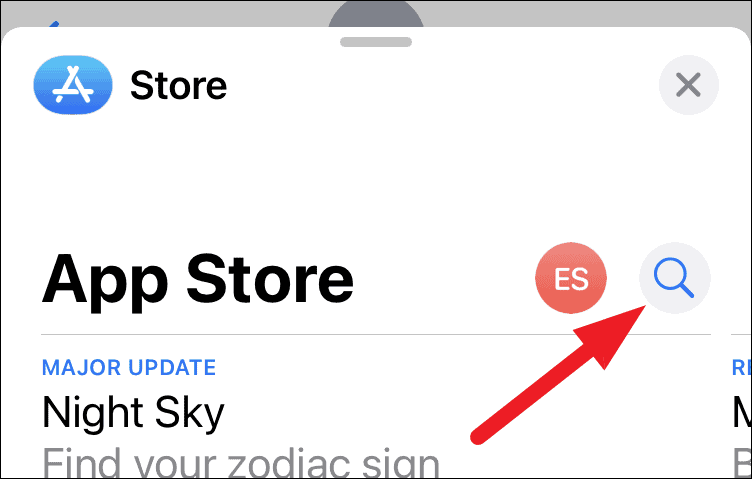
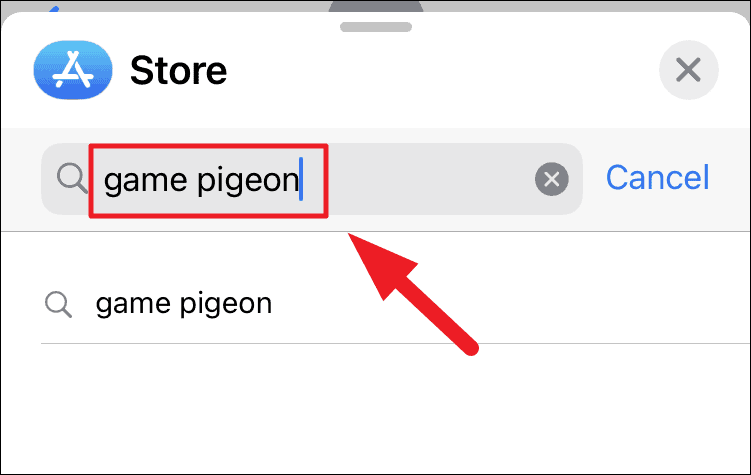
If you’ve previously downloaded GamePigeon, a cloud icon with a downward arrow will appear instead of the Get button.
Play a game of Shuffleboard with your contacts
With GamePigeon installed, you’re ready to challenge your friends to a game of Shuffleboard through iMessage.
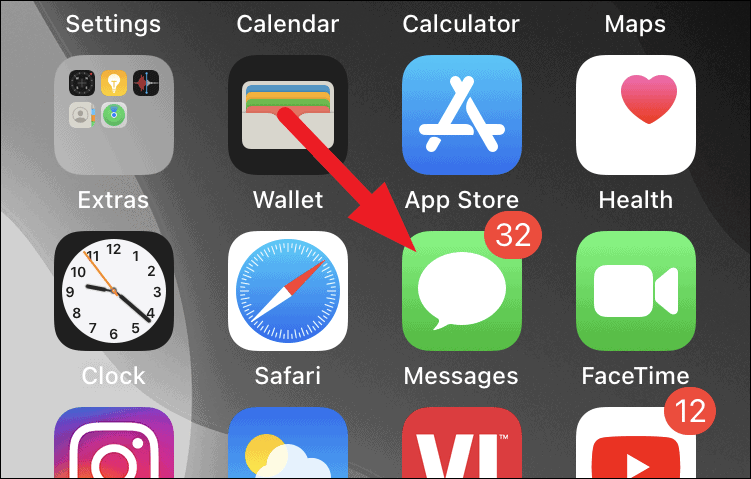
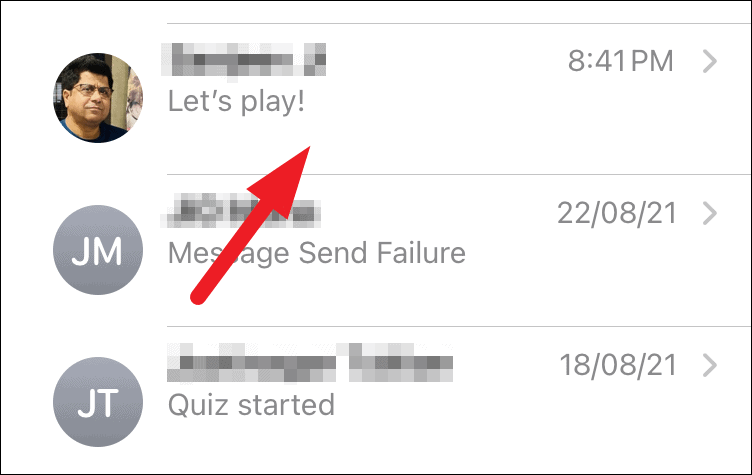
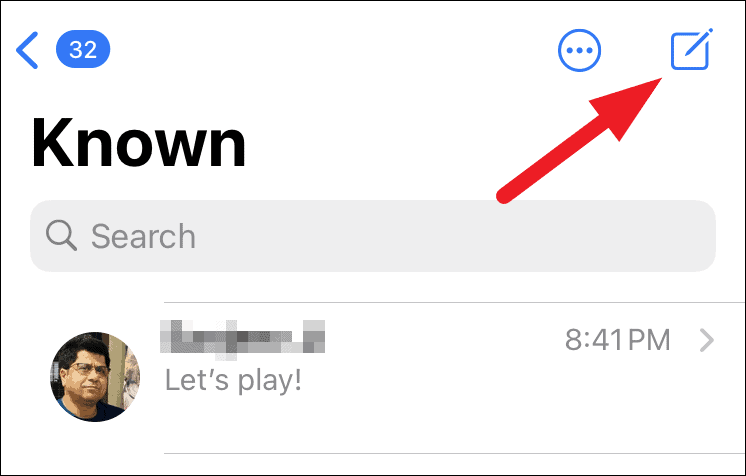
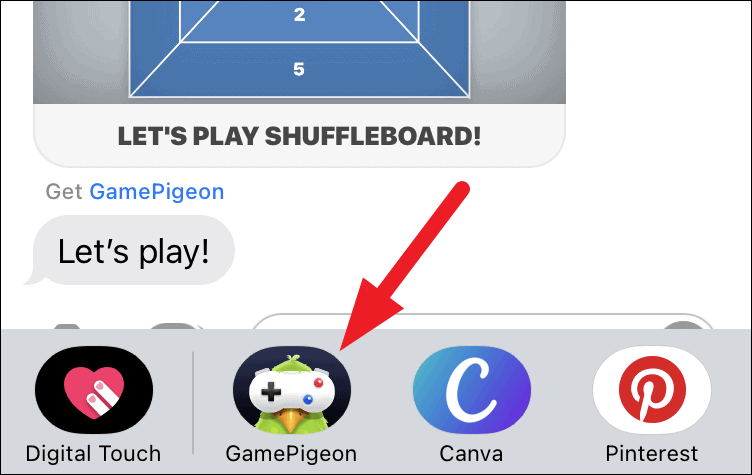
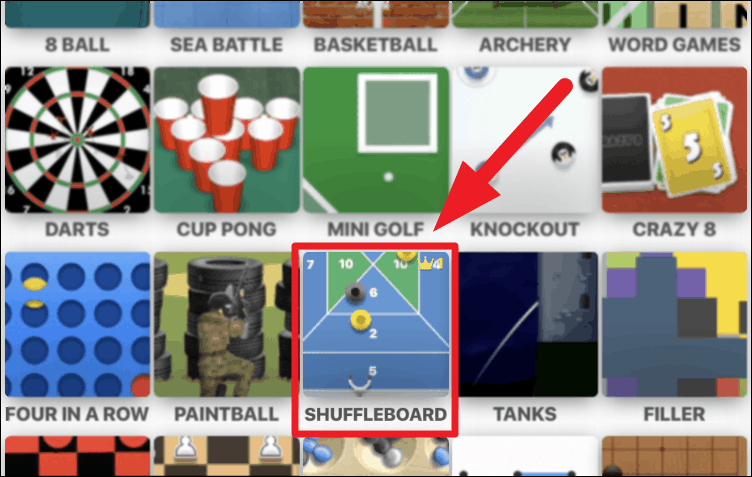
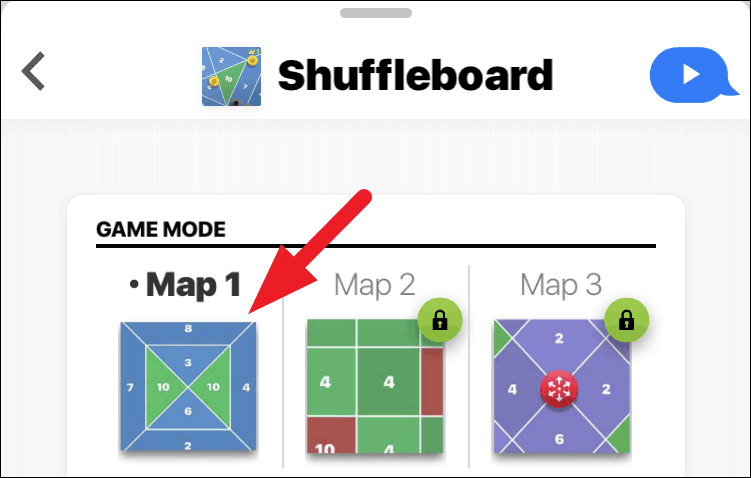
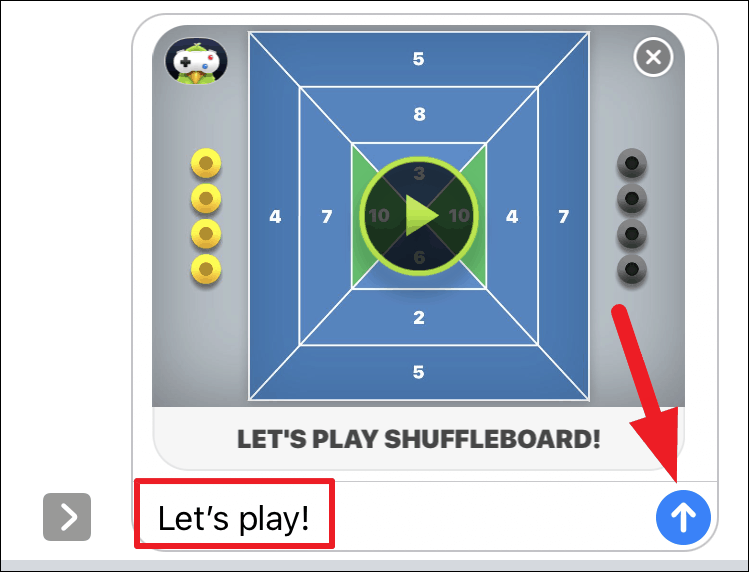
Your friend will receive the game invitation and can begin playing by tapping on the game tile in your conversation. They will need to have GamePigeon installed to participate.
Ensure your contact also installs GamePigeon to play Shuffleboard.
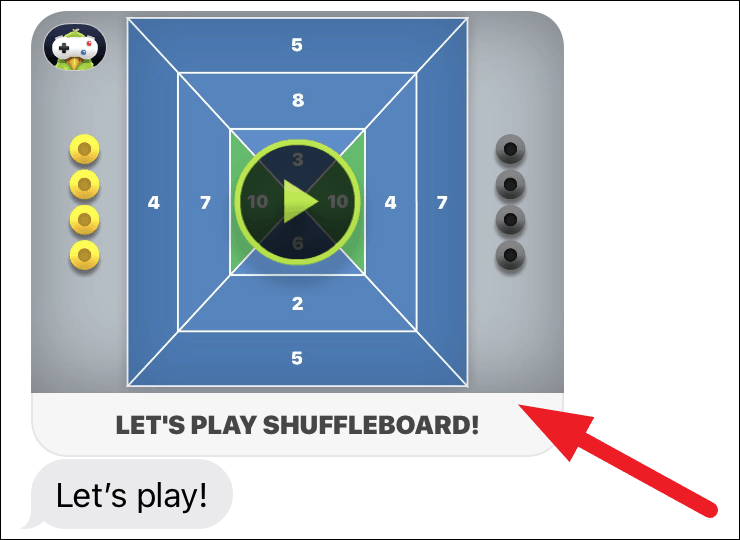
Once your friend has taken their turn, it’s time for you to play.
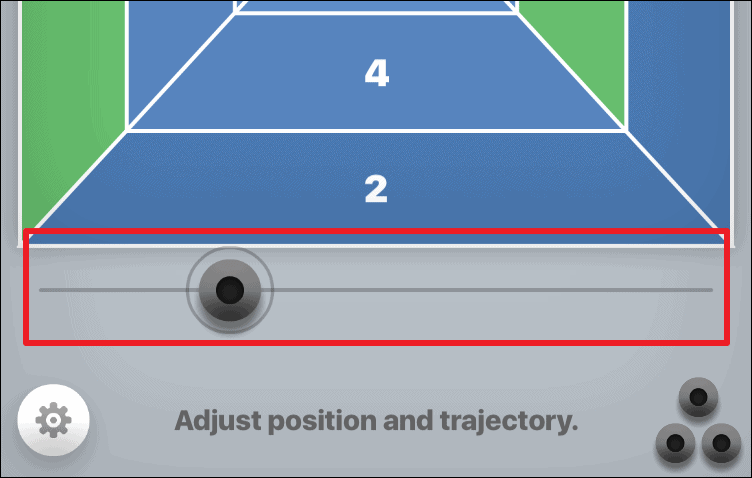
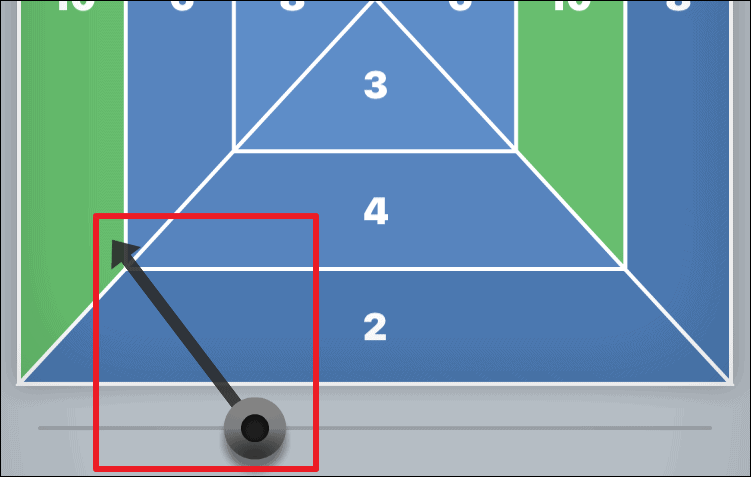
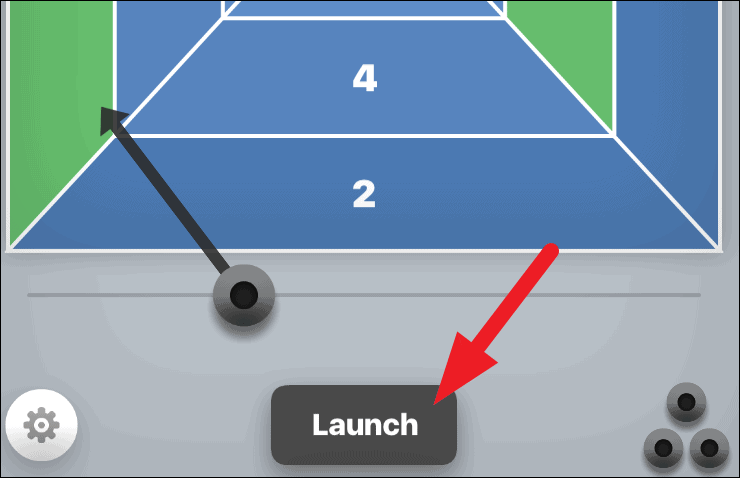
After your first shot, you’ll have two more pucks to launch in the round. Adjust your strategy with each turn to accumulate the highest possible score.
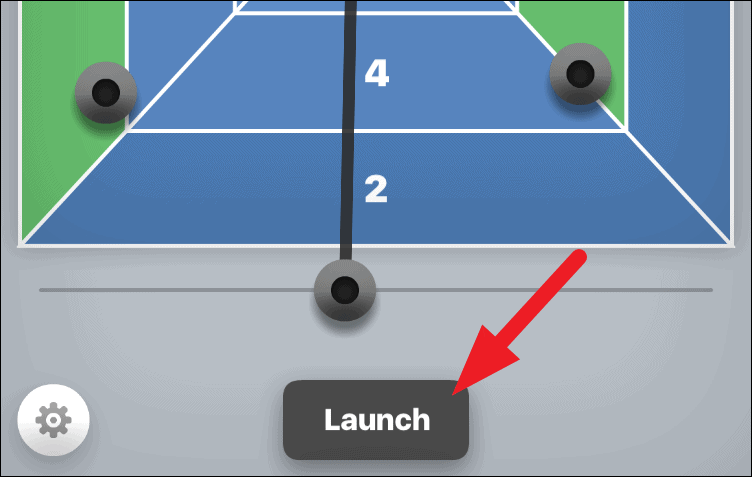
To maximize your points and outmaneuver your opponent, consider aiming your puck to knock their pucks into lower scoring zones or off the board entirely. This tactic is especially effective when you have the last turn in a round, preventing your opponent from responding.
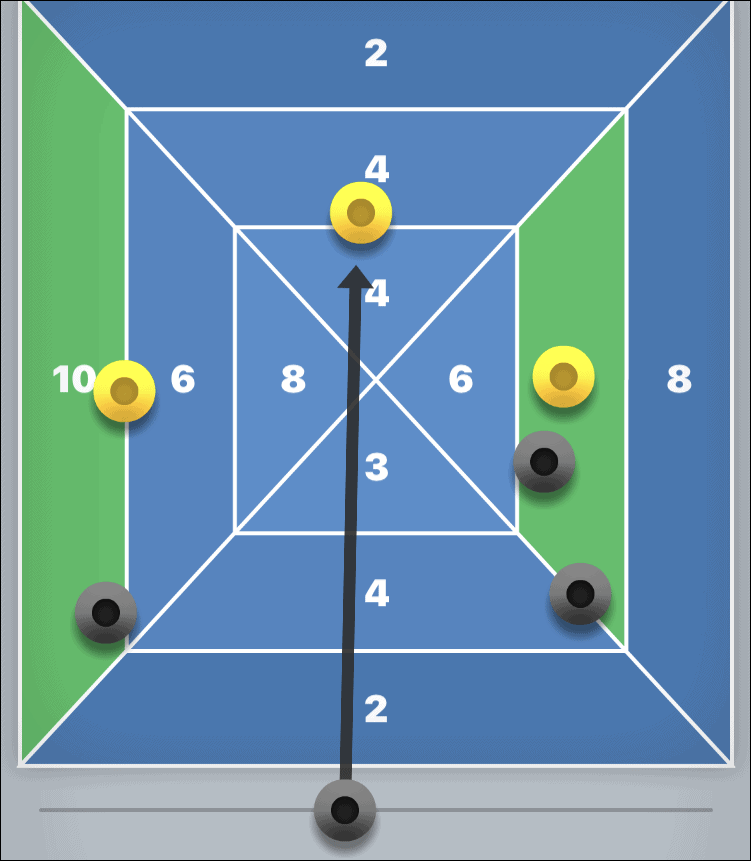
The game consists of three rounds, each with three turns. At the end of all rounds, the player with the highest total score wins.

Turn sound & music on/off for Shuffleboard
While the game’s music and sound effects are minimal, you may prefer to play without audio.
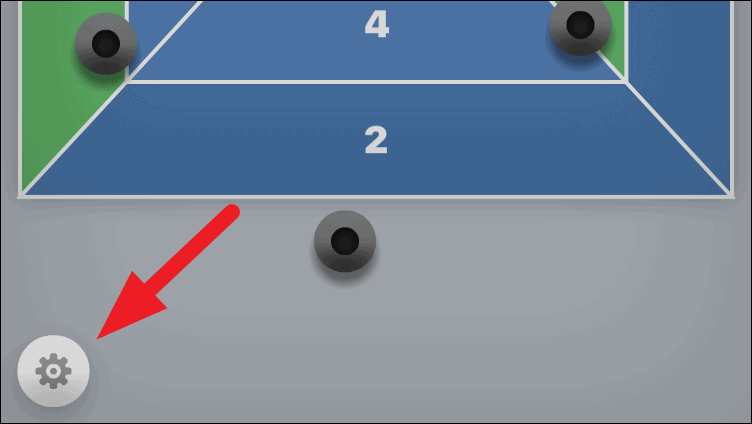
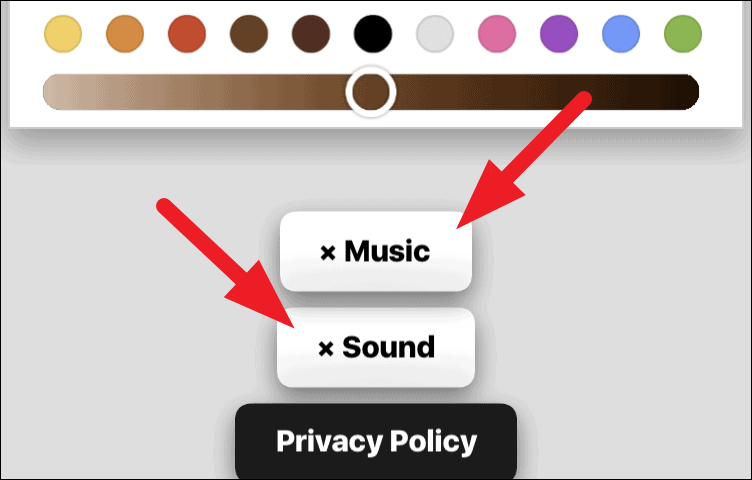
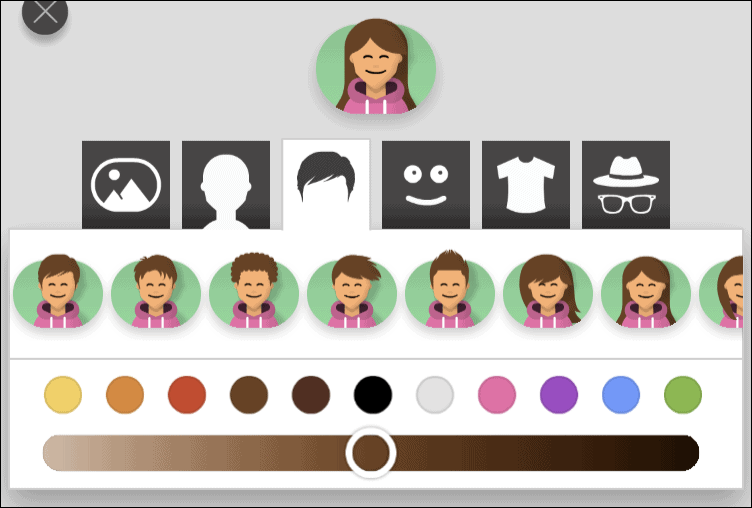
In this menu, you can also customize your avatar’s appearance, including hairstyles, facial expressions, eyewear, headwear, and clothing, by exploring the options above the sound settings.
Playing Shuffleboard through iMessage offers a convenient and fun way to compete with friends directly from your iPhone. Enjoy honing your skills and challenging others in this classic game brought to the digital age.