Konami and Bloober Team have pushed a fresh patch to the Silent Hill 2 remake on PlayStation 5. Labeled version 1.07, it targets both PS5 and PS5 Pro, and it concentrates on frame rate, fog rendering, and cleaning up a handful of stubborn visual bugs.
Quick answer: If your PS5 has automatic updates on, version 1.07 downloads on its own. To force it, hover over Silent Hill 2 on the home screen, press the Options button on the DualSense, and select Check for Update. Confirm the game reads Version 1.007.000 in the Information screen.
What version 1.07 changes
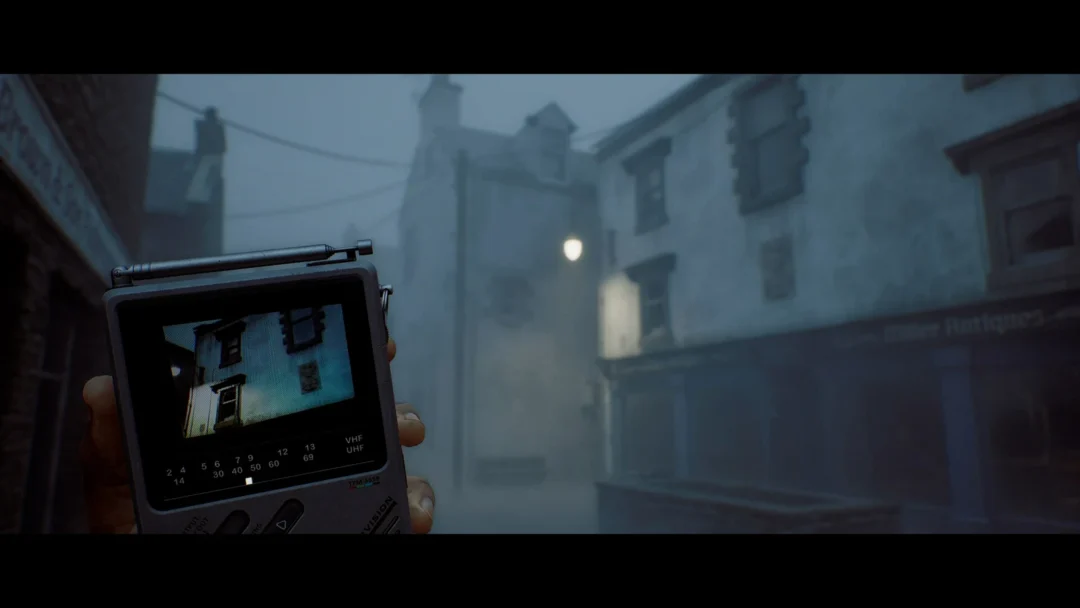
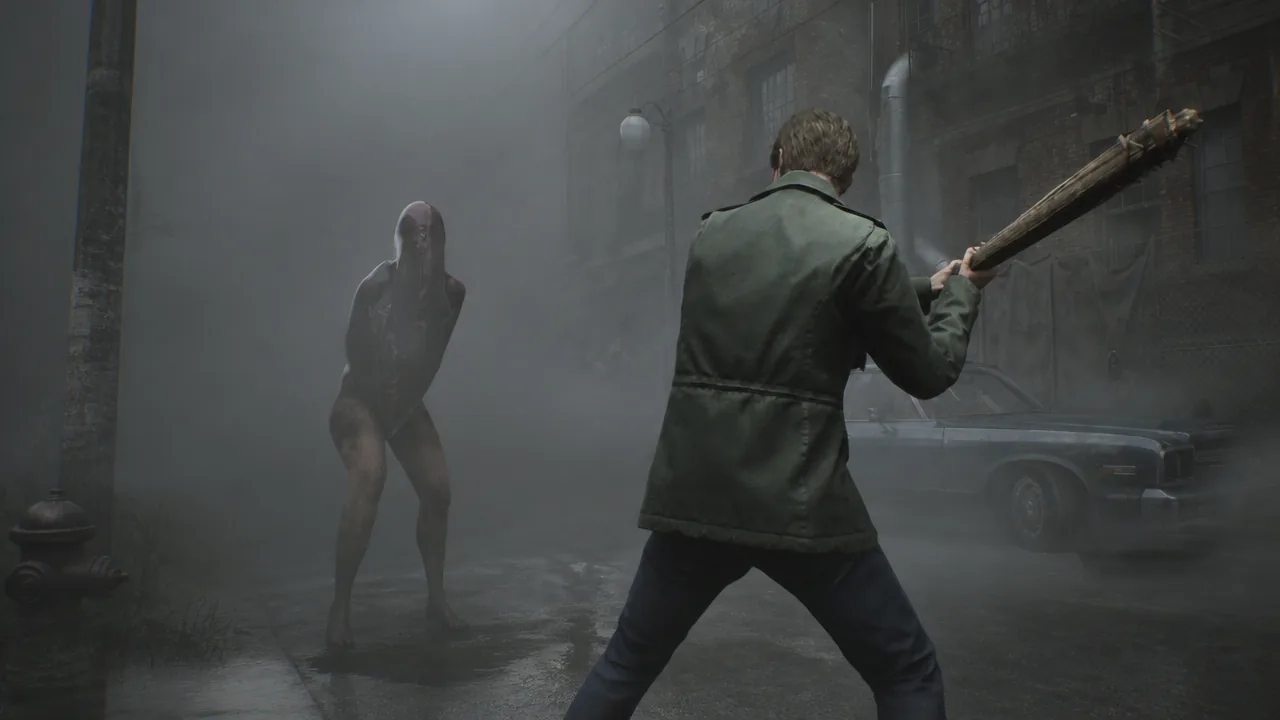
The patch is a technical pass rather than new content. It improves performance in both Performance Mode and Quality Mode, reworks the look of the town’s signature fog, and lifts overall visual quality. Alongside those changes, it fixes glitches that appeared on various in-game assets and clears up visual artifacts that could show up while the camera moved.
| Fix | What it addresses |
|---|---|
| Performance | Smoother frame rate in both Performance and Quality Modes |
| Fog visuals | Improved rendering of the in-game fog |
| Asset glitches | Corrects visual glitches on various assets |
| Motion artifacts | Removes certain visual artifacts that can appear while moving |
| Overall quality | Raises overall visual quality, including shadow flickering |
Owners running the game on PS5 Pro get the clearest benefit. The shimmering that showed up along roads and trees in the opening stretch is reduced, and the town reads more stable in motion. You can read the full breakdown on the official Konami patch notes.
Install the update on PS5 and PS5 Pro
How to confirm the patch is active
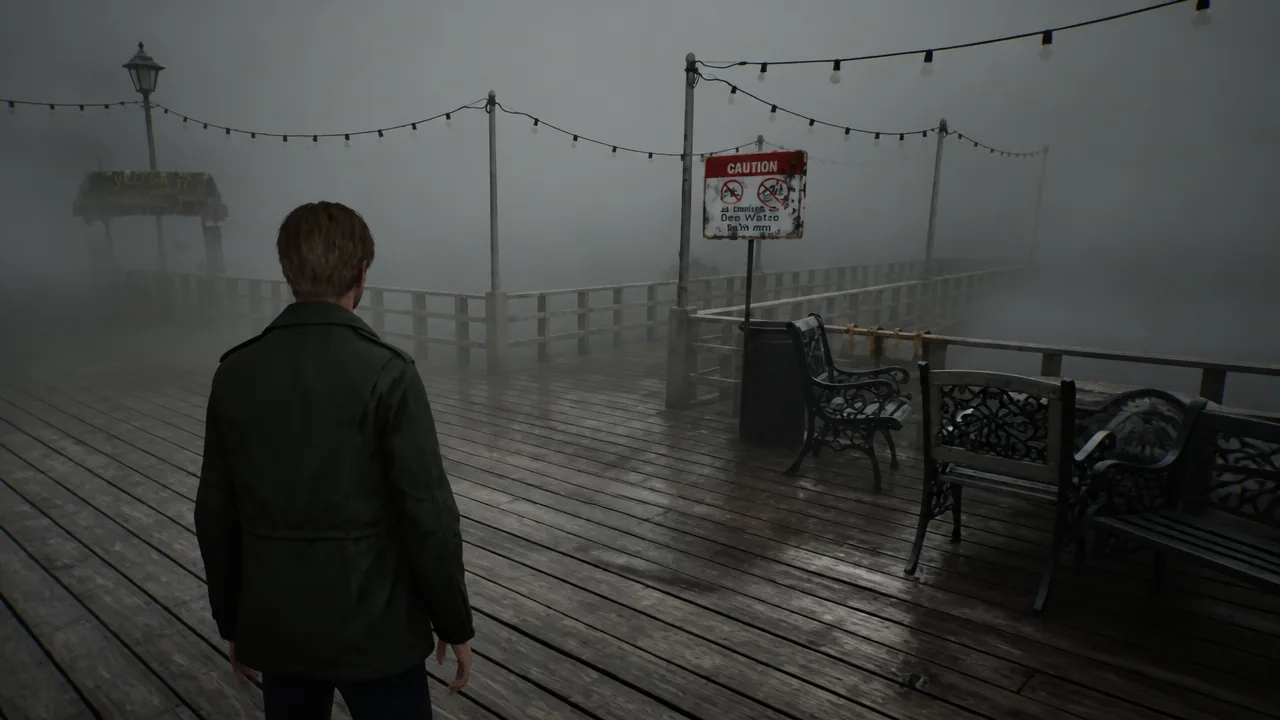
The Information screen is the fastest check. A version reading of 1.007.000 means the update is on your console. In-game, the clearest tell is the opening walk down the foggy road, where the shimmer on the road surface and nearby trees should be gone and the fog should look cleaner.
If the version still shows an older number after checking, restart the console and run Check for Update again. A patch will not apply if the download was interrupted or if automatic updates are turned off and the manual check has not been run.
The Silent Hill 2 remake rebuilds Bloober Team’s take on James Sunderland’s return to the fog-choked town, moving to an over-the-shoulder camera and Unreal Engine 5. This 1.07 update is aimed squarely at PlayStation 5 owners who wanted a steadier, cleaner picture, and it is the kind of maintenance pass that pays off most on PS5 Pro hardware.